| GAME INFORMATION | |
|---|---|
| Game Name | Dragon Slayer: The Legend of Heroes |
| Original Title | ドラゴンスレイヤー英雄伝説 |
| Region | Japan |
| Console | PC-98 |
| Game Release | 1990-04-20 (36 years ago) |
| Genre | RPG |
| Publisher | Nihon Falcom |
| Developer | Nihon Falcom |
| Languages | English Patched |
| Image Format | .nfd |
| Downloads | 2,139 |
| Users Score | |
| Favorites | |
Game Description:
Dragon Slayer: The Legend of Heroes (ドラゴンスレイヤー英雄伝説) is a RPG video game published by Nihon Falcom and developed by Nihon Falcom released on April 20th, 1990 for the PC-98.
Dragon Slayer: The Legend of Heroes, released in Japan in 1989 for various platforms, was the sixth game in the Dragon Slayer series and the first game in the Legend of Heroes series. While it did receive an official English release on the TurboGrafx-CD, that version had some changes, including minor censorship and fairly arbitrary changes to the names of characters and places. This patch for the PC-98 version attempts to stay as true to the original text of the game as possible.
Since the PC-88 version was the original version in 89 and this port came out before any of the next ports and is basically that same one but with the better hardware of the PC-98 then that pretty much makes this the best way to play the original vision for the game. Along with a translation more close to the original script compared to the US release on TurboGrafx-CD.
Translation Credits:
Released by: NLeseul
Language: English
Status: Fully Translated
Patch Version: v0.9b
Date: 28 July 2024
Source and details: https://www.romhacking.net/translations/7364/
The readme file contains an English translation of the game manual. Here's some important excerpts from it:
Starting the game:
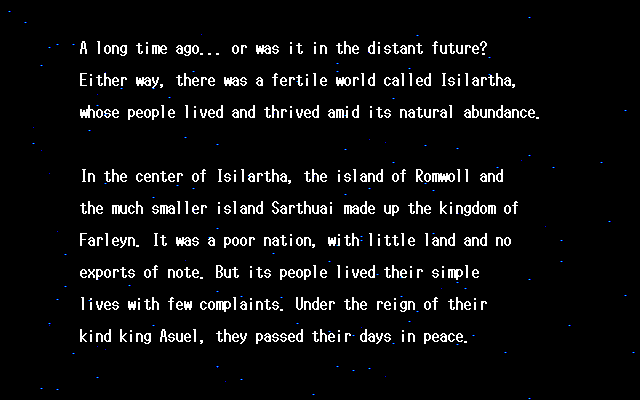
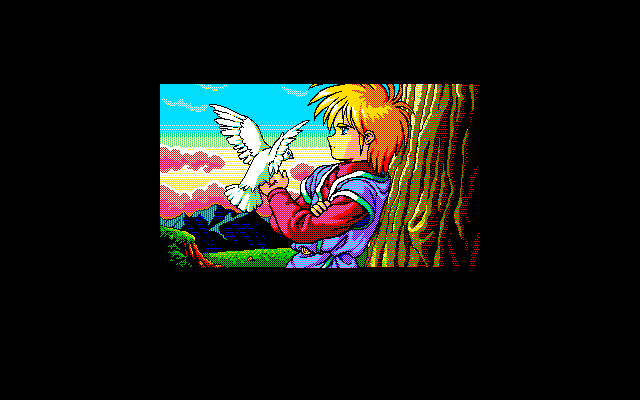
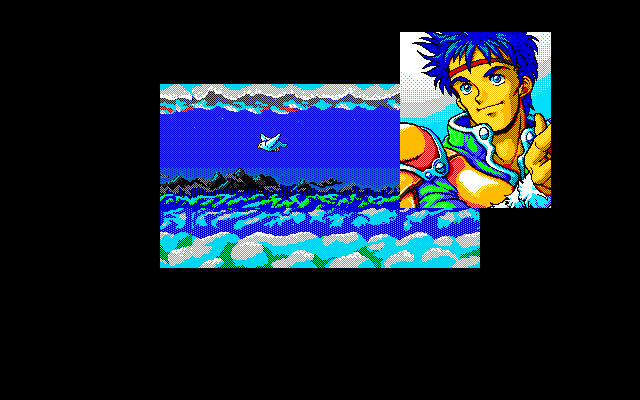
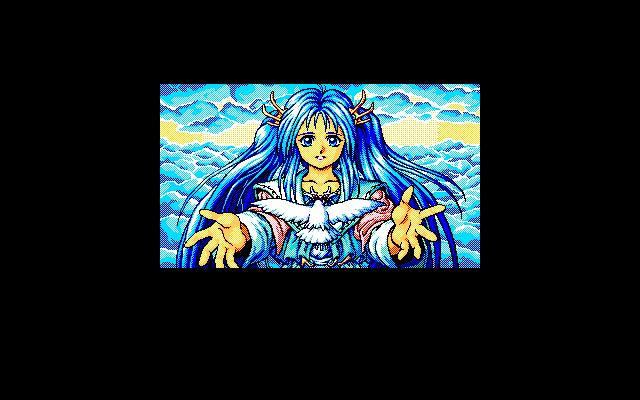
To view the opening cinematic, insert the Event Disk into drive 1 and boot the system.
If you hold the [SHIFT] key while booting, the Utility Menu will be shown instead. This menu allows you to start the game without viewing the demo, as well as configuring game difficulty, system hardware, and other settings.
The effect of the difficulty setting is to change the EXP and gold awarded from defeating monsters. Players who really, really like grinding are encouraged to change this setting.
- Easy - Uses the default settings.
- Normal - 75% of the default values.
- Hard - 50% of the default values.
- HELL - 25% of the default values.
To continue a previously saved game, insert the Program Disk into drive 1 and the Scenario Disk into drive 2. The Scenario Disk is used to save in-game data, so ensure that it is writable.
Game controls:
Use the numpad/ten-key to move your character in the game and to navigate menus. [4] [6] will move left and right; [2] [8] will move up and down. If you hold down the [SPACE] key while moving, you will not trigger conversations when touching other characters.
[SPACE] [RETURN] [XFER] are used to select an option in menus.
[ESC] [SHIFT] [NFER] are used to show the in-game menu, or to exit a menu without making a selection.
You can also control the game with a joystick or a controller. The directional pad is used for movement. Button 1 is used to select an option; button 2 is used to show the menu or to cancel selection.
To save time when navigating menus, the function keys [F1]~[F10] can be used as shortcut keys for commonly-used commands. A reference for these functions can be shown during gameplay by setting the "Function keys" option in the utility menu to "Show".
- [F1] - Use a Lens of Joshua.
- [F2] - Use the Warp spell.
- [F3] - Use spells.
- [F4] - Use items.
- [F5] - Change equipment.
- [F6] - Show the system configuration menu.
- [F7] - Show the combat configuration menu.
- [F8] - Save.
- [F9] - Load.
- [F10] - Load from RAM.
How to Run:
(Using RetroArch)
- Obviously, you will need the proper PC-98 Bios files first. You can get them from this comment of mine.
- Load the Neko Project II Kai core and choose to start the core with no content loaded.
- Press the right trigger button of your controller or whatever keyboard key you have assigned to it to bring up the Neko Project II menu.
- Go to FDD -> FDD1 and find and load the Event Disk .nfd file and restart the emulator and after a while the game will load.
- After seeing the cutscenes at the end it'll ask you to insert the Program Disk and Scenario Disk into FDD1 and FDD2 respectively. Do that and press Enter and the game will start.
- If you want to get to the Utility menu as mentioned in the manual text and change the game difficulty, then instead of waiting for the Event Disk to finish press and hold down Shift when booting up and you can get to the menu and change the difficulty. Once done it will ask you to insert the other two Disks to start the game.
- Once you've loaded the game and are allowed to move around press Shift/Alt and go to Other and press enter and create a Save game.
- After creating the save game you can now start the game by inserting the Program Disk into FDD1 and Scenario Disk into FDD2 and pick the save you've created once the menu appears. This way you can bypass having to watch the Event Disk and go straight to the game.
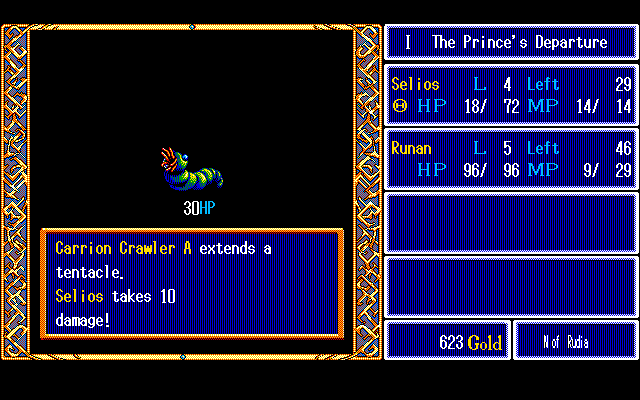
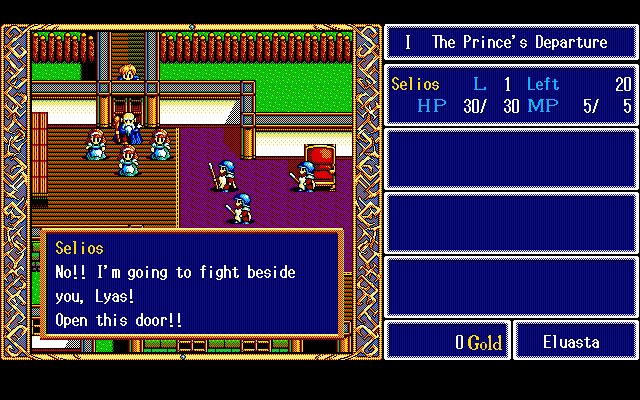
Game Screenshots: