| GAME INFORMATION | |
|---|---|
| Game Name | Ys: Ancient Ys Vanished Omen |
| Original Title | イースI - 失われし古代王国 序章 |
| Region | Japan |
| Console | PC-98 |
| Game Release | 1987-08-28 (38 years ago) |
| Genre | Action RPG |
| Publisher | Nihon Falcom |
| Developer | Nihon Falcom |
| Languages | English Patched |
| Image Format | .d88 |
| Downloads | 58 |
| Users Score | |
| Favorites | |
Game Description:
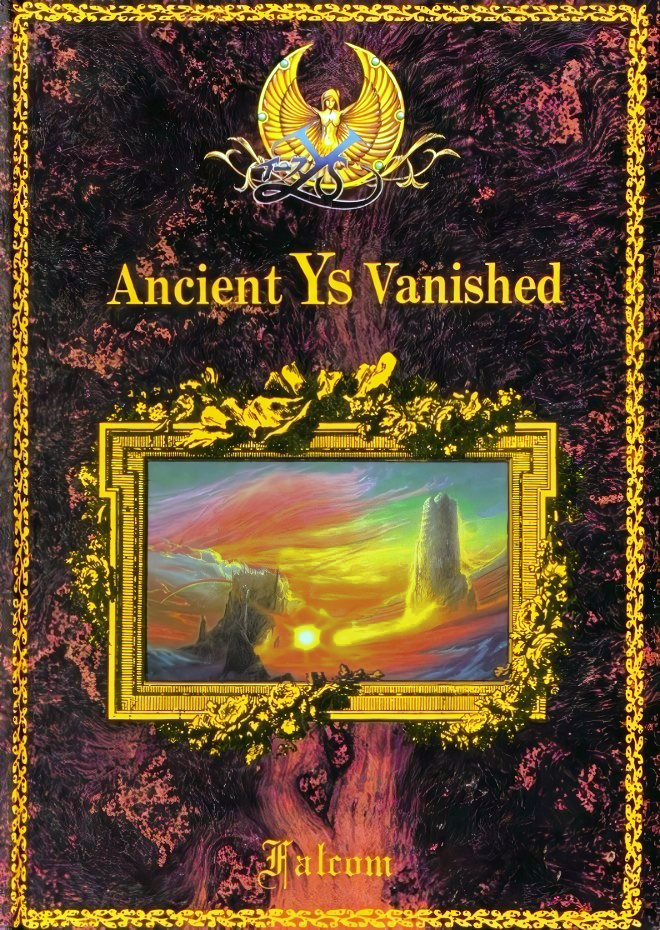
Ys: Ancient Ys Vanished Omen (イースI - 失われし古代王国 序章) is a Action RPG video game published by Nihon Falcom and developed by Nihon Falcom released on August 28th, 1987 for the PC-98.
This is the NEC PC-98 version of this release.
Translation Credits:
Released by: GhaleonX
Language: English
Status: Fully Translated
Patch Version: v1.0
Date: 21 June 2026
Source and details: https://github.com/GhaleonX/Ys/tree/main/PC-98
Alt: https://romhack.ing/database/content/entry/sdqXSDMUSVGBRyzNhFnlbA/
Translator's note:
**Note: This game does not run properly in DOSBox-X, thanks to a routine “by K.ozawa” ** Startup Begin the game with the ‘Game Disk’ in ‘Drive A’. Save/Load functions require a ‘User Disk’ in ‘Drive B’.
I highly recommend the emulator Neko Project 21/W for playing on Windows. It's the most feature complete emulator for the NEC PC-9801 and is in active development receiving frequent updates. Use this guide for help on how to obtain and configure the emulator.
It can also play fine using the Neko Project II Kai core in RetroArch. Just make sure you have all the PC-98 bios files in the System folder. (C:\RetroArch-Win64\system if using default install location on Windows) I shared them in this comment.
This version can be recommended over the PC-88 version due to PC-98 emulation being a little bit more accessible and easier to manage than emulating PC-88. They're both mostly identical though. Even making use of the same cover.
Game Controls:
| Numpad Arrows (2, 4, 6, 8) | Moves Adol and controls menus |
| Enter/Return Key | Use item/confirm |
| Space | Confirm |
| ESC | Pause |
| S | Opens status screen |
| I | Opens inventory screen |
| R | Read Books after obtaining Glasses item |
| CAPS LOCK | High-Speed Mode |
| F1 | Load save from User Disk |
| F4 | Save to User Disk |
| F5 | Format User Disk for preparing saves (be careful not to format one of the game disks) |
GhaleonX's showcase video for his translation:
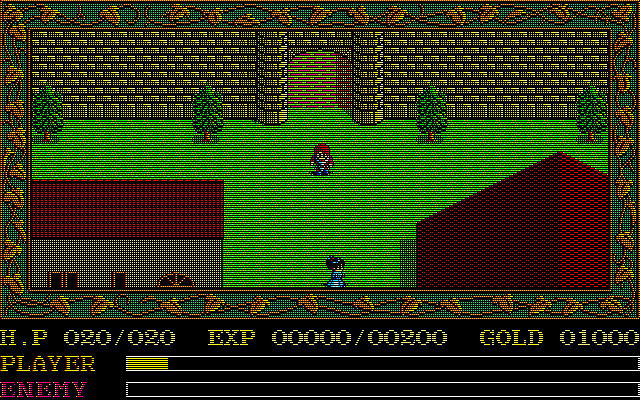
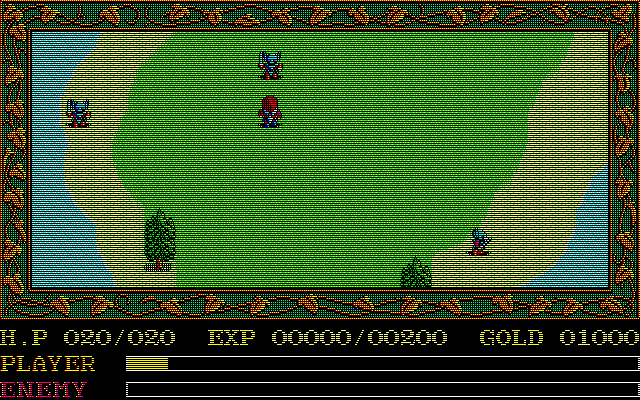
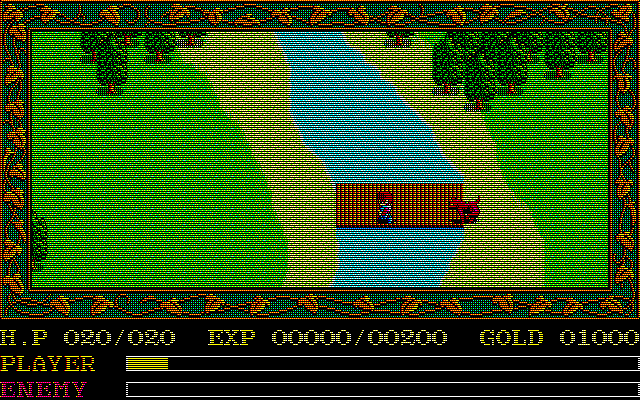
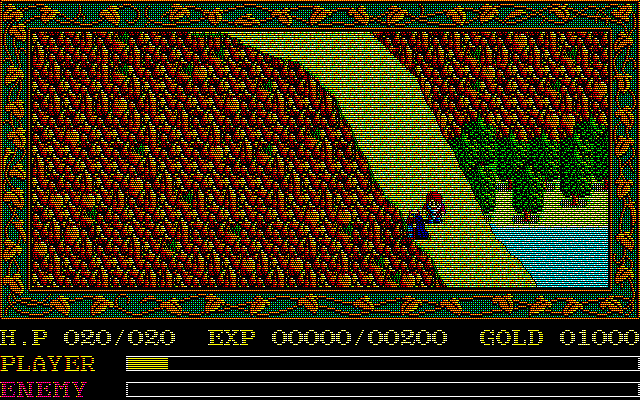
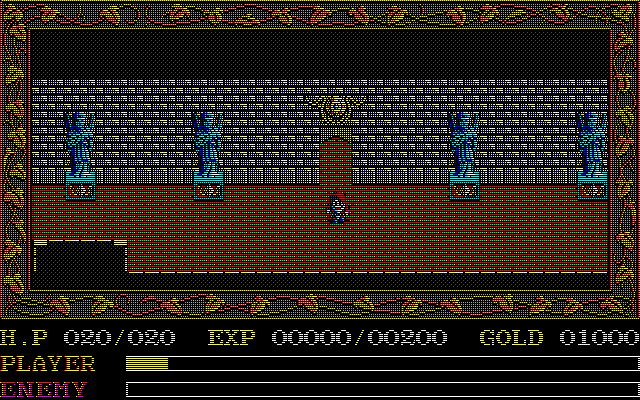
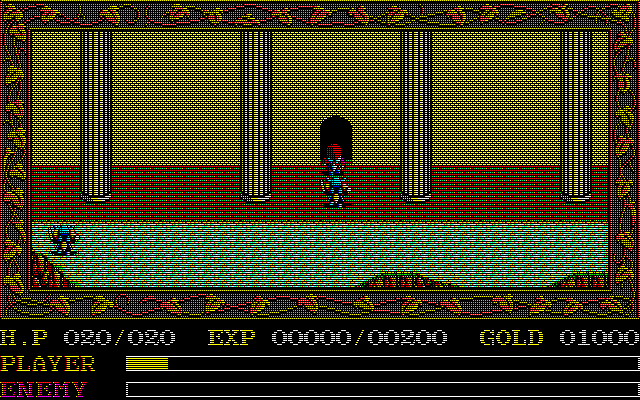
Game Screenshots: