| GAME INFORMATION | |
|---|---|
| Game Name | Initial D Arcade Stage 4 |
| Region | USA |
| Console | Arcade |
| Game Release | 2007 (19 years ago) |
| Genre | Racing |
| Publisher | SEGA |
| Developer | Sega AM3 |
| Languages | English |
| Downloads | 1,609 |
| Users Score | |
| Favorites | |
Game Description:
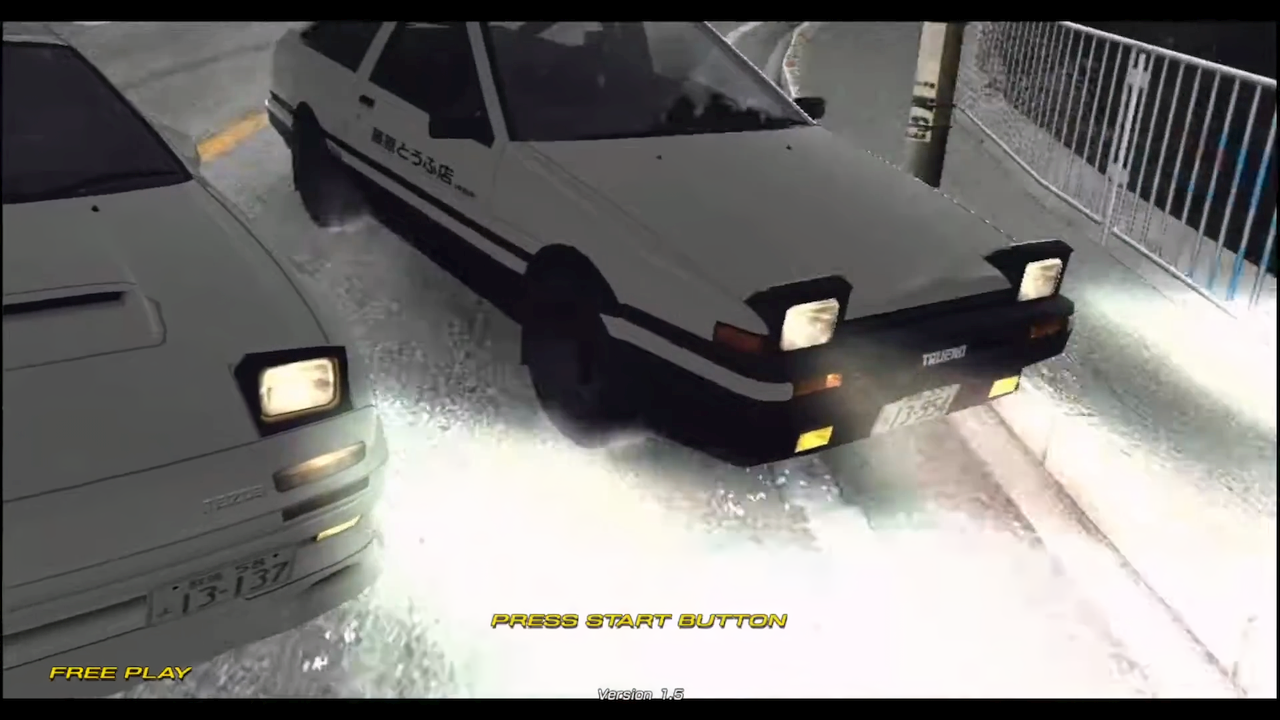
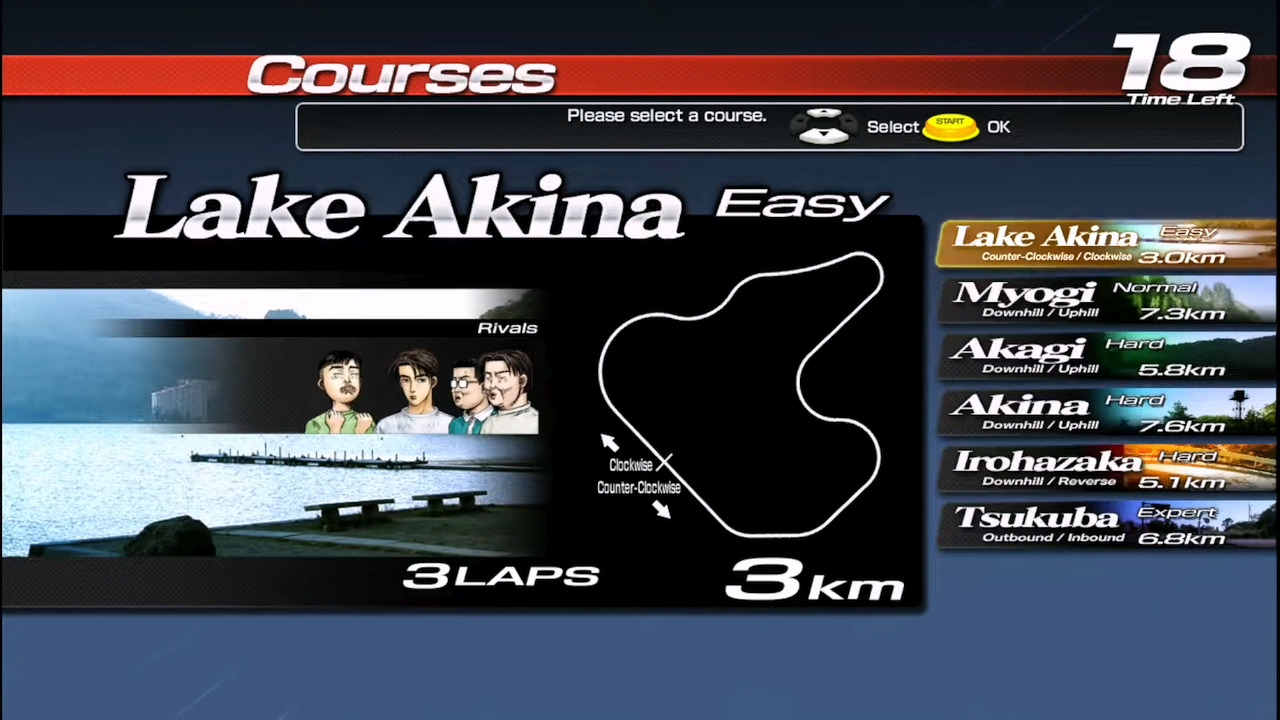
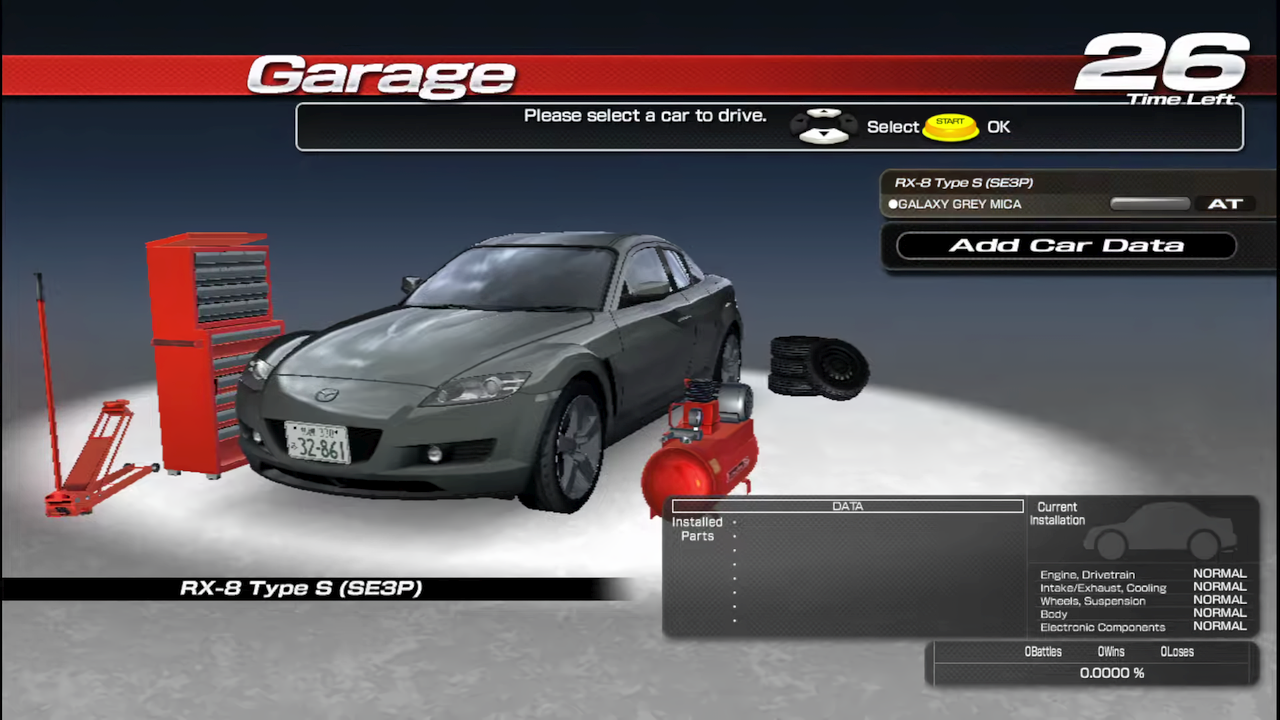
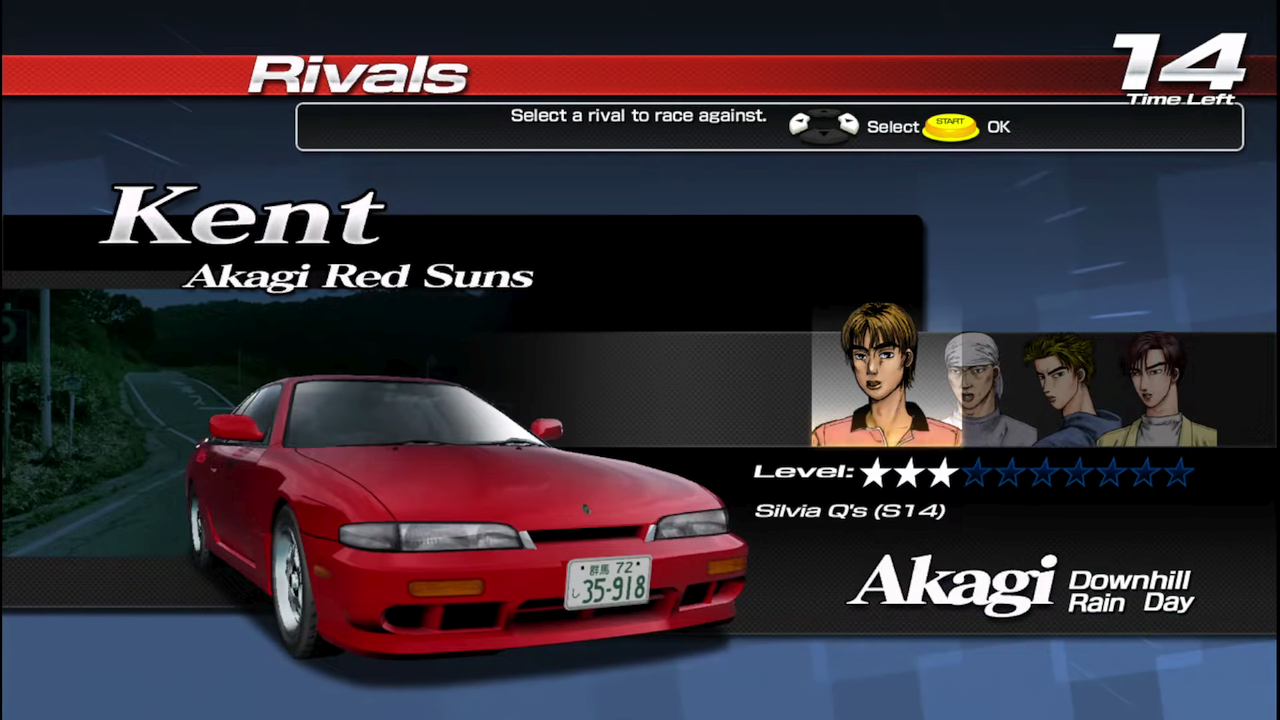
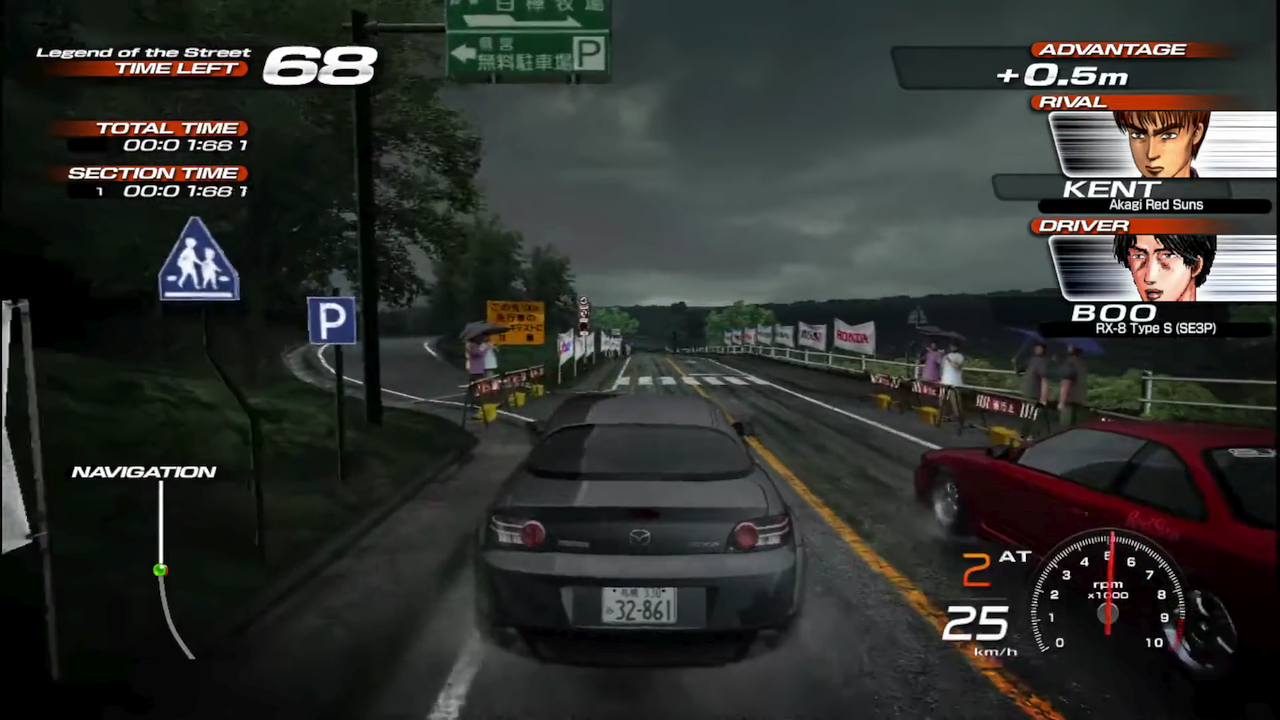
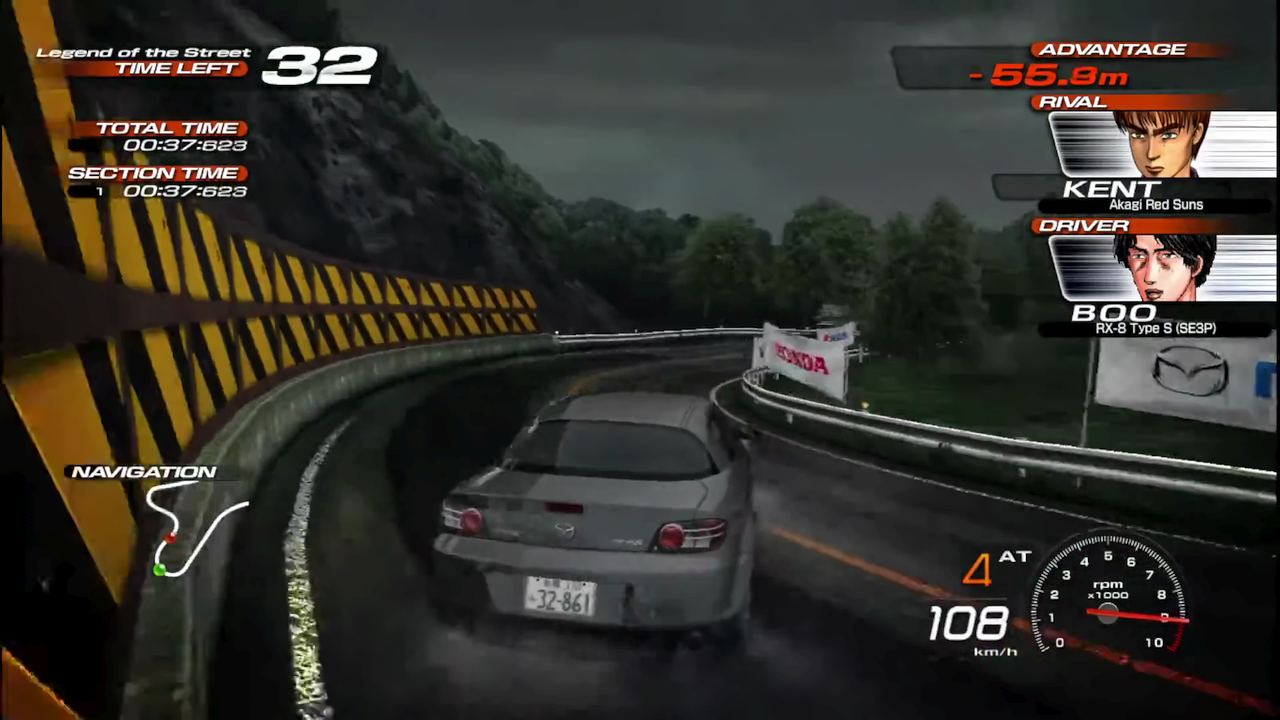
Initial D Arcade Stage 4 is a Racing video game published by SEGA and developed by Sega AM3 released on 2007 for the Arcade.
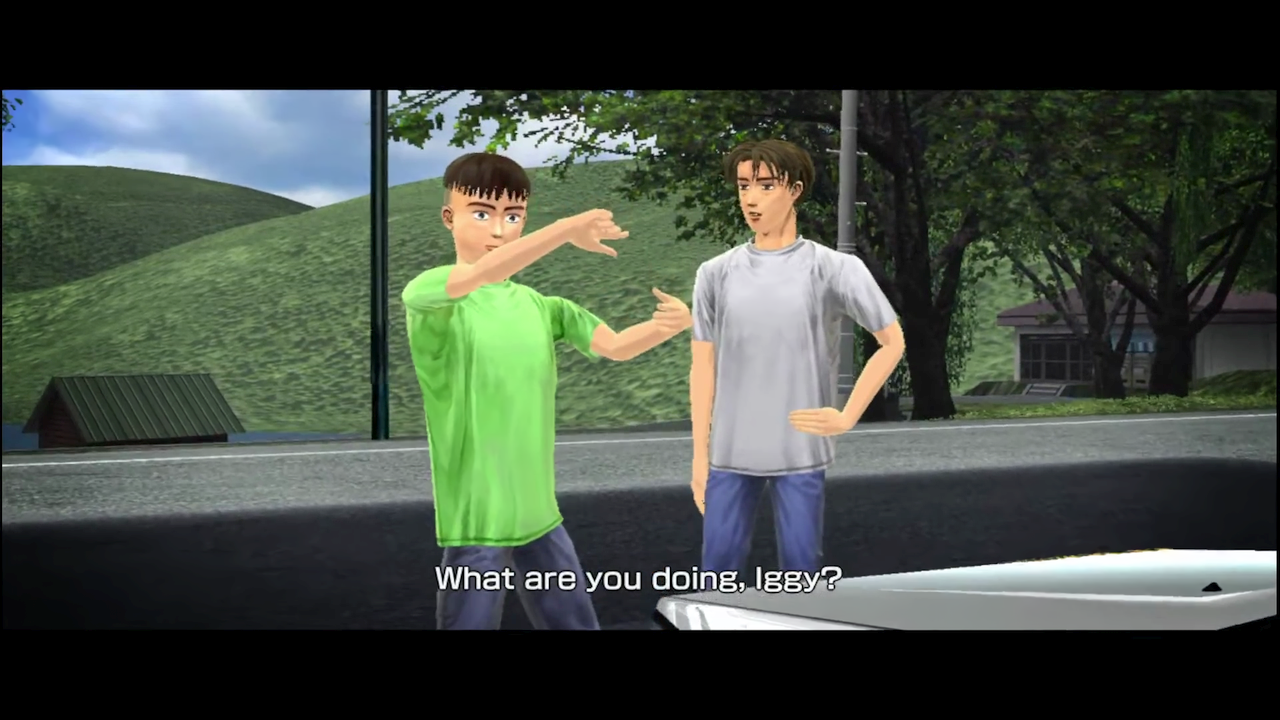
I don't really know anything about Initial D since I've never read the manga or seen the anime, but I know it has a huge fan following. There aren't many games based off of it that are available to play in English. The best ones are probably the arcade ones like this game. This game seems like a good racer with an interesting story mode. I'm sure you guys who are fans of the series will really love this one.
How to Run:
- The requirements for TeknoParrot are DirectX End-User Runtimes (June 2010) and Microsoft Visual C++ 2015-2022 Redistributable
- Download TPBootstrapper from here
- Download the zip file containing the dat file from here and extract it to your Downloads folder
- Create a folder called TeknoParrot in your Downloads folder, extract TPBootstrapper and run the exe
- Tell TeknoParrot Web Installer to use the folder you just created
- Select and download (one at a time) TeknoParrot UI, TeknoParrot, TeknoParrotElfLdr2, TeknoDraw, and OpenSegaAPI
- Extract the folder from the 7z containing the game files and move it into the TeknoParrot folder
- Launch TeknoParrotUi.exe and accept its privacy policy and when asked if you'd like to set up a game say No (it pops up twice for some reason)
- Click Next, click Browse and pick the .dat file from earlier and click Next
- Skip Game Scanning and then skip Controls Setup (we'll get to that in a bit)
- Keep clicking Next and then Finish. When asked if you want to add a game say No again
- Click the 3 lines menu at the top left and click Add Game
- In the list pick Initial D: Arcade Stage 4 (Export) and click Add Game and Return
- Click Game Settings and for Game Executable choose id4.elf from the game folder
- Go back and click Controller Setup and set up the controls to how you like. (a controller is recommended for this game)
- Click Play and wait a little bit for the game to start after initializing.
- TeknoParrot will ask for you to update but it's not out of date and it just wants you to install the other modules that aren't needed for this game, so just ignore it.
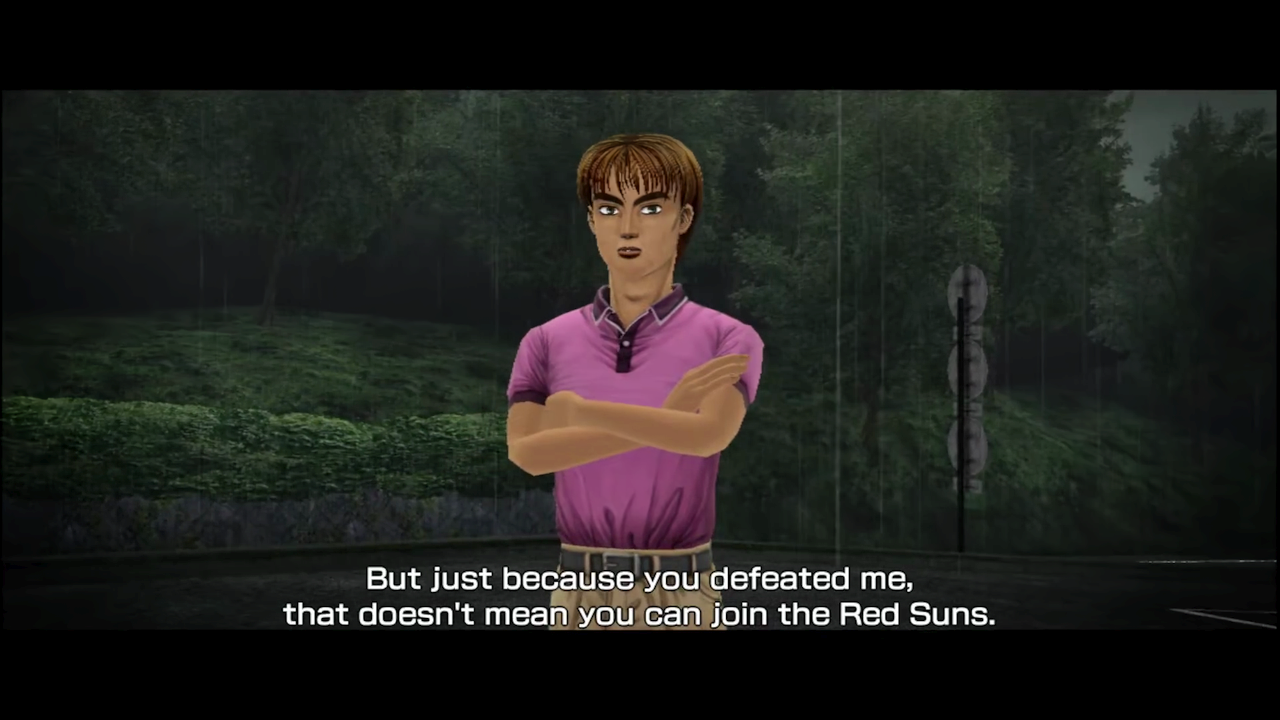
Note: the subtitles in this game get messed up and cut off if you try to play the game in fullscreen at a higher resolution. The default windowed mode with 1360x768p resolution seems to be best. If someone can figure out how to get 1920x1080p fullscreen with the subtitles still centered correctly then please help in the comments.
TeknoParrot requires a monthly subscription in order to play online in games that have networking features like this one. (although I'm not sure if they fixed back the service for this game or not) The subscription is also required for being able to have force feedback/vibration (which is BS, but at least the game can be played with no other limitations)
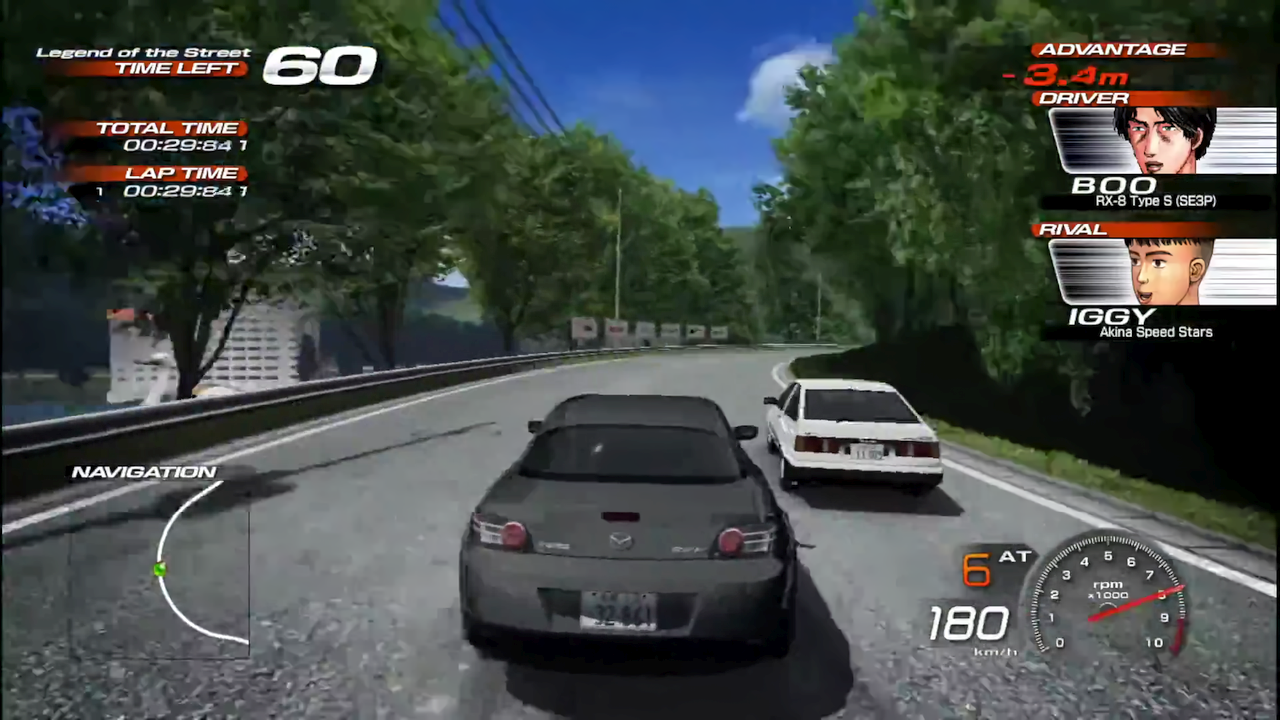
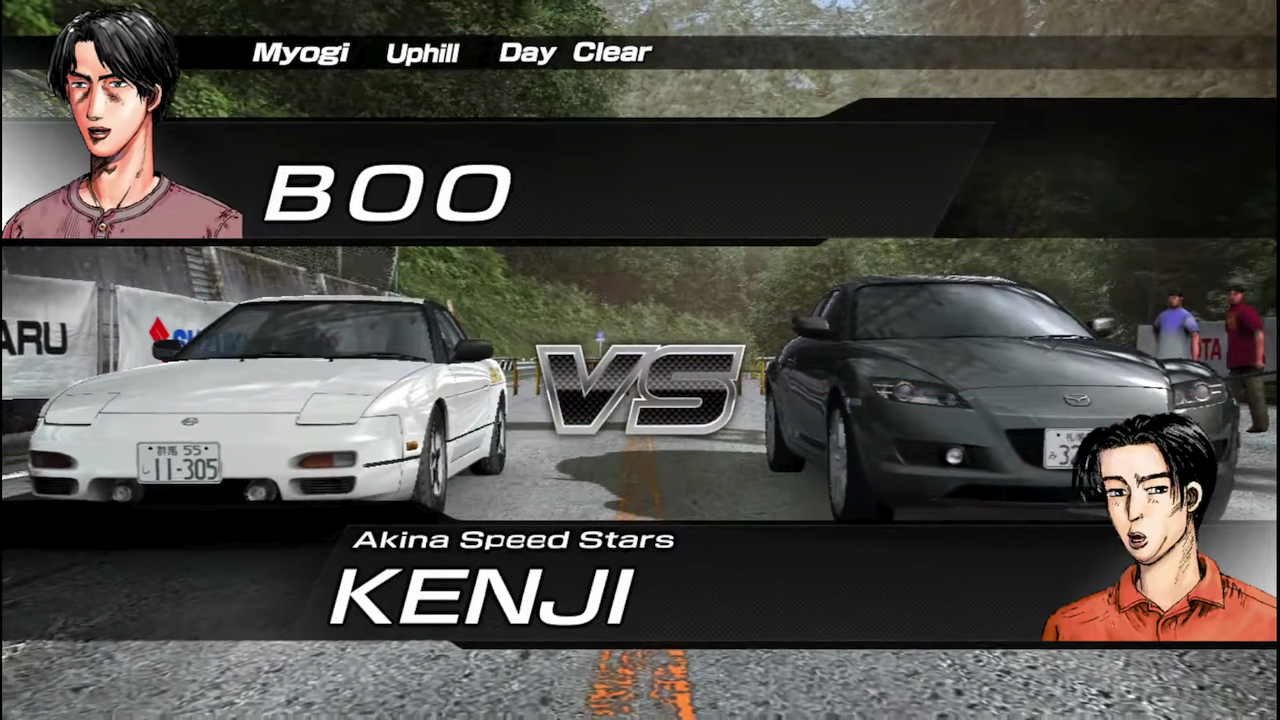
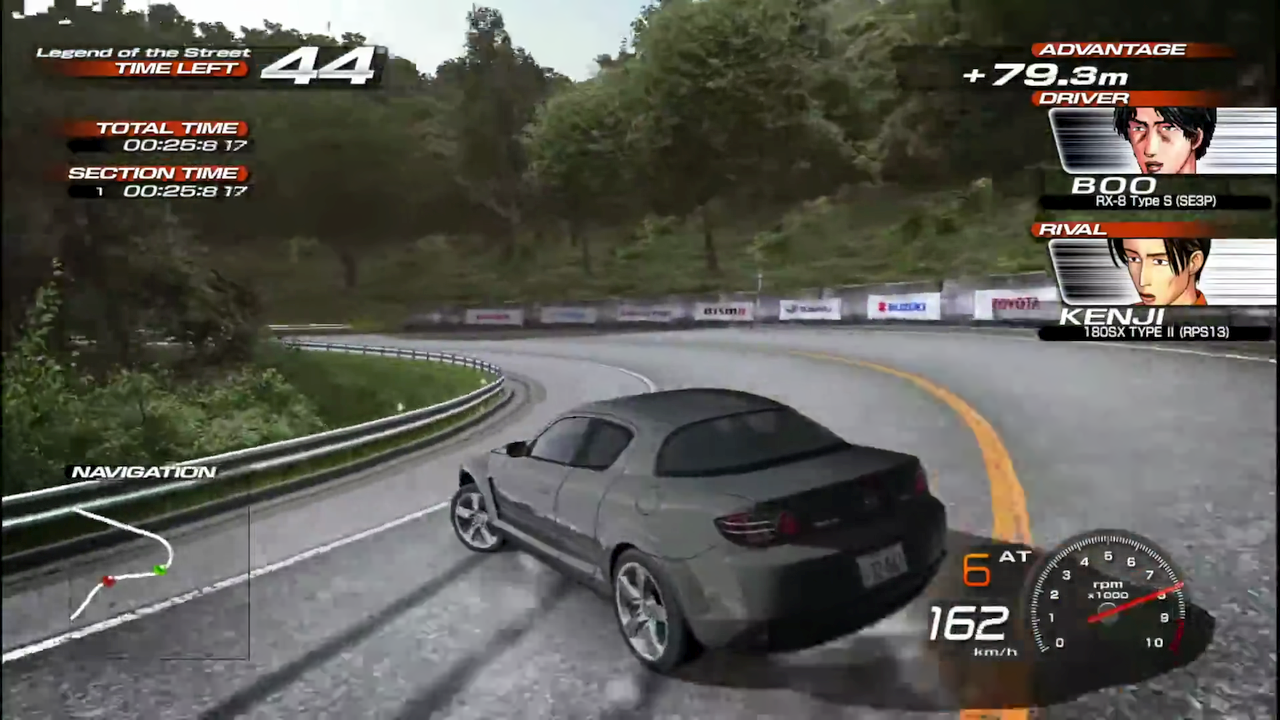
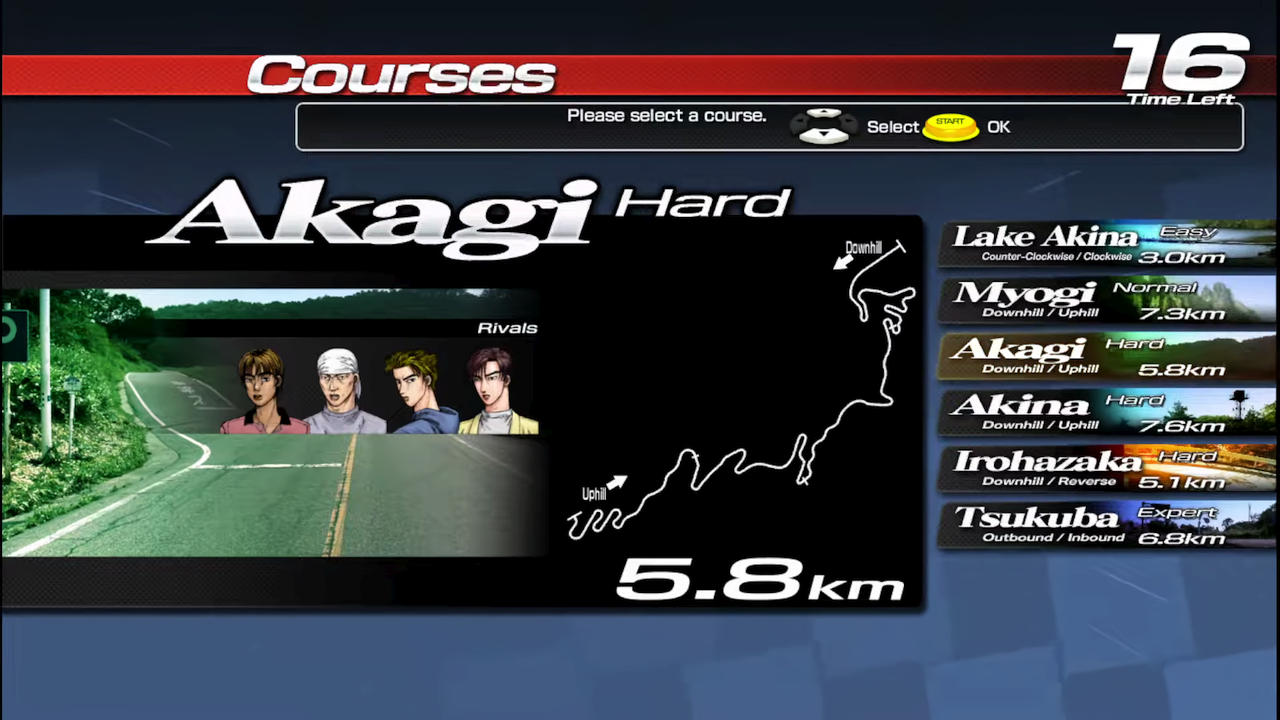
Game Screenshots: