| GAME INFORMATION | |
|---|---|
| Game Name | Loving Deads: The House of the Dead EX |
| Original Title | 愛されるより愛シタイ ~THE HOUSE OF THE DEAD EX~ |
| Region | Japan |
| Console | Arcade |
| Game Release | 2008 (18 years ago) |
| Genre | Mini Games, Rail Shooter |
| Publisher | SEGA |
| Developer | WOW Entertainment |
| Languages | English, Japanese |
| Downloads | 1,069 |
| Users Score | |
| Favorites | |
Game Description:
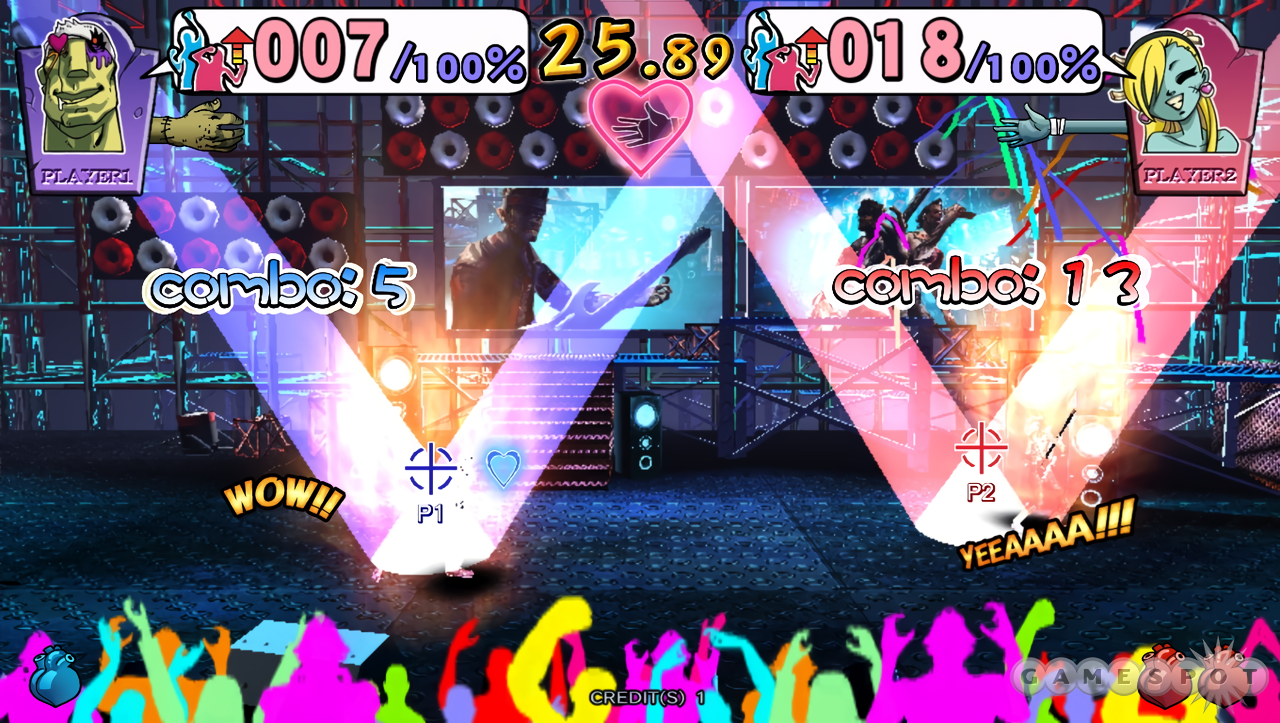
Loving Deads: The House of the Dead EX (愛されるより愛シタイ ~THE HOUSE OF THE DEAD EX~) is a Mini Games/Rail Shooter video game published by SEGA and developed by WOW Entertainment released on 2008 for the Arcade.
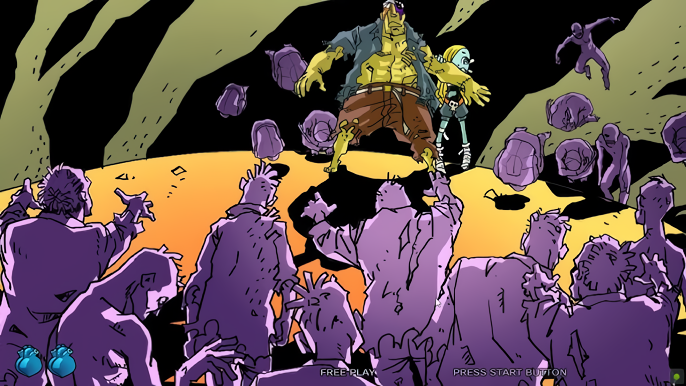
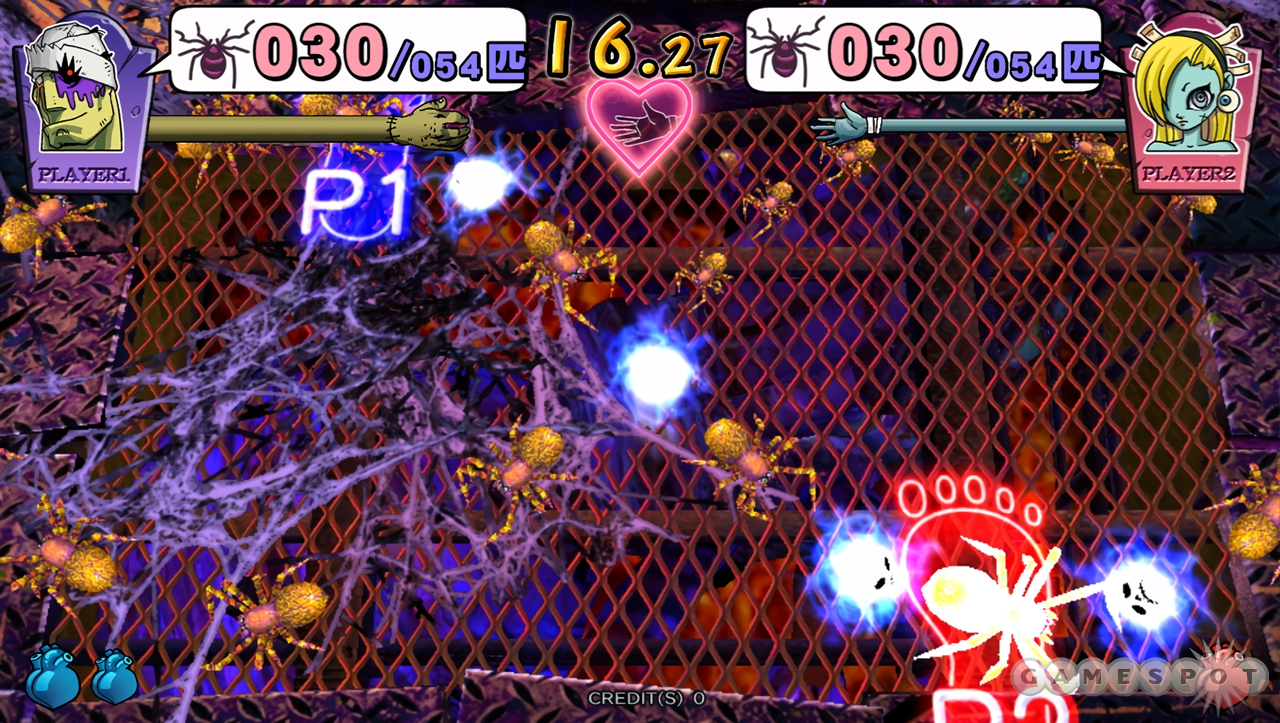
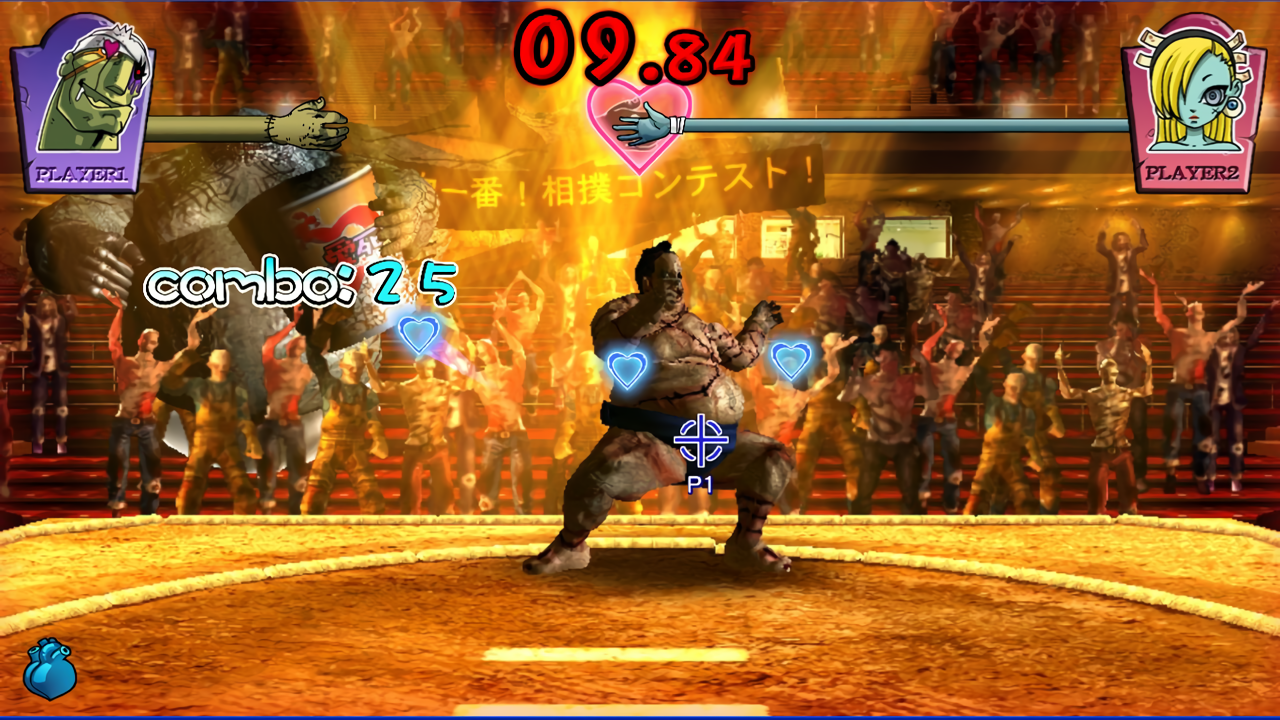
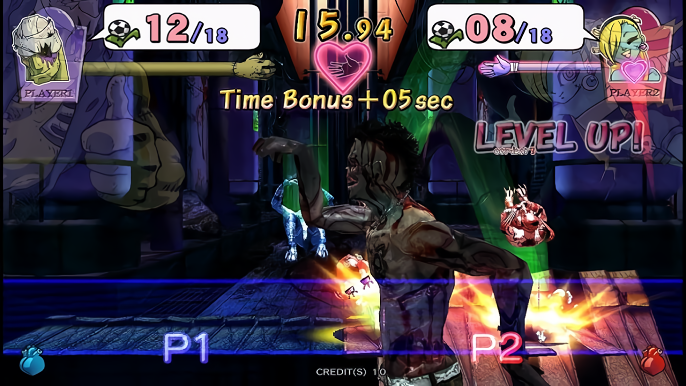
This game is a spin-off of the House of the Dead series and is comprised of mini games with boss battles in between. The game is controlled using the light gun and pedal, but isn't really a rail shooter in the sense of the other titles on the repo. This game runs on the same system as House of the Dead 4 and borrows several elements from that game including even the stylization of the House of the Dead EX portion of the logo. The game story concerns a young zombie couple, Zobio and Zobiko, who seek to escape from captivity.
The game was never released outside of Japan; however, the English language version on the BIOS of the ROM can be selected in addition to the original Japanese language.
How to Run:
- The requirements for TeknoParrot are DirectX End-User Runtimes (June 2010) and Microsoft Visual C++ 2015-2022 Redistributable
- Download TPBootstrapper from here
- Download the zip file containing the dat file from here and extract it to your Downloads folder
- Create a folder called TeknoParrot in your Downloads folder, extract TPBootstrapper and run the exe
- Tell TeknoParrot Web Installer to use the folder you just created
- Select and download (one at a time) TeknoParrot UI, TeknoParrot, TeknoParrotElfLdr2, and OpenSegaAPI
- Extract the folder from the 7z containing the game files and move it into the TeknoParrot folder
- Launch TeknoParrotUi.exe and accept its privacy policy and when asked if you'd like to set up a game say No (it pops up twice for some reason)
- Click Next, click Browse and pick the .dat file from earlier and click Next
- Skip Game Scanning and then skip Controls Setup (we'll get to that in a bit)
- Keep clicking Next and then Finish. When asked if you want to add a game say No again
- Click the 3 lines menu at the top left and click Add Game
- In the list pick The House of the Dead EX and click Add Game and Return
- Click Game Settings and click the line under Game Executable to be able to pick it and from the elf folder in the game folder pick the file hodexRI.elf then replace Japan with USA in both options. Make sure Rawinput is the input API so you can use a mouse.
- The game fails to boot if you don't copy the libcri_soundoutput_lindbergh_jr.so and librnalindbergh_jr.so files from the elf folder into the ElfLdr2\libs folder in TeknoParrot
- Go back and click Controller Setup and set up the controls to how you like. Preferably choosing the mouse for the light gun. If you have multiple mouse/pointer devices you can have one be Player two as well.
- Click Play and wait a little bit for the game to start
- TeknoParrot will ask for you to update but it's not out of date and it just wants you to install the other modules that aren't needed for this game, so just ignore it.
Note: the game plays rather smoothly but has terrible audio issues with crackling and skips (likely caused by the emulation of the soundoutput file that had to be moved not being as good as it could be) Perhaps there are fixes for that, but I'd have to research it
Game Screenshots: