| GAME INFORMATION | |
|---|---|
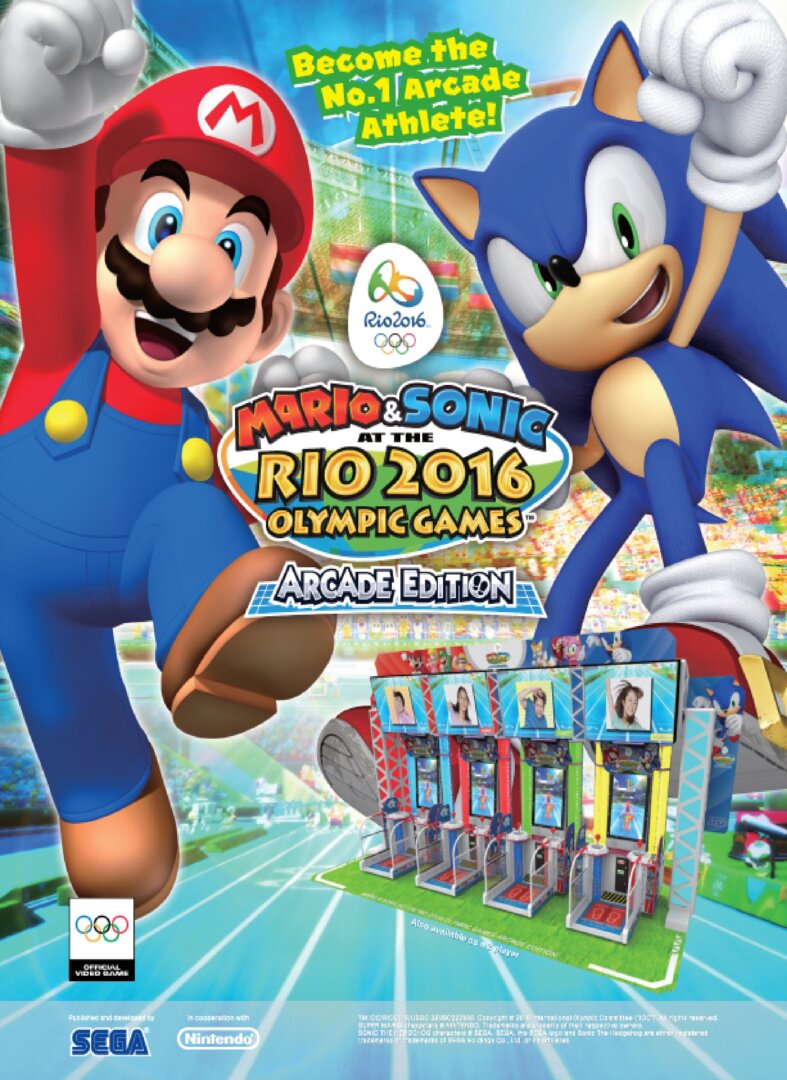
| Game Name | Mario & Sonic at the Rio 2016 Olympic Games: Arcade Edition |
| Region | World |
| Console | Arcade |
| Game Release | 2016 (10 years ago) |
| Genre | Arcade, Mini Games, Sports |
| Publisher | N, SEGA |
| Languages | English, Japanese |
| Downloads | 270 |
| Users Score | |
| Favorites | |
Game Description:
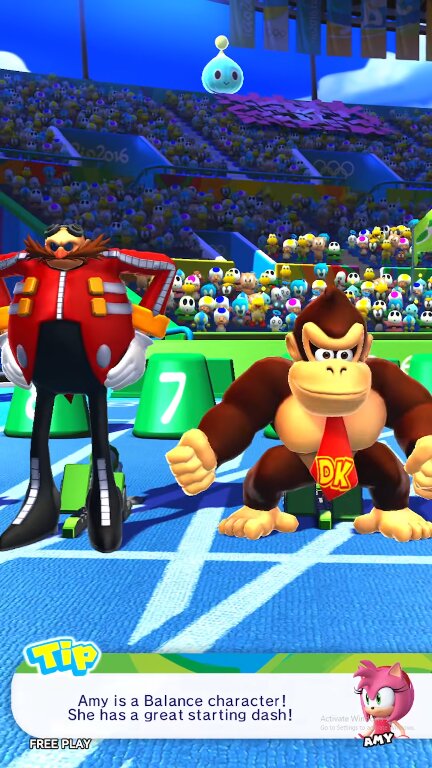
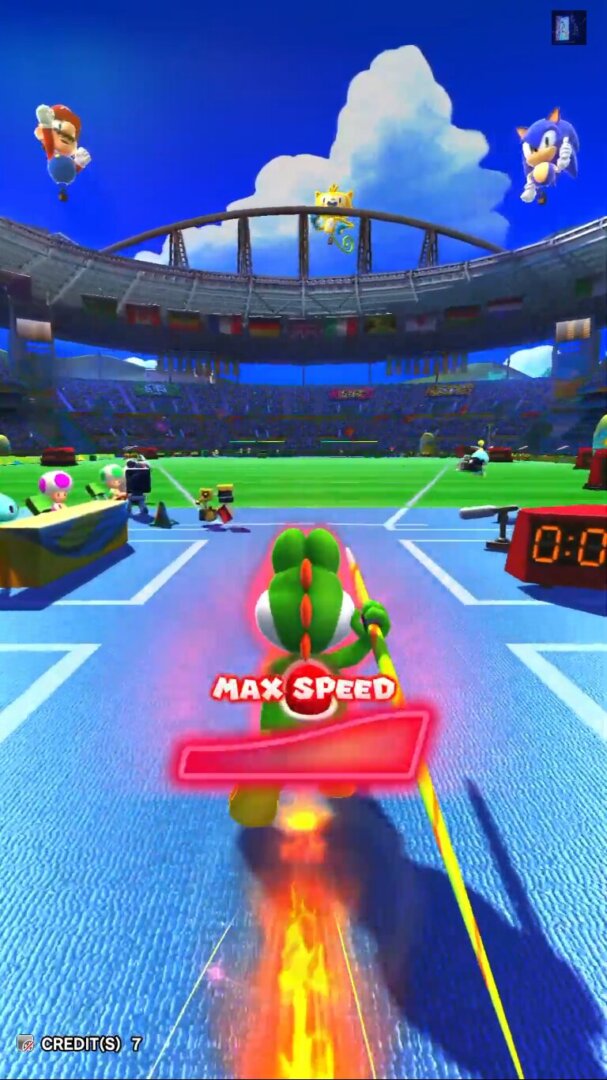
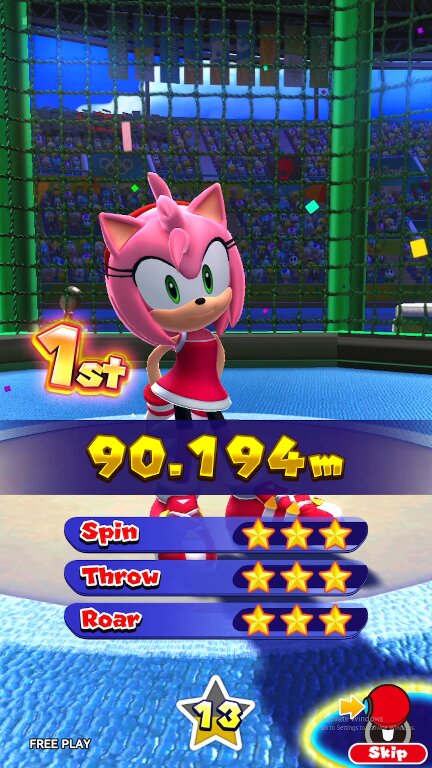
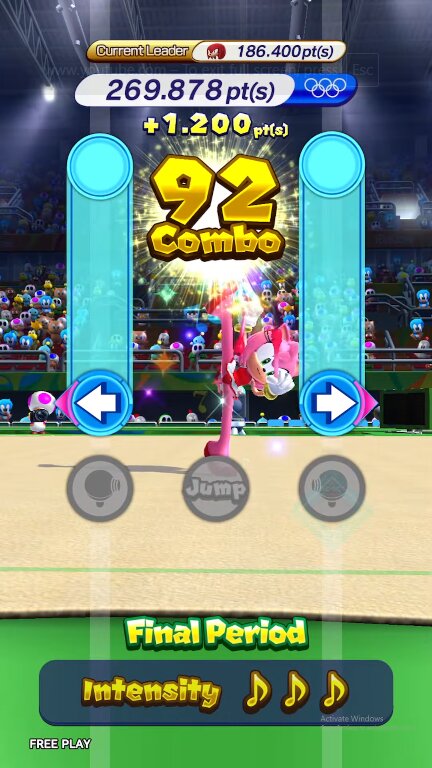
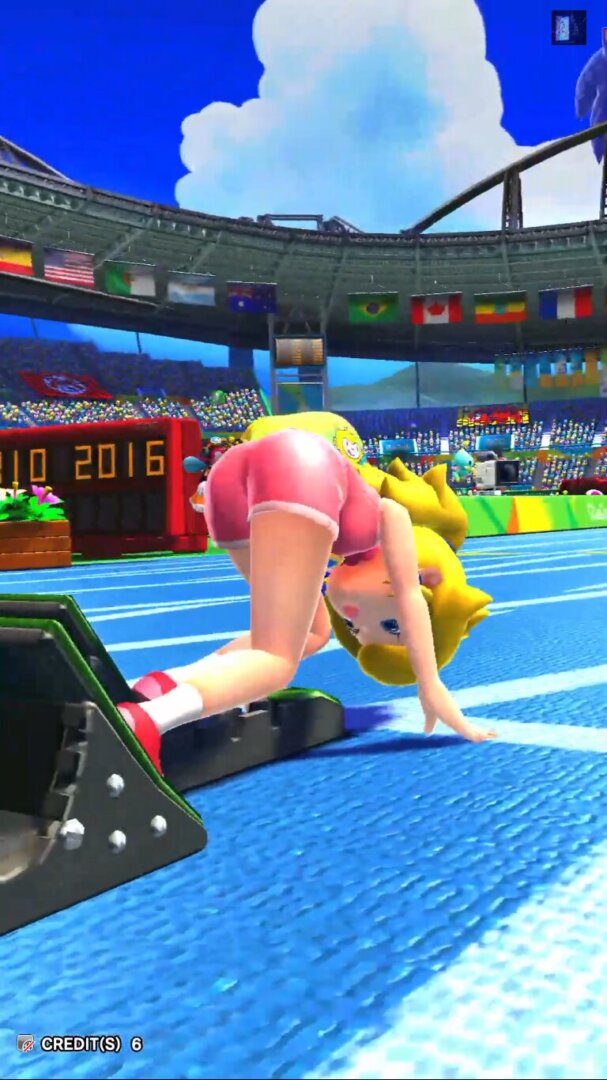
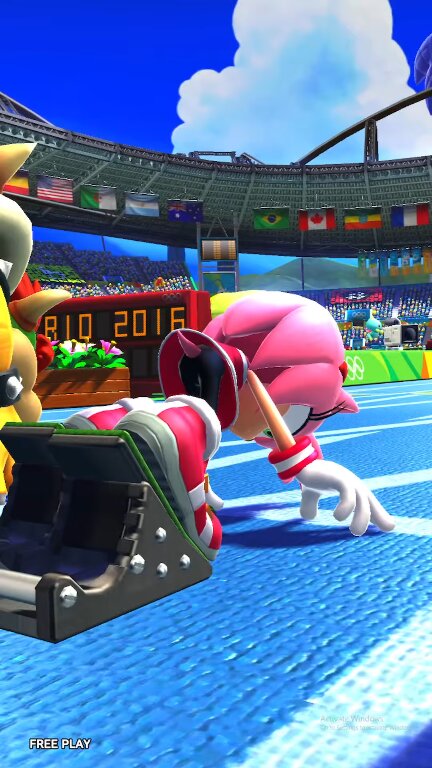
Mario & Sonic at the Rio 2016 Olympic Games: Arcade Edition is a Arcade/Mini Games/Sports video game published by N, SEGA released on 2016 for the Arcade.
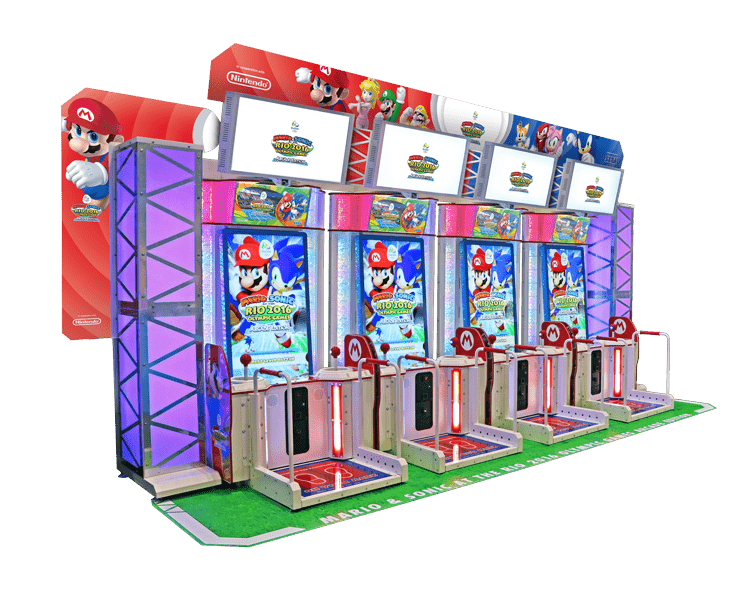
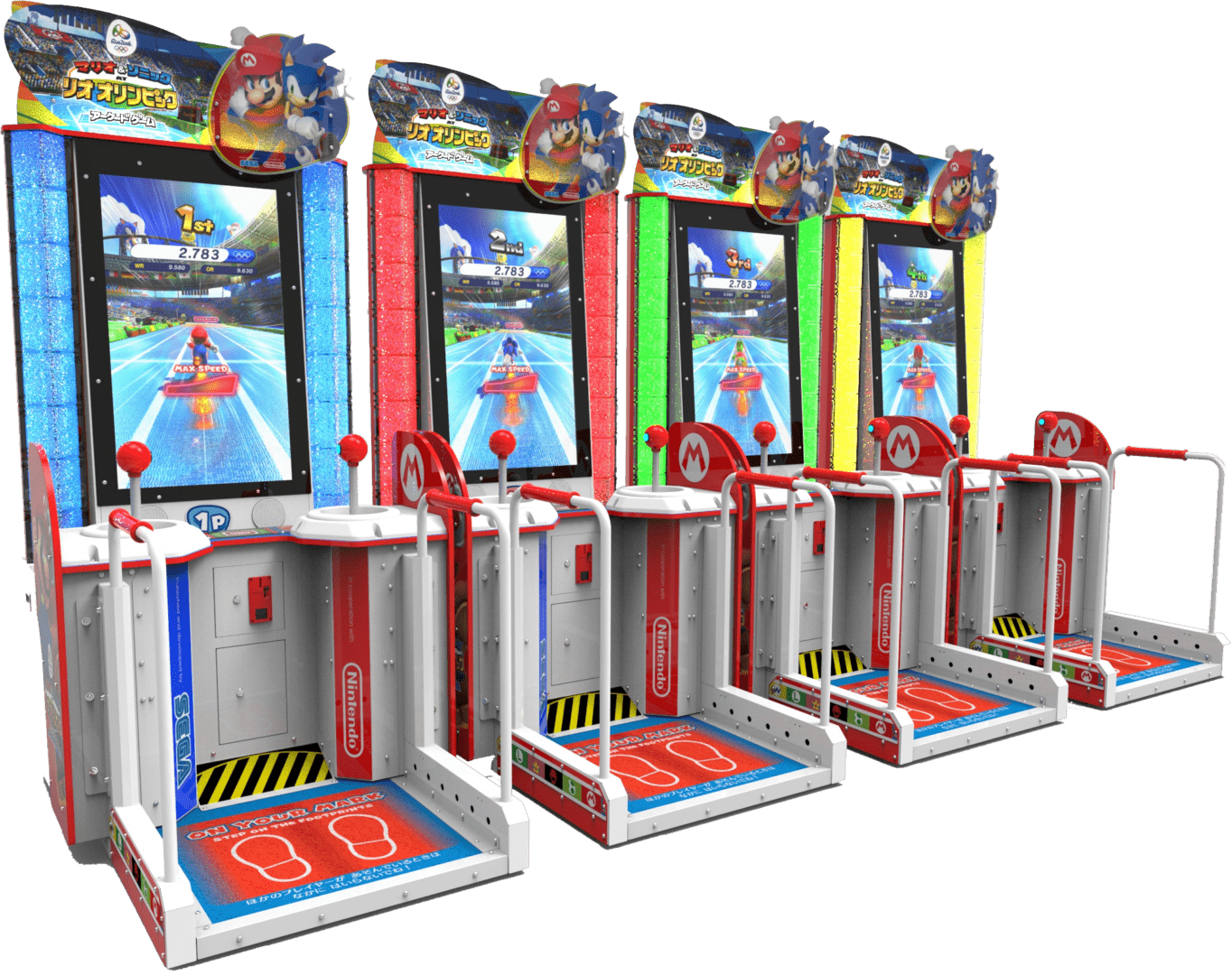
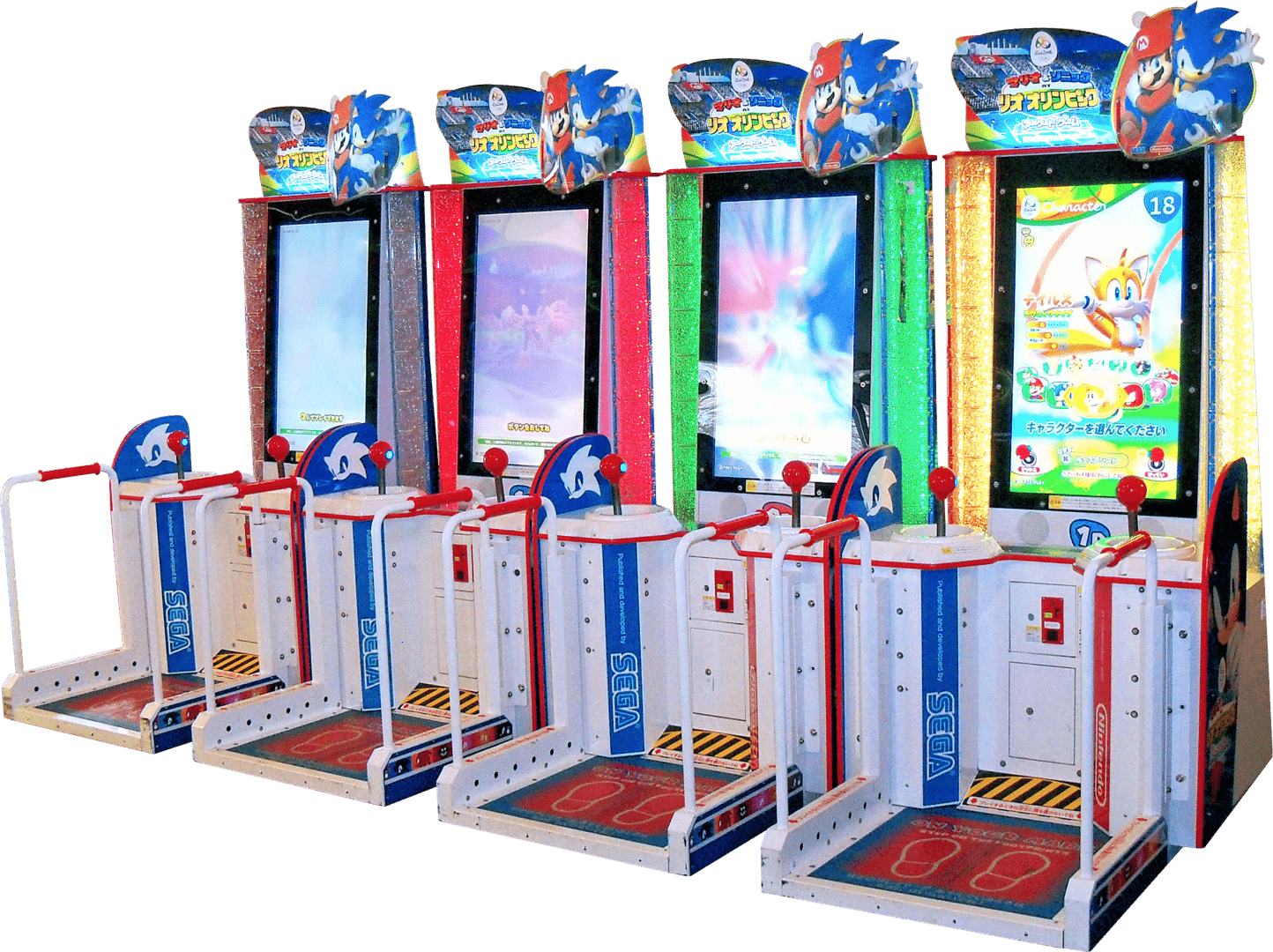
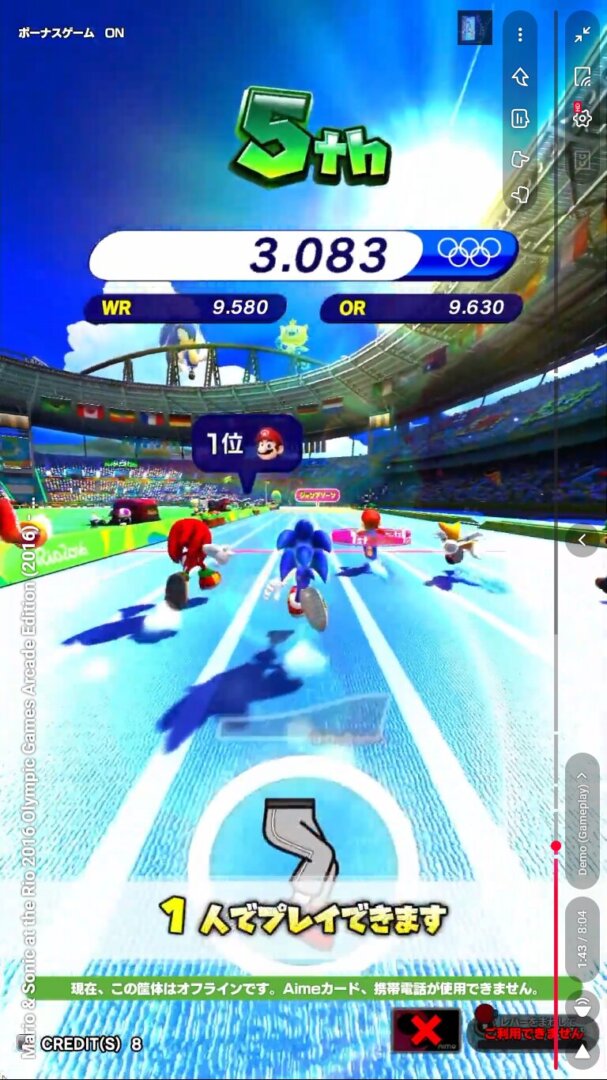
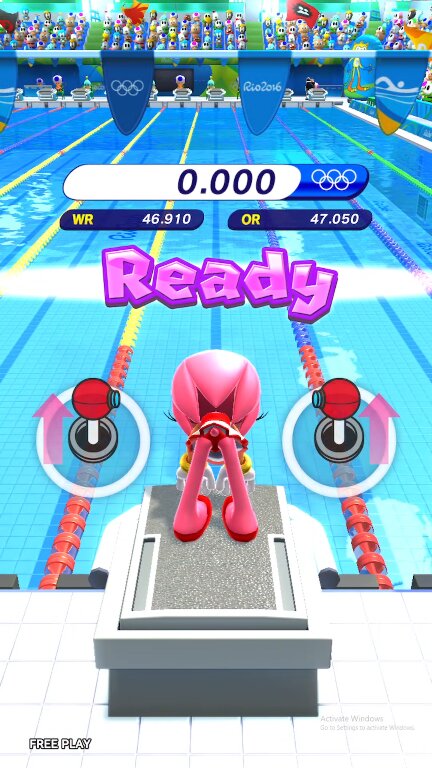
This is the Arcade version of Mario & Sonic at the Rio 2016 Olympic Games released in 21 July 2016, this is different from both home versions, the Wii U version used only buttons while this one uses two rotating sticks and a paddle, I used to play this a lot every time I went to the arcade.
How to Run:
- The requirements for TeknoParrot are DirectX End-User Runtimes (June 2010) and Microsoft Visual C++ 2015-2022 Redistributable
- Download TPBootstrapper from here
- Download the zip file containing the dat file from here and extract it to your Downloads folder
- Create a folder called TeknoParrot in your Downloads folder, extract TPBootstrapper and run the exe
- Tell TeknoParrot Web Installer to use the folder you just created
- Select and download (one at a time) TeknoParrot UI, TeknoParrot and TeknoParrotElfLdr2.
- Extract the folder from the 7z containing the game files and move it into the TeknoParrot folder
- Launch TeknoParrotUi.exe and accept its privacy policy and when asked if you'd like to set up a game say No (it pops up twice for some reason)
- Click Next, click Browse and pick the .dat file from earlier and click Next
- Skip Game Scanning and then skip Controls Setup (we'll get to that in a bit)
- Keep clicking Next and then Finish. When asked if you want to add a game say No again
- Click the 3 lines menu at the top left and click Add Game
- In the list pick Mario and Sonic at the Rio 2016 Olympic Games and click Add Game and Return
- Click Game Settings and click the line under Game Executable, you will need to assign two executables, go to package folder and under app.exe select "app.exe" and under amdaemon.exe select "amdaemon.exe".
- Click on "Controller Setup" then configure your controller (two analog sticks and a paddle).
- Click Play and wait a little bit for the game to start.
Game Screenshots: