| GAME INFORMATION | |
|---|---|
| Game Name | Sonic Dash Extreme |
| Region | Asia, Europe, USA |
| Console | Arcade |
| Game Release | 2015 (11 years ago) |
| Genre | Arcade, Racing |
| Publisher | Sega Amusements |
| Languages | English |
| Downloads | 606 |
| Users Score | |
| Favorites | |
Game Description:
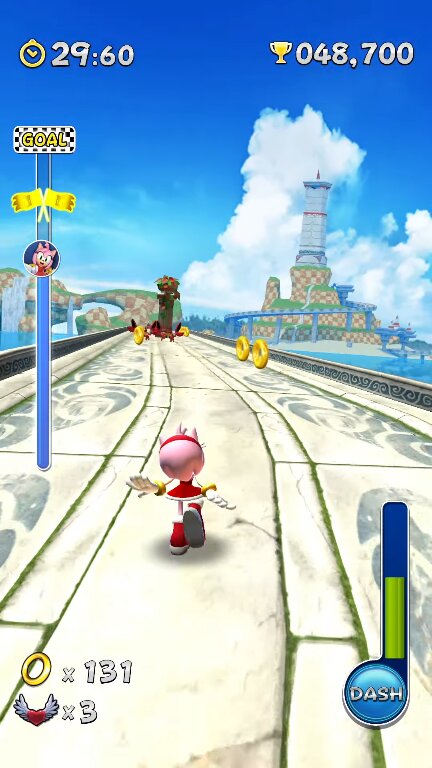
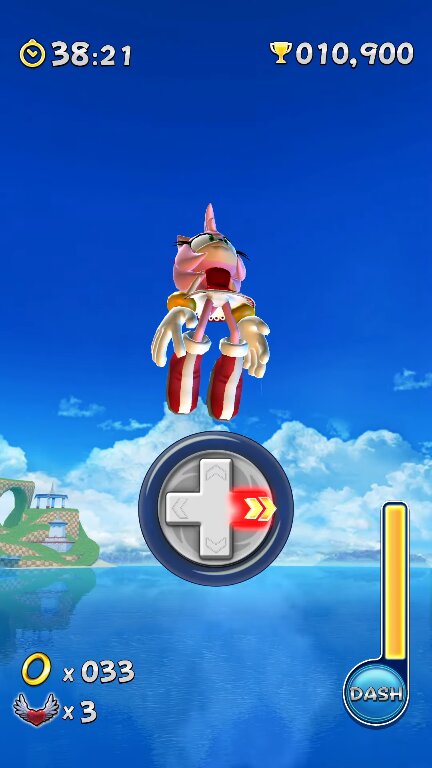
Sonic Dash Extreme is a Arcade/Racing video game published by Sega Amusements released on 2015 for the Arcade.
I'm only sharing this for preservation, as of this moment Sonic Dash is still free to install on any smartphone and can be enjoyed there with a lot more content, unless you prefer playing on a big screen with a controller, there's nothing weird about that in my opinion.
Fun little trivia, did you know when Sonic Dash first released it actually costed money? Yeah, most people don't even know/remember that.
How to Run:
- The requirements for TeknoParrot are DirectX End-User Runtimes (June 2010) and Microsoft Visual C++ 2015-2022 Redistributable
- Download TPBootstrapper from here
- Download the zip file containing the dat file from here and extract it to your Downloads folder
- Create a folder called TeknoParrot in your Downloads folder, extract TPBootstrapper and run the exe
- Tell TeknoParrot Web Installer to use the folder you just created
- Select and download (one at a time) TeknoParrot UI, TeknoParrot and TeknoParrotElfLdr2.
- Extract the folder from the 7z containing the game files and move it into the TeknoParrot folder
- Launch TeknoParrotUi.exe and accept its privacy policy and when asked if you'd like to set up a game say No (it pops up twice for some reason)
- Click Next, click Browse and pick the .dat file from earlier and click Next
- Skip Game Scanning and then skip Controls Setup (we'll get to that in a bit)
- Keep clicking Next and then Finish. When asked if you want to add a game say No again
- Click the 3 lines menu at the top left and click Add Game
- In the list pick Sonic Dash Extreme and click Add Game and Return
- Click Game Settings and click the line under Game Executable to be able to pick it and in the exe folder pick "SonicDash_R_Ring.exe"
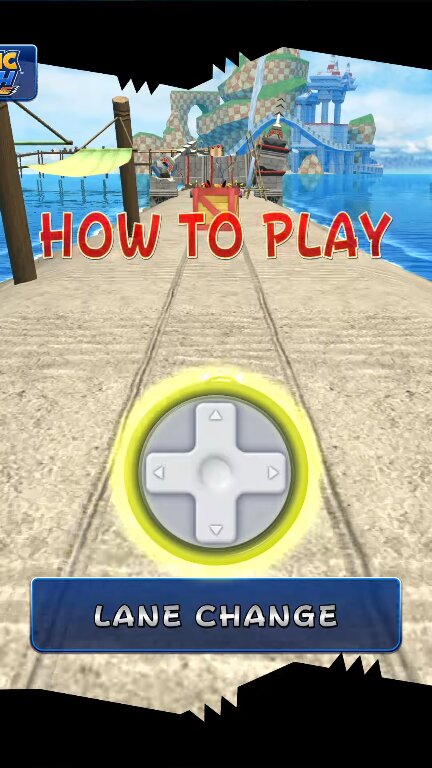
- Click on "Controller Setup" then configure your controller (Lef/Right = quickstep, Up = Jump, Down = Roll).
- Customize your screen (This game is in 9:16 resolution).
- "Optional" You can rotate the screen clockwise/counter clockwise to play in TATE mode.
- Click Play and wait a little bit for the game to start.
Game Screenshots: