| GAME INFORMATION | |
|---|---|
| Game Name | SEGA Race TV |
| Region | World |
| Console | Arcade |
| Game Release | 2008 (18 years ago) |
| Genre | Racing |
| Publisher | SEGA |
| Developer | Sega AM Plus |
| Languages | English |
| Downloads | 1,088 |
| Users Score | |
| Favorites | |
Game Description:
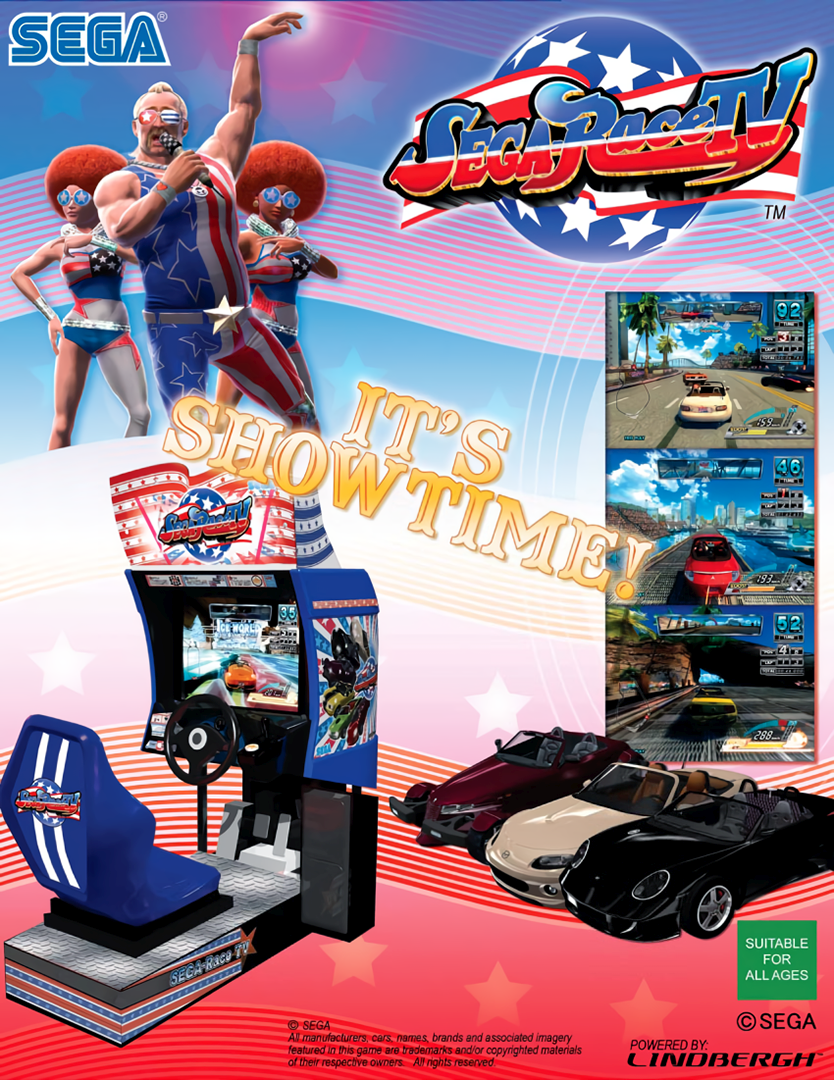
SEGA Race TV is a Racing video game published by SEGA and developed by Sega AM Plus released on 2008 for the Arcade.
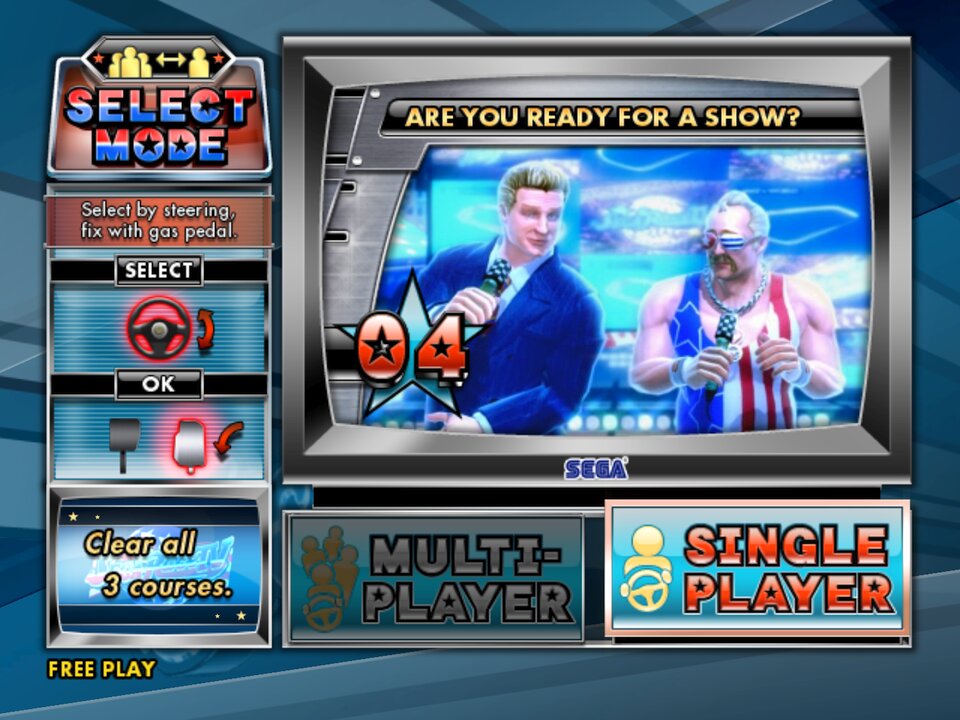
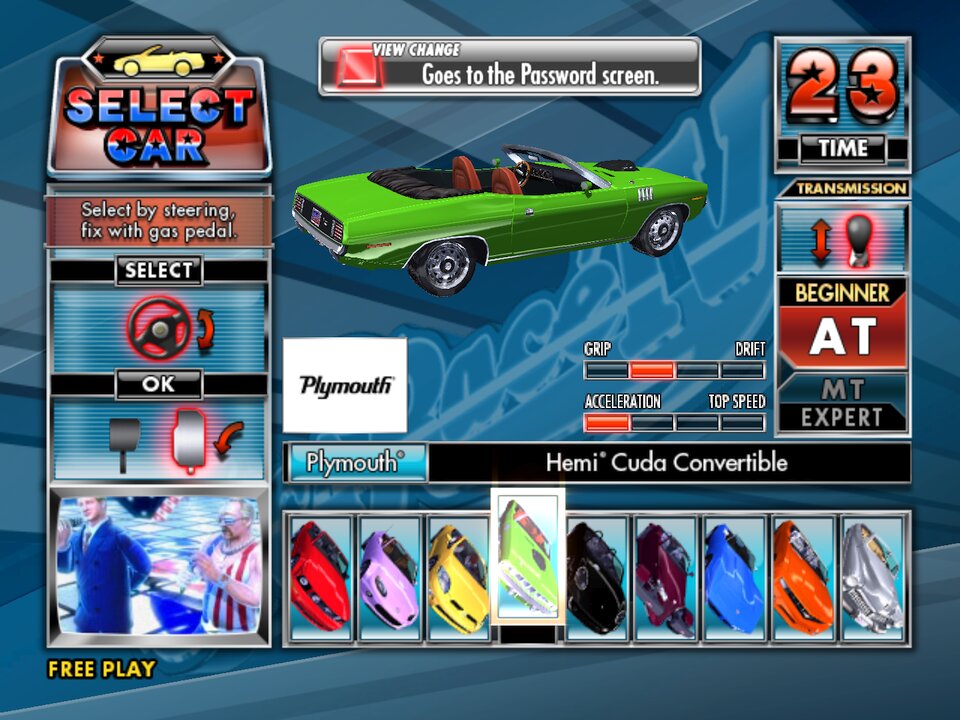
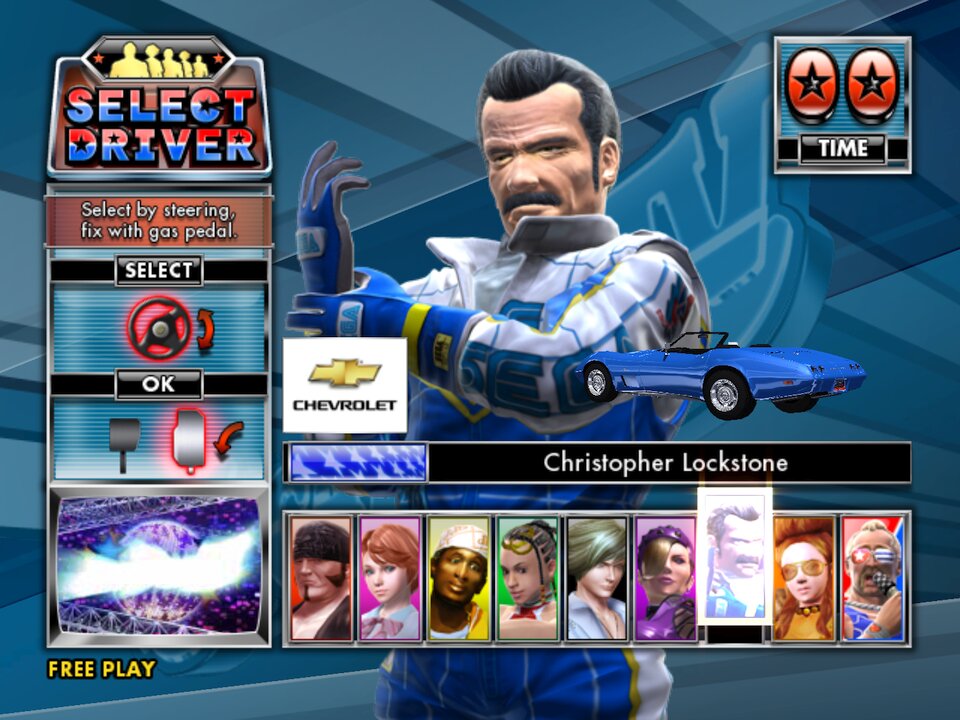
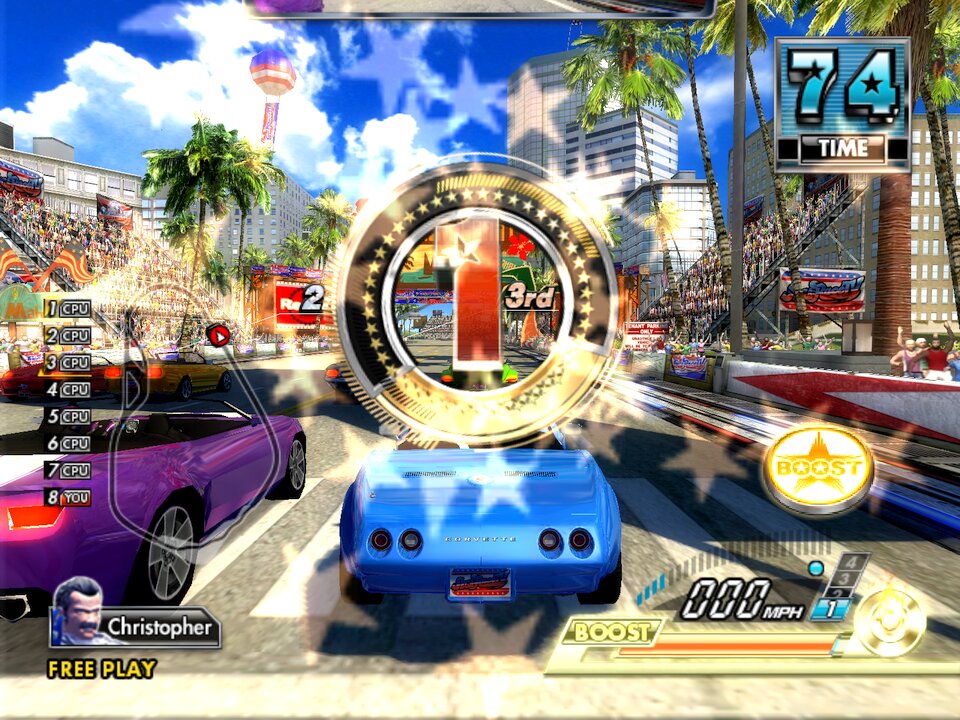
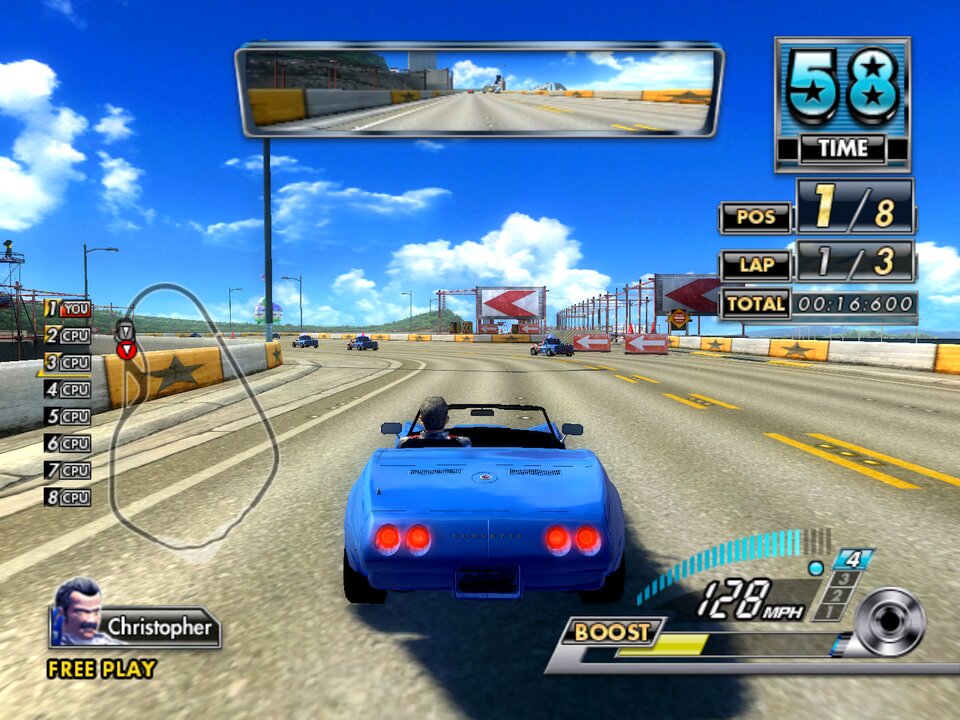
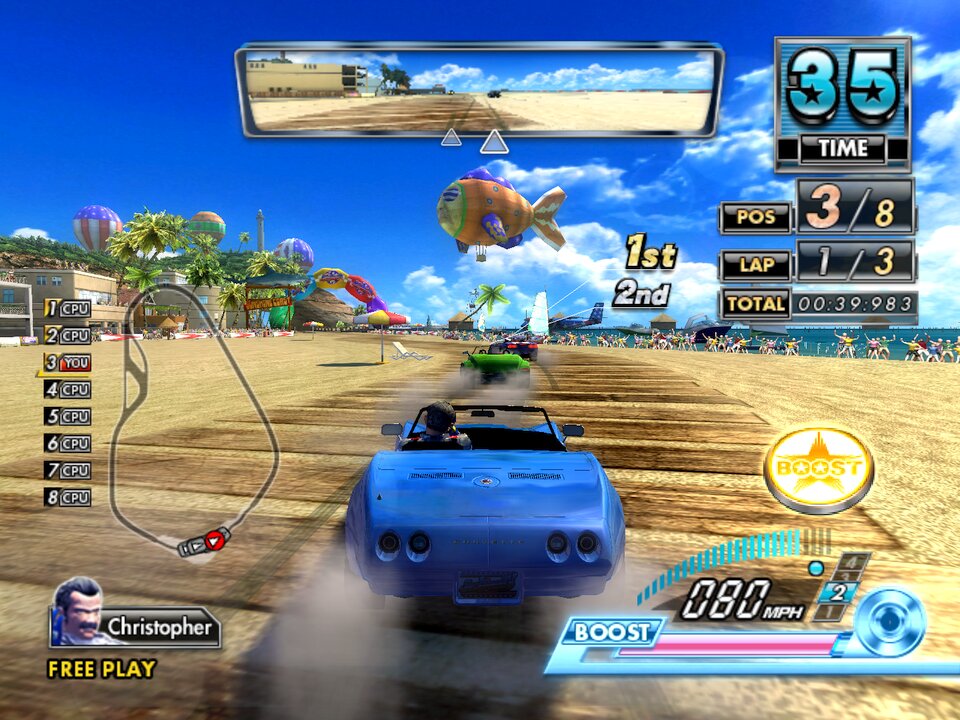
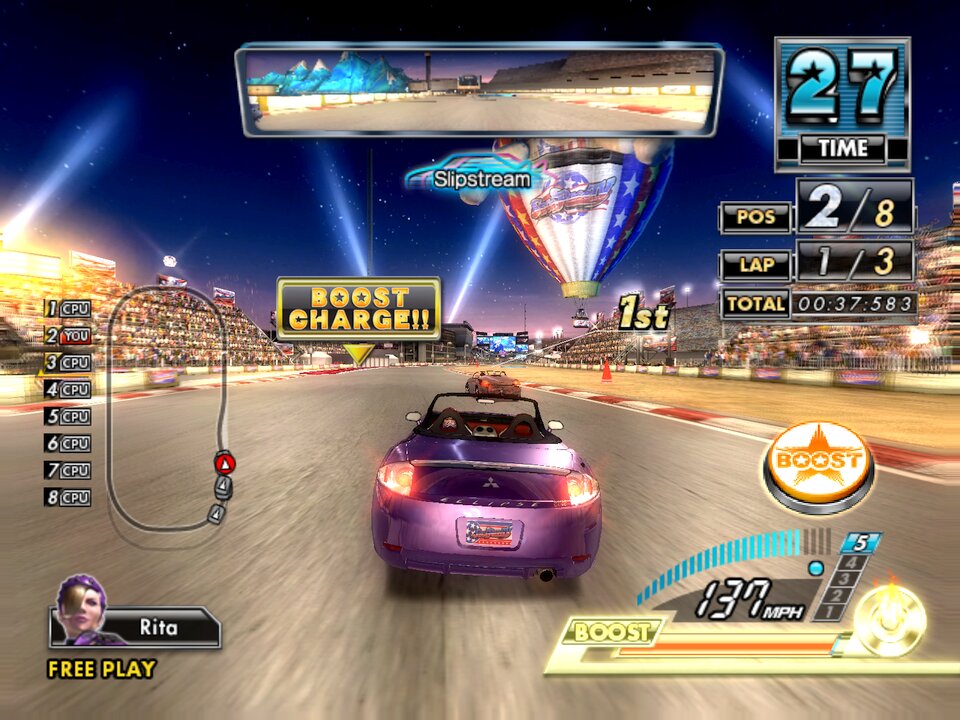
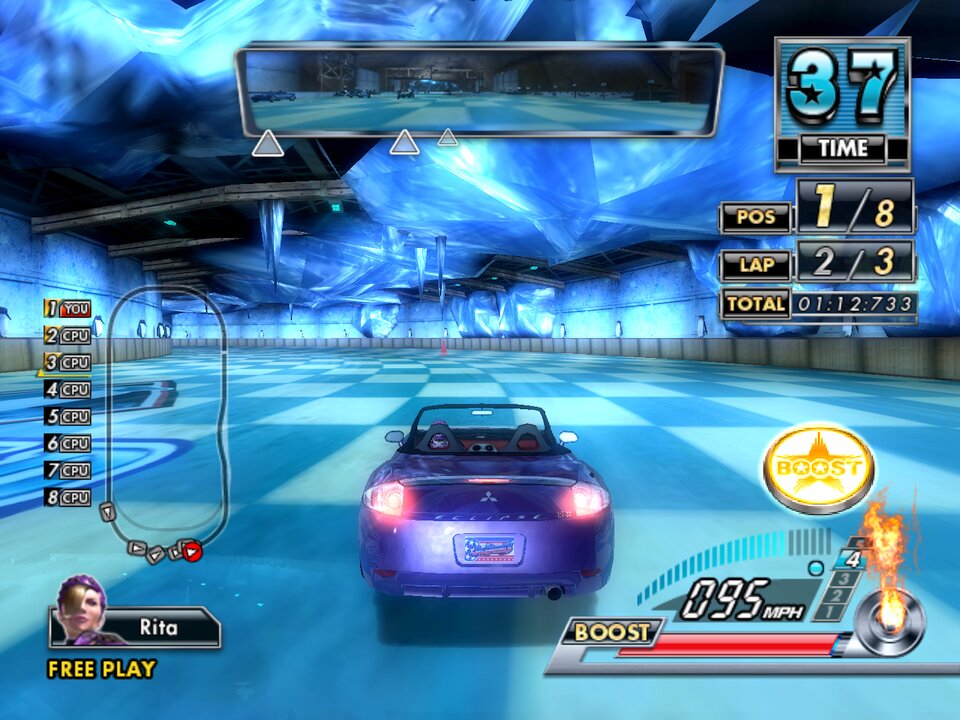
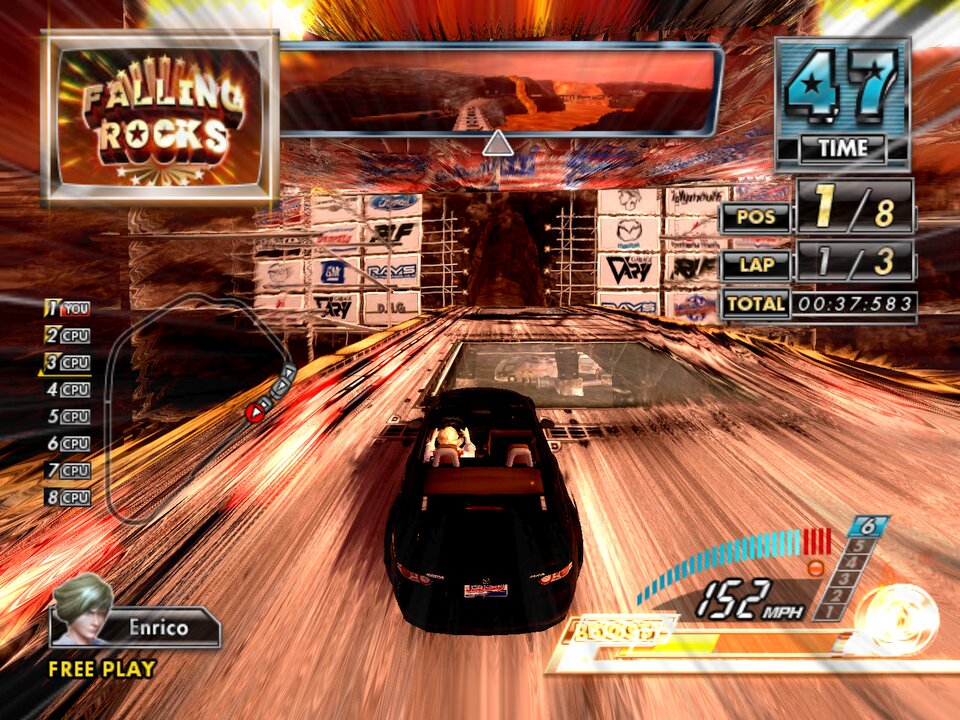
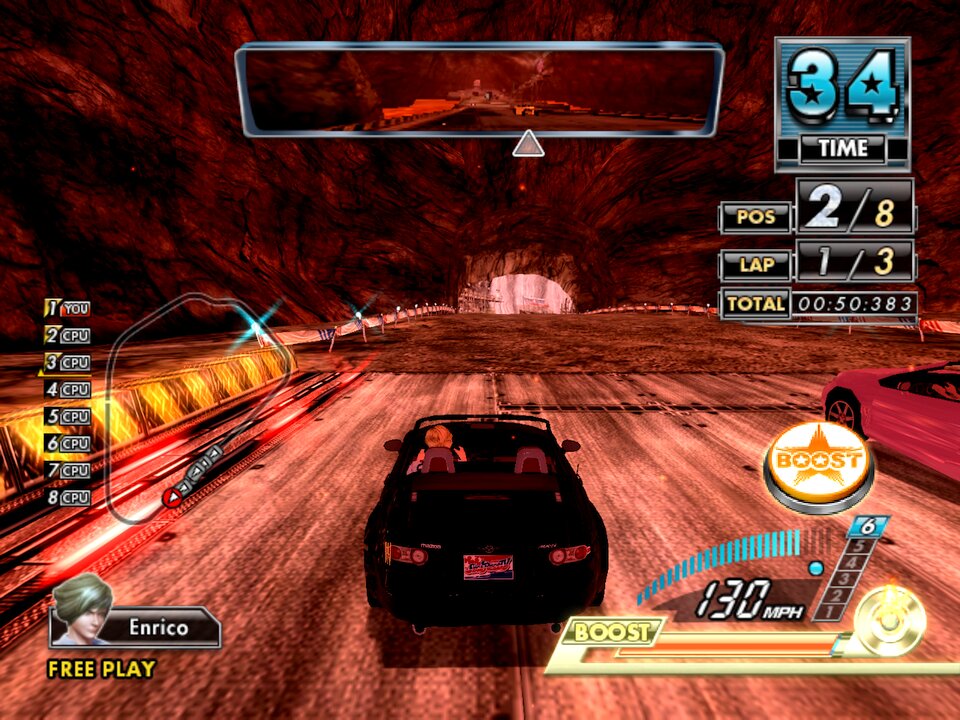
This is an arcade racing game presented as an American TV show with real time commentary. The game contains 5 tracks, 9 licensed cars and 9 characters and can be played in either single player or multi player. Each race is made up of 8 drivers, and the car is viewed from a third person perspective from behind. Each course has its own traps and obstacles, and you can use a boost feature to make the car quickly accelerate. The music is kind of cringy, and the tracks are all mostly big loops, but the game is rather fun to play and a unique experience.
How to Run:
- The requirements for TeknoParrot are DirectX End-User Runtimes (June 2010) and Microsoft Visual C++ 2015-2022 Redistributable
- Download TPBootstrapper from here
- Download the zip file containing the dat file from here and extract it to your Downloads folder
- Create a folder called TeknoParrot in your Downloads folder, extract TPBootstrapper and run the exe
- Tell TeknoParrot Web Installer to use the folder you just created
- Select and download (one at a time) TeknoParrot UI, TeknoParrot, TeknoParrotElfLdr2, TeknoDraw, and OpenSegaAPI
- Extract the folder from the 7z containing the game files and move it into the TeknoParrot folder
- Launch TeknoParrotUi.exe and accept its privacy policy and when asked if you'd like to set up a game say No (it pops up twice for some reason)
- Click Next, click Browse and pick the .dat file from earlier and click Next
- Skip Game Scanning and then skip Controls Setup (we'll get to that in a bit)
- Keep clicking Next and then Finish. When asked if you want to add a game say No again
- Click the 3 lines menu at the top left and click Add Game
- In the list pick SEGA Race TV (Elfloader2) and click Add Game and Return
- Click Game Settings and make sure USA is in both region options. The Game Executable should be drive.elf This game looks better if you give a custom resolution like 1440x1080p (for 4:3 ratio) or 1920x1080p (for 16:9 ratio) which sharpens and cleans up the 3d graphics
- Go back and click Controller Setup and set up the controls to how you like. (a controller is recommended for this game)
- Click Play and wait a little bit for the game to start after initializing.
- TeknoParrot will ask for you to update but it's not out of date and it just wants you to install the other modules that aren't needed for this game, so just ignore it.
TeknoParrot requires a monthly subscription in order to play online with their leaderboards and stuff. You can skirt around that however by using Parsec if you want to play online with a friend (you'll just have to fix the Controller Settings to accommodate for it) The subscription is also required for being able to have force feedback/vibration (which is BS, but at least the game can be played with no other limitations)
Game Screenshots: