| GAME INFORMATION | |
|---|---|
| Game Name | Ys 1: Ancient Ys Vanished Omen |
| Original Title | イースI - 失われし古代王国 序章 |
| Region | Japan |
| Console | PC-88 |
| Game Release | 1987-06-21 (39 years ago) |
| Genre | Action RPG |
| Publisher | Nihon Falcom |
| Developer | Nihon Falcom |
| Languages | English Patched |
| Image Format | .d88 |
| Downloads | 2,539 |
| Users Score | |
| Favorites | |
Game Description:
Ys 1: Ancient Ys Vanished Omen (イースI - 失われし古代王国 序章) is a Action RPG video game published by Nihon Falcom and developed by Nihon Falcom released on June 21st, 1987 for the PC-88.
Translation Credits:
Released by: Fishbone
Language: English
Status: Fully Translated
Patch Version: v1.0
Date: 24 Dec 2025
Source and details: https://www.romhacking.net/translations/7465/
Released by: GhaleonX
Language: English
Status: Fully Translated
Patch Version: Not Numbered (v7-3-2026)
Date: 3 July 2026
Source and details: https://github.com/GhaleonX/Ys/tree/main/PC-88
Alt: https://romhack.ing/database/content/entry/ojo6trmvSmyxiFXkIygO3w/
This is the very first original release of Ys. Months before the MSX version and a year before the NES and Master System versions. A translation of the backstory from the manual can be found here.
Since there's really only one notable emulator for PC-88 (M88) I've included the best version of it I was able to track down with the download archive. Included is a translation of the emulator options since they're all in Japanese and can't be changed. (Open the .html file to view the translations) To load the game simply insert the .d88 file into Drive 1 and reset the emulator. Be patient since the game has pretty slow load times between screens and animations. Press Alt+Enter to switch to fullscreen (It looks a lot better in fullscreen imo) Controls are mostly the keyboard numpad. Use a button mapper like JoyToKey, Xpadder, or AntiMicroX to remap and use a controller with the game.
Game Controls:
| Numpad Arrows (2, 4, 6, 8) | Moves Adol and controls menus |
| Enter | Confirm options in menus/exit from NPC talk |
| Space | Cancel options in menus/exit |
| S | Opens Status screen |
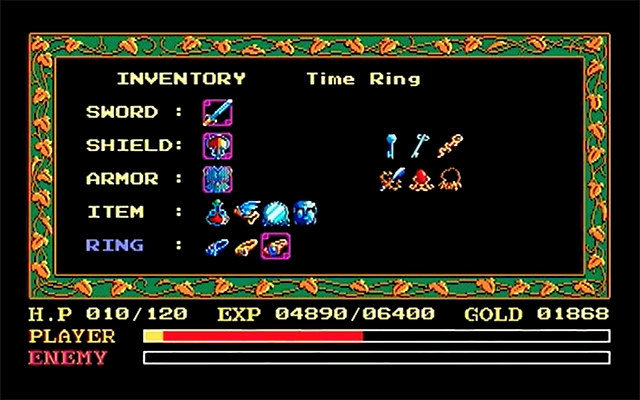
| I | Opens inventory screen |
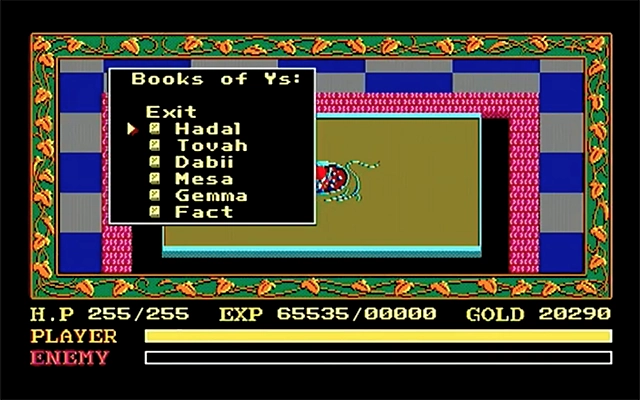
| R | Read Books after obtaining Glasses item |
| F1 | Load save from User Disk |
| F4 | Save to User Disk |
| F5 | Format User Disk for preparing saves (be careful not to format one of the game disks) |
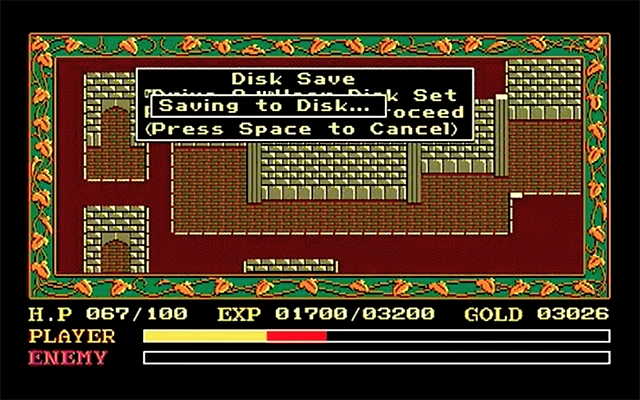
To save your game make sure the User Disk is in Drive 2 and press F4. It's best to have the User Disk inserted at all times. The User Disk in this is already prepared and doesn't need to be formatted.
Note: the game can be changed to use the arrow keys in place of the numpad by checking the fourth box in the fifth tab of the configure menu of the emulator.
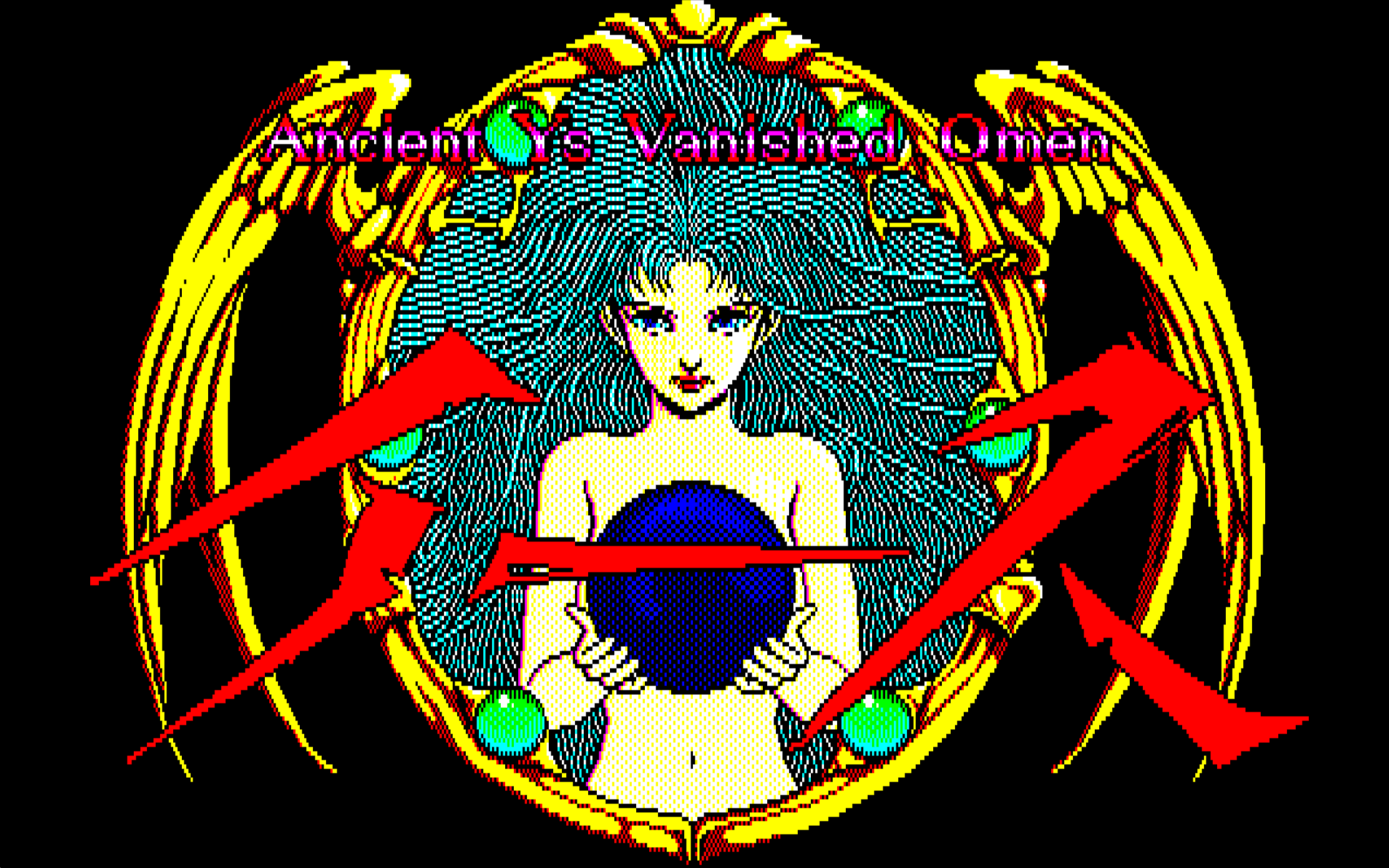
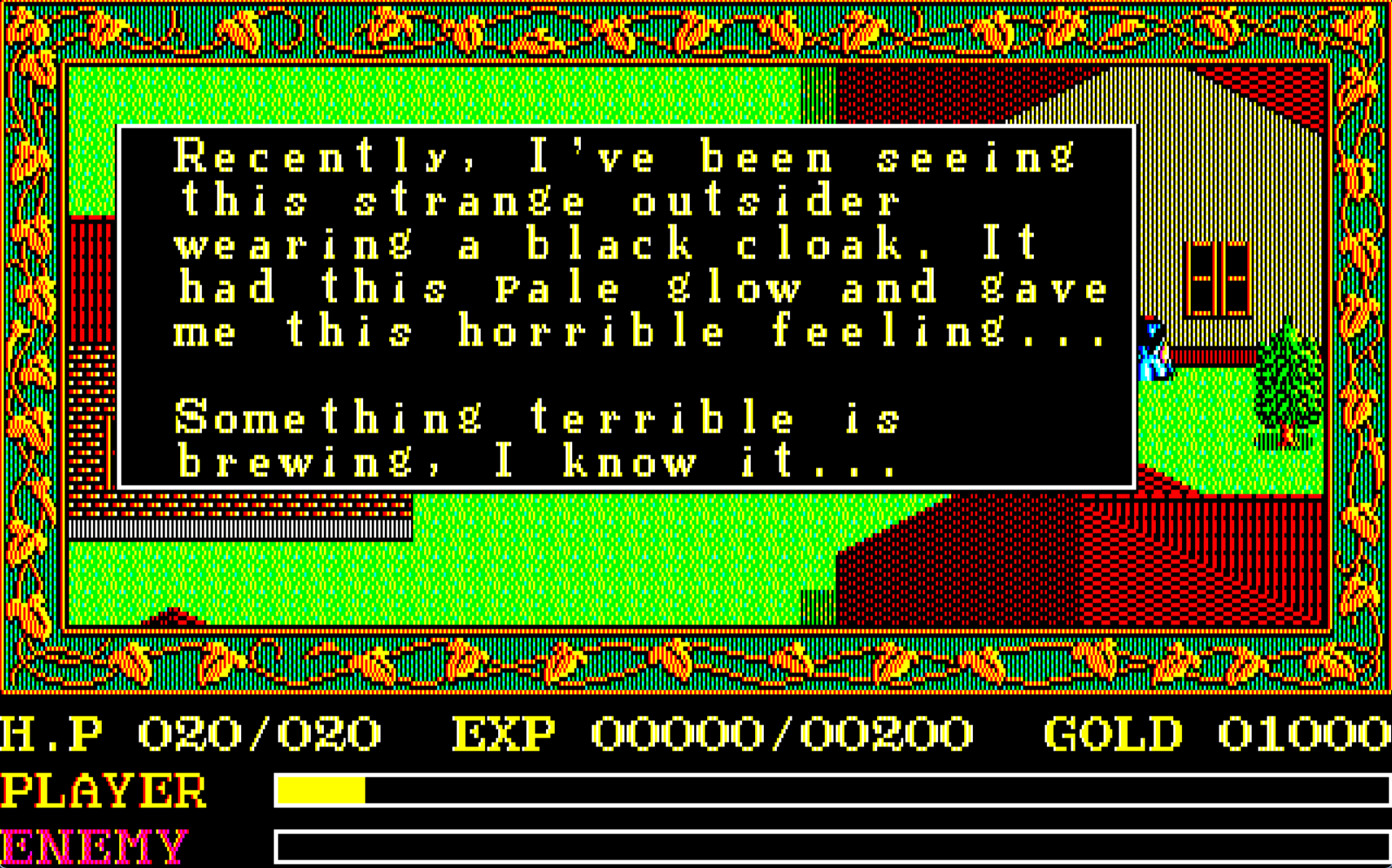
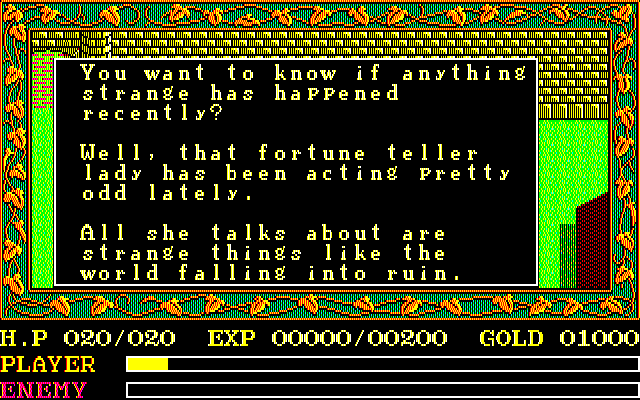
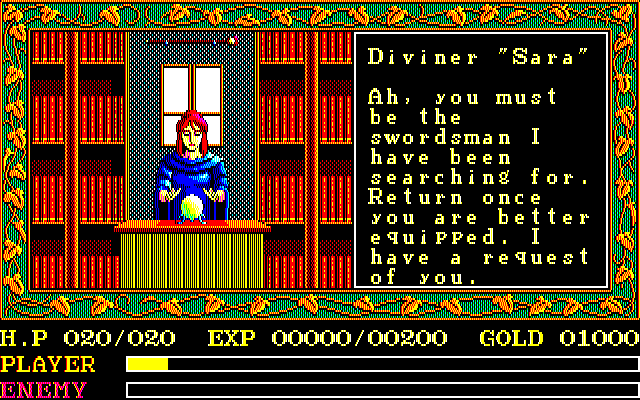
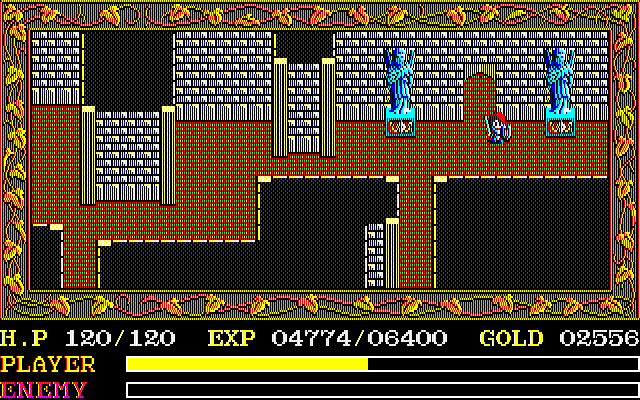
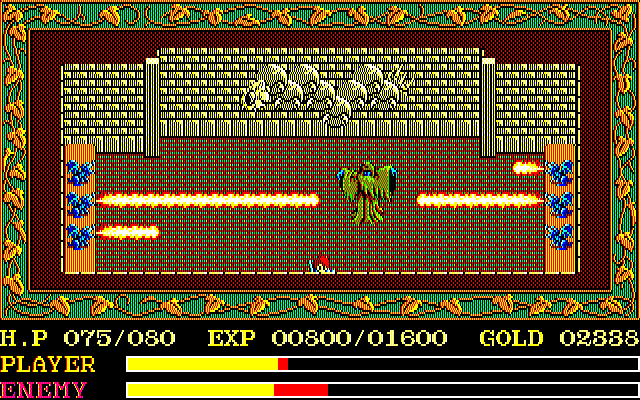
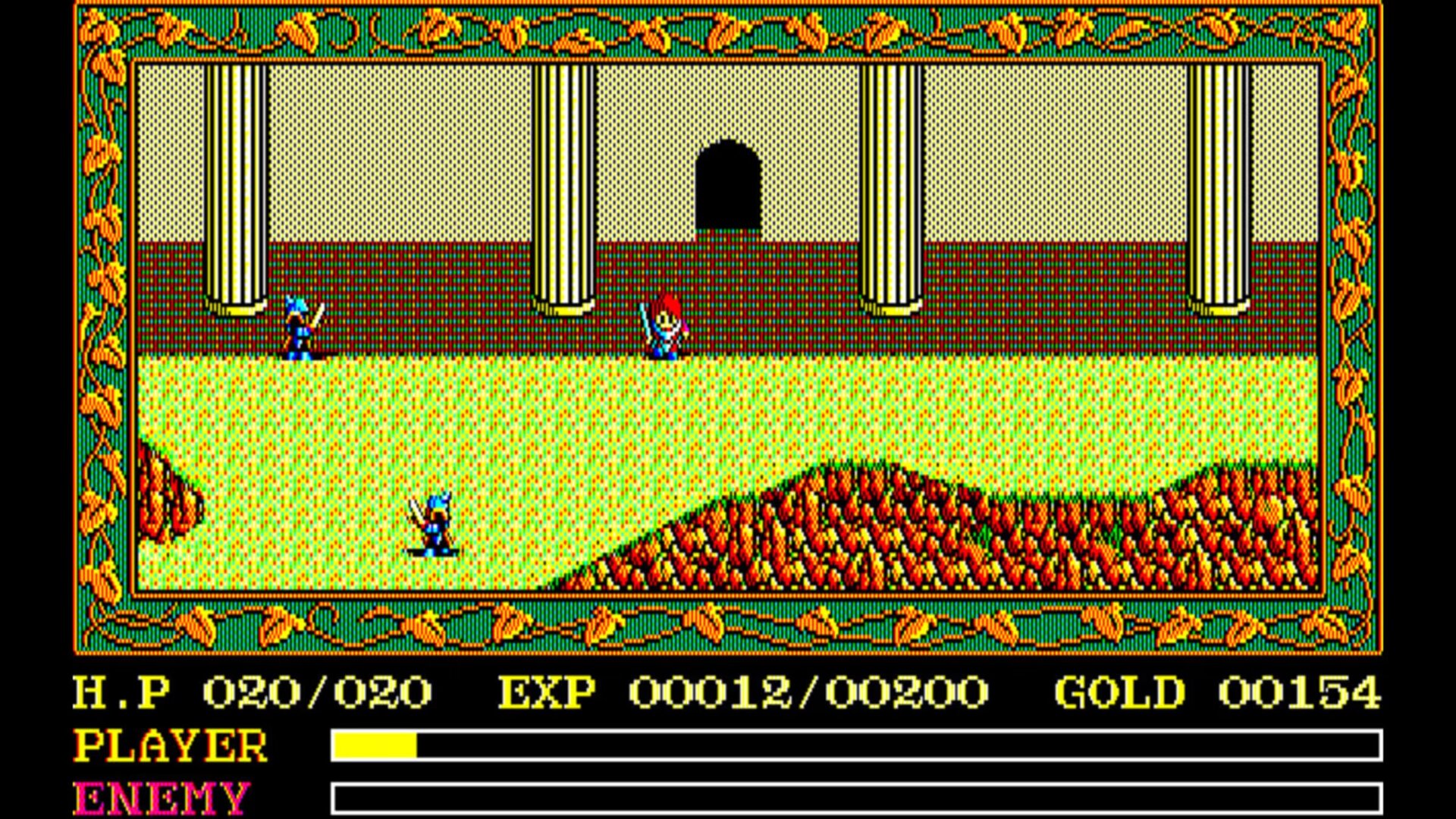
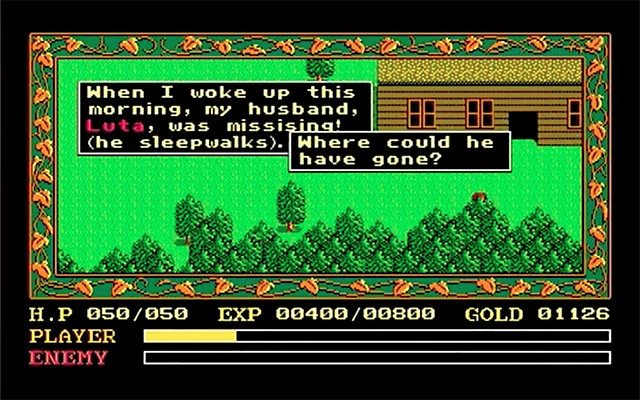
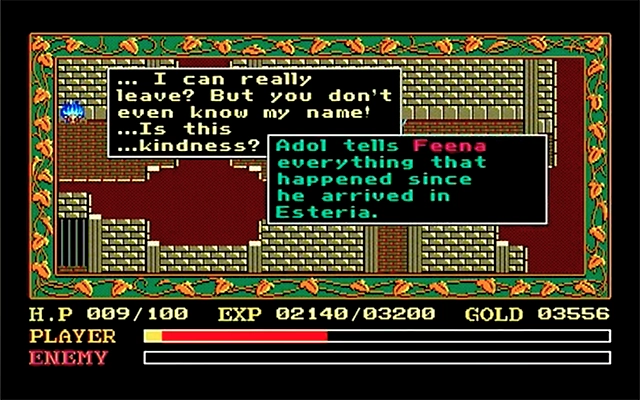
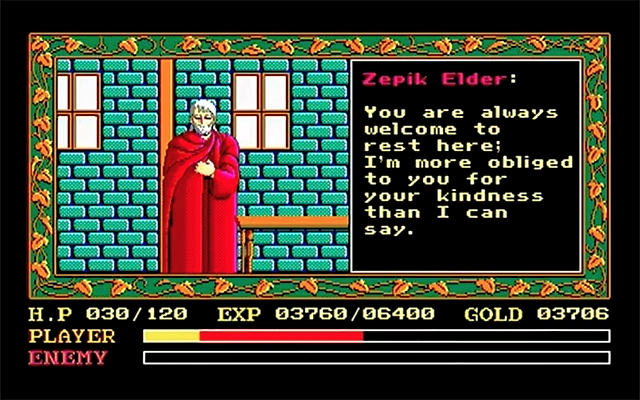
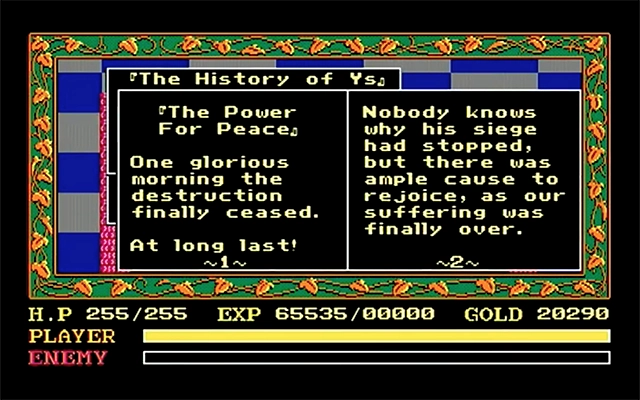
Screenshots 1 to 7 are of Fishbone's release and 8 to 14 are of GhaleonX's release.
Here's the game trailer from way back. You can't really see the game screens in it well since low res but it's a nice slice of history:
GhaleonX's showcase video for his translation:
Game Screenshots: