| GAME INFORMATION | |
|---|---|
| Game Name | Usagi na Panic |
| Original Title | うさぎなパニック |
| Region | Japan |
| Console | PC-98 |
| Game Release | 1995-02-24 (31 years ago) |
| Genre | Action, Platformer 2D |
| Publisher | Nihon Softec |
| Developer | Nihon Softec |
| Languages | English Patched |
| Image Format | .hdi, .hdm |
| Downloads | 4,933 |
| Users Score | |
| Favorites | |
Game Description:
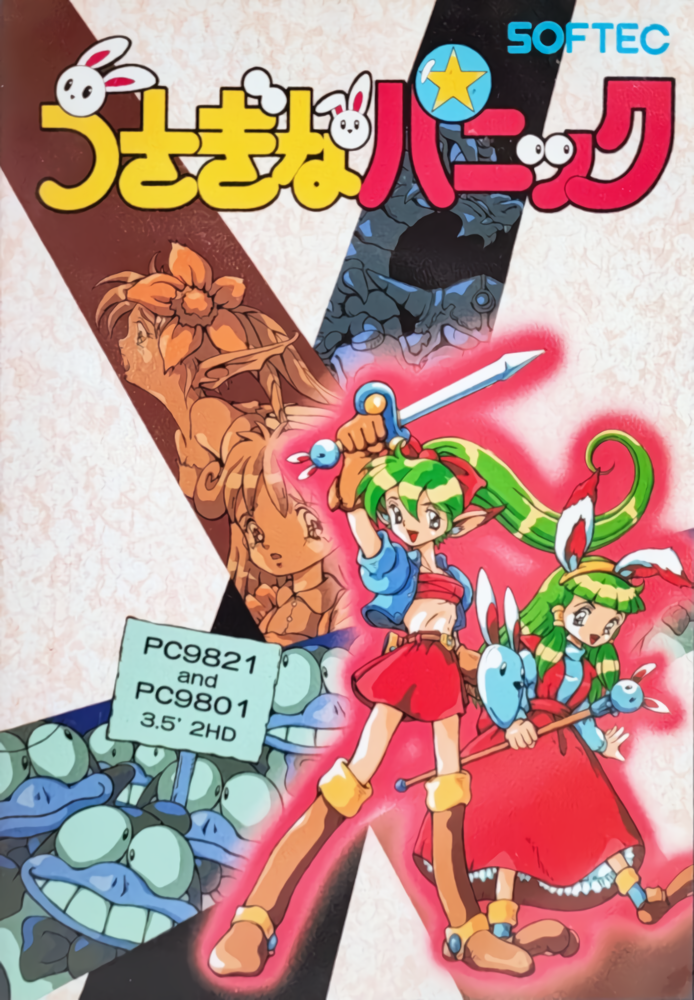
Usagi na Panic (うさぎなパニック) is a Action/Platformer 2D video game published by Nihon Softec and developed by Nihon Softec released on February 24th, 1995 for the PC-98.
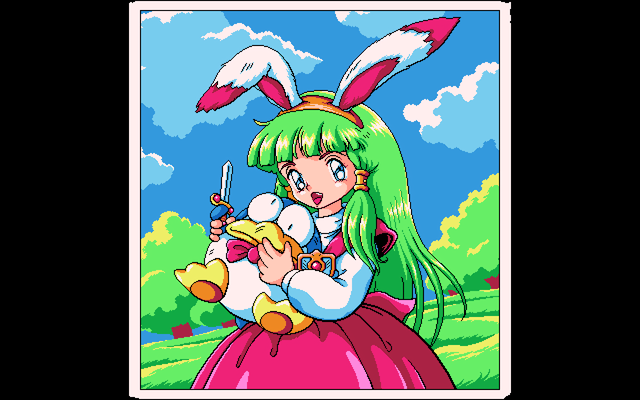
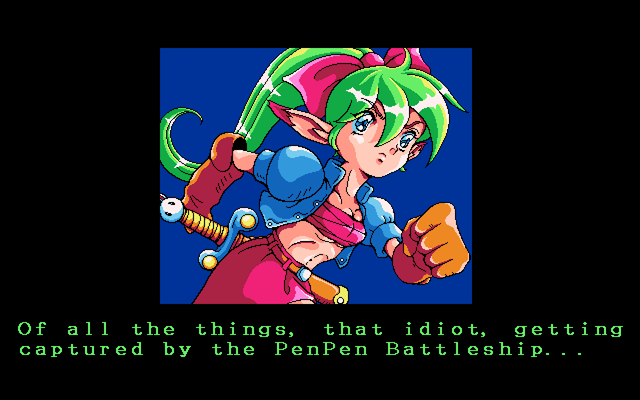
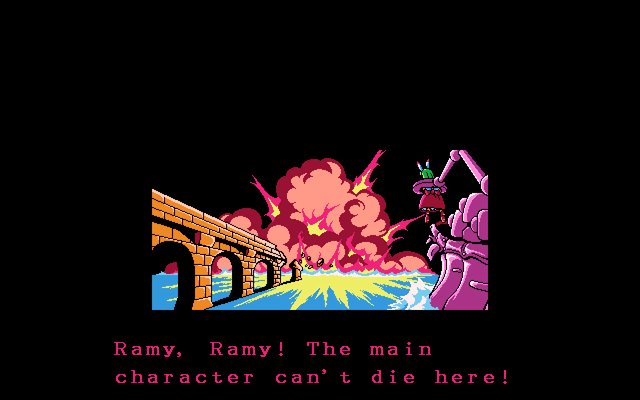
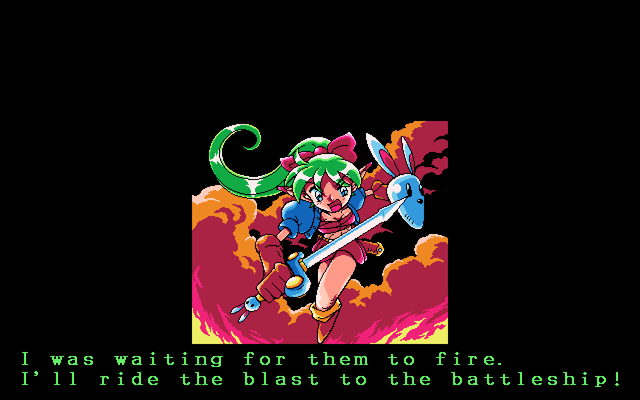
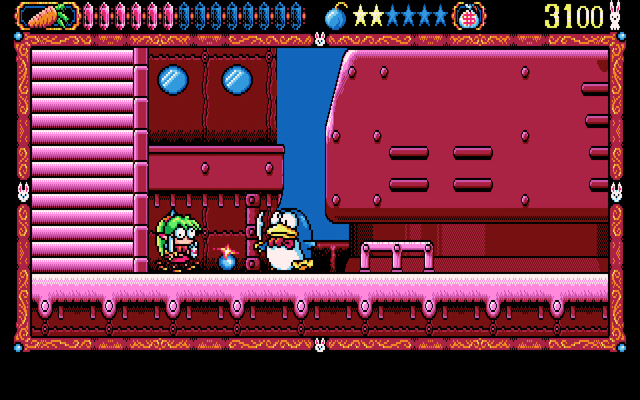
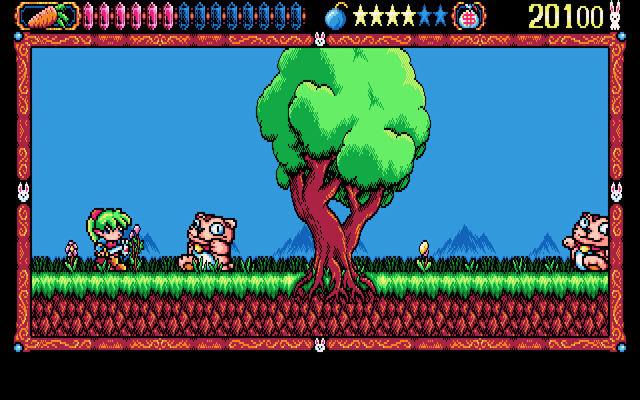
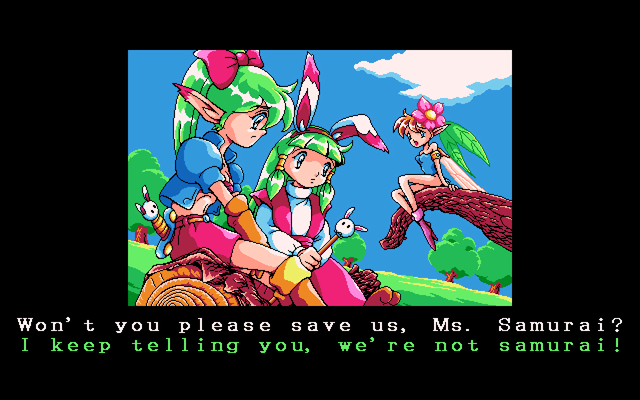
Usagi na Panic tells the story of two rabbit-eared adventurers: the spunky warrior Ramy and her magician companion Usami. They travel around and solve the troubles of the citizens they encounter during their journey.
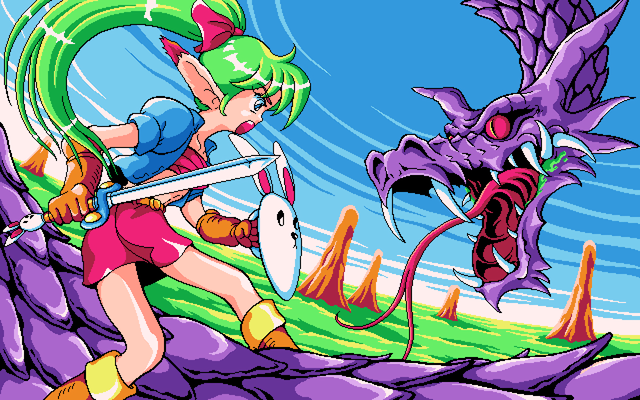
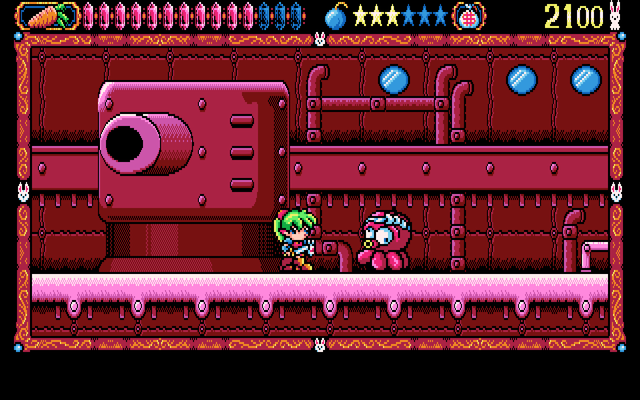
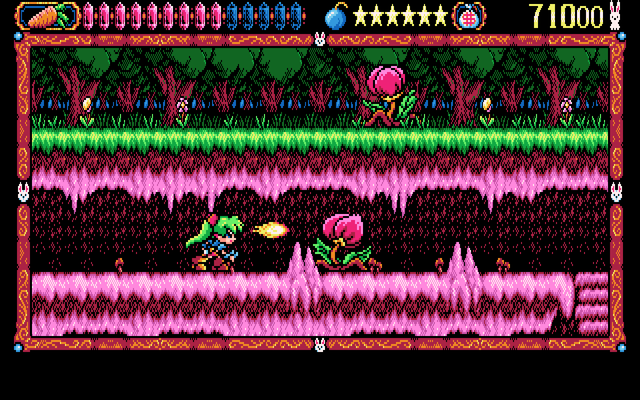
You play as Ramy, who has an oddly extensive move-set including a running stab, a fireball, and a bomb with rather dubious utility.
Here's a nice and cute kid friendly PC-98 platformer as a break from all the naughty smut.
Translation Credits:
Released by: ruiko & shru
Language: English
Status: Fully Translated
Patch Version: RC1 (v1.0)
Date: 21 Sept 2024
Source and details: https://trapsare.gay/ (lol that URL)
04-16-2026: Added the User Disk (I have no idea what the file can be used for and if anybody does please tell me in the comments) I should probably just delete and revert it back but it's whatever
Game Controls:
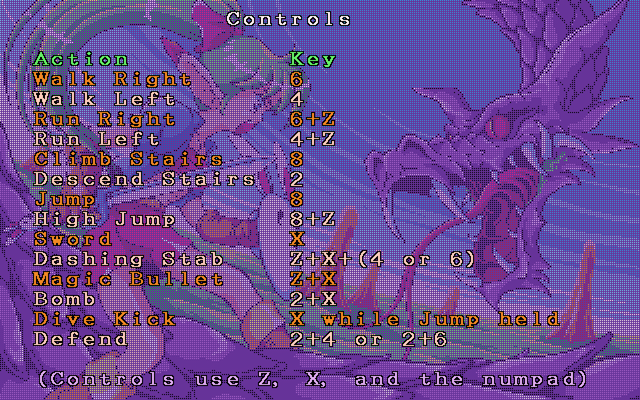
Also control menus with numpad 2, 4, 6, 8 and Z, X (the numbers in that pic refer to the numpad)
You can also use arrow keys in place of the numpad (I probably should have mentioned that first lol)
I highly recommend the emulator Neko Project 21/W for playing on Windows. It's the most feature complete emulator for the NEC PC-9801 and is in active development receiving frequent updates. Use this guide for help on how to obtain and configure the emulator.
It can also play fine using the Neko Project II Kai core in RetroArch. Just make sure you have all the PC-98 bios files in the System folder. (C:\RetroArch-Win64\system if using default install location on Windows) I shared them in this comment.
Note: the files were put into sub folders since the repo uploader was bring weird and not saving it. Just take them out and rearrange them if you like.
Game Screenshots: