| GAME INFORMATION | |
|---|---|
| Game Name | Prince of Persia |
| Original Title | プリンスオブペルシャ |
| Region | Japan |
| Console | PC-98 |
| Game Release | 1990-07-20 (35 years ago) |
| Genre | Action, Platformer 2D |
| Publisher | Brøderbund Japan Inc. |
| Developer | Arsys Software |
| Languages | English Patched, Japanese |
| Image Format | .hdm |
| Downloads | 1,110 |
| Users Score | |
| Favorites | |
Game Description:
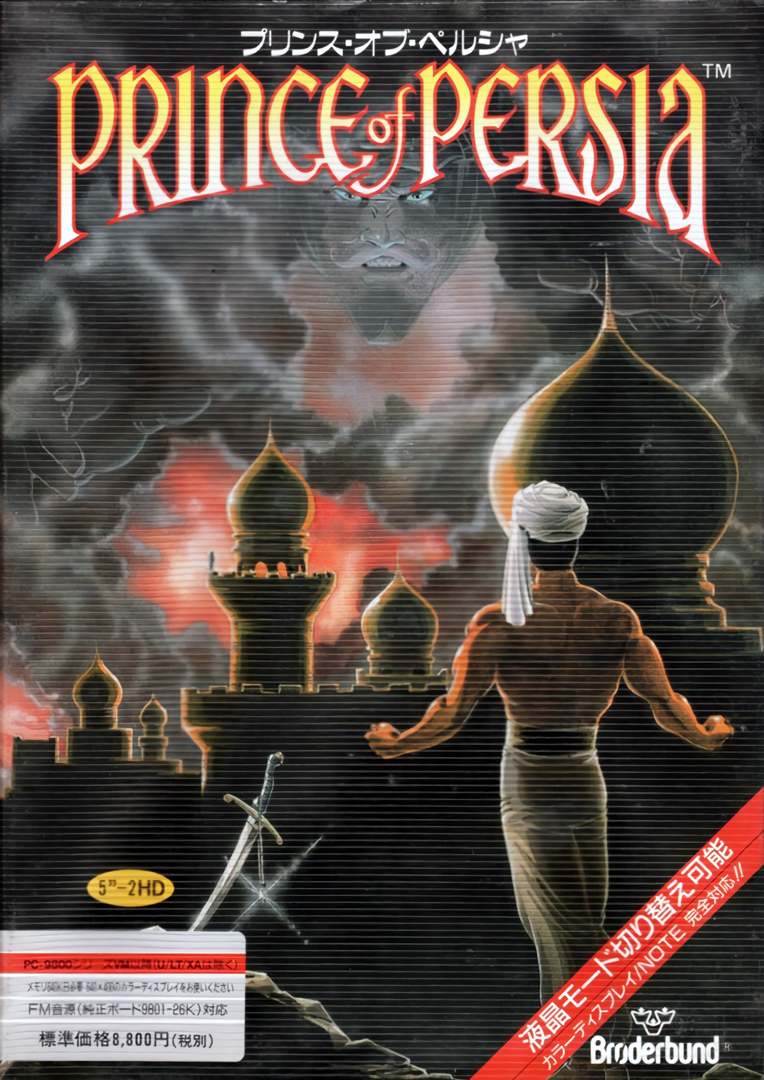
Prince of Persia (プリンスオブペルシャ) is a Action/Platformer 2D video game published by Brøderbund Japan Inc. and developed by Arsys Software released on July 20th, 1990 for the PC-98.
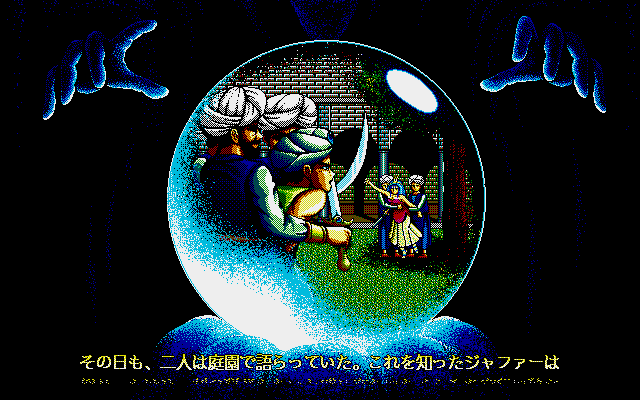
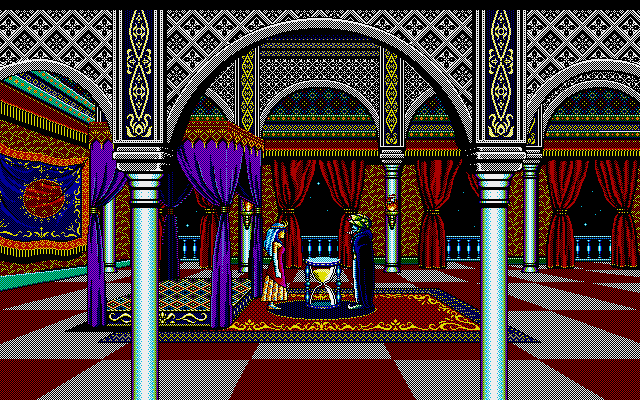
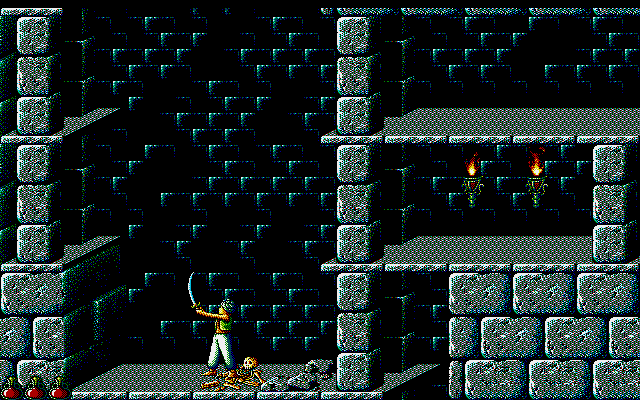
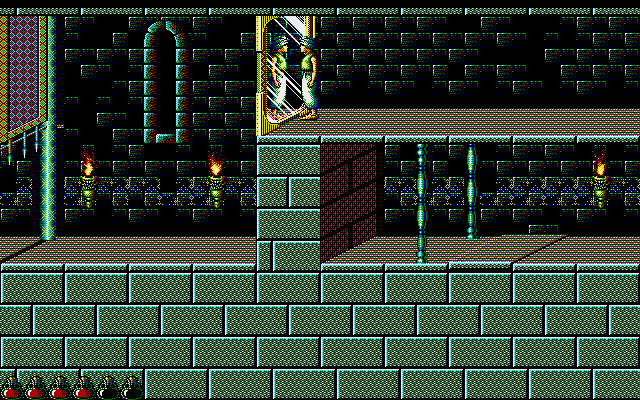
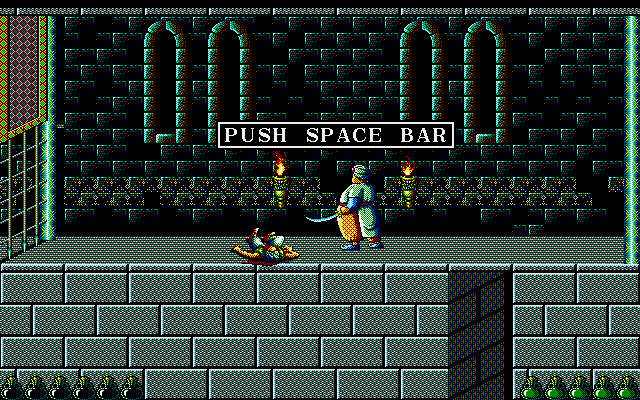
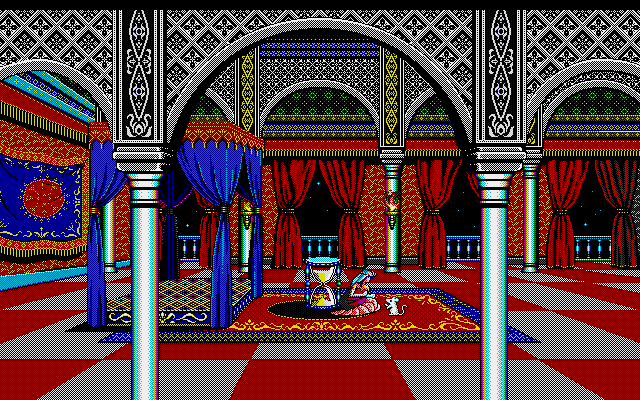
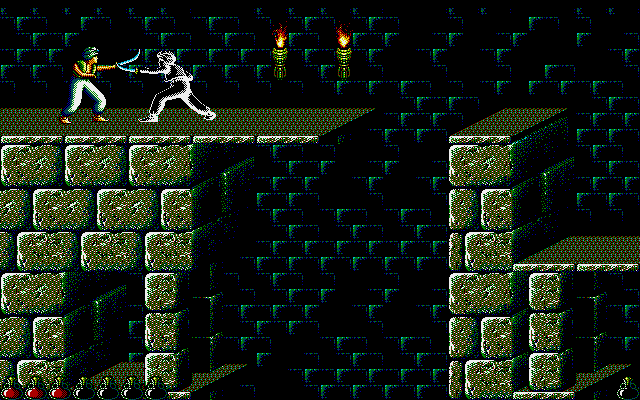
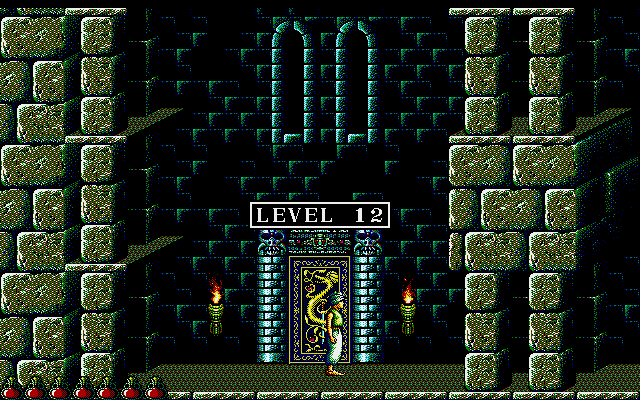
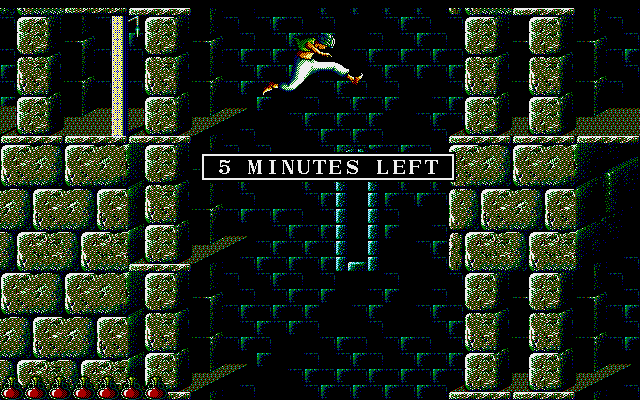
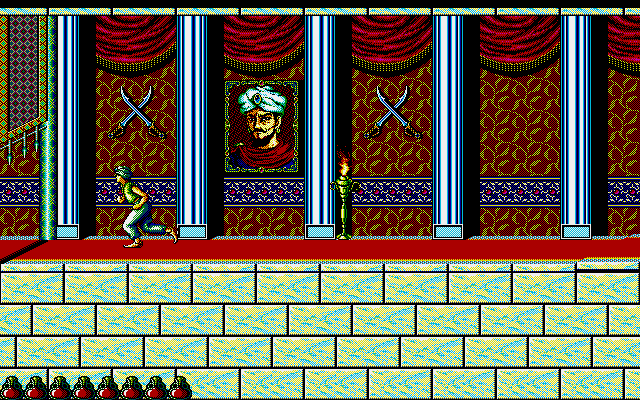
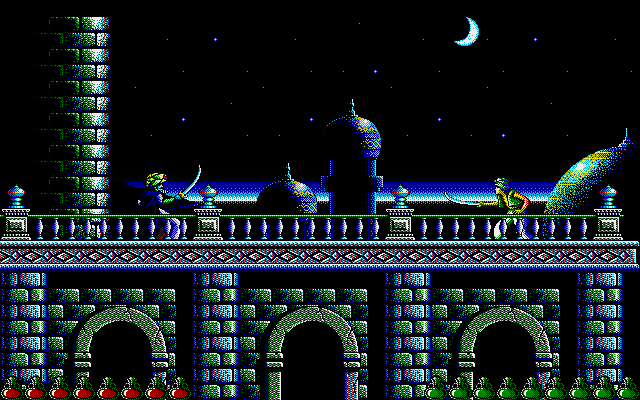
This is the Japanese localized PC-98 port of Prince of Persia. It has better graphics and sprites than the Apple II and MS-DOS originals and takes advantage of the PC-98's higher resolution. The only notable drawback is that people have found the movement and jumps to be a little wonky compared to the DOS version. If you've been paying attention to the PC-98 games that get added to the repo then you might have noticed that this was ported/developed by the developers of Star Cruiser (Arsys Software).
Translation Credits:
Released by: David
Language: English
Status: Only menus are translated
Patch Version: Not numbered
Date: 27 Feb 2020
Source: Unknown (probably from a forum somewhere?)
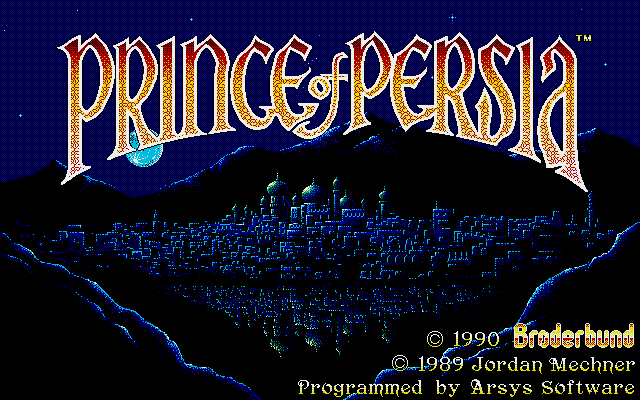
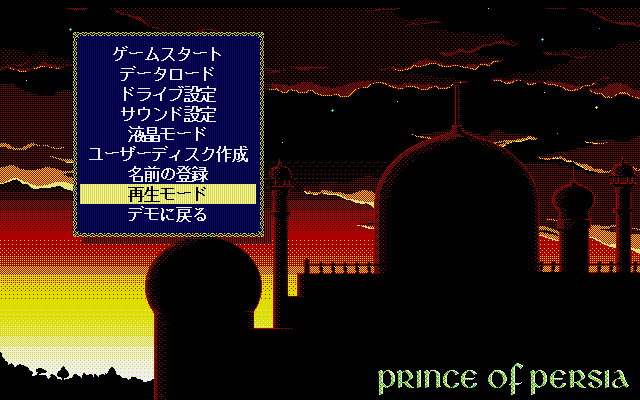
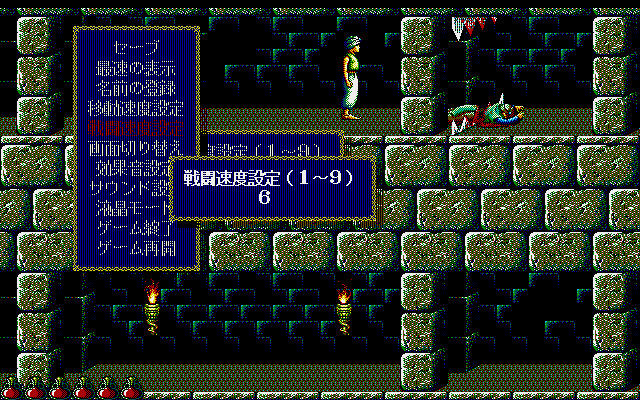
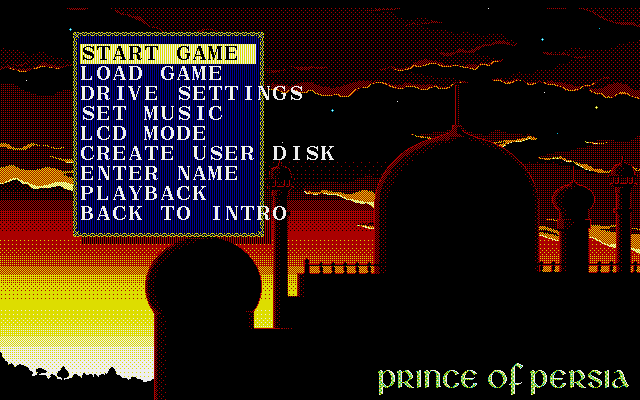
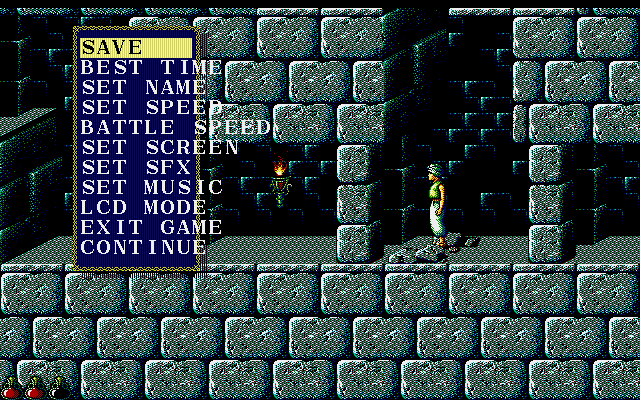
This is a simple patch that translates the main menu and the in-game options menu but seemingly nothing else is translated. The patch is of a low effort, and the text doesn't fit in the boxes and glitches on the screen until transitioning to another screen. Still, it helps to know what the options do instead of mashing around blindly.
I highly recommend the emulator Neko Project 21/W for playing on Windows. It's the most feature complete emulator for the NEC PC-9801 and is in active development receiving frequent updates. Use this guide for help on how to obtain and configure the emulator.
It can also play fine using the Neko Project II Kai core in RetroArch. Just make sure you have all the PC-98 bios files in the System folder. (C:\RetroArch-Win64\system if using default install location on Windows) I shared them in this comment.
To play this game in RetroArch start the Neko Project II Kai core and use the L2 button to open the core's built in menu. Then in that menu insert each game floppy disk into the FDD drives then restart in order to be able to play and not have it ask for disk 2.
To use the gamepad in Neko Project 21/W go to Device -> Sound option... -> JoyPad and check Use JoyPad-1. You can use the d-pad in place of the analog by checking the POV -> X-Y Axis box (only one or the other will work at a time)
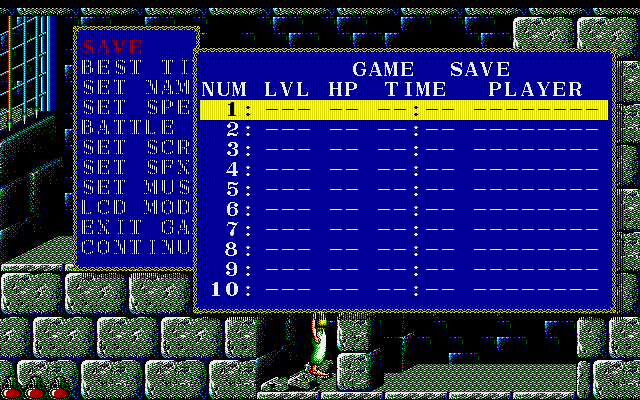
In order to enable save states in NP21/W since this game will definitely benefit from them: add the line STATSAVE=true under the [NekoProject21] line in the .ini file of the exe of the emulator you're using (i.e. np21x64w.ini) and a new tab for savestates will appear in the emulator with 9 slots available.
To bring up the game menu shown in the 3rd and 5th screenshots press the F1 key.
Game Screenshots: