| GAME INFORMATION | |
|---|---|
| Game Name | Wangan Midnight Maximum Tune 3DX+ |
| Region | World |
| Console | Arcade |
| Game Release | 2010 (16 years ago) |
| Genre | Racing |
| Publisher | Bandai Namco Games |
| Developer | Bandai Namco Games |
| Languages | English |
| Downloads | 1,572 |
| Users Score | |
| Favorites | |
Game Description:
Wangan Midnight Maximum Tune 3DX+ is a Racing video game published by Bandai Namco Games and developed by Bandai Namco Games released on 2010 for the Arcade.
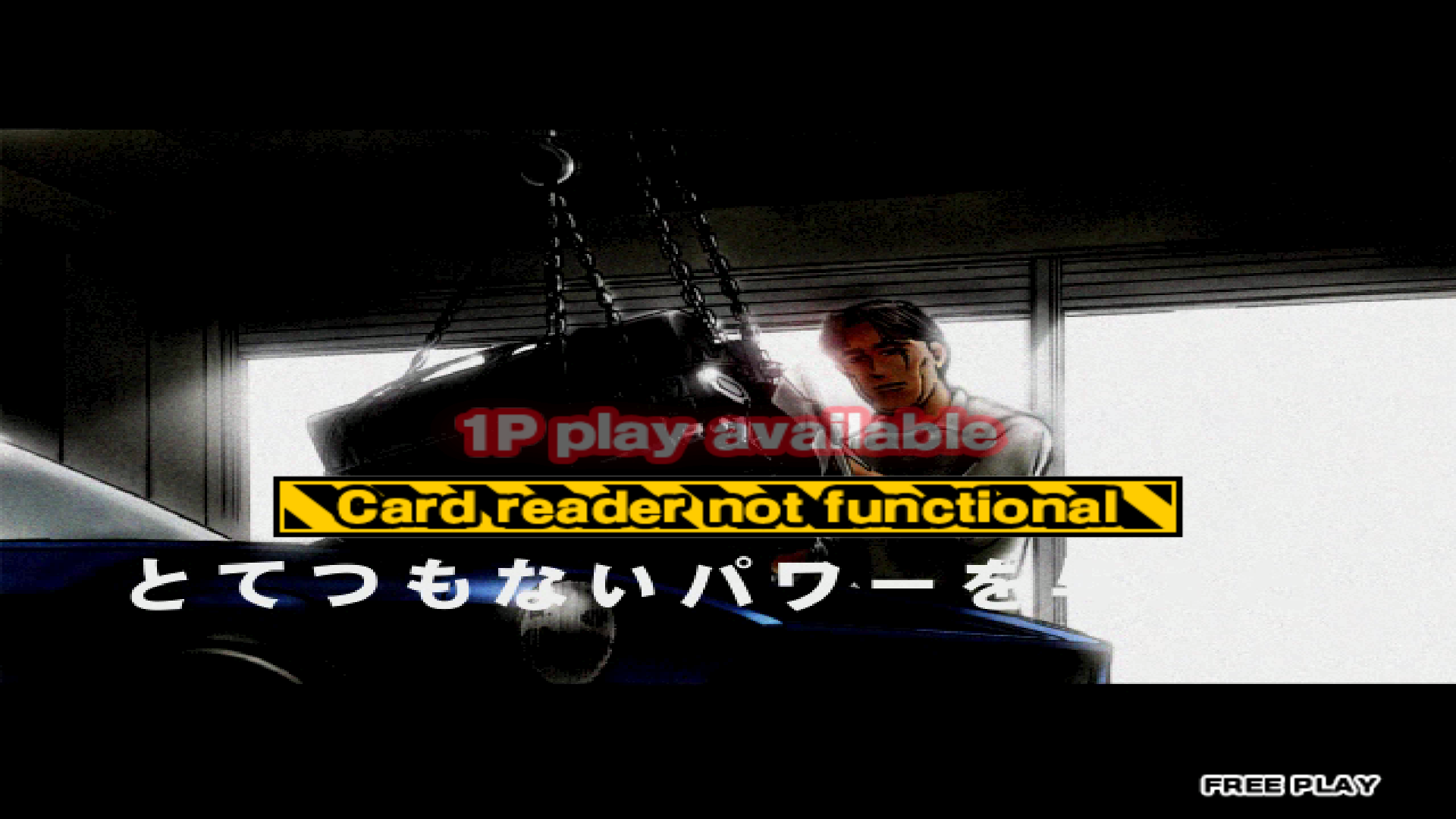
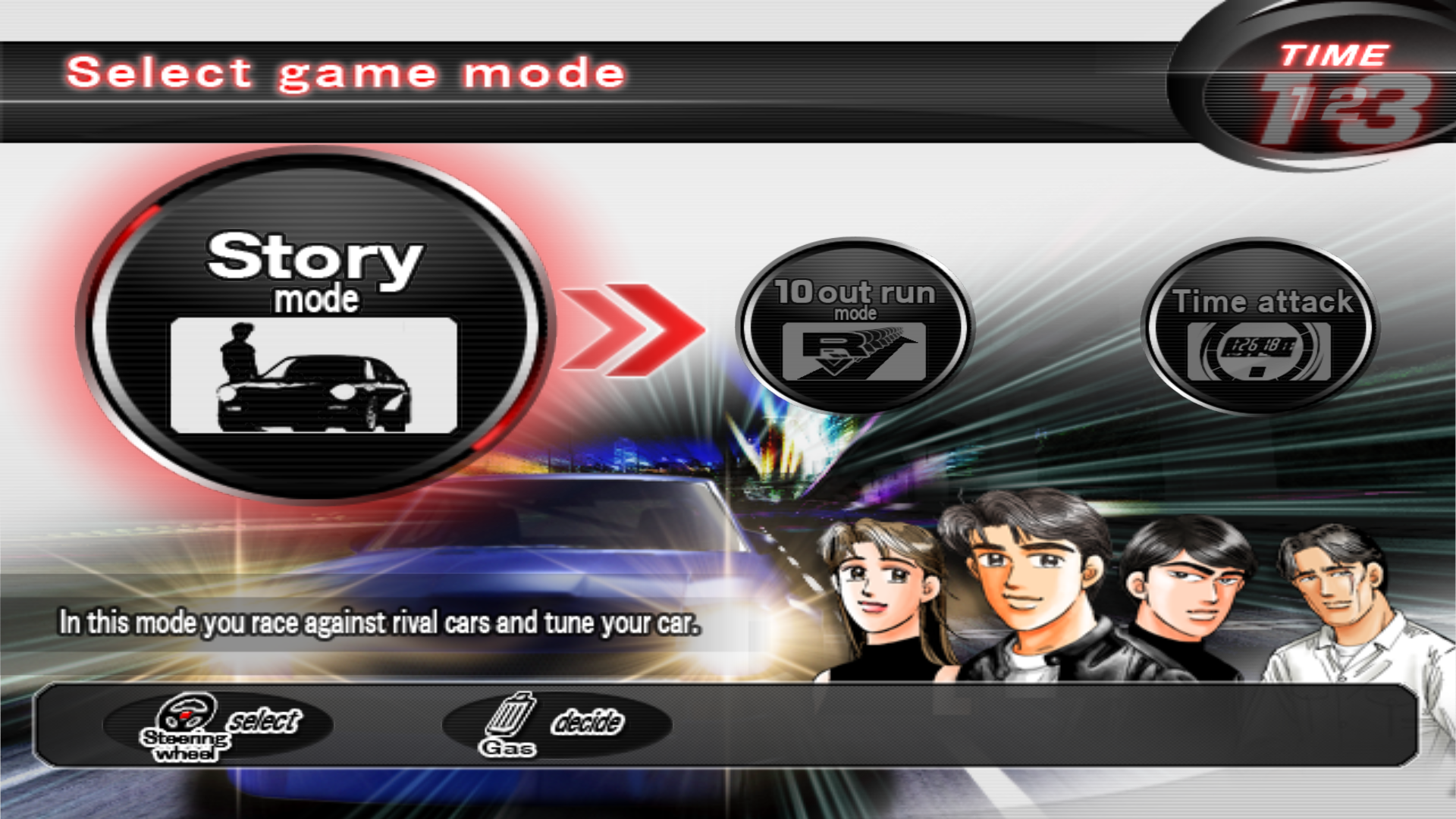
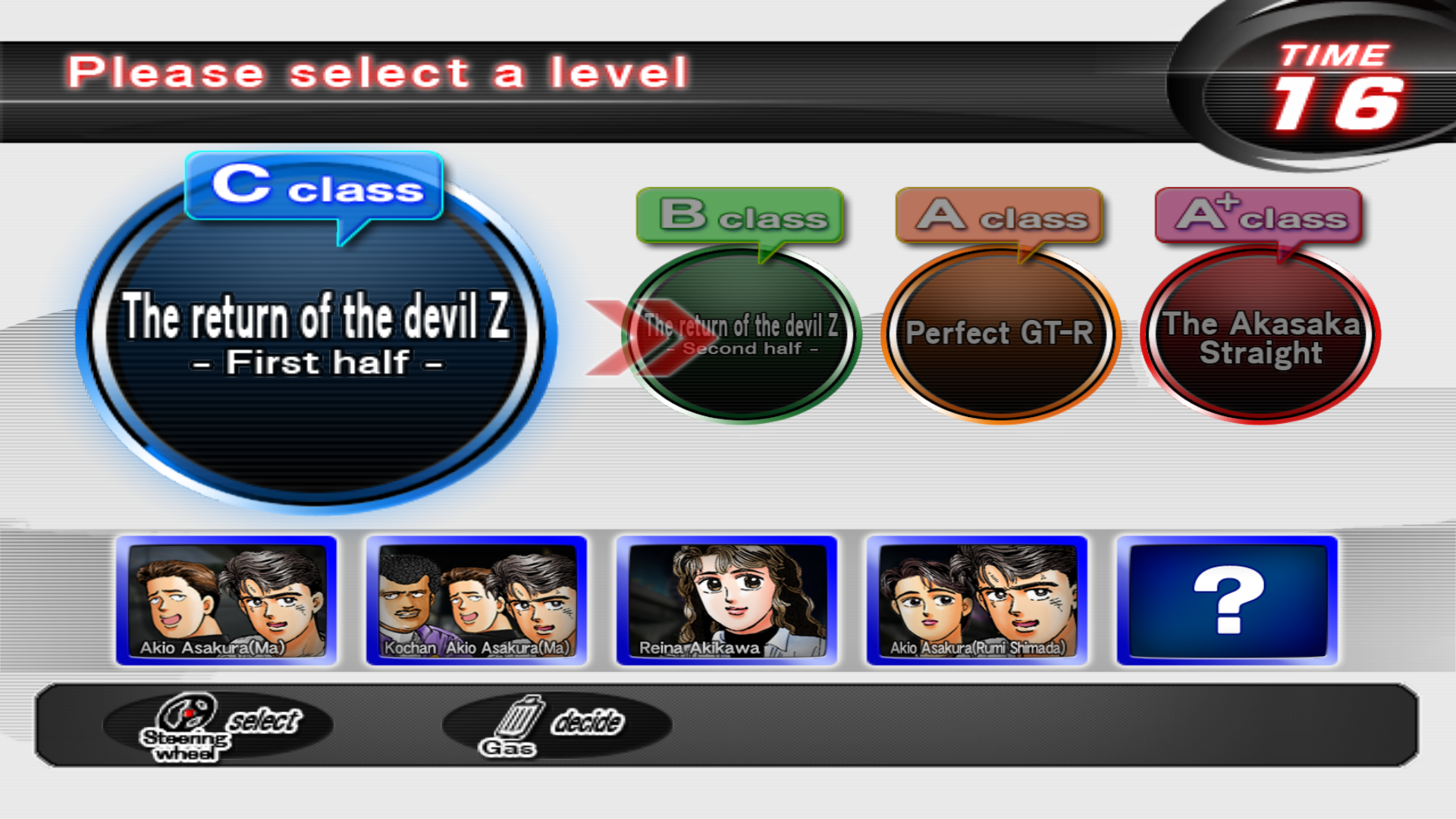
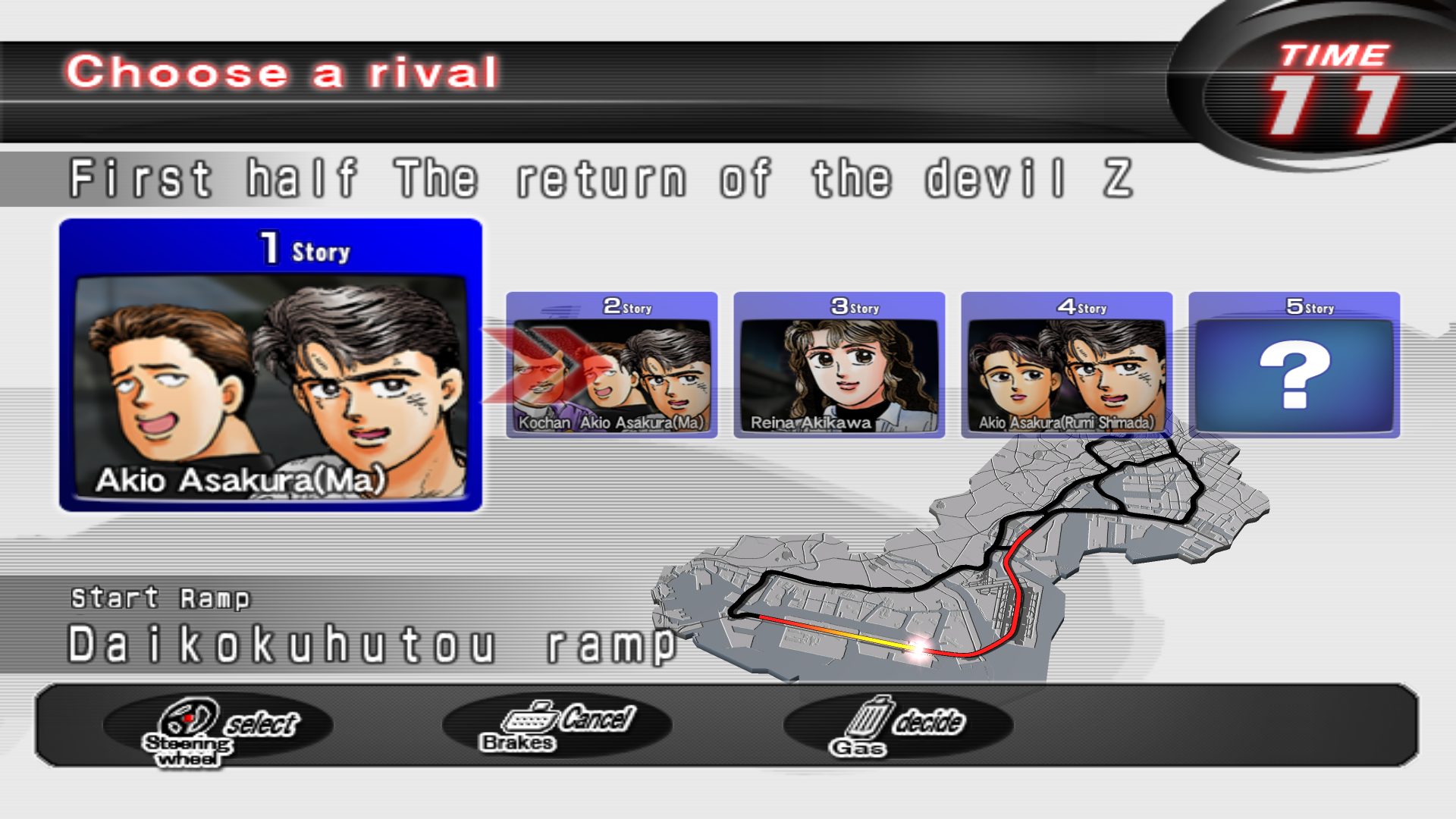
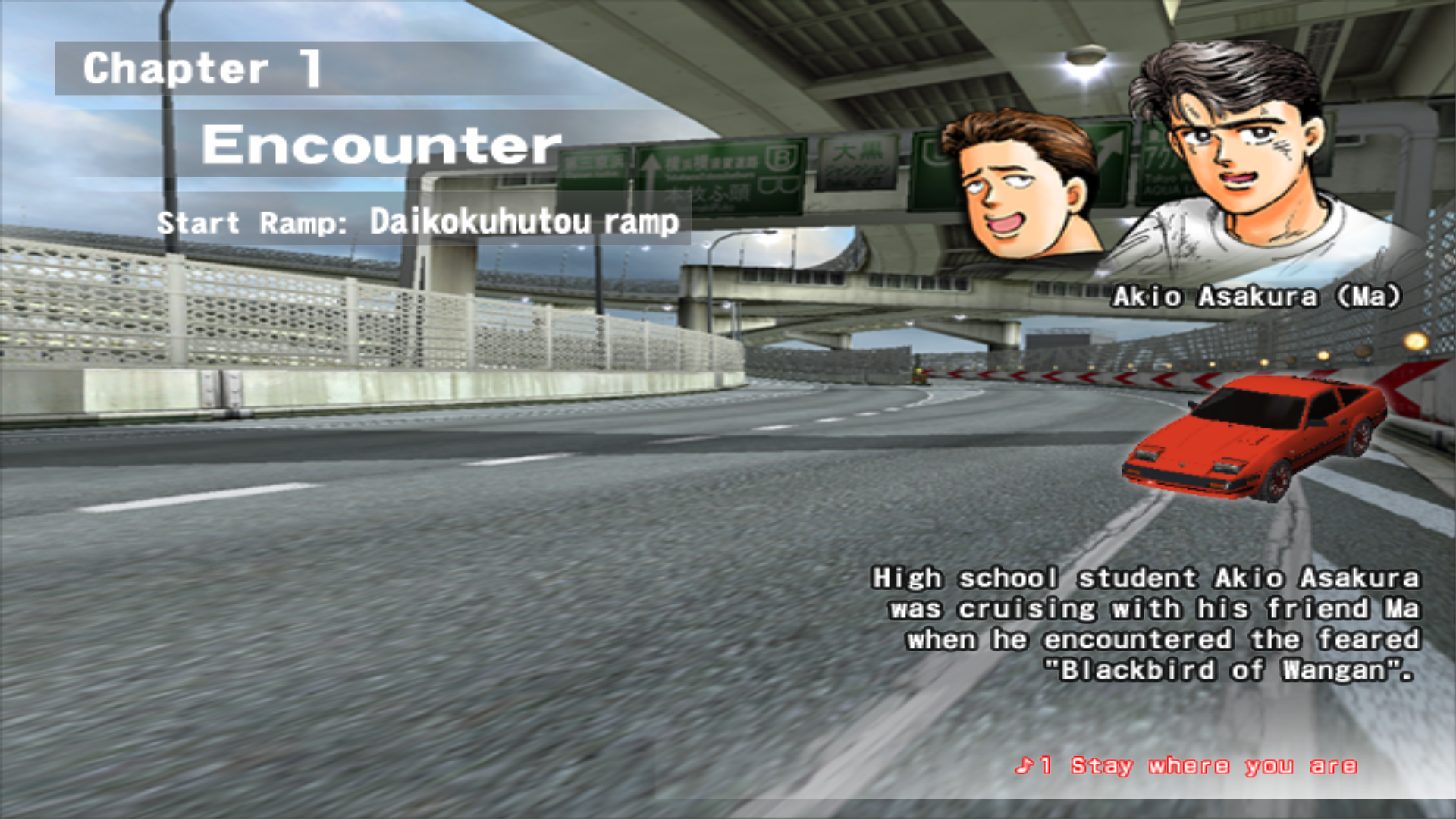
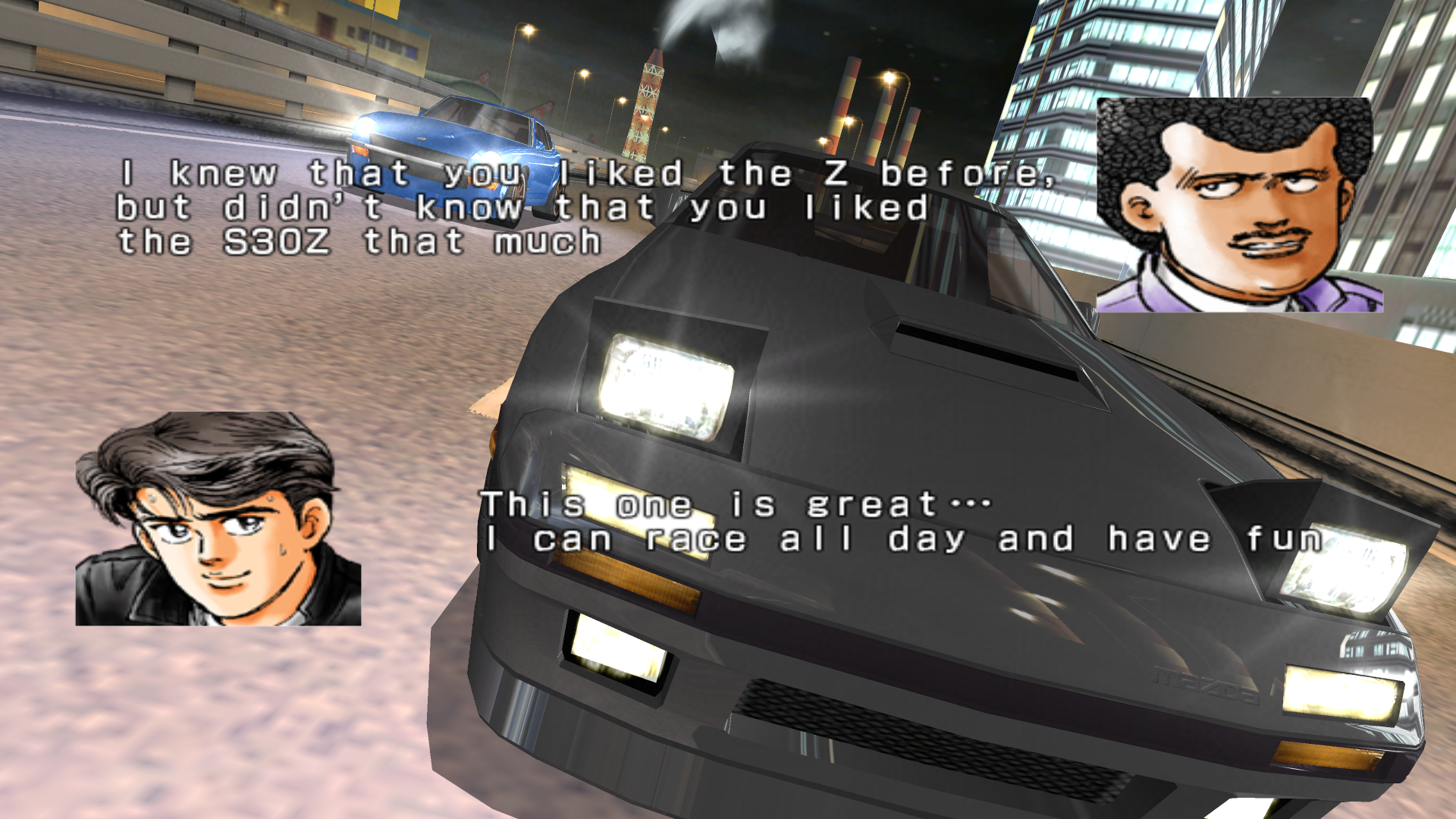
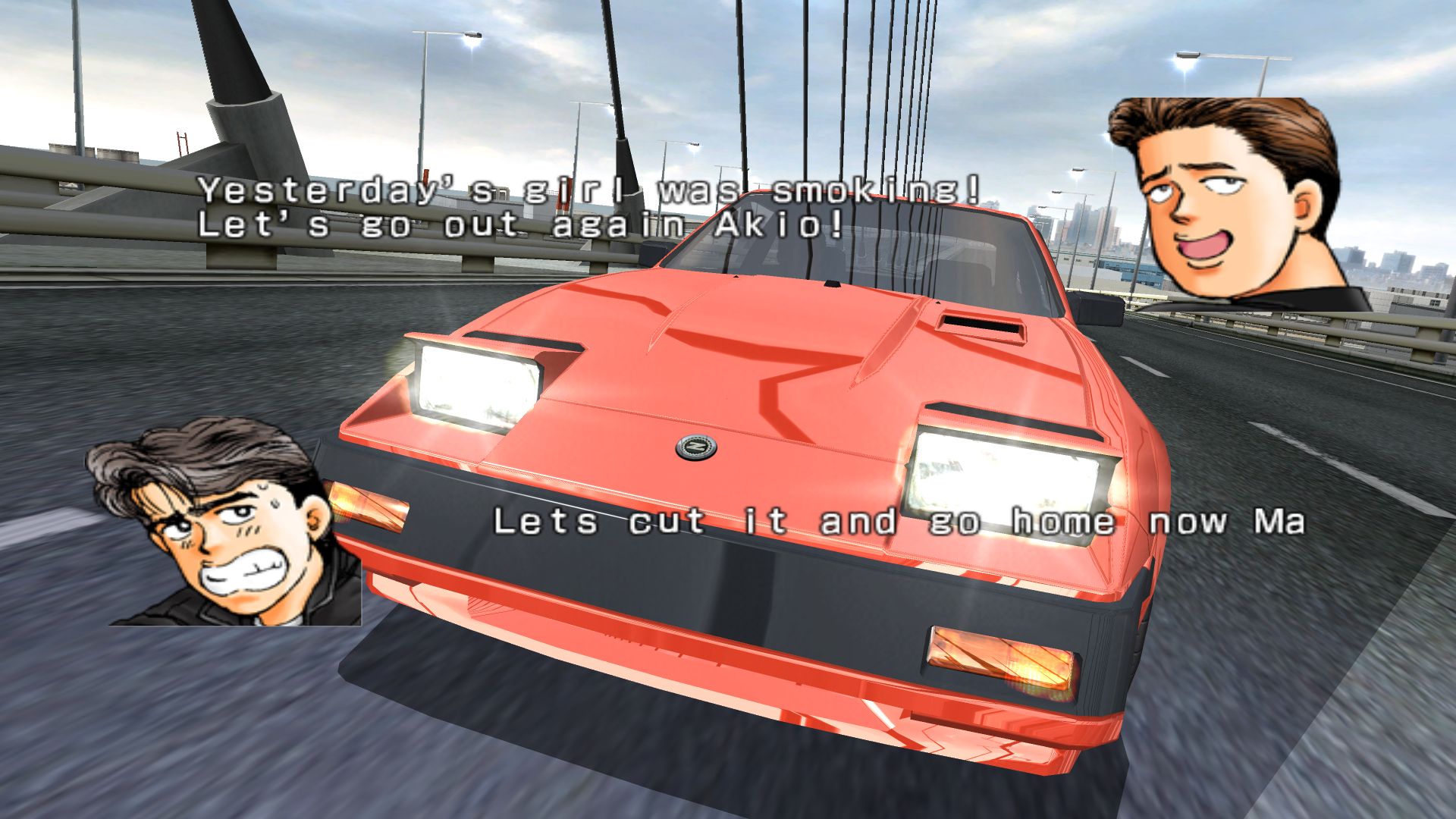
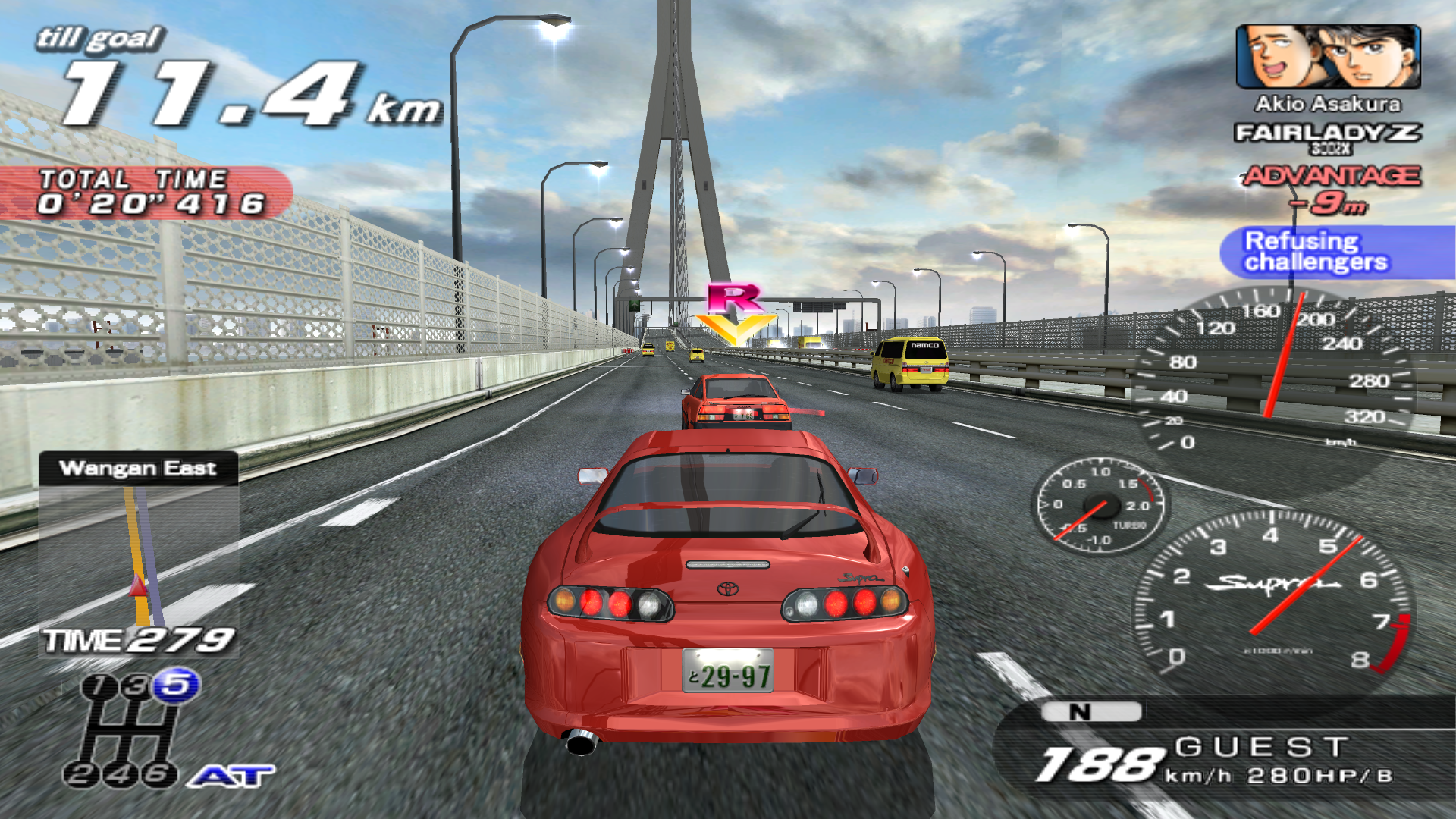
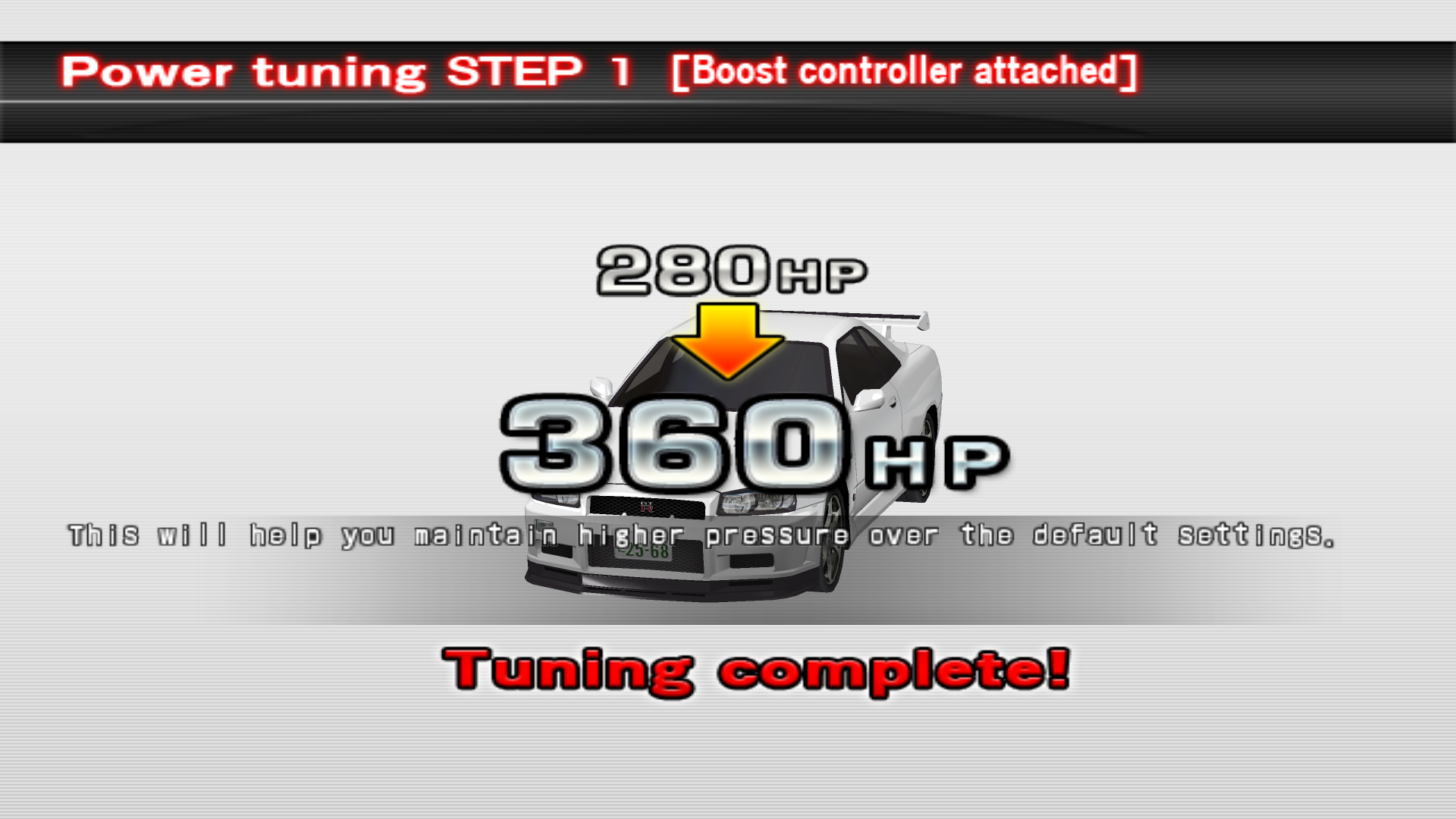
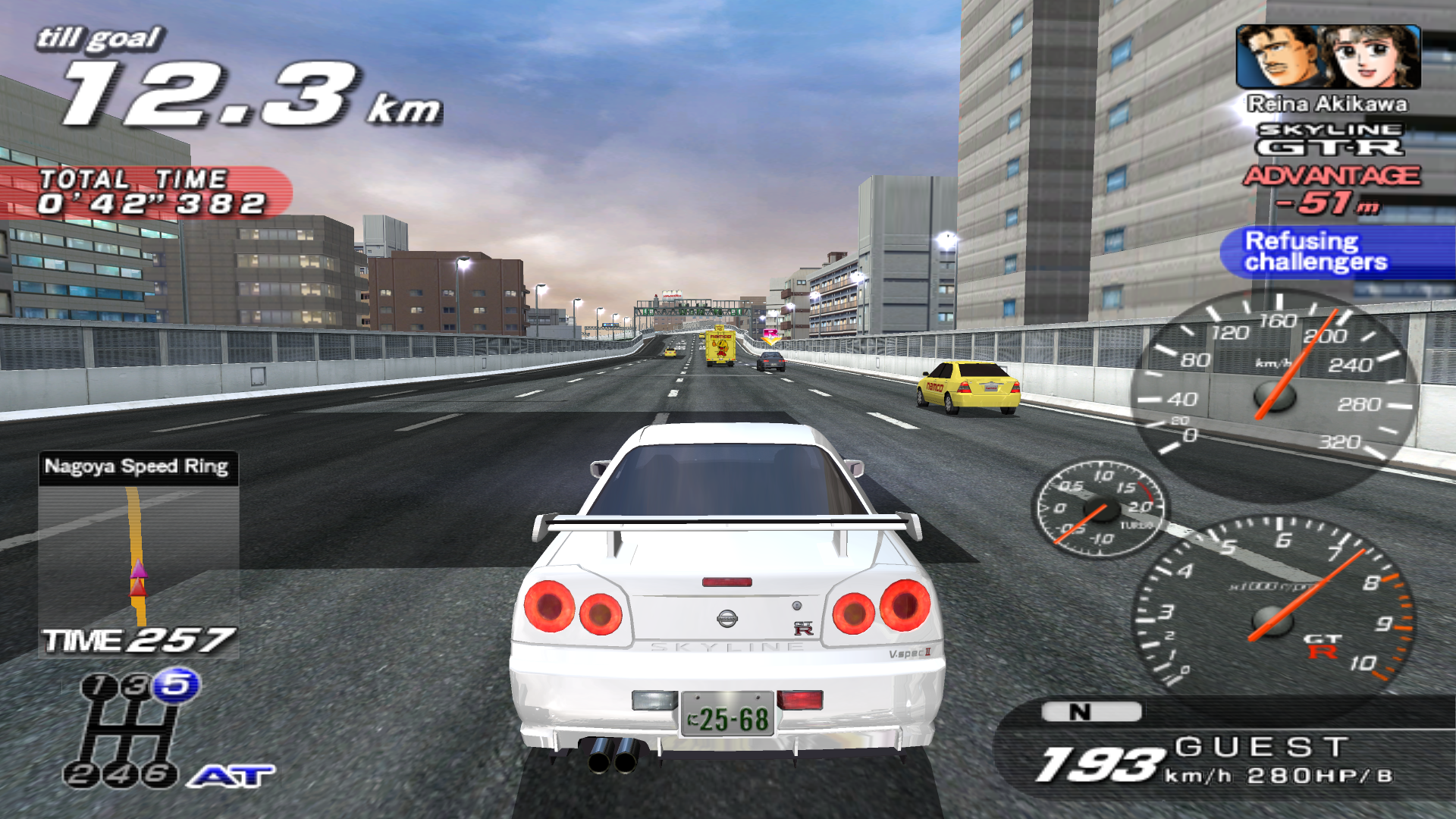
We can't have Initial D on here without Wangan Midnight too lol This seems like the best Wangan Midnight game to add since it's in English and the files aren't too huge. The ones for Maximum Tune 5 and 6 are all over 10 to 14 gb. 7-Zip was able to compress this very well and the download is less than 1/3rd of the size when extracted. The gameplay seems pretty much the same concept as Initial D. Going against rival drivers in a story mode kinda thing. The translation for the character dialogue can be a lot better than it is, but it's better than nothing.
How to Run:
- The requirements for TeknoParrot are DirectX End-User Runtimes (June 2010) and Microsoft Visual C++ 2015-2022 Redistributable
- Download TPBootstrapper from here
- Download the zip file containing the dat file from here and extract it to your Downloads folder
- Create a folder called TeknoParrot in your Downloads folder, extract TPBootstrapper and run the exe
- Tell TeknoParrot Web Installer to use the folder you just created
- Select and download (one at a time) TeknoParrot UI, TeknoParrot, TeknoParrotElfLdr2, TeknoDraw, and TeknoParrotN2
- Extract the folder from the 7z containing the game files and move it into the TeknoParrot folder
- Launch TeknoParrotUi.exe and accept its privacy policy and when asked if you'd like to set up a game say No (it pops up twice for some reason)
- Click Next, click Browse and pick the .dat file from earlier and click Next
- Skip Game Scanning and then skip Controls Setup (we'll get to that in a bit)
- Keep clicking Next and then Finish. When asked if you want to add a game say No again
- Click the 3 lines menu at the top left and click Add Game
- In the list pick Wangan Midnight Maximum Tune 3DX PLUS and click Add Game and Return
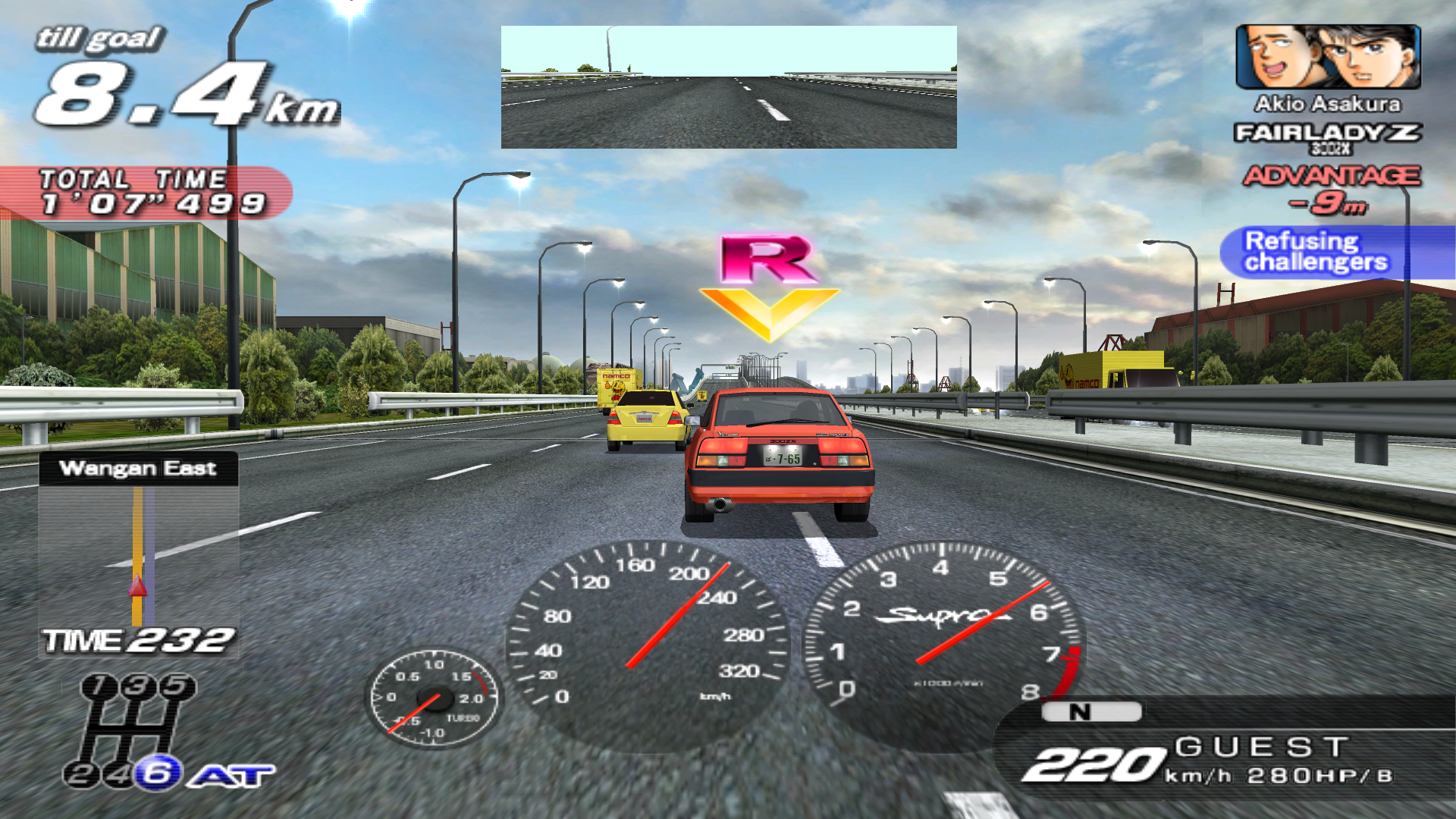
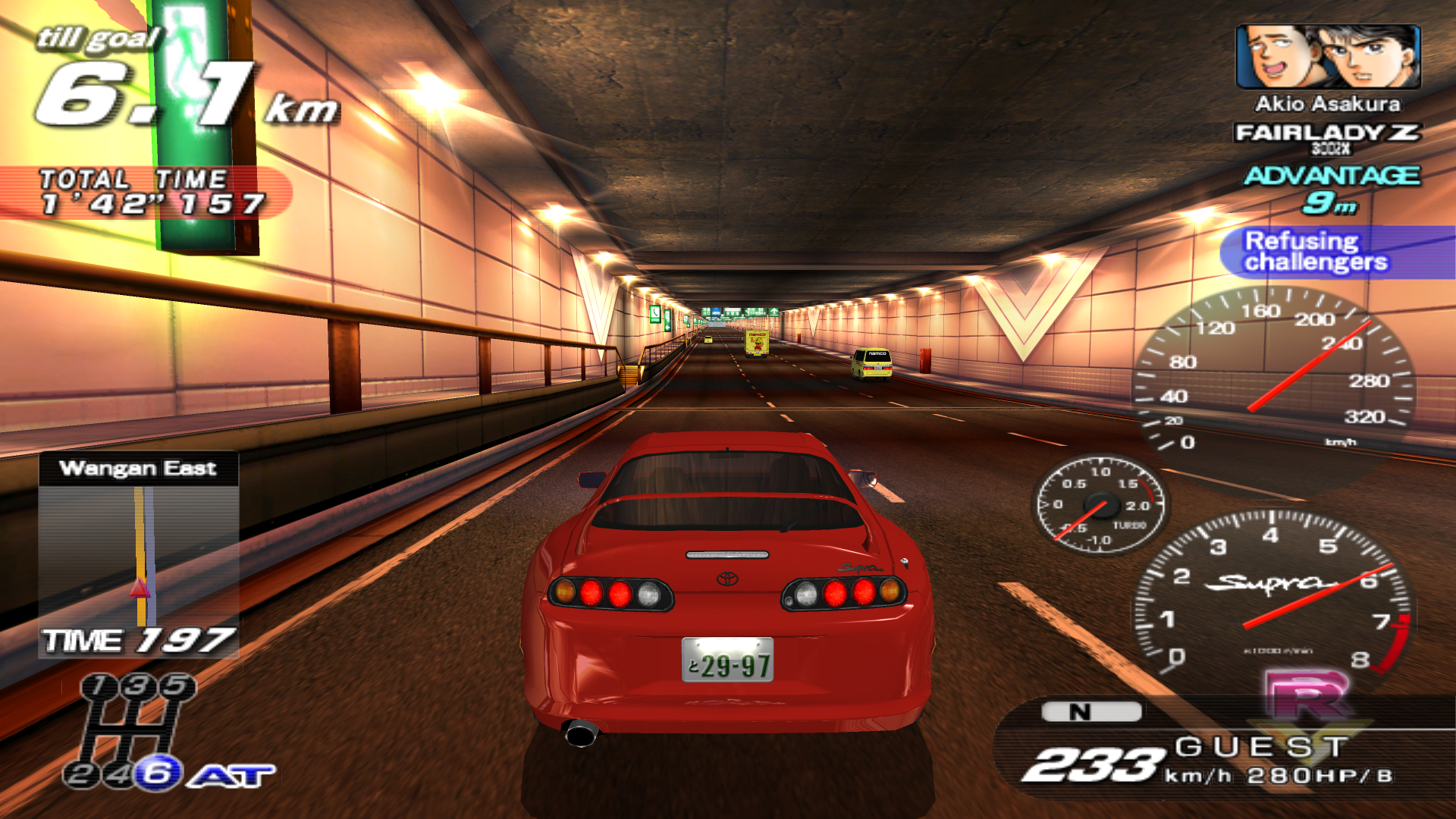
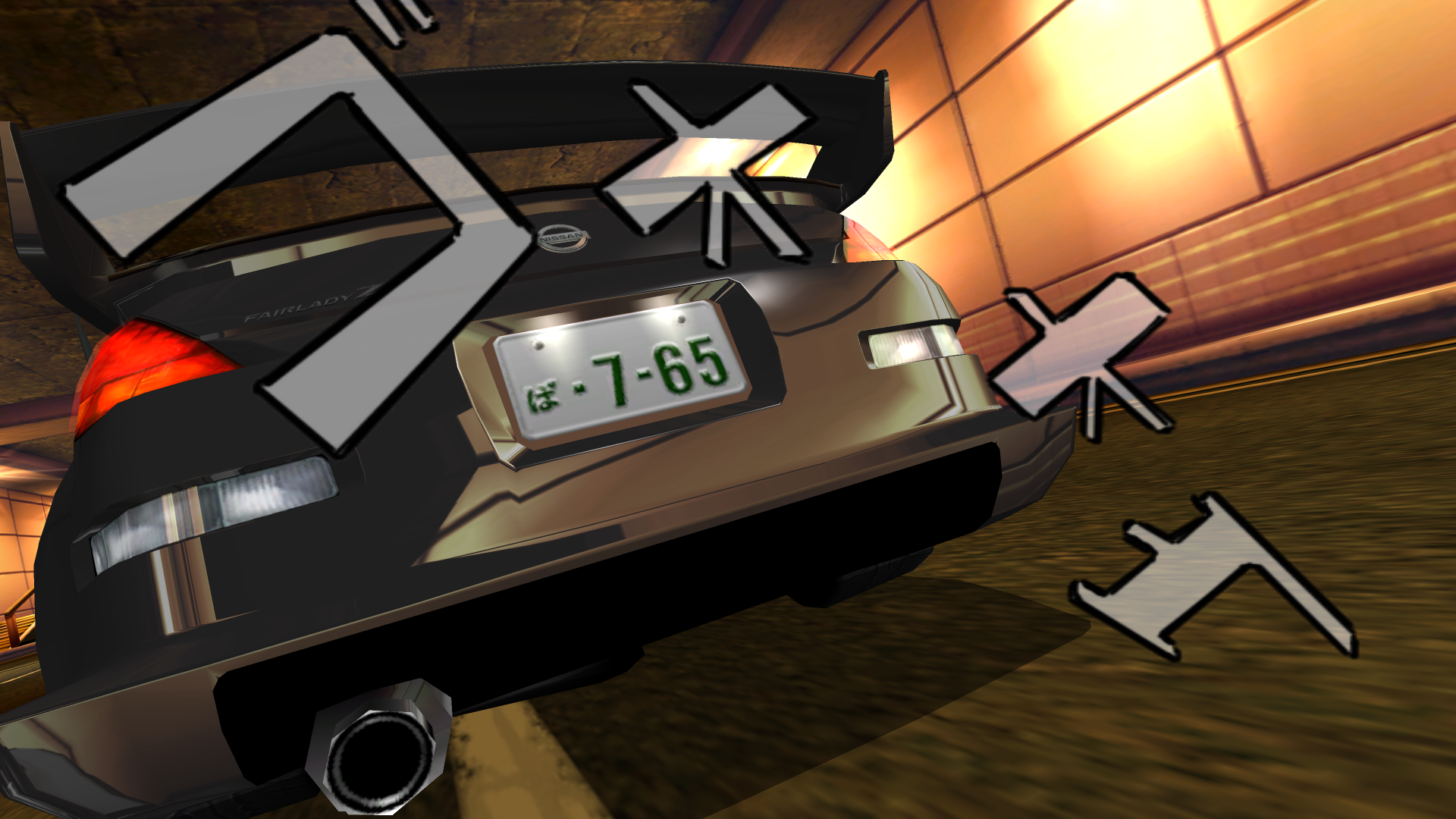
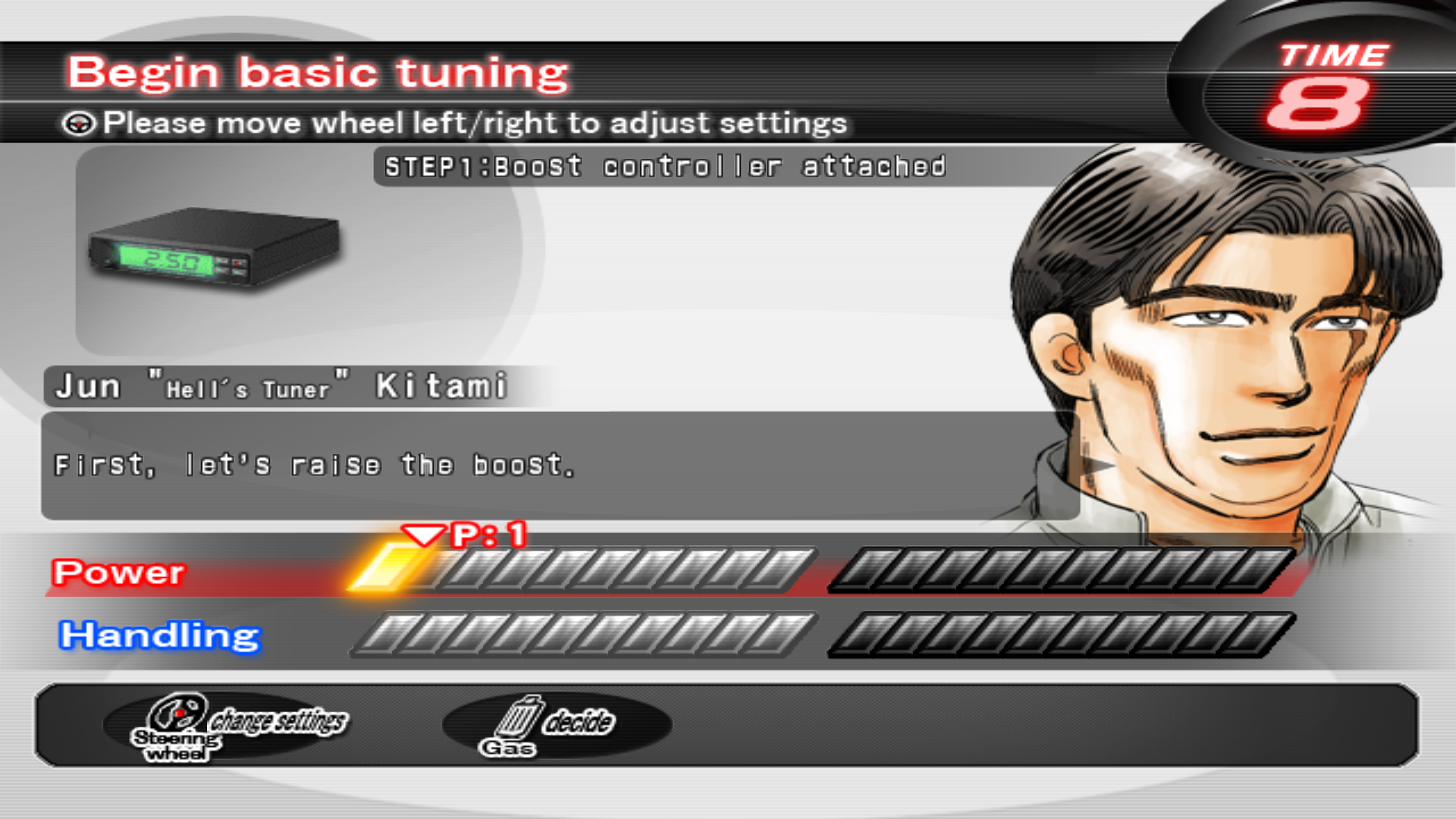
- Click Game Settings and for Game Executable choose the file named main from the game folder. This game looks fine with the default settings but for a bigger screen you can toggle off windowed and give it a custom resolution like 1920x1080p (which is what I used for the screenshots) or just make the window bigger if you don't want fullscreen
- Go back and click Controller Setup and set up the controls to how you like. (a controller is recommended for this game)
- Click Play and wait a little bit for the game to start after initializing.
- TeknoParrot will ask for you to update but it's not out of date and it just wants you to install the other modules that aren't needed for this game, so just ignore it.
Note: the card based save system this game uses to keep progress can be configured using a special software emulator for it that can be used along with TeknoParrot. I'm not quite sure how to set it up since I'm new to the concept, but there is a small guide thing about it on the TeknoParrot wiki page for Maximum Tune 3.
Game Screenshots: