| GAME INFORMATION | |
|---|---|
| Game Name | Arcturus |
| Original Title | 악튜러스 |
| Region | Japan, Korea |
| Console | Windows |
| Game Release | 2000 (26 years ago) |
| Genre | RPG |
| Publisher | Nihon Falcom |
| Developer | Gravity, Sonnori |
| Languages | English Patched |
| Image Format | ISO, Windows Binary (.exe) |
| Downloads | 2,836 |
| Users Score | |
| Favorites | |
Game Description:
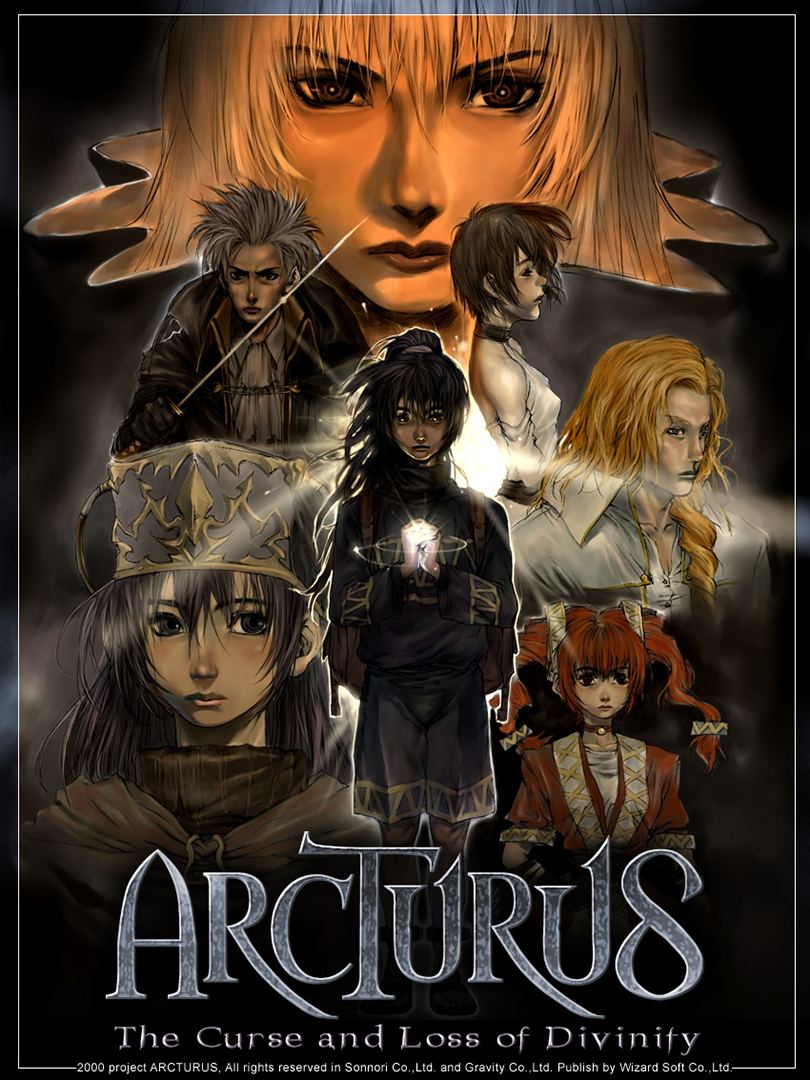
Arcturus (악튜러스) is a RPG video game published by Nihon Falcom and developed by Gravity, Sonnori released on 2000 for Microsoft Windows.
This is a popular Korean RPG that was translated and localized for Japan by Nihon Falcom on June 28, 2003. This translation is based off of that localization. There were plans to bring the game to western audiences. Those plans never came to fruition, although an official English demo exists. It's been widely speculated that this game is what helped inspire Falcom to develop Trails in the Sky.
Translation Credits:
Released by: Helly
Language: English
Status: 90% Complete (some misc. pictures with text weren't able to be worked on)
Patch Version: not numbered
Date: 30 April 2018
Source and details: https://www.romhacking.net/forum/index.php?topic=23958.0
How to Run:
- Before doing anything for the game you should install the requirements it uses. Install DirectX 8.1 from the setup in its folder and Intel Indeo Video v5.11 by its setup. That one will hang and fail to install if you don't choose custom installation and uncheck the browser plugin at the bottom (it causes it to check for Netscape browser that nobody uses anymore and gets stuck)
- Mount the DVD ISO using File Explorer or an app for that if you use one and install the game through the setup. (the default install folder to Program Files (x86) is fine)
- You may now unmount the ISO file
- Overwrite the files from the installation directory with the files from the Arcturus (30-04-2018) folder to apply the translation.
- Overwrite the files from the data folder in the installation directory with the files from the data folder. (this fixes some broken graphics and stuff)
- Set compatibility mode to Windows XP (Service Pack 2) for both game .exe or the game config tool won't work correctly.
- Open Arcturus.exe and choose the second option to open hardware config. Pick 1280x1024 as the resolution but leave everything else the same (unless you want to filter sprites) and click Ok
- If using a display scale higher than 100% (such as 125% or 150%) change it back down in Windows display settings. If not, the scale will cut off the screen and not display correctly.
- Launch the game using ArcExe.exe and not through the first option in Arcturus.exe I patched the ArcExe.exe to not require the DVD inserted to be able to run since after you have everything perfect you no longer need it. Arcturus.exe still expects the DVD to be inserted and won't launch through that if it's not inserted.
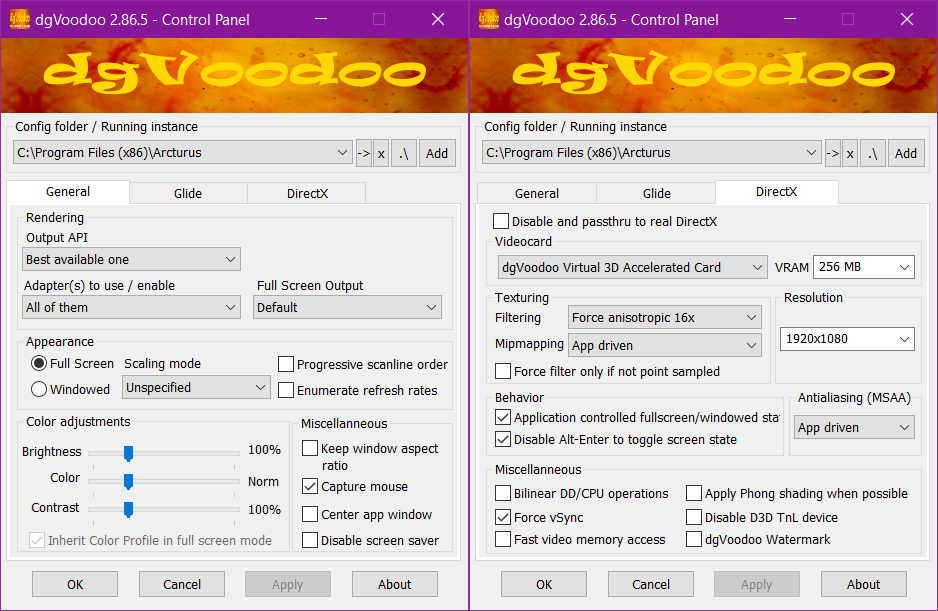
Note: Follow this post by The_Real_Thing for how to get this game looking nice in 1920x1080p. I included a screenshot of my config to show how to get this game working in 1080p through it. You don't need to have anisotropic filtering or v-sync enabled, but the other options are needed to achieve the correct resolution output to 1920x1080.
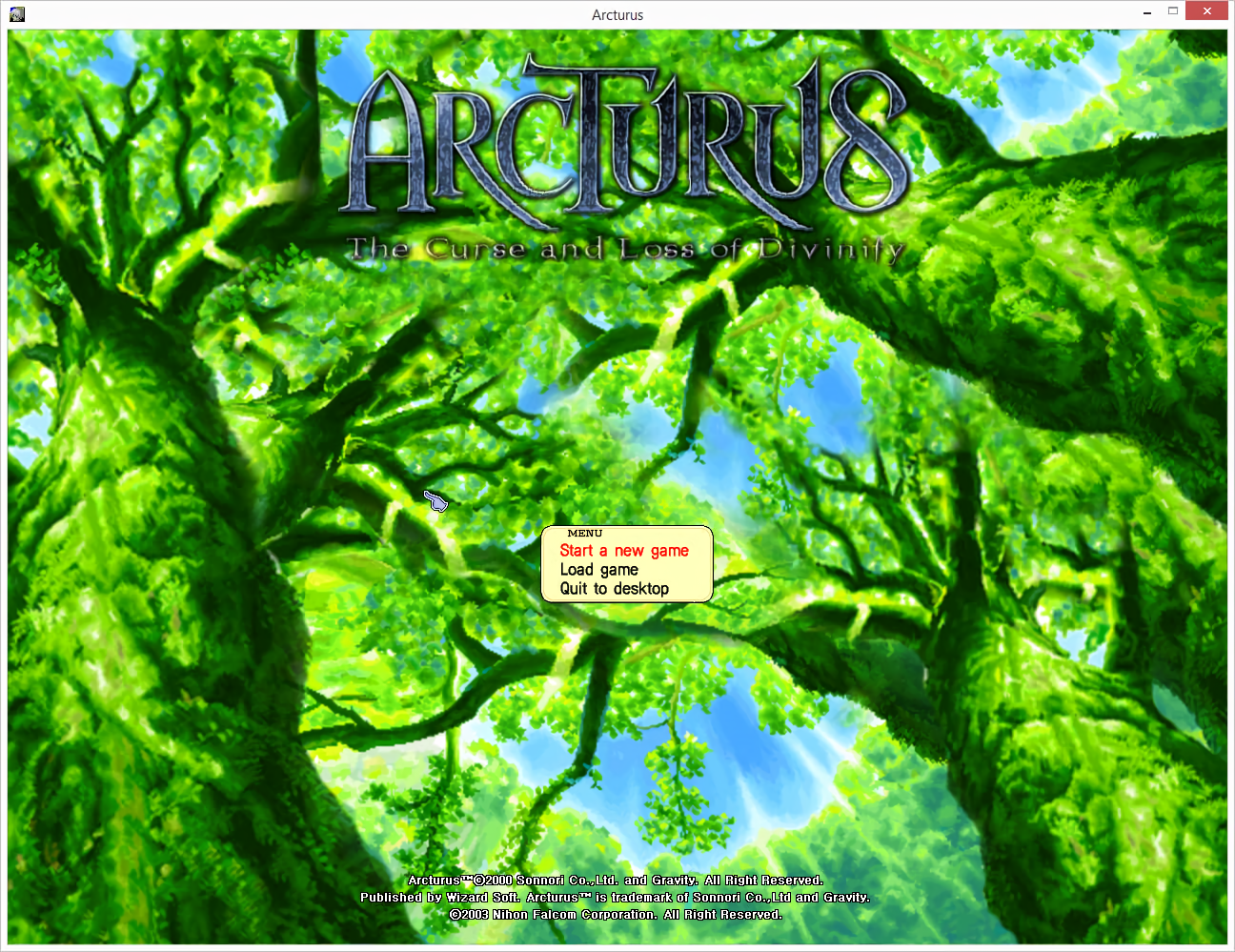
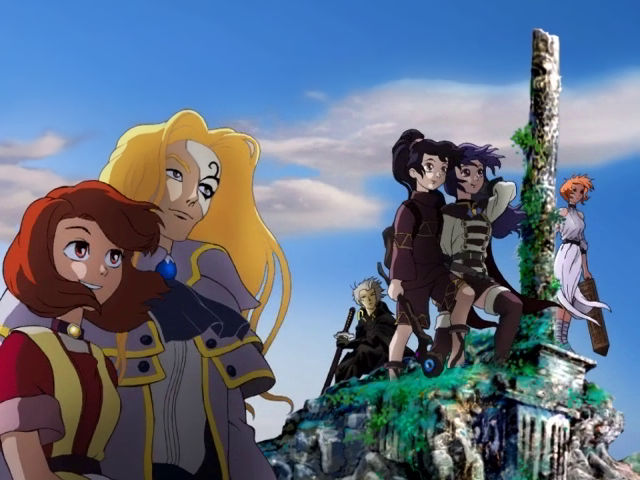
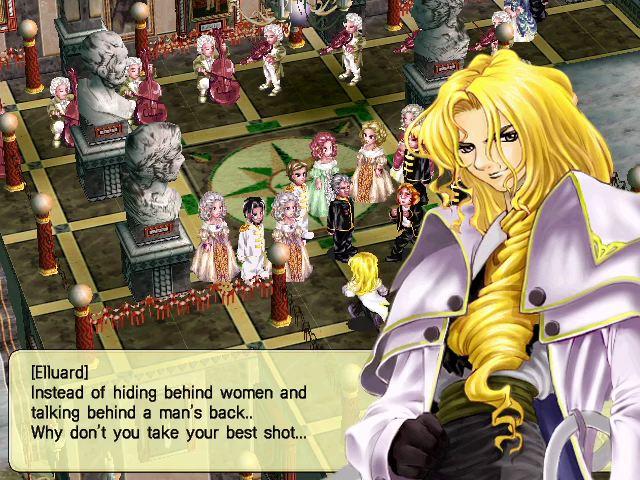
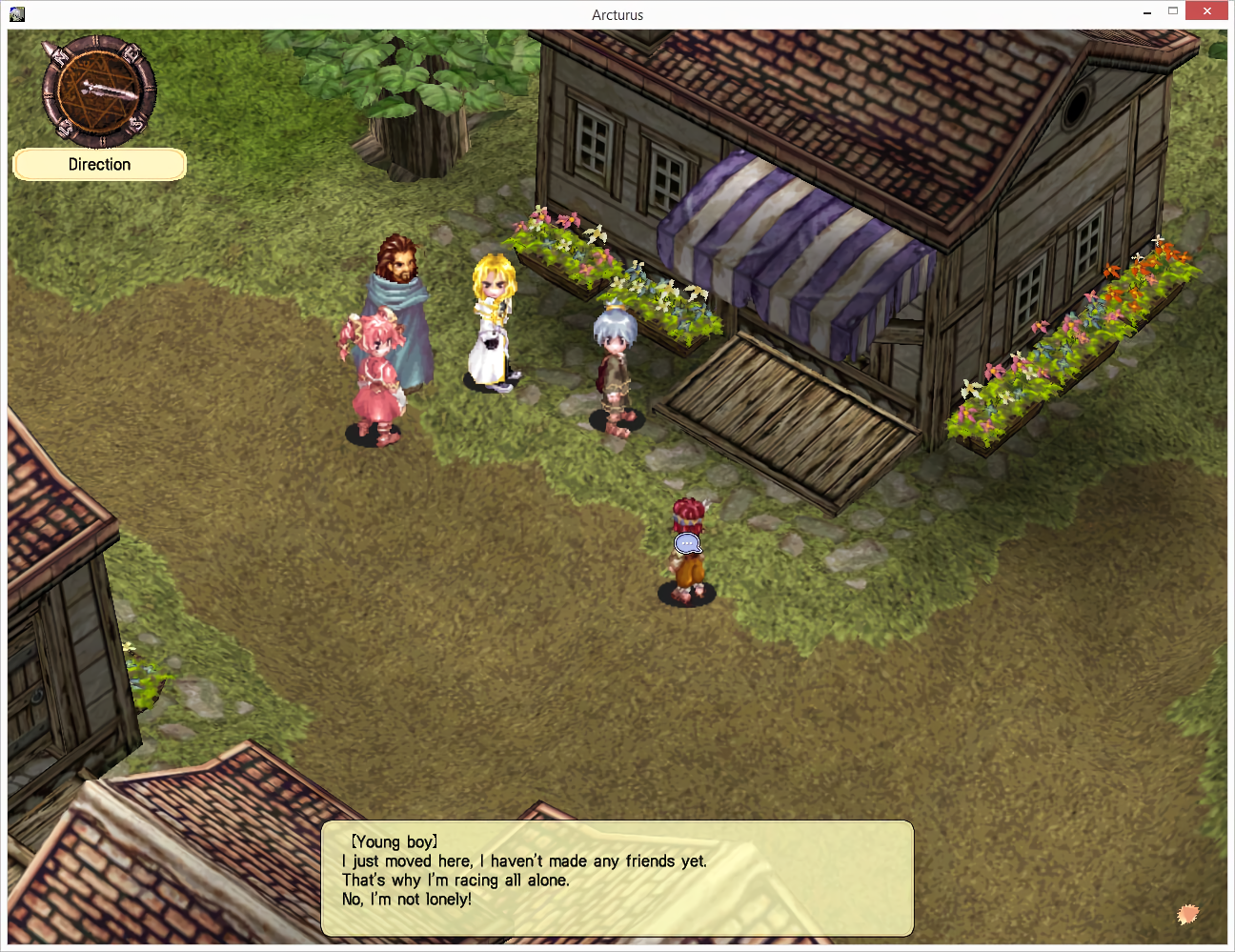
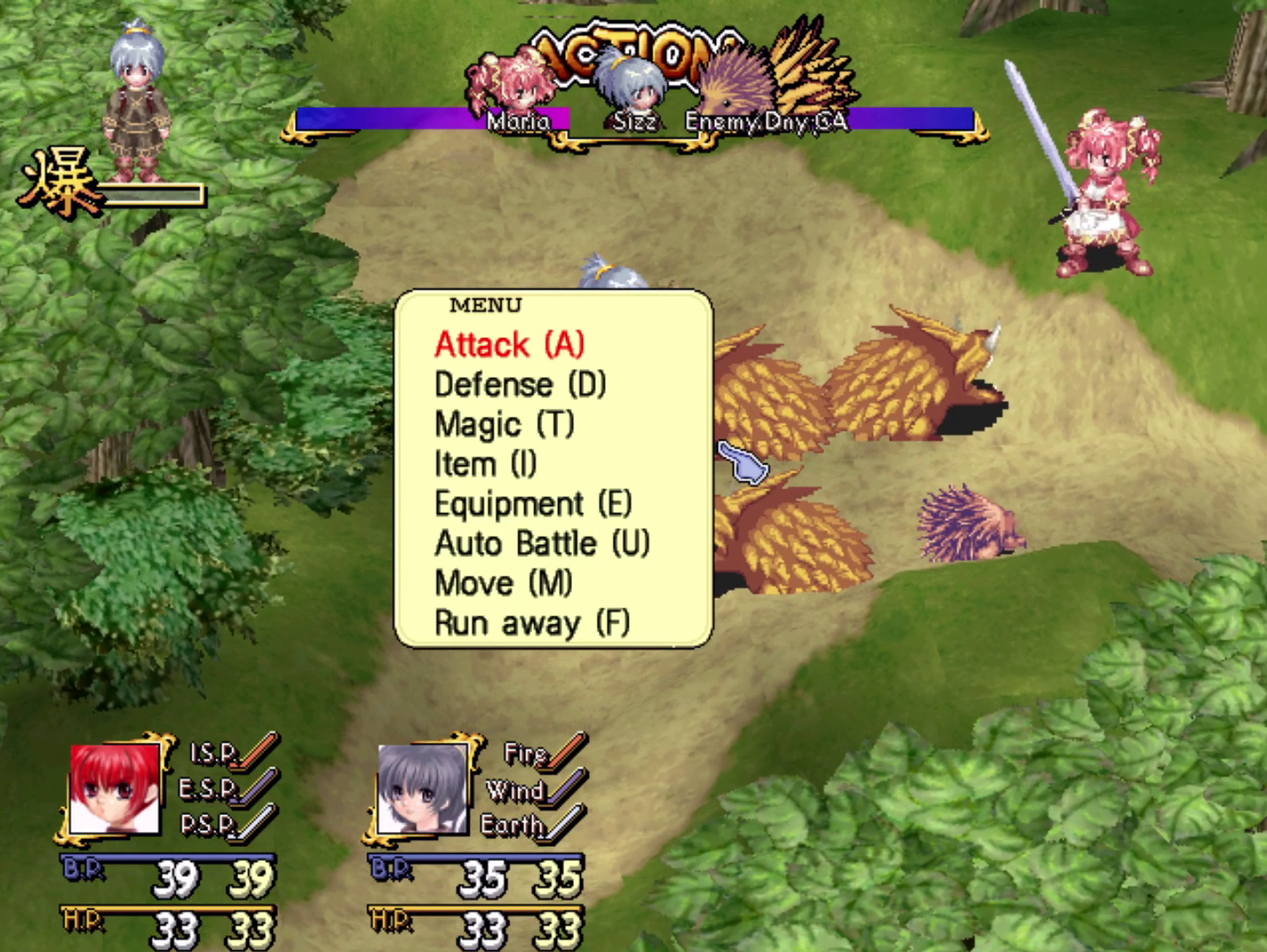
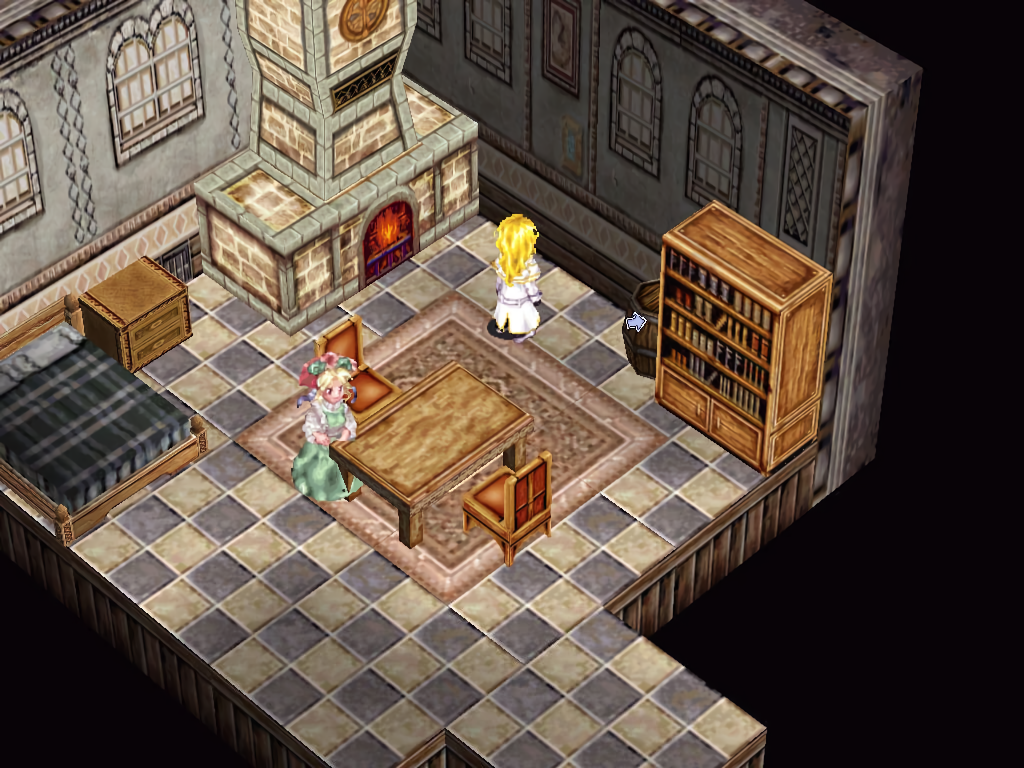
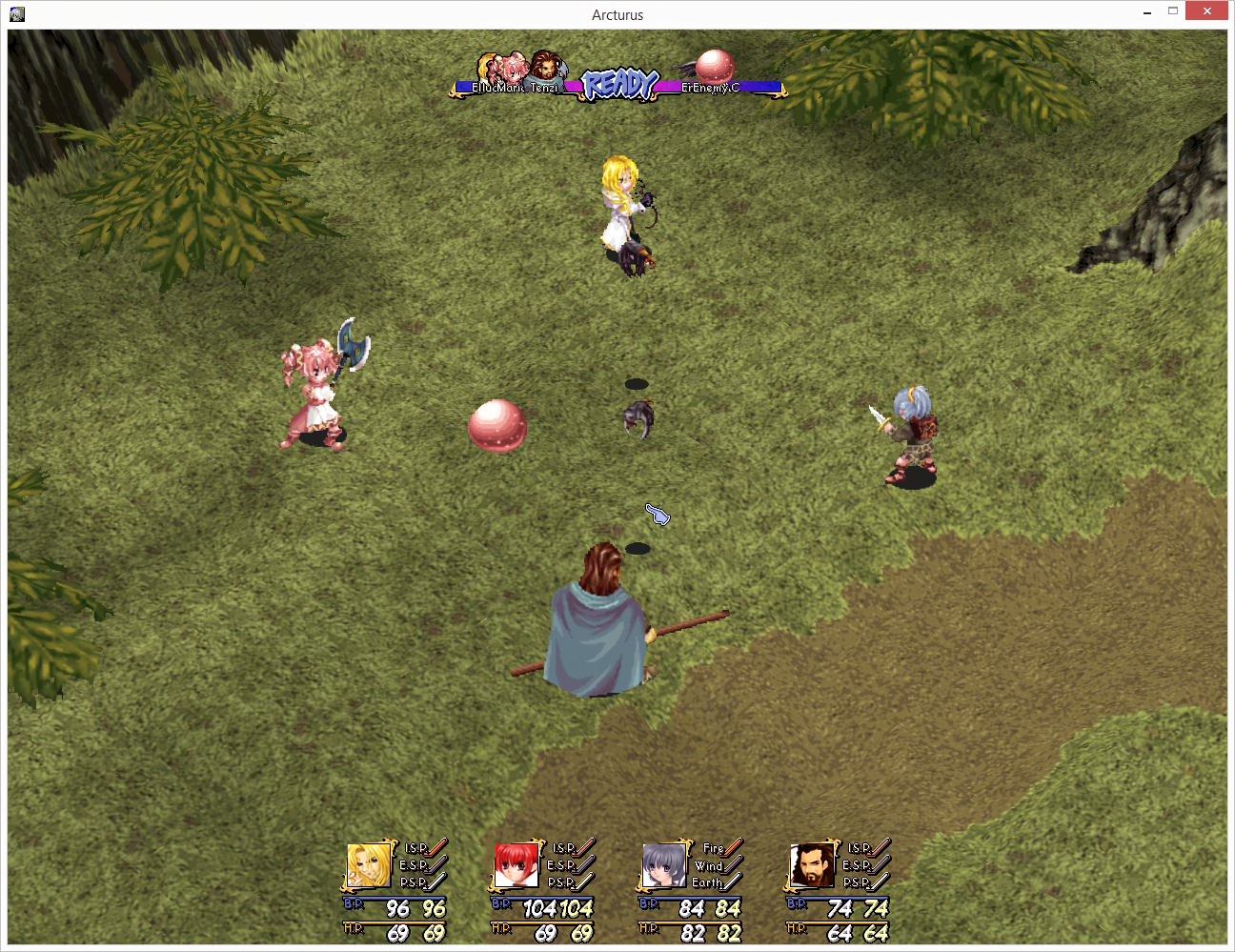
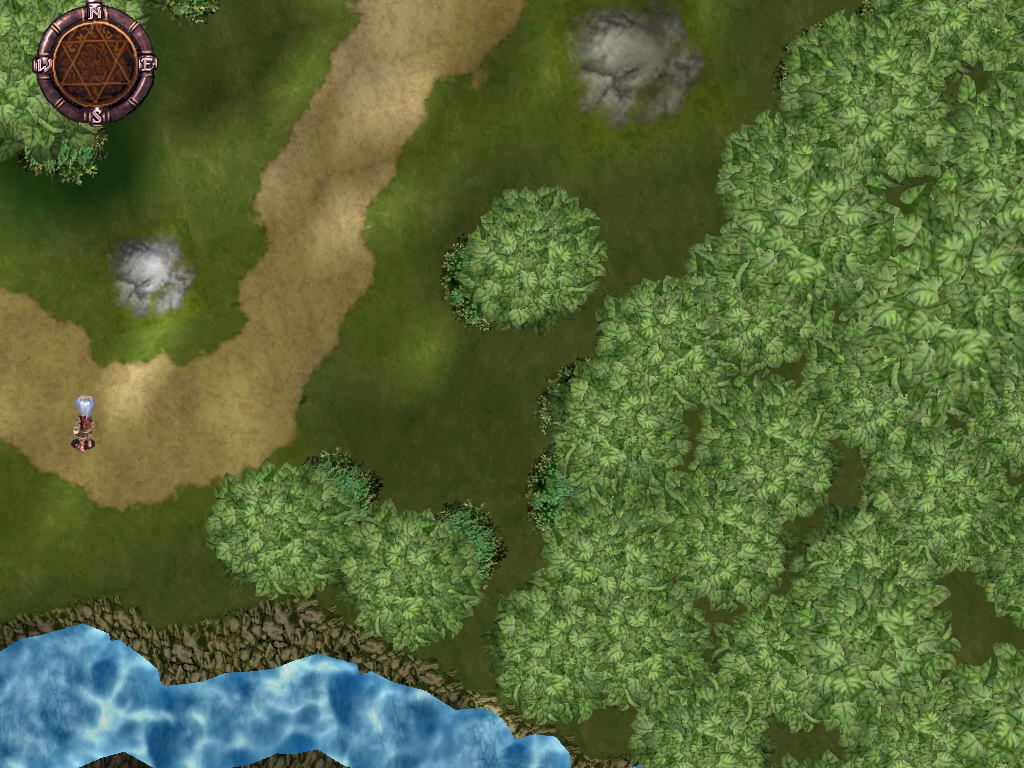
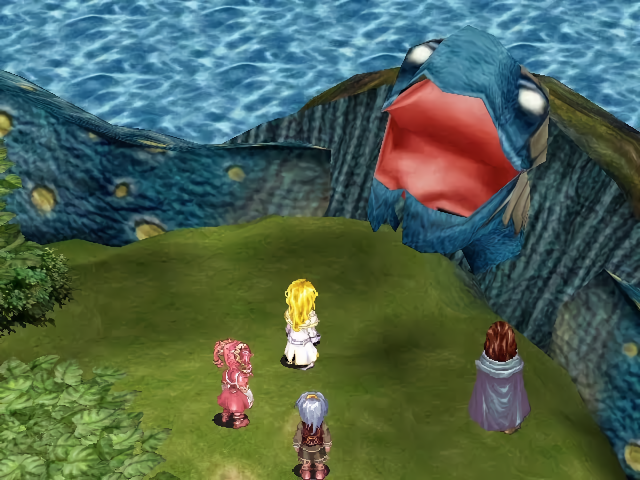
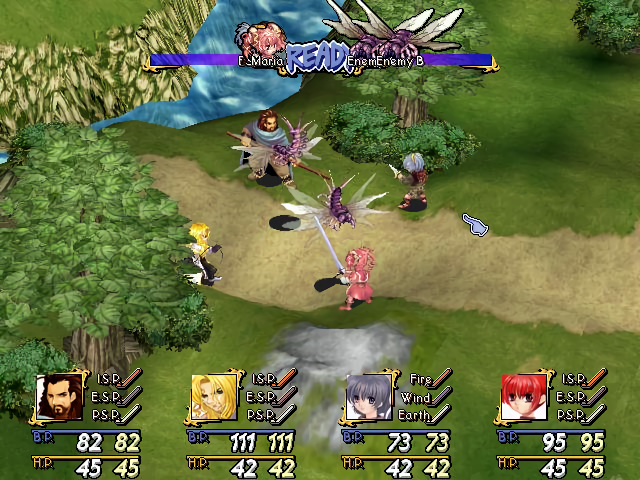
Game Screenshots: