| GAME INFORMATION | |
|---|---|
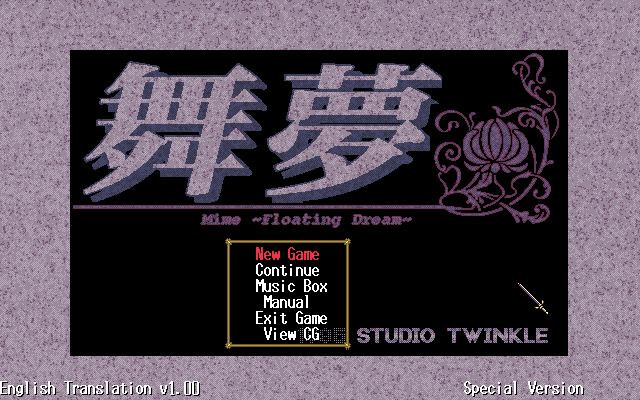
| Game Name | Mime - Floating Dream |
| Original Title | 舞夢 |
| Region | Japan |
| Console | PC-98 |
| Category | Adult Content |
| Game Release | 1995-09-29 (30 years ago) |
| Genre | Dungeon Crawler, RPG |
| Publisher | Studio Twinkle |
| Developer | Studio Twinkle |
| Languages | English Patched |
| Image Format | .hdi |
| Downloads | 551 |
| Users Score | |
Game Description:
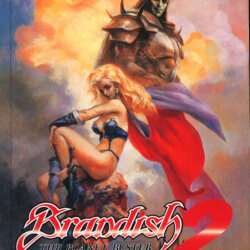
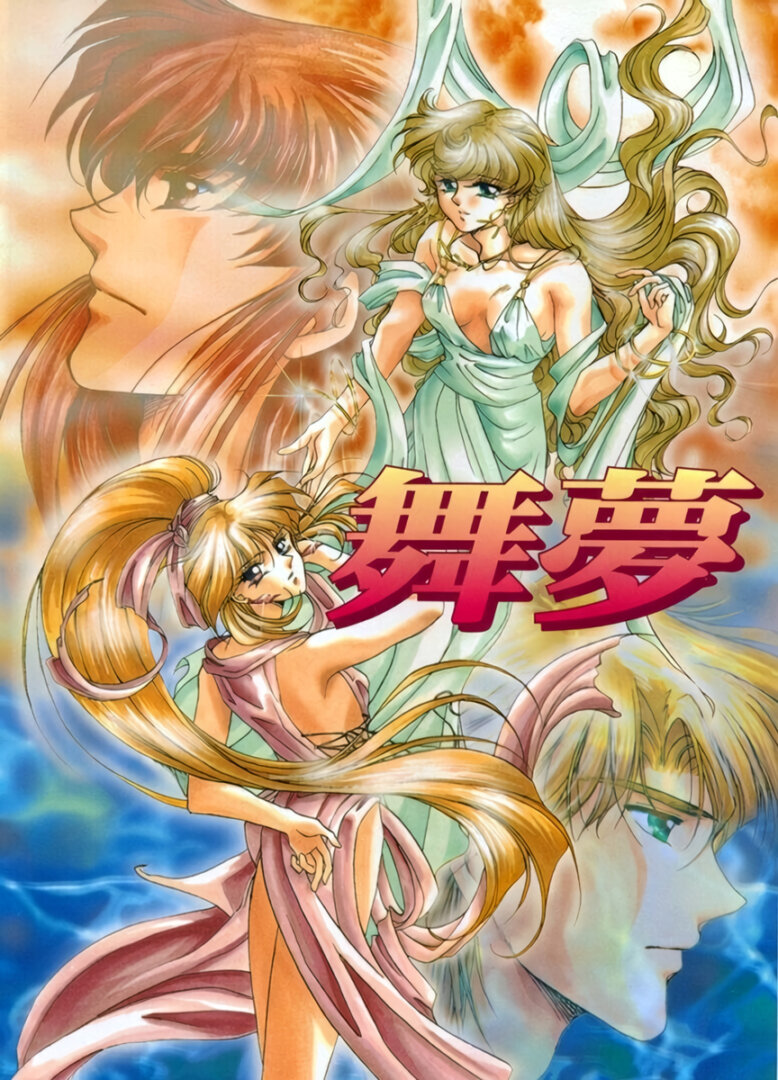
Mime - Floating Dream (舞夢) is a Dungeon Crawler/RPG video game published by Studio Twinkle and developed by Studio Twinkle released on September 29th, 1995 for the PC-98.
Warning: Explicit content and adult themes.
This game has adult content, but it's entirely optional if you never go into the room that triggers it. Although if you do go to that area of the game it adds a nice feeling of accomplishment since in order to trigger the event scenes you have to find special hidden items located in each maze.
Translation Credits:
Released by: Valley Bell
Language: English
Status: Fully Translated
Patch Version: v1.00
Date: 01 May 2025
Source and details: https://romhack.ing/database/content/entry/AjCUMkpmSjyuyC2B90szzA/mime-floating-dream-english-translation/
Emulation Guide:
I highly recommend the emulator Neko Project 21/W for playing on Windows. It's the most feature complete emulator for the NEC PC-9801 and is in active development receiving frequent updates. Use this guide for help on how to obtain and configure the emulator.
This game is mostly controlled by the arrow keys and mouse, but can be played entirely with a controller. To enable joypad support in the emulator go to Device -> Sound option... -> JoyPad and check the box Use JoyPad-1. The left joystick will control both the arrow keys and cursor movement. A = Left click B = Right click X and Y are the same but reversed. Press B or X to cycle through the menu ui and pick the talk or look icons to switch the joystick to cursor mode or sword icon to control arrow keys. If you would like to use the mouse instead press F12 for the emulator to capture the mouse cursor. Like many applications you can press Alt + Enter to go fullscreen.
This game has support for either FM or MIDI music. I personally dislike the FM synth tracks. I recommend using CoolSoft's VirtualMIDISynth and MIDIMapper and find a good soundfont like the Arachno or Roland SC-55 soundfonts. Configure those apps and point them to which soundfont you prefer. In the emulator go to Device -> MIDI Option... and pick CoolSoft MIDIMapper from the MIDI-OUT dropdown. Unfortunately, it's impossible to locate a soundfont that sounds like how the midi tracks sound in the official OST CD but it's still better than nothing.
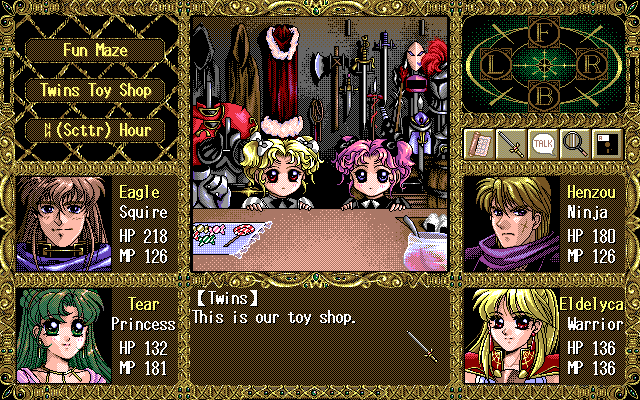
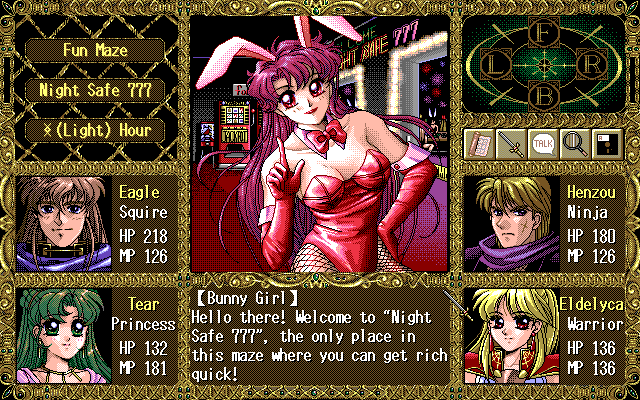
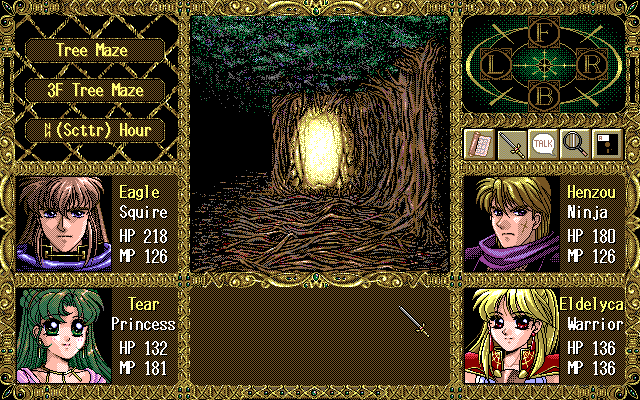
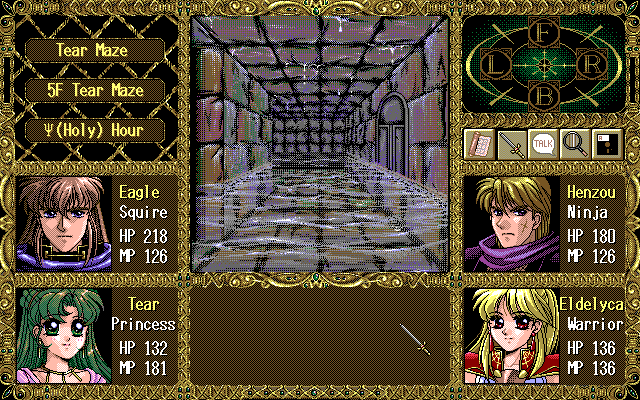
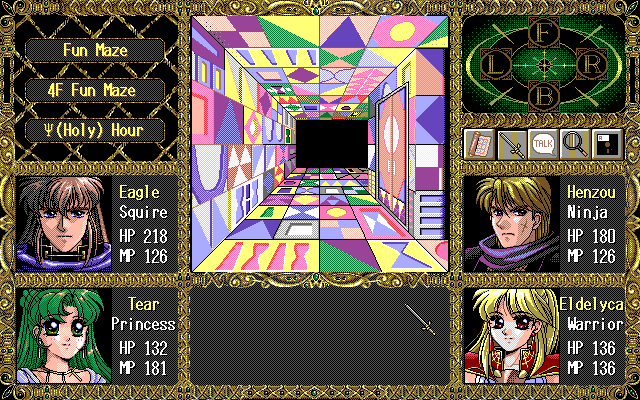
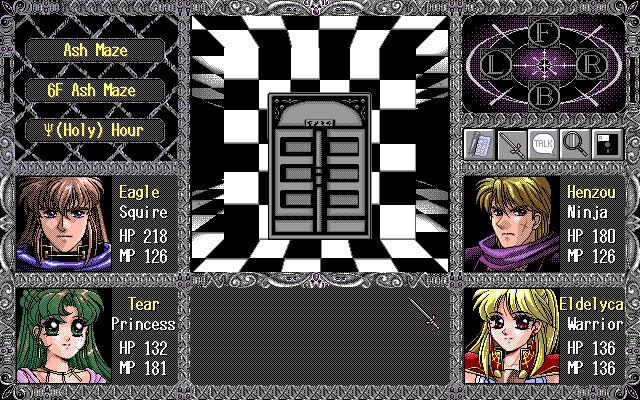
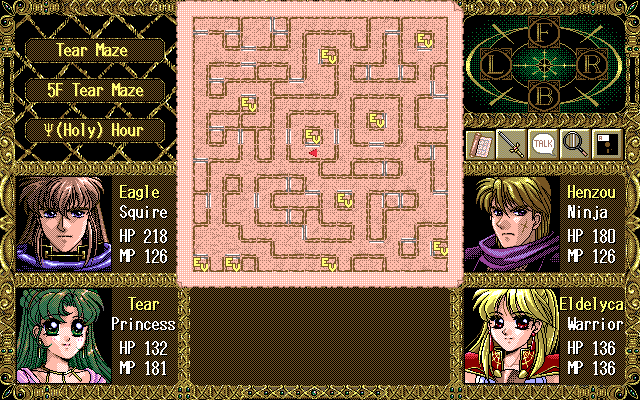
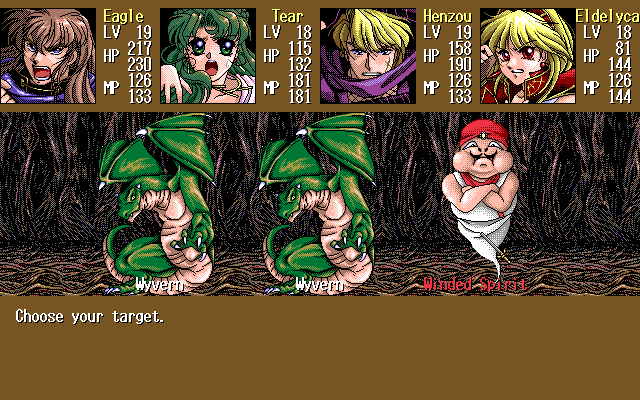
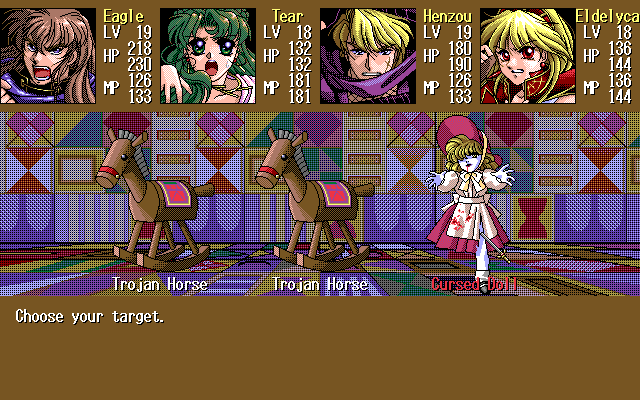
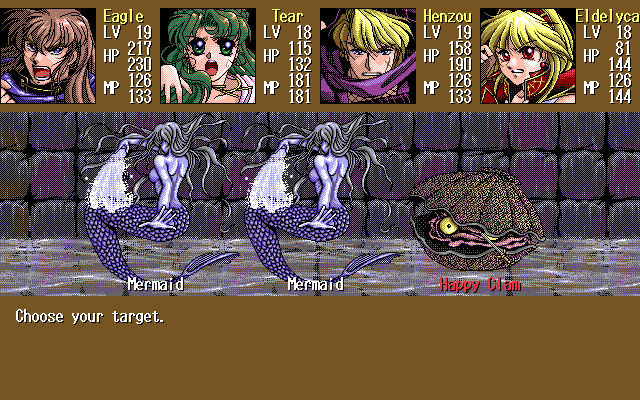
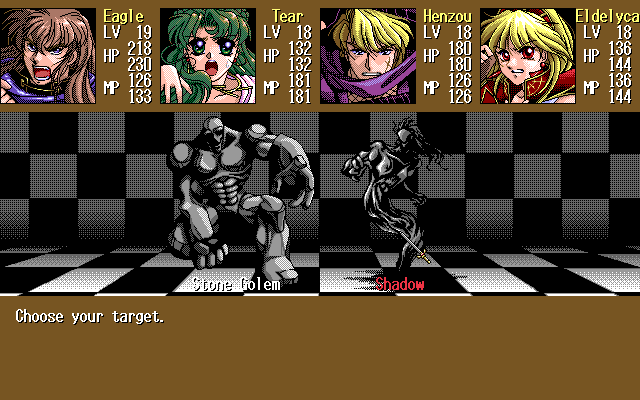
Game Screenshots:
This game contains adult content, click to reveal screenshots. By performing this action you confirm you are an adult.▶