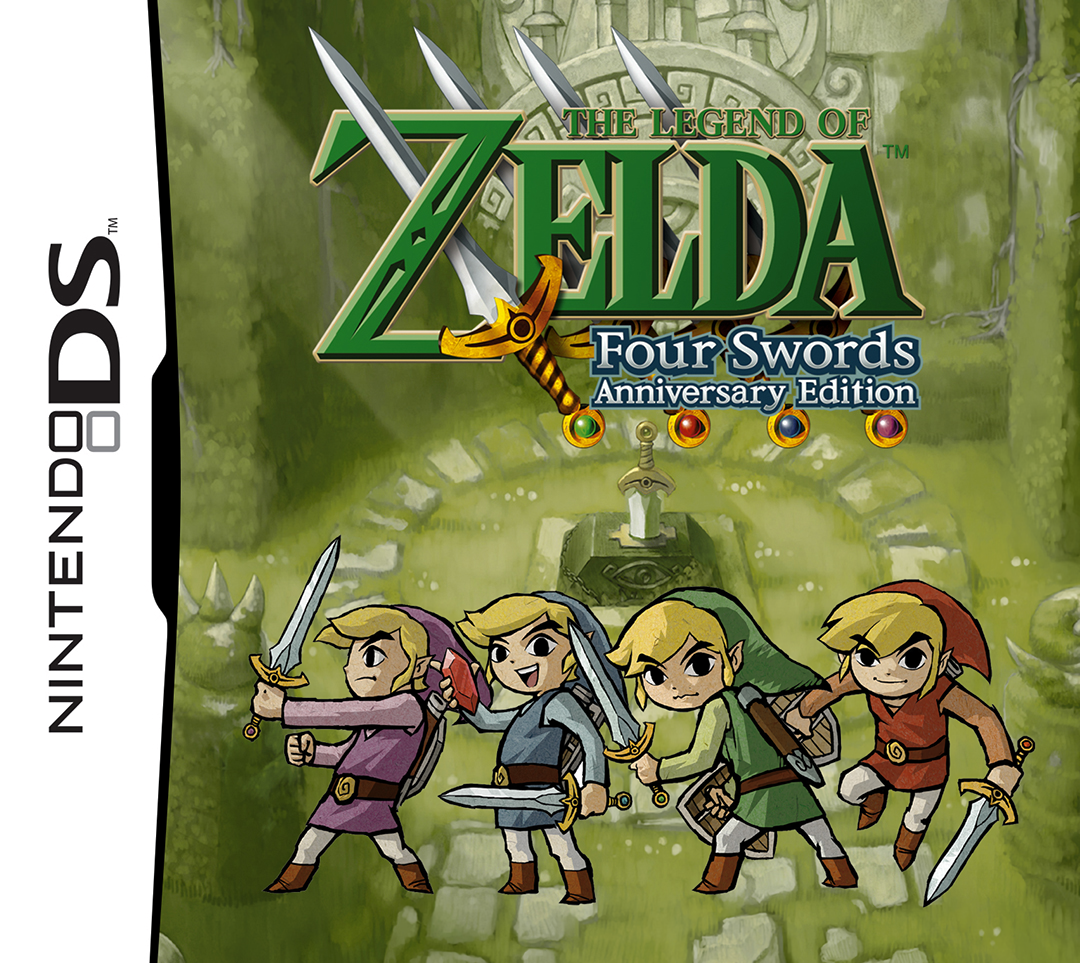
| GAME INFORMATION | |
|---|---|
| Game Name | The Legend of Zelda: Four Swords Anniversary Edition |
| Original Title | ゼルダの伝説 4つの剣 25周年記念エディション |
| Region | World |
| Console | DS |
| Game Release | 2011-09-28 (14 years ago) |
| Genre | Action RPG |
| Publisher | N |
| Developer | GREZZO |
| Languages | English, French, German, Italian, Japanese, Spanish |
| Image Format | .nds |
| Downloads | 2,926 |
| Users Score | |
| Favorites | |
Game Description:
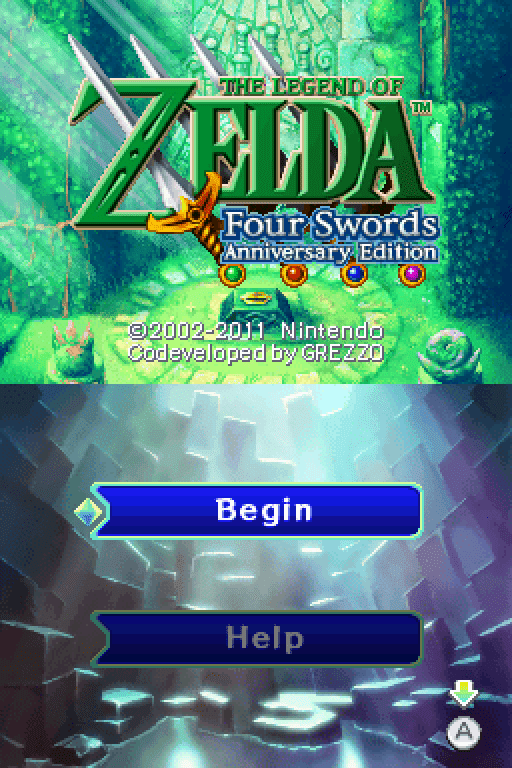
The Legend of Zelda: Four Swords Anniversary Edition (ゼルダの伝説 4つの剣 25周年記念エディション) is a Action RPG video game published by N and developed by GREZZO released on September 28th, 2011 for the DS.
This is an enhanced remake of The Legend of Zelda: Four Swords GBA game for DSiWare released completely for free to celebrate the 25th anniversary of the series from September 28th, 2011 to February 20th, 2012 when it was available for download from the DSi Shop.
It was available again for download from January 30th to February 2nd, 2014 in North America on the eShop to celebrate the success and release of A Link Between Worlds for 3DS. Currently there's no official way to download the game and it can only be found online at sites like Internet Archive and hShop.
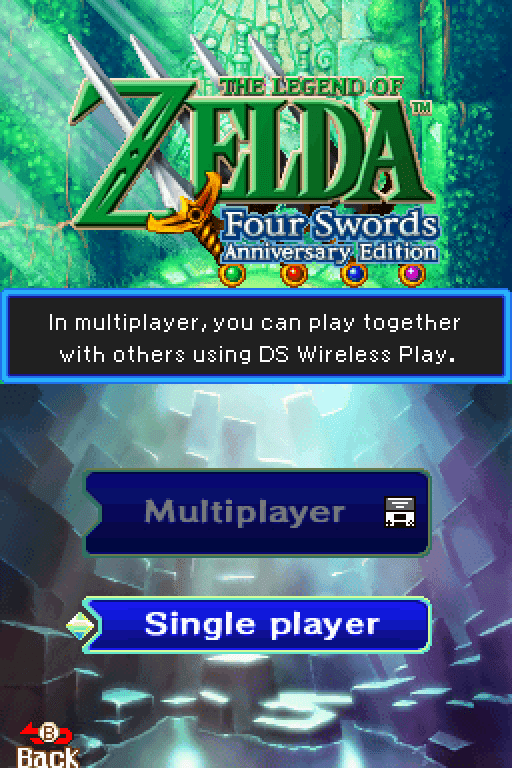
Basically, it's a touched up version of the GBA game but with the major change of being able to play it single player. If you're someone who is curious about Four Swords but never played it since you'd need at least one other player, then this version would be of interest to you. You could play with up to 3 other people using multiple DSi/3DS consoles and ADHOC wireless download play, but I don't know if that is something possible through the MelonDS emulator.
Some more info can be found on the Zelda Fandom Wiki page for the game.
How to Play:
(Using the MelonDS DS core in RetroArch)
- Make sure you have the MelonDS DS core installed in RetroArch (the one that has DS twice in the name, it's the better one imo)
- Download the bios files required for DSi emulation from this page (you will need to find NAND versions for the region matching the version you get, I dunno where the Japan NAND can be found)
- You will need to rename the files according to what the Core Information page for the core in RetroArch says. With the core loaded go to Information -> Core Information from the menu to see it.
- In Core Options for MelonDS make sure that Boot Mode is set to Direct instead of Native in the System section
- Load the zip containing the .nds file and the game should boot up and play fine.
Included are .cia versions that can be installed on a custom firmware enabled 3DS using FBI.
Note: this seems to only work in RetroArch with the core I mentioned (MelonDS DS) using the correct region NAND for the version you pick. It will only display a white screen in regular MelonDS v1.1. It's just not compatible with that version of the emulator from the look of things.
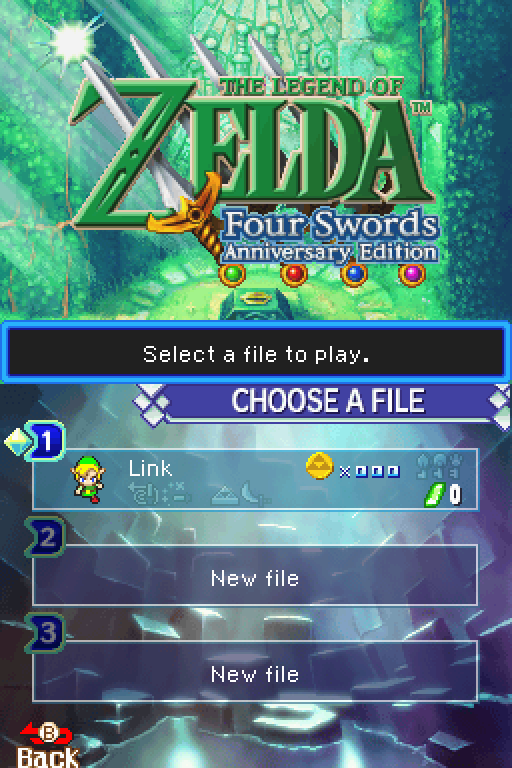
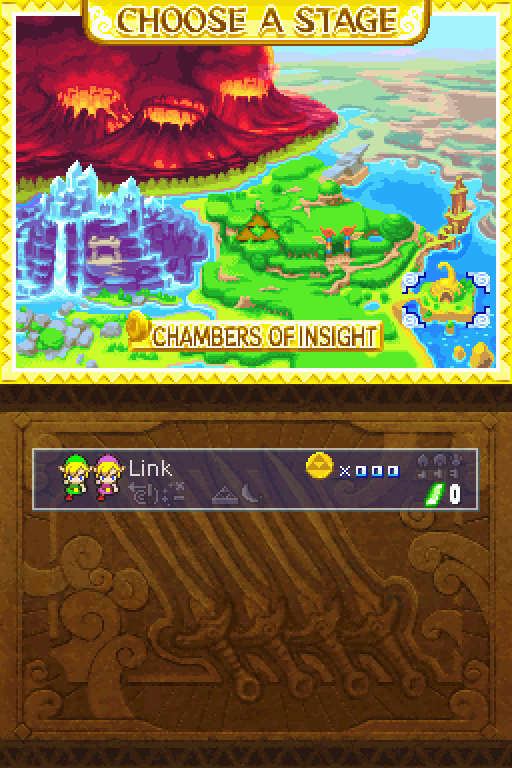
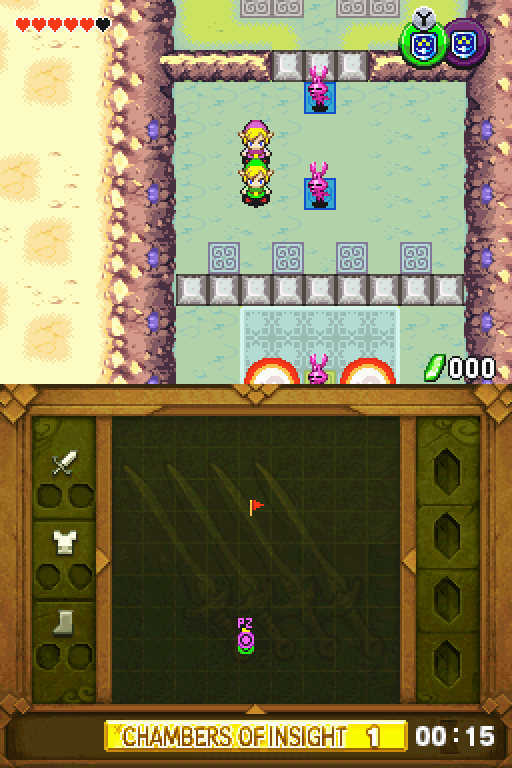
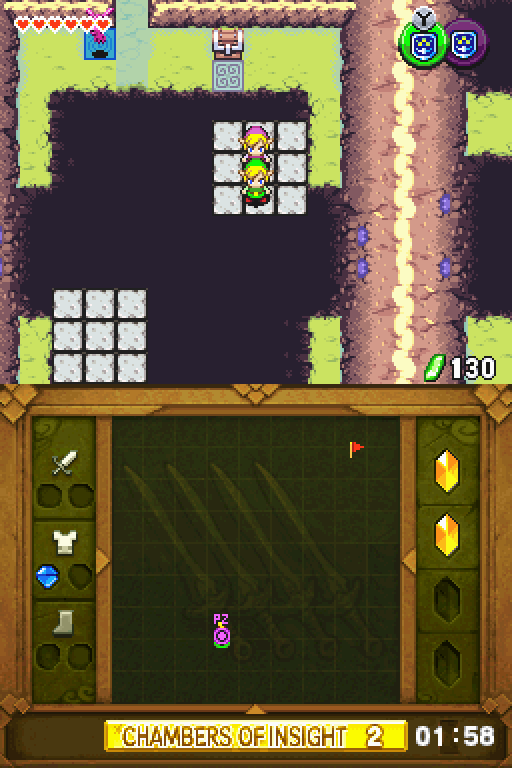
Sorry for the lack of screenshots. It was a fresh save, and I didn't feel like spending a couple hours unlocking the levels. You can watch the official trailer for a more in-depth look:
Game Screenshots: