| GAME INFORMATION | |
|---|---|
| Game Name | Shantae: Risky's Revenge |
| Region | Europe, USA |
| Console | DS |
| Game Release | 2010-10-04 (15 years ago) |
| Genre | Action-Adventure, Platformer 2D |
| Publisher | WayForward |
| Developer | Wayforward |
| Languages | English |
| Image Format | .nds |
| Downloads | 2,418 |
| Users Score | |
| Favorites | |
Game Description:
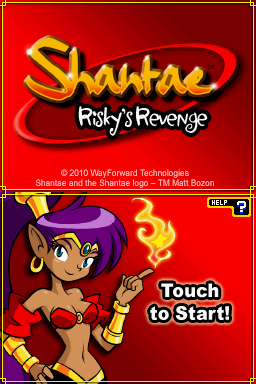
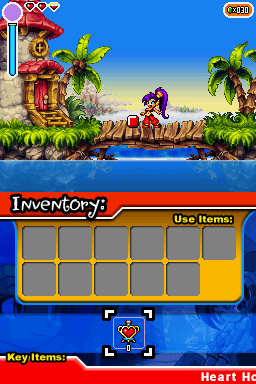
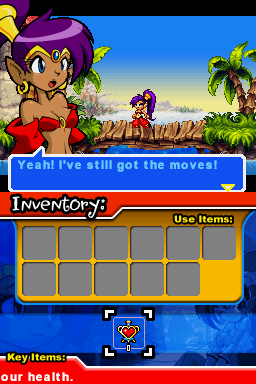
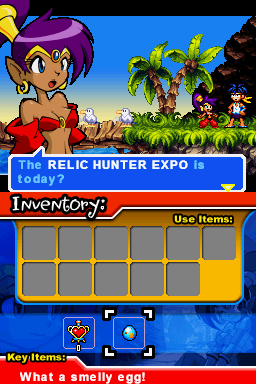
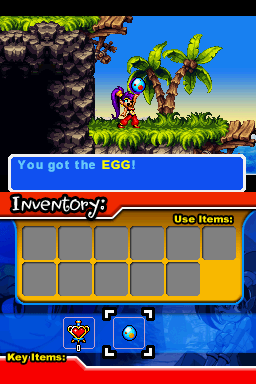
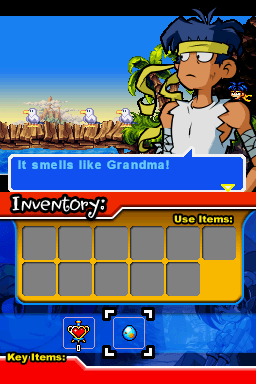
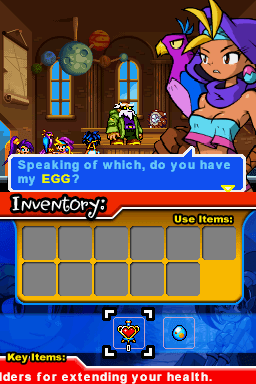
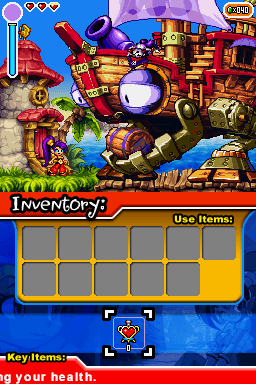
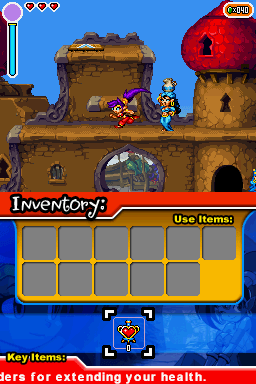
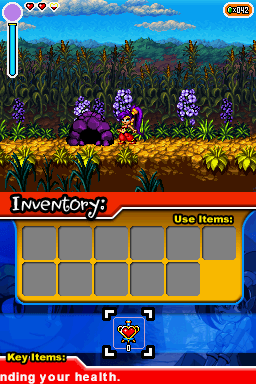
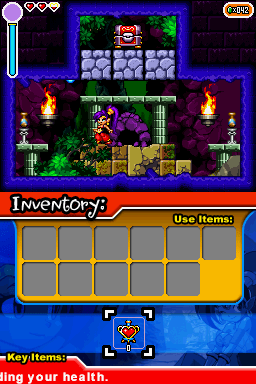
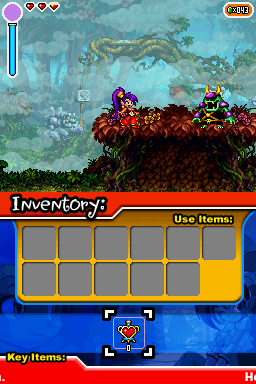
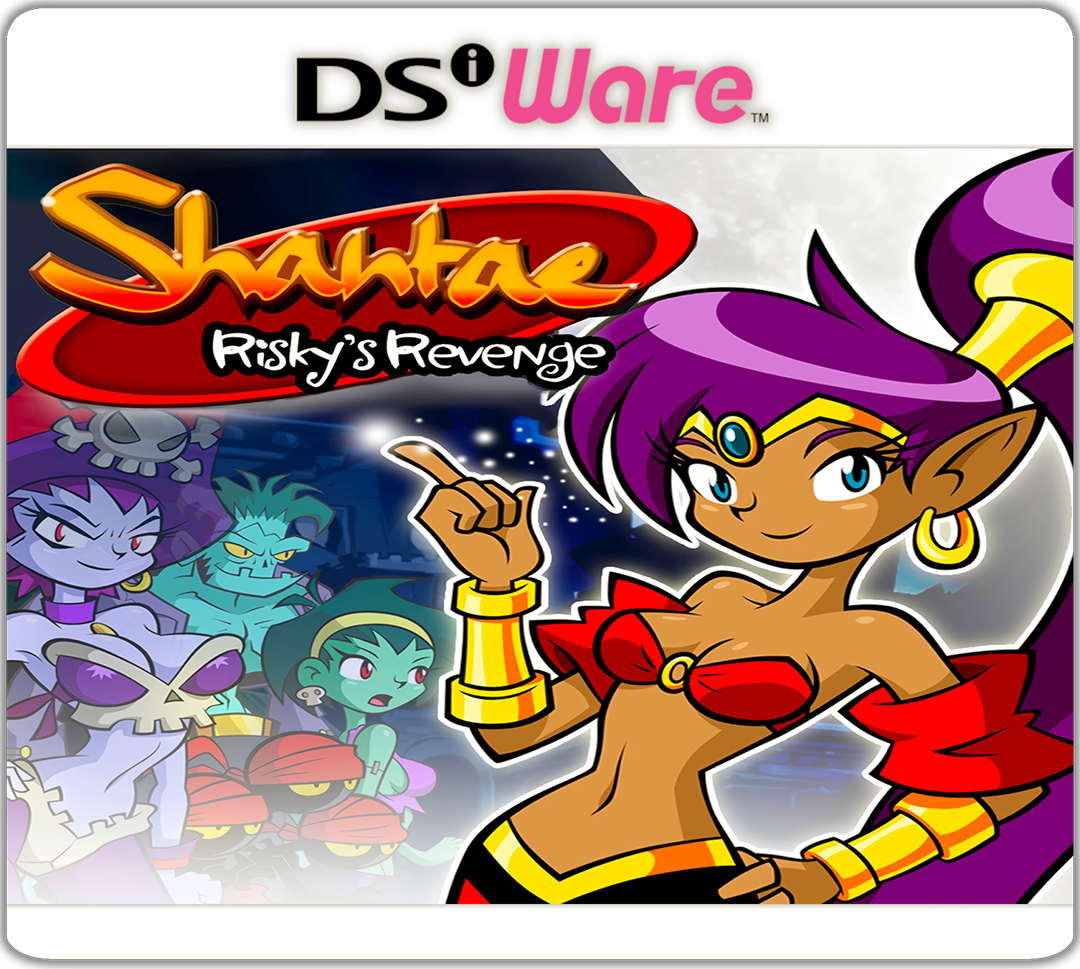
Shantae: Risky's Revenge is a Action-Adventure/Platformer 2D video game published by WayForward and developed by Wayforward released on October 4th, 2010 for the DS.
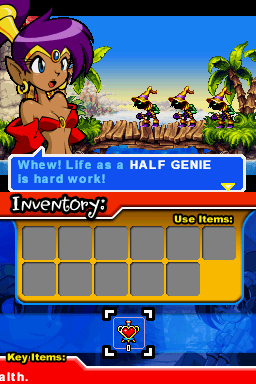
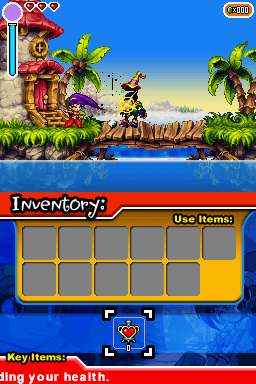
Shantae: Risky's Revenge is the sequel to the Game Boy Color game, Shantae. In it, you play as the half-genie Shantae, who can use her long ponytail like a whip to attack, and later gains the abilities to transform into different creatures by performing special dances. These creatures (the monkey, elephant and mermaid) allow Shantae to explore different areas all over the world that were previously inaccessible to her normal self. Shantae can also purchase magic spells that allow her to either protect herself, or fight offensively. These items require gems (which are earned by defeating enemies), and some items also require special "magic jams" in the purchase price, which are hidden away in the overworld or dungeons.
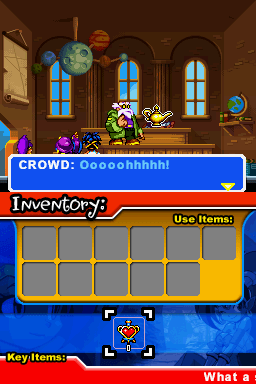
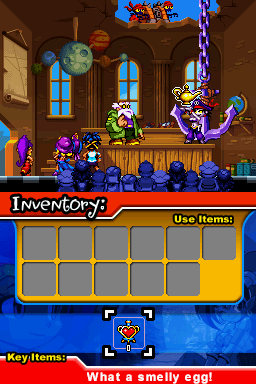
When Shantae's Uncle Mimic returns from an expedition, he presents the residents of Scuttle Town his latest find. But he's accidentally brought the wrong thing, an ancient lamp. Before he gets a chance to put it back, the lady pirate Risky Boots turns up with her minions and swipes the lamp! Shantae, eager to help, makes chase, and begins another adventure. Shantae must find three magical seals to prevent Risky Boots from unlocking the magic lamp's evil power.
How to Play:
(Using the MelonDS DS core in RetroArch)
- Make sure you have the MelonDS DS core installed in RetroArch (the one that has DS twice in the name, it's the better one imo)
- Download the bios files required for DSi emulation from this page (you will need to find NAND versions for the region matching the version you get, I dunno where the Japan NAND can be found)
- You will need to rename the files according to what the Core Information page for the core in RetroArch says. With the core loaded go to Information -> Core Information from the menu to see it.
- In Core Options for MelonDS make sure that Boot Mode is set to Direct instead of Native in the System section
- Load the zip containing the .nds file and the game should boot up and play fine.
Included are .cia versions that can be installed on a custom firmware enabled 3DS using FBI.
Here's the official trailer:
Game Screenshots: