| GAME INFORMATION | |
|---|---|
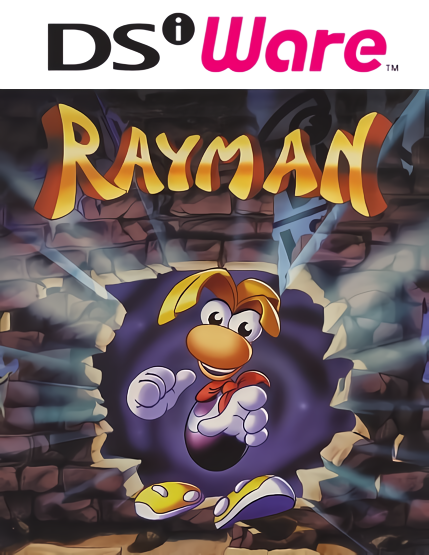
| Game Name | Rayman |
| Region | Europe, USA |
| Console | DS |
| Game Release | 2009-12-07 (16 years ago) |
| Genre | Action, Platformer 2D |
| Publisher | Ubisoft |
| Developer | Junglevision Software, Making Fun |
| Languages | English, French, German, Italian, Spanish |
| Image Format | .nds |
| Downloads | 968 |
| Users Score | |
| Favorites | |
Game Description:
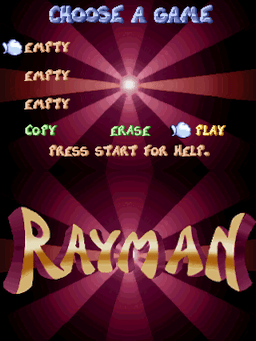
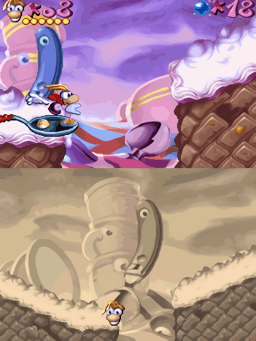
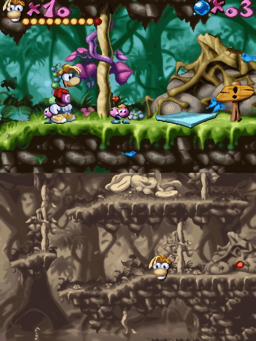
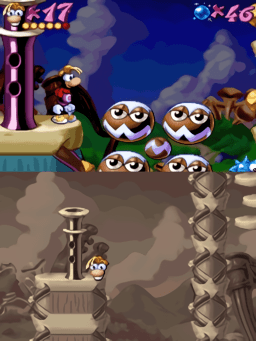
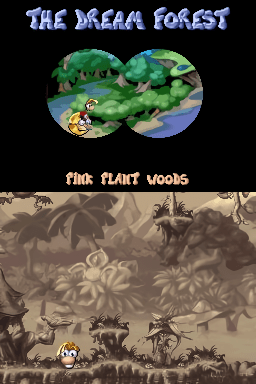
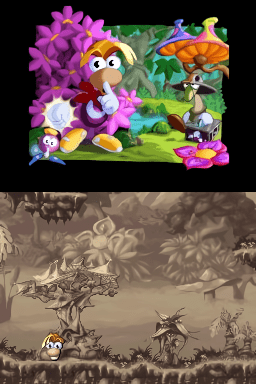
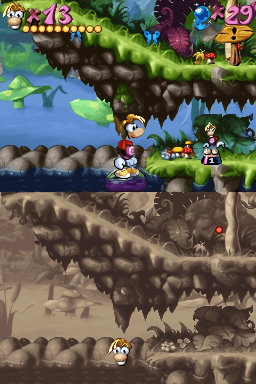
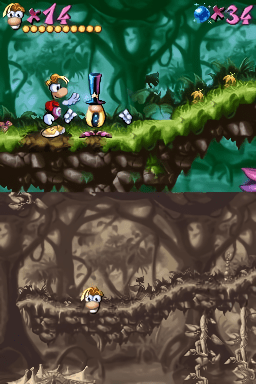
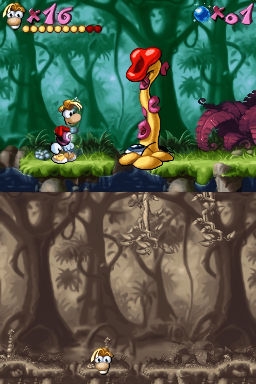
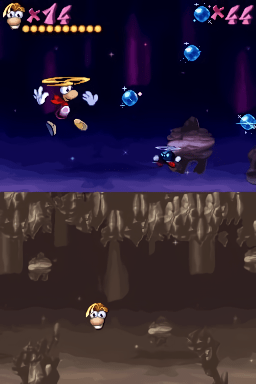
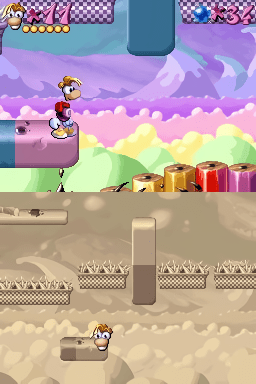
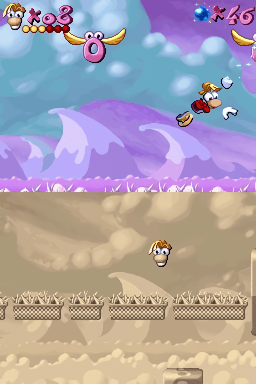
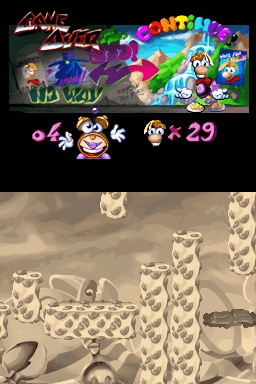
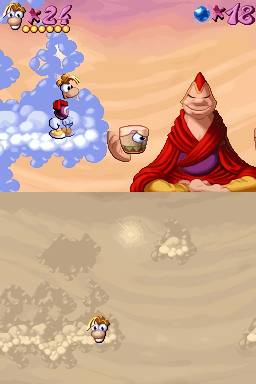
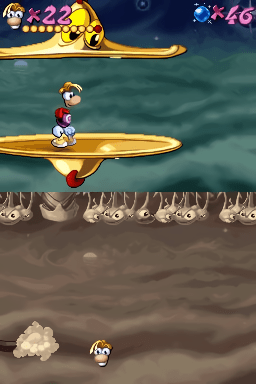
Rayman is a Action/Platformer 2D video game published by Ubisoft and developed by Junglevision Software, Making Fun released on December 7th, 2009 for the DS.
This a port of the original Rayman to DSiWare. While the developer Junglevision's own website says this is a port of the GBA version with enhancements, the Rayman fan encyclopedia wiki says this is a port of the PC version. I'm not sure which one is correct but probably the one stated by the developer.
This game is by no means a decent way to play Rayman and the camera jank ruins the experience by a ton. Making it a nightmare of taking leaps of faith and getting cheap shot by enemies and bosses. Nintendo Life harshly (or maybe suitably) rated this game a 5/10.
Despite that since this is one of the noteworthy DSi titles I figured there's no reason it shouldn't be on the repo.
For a list of differences, you can check the fan wiki page for it here.
How to Play:
(Using the MelonDS DS core in RetroArch)
- Make sure you have the MelonDS DS core installed in RetroArch (the one that has DS twice in the name, it's the better one imo)
- Download the bios files required for DSi emulation from this page (you will need to find NAND versions for the region matching the version you get, I dunno where the Japan NAND can be found)
- You will need to rename the files according to what the Core Information page for the core in RetroArch says. With the core loaded go to Information -> Core Information from the menu to see it.
- The bios files go into your RetroArch System directory (C:\RetroArch-Win64\system if on Windows with default install location)
- In Core Options for MelonDS make sure that Boot Mode is set to Direct instead of Native in the System section
- Load the zip containing the .nds file and the game should boot up and play fine.
Included are .cia versions that can be installed on a custom firmware enabled 3DS using FBI.
Game Screenshots: