| GAME INFORMATION | |
|---|---|
| Game Name | The Ocean Hunter |
| Region | World |
| Console | Arcade |
| Game Release | 1998 (28 years ago) |
| Genre | Rail Shooter |
| Publisher | Sega Enterprises |
| Developer | SEGA AM1 |
| Languages | English, Japanese |
| Downloads | 1,461 |
| Users Score | |
| Favorites | |
Game Description:
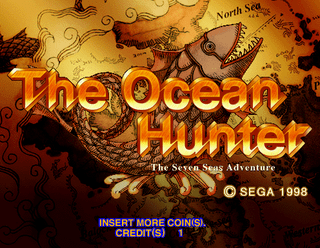
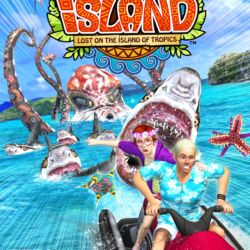
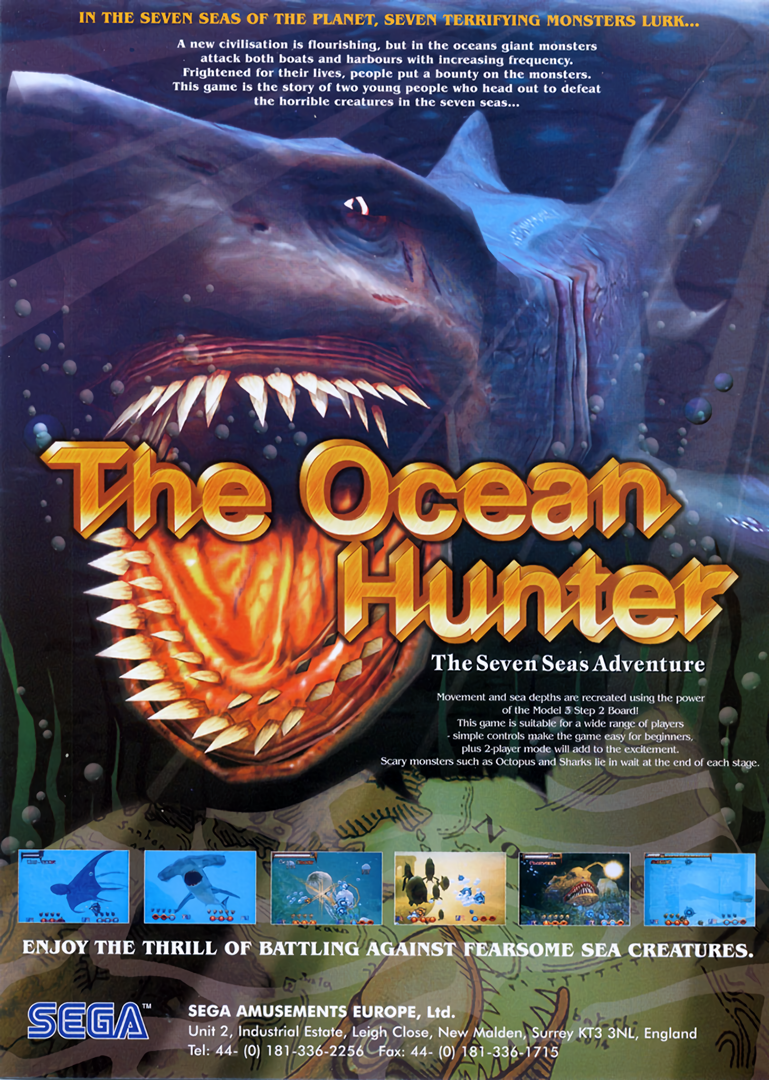
The Ocean Hunter is a Rail Shooter video game published by Sega Enterprises and developed by SEGA AM1 released on 1998 for the Arcade.
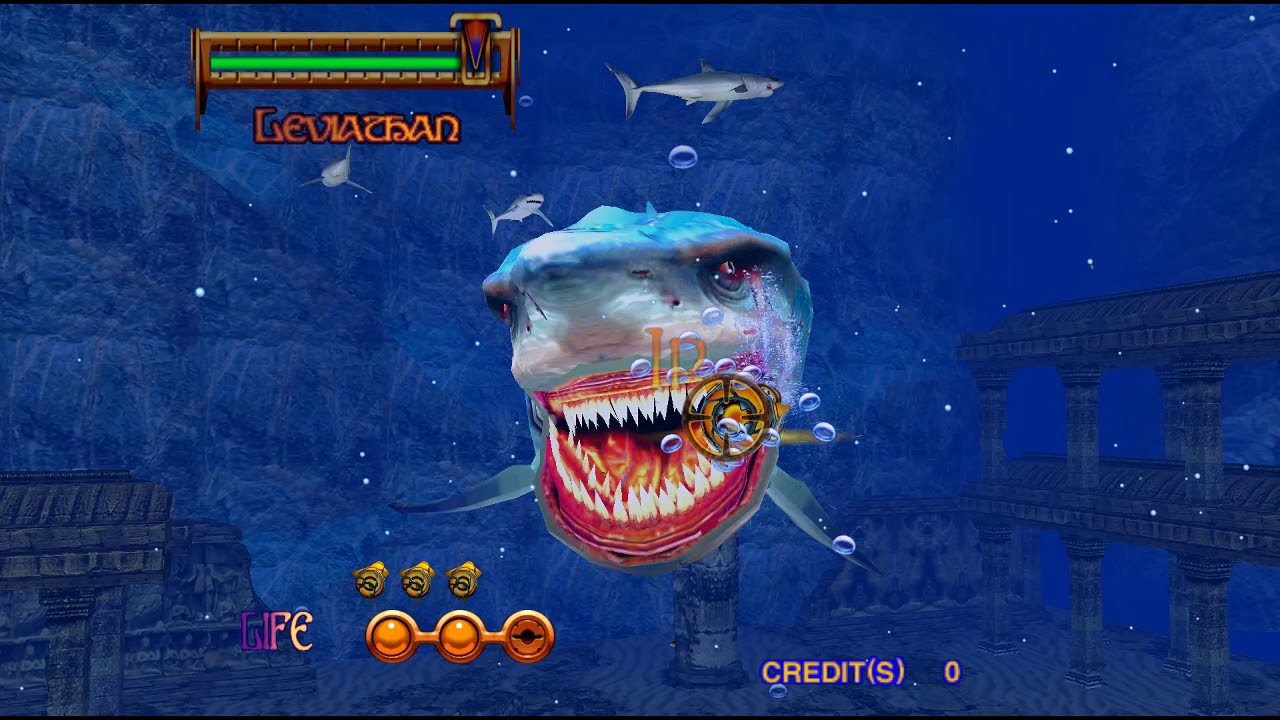
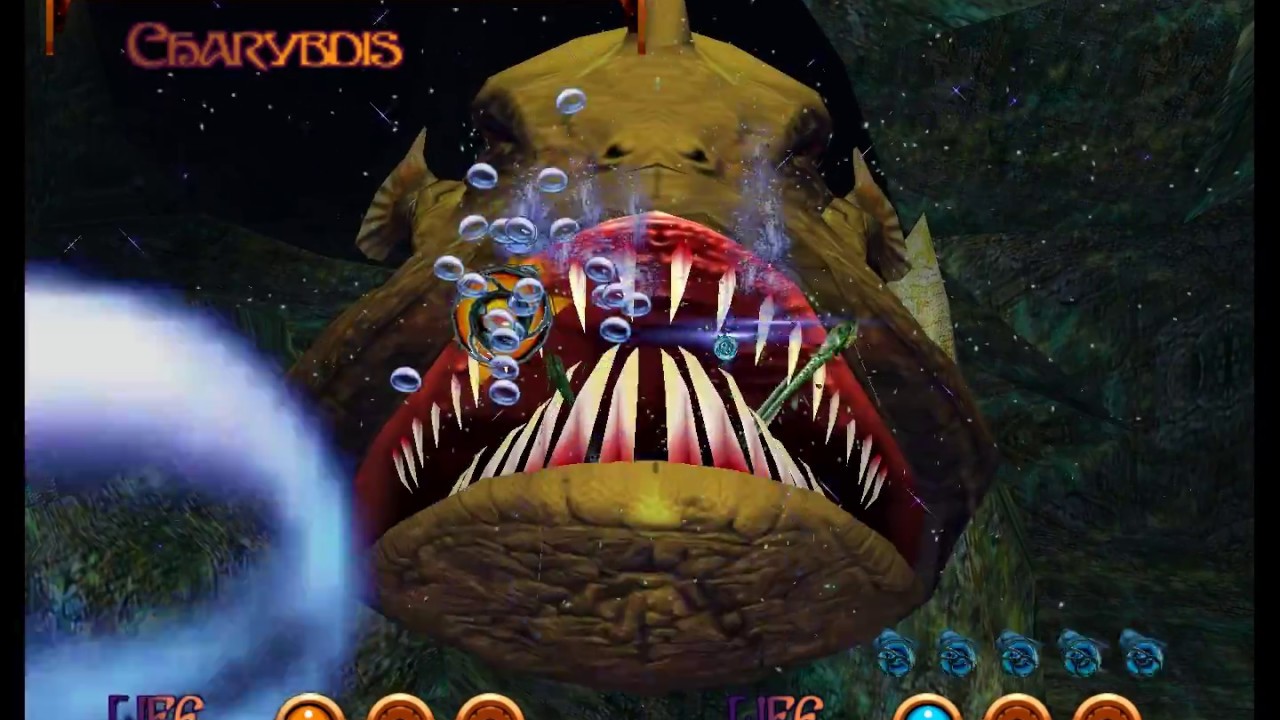
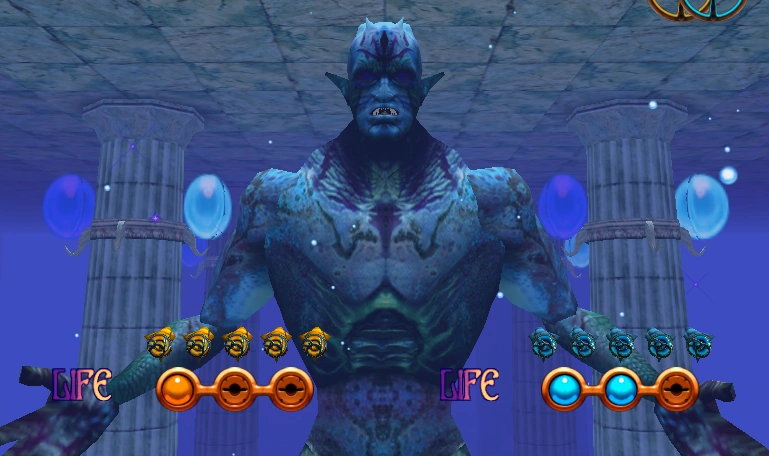
This is a nice ocean sea monster themed arcade rail shooter released on the Sega Model 3 arcade board back in September 1998. Since Sega Model 3 support hasn't been achieved yet in MAME the only way to play them is using the emulator Supermodel 3. I've included the current latest builds of the emulator plus the UI for it in the download with the game. To update your copy of the emulator in the future, check out these pages: Sega Model 3 UI and Supermodel3-PonMi.
To be able to load the game you must tell Sega Model 3 UI where your rom is in the Roms Directory path option then double click the Revision A version of The Ocean Hunter in the list to start it. The emulator just lists a whole list of all known roms since there's not many and the list does not reflect the games you have in your directory. However, it does say below the list how many is available for you based on your rom files.
The controls can be configured (rather painstakingly since there's so many input buttons) in the UI but I've already configured this copy to use the mouse for the game. Just point and click like a madman with it. The list of controls are:
| Mouse | Moves the crosshair for P1 |
| Left Click/Right Click | Fire for P1 |
| 1 key | P1 Start |
| 2 key | P2 Start |
| 3 or 4 keys | Add Coins/Credits |
| 6 key | Bring up game debug menu/confirm choices while in menu |
| 5 or 7 key | Cycle through selections in debug menu |
| Esc | Close the game and go back to UI |
Note: you'll have to configure input for P2 through the UI if you want to play with a friend.
The region settings in the game to change language from Japanese to English are hidden by a secret code in the debug menu. To change the game region go to the debug menu by pressing 6 and then cycle down and select Game Assignments. Enter the secret code: 1, 2, 1, 2, 1, 2, 2 and the region select option will appear. It should already be set to USA in this but if it's not you can make it English by changing to it.
I was unable to provide many screenshots for this since I couldn't figure out what button I had it set to capture them in Supermodel and there wasn't a lot of good ones online. So, here's a YouTube video playthrough of it.
Note: the emulator in this post has just been updated and the latest version has some big updates and additions. You can read more about it here. With this version you can now either use the UI provided in Supermodel3.exe or the UI of Sega Model 3 UI. They both have their own advantages and features and more info about them can be read from their Github pages (the links earlier in the post)
Game Screenshots: