| GAME INFORMATION | |
|---|---|
| Game Name | Castlevania AGA |
| Region | World |
| Console | Amiga |
| Category | Homebrew |
| Game Release | 2025-01-19 (1 years ago) |
| Genre | Action, Platformer 2D |
| Publisher | Dante Retro Dev |
| Developer | Dante Retro Dev |
| Languages | English |
| Downloads | 945 |
| Users Score | |
| Favorites | |
Game Description:
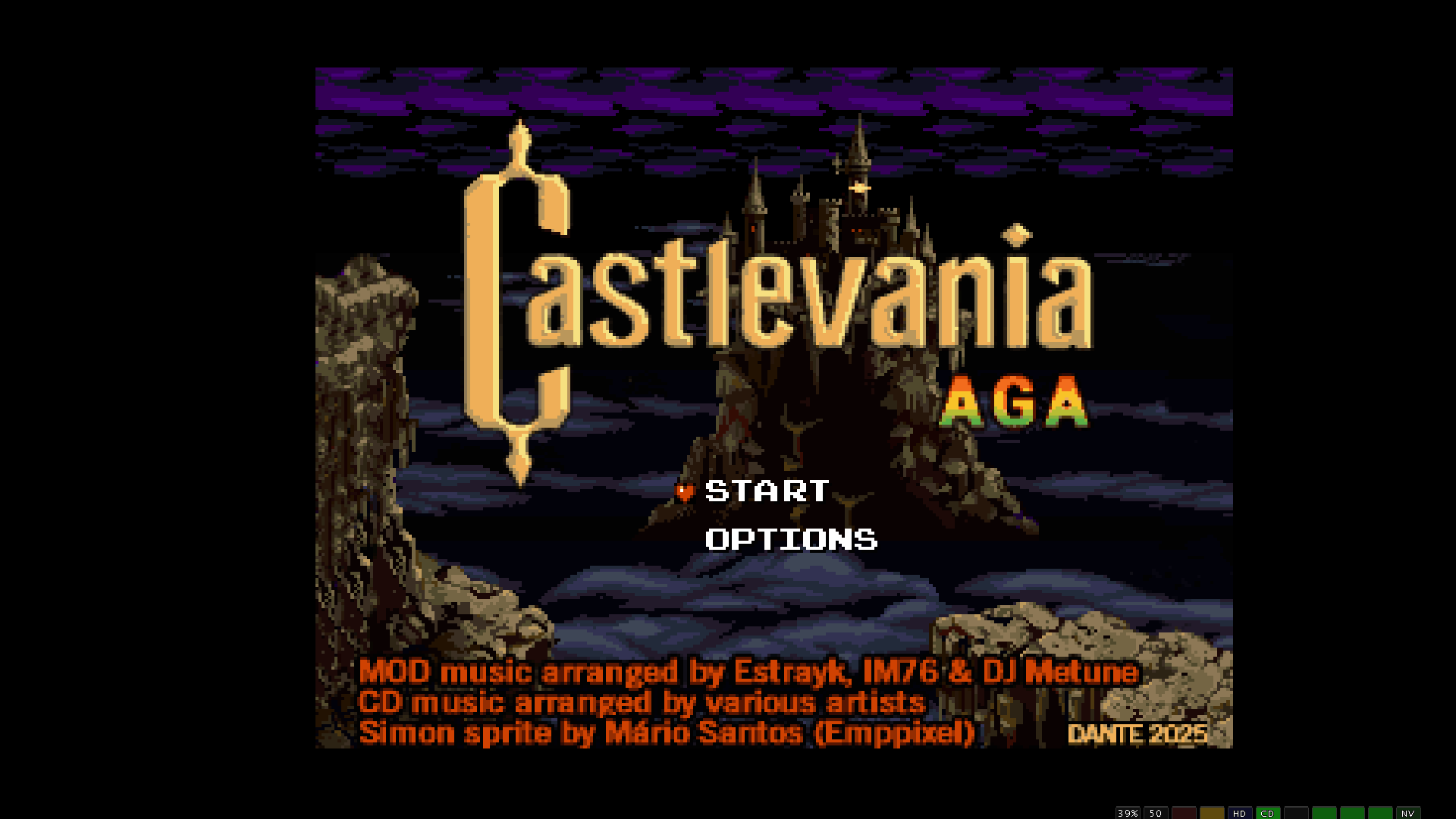
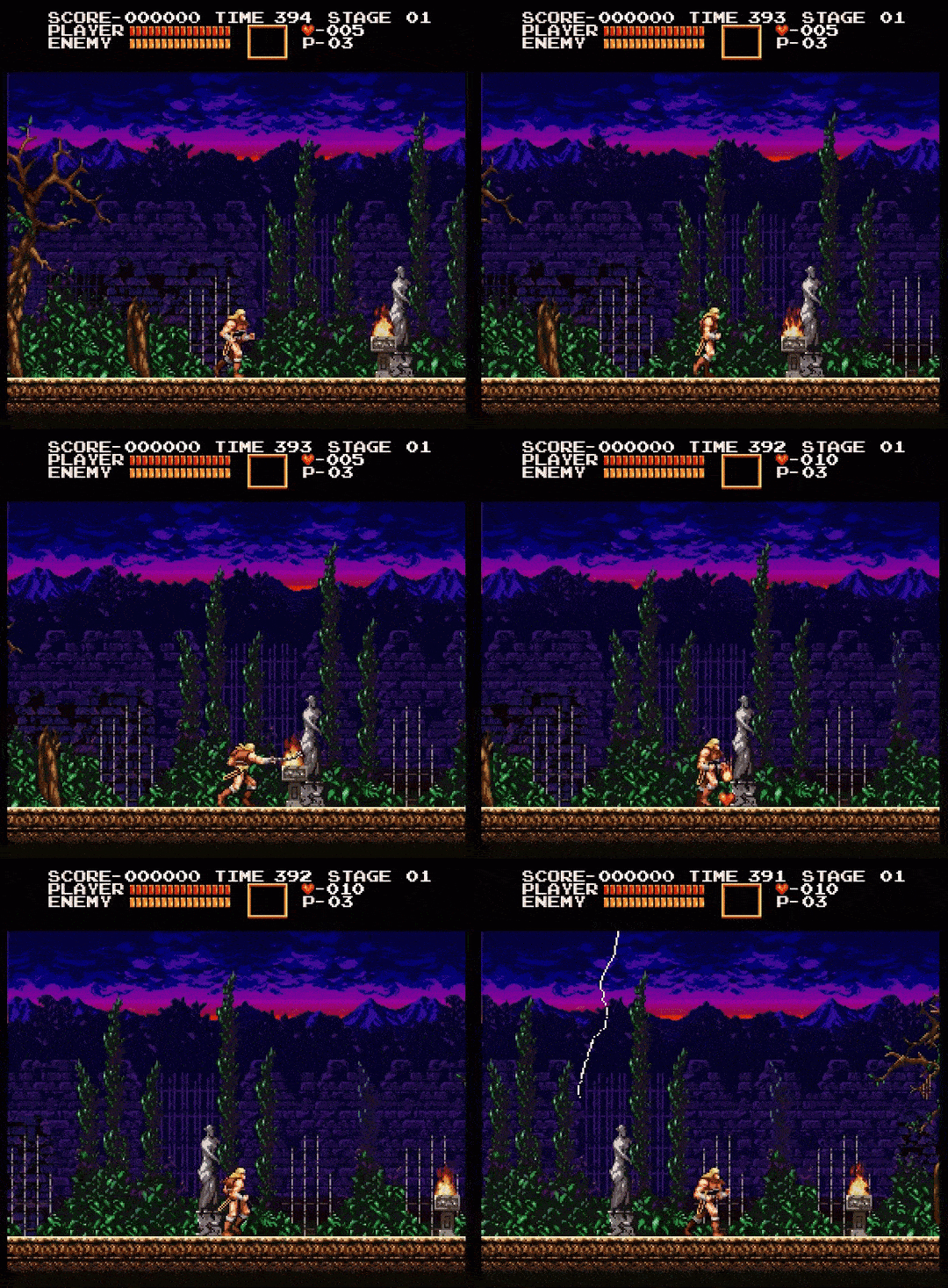
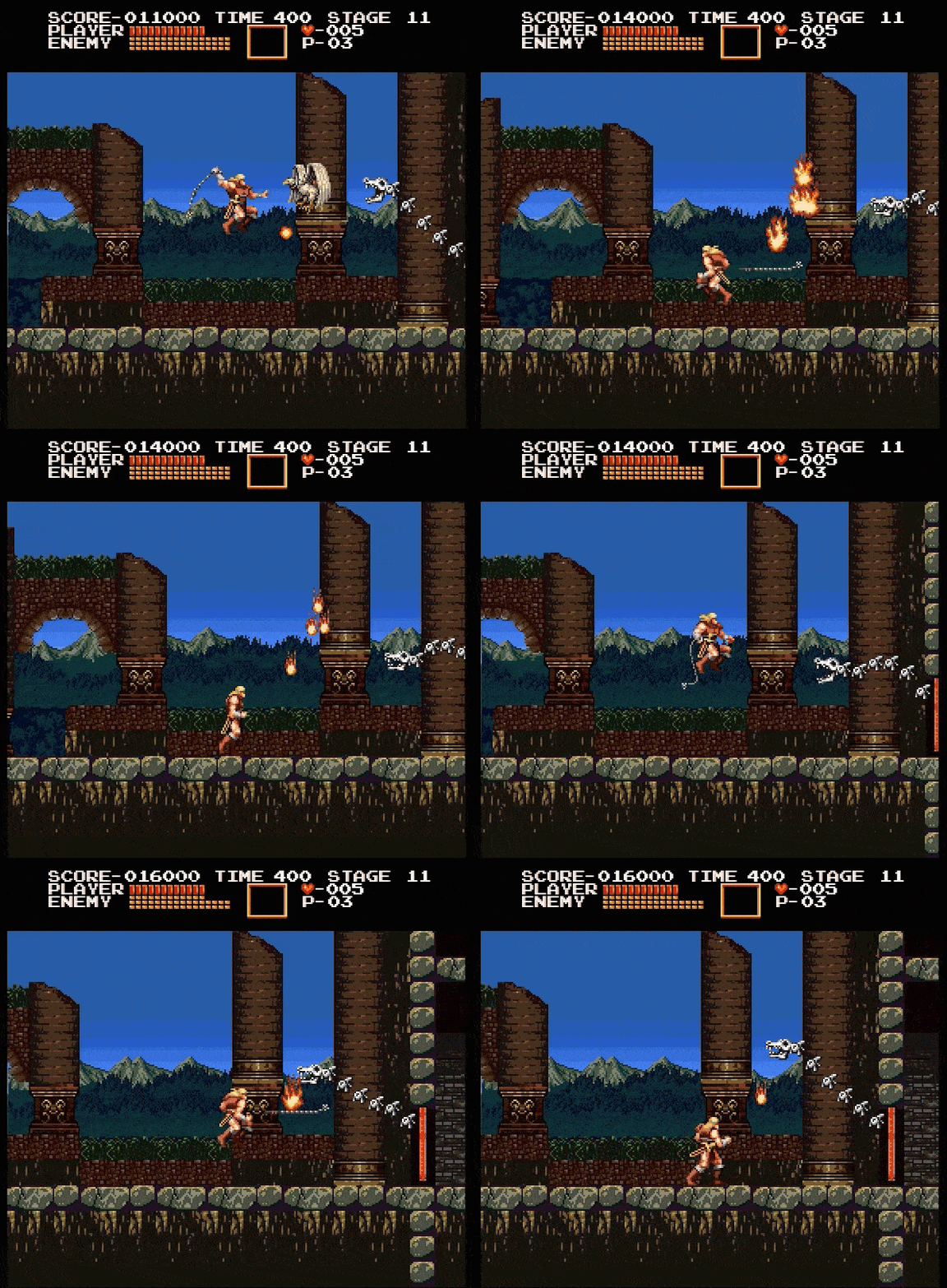
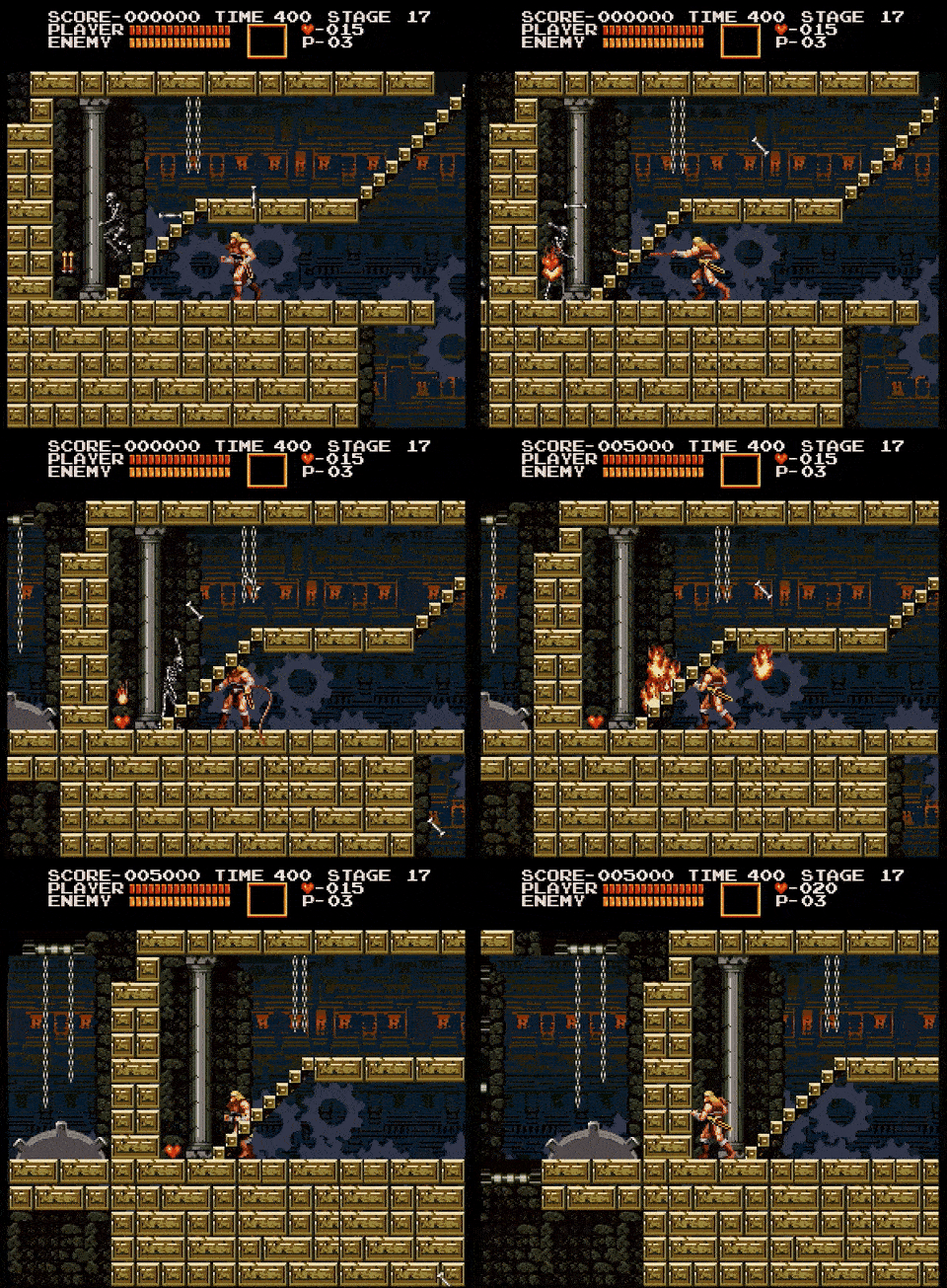
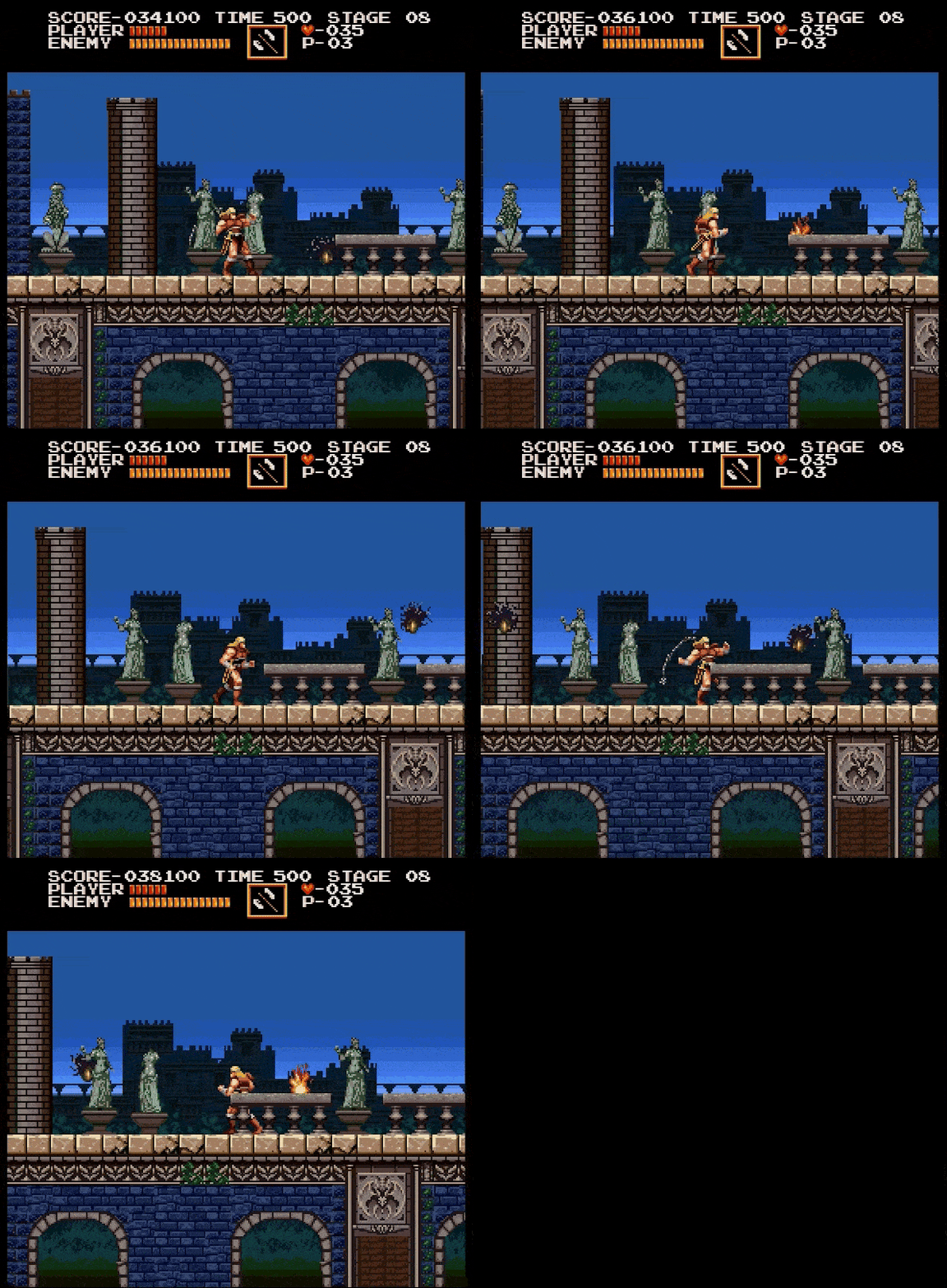
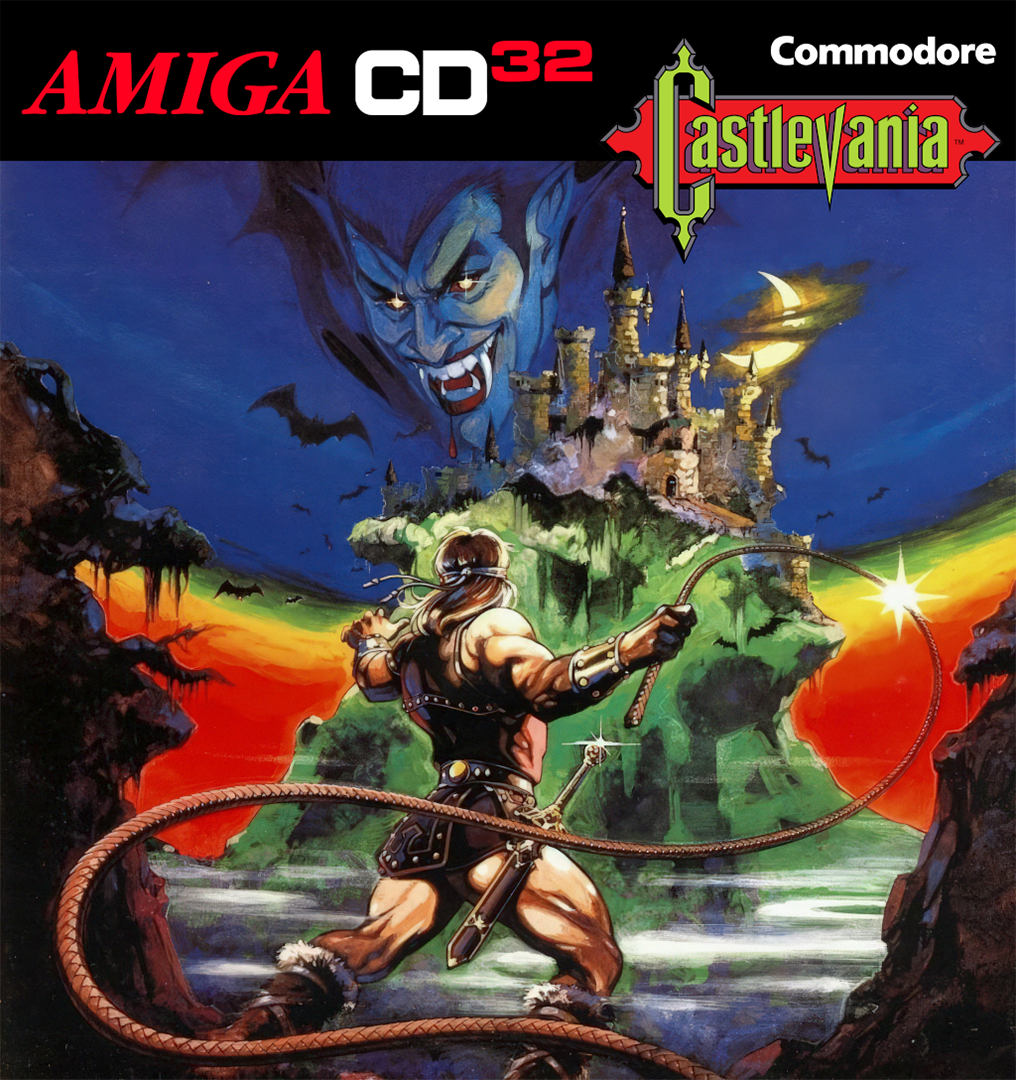
This is a remake of Castlevania for Amiga/Amiga CD32. It's based off of Castlevania X68000/Chronicles but doesn't play like a copy of that game and things are different. This is complete and is a full game containing all the levels, but it is still in active development working on improving it bit by bit. That said, it's very janky and don't expect a very seamless experience. The music is of rather lame quality as far as remixes go, and the game has several issues. Most notably these:
-the life lost sound jingle sometimes doesn't play (e.g. losing on bosses)
- the Simon dying animation frame sometimes doesn't play
- sometimes moving platforms give "one last chance" instead of leaving Simon to fall
- the orb from the 3rd defeated boss may prematurely drop down (rare)
- sometimes enemy AI just retreats or get stuck
- issues related to staircases: game uses a flexible, general purpose engine and as such its stairs handling won't match those of Bloodlines or SC IV with a custom engine made for that (although some stairs are really off and should be edited/changed for better flow)
- issues that happen while playing on emulator such as UAE, FS-UAE or a device based on an older RaspBerry Pi, notorious for flicker and stutter on Copper intensive games (as real hardware was the main focus).
Source and details: https://danteretrodev.itch.io/akumajou-dracula-aga
There are 4 versions included in this post: Amiga CD32 for real hardware/WinUAE, Amiga CD32 prepared for use with FS-UAE, an HDF hard disk file version similar to using an .adf floppy image for use with emualtors such as RetroArch, and a WHDLoad version compatible with real hardware and WinUAE/FS-UAE through Workbench. The WHDLoad version is the main version of this and is being worked on more frequently than the CD32 version and therefore is more stable, but it doesn't have most of the music that the CD32 version has.
How to Run:
(Using WinUAE)
- For simplicities sake you may use the version of WinUAE from this post since it has all the Kickstart ROMs and everything mostly prepared. If not, you can get WinUAE and configure the ROMs and files yourself. (the Kickstarts for WinUAE can be found in that other post since they're hard to track down the proper ones)
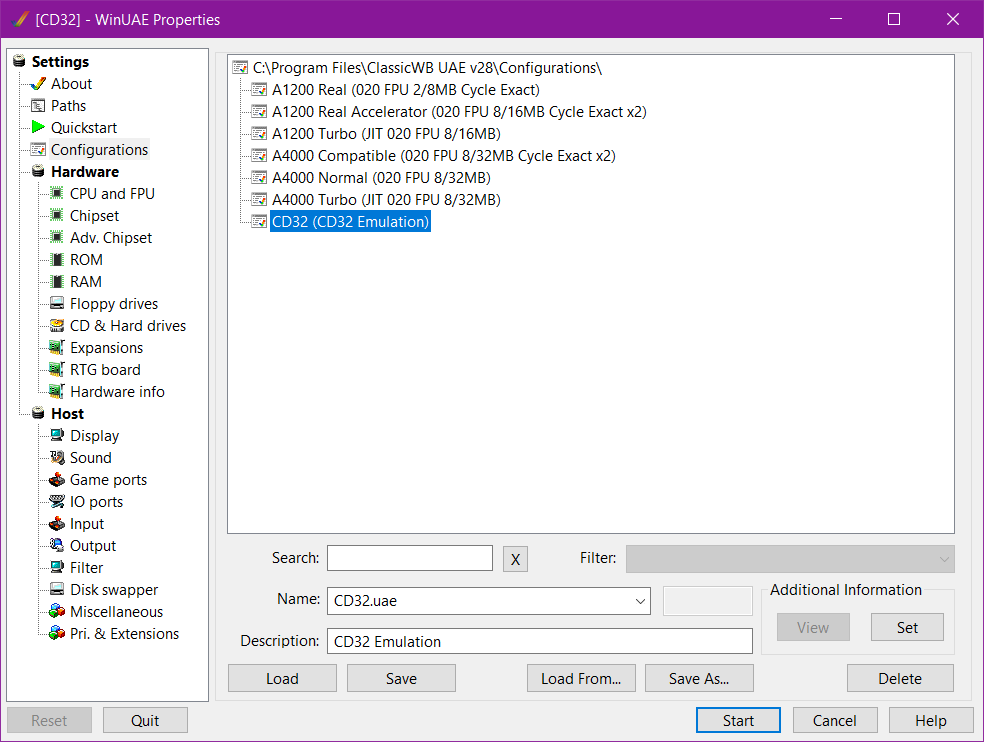
- Launch WinUAE and if using the prepared version go to Configurations, select CD32, and click load (Screenshot 1)
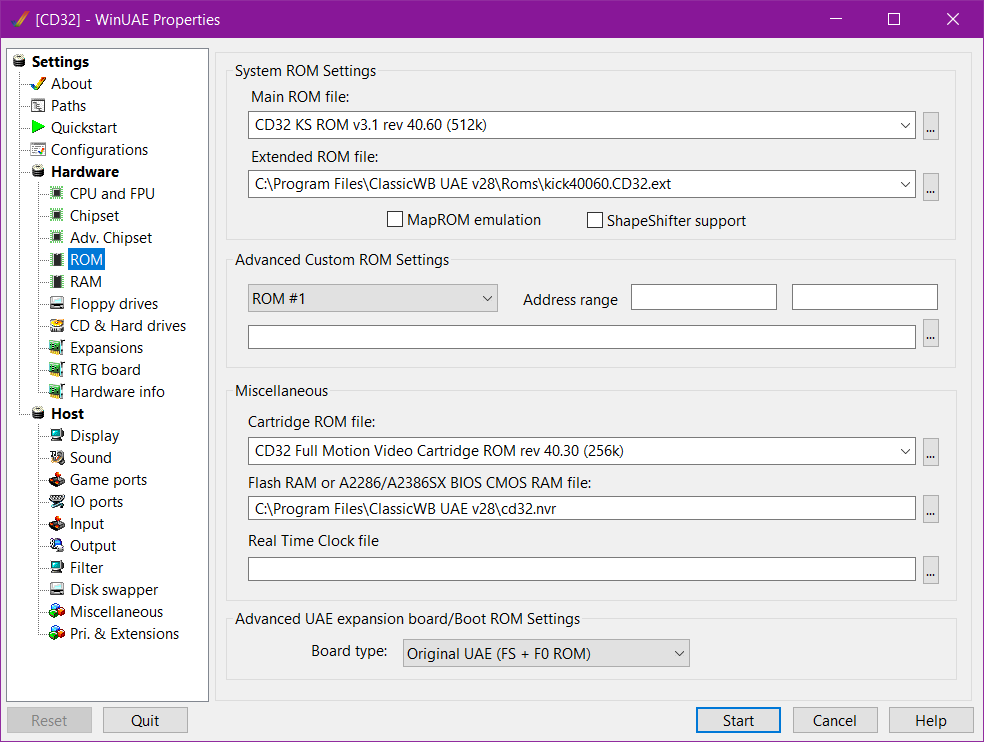
- Make sure the ROM settings match the ones in Screenshot 2
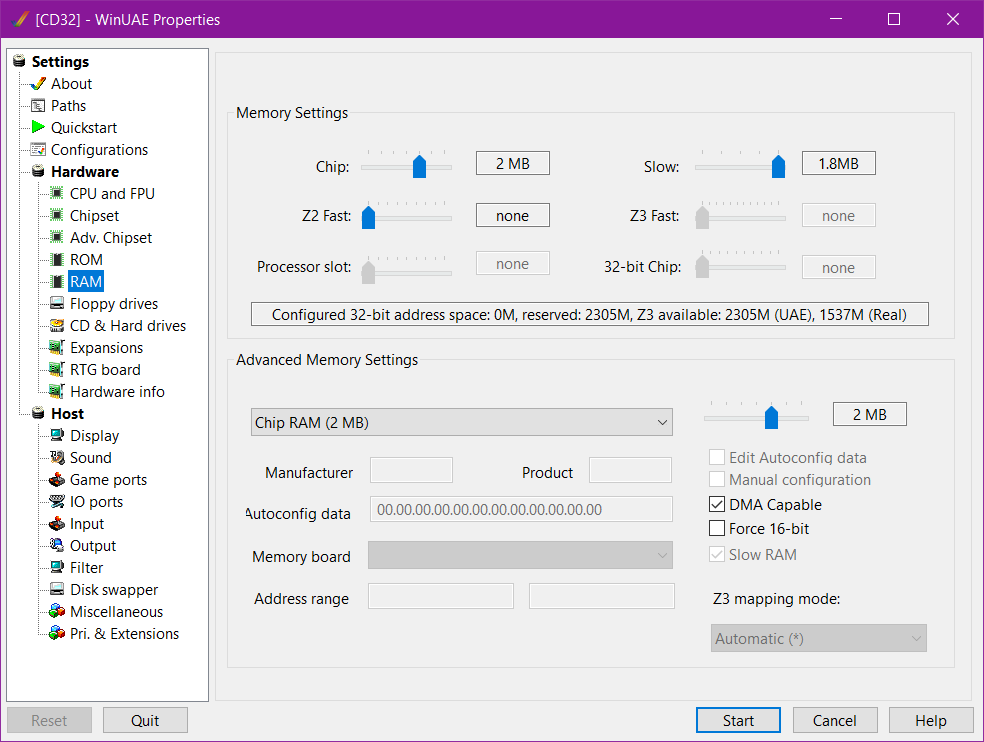
- The game will fail to load and get stuck after the Scorpion Engine logo if you don't have the Slow RAM set to 1.8M (Screenshot 3) Go back to Configurations and click Save so that you don't have to do this again in the future (I might fix the configuration in that post to reflect this)
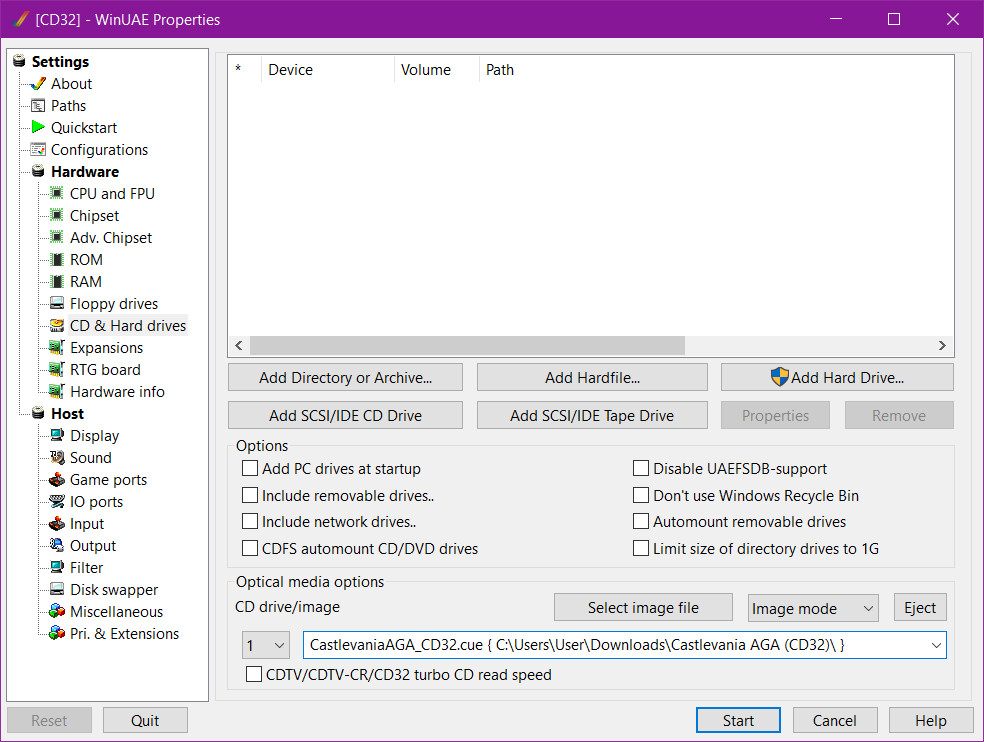
- Make sure the CD settings look like Screenshot 4 with the .cue file selected (not the .iso as music won't load through that)
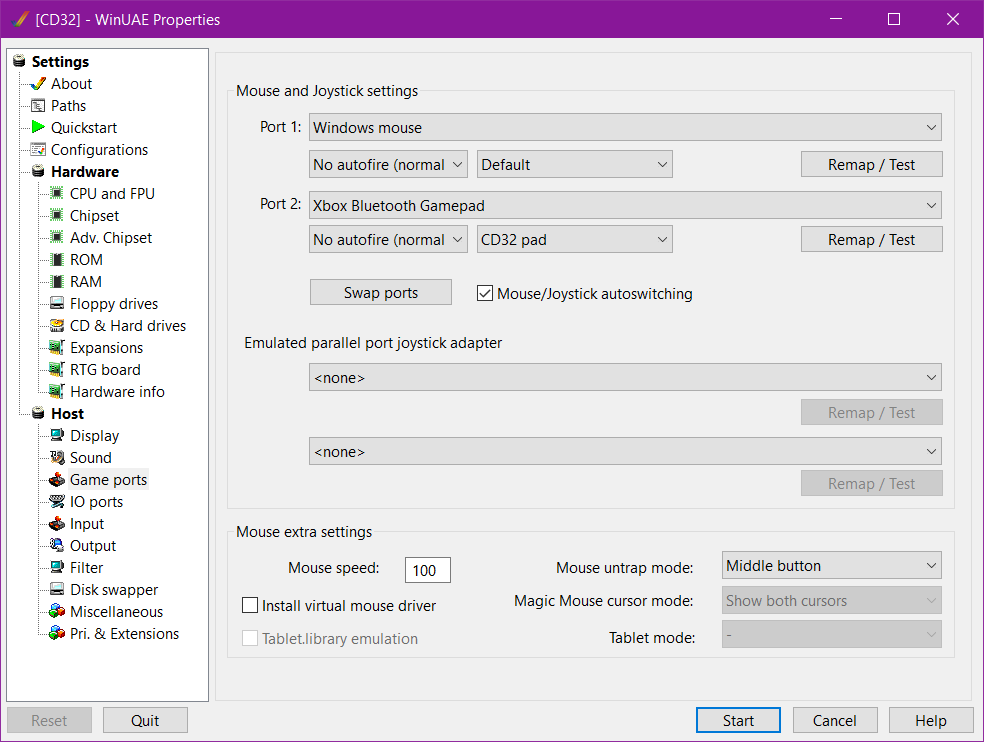
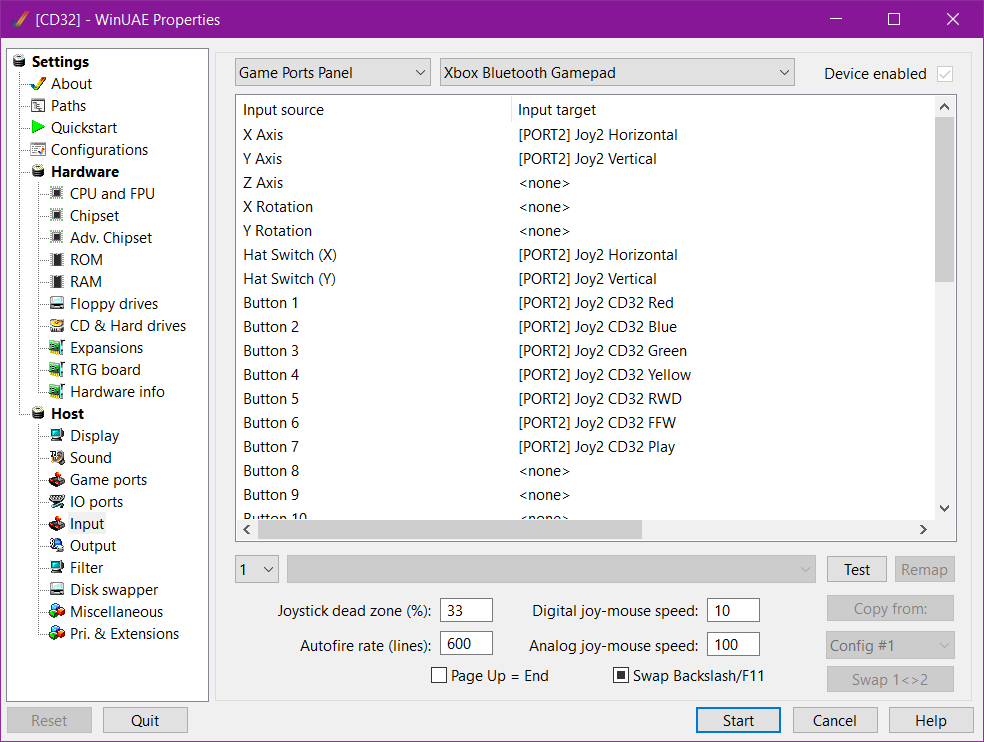
- This game is best played using a controller as it's a pain and headache to try to get the keyboard to work (but you can by remapping the keys to the CD32 pad buttons) Make the Game ports and Input settings look something like Screenshot 5 and 6
- Click Start and if everything is prepped properly like all that then the game should load fine
(Using FS-UAE)
- If using Windows download the FS-UAE_3.2.35_Windows_x86-64.zip and FS-UAE-Launcher_3.2.35_Windows_x86-64.zip from here. (I've had better luck with manually installing FS-UAE instead of using their installer) Linux users should follow the ones for your distro.
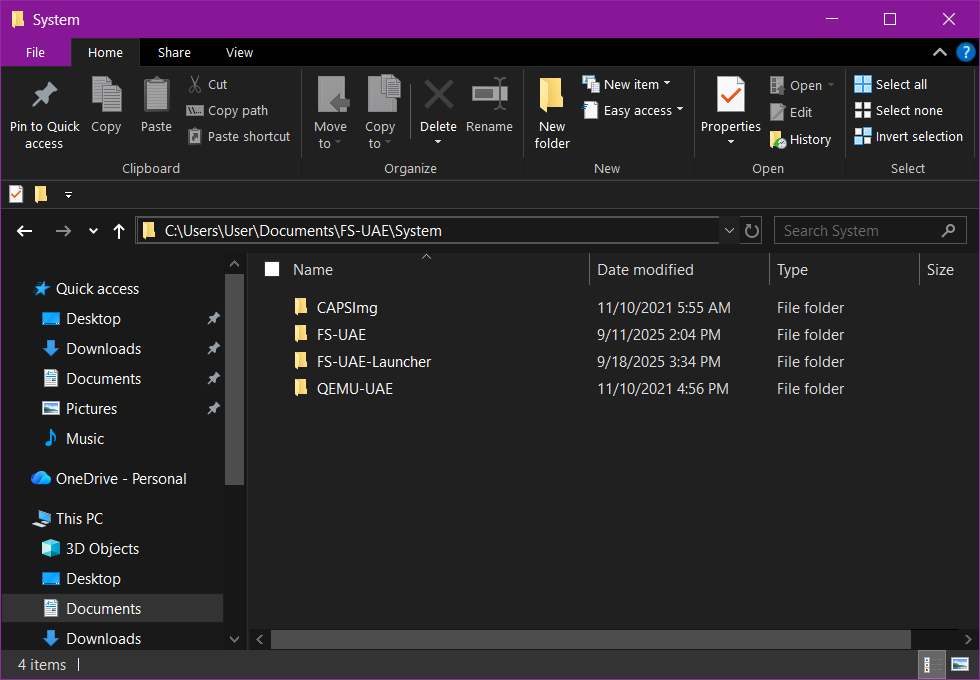
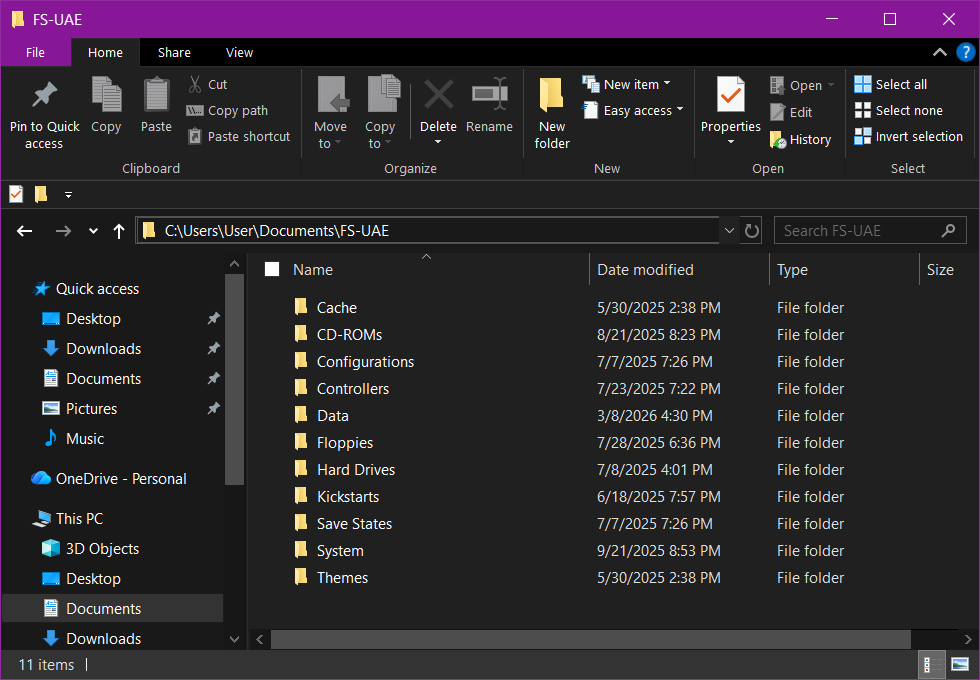
- Extract the applications from those downloads into your Documents folder using the folder structure/naming shown in Screenshot 7.
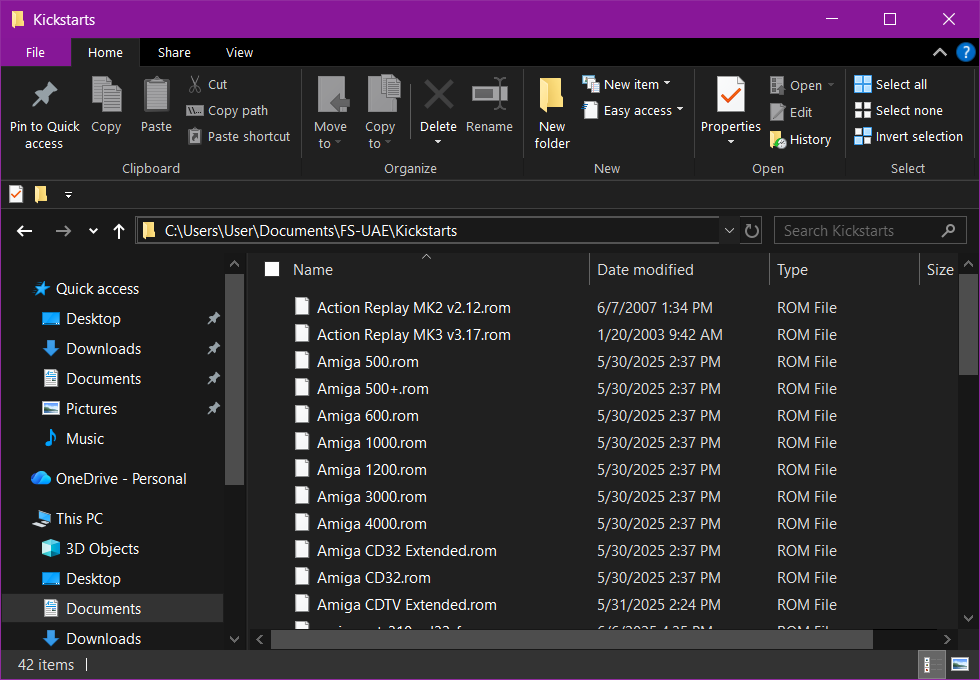
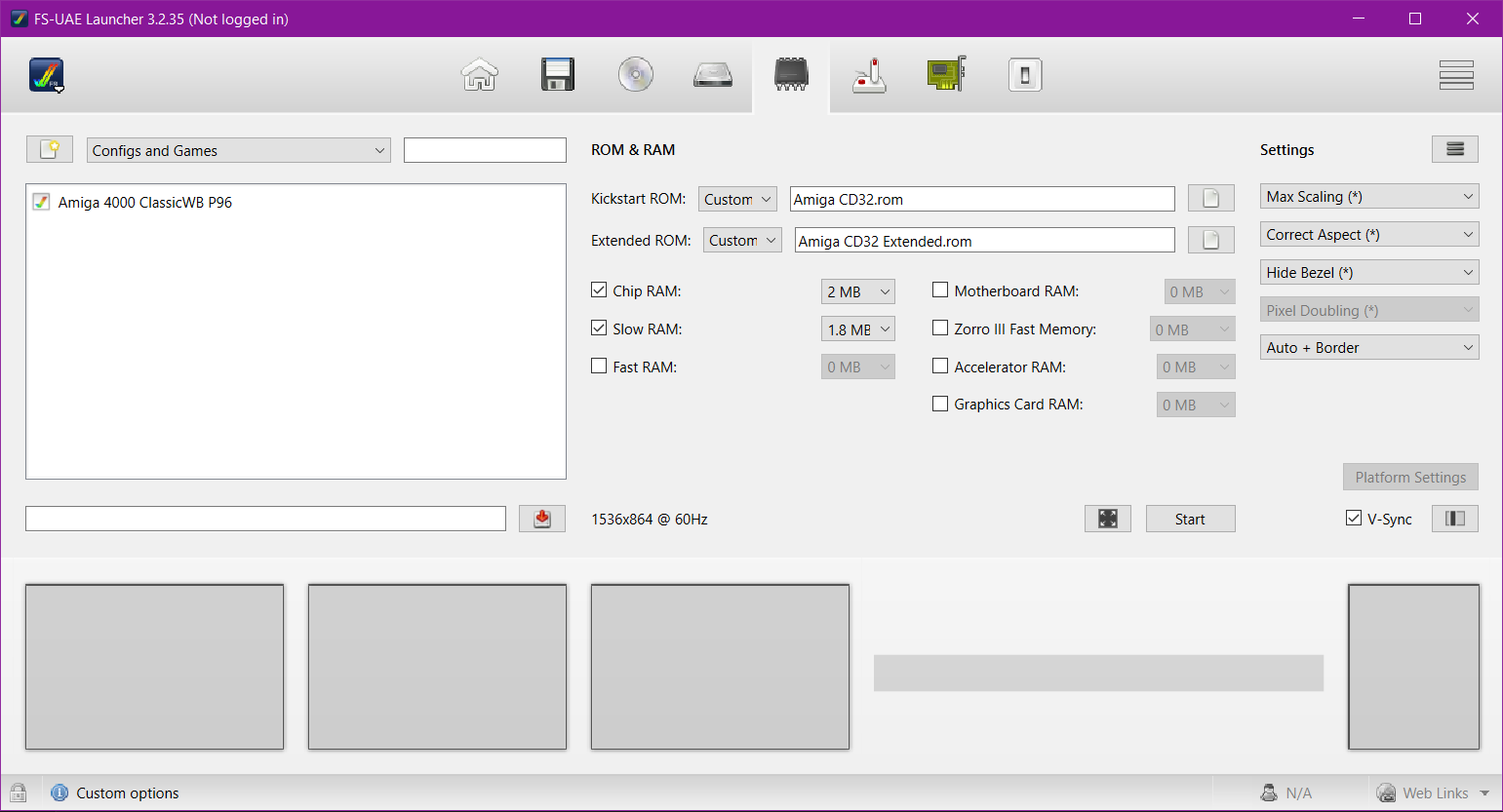
- Download the Kickstarts zip and extract them into the folder as shown in Screenshot 8
- The folder structure shown in Screenshot 9 should be generated from using FS-UAE for the first time (some of those in that screenshot might be folders I had manually created for mine)
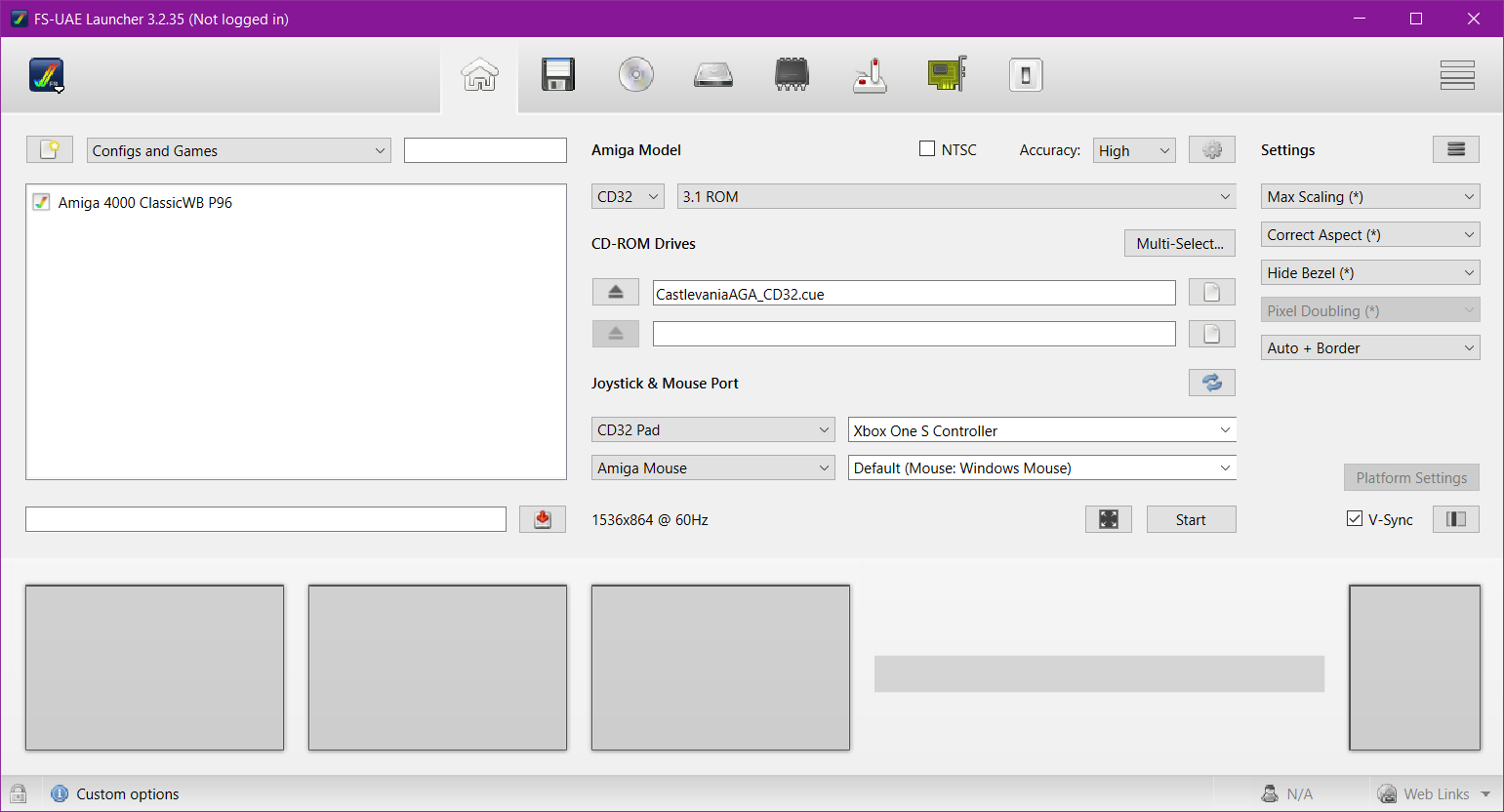
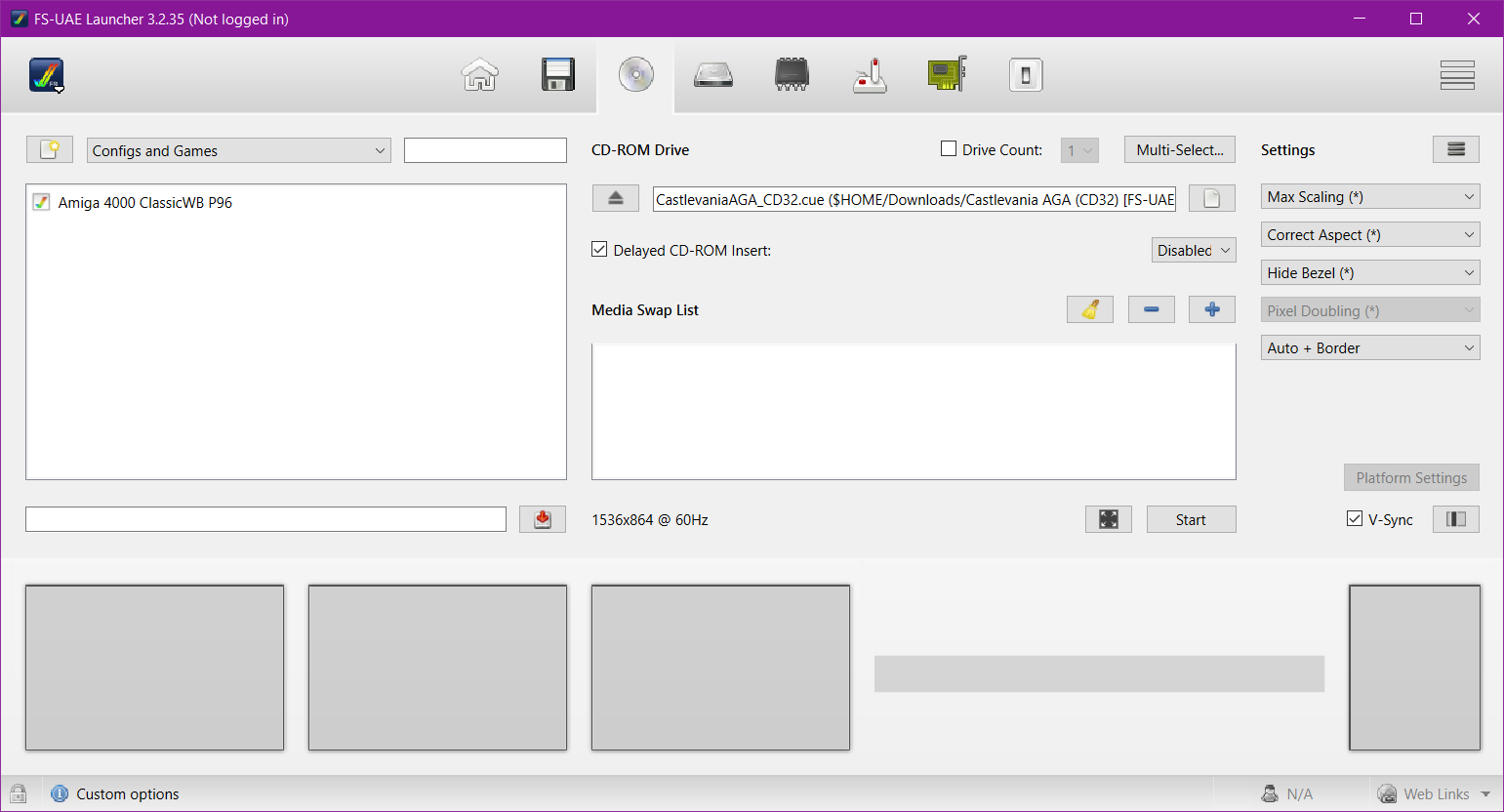
- If you match the settings in FS-UAE to look like Screenshot 10 to 12 and click Start then the game should play and function properly
- In order to use Keyboard instead of a controller you'll need to mess around with the input options a bit to get it how you like. The main settings options in FS-UAE are found through the 3 lines button next to Settings (the one above Max Scaling in the screenshots)
(Using HDF/RetroArch)
- Install the PUAE core in RetroArch and move the Kickstart ROMs to your System directory
- Load the HDF and there you go. I've honestly never used RetroArch for Amiga since WinUAE is vastly superior but for simple tasks like running this game it's fine
(Using WHDLoad)
- Using the preconfigured Workbench from my other post move the folder from the WHDLoad zip into the shared PC folder (ClassicWB UAE v28\PC)
- Start WinUAE using the A4000 Turbo configuration
- Open the PC folder from the Workbench desktop and find the Castlevania folder
- Launch the game through the executable in the folder
Hotkeys:
- F1 world 1 (restart)
- F2 skips to world 2 (stages 4 to 6)
- F3 skips to world 3 (stages 7 to 9)
- F4 skips to world 4 (stages 10 to 12)
- F5 skips to world 5 (stages 13 to 15)
- F6 skips to world 6 (stages 16 to 18)
- ESC quits to title screen
- 1 Axe sub-weapon
- 2 Holy water sub-weapon
- 3 Knife sub-weapon
- 4 Boomerang sub-weapon
- H adds full health and 99 lives
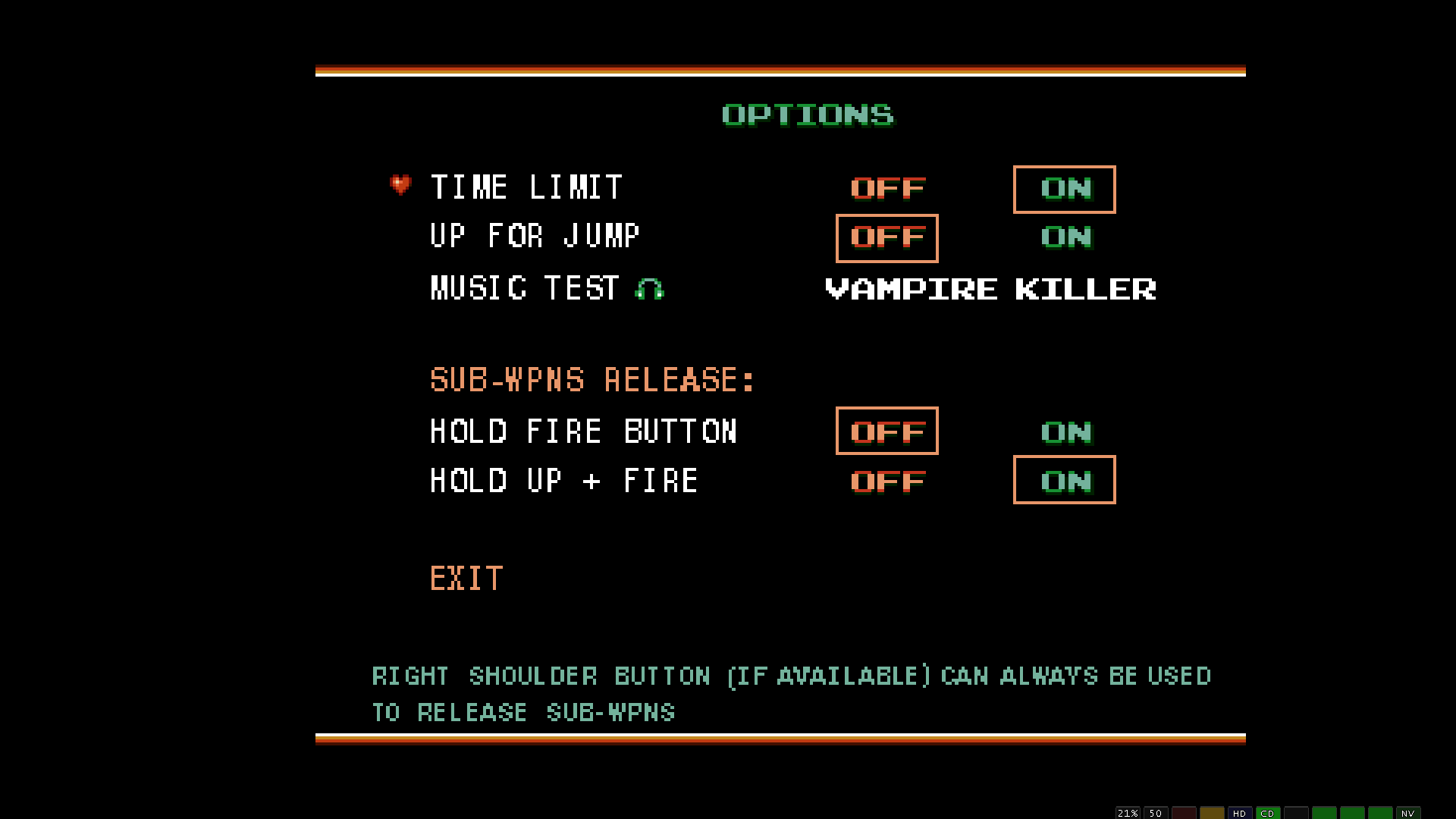
- U toggles "up for jump" on/off
- P pause game
- Q quits to AmigaOS (WHDLoad only)
Note: the reason the FS-UAE version is so big is because the mp3 tracks had to be converted over to WAVE for it to play. Since it's a lossy to lossless conversion the audio quality was not improved at all.
Game Screenshots: