| GAME INFORMATION | |
|---|---|
| Game Name | Duludubi Star |
| Region | China |
| Console | Windows |
| Game Release | 2008 (18 years ago) |
| Genre | Platformer 3D |
| Publisher | Fantawild |
| Developer | Shenzhen Gwancheon Software |
| Languages | Chinese, English Patched |
| Image Format | binary (.exe) |
| Downloads | 1,082 |
| Users Score | |
Game Description:
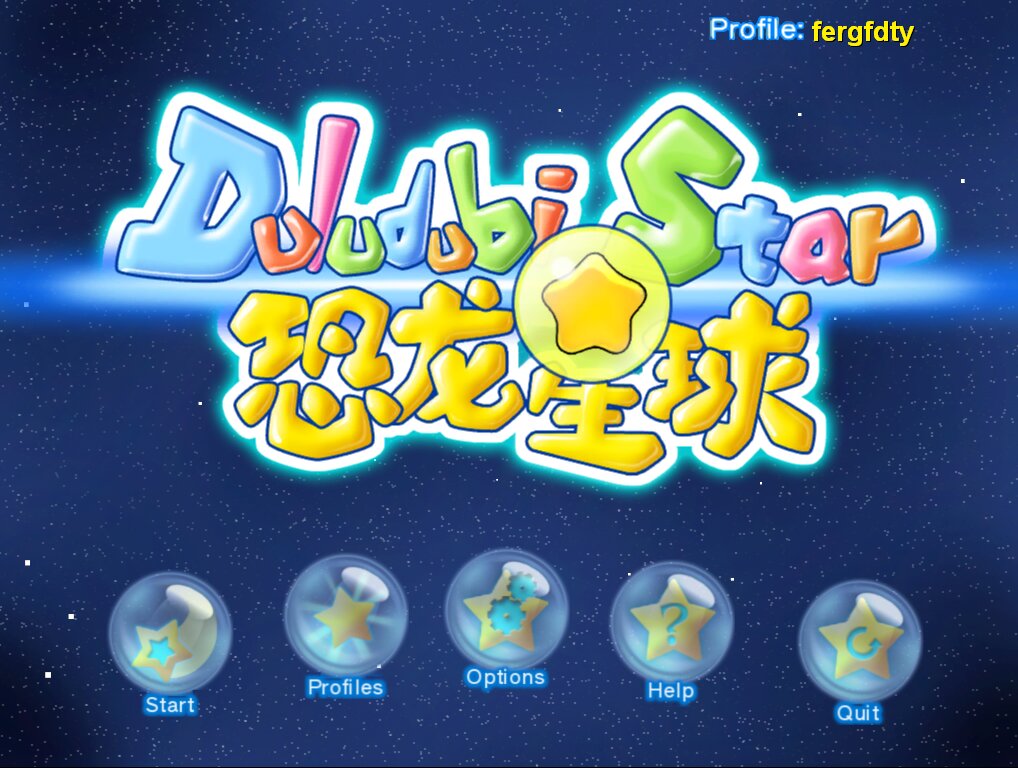
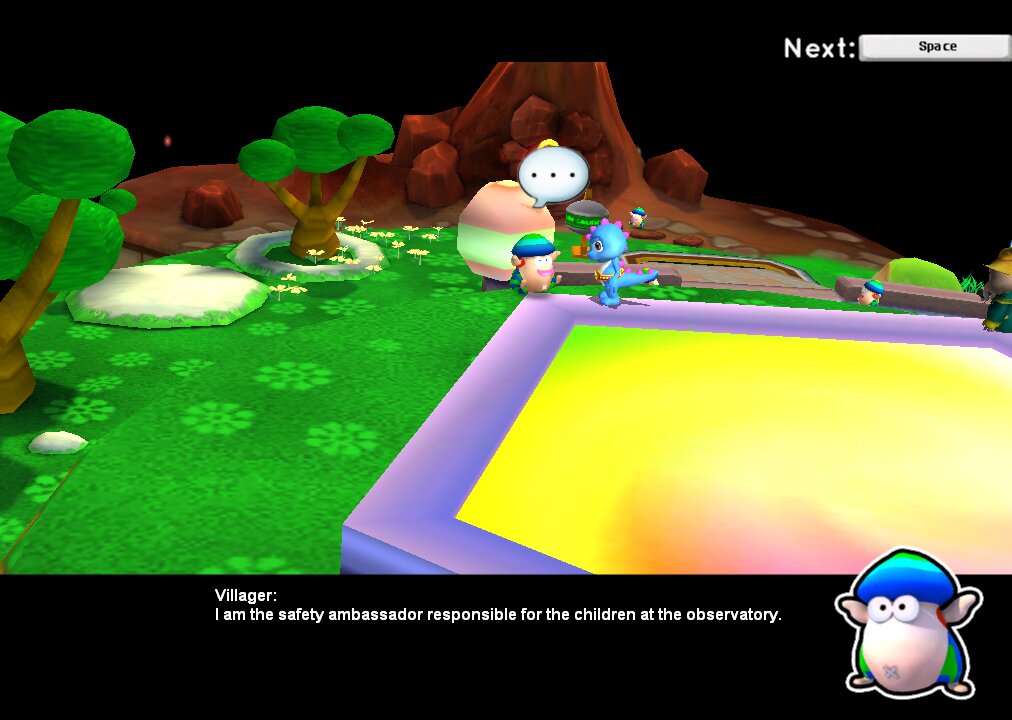
Duludubi Star is a Platformer 3D video game published by Fantawild and developed by Shenzhen Gwancheon Software released on 2008 for Microsoft Windows.
UPDATE!
Game's now patched to run normally in English without the need of Locale Emulator thanks to the hard work of blashy101.
I am keeping the old version for preservation in case of an update or any other issues.
Patch Github Link https://github.com/blashy101/Duludubi-Star-English-and-Improvements-Patch
Improvements:
Locale Emulator no longer required, just run the executable and you're good to go
Game's launcher menu thing is mostly in English but just tells you what to do cause the other features don't exist anymore.
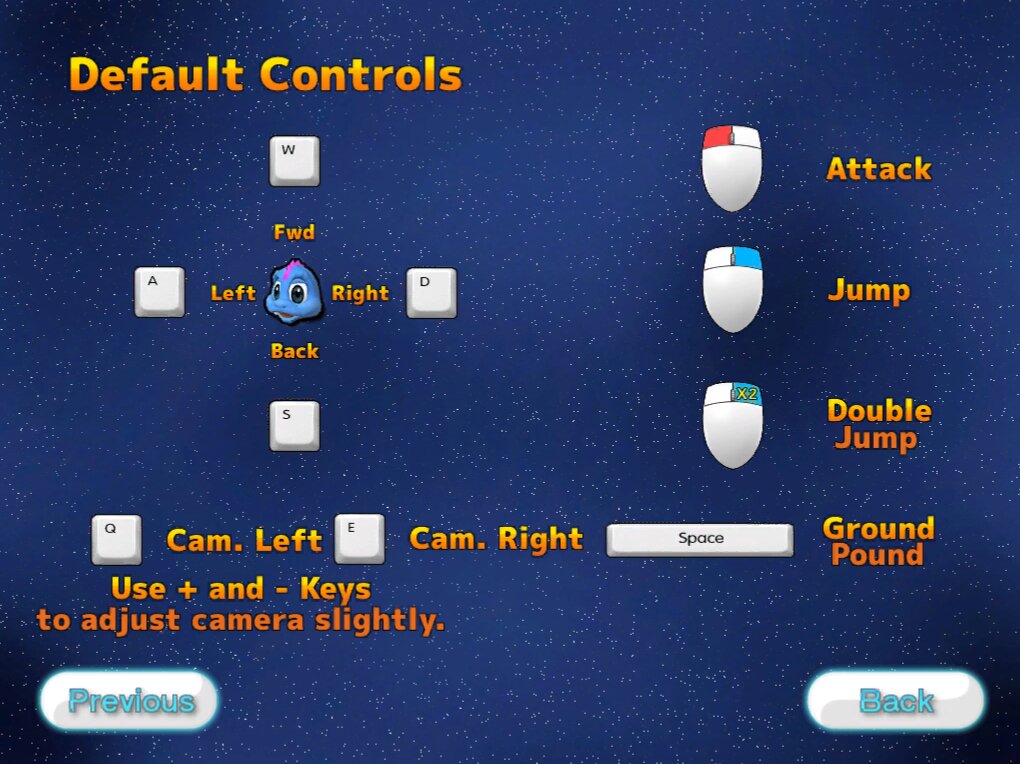
Game now supports XInput controllers, buttons are mapped as follows:
GamePad A Button -> Right Click
GamePad B Button -> Space Bar
GamePad X Button -> + Key (for Camera Adjustment)
GamePad Y Button -> - Key (for Camera Adjustment)
GamePad LB Button -> Q Key
GamePad RB Button -> E Key
GamePad RT Button -> Left Click
Left Stick and DPad tied to WSAD for movement
Right Stick moves mouse cursor for menuing
Other buttons unused/unmapped
The mouse will still function with a controller connected if you wish to menu with the mouse instead, keyboard is disabled
XInput features will not be active when a controller is not connected so you can use mouse/keyboard no problem if you want.
There will be bugs probably, the translation is definitely not accurate because its machine translated because I don't speak Chinese lol.
Have fun!
(Tested on Windows 10 and 11, appears to be working appropriately)
Installation
Download Duludubi Star.7z and extract it, if the executable does not work you may need to install Locale Emulator and set it to Japanese, then right click the excitable and run through Locale Emulator.
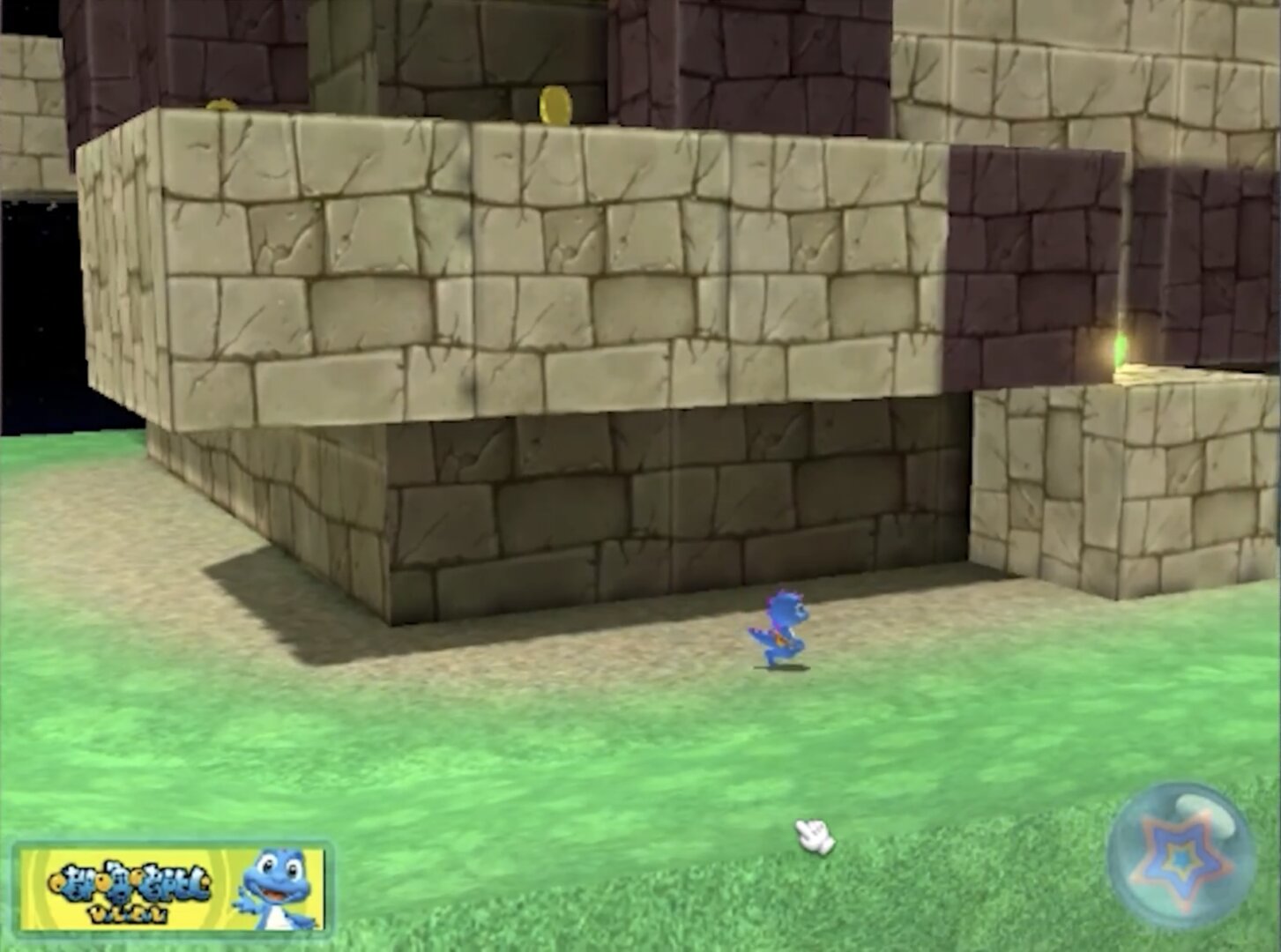
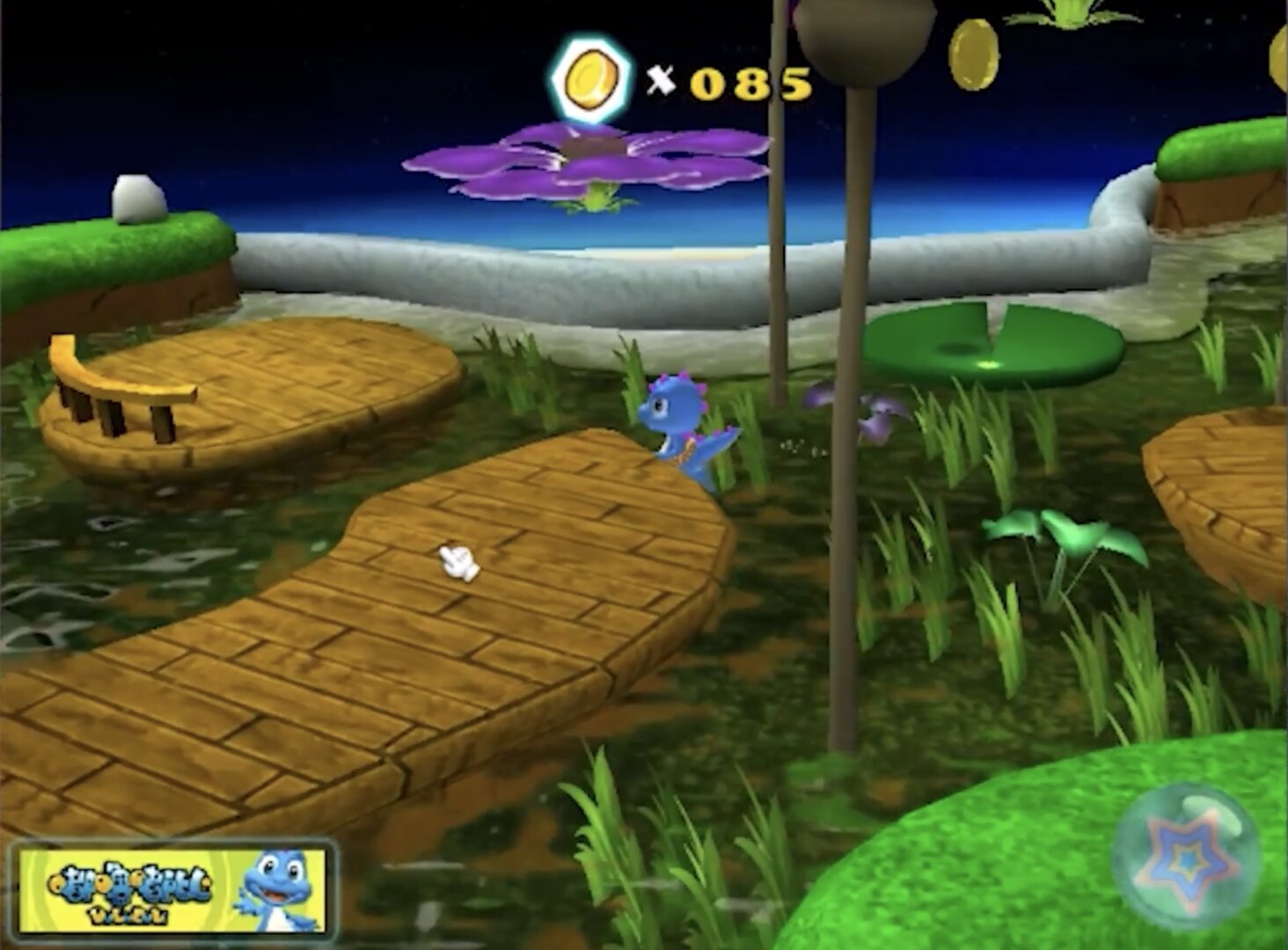
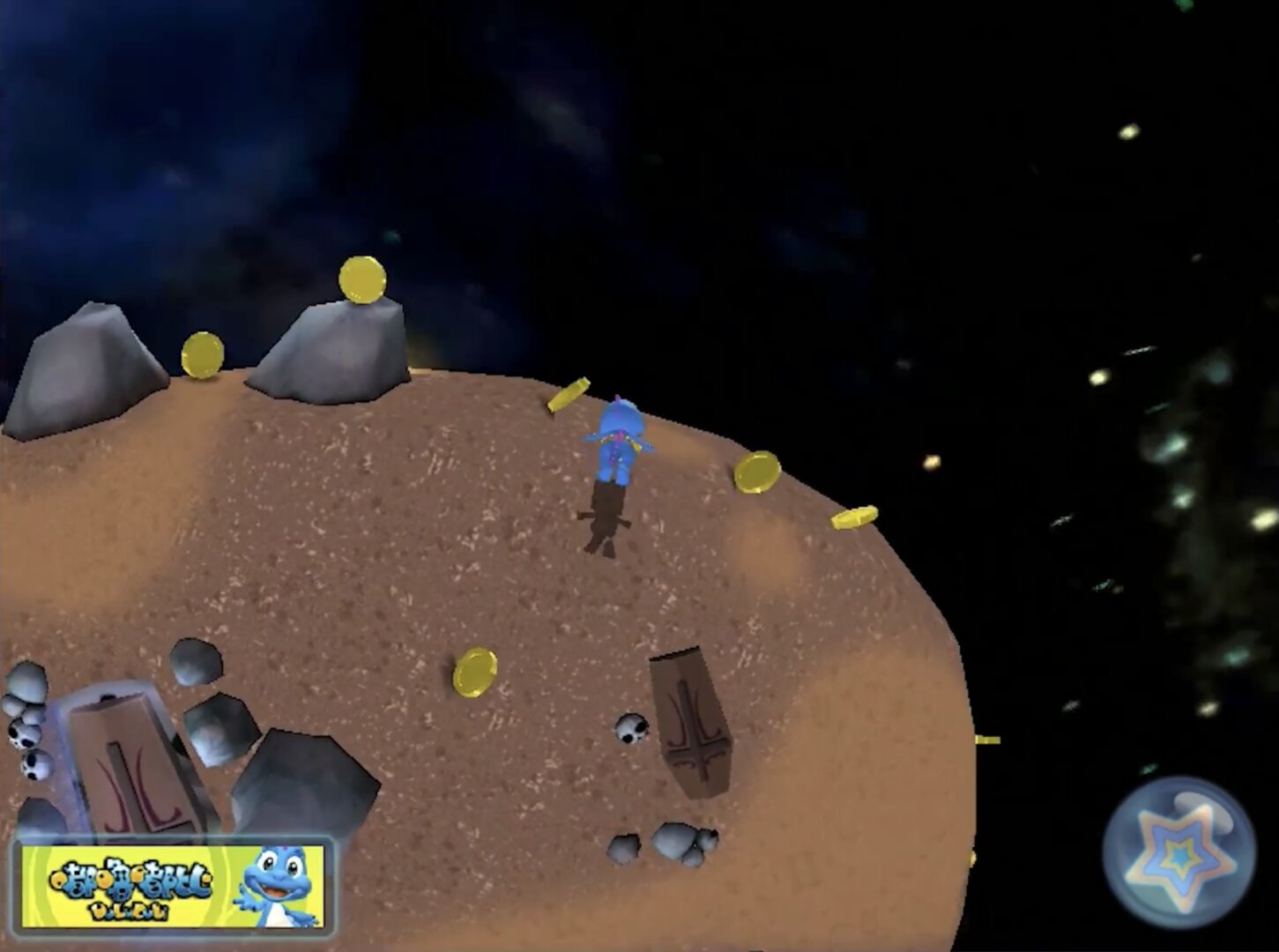
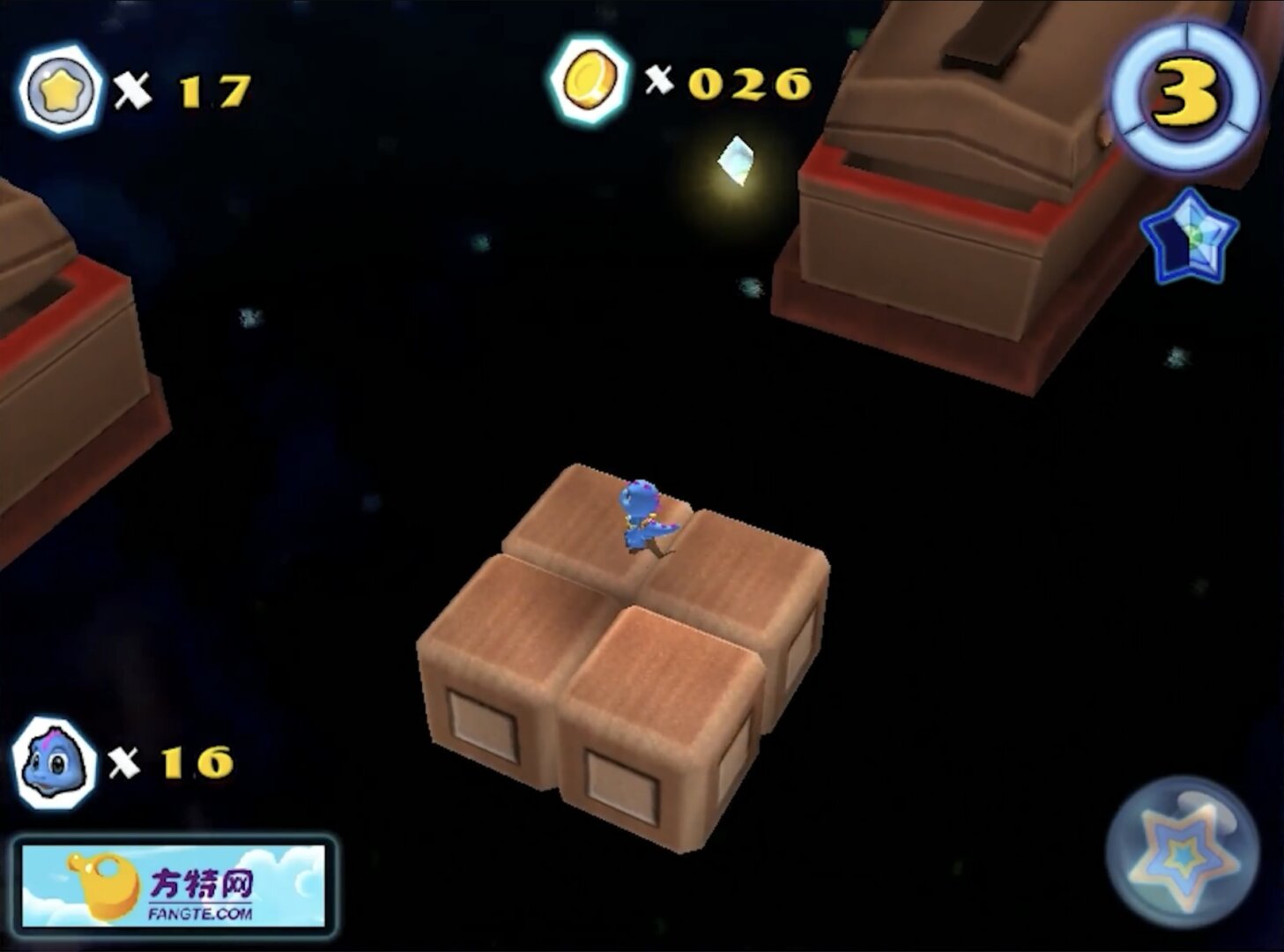
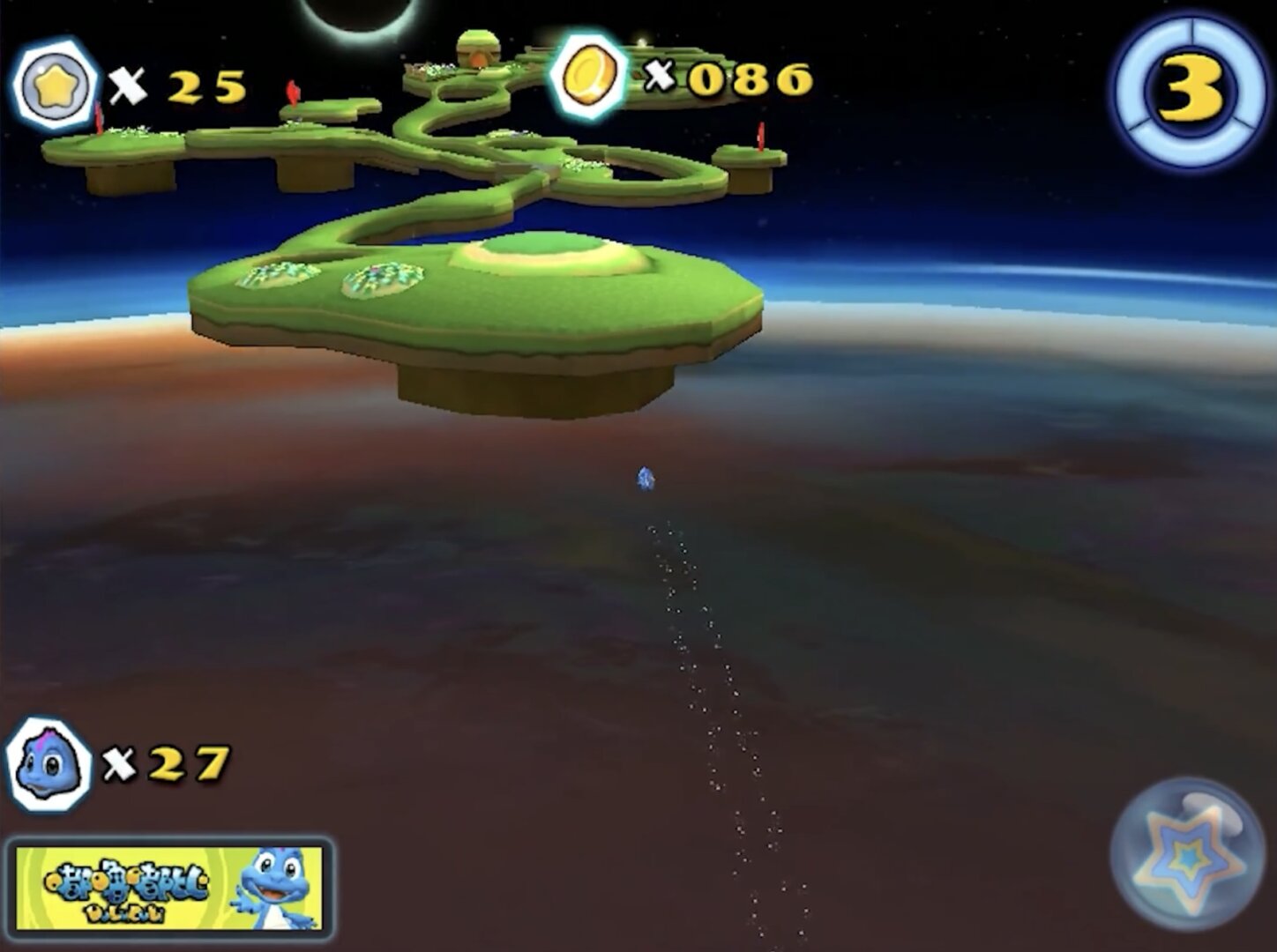
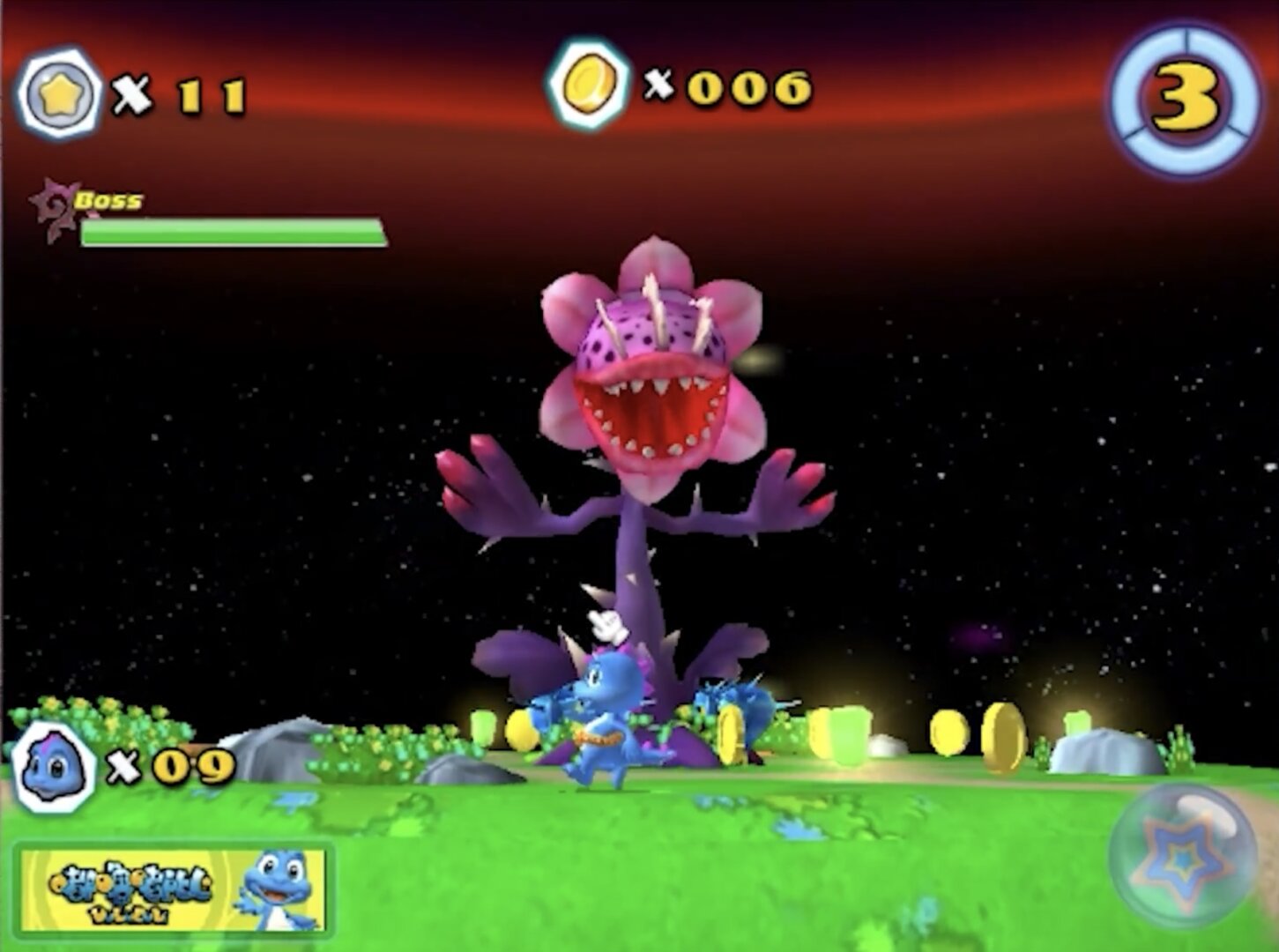
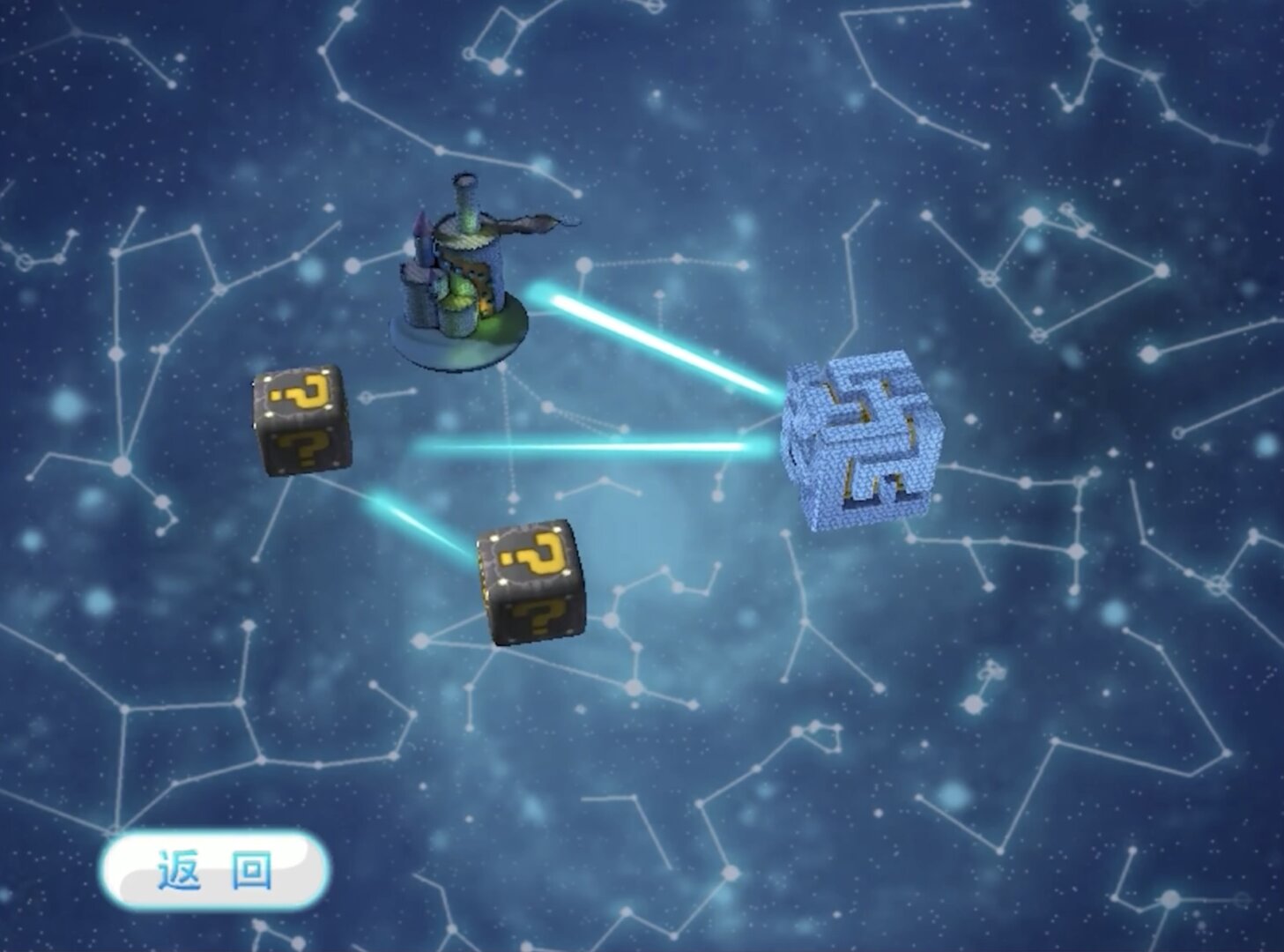
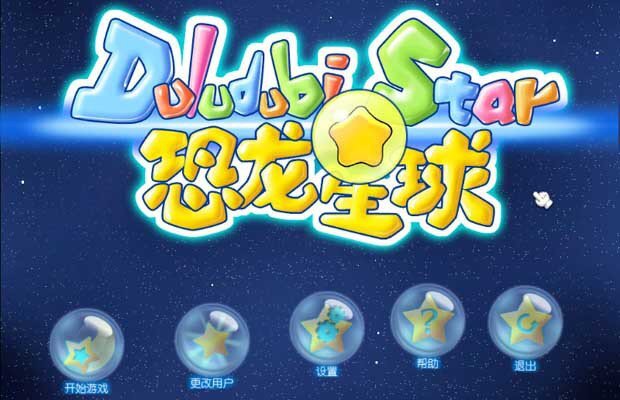
Game Screenshots: