| GAME INFORMATION | |
|---|---|
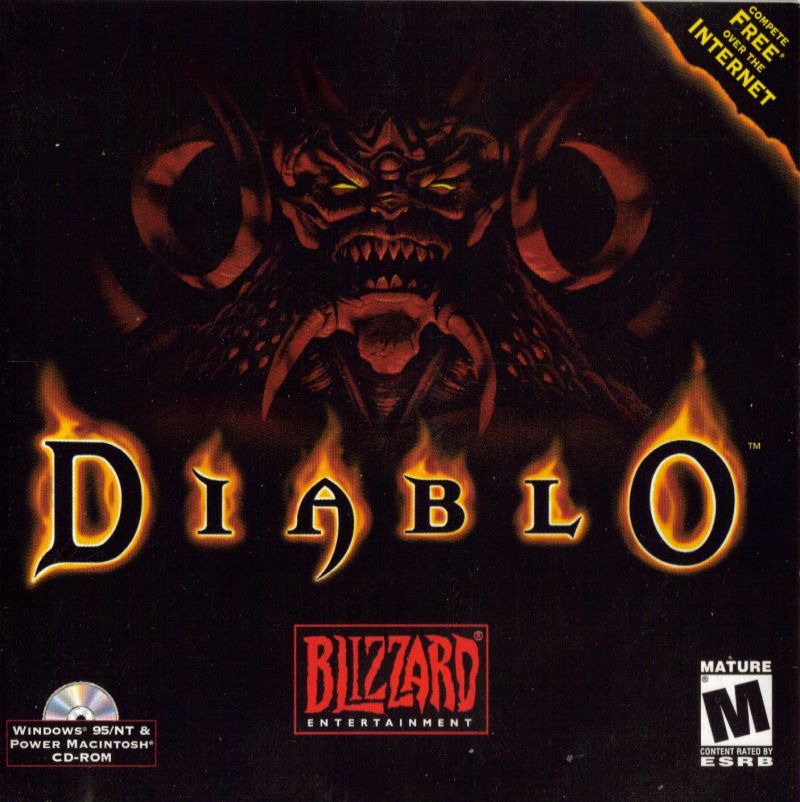
| Game Name | Diablo |
| Region | USA |
| Console | Windows |
| Game Release | 1996 (30 years ago) |
| Genre | RPG |
| Publisher | Blizzard Entertainment |
| Languages | English |
| Image Format | ISO |
| Downloads | 26,435 |
| Users Score | |
Game Description:
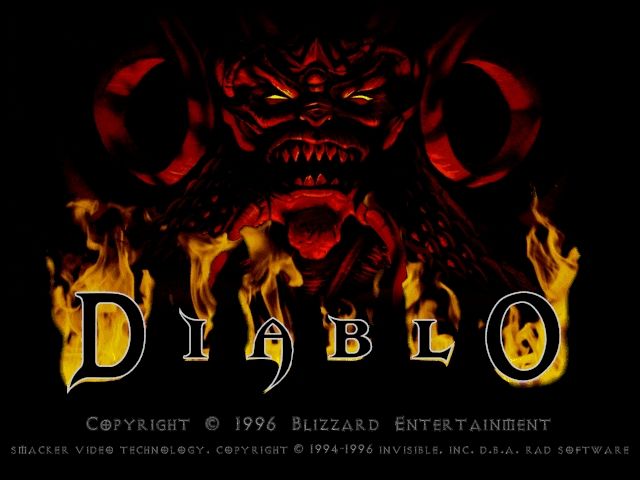
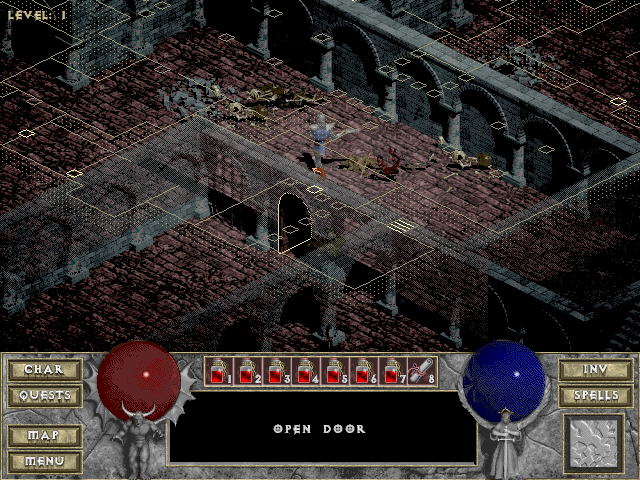
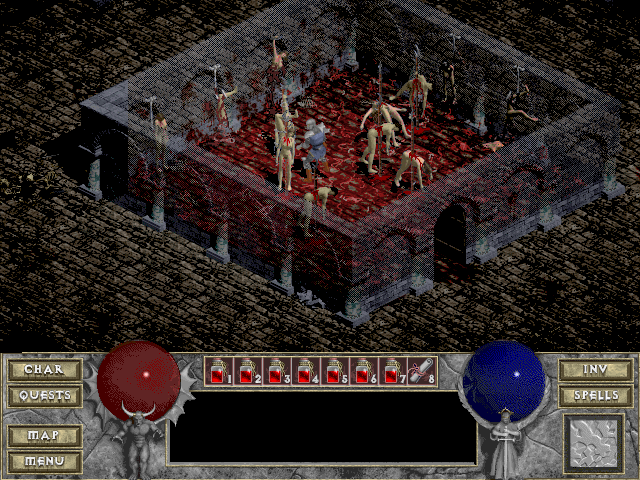
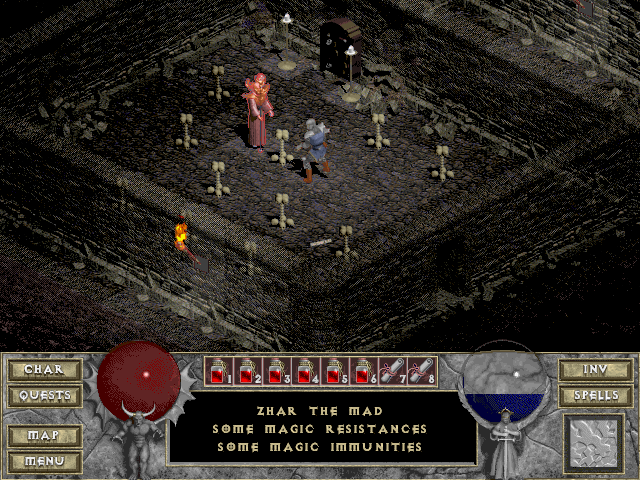
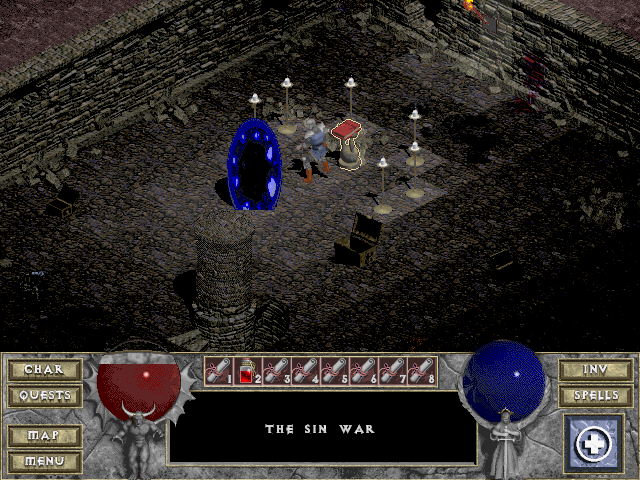
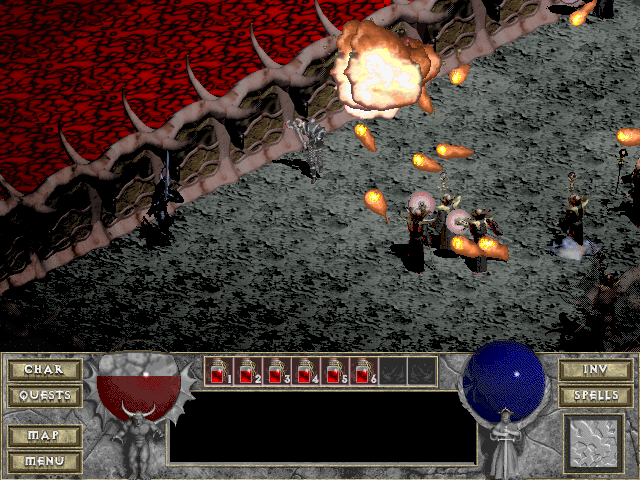
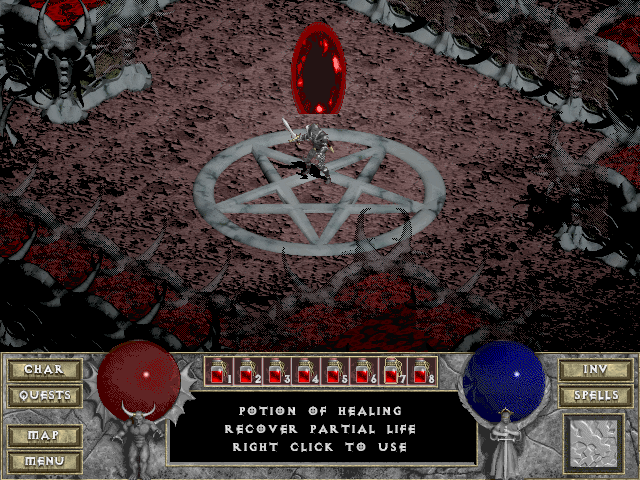
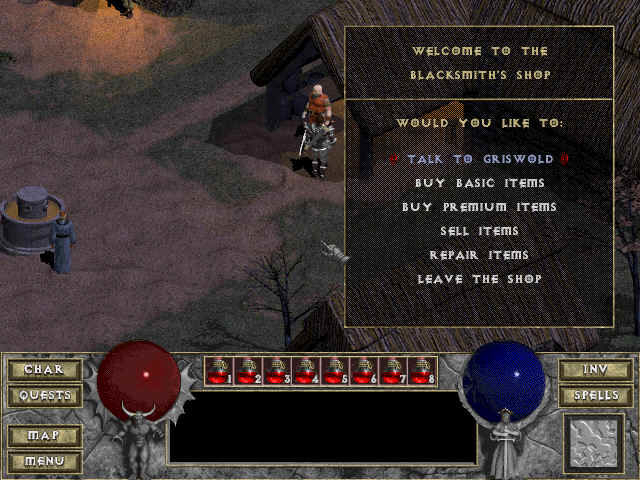
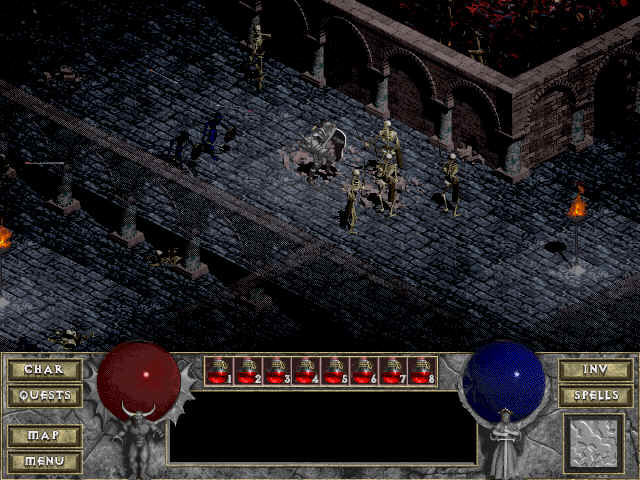
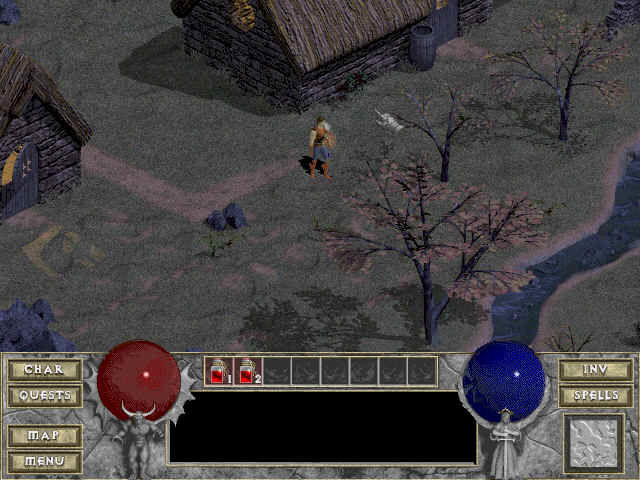
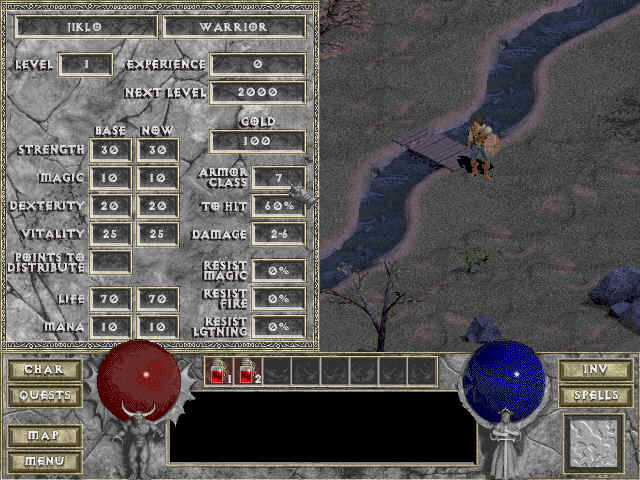
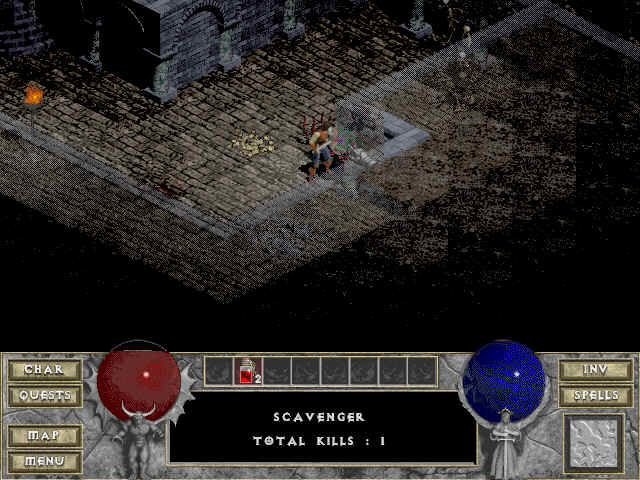
Diablo is a RPG video game published by Blizzard Entertainment released on 1996 for Microsoft Windows.
How to install Diablo on Windows 10:
- Download the game and extract it with Winrar.
- You need Daemon Tools lite installed or similar. Mount the .cue file.
- Go to my computer and install the game.
- Go to the location where you installed it and right click diablo.exe
- Go to the compatibility tab and select Reduced Color Mode, set it to 16 bits.
- Play with double click.
- OPTIONAL: Install Diablo v1.09 Patch if you wish it fixes several bugs.
NOTE: The ISO needs to remain mounted while playing. Tested working on Windows 10.
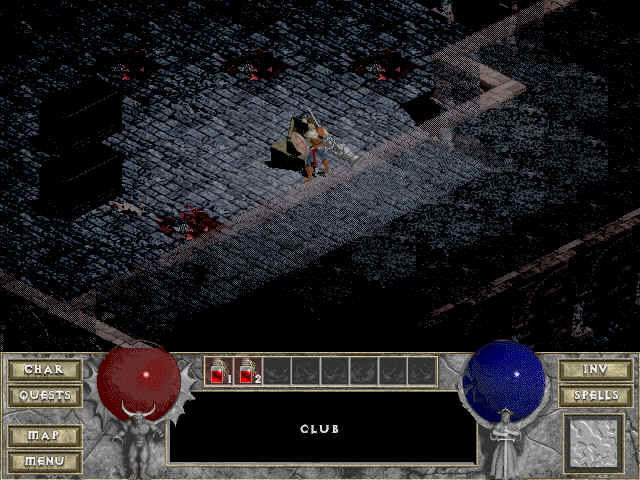
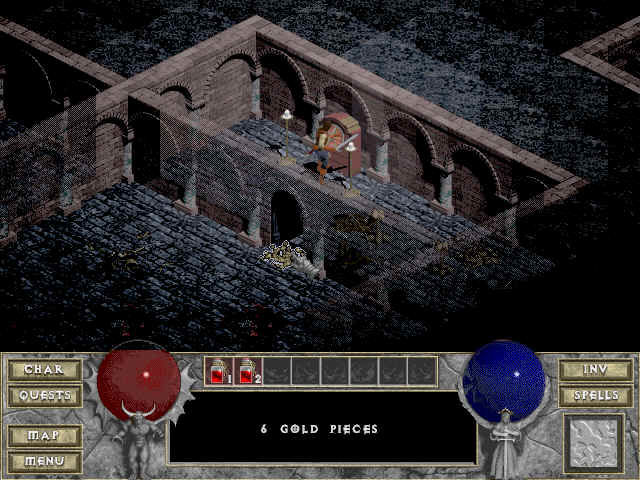
Game Screenshots: