| GAME INFORMATION | |
|---|---|
| Game Name | Amiga OS 3.1 Preconfigured Workbench + Over 150 Games |
| Region | World |
| Console | Windows |
| Game Release | 1994 (32 years ago) |
| Genre | Compilation, Simulation |
| Publisher | Commodore |
| Languages | English, French, German, Spanish |
| Image Format | Windows Binary (.exe) |
| Downloads | 3,417 |
| Users Score | |
| Favorites | |
Game Description:
Amiga OS 3.1 Preconfigured Workbench + Over 150 Games is a Compilation/Simulation video game published by Commodore released on 1994 for Amiga, Microsoft Windows.
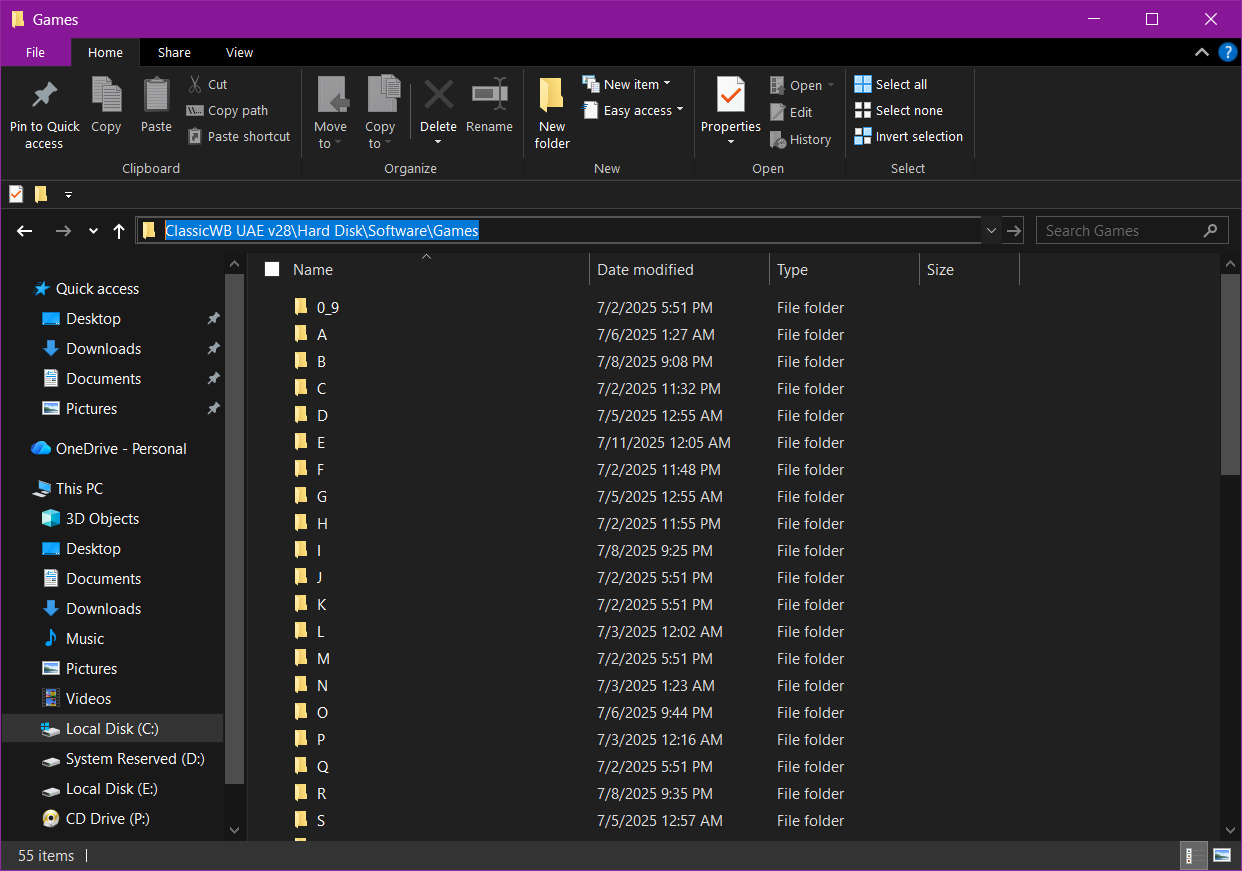
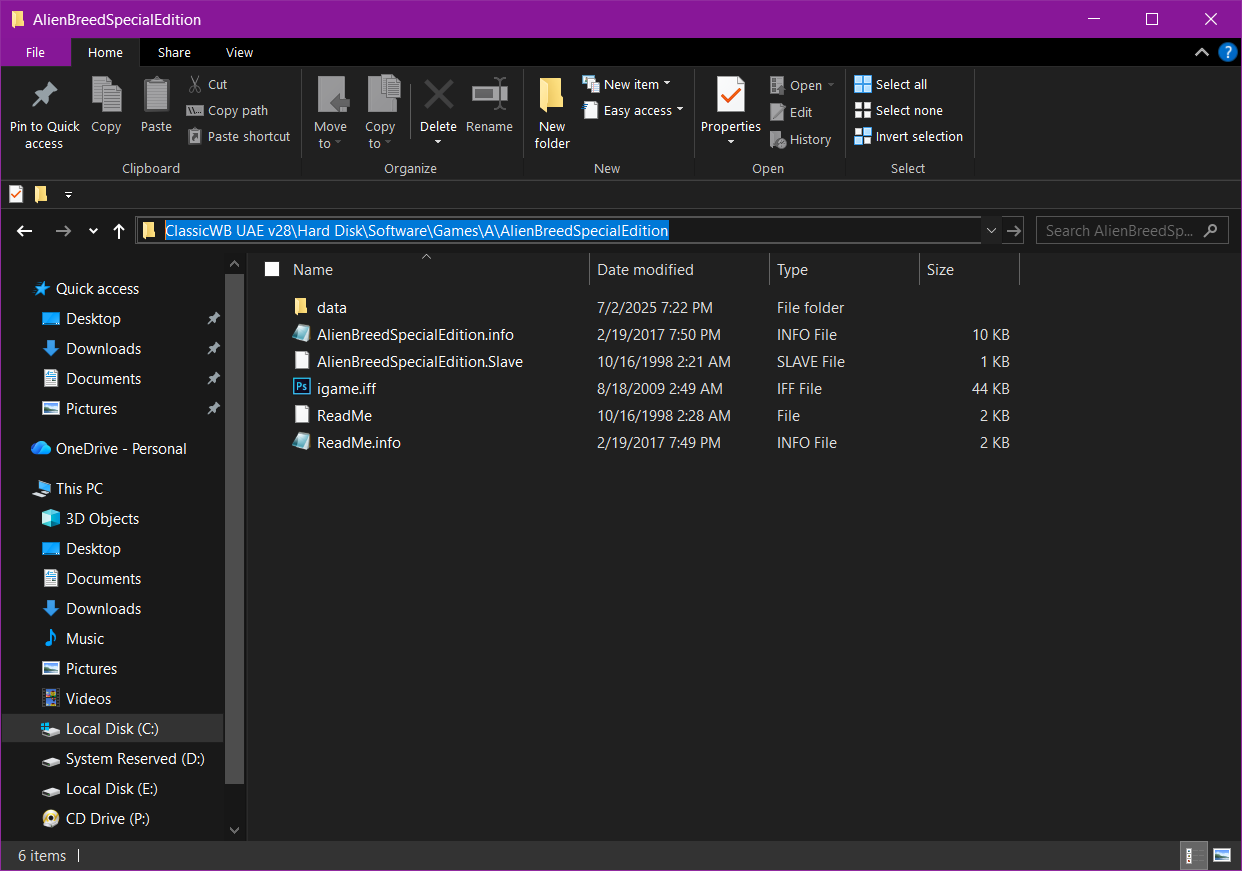
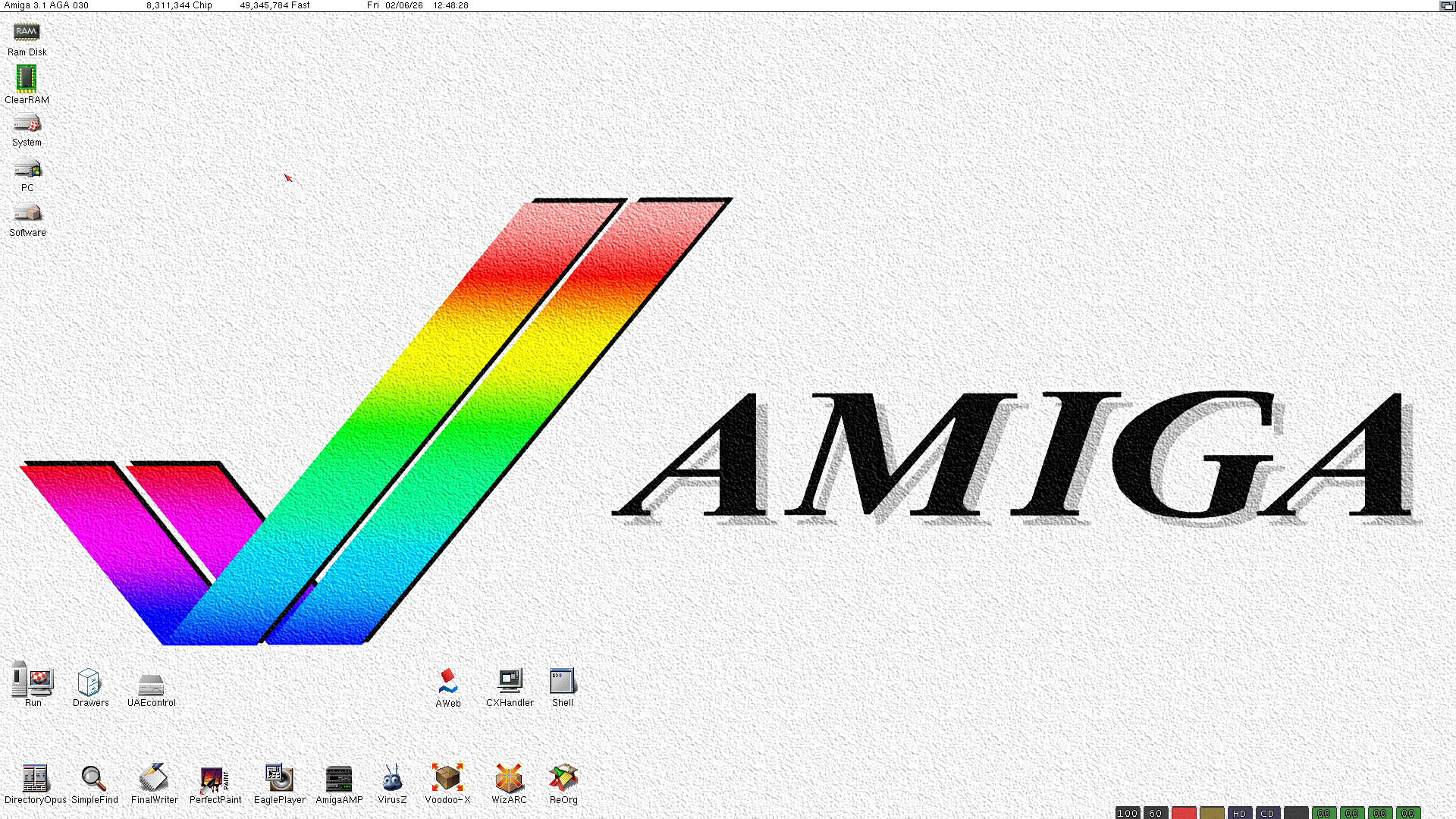
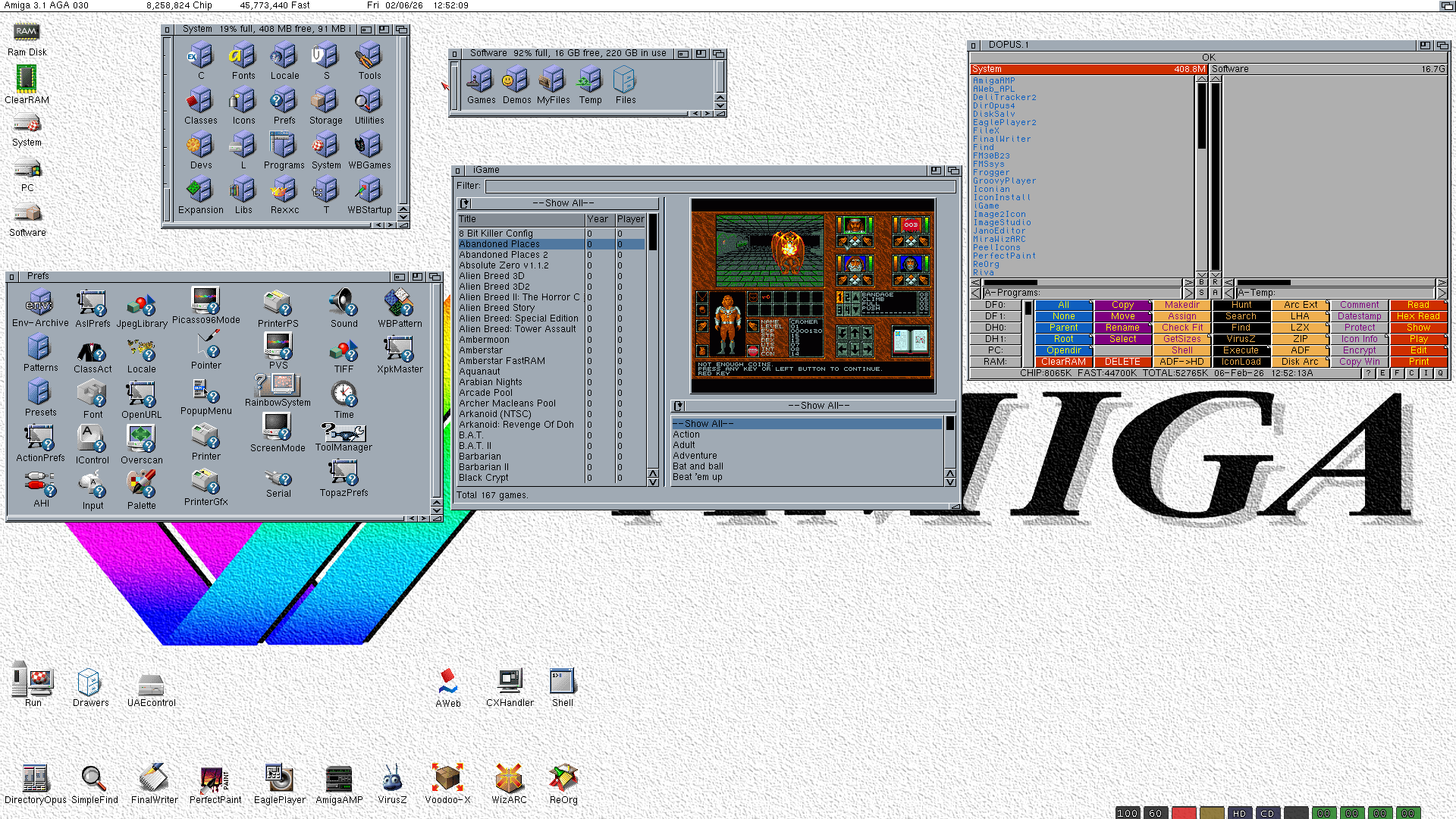
This is a little experiment of mine to see about maybe getting Amiga on the Repo. This is a full preconfigured install of Workbench along with the WHDLoad based game launcher iGame with over 150 games. Here's a guide on how to get this working like in the screenshots:
- Extract the archive to wherever you want (Program Files may be best since the emulator is already set up for being in that folder)
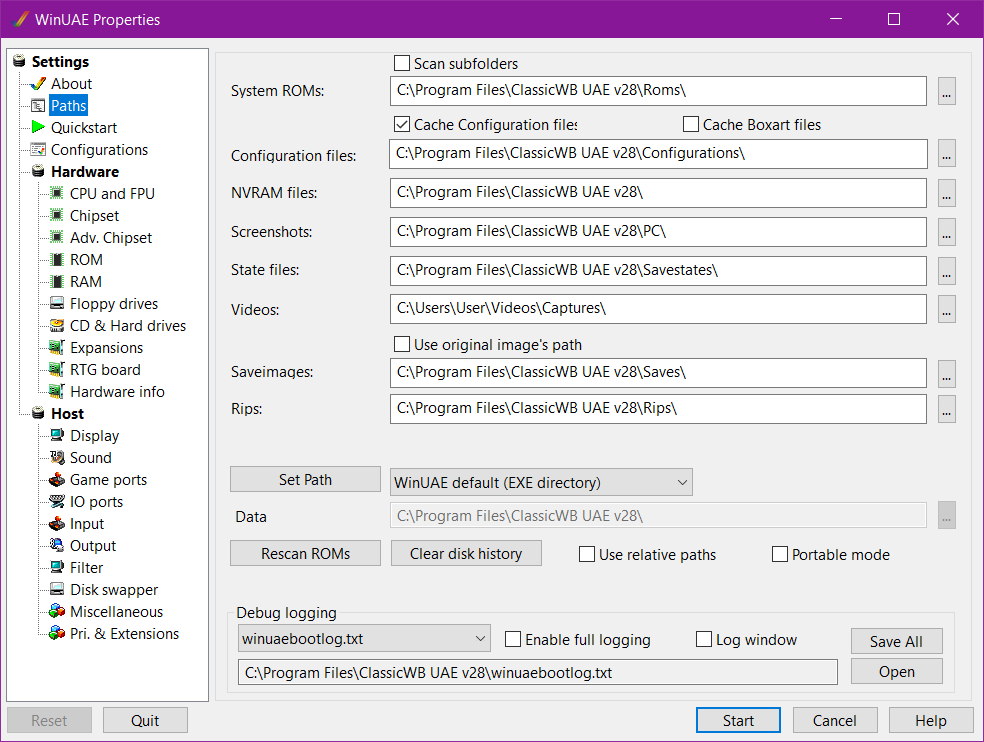
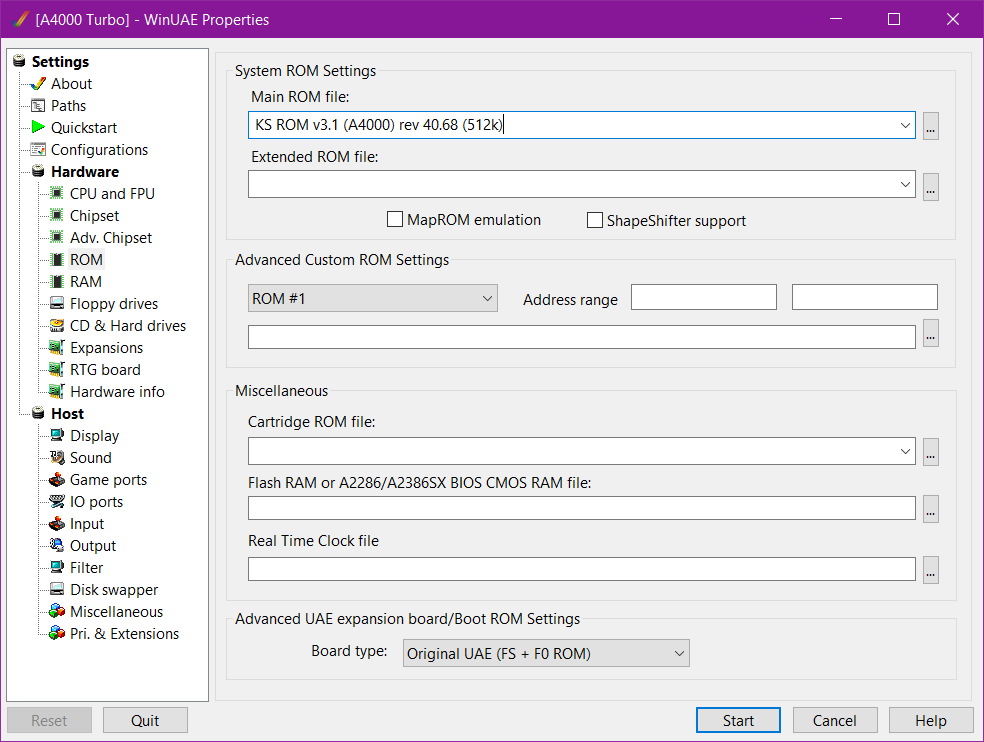
- Launch winuae64.exe (in admin is best) and in the Paths settings set them to where those places are now on your PC
- Click to Rescan ROMs
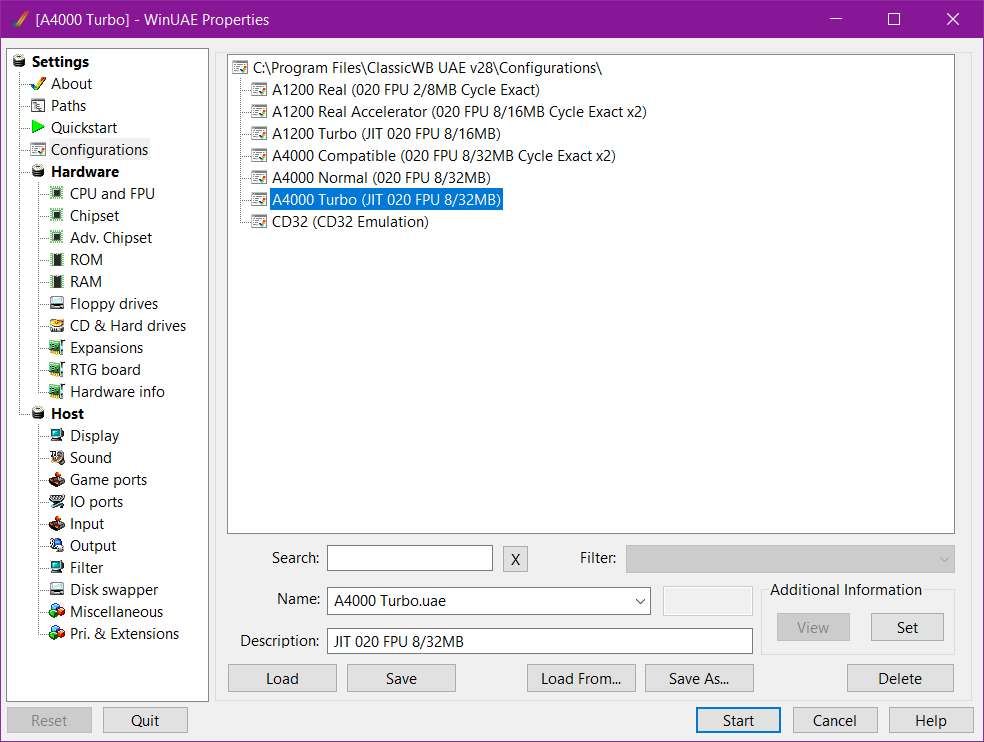
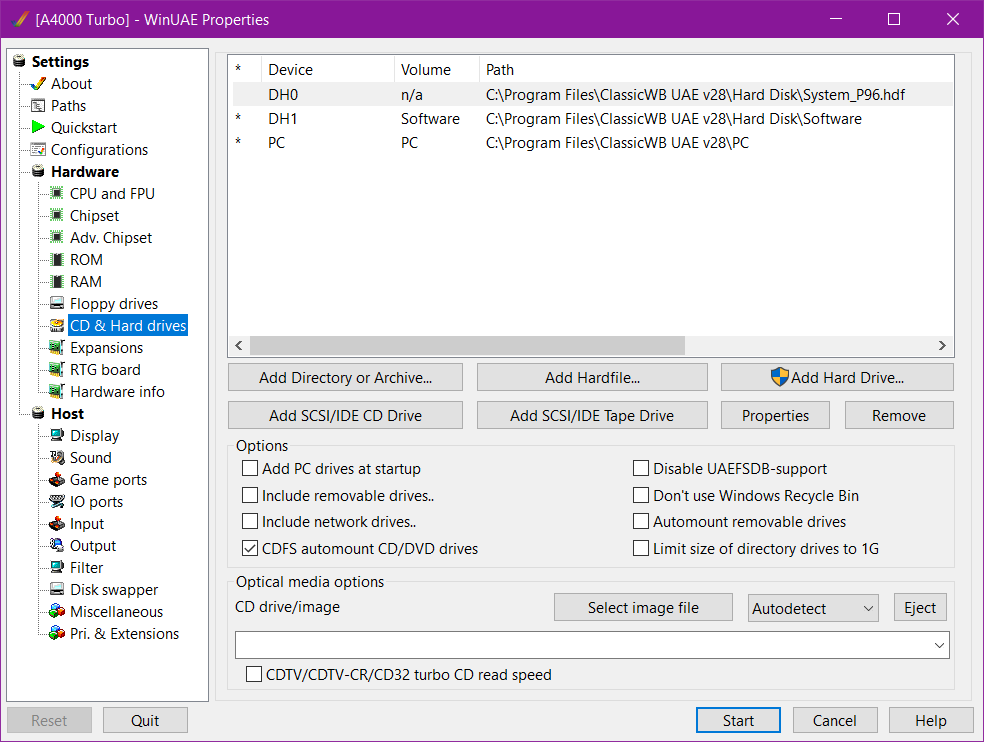
- In Configurations load the A4000 Turbo preset and then make sure the folders and file used as hard drives are mounted as according to the screenshot of the Hard drives settings. If you moved it to Program Files then it should work automatically but if you're using a different folder path, you'll have to set them manually (just make sure the devices they're labeled as matches DH0, DH1, and PC)
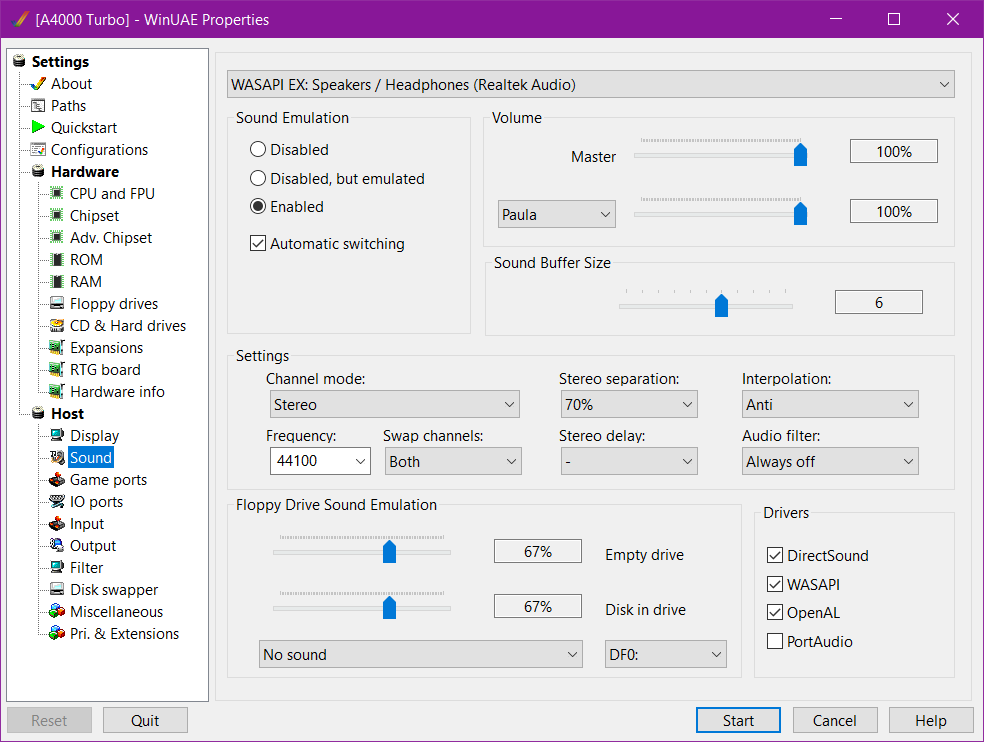
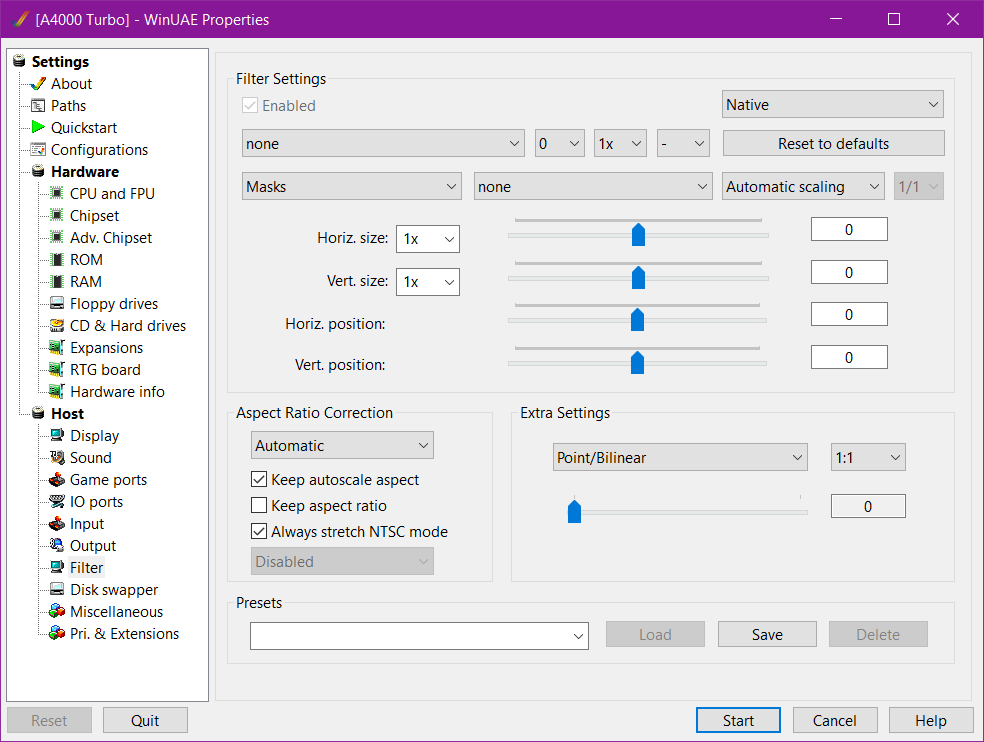
- Before starting make sure you have the sound, display, and filter settings how you like and configure your keyboard and other input options in the Input and Game ports settings (they can be a little tricky so experiment with them)
- Double click the A4000 Turbo preset in Configurations to start or just click start after you're sure the preset has been loaded. You can open WinUAE again by pressing F12
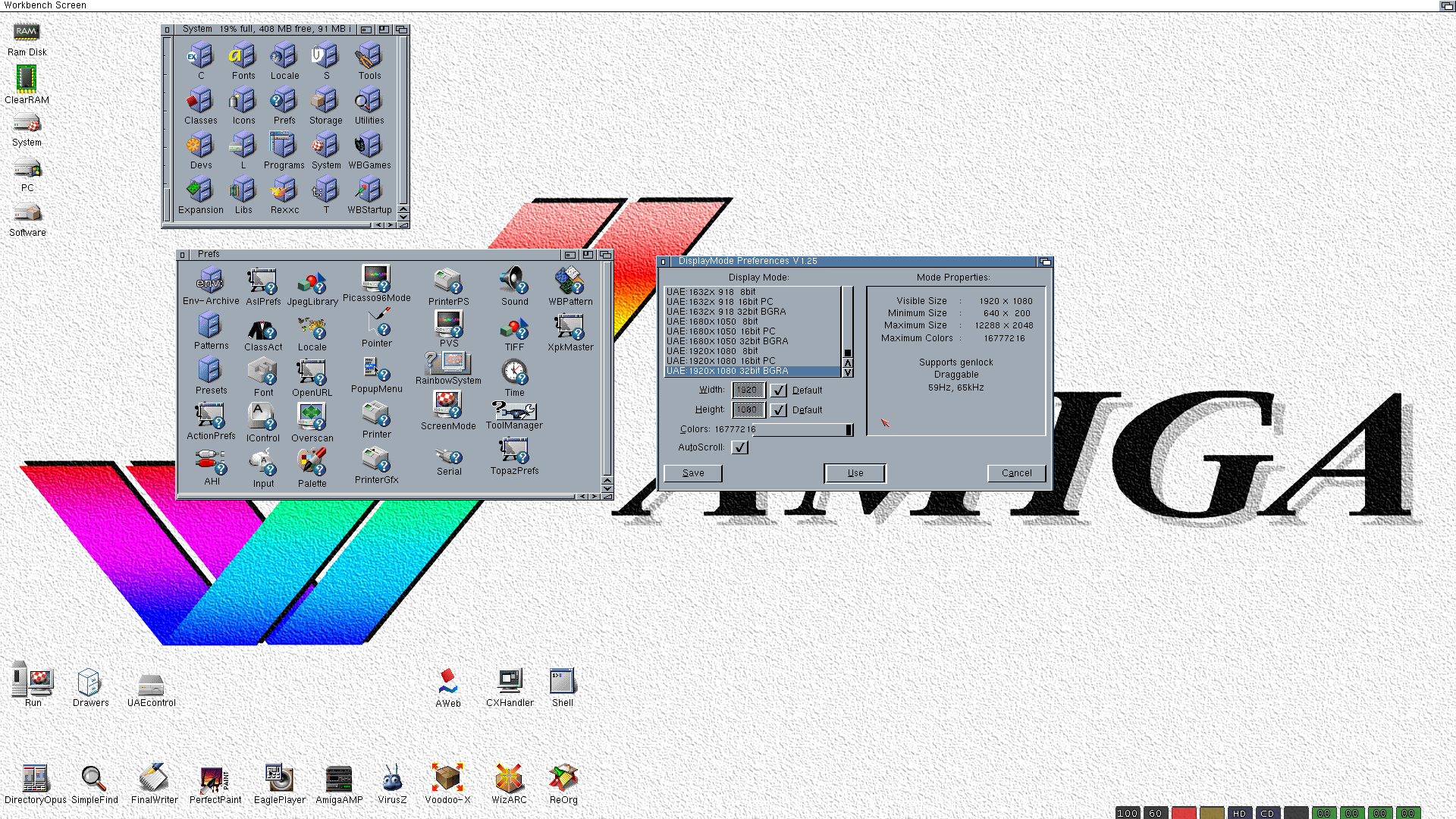
- When it starts you should be at the desktop with no programs open. You can have fun and experiment with the desktop environment and pre-installed applications (there's a lot) if you like
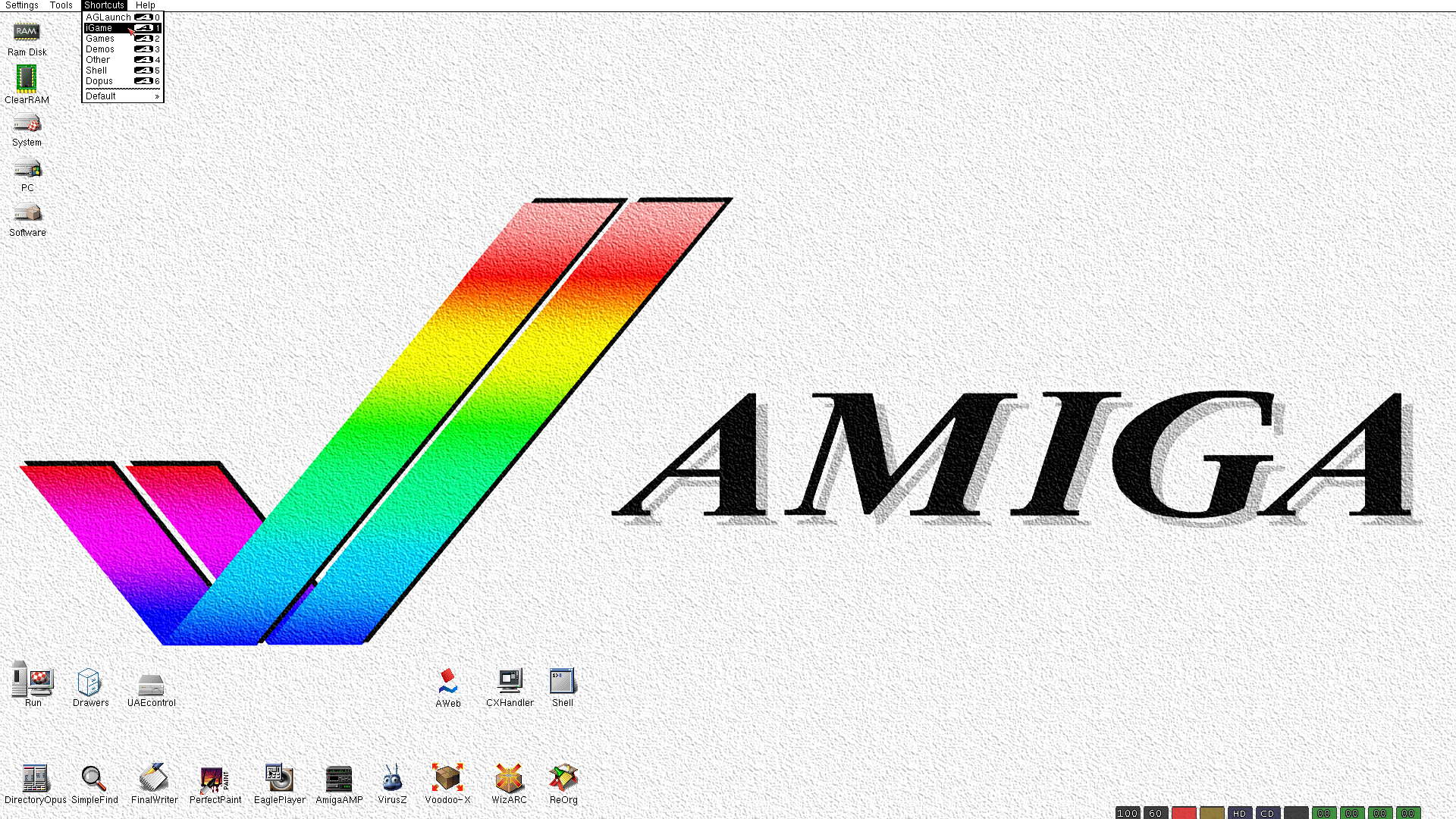
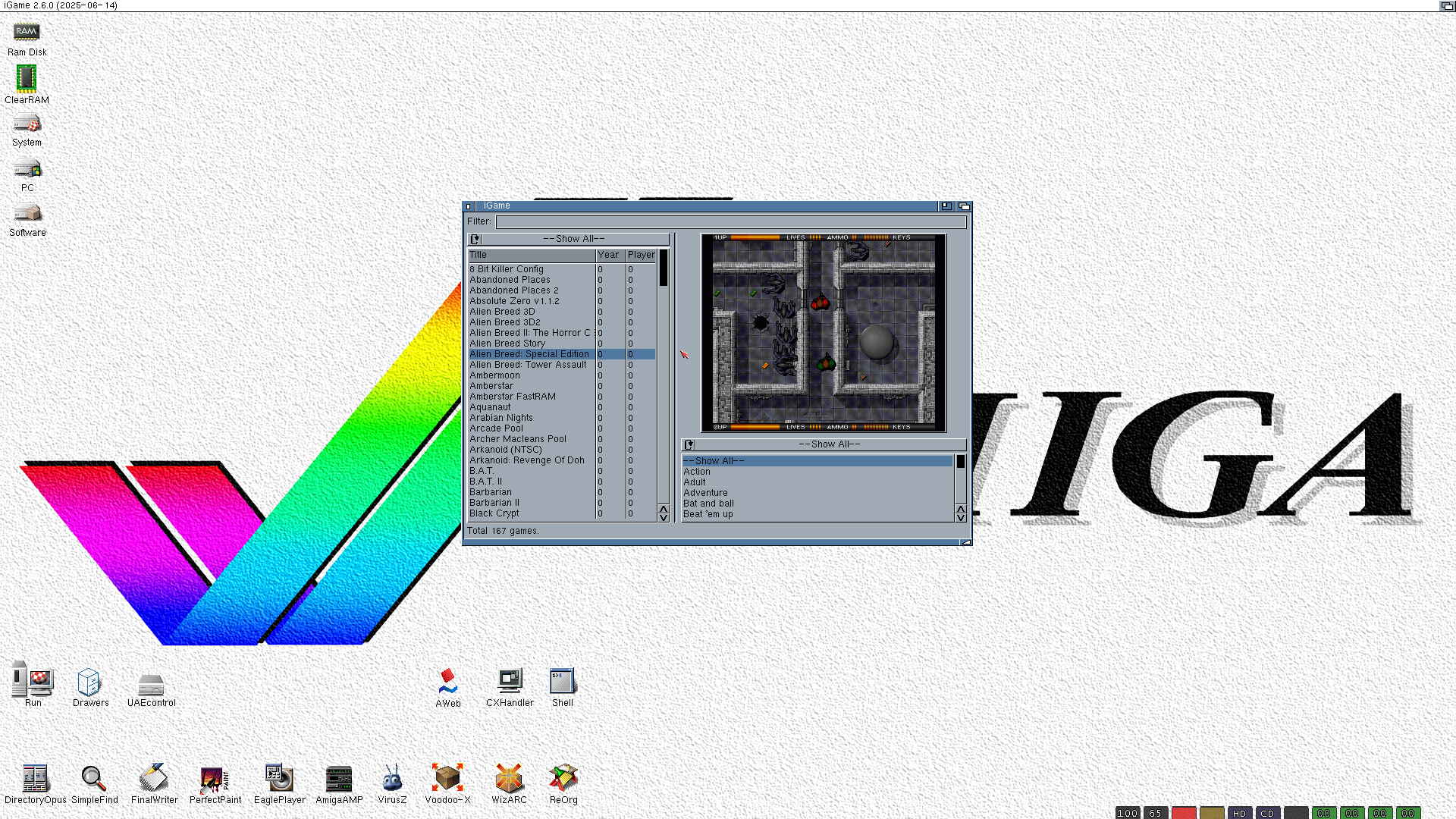
- To play a game open the iGame launcher by revealing the shortcut for it at the top by right clicking and then just pick a game and press enter or click on it a few times
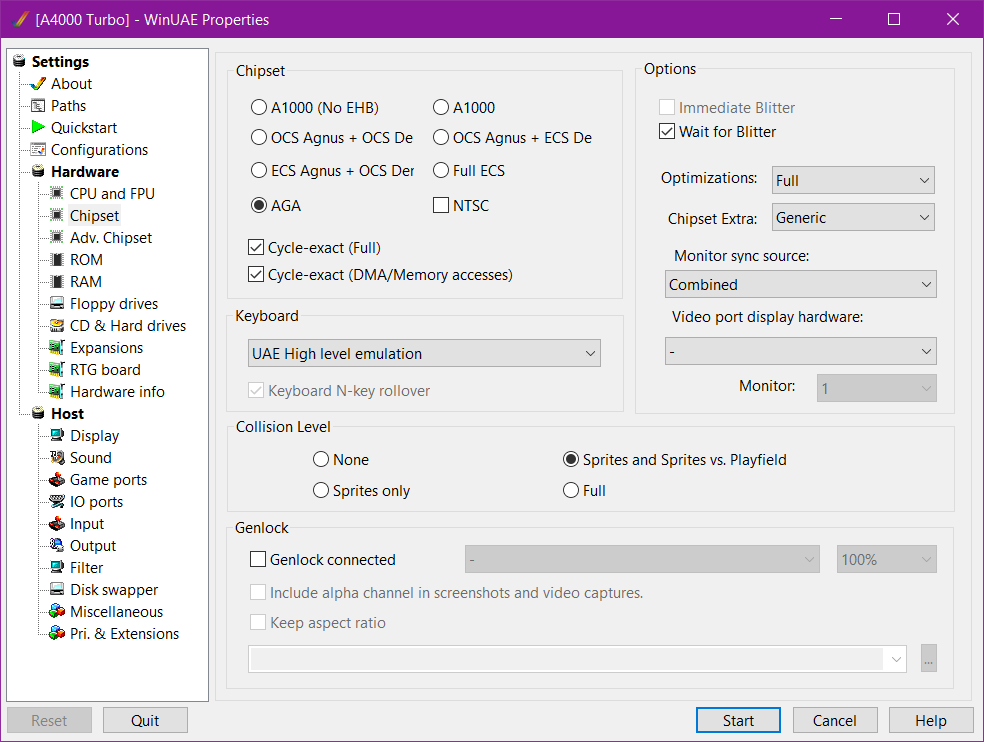
- Most all games will glitch out unless Cycle-exact (Full) is checked in the Chipset settings so be sure to check that once a game has started playing
- To exit a game the button is usually F10 but some games are set to the * key
- The PC folder is shared between the host computer (your PC) and Workbench. So to move files back and forth with it use that folder
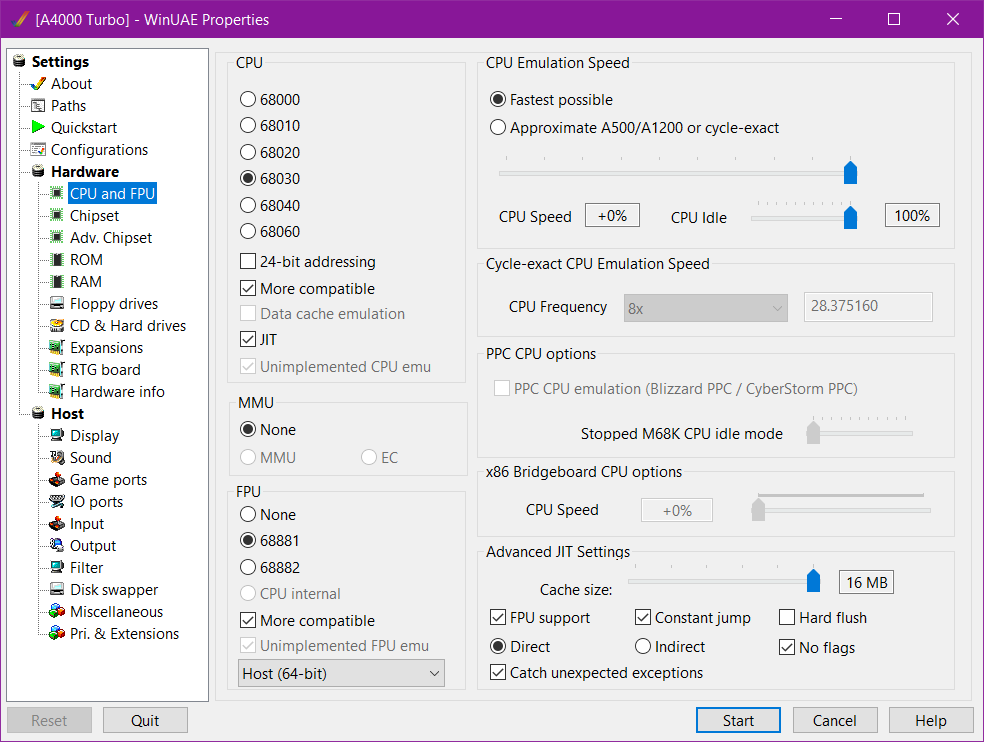
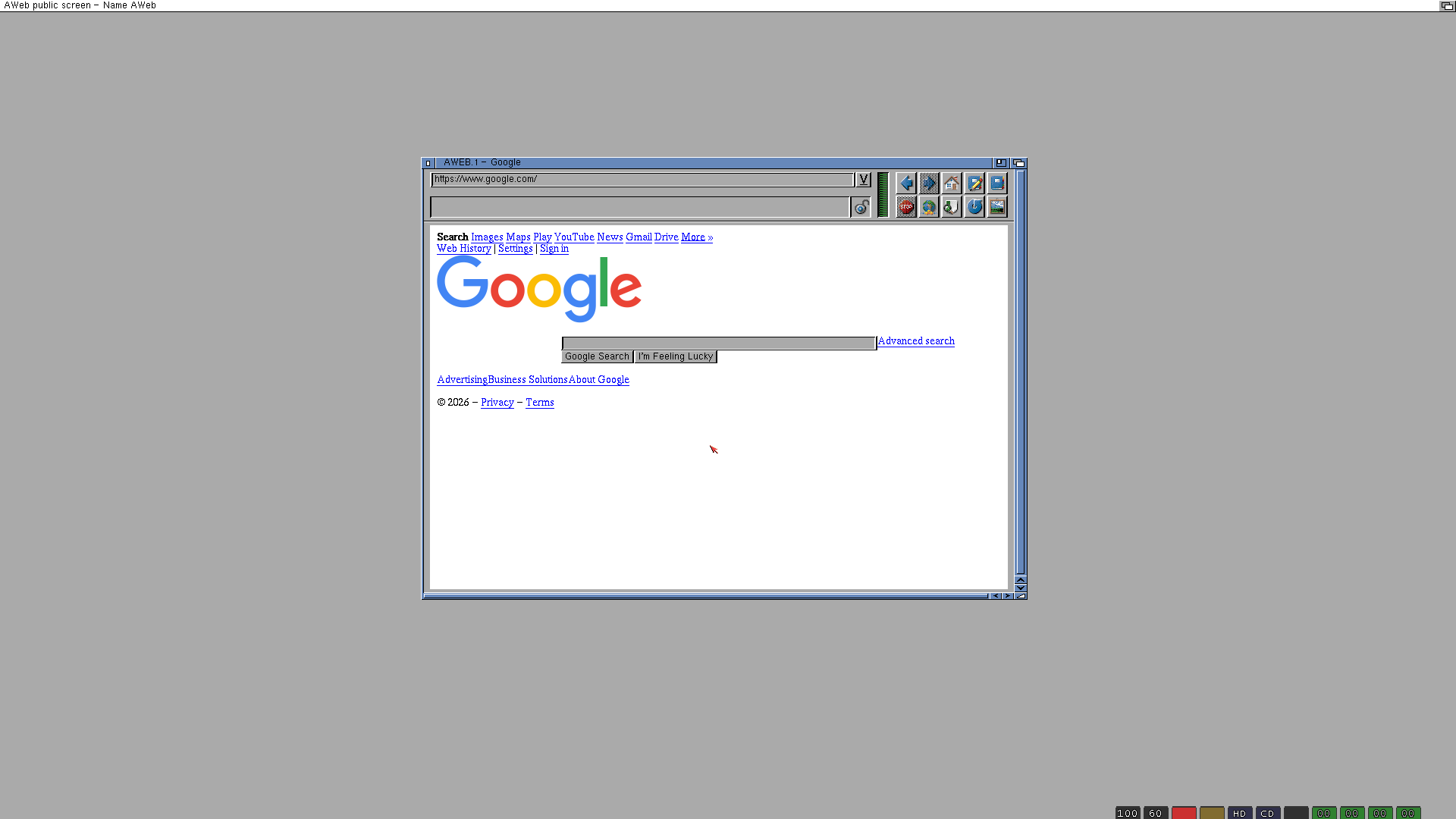
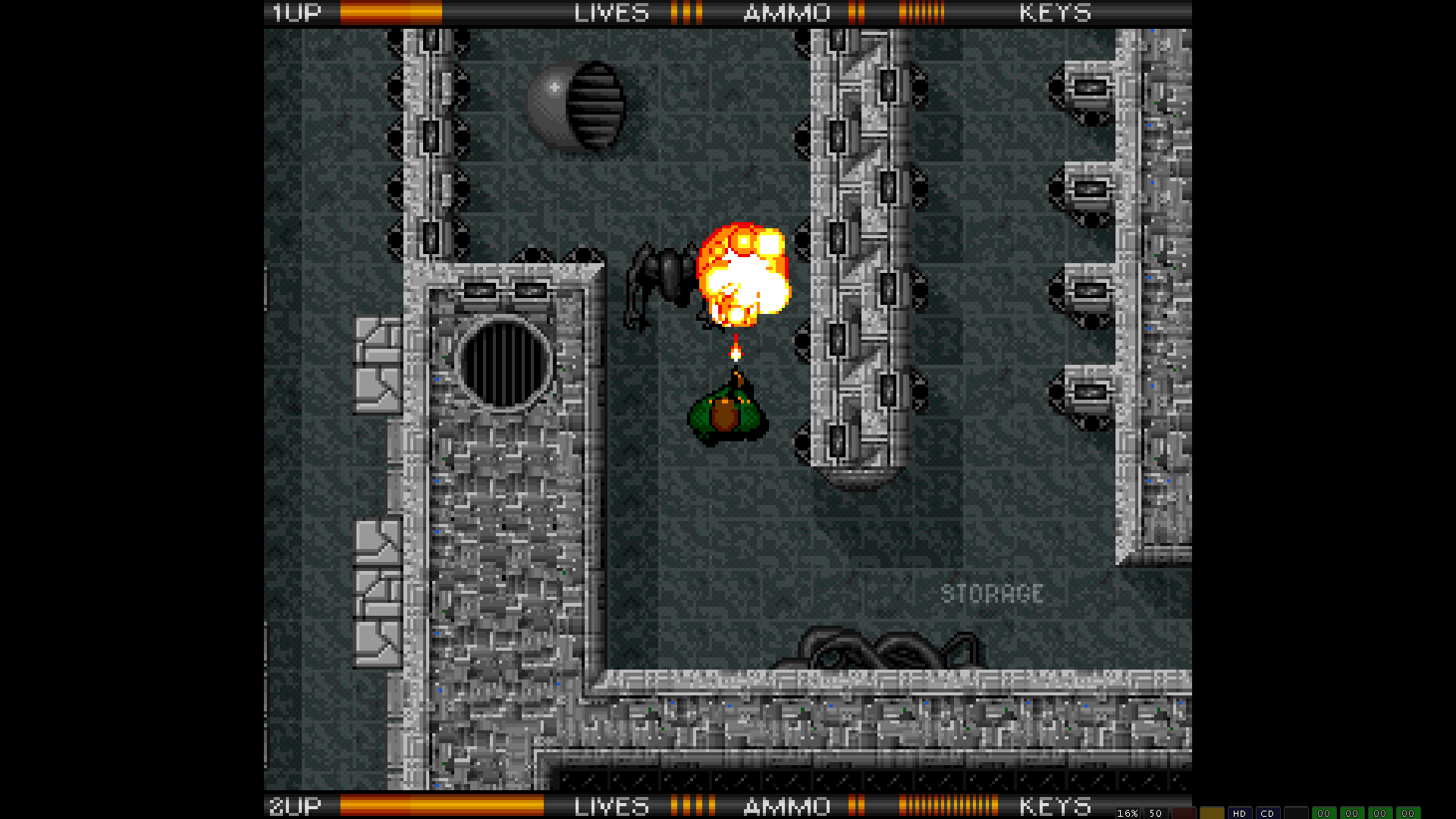
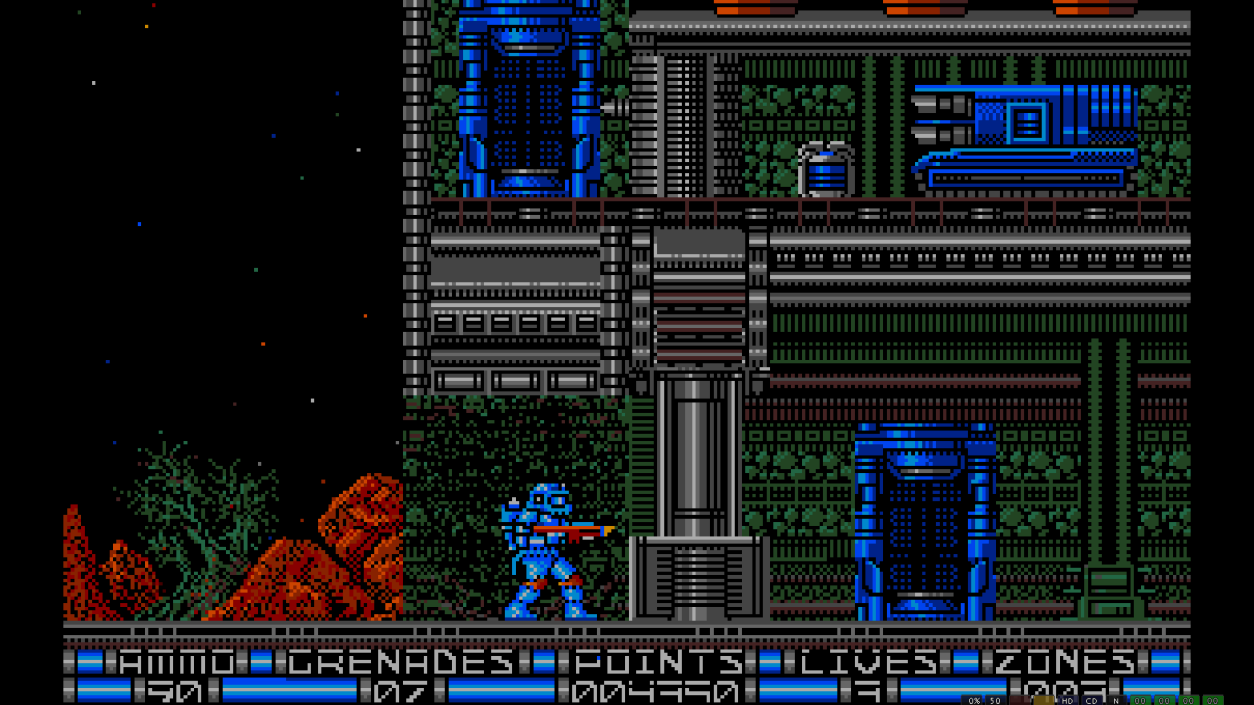
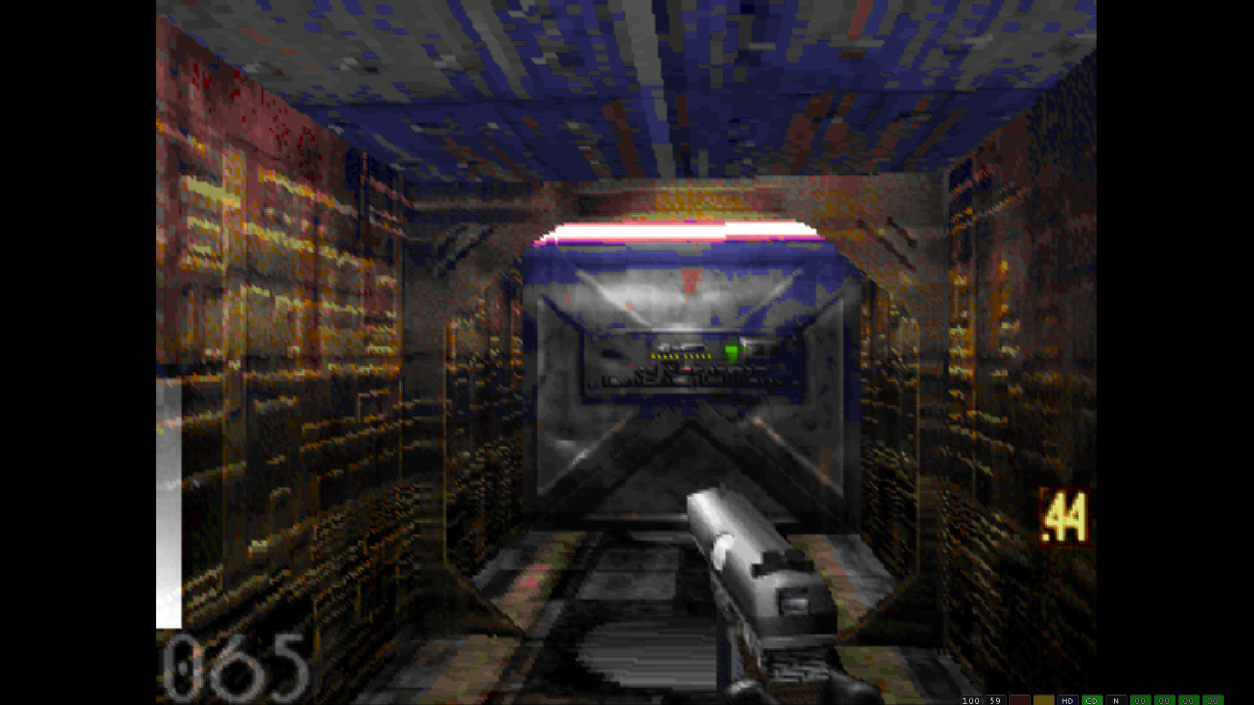
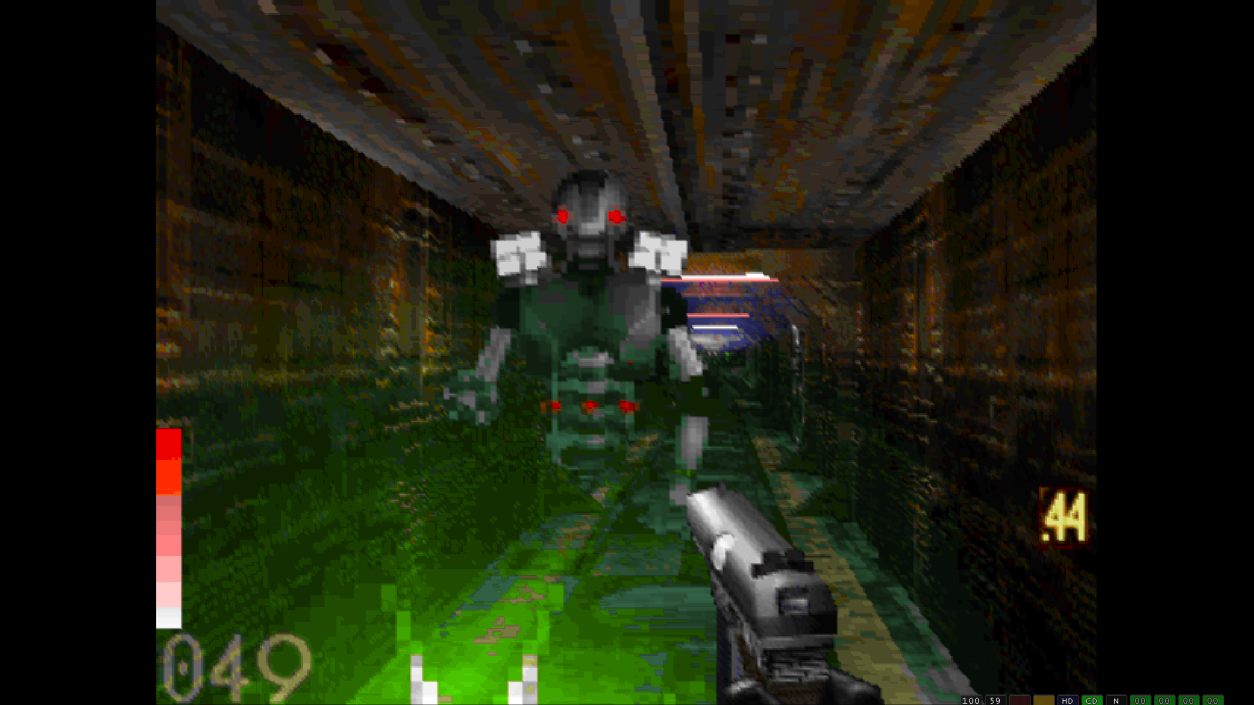
- Be sure to look at the screenshots and read the captions for them as I've included important info in some of them
Games in WHDLoad format and games in all kinds of formats for Amiga and Amiga CD32, CDTV, and CD-ROM games can be found at the Turran FTP server Most of the games I got for this post are found from within these folders (download them, extract the lha archive, and move the files to the folders read by iGame like in the screenshots) The games included are all the ones that appealed to me when looking through the huge library of games on Turran (one interesting one is Black Dawn Rebirth, it's a newer indie one)
Software for Amiga can be found at aminet but be mindful of the software requirements and dependencies.
I'll see if I can get Spike or whoever to add a PC section for Amiga so that I can add Amiga CD-ROM titles like Genetic Species, Payback, OnEscapee, and Wasted Dreams (to name a few) also CD32 games too.
This post is not for the faint of heart or the impatient, but I encourage anyone curious in the Amiga system to check this out and have fun with it. You should be sure to do a lot of research on both using WinUAE and stuff about Amiga. It took me around a month to set this up for myself as a personal project and now I'm sharing it with you guys. I'll probably go back and tweak this post to add or review relevant info but I'm happy with it at the moment.
Note: for Linux users you can use the files from this post with FS-UAE if you setup the hard drive files and folders with it. In some aspects it actually does better than WinUAE. Although, the Kickstart ROMs it uses are named differently. You can download the ROMs prepped for FS-UAE in the links for this game.
Game Screenshots: