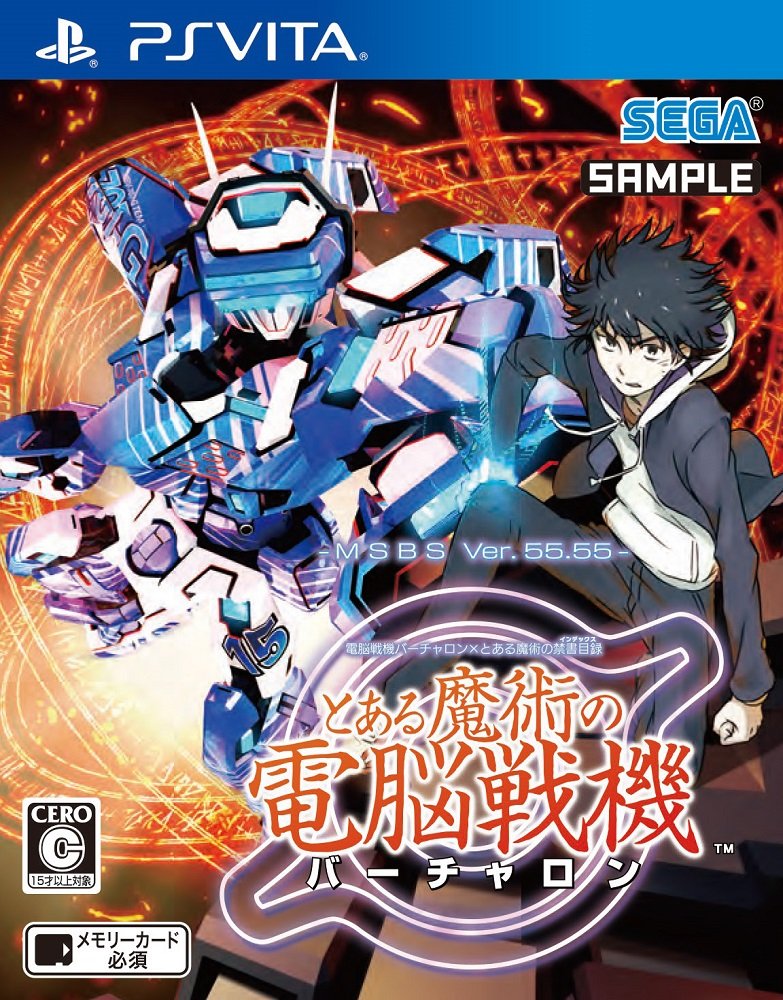
| GAME INFORMATION | |
|---|---|
| Game Name | Toaru Majutsu no Virtual-On |
| Original Title | とある魔術の |
| Region | Japan |
| Console | VITA |
| Game Release | 2018-02-15 (8 years ago) |
| Genre | Action, Fighting |
| Publisher | Access Games, Dengeki Bunko, SEGA |
| Developer | Access Games, SEGA |
| Languages | Japanese |
| Image Format | NoNpDrm, Vita3k |
| Game ID | PCSG01089 |
| Downloads | 1,204 |
| Users Score | |
| Favorites | |
Game Description:
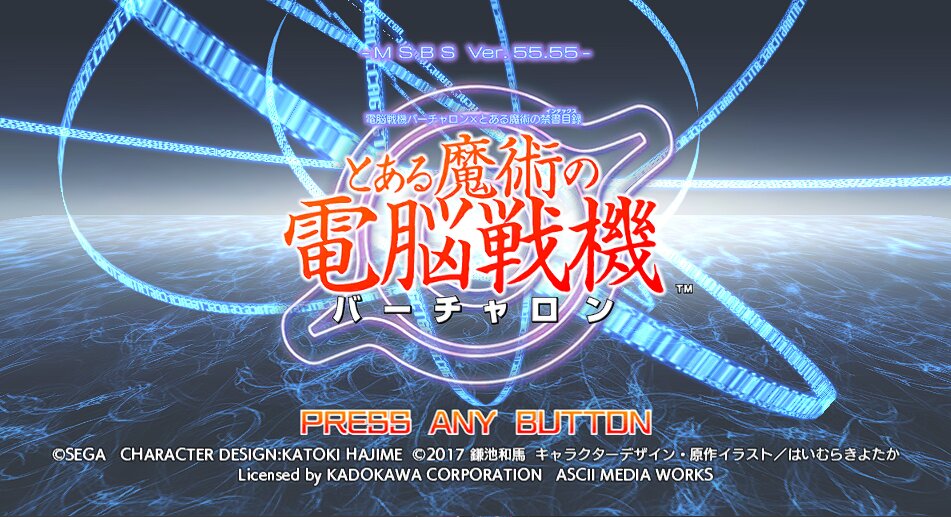
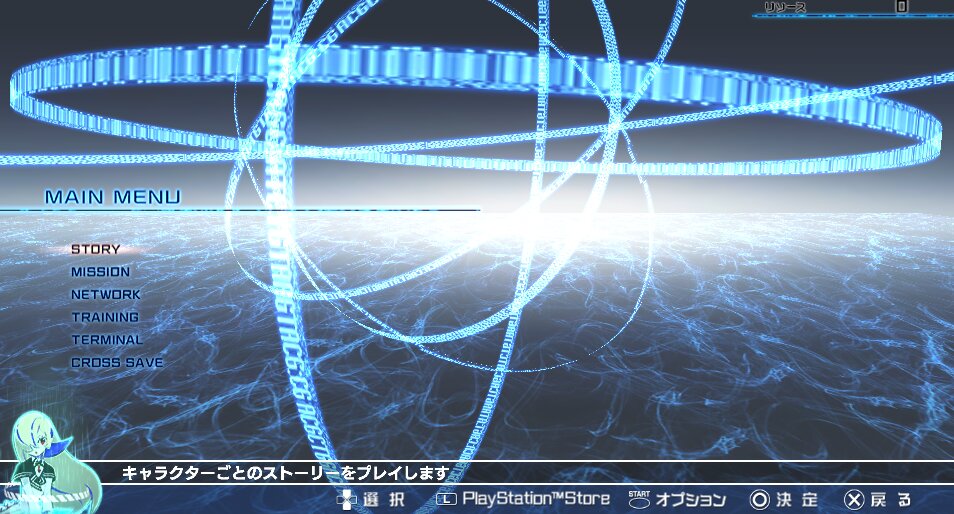
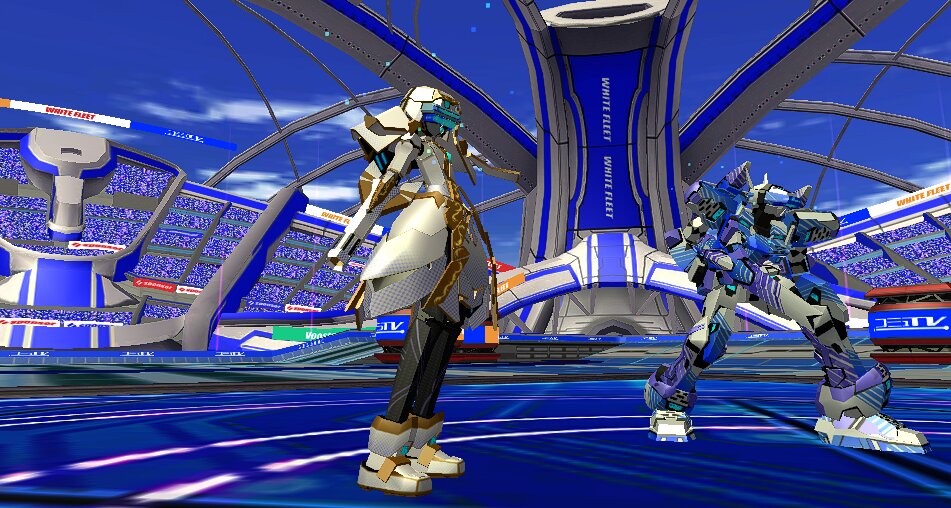
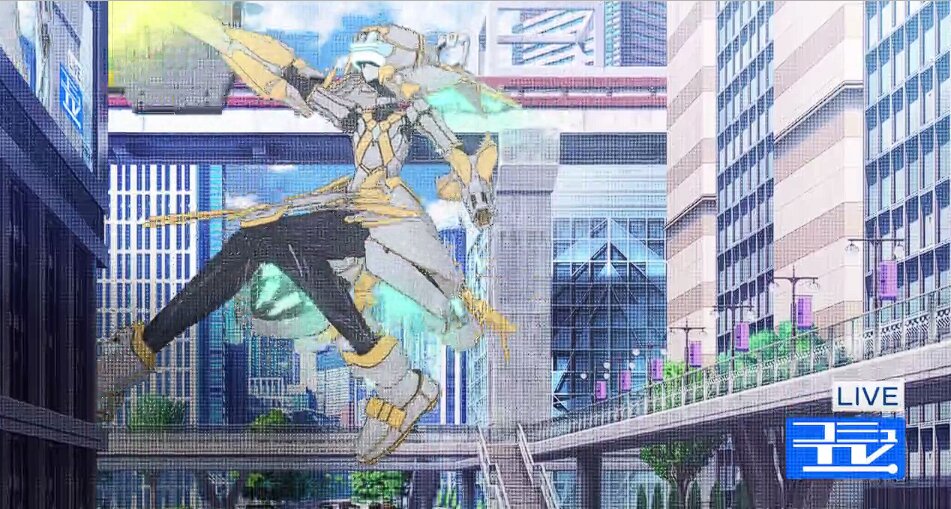
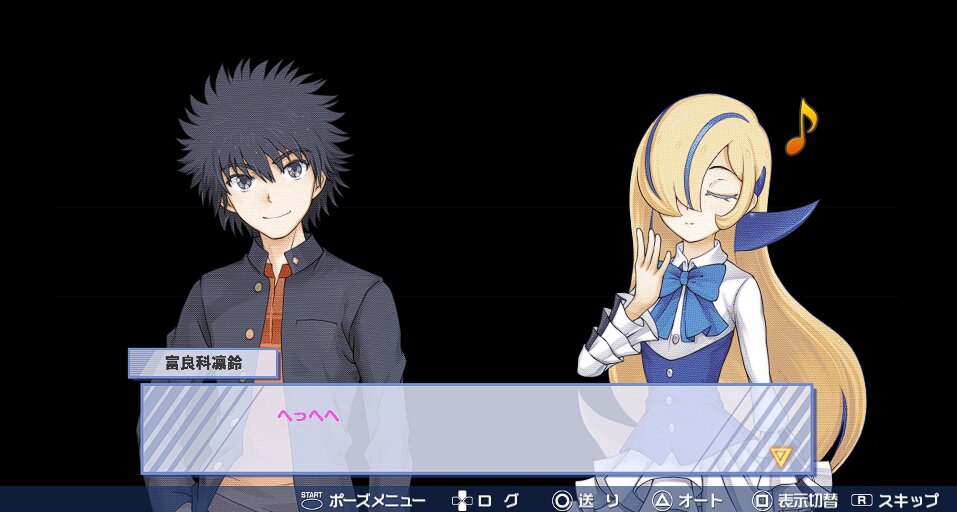
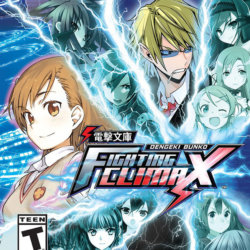
Toaru Majutsu no Virtual-On (とある魔術の) is a Action/Fighting video game published by Access Games, Dengeki Bunko, SEGA and developed by Access Games, SEGA released on February 15th, 2018 for the VITA.
Vita3k Compatibility (PC): Playable. However will crash when it shows a preview battle after menu for me, will also be laggy while doing first fight. Same issues with OpenGL or Vulkan. Shows it is playable on Vita3k's Compatibility site though but I think they even had issues with it...Does work with Vita3k while installing it as NoNpDm. Honestly that's it though. Whenever the menu would get to that point for me my FPS dropped from 30 to 8, 6.
Vita3k Issues:
The game can enter normally
The tone of the audio is too high
Inaccurate video color
Figure picture white
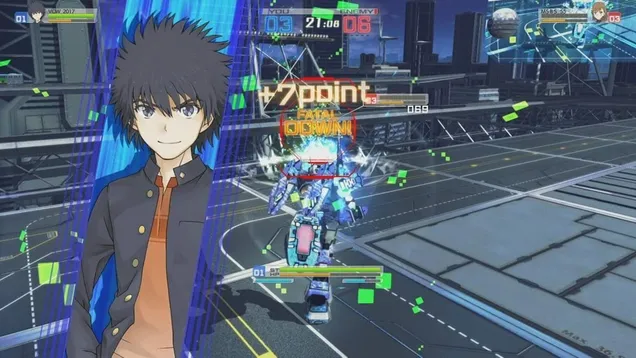
Fight scene flashback
The last version that can run the game is Vita3K/Vita3K@e58419c the game is playable under OpenGL. On Vulkan, it simply crashed without booting.
No idea if there's a fix for it but I did test a range of things with no clear fix.
English Translation is now up! Translation source
Big thanks to Juiceala for adding in the English patch!
Vita Console: Get [NoNpDrm]
Vita3k: Get [vita3k] if exists, if not get [NoNpDrm]
Vita3k can install NoNpDrm rips, but it requires more processing power and memory. As a result, some Android devices may fail to install NoNpDrm, or take 3-4 times longer to do it. If you encounter a vita3k rip that shows up as 'demo' let me know and get the [NoNpDrm] instead.
Unless stated otherwise above, this is how to install it:
DON'T extract the .zip
Open Vita3k and choose "File" > "Install .zip" find the file, done!
1. Extract zip to ux0:/
2. Open vitashell and press triangle on the home menu and choose to refresh the livearea to make it show up.
*Requires a hacked vita with NoNpDrm & rePatch plugin (if English patched) installed.
Game Screenshots: