| GAME INFORMATION | |
|---|---|
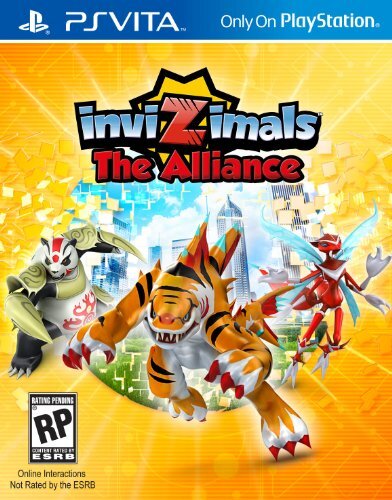
| Game Name | Invizimals The Alliance |
| Region | USA |
| Console | VITA |
| Game Release | 2014-09-30 (11 years ago) |
| Genre | Card Battle, Strategy |
| Publisher | Sony, Sony Computer Entertainment America (SCEA) |
| Developer | Novarama |
| Languages | English |
| Image Format | NoNpDrm, Vita3k |
| Game ID | PCSA00137 |
| Downloads | 92 |
| Users Score | |
Game Description:
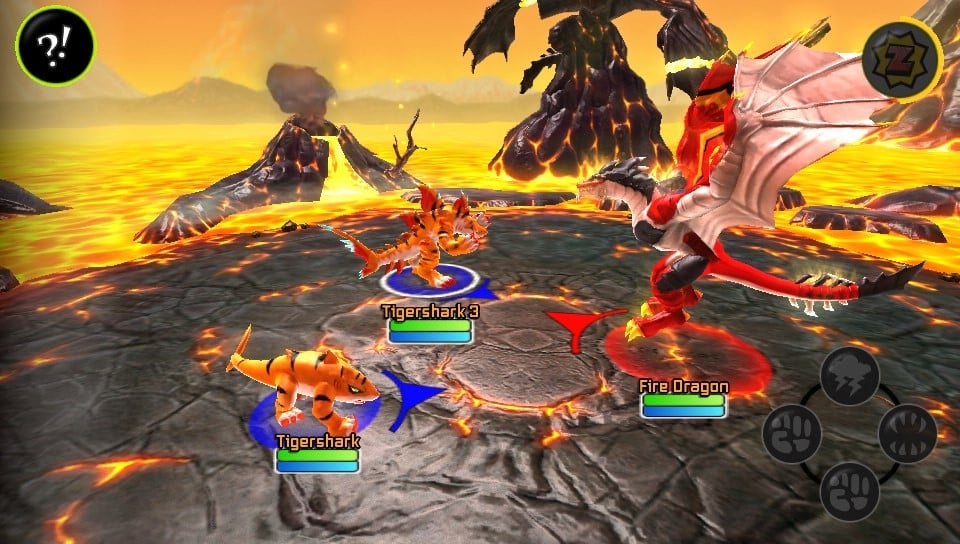
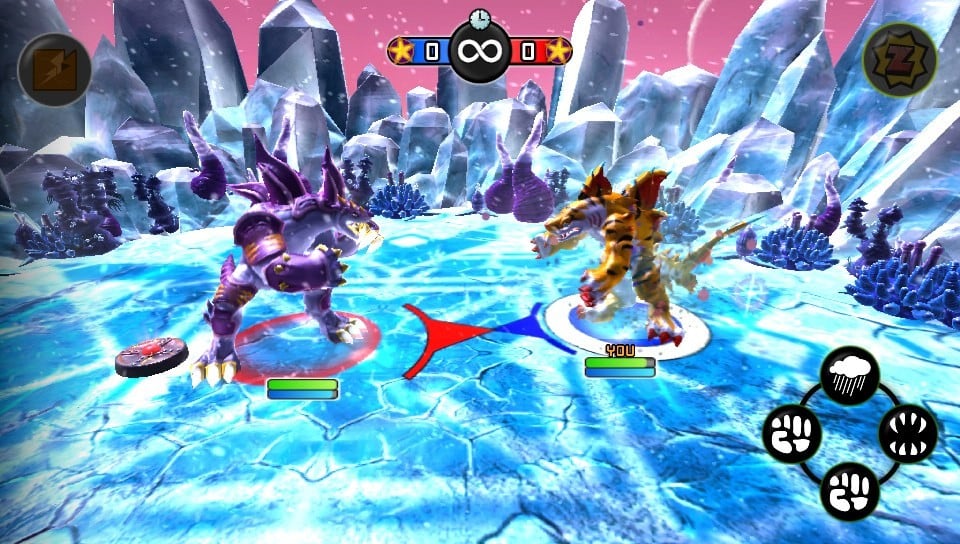
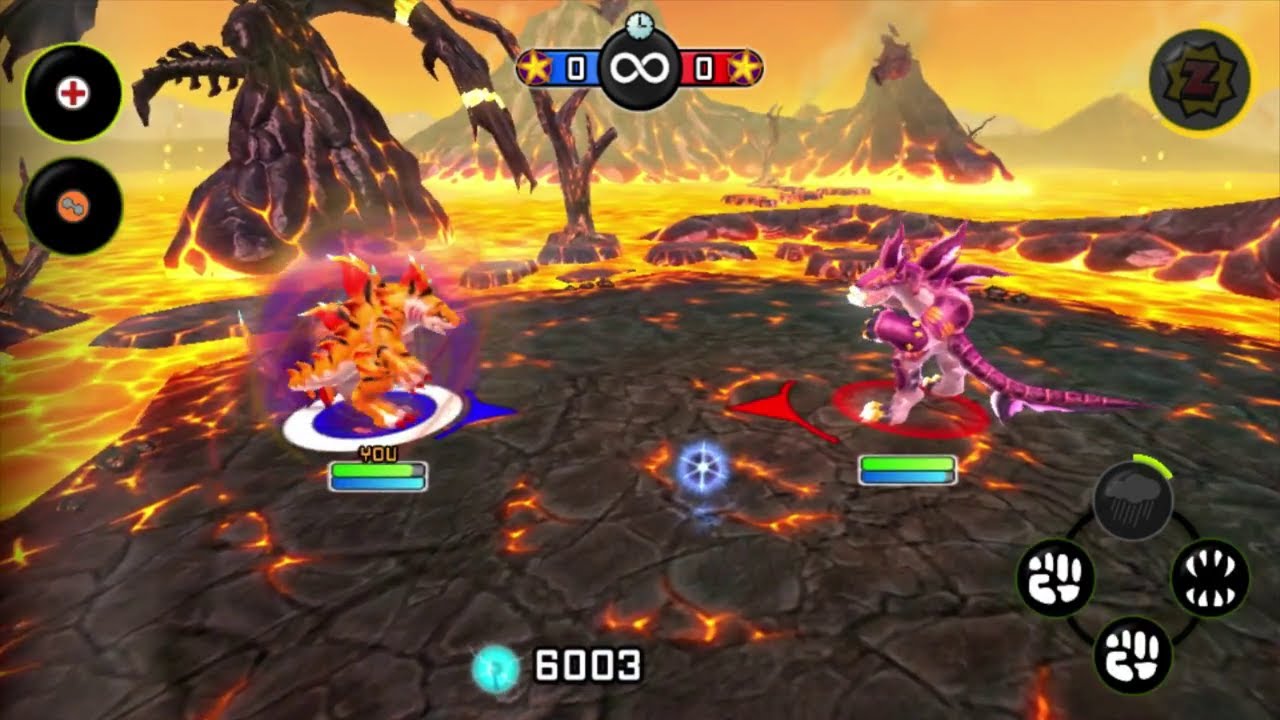
Invizimals The Alliance is a Card Battle/Strategy video game published by Sony, Sony Computer Entertainment America (SCEA) and developed by Novarama released on September 30th, 2014 for the VITA.
Issues
- The game requires access to the camera early, and will repeat the instructions until you pass that portion of the tutorial. There is no way to exit from this (via Start or Select) and the game will soft lock here due to missing camera functions.
- Quick Battle and Multiplayer cannot be accessed without access to AR cards / characters.
Invizimals are kind of a mix of puzzle game, Pokemon-style creature raiser and brawler game.
The game Alliance uses AR cards. You can print the AR cards off using templates you find online! I added all six cards in a zip you can download here.
To actually play them you need open space, good lighting etc. They can be a bit of a hassle at times to be honest, sometimes you have to hunt an Invizimal around a room you're in or find a certain color which is frustrating lol.
Hope you all like it Vita users! ❤️🔥
You can not play this with the Vita3k but I made a file for it anyway just in case there's a future update that they make that can make this possible.
Vita Console: Get [NoNpDrm]
Vita3k: Get [vita3k] if exists, if not get [NoNpDrm]
Vita3k can install NoNpDrm rips, but it requires more processing power and memory. As a result, some Android devices may fail to install NoNpDrm, or take 3-4 times longer to do it. If you encounter a vita3k rip that shows up as 'demo' let me know and get the [NoNpDrm] instead.
Unless stated otherwise above, this is how to install it:
DON'T extract the .zip
Open Vita3k and choose "File" > "Install .zip" find the file, done!
1. Extract zip to ux0:/
2. Open vitashell and press triangle on the home menu and choose to refresh the livearea to make it show up.
*Requires a hacked vita with NoNpDrm & rePatch plugin (if English patched) installed.
Game Screenshots: