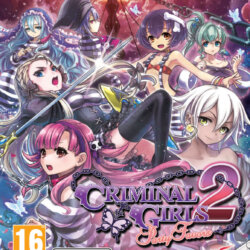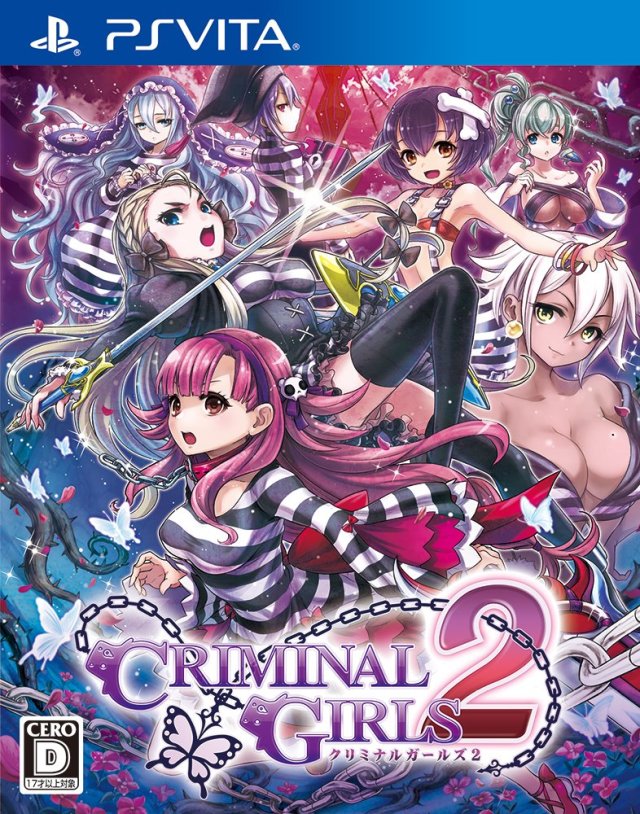
| GAME INFORMATION | |
|---|---|
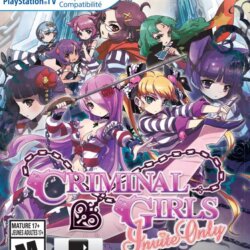
| Game Name | Criminal Girls 2 |
| Original Title | クリミナルガールズ2 |
| Region | Japan |
| Console | VITA |
| Game Release | 2015-11-26 (10 years ago) |
| Genre | RPG |
| Publisher | Nippon Ichi Software |
| Languages | English Patched |
| Image Format | NoNpDrm |
| Game ID | PCSG00681 |
| Downloads | 2,625 |
| Users Score | |
| Favorites | |
Game Description:
Criminal Girls 2 (クリミナルガールズ2) is a RPG video game published by Nippon Ichi Software released on November 26th, 2015 for the VITA.
Vita3k Compatibility (PC): Doesn't work for me (v0.2.0-3777)
Author: newdoria88
Source: Reddit
Criminal Girls 2: Party Favors (JP Localization)
All dialog text, items, skills, and everything that is not “text inside an image” has been translated. Some sentences have been edited to fit inside the limited space for jap characters and some lines might look weird but should be readable.
Notes:
- Strangely enough the USA game included the translated text for the DLC. Maybe at some point NISA planned to bring the DLC but canceled it for obvious reasons (the onii-chan dlc is quite disturbing, but who am I to judge)
- English text looks a bit weird because I had to use the Japanese font (a little bit more chubby than the USA font) or the text wouldn't load at all. It is still readable, though.
- Character name reduced from 12 letter to 6 letters. That's just how the Japanese version is.
- I thought the broken mind+Onii-chan+Voice sound combo wouldn’t be that bad. Boy... was I wrong...
- The DLC “works” but for some reason after first use you can’t deactivate it unless you delete the dlc folder and restart the game (because the buttons for enable/disable disappear from the screen). I don’t know why that happens as my patch has nothing to do about loading the DLC. So just have that in mind when using the DLC.
- A wanted to import my save from the USA version but couldn’t find how to do it (always ended crashing). If anyone discovers how please send me a PM.
Vita Console: Get [NoNpDrm]
Vita3k: Get [vita3k] if exists, if not get [NoNpDrm]
Vita3k can install NoNpDrm rips, but it requires more processing power and memory. As a result, some Android devices may fail to install NoNpDrm, or take 3-4 times longer to do it. If you encounter a vita3k rip that shows up as 'demo' let me know and get the [NoNpDrm] instead.
Unless stated otherwise above, this is how to install it:
DON'T extract the .zip
Open Vita3k and choose "File" > "Install .zip" find the file, done!
1. Extract zip to ux0:/
2. Open vitashell and press triangle on the home menu and choose to refresh the livearea to make it show up.
*Requires a hacked vita with NoNpDrm & rePatch plugin (if English patched) installed.
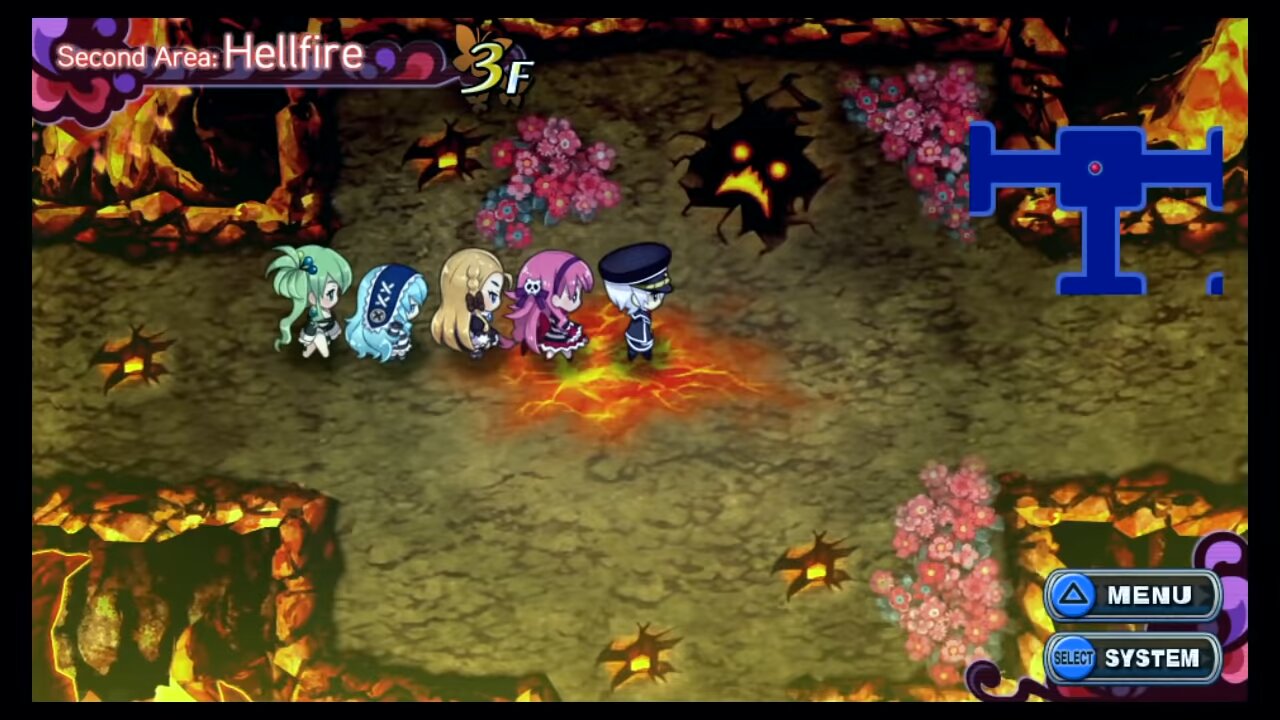
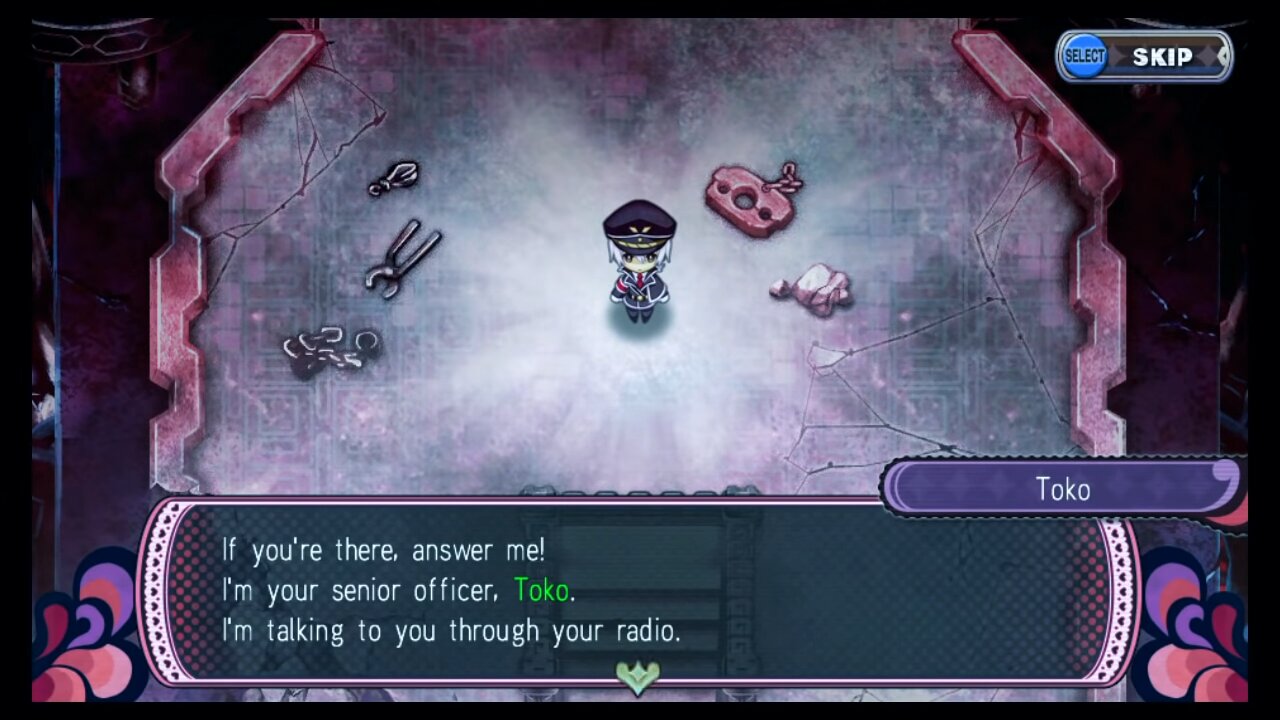
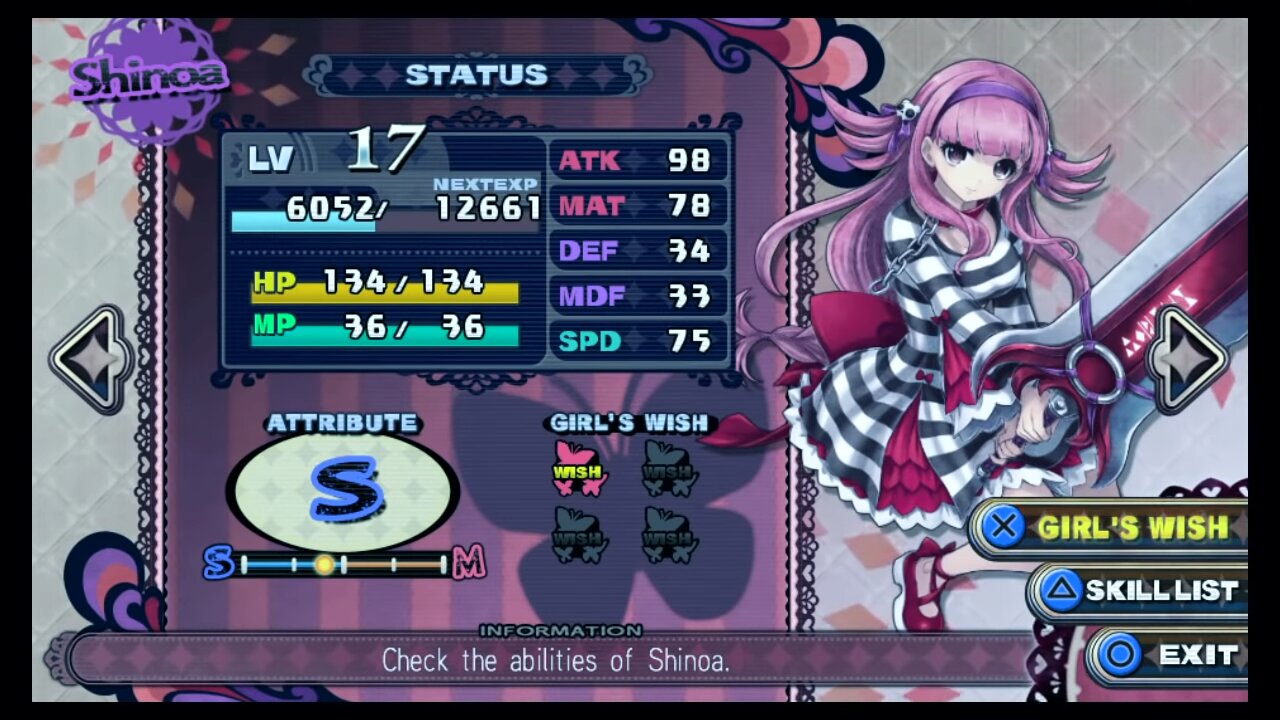
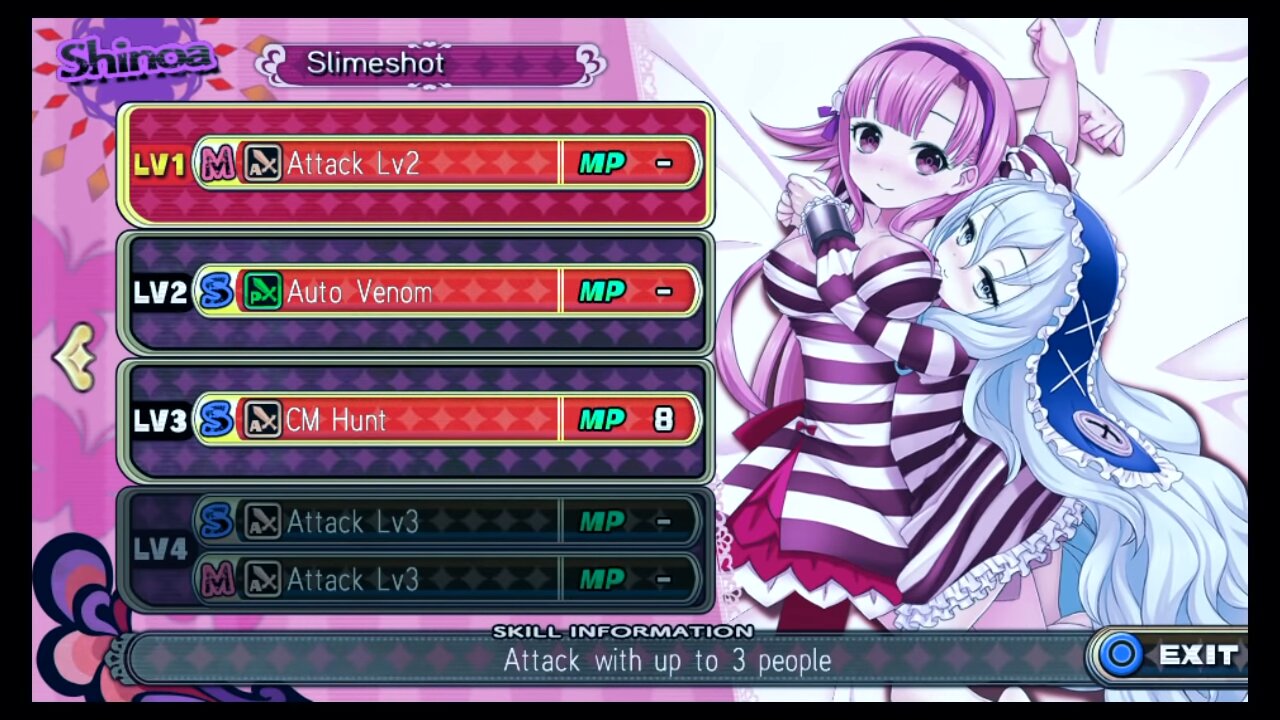
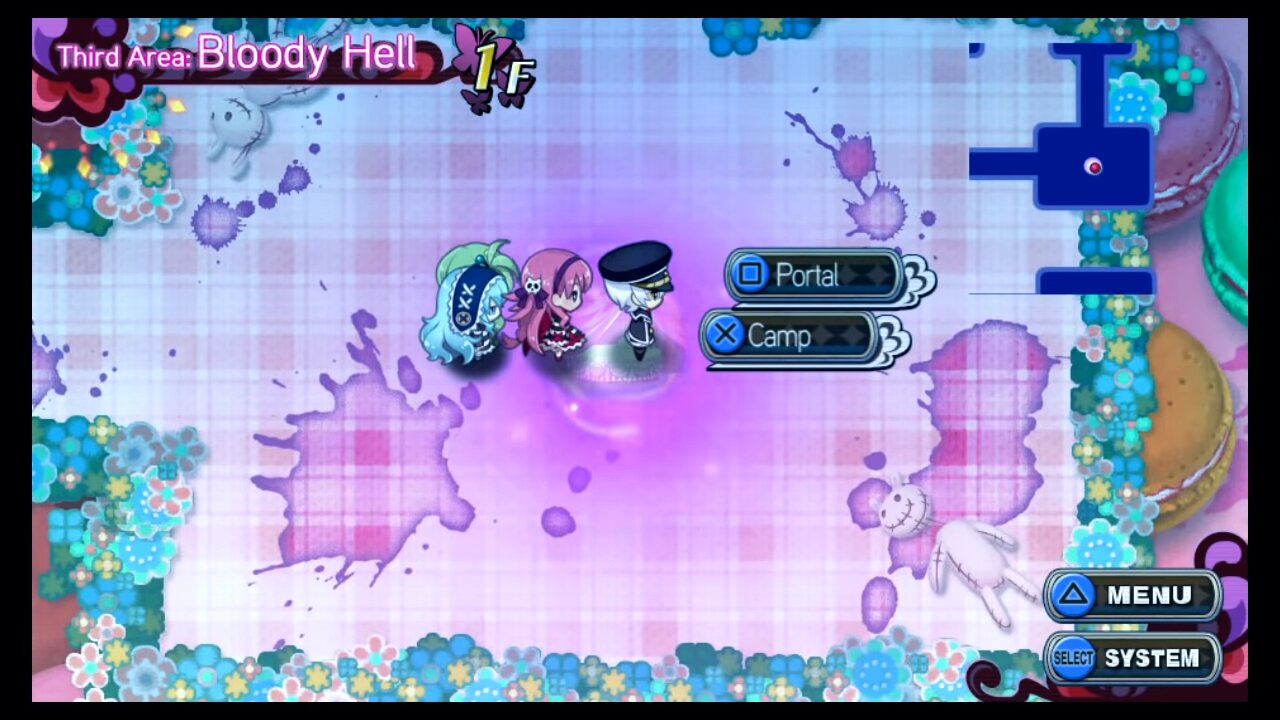
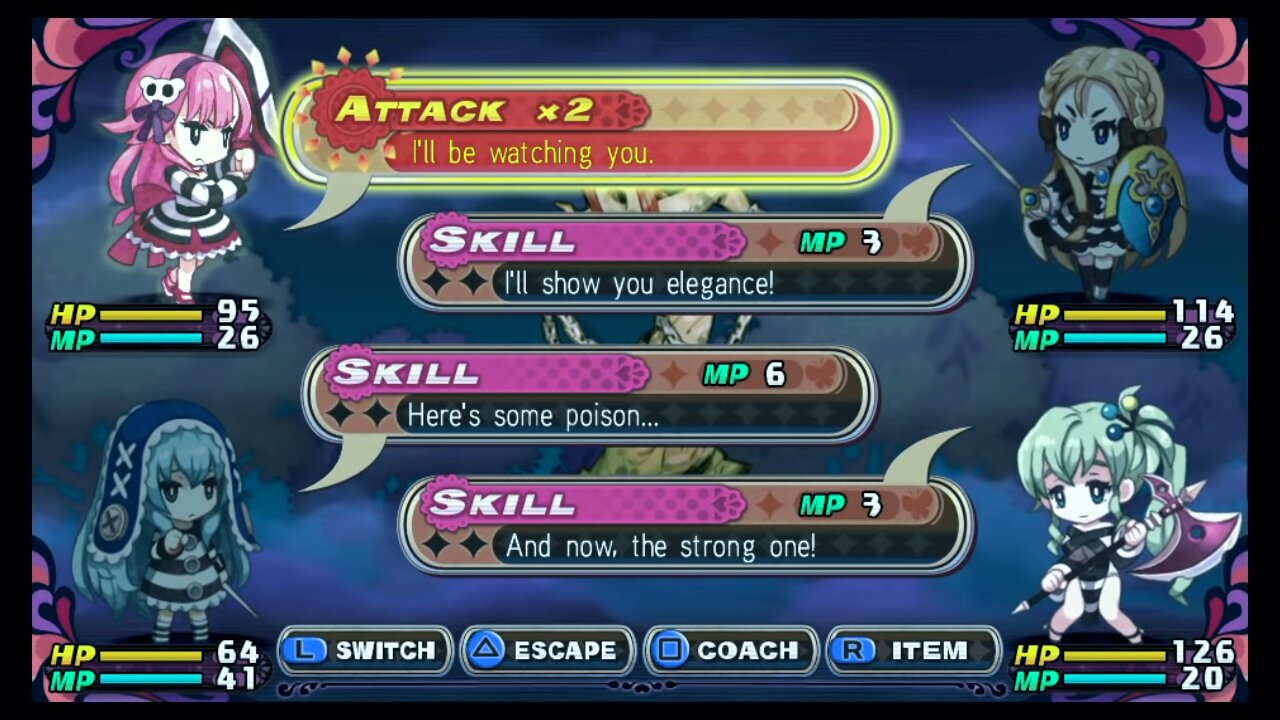
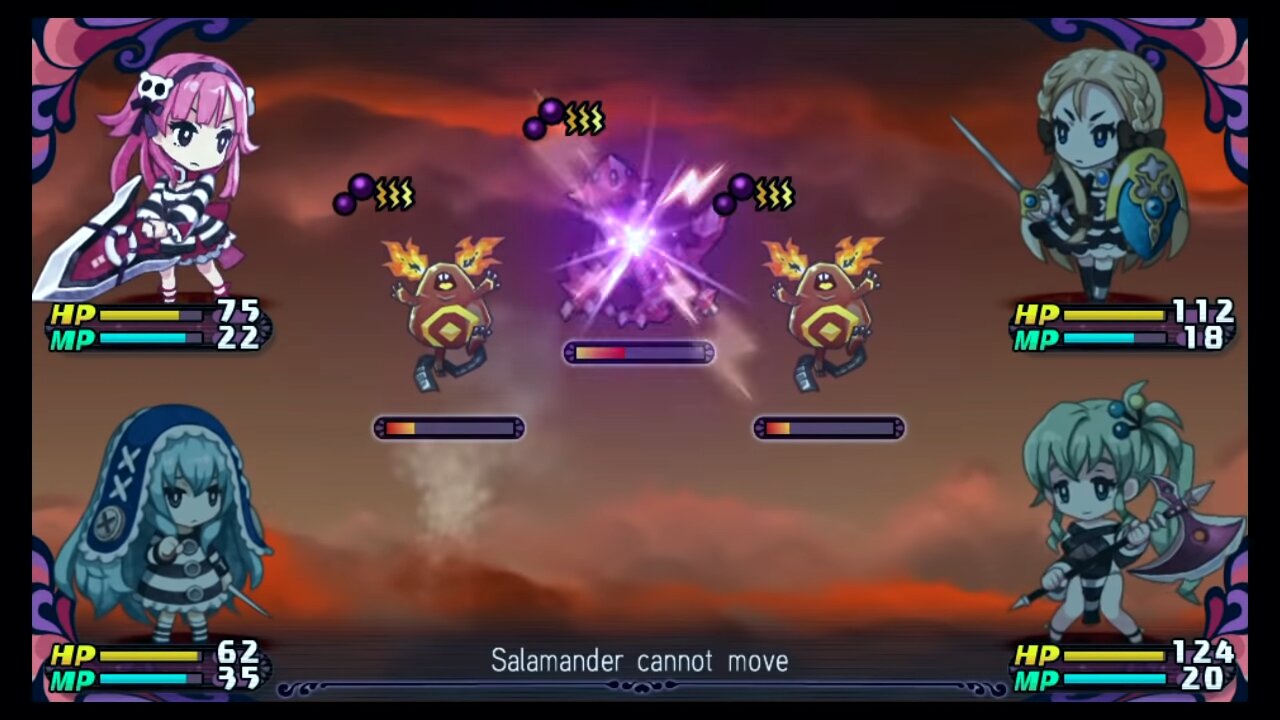
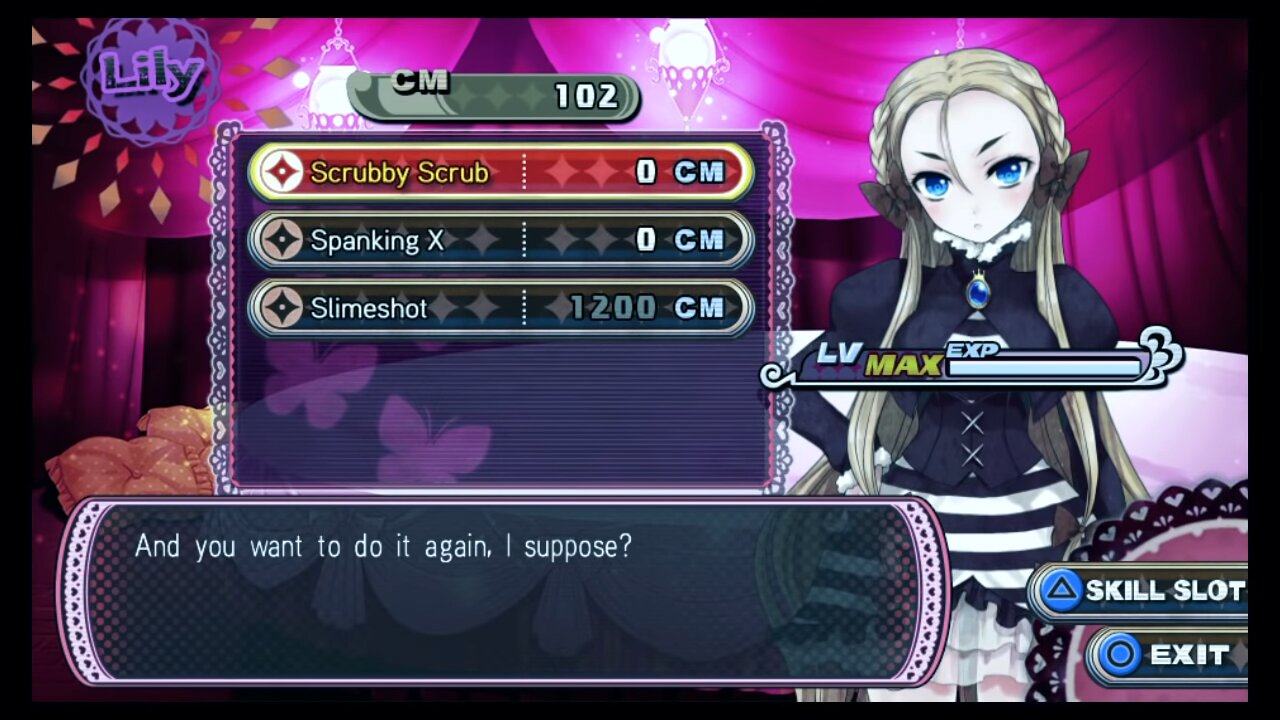
Game Screenshots: