
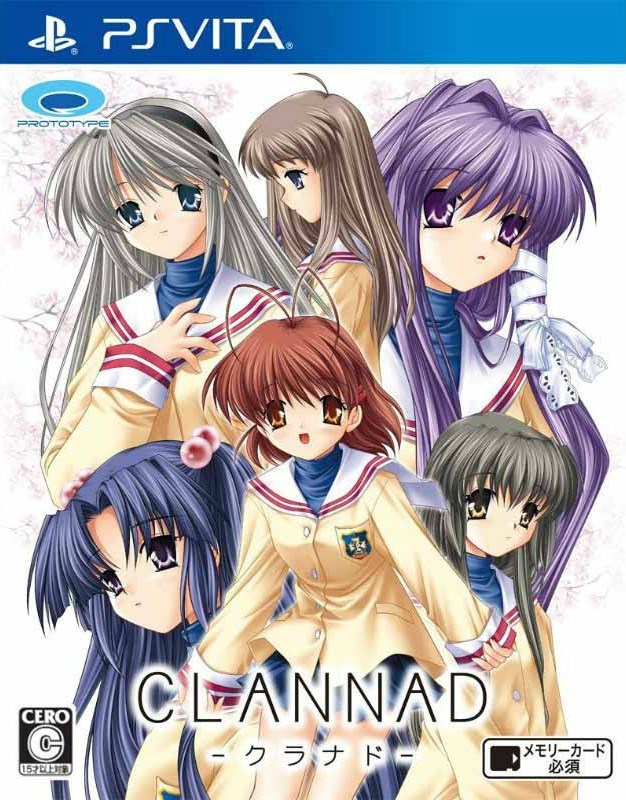
| GAME INFORMATION | |
|---|---|
| Game Name | Clannad |
| Original Title | クラナド (Kuranado) |
| Region | Japan |
| Console | VITA |
| Game Release | 2004-04-28 (22 years ago) |
| Genre | Adventure, Edutainment, Visual Novel |
| Publisher | Prototype |
| Developer | Key |
| Languages | English Patched |
| Image Format | NoNpDrm, Vita3k |
| Game ID | PCSG00415 |
| Downloads | 2,376 |
| Users Score | |
| Favorites | |
Game Description:
Clannad (クラナド (Kuranado)) is a Adventure/Edutainment/Visual Novel video game published by Prototype and developed by Key released on April 28th, 2004 for the VITA.
Vita3k Compatibility (PC): Playable. Tested with Vulkan and works fine.
Translation by FineThenIWill
Version 1.0
Source: Gbatemp
What's been modified:
- Game's Scripts / System Messages
- Images
- Manual (more on that later)
- OP Movie
What hasn't been modified:
- End Credits
- Trophies
- Name Changing
Known Issues
- The names of Nagisa, Ibuki-san, and Akio may switch sometimes oddly.
- Names MAY appear outside the boundary like so*

(Hard to believe but you will never see a character called "Debug Name Squish" in-game)
- 7 images may appear with pixelated lines like so. (I've tried hard to fix this, nothing seemed to work :/)

Some choices are long and may go outside it's border*
*Fixable, let me know of those occurrences.
Now that I've covered that info, here's some info regarding controls and the manual.
Controls
O and X are swapped as per usual for Japanese region games.
The first page of the manual covers more basic controls.
If there is no sprite on screen, you can use the left stick up and down to view the full 720p image that is cropped.
For touchsreen usage:
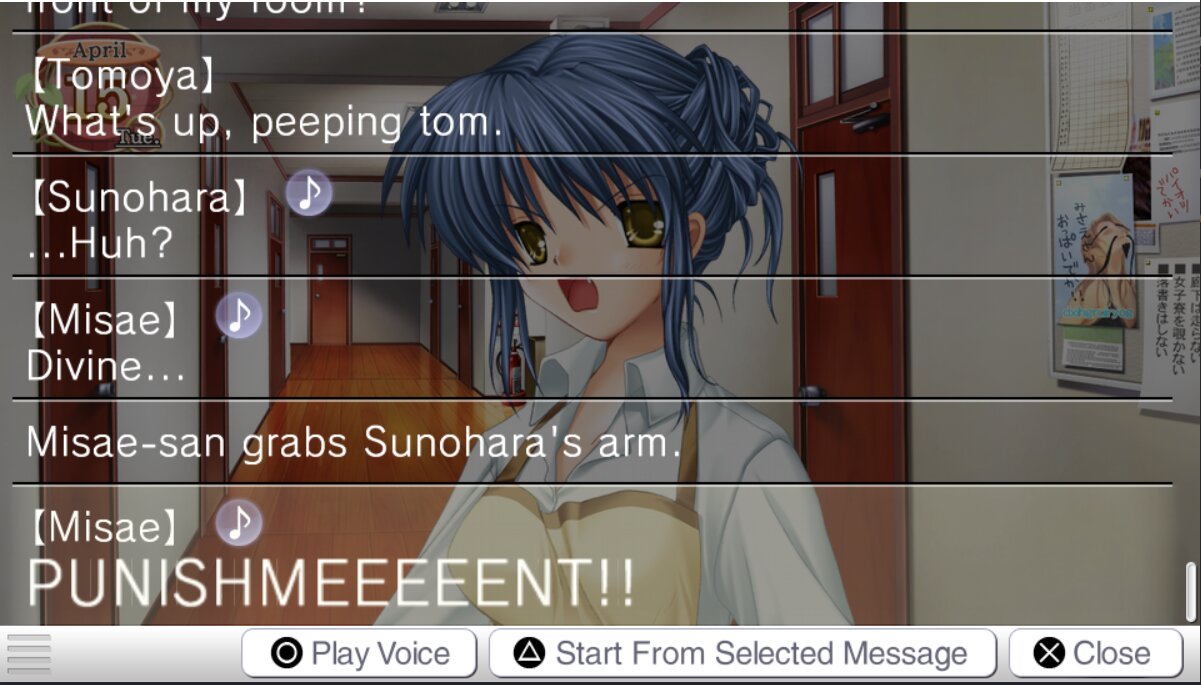
Dragging from the top reveals the backlog.
Dragging from the bottom reveals the menu options.
Swiping left in the textbox rewinds messages, and vice versa.
Swiping right outside the textbox acts as the left stick going right, and vice versa.
The Dangopedia
Throughout the game you will notice phrases and words in brackets like this
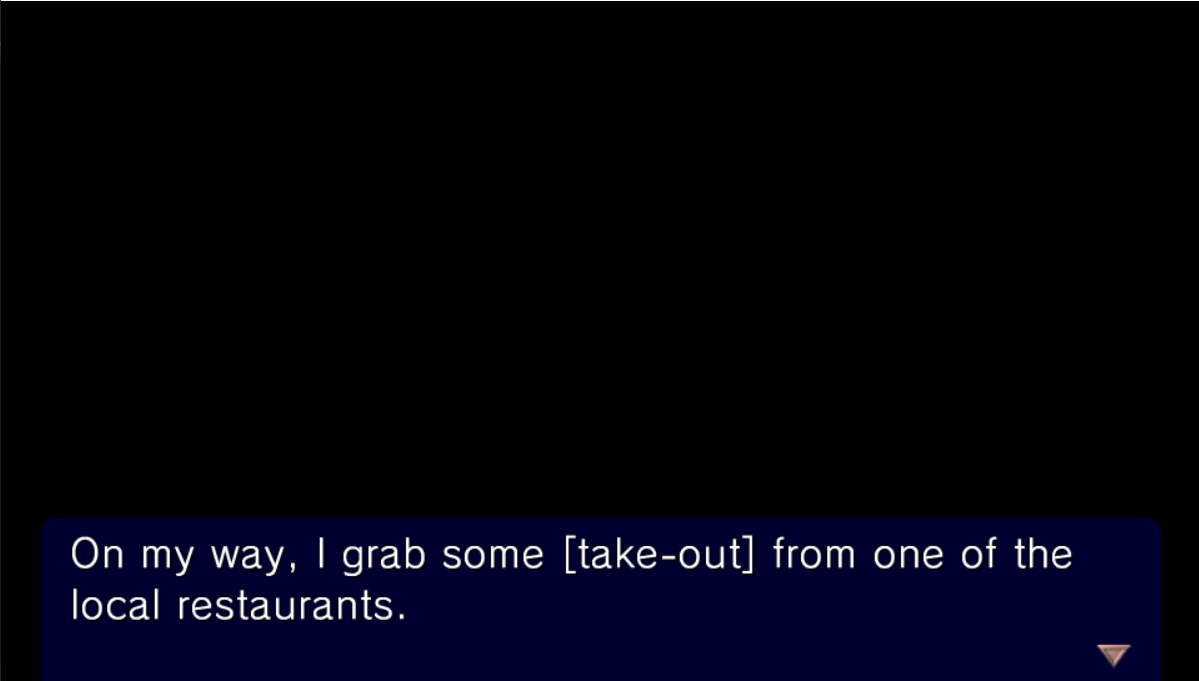
So the English version of Clannad has a nice feature called the Dangopedia where certain words or phrases will be highlighted blue and you can click on them to reveal more info about it.
Since this is the only native patch of any key game on the vita, I don't have the luxury of just implementing that feature into this version.
So, as a last minute idea (Thought of just yesterday before release) I decided to incorporate the Dangopedia into the manual. Since I wasn't planning on editing the manual all too much. I decided this would be the best case scenario since opening the manual doesn't close the game and isn't too cumbersome to access. The idea I had before this was just giving everyone an external text file, so needless to say this is a better implementation.
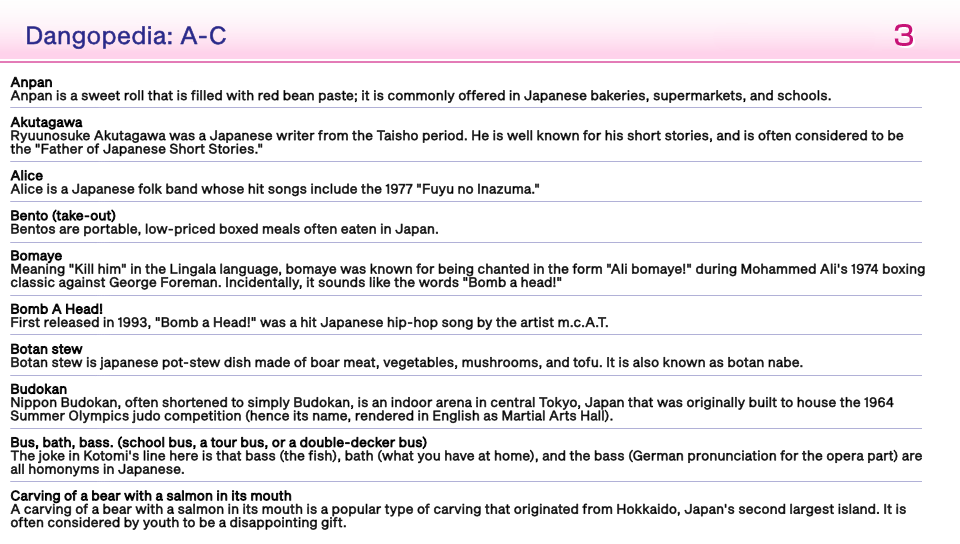
Beside the word bento you may notice the (take-out). This is because the game has phrases that references items in the Dangopedia that don't match.
Take-out references Bento.
"Yesterday I saw a deer" references The Dandelion Girl, etc.
So if you see a phrase in-game and not in the dangopedia, be on the lookout for the brackets as it will have the actual reference in-game.
The Dangopedia also ignores names and the word "The". So you may notice a name that starts with S in the T section because they're last name starts with a T.
And that's all from me really, everything else is pretty straightforward about this game.
Thank you once again to everyone for their patience with me finishing this game. And I hope you all get to enjoy this visual novel (hopefully) on a great version to play.
See you around!
Vita Console: Get [NoNpDrm]
Vita3k: Get [vita3k] if exists, if not get [NoNpDrm]
Vita3k can install NoNpDrm rips, but it requires more processing power and memory. As a result, some Android devices may fail to install NoNpDrm, or take 3-4 times longer to do it. If you encounter a vita3k rip that shows up as 'demo' let me know and get the [NoNpDrm] instead.
Unless stated otherwise above, this is how to install it:
DON'T extract the .zip
Open Vita3k and choose "File" > "Install .zip" find the file, done!
1. Extract zip to ux0:/
2. Open vitashell and press triangle on the home menu and choose to refresh the livearea to make it show up.
*Requires a hacked vita with NoNpDrm & rePatch plugin (if English patched) installed.
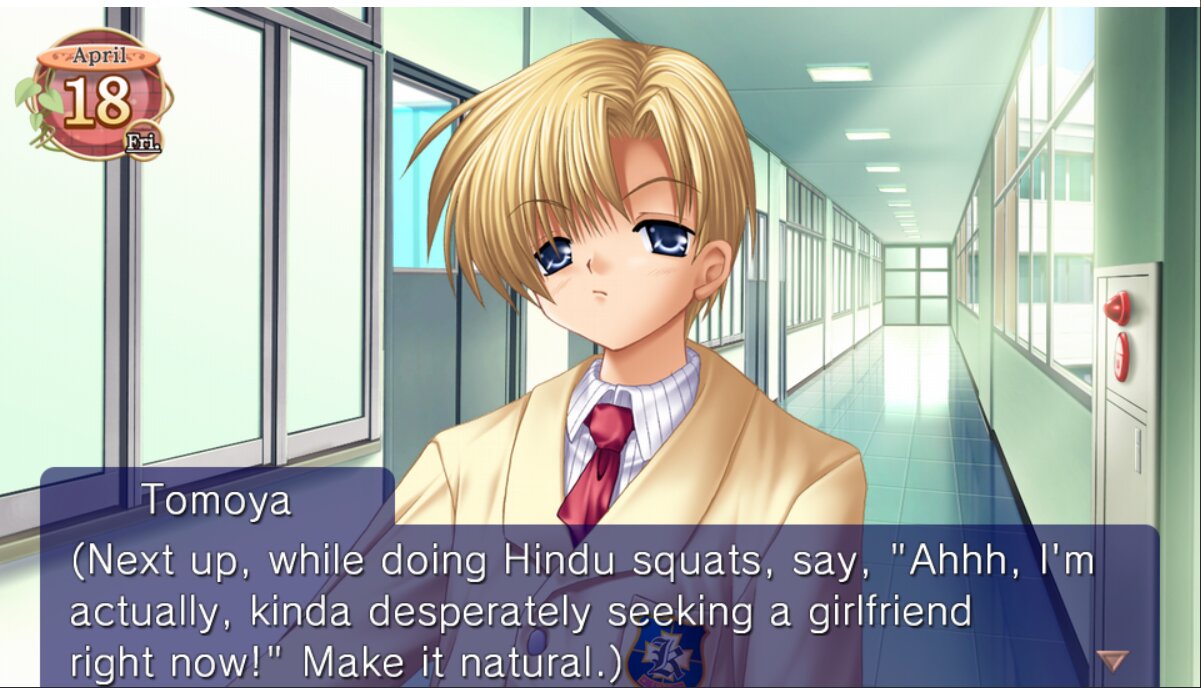
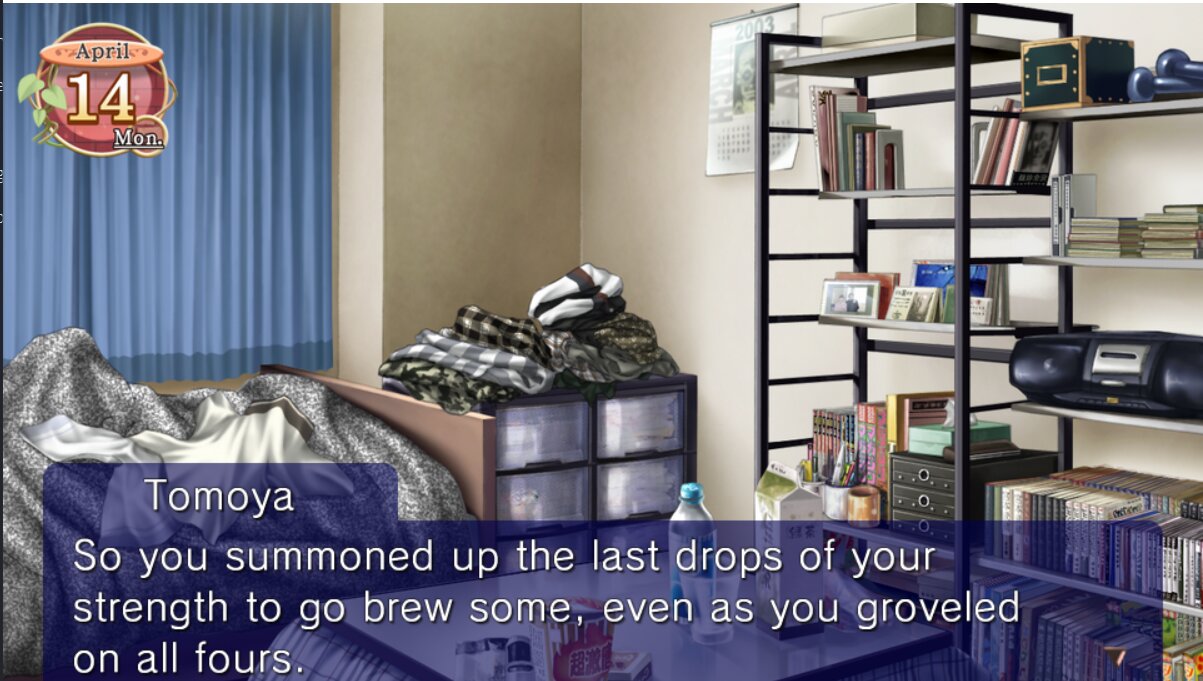
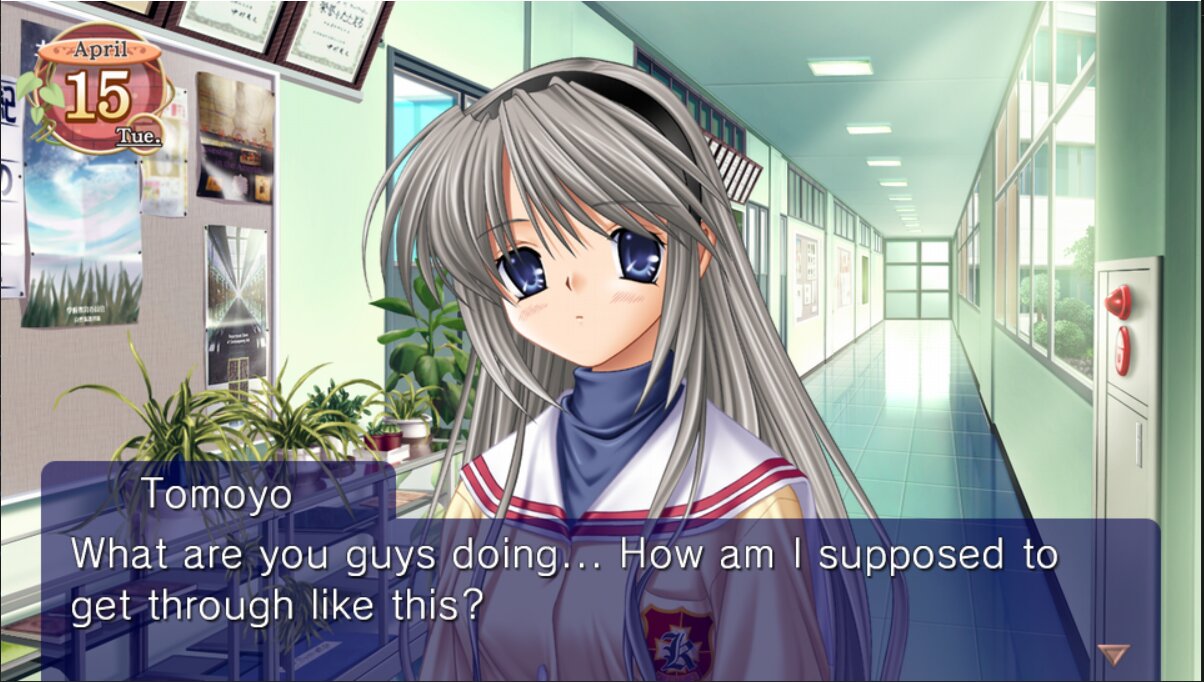
Game Screenshots:

![Coverart of Fate/stay night [Réalta Nua]](https://retrogametalk.com/repo/wp-content/uploads/2026/01/51qbBRr0WDL._AC_UF10001000_QL80_-250x250.jpg)