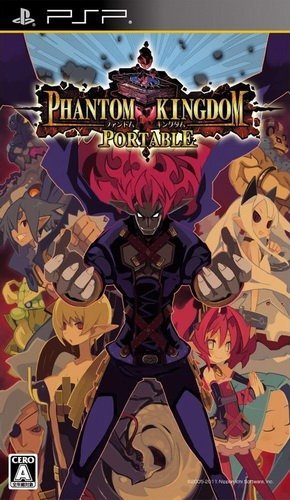
| GAME INFORMATION | |
|---|---|
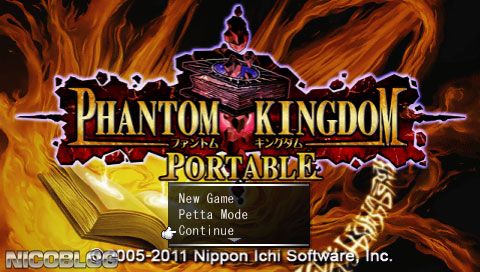
| Game Name | Phantom Kingdom Portable |
| Original Title | ファントム・キングダム PORTABLE |
| Region | Japan |
| Console | PlayStation Portable |
| Game Release | 2011-10-06 (14 years ago) |
| Genre | Tactical RPG |
| Publisher | Nippon Ichi Software |
| Languages | English Patched, Japanese |
| Image Format | ISO |
| Game ID | NPJH-50451 |
| Downloads | 27,954 |
| Users Score | |
Game Description:
Phantom Kingdom Portable (ファントム・キングダム PORTABLE) is a Tactical RPG video game published by Nippon Ichi Software released on October 6th, 2011 for the PlayStation Portable.
Patch info:
- Version: V0.9.3.
- Credits: Patch Author chose to remain anonymous.
- Translation Status: 98%.
- Battle Menu, Character Names, Shop Menu: 100%.
- Main Menu, options menu, Items, Skills: 98%.
- Story: Chapters 1-10: 98%, Bonus Chapters 1-4: 98%.
(Total chapters : 10 + 4 Bonus).
For PPSSPP USERS:
First off, make sure you have the latest version of PPSSPP. The default settings of the emulator cause a black screen bug you need to edit a file to be able to play this game. Follow this steps:
- Go to the folder where you have PPSSPP installed, in my case: “/ppsspp/memstick/PSP/SYSTEM/”
- Open the file “ppsspp.ini” with notepad.
- Find the line that says: “FuncReplacements = True”
- And change it to False, like this: FuncReplacements = False
- Now close the file and when asked to save click yes.
- Now you can launch PPSSPP and play the game like normal without Black Screen.
- Credits to “Elaugaufein” from PPSSPP Forums.
If you see the game in Japanese you must delete the savedata folder of this game the name of the folder to delete is: /NPJH50451/Install/
It’s located here: /ppsspp_win/ppsspp/memstick/PSP/SAVEDATA/NPJH50451/Install/
(Thanks to Linka)
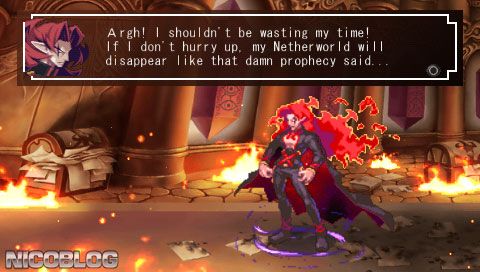
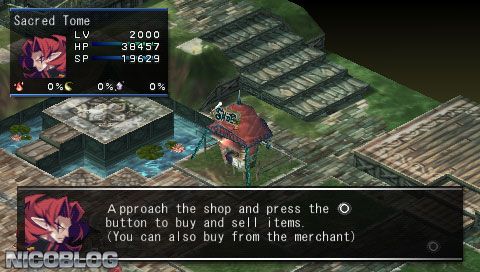
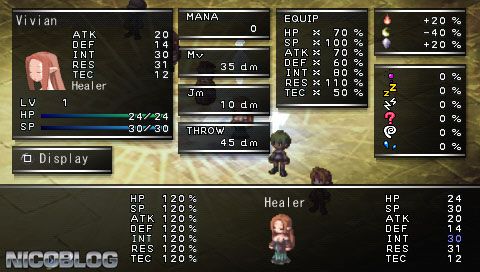
Game Screenshots: