| GAME INFORMATION | |
|---|---|
| Game Name | V.G. - Variable Geo |
| Original Title | ヴァリアブル・ジオ |
| Region | Japan |
| Console | PC-98 |
| Category | Adult Content |
| Game Release | 1993-07-09 (32 years ago) |
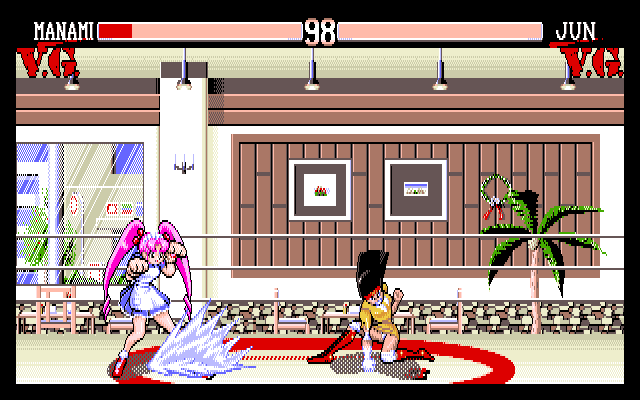
| Genre | Fighting |
| Publisher | GIGA |
| Developer | GIGA |
| Languages | English (Machine Translation) |
| Image Format | .hdi |
| Downloads | 455 |
| Users Score | |
Game Description:
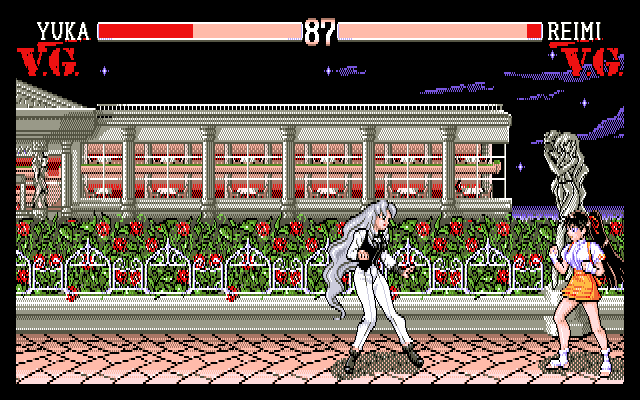
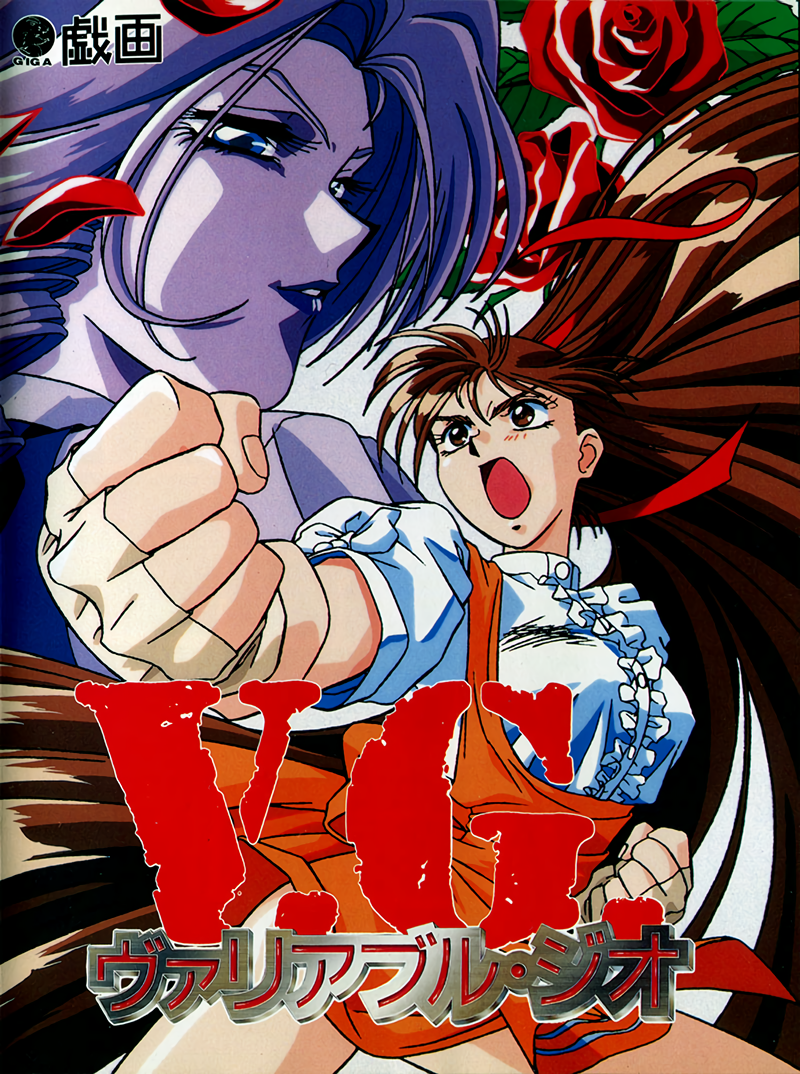
V.G. - Variable Geo (ヴァリアブル・ジオ) is a Fighting video game published by GIGA and developed by GIGA released on July 9th, 1993 for the PC-98.
Warning: Explicit content and adult themes.
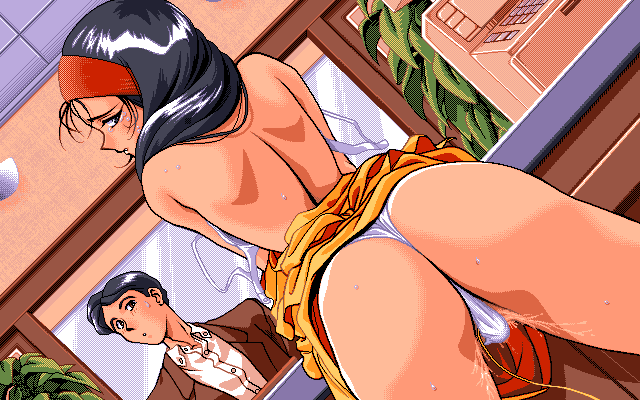
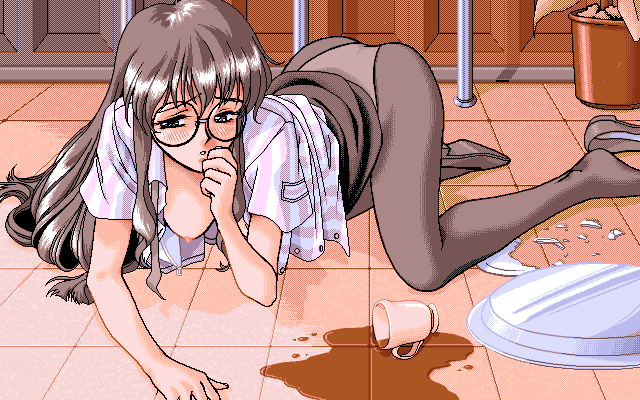
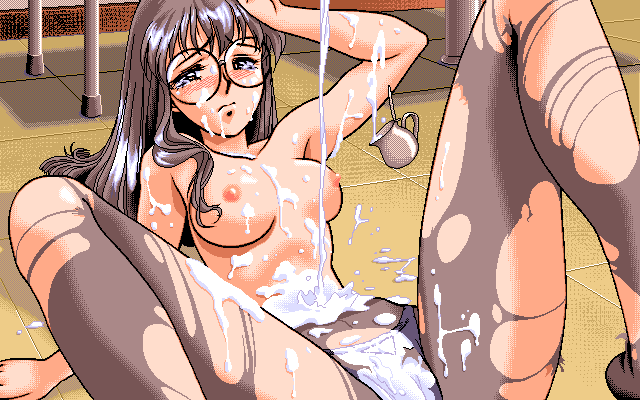
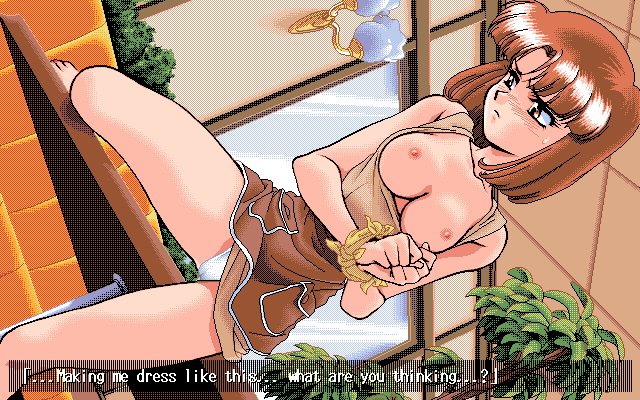
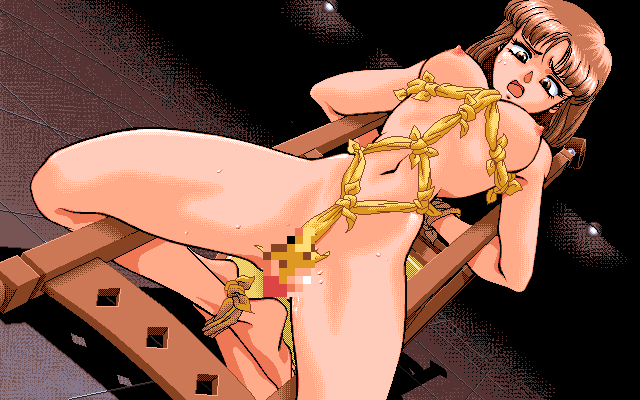
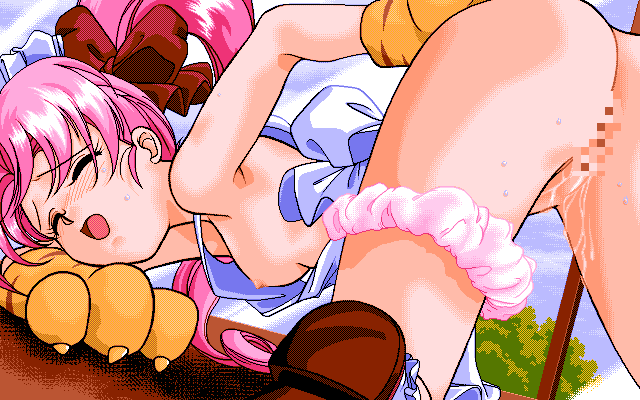
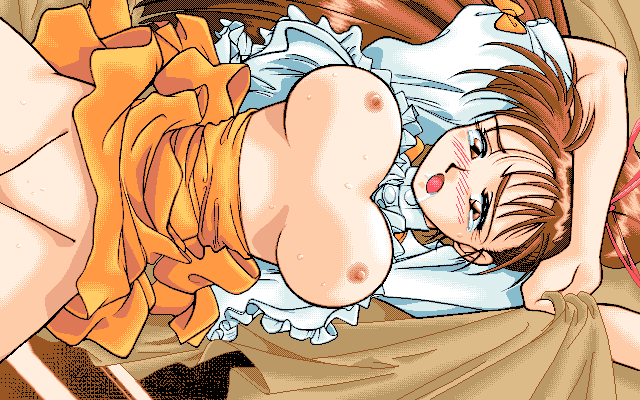
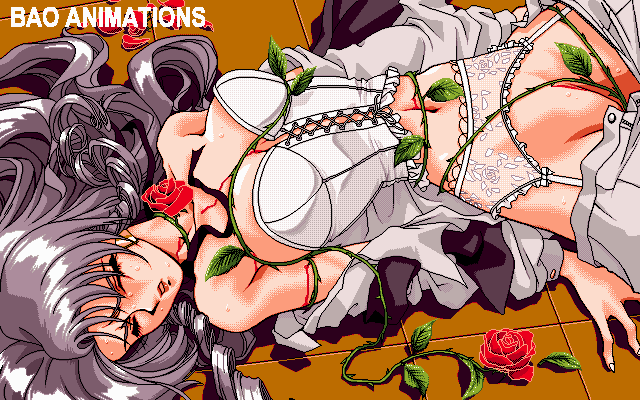
This game contains hentai eroge scenes that progressively escalate in lewdness during the game when completing rounds. A SFW censored version is offered if you just want a fighting game with no lewd content.
Translation Credits:
Released by: Valley Bell & Harry Johnson
Language: English (Machine Translated)
Status: Mostly Complete (options screen text, and misc. stage graphics are still in Japanese but most everything that matters is translated)
Patch Version: v1.0
Date: 08 Feb 2025
Source and details: https://romhackplaza.org/translations/variable-geo-english-translation-pc-98/
I highly recommend the emulator Neko Project 21/W for playing on Windows. It's the most feature complete emulator for the NEC PC-9801 and is in active development receiving frequent updates. Use this guide for help on how to obtain and configure the emulator.
Game Controls:
| F, H, T, B | Left, right, up, down for Player 1 |
| Numpad 4, 6, 8, 2 | Left, right, up, down for Player 2 |
| Z | Player 1 Punch |
| X | Player 1 Kick |
| Left Arrow Key | Player 2 Punch |
| Right Arrow Key | Player 2 Kick |
| Numpad Enter | Player 2 replace CPU if in single player game |
| Esc | Pause game |
| Left Analog Stick | Character movement and menus |
| D-Pad | Character movement and menus |
| A or Y | Punch |
| B or X | Kick |
Note: Player 2 controls apply for Player 1 in single player until you press numpad Enter and add Player 2. To enable gamepad go to Device -> Sound option... -> JoyPad -> Use JoyPad-1. Check POV -> X-Y Axis if you want to use d-pad instead of analog stick.
Default music playback is MIDI. In Config in the game change to the 2nd FM option for the best FM sounding output. If using MIDI the soundfont I've found that sounds best with the music is using the Arachno soundfont. Use that in conjunction with an MIDI mapper like Fluidsynth or CoolSoft VirtualMIDISynth (I use that one). MIDI output device options in NP21W is Device -> MIDI option... -> MIDI-OUT. Here's some samples:
MP3 of Character Select screen theme in: FM and MP3 of Character Select screen theme in: Arachno MIDI (Catbox links never die, just get blocked sometimes so use a VPN or proxy if you need)
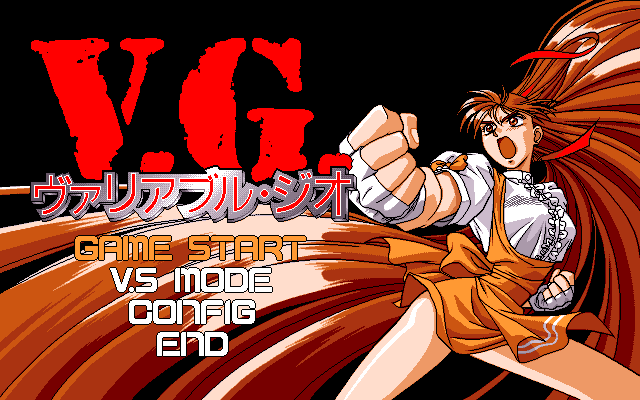
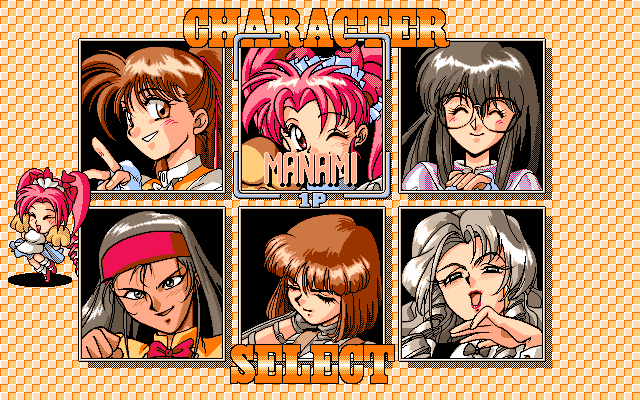
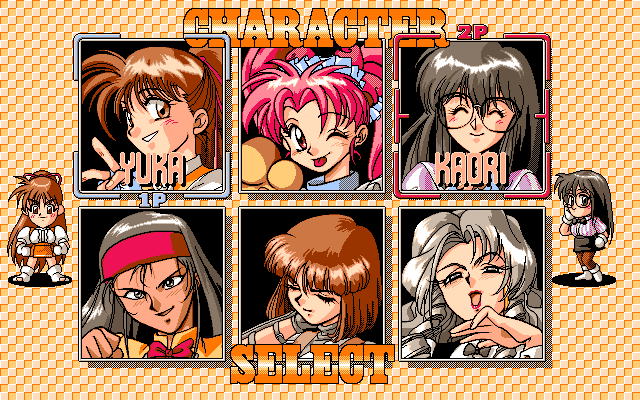
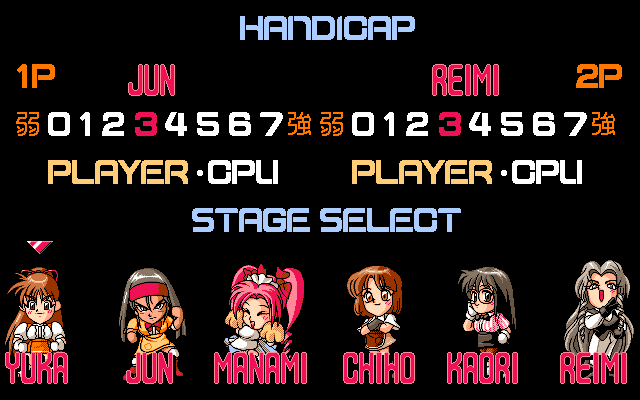
Game Screenshots:
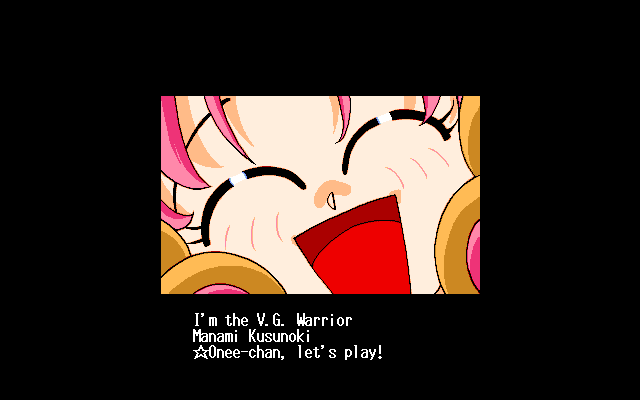
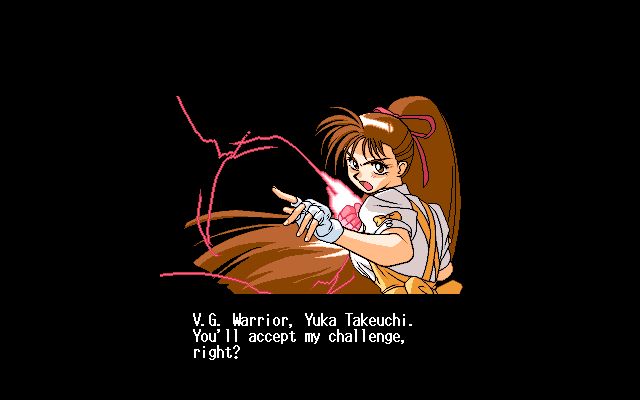
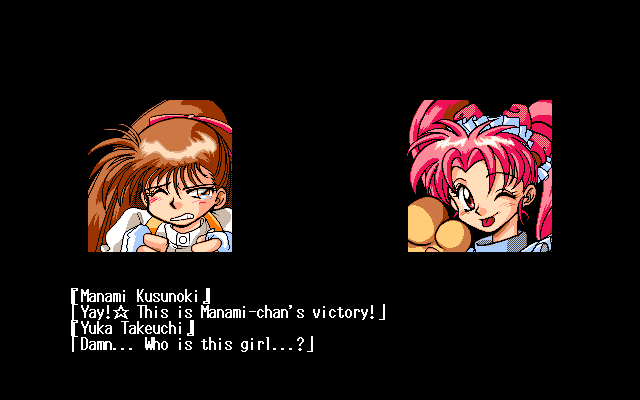
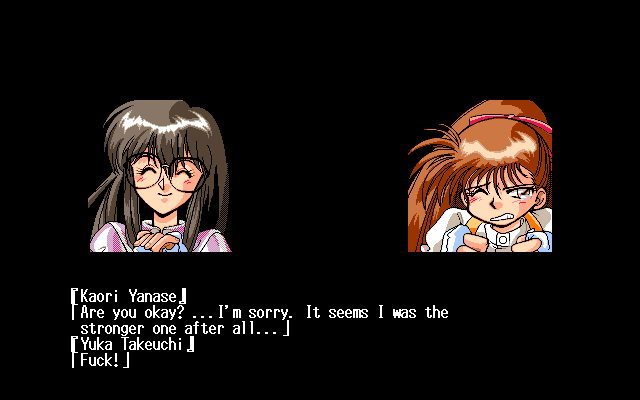
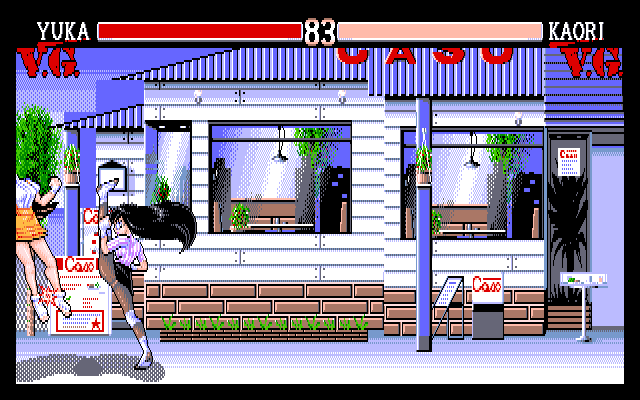
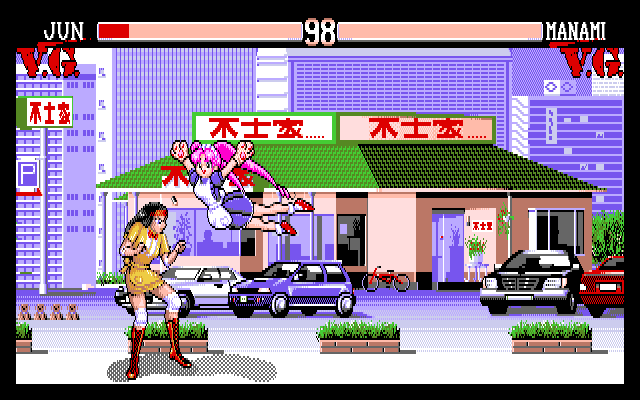
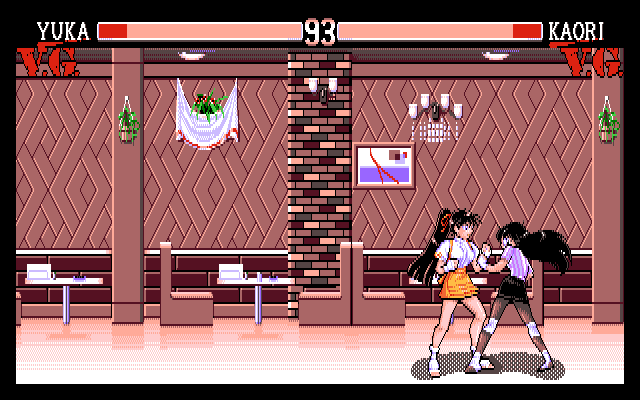
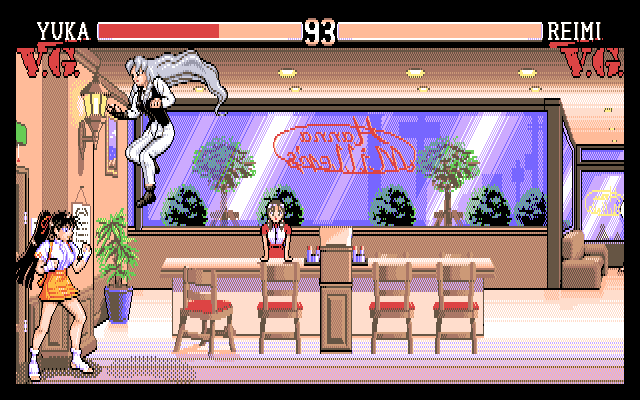
This game contains adult content, click to reveal screenshots. By performing this action you confirm you are an adult.▶