Super Mario 64 (DSi) (Homebrew) NDS ROM

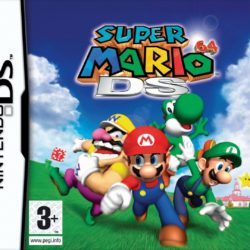
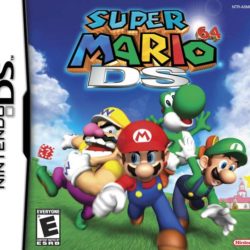
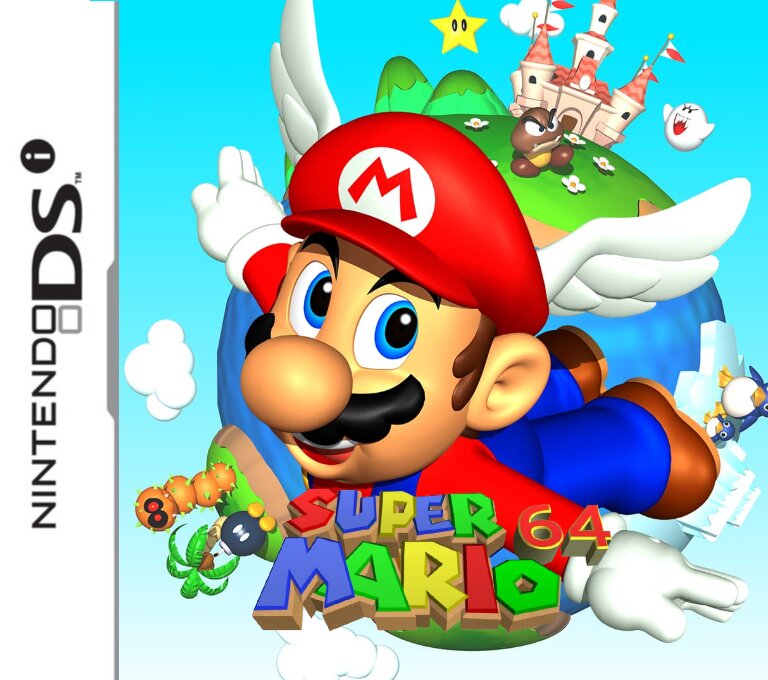
The coverart image of Super Mario 64
Boxart mockup by me.
GAME INFORMATION
Game Name Super Mario 64
Region
Console DS
Category
Game Release (30 years ago)
Genre
Publisher N
Languages
Image Format .nds
Downloads 845
Users Score

Rating: / 5. Votes:

No votes so far

Favorites

Game Description:


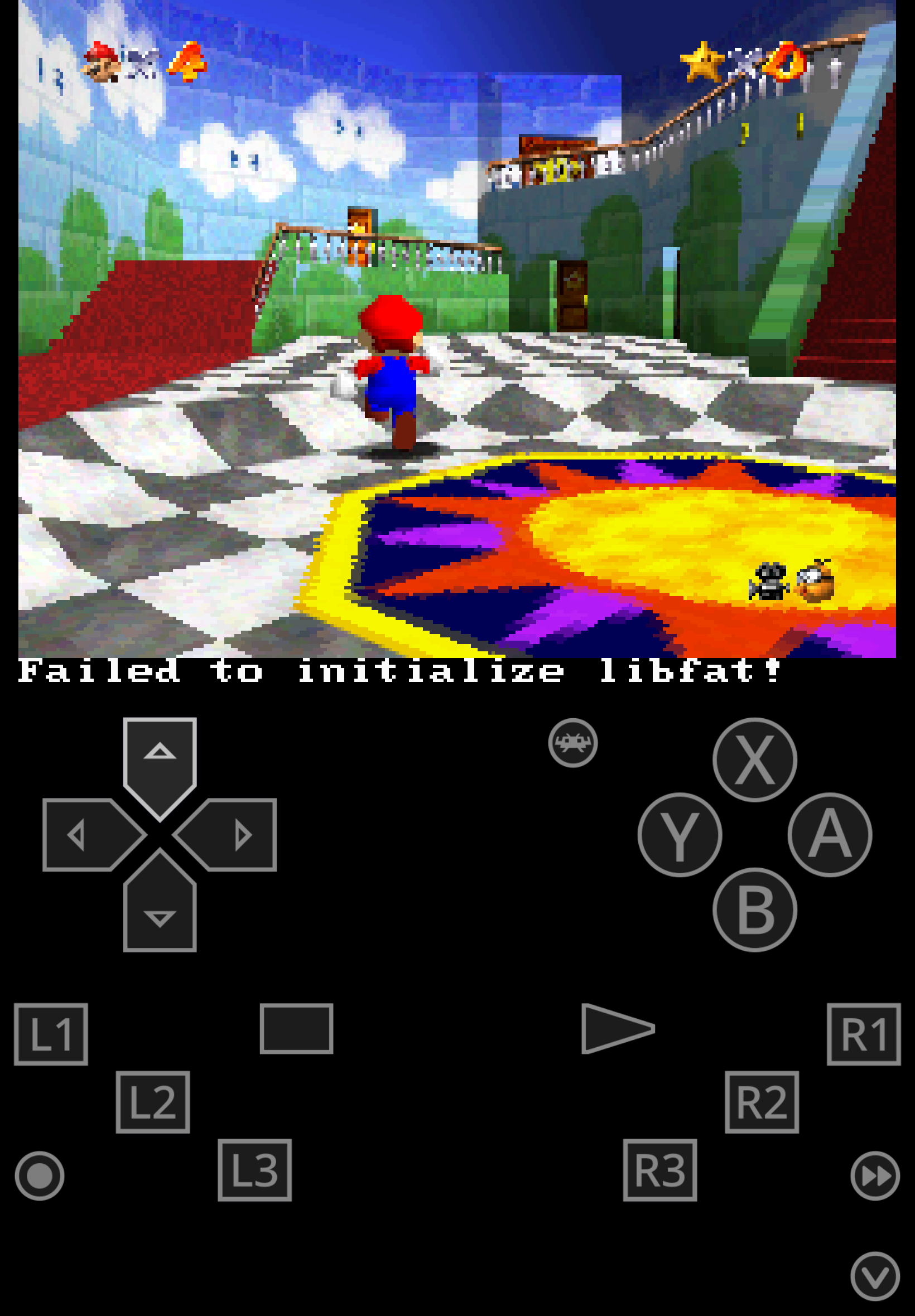
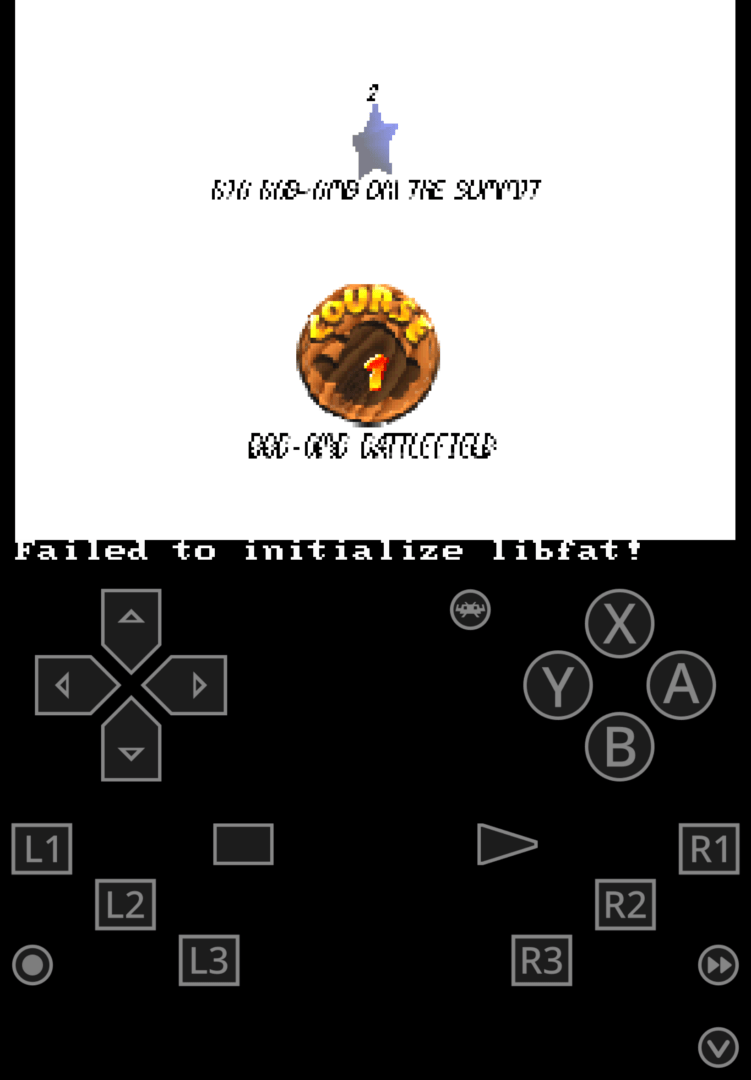
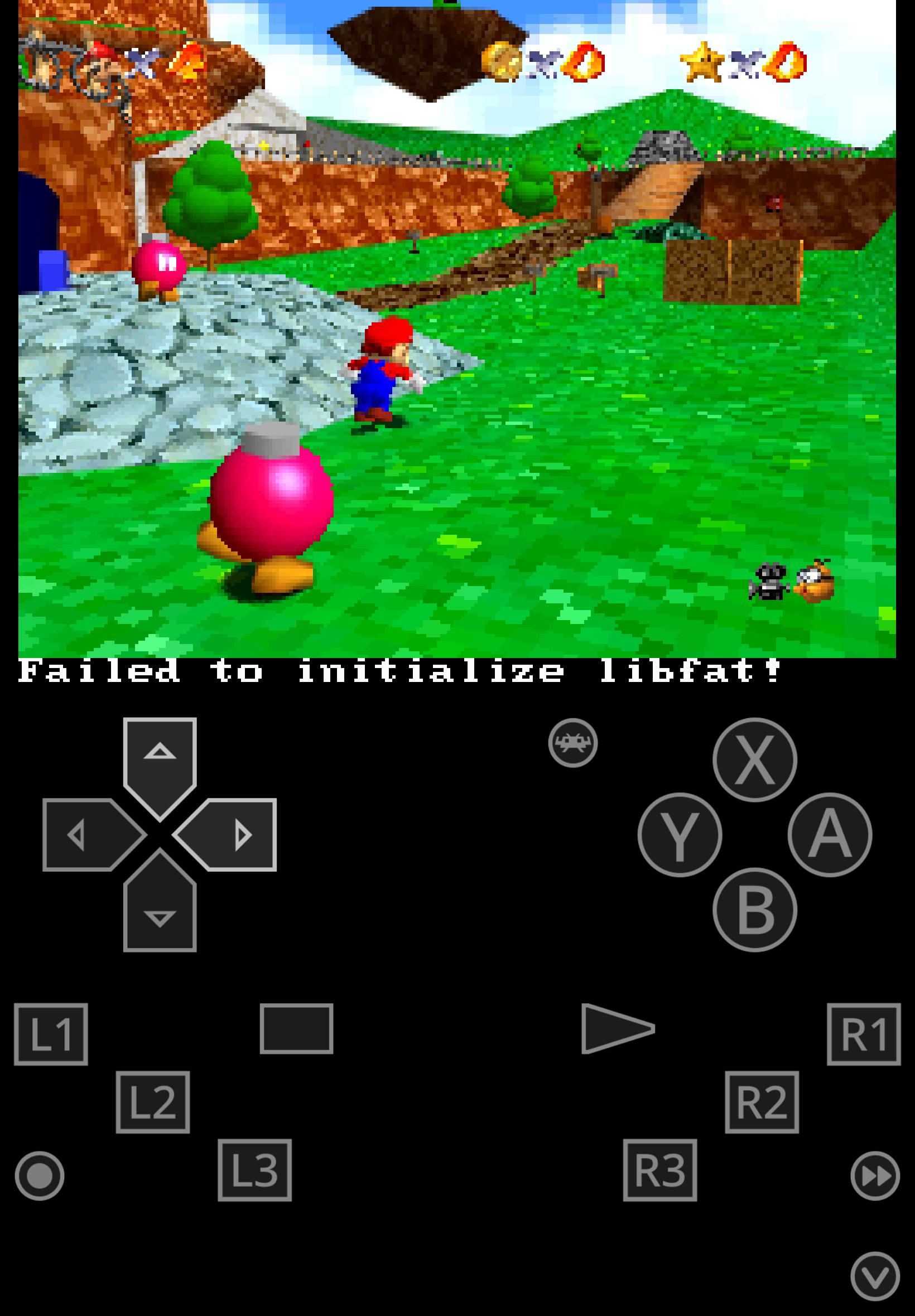
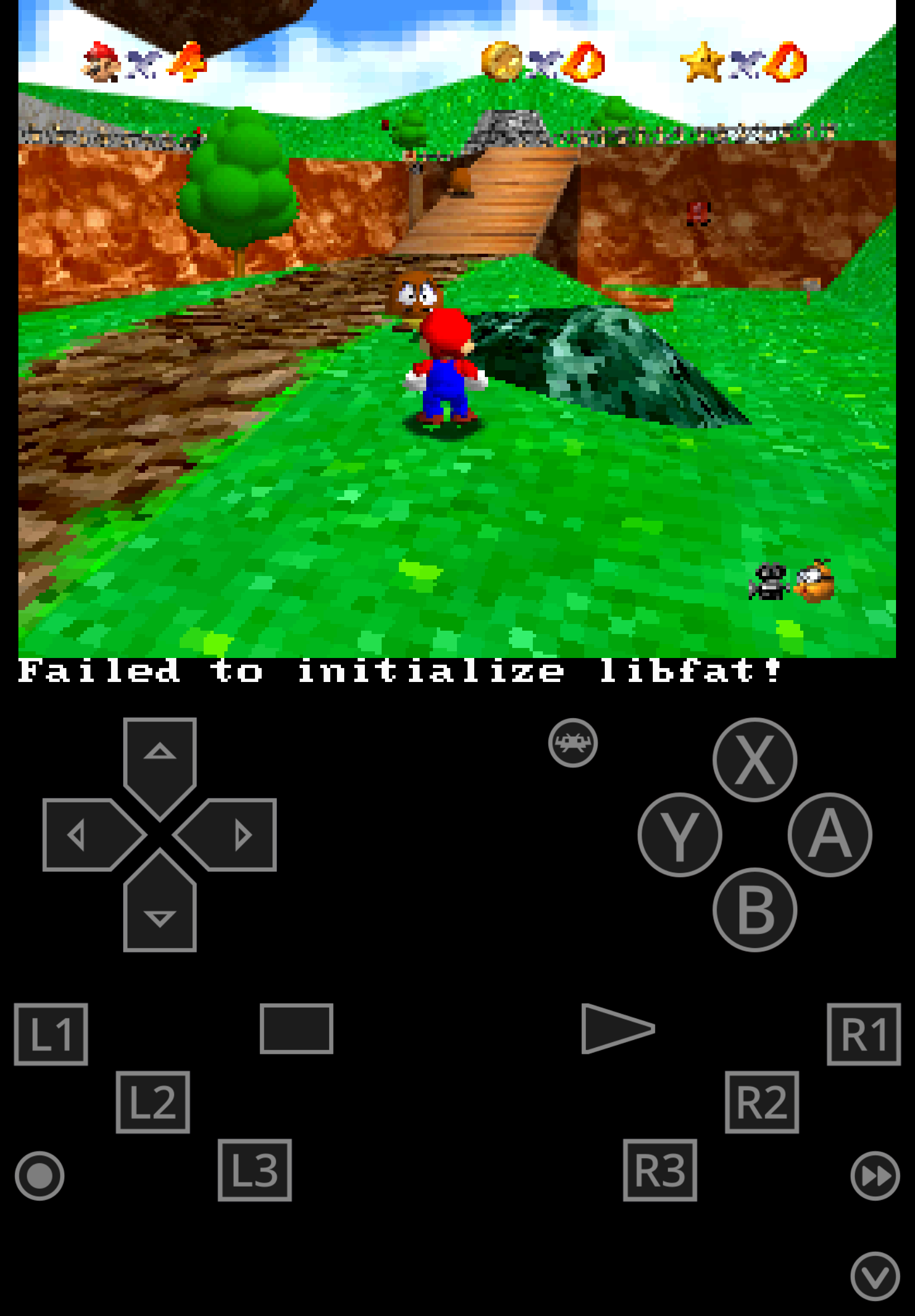
Port of Super Mario 64 for the DSi by Hydr8gon in February 2021.

This is for the DSi, meaning it will not work on a regular DS, a DS flashcard, or a regular DS emulator, you can play this on real hardware using Twilight Menu or on RetroArch via MelonDS core.

Some of you may ask "why the hell do I wanna use this over Super Mario 64 DS?" and to those I will say... idk, maybe if you wanna play the game without the changes Nintendo made for the 2004 version like the character switching and rabbits collecting.

Disclaimer

This is a port for the DSi, meaning you will be using the D-pad, if you like me use a 3DS I recomment using the 3DS port instead for higher resolution, better performance, widescreen and most importantly proper analog support.

To play this with RetroArch

(Thanks to CSmith327 for instructions, copy/pasted)

1- Make sure you have the MelonDS DS core installed in RetroArch (the one that has DS twice in the name, it's the better one imo)

Actually, for me I just used regular MelonDS core, not MelonDS DS, but maybe your experience may vary.

2- Download the bios files required for DSi emulation from this page (you will need to find NAND versions for the region matching the version you get, I dunno where the Japan NAND can be found)

3- You will need to rename the files according to what the Core Information page for the core in RetroArch says. With the core loaded go to Information -> Core Information from the menu to see it.

From my experience you need to rename the files accordingly:
bios7.bin
bios9.bin
firmware.bin
nand.bin

4- In Core Options for MelonDS make sure that Boot Mode is set to Direct instead of Native in the System section

5- Load the zip containing the .nds file and the game should boot up and play fine.

Actually, for me I prefer to extract the zip file and load the Rom instead, loading a zip file can lead to a crash, but again your experience may vary.

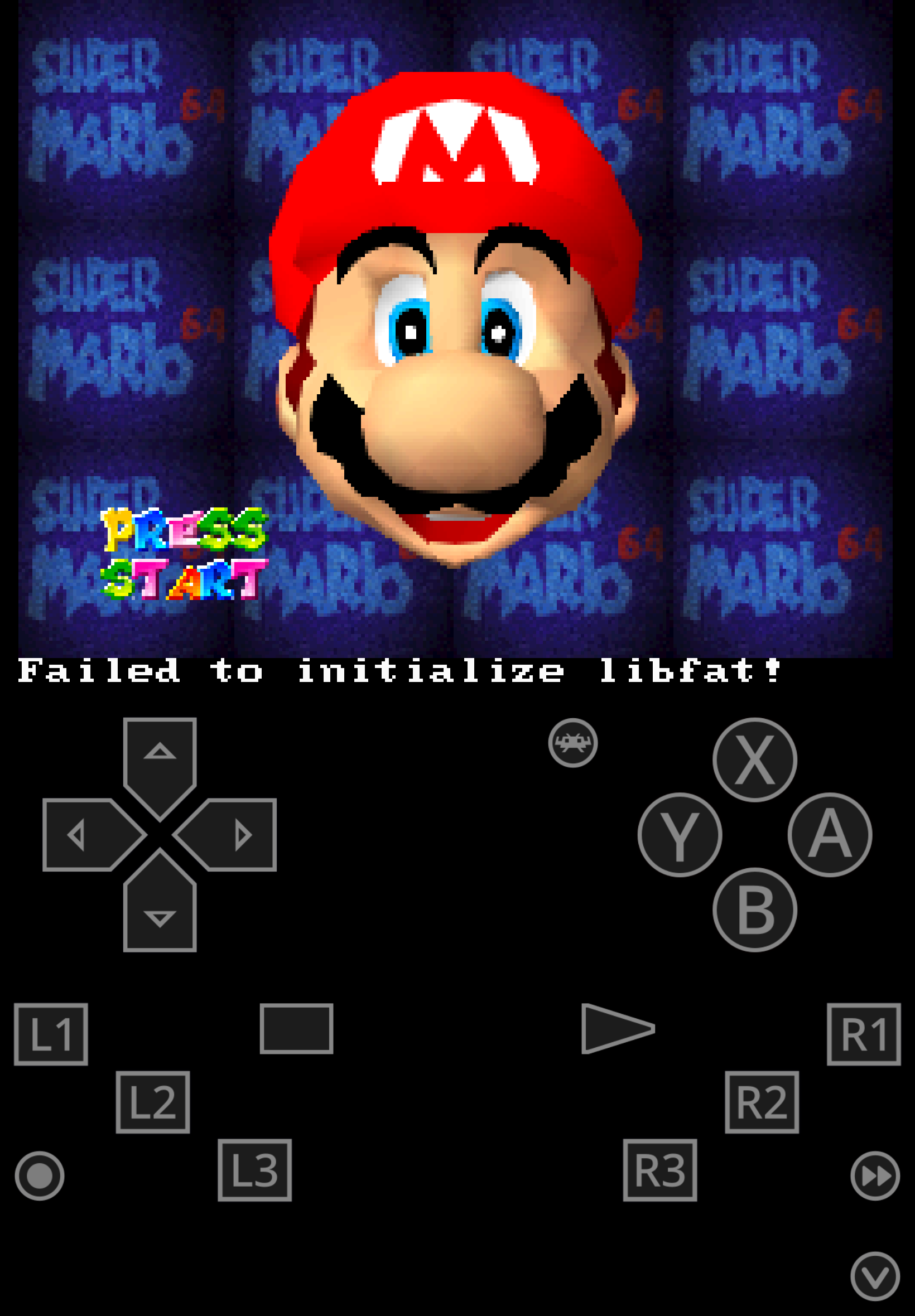
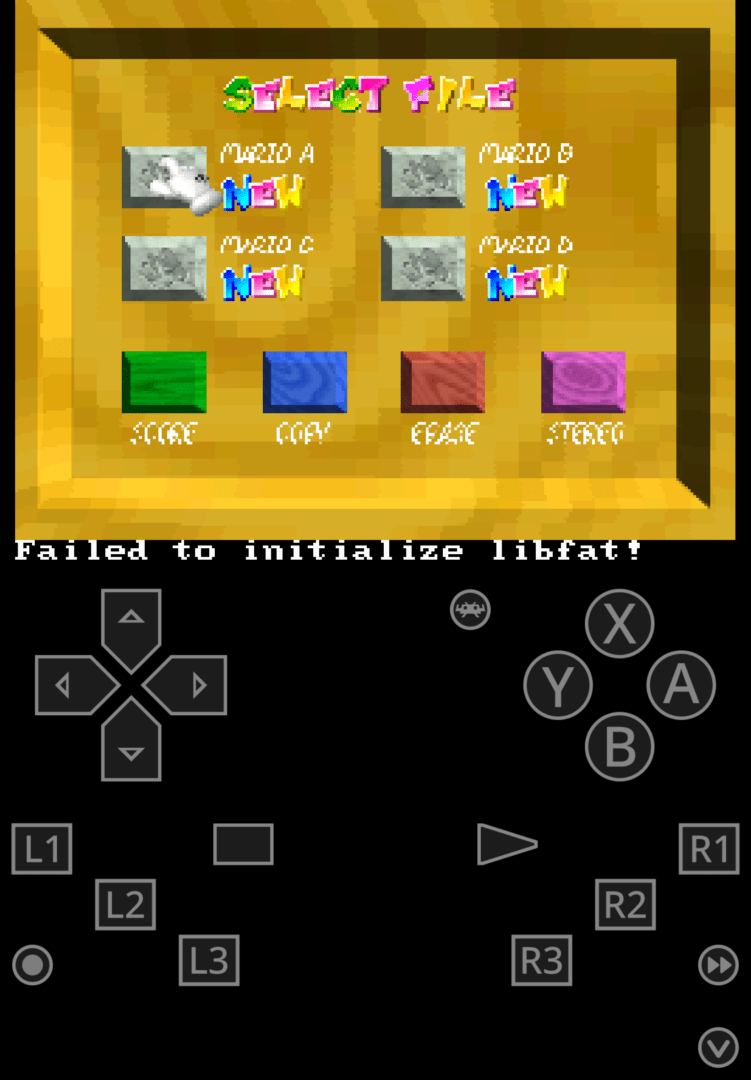
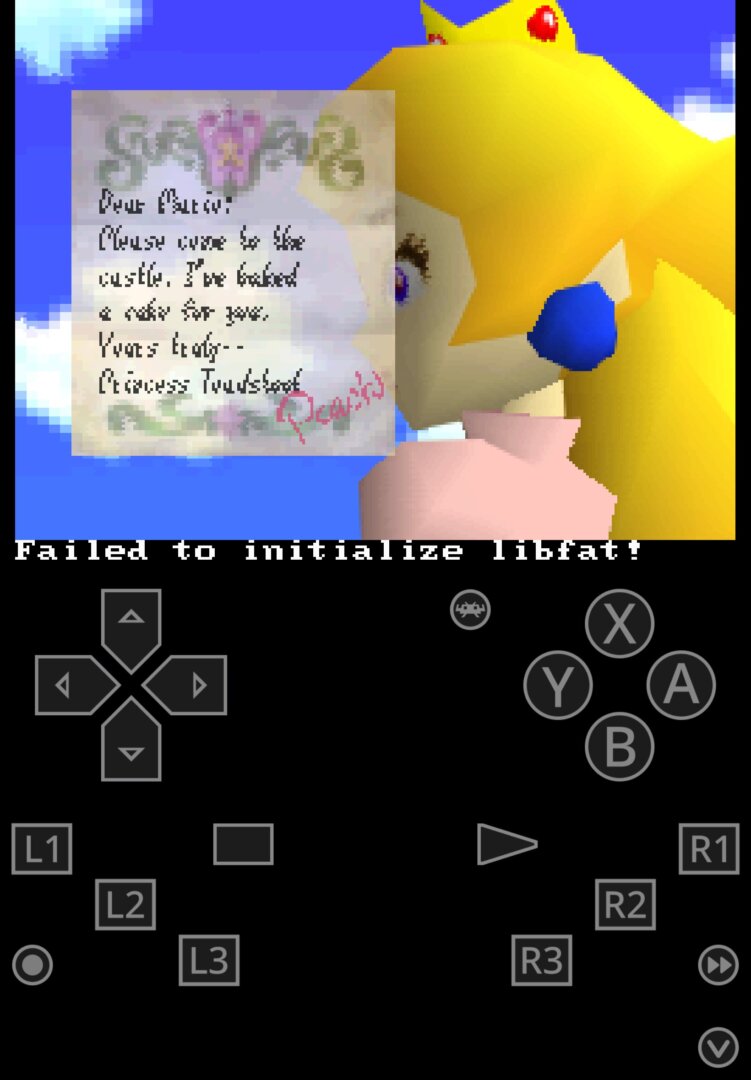
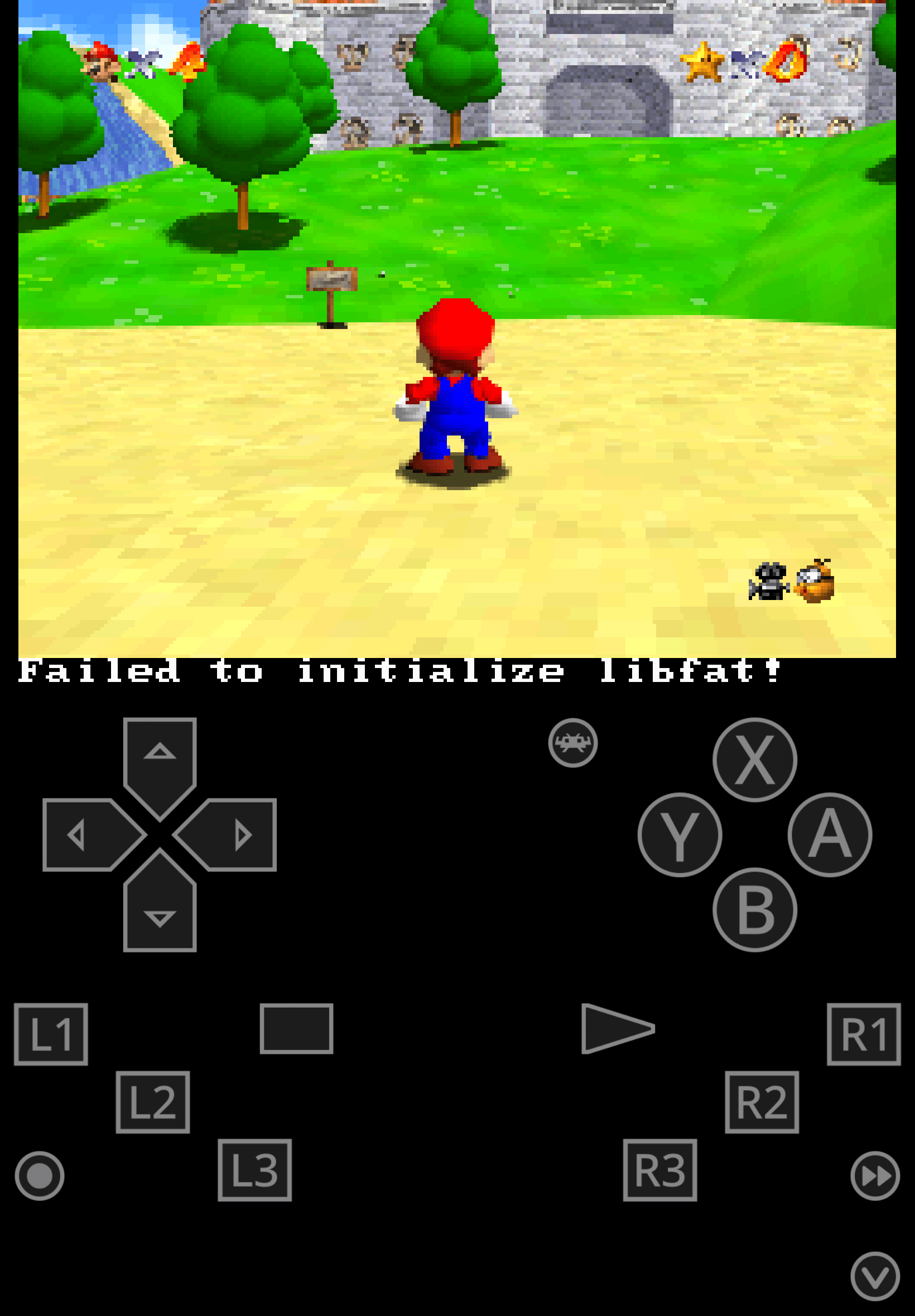
Game Screenshots:

Download: Super Mario 64 (DSi) (Homebrew) NDS ROM

Game Shared by Juiceala

Juiceala's Uploads

Juice Hedgehog, also known as sonictopfan and Juiceala. Likes video games, anime, and drawing.

Loading comments...

Disclaimer: This website is dedicated to raising awareness of fan-made mods, translations, and the legacy of retro games. All names, trademarks, logos, and images are registered trademarks of their respective owners. This website adheres to the DMCA law. If you have any questions, please feel free to contact us.

2026 The Repo