| GAME INFORMATION | |
|---|---|
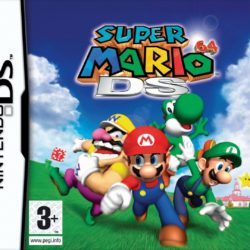
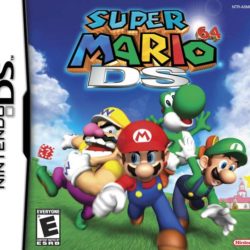
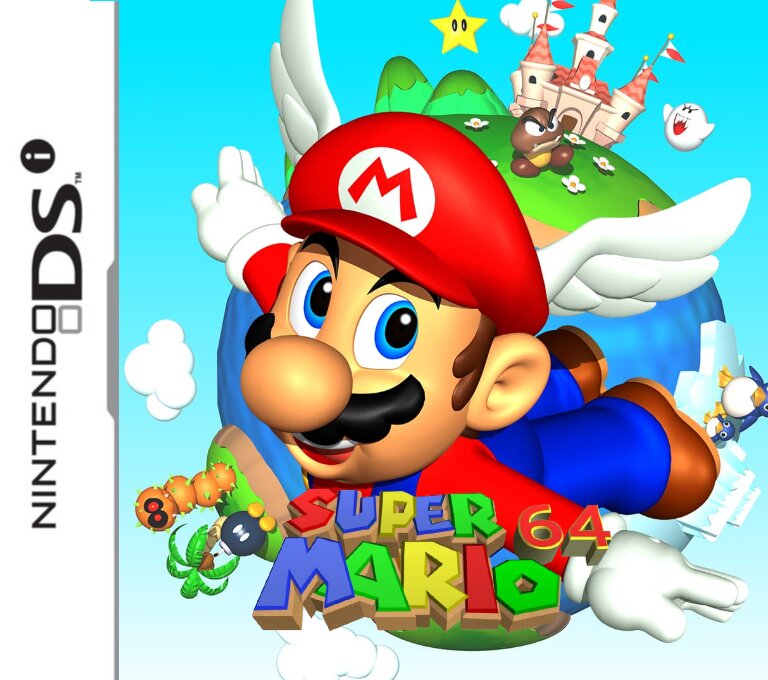
| Game Name | Super Mario 64 |
| Region | USA |
| Console | DS |
| Category | Port |
| Game Release | 1996 (30 years ago) |
| Genre | Platformer 3D |
| Publisher | N |
| Languages | English |
| Image Format | .nds |
| Downloads | 1,854 |
| Users Score | |
| Favorites | |
Game Description:
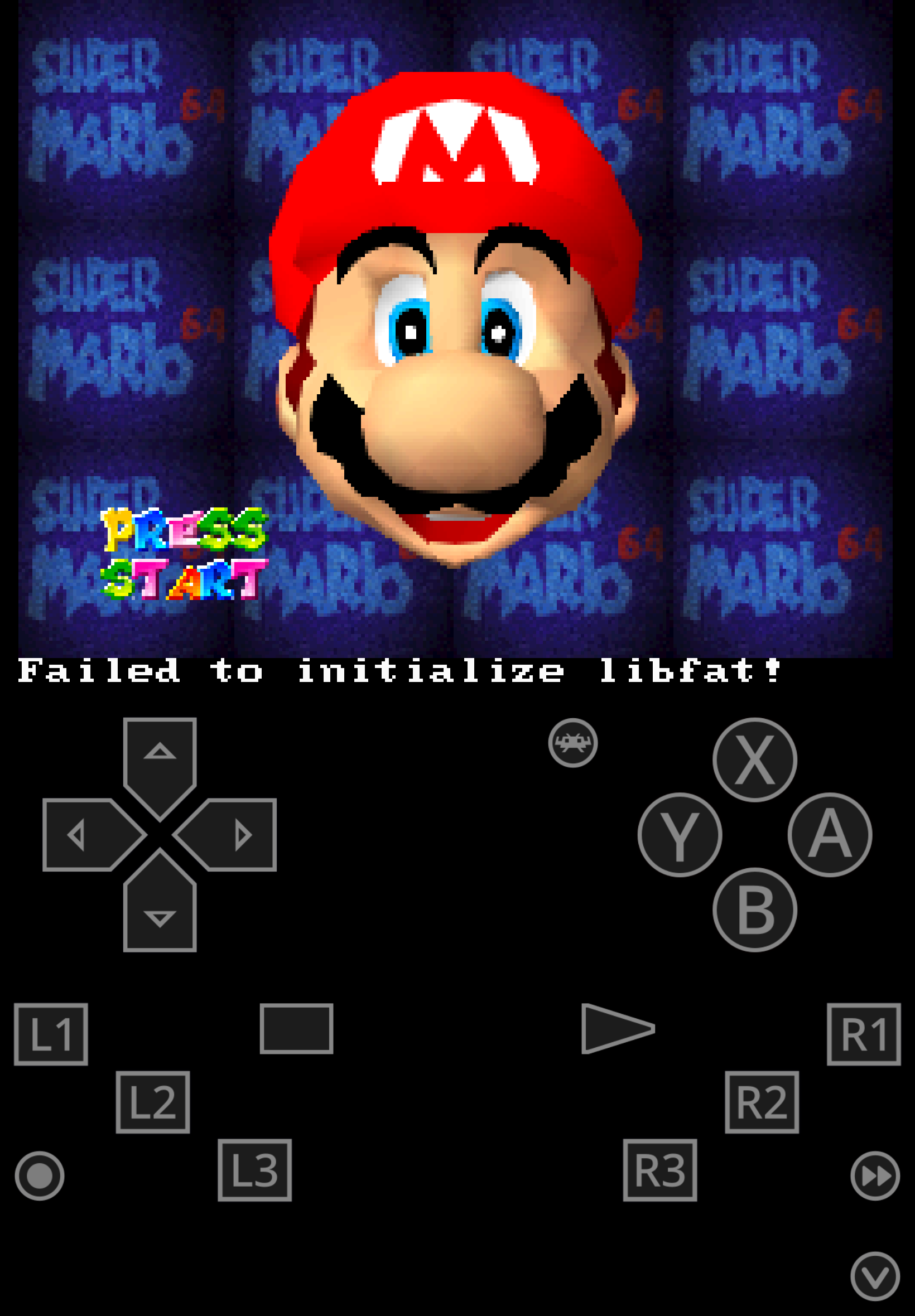
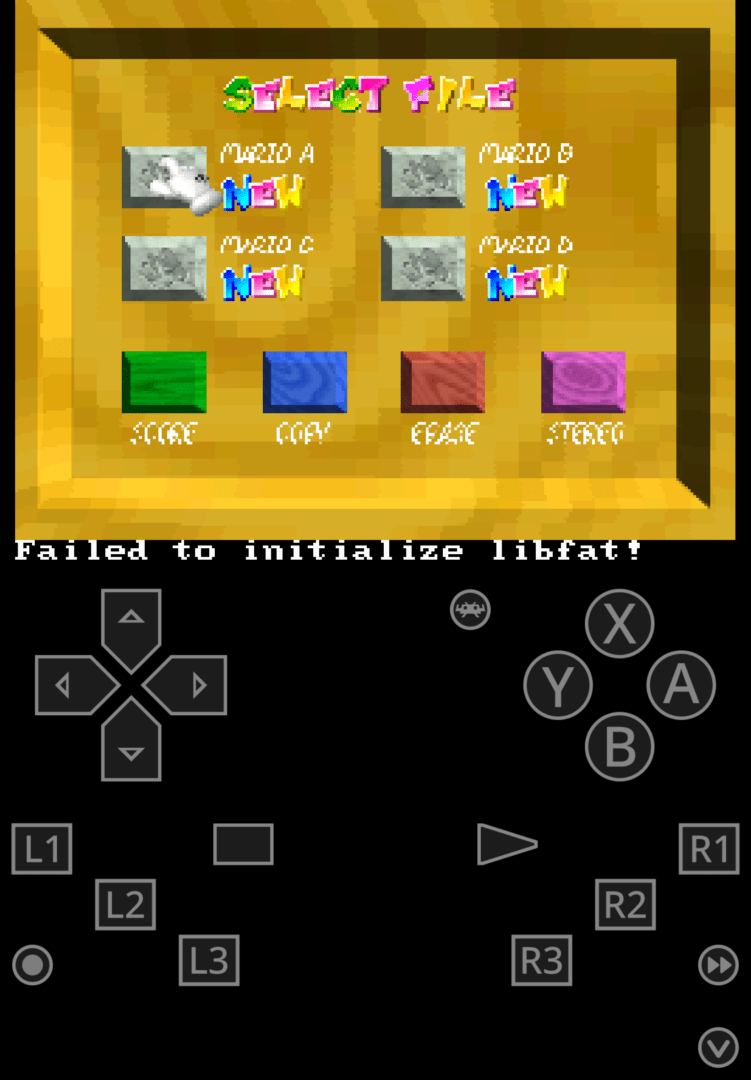
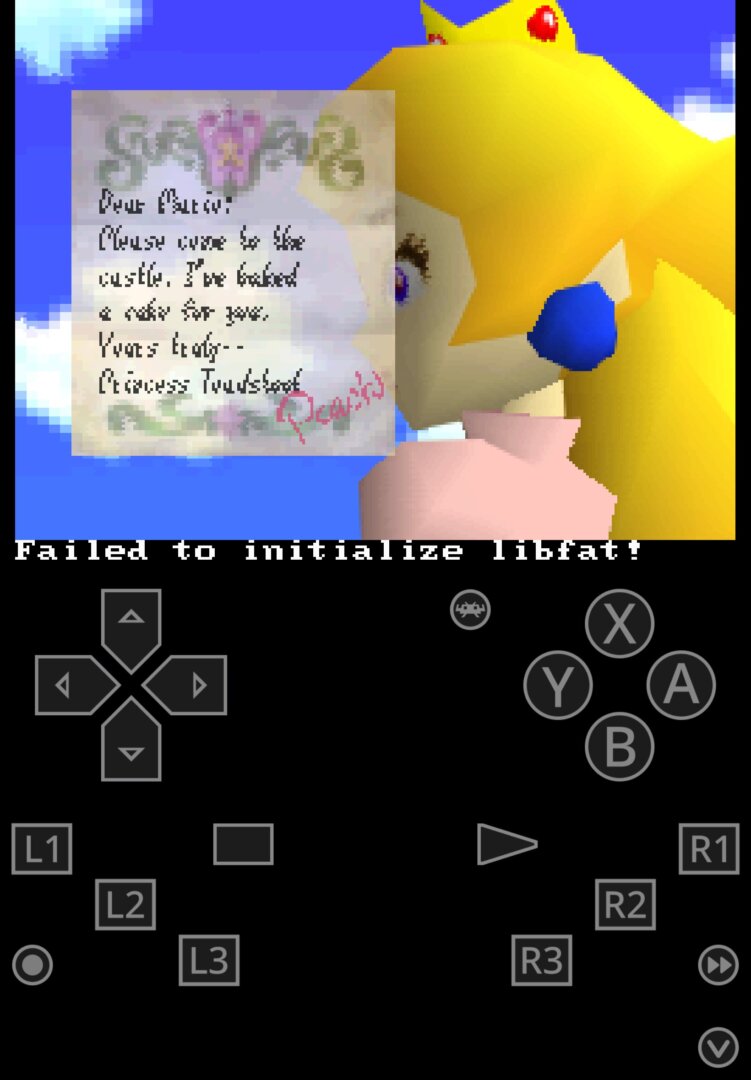
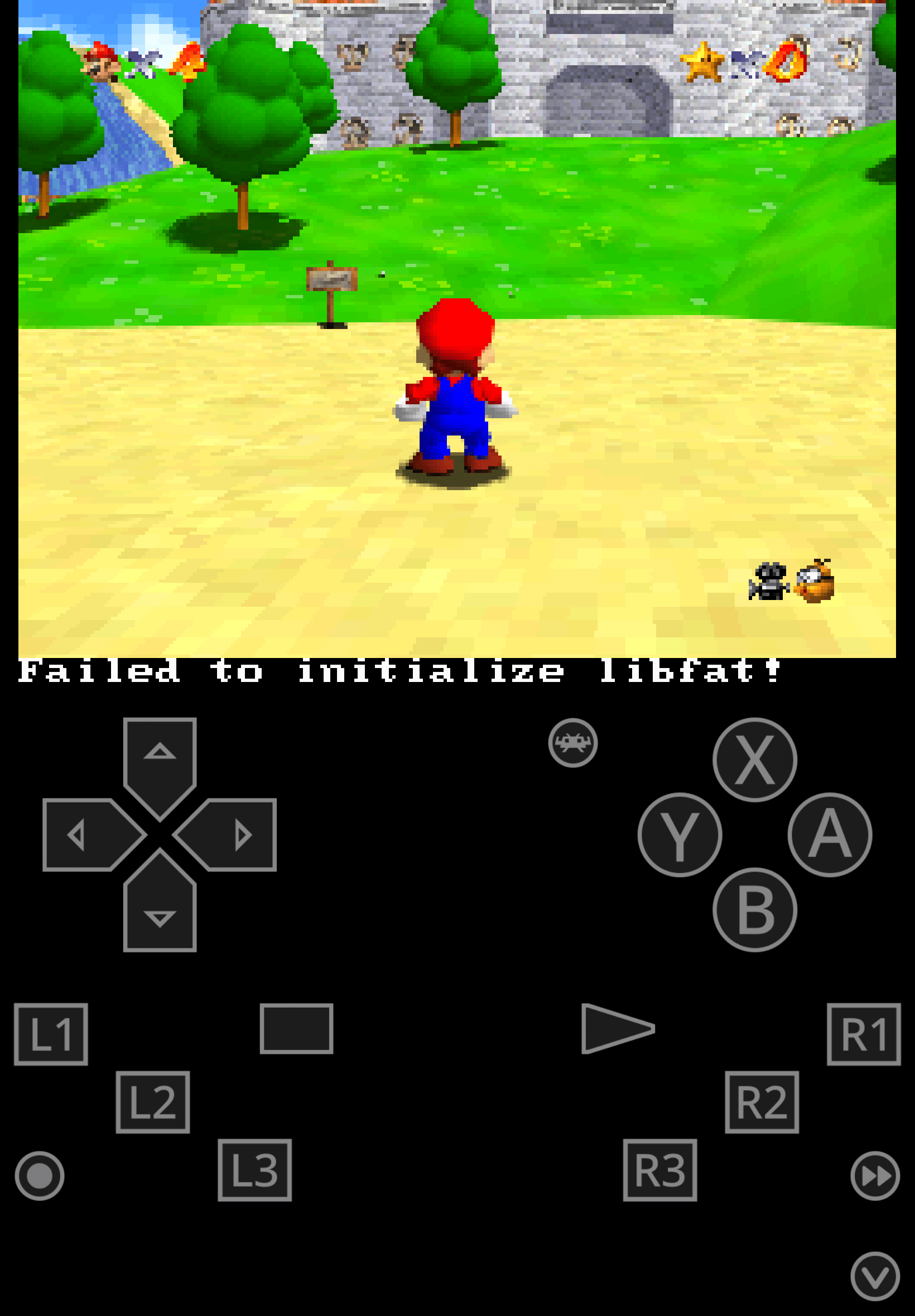
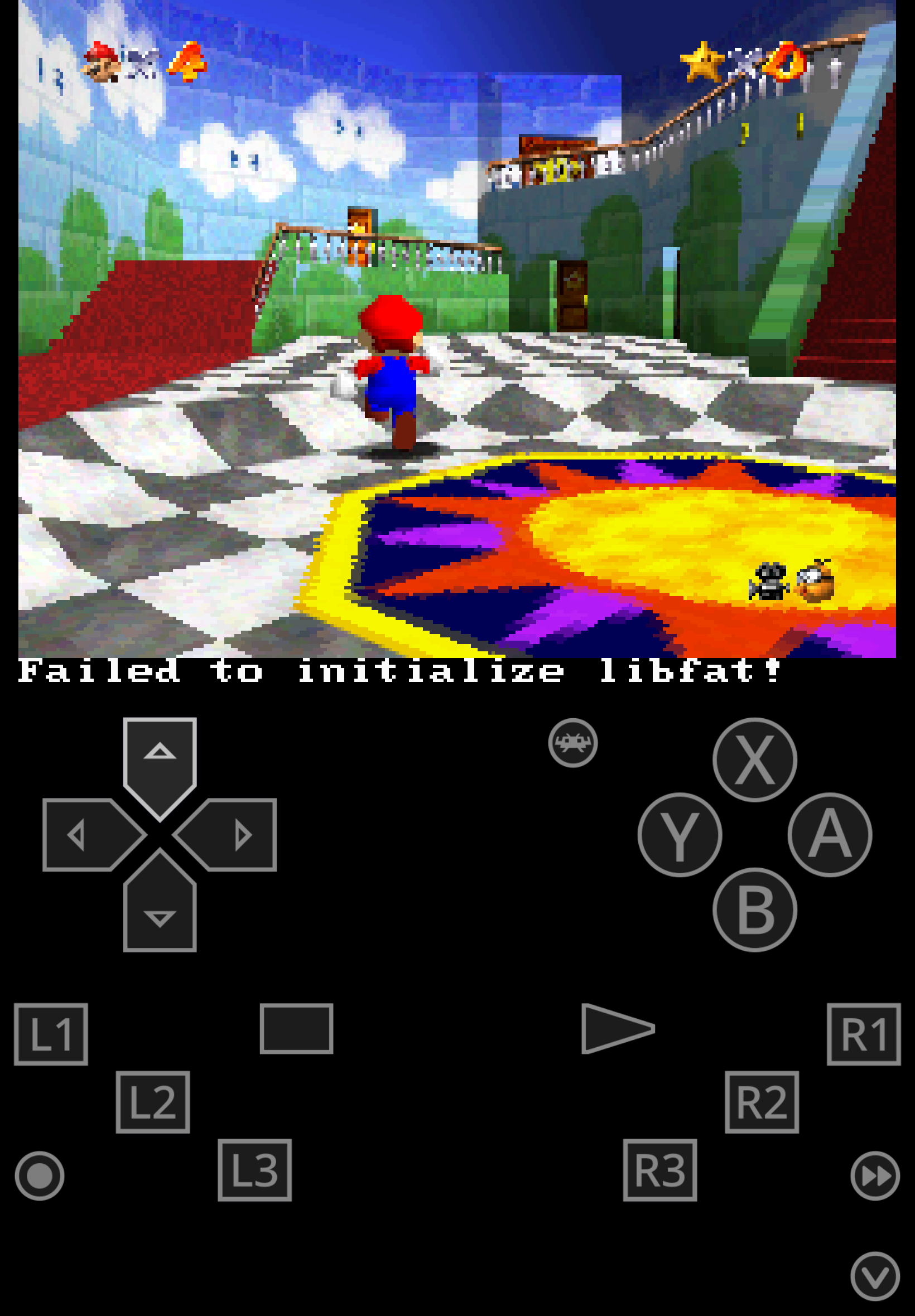
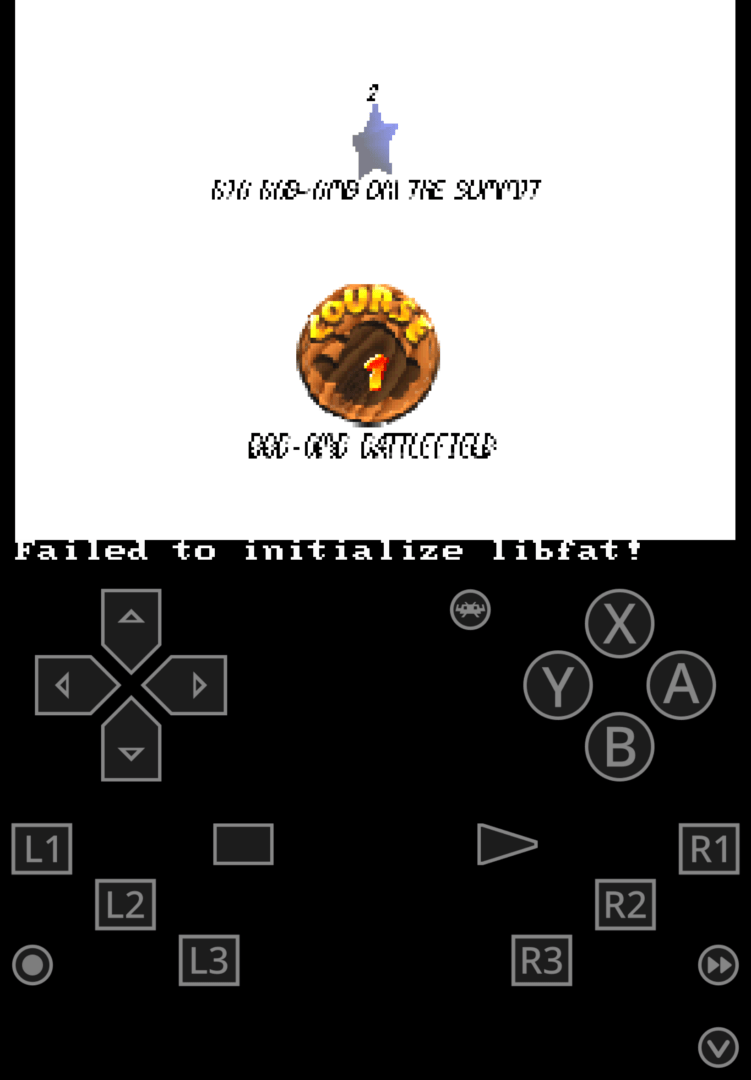
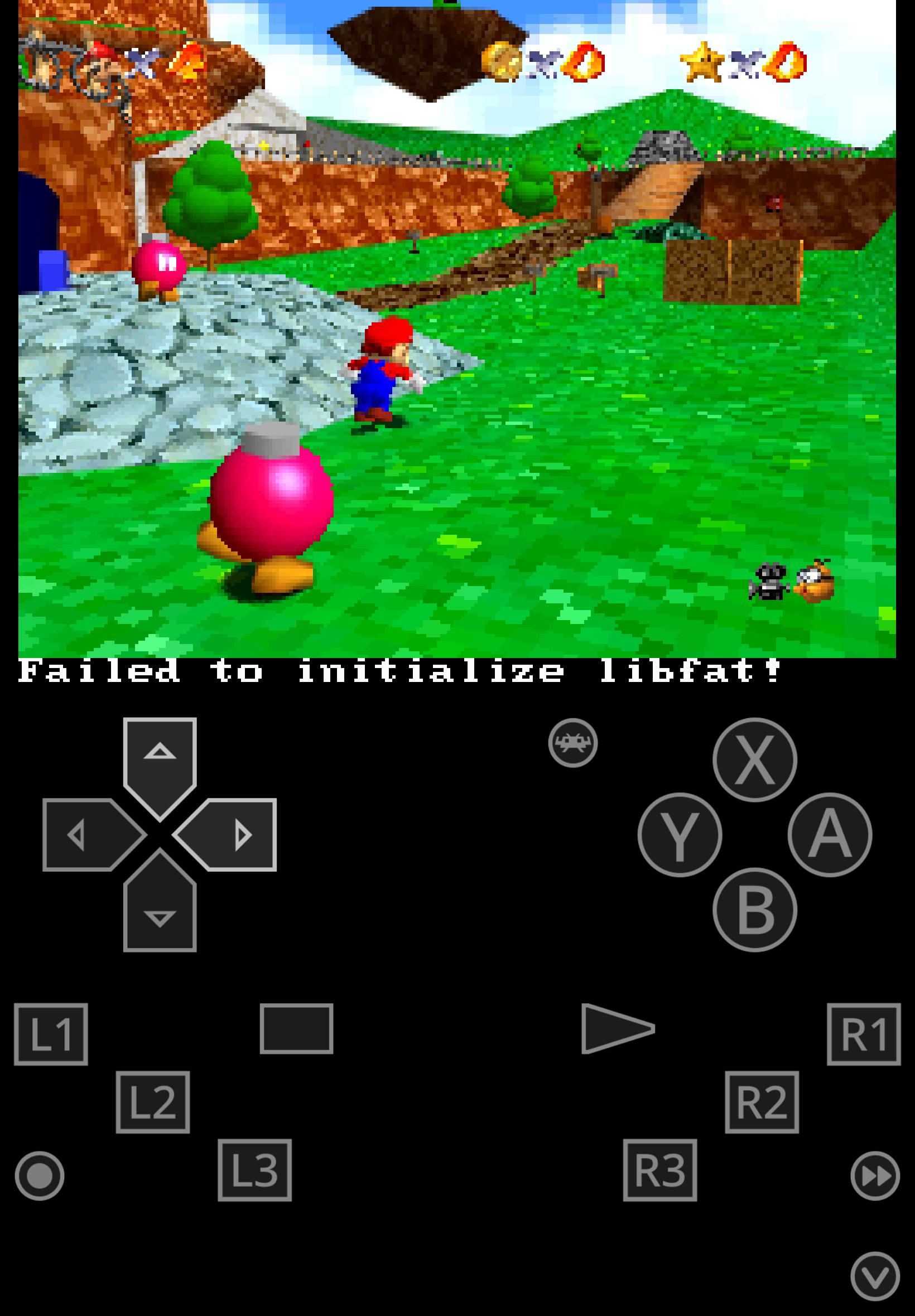
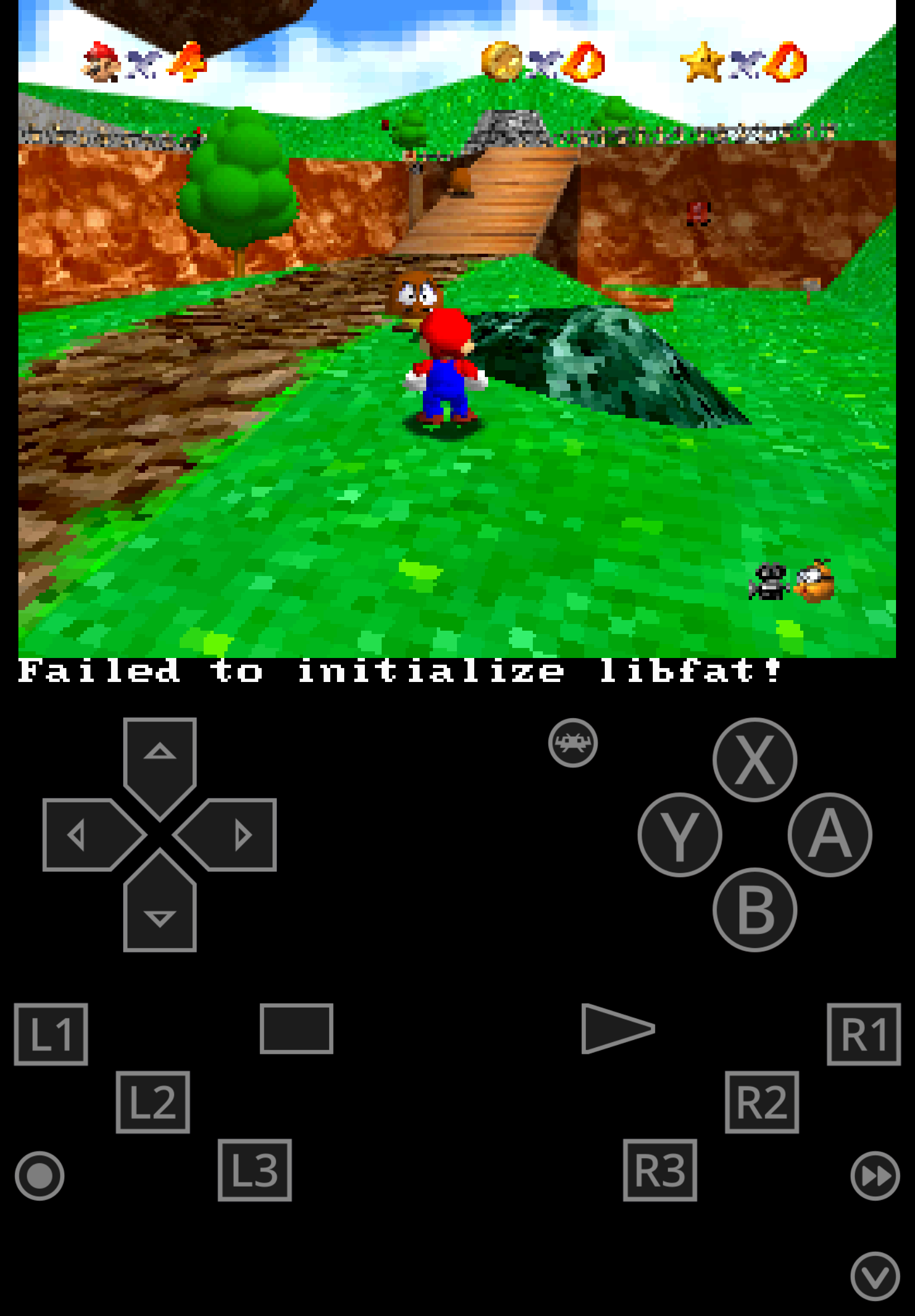
Port of Super Mario 64 for the DSi by Hydr8gon in February 2021.
This is for the DSi, meaning it will not work on a regular DS, a DS flashcard, you can play this on real hardware using Twilight Menu.
Some of you may ask "why the hell do I wanna use this over Super Mario 64 DS?" and to those I will say... idk, maybe if you wanna play the game without the changes Nintendo made for the 2004 version like the character switching and rabbits collecting.
UPDATE:
Added a new DS version, this one runs on regular DS/DSi/3DS using flash card (Supercard/Acecard/R4) however it does not run for me on Twilight Menu.
So now you have a DSi version for use with Twilight Menu and DS version for use with flash cards.
As for which version to choose if you wanna play on an emulator? Play the N64 version... seriously, there is absolutely no benefit of playing this version on an emulator.
Game Screenshots: