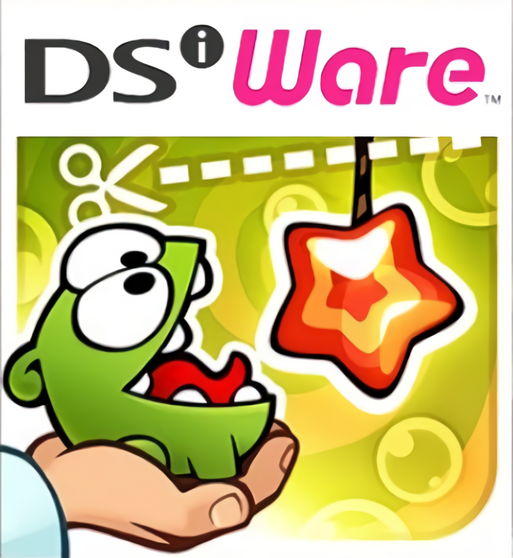
| GAME INFORMATION | |
|---|---|
| Game Name | Cut the Rope |
| Region | Europe, USA |
| Console | DS |
| Game Release | 2011-10-20 (14 years ago) |
| Genre | Puzzle |
| Publisher | Chillingo Ltd |
| Developer | Abylight Studios, ZeptoLab |
| Languages | English |
| Image Format | .nds |
| Downloads | 1,021 |
| Users Score | |
| Favorites | |
Game Description:
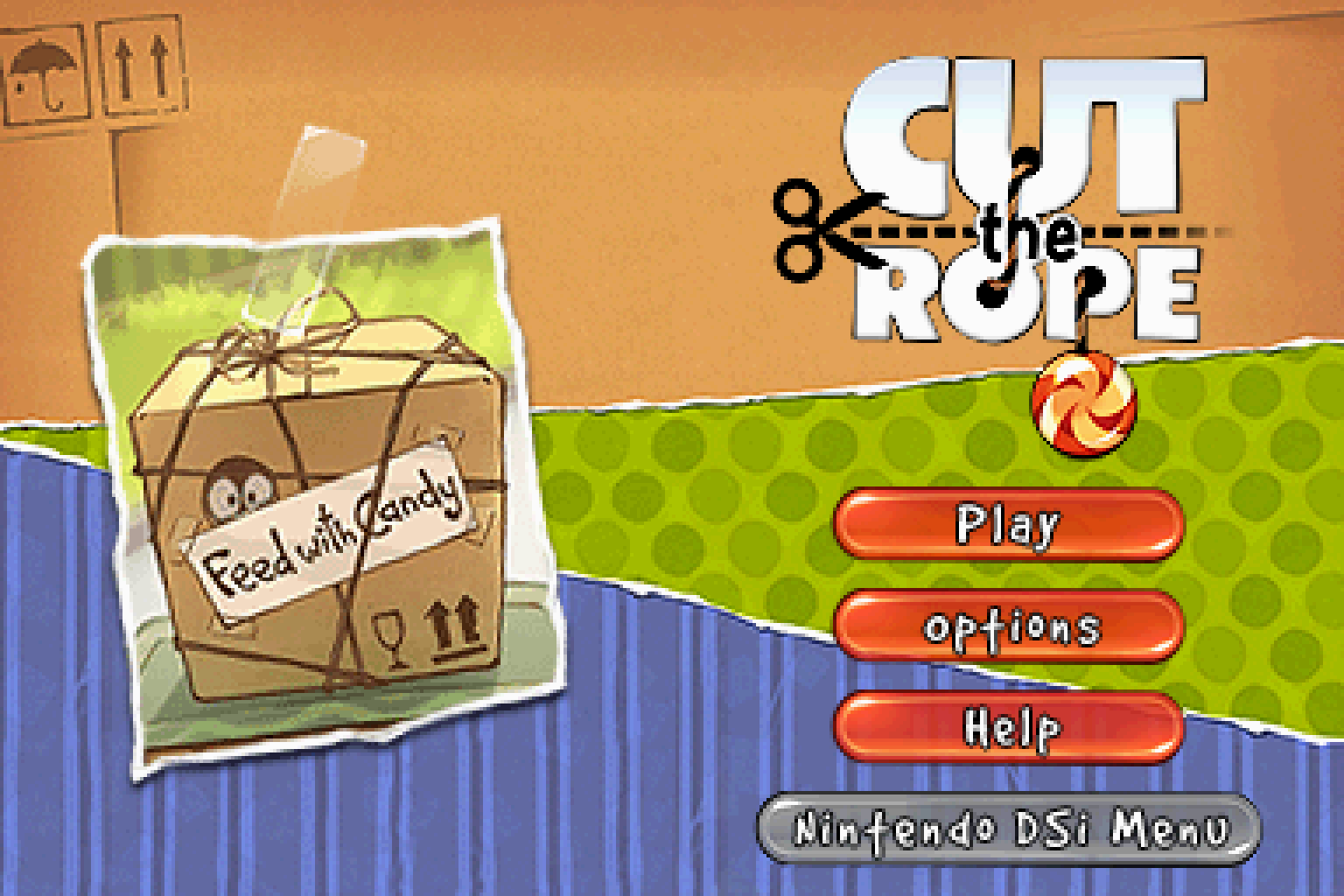
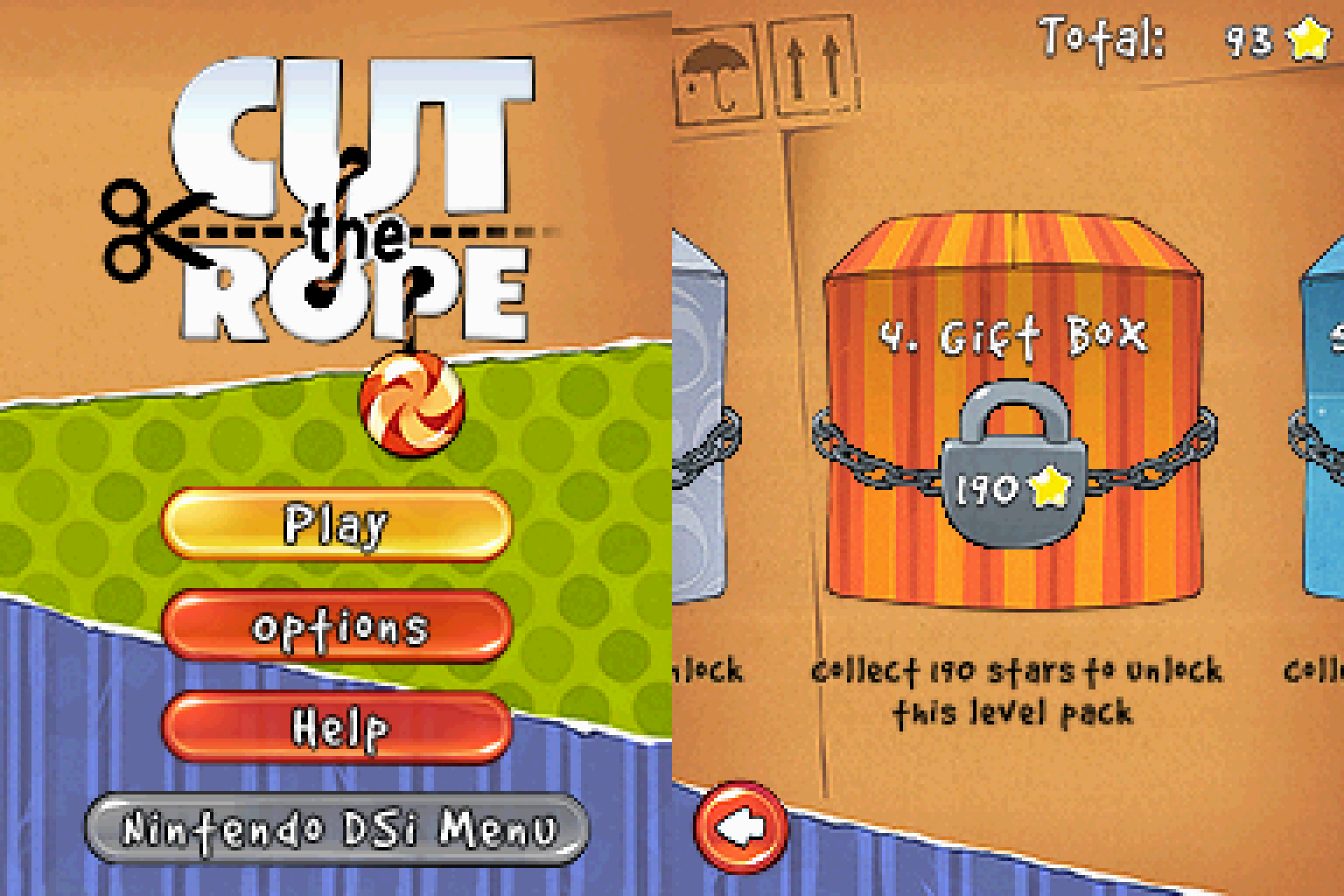
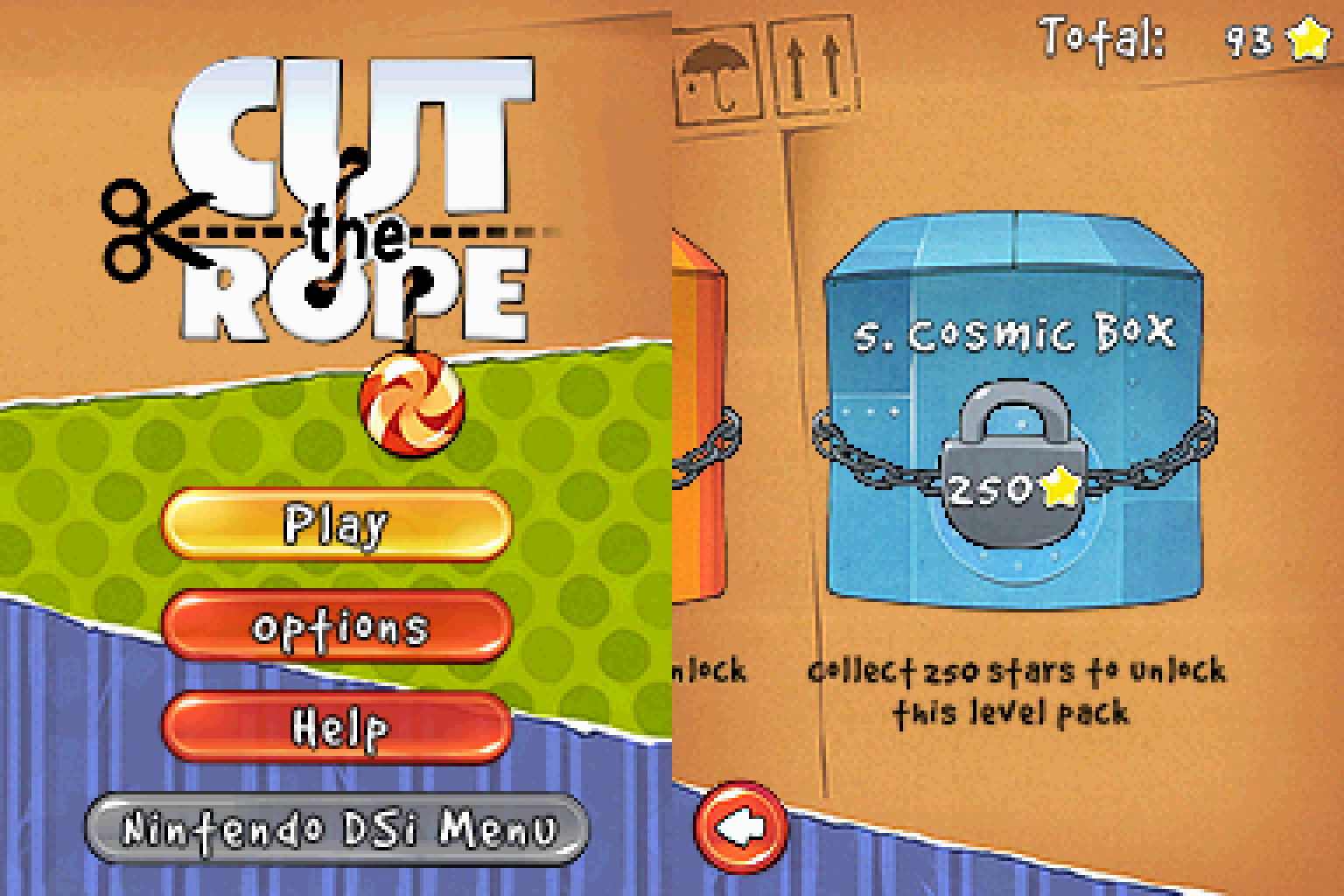
Cut the Rope is a Puzzle video game published by Chillingo Ltd and developed by Abylight Studios, ZeptoLab released on October 20th, 2011 for the DS.
This is the classic iPhone/Android physics based puzzle game ported to DSiWare.
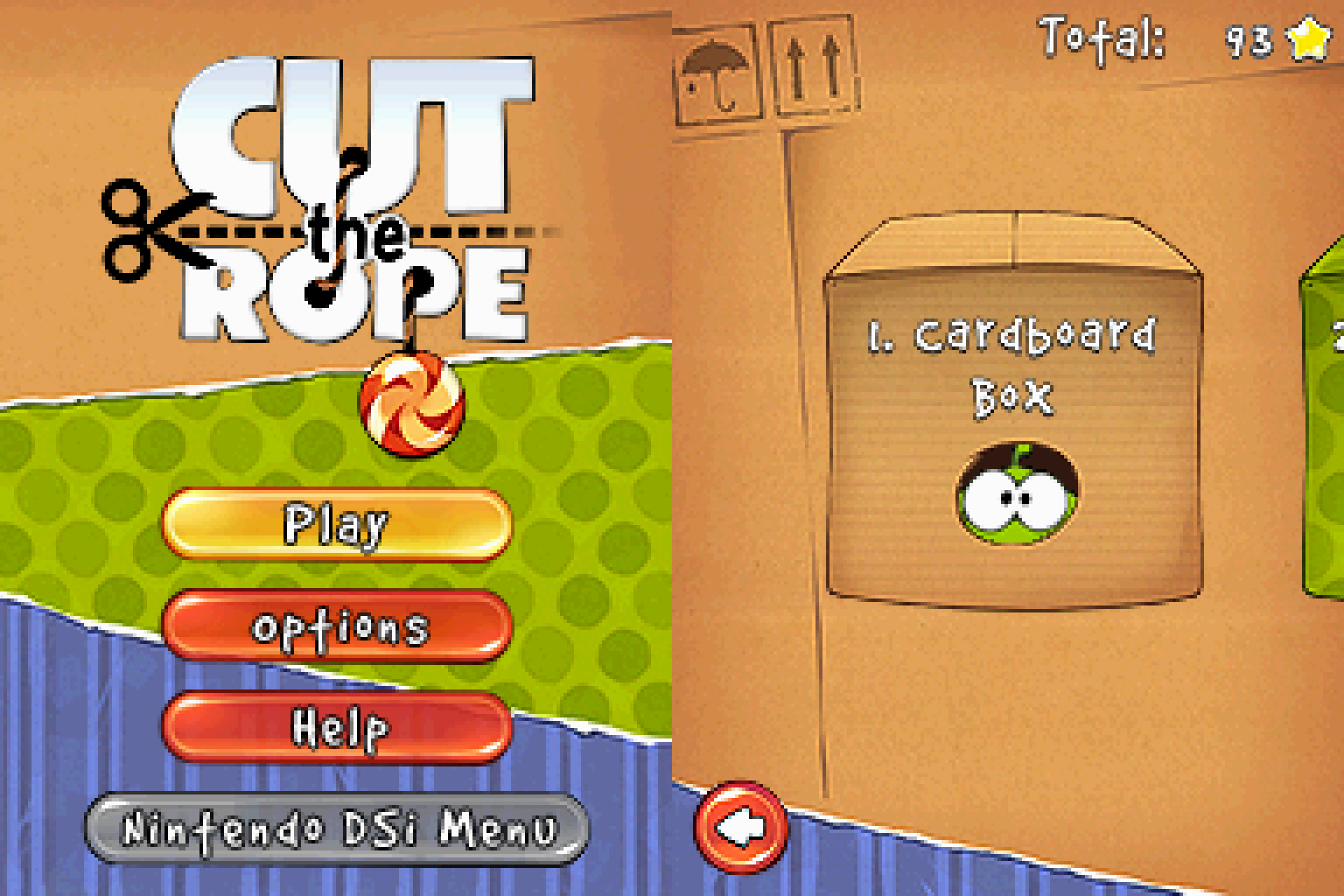
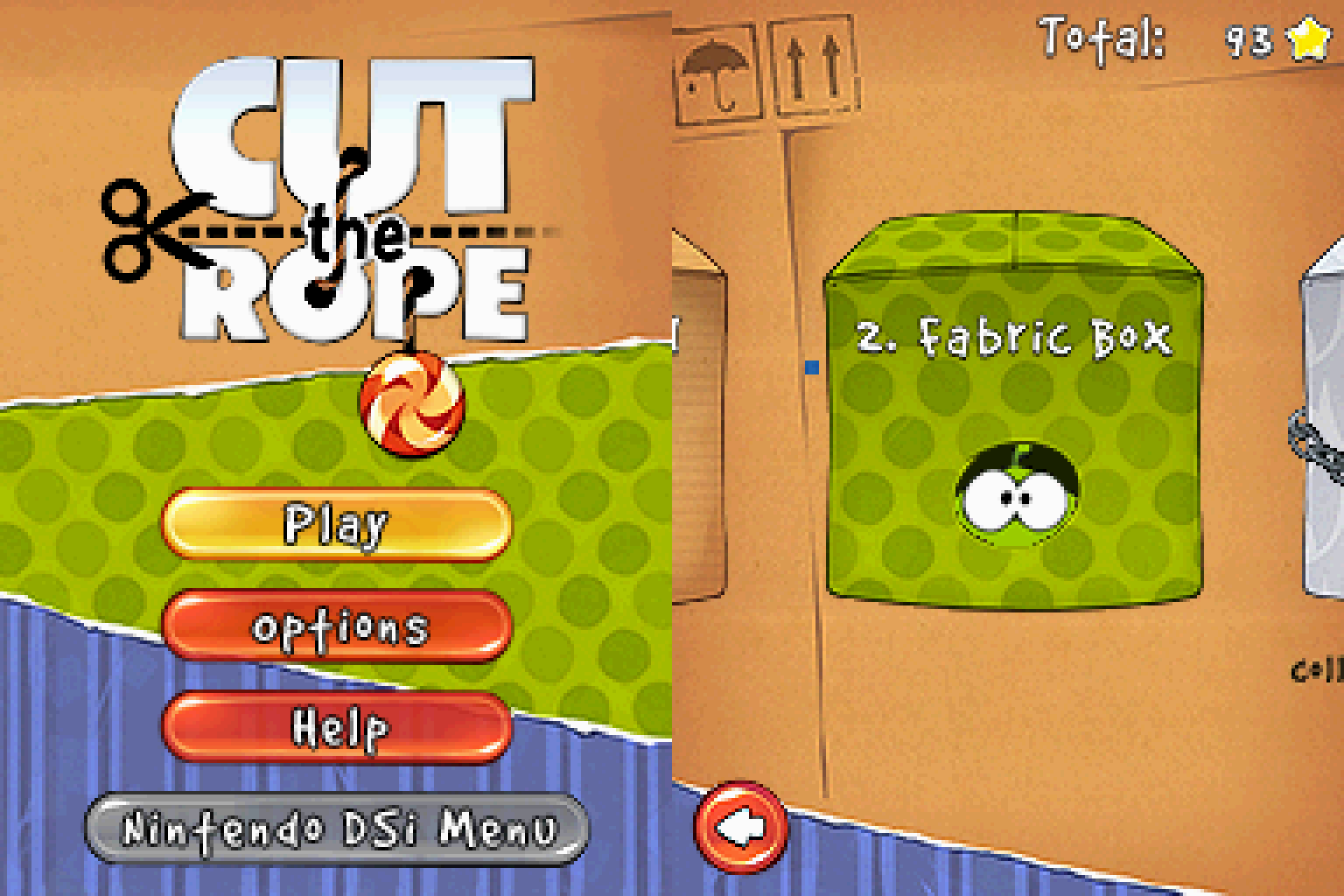
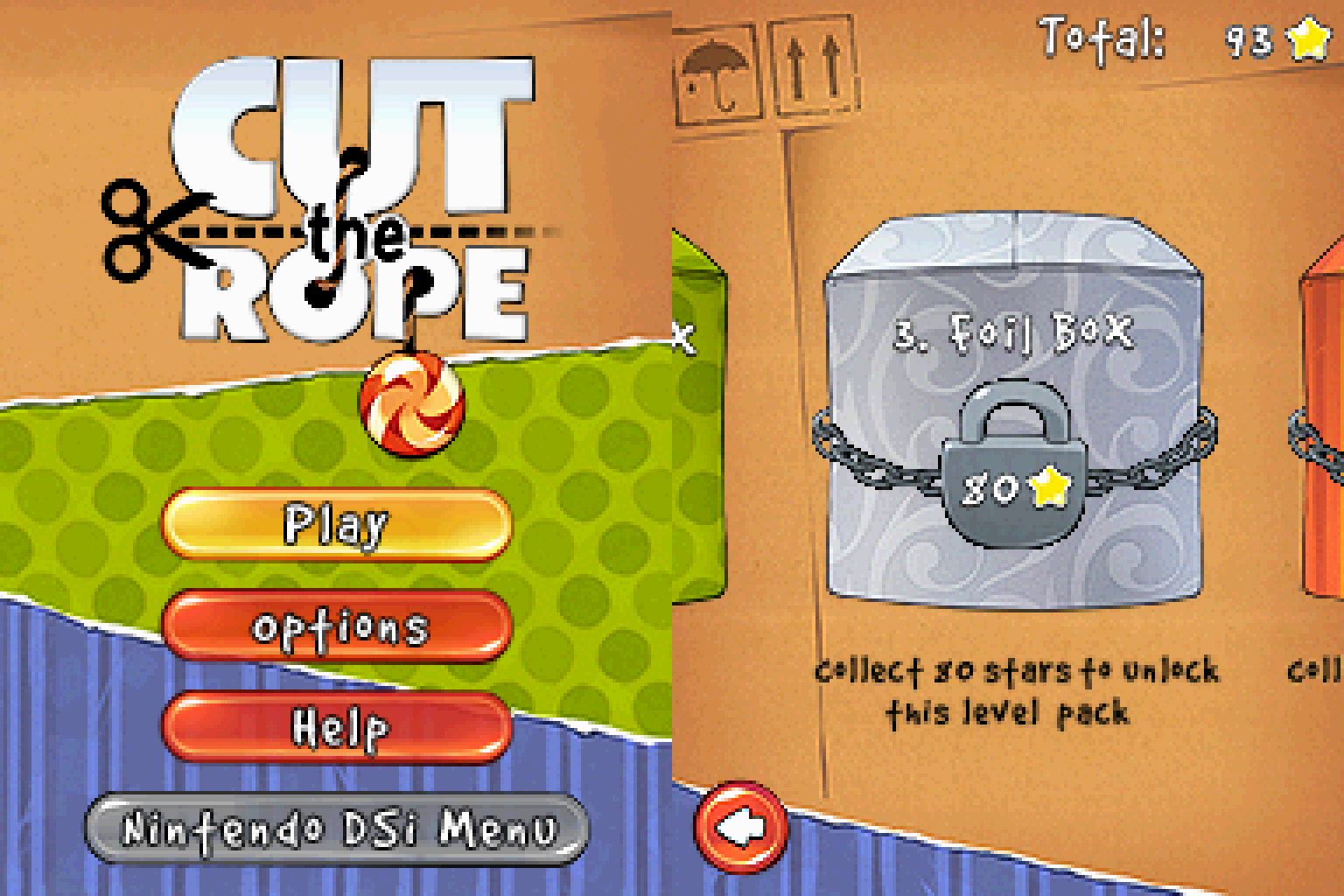
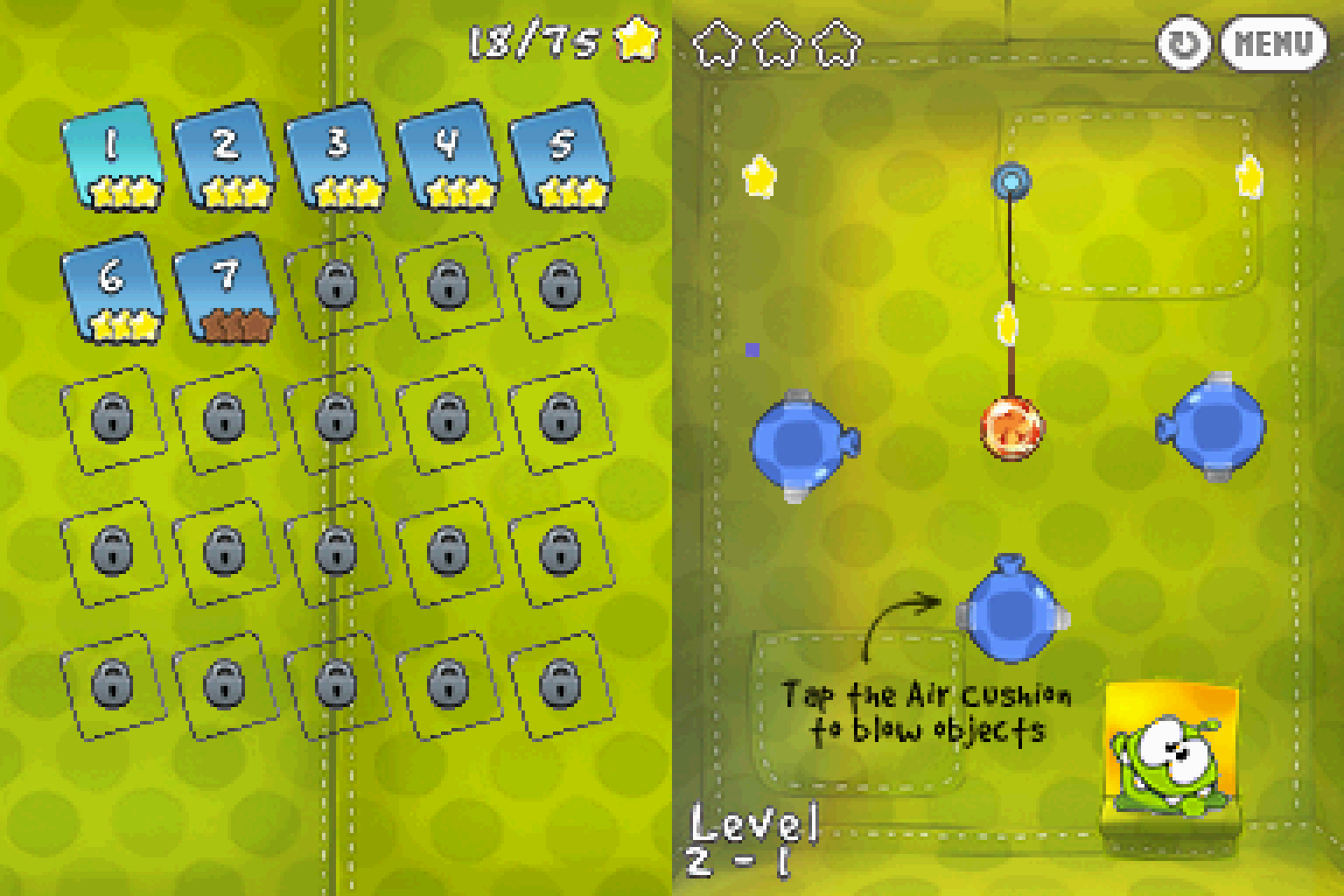
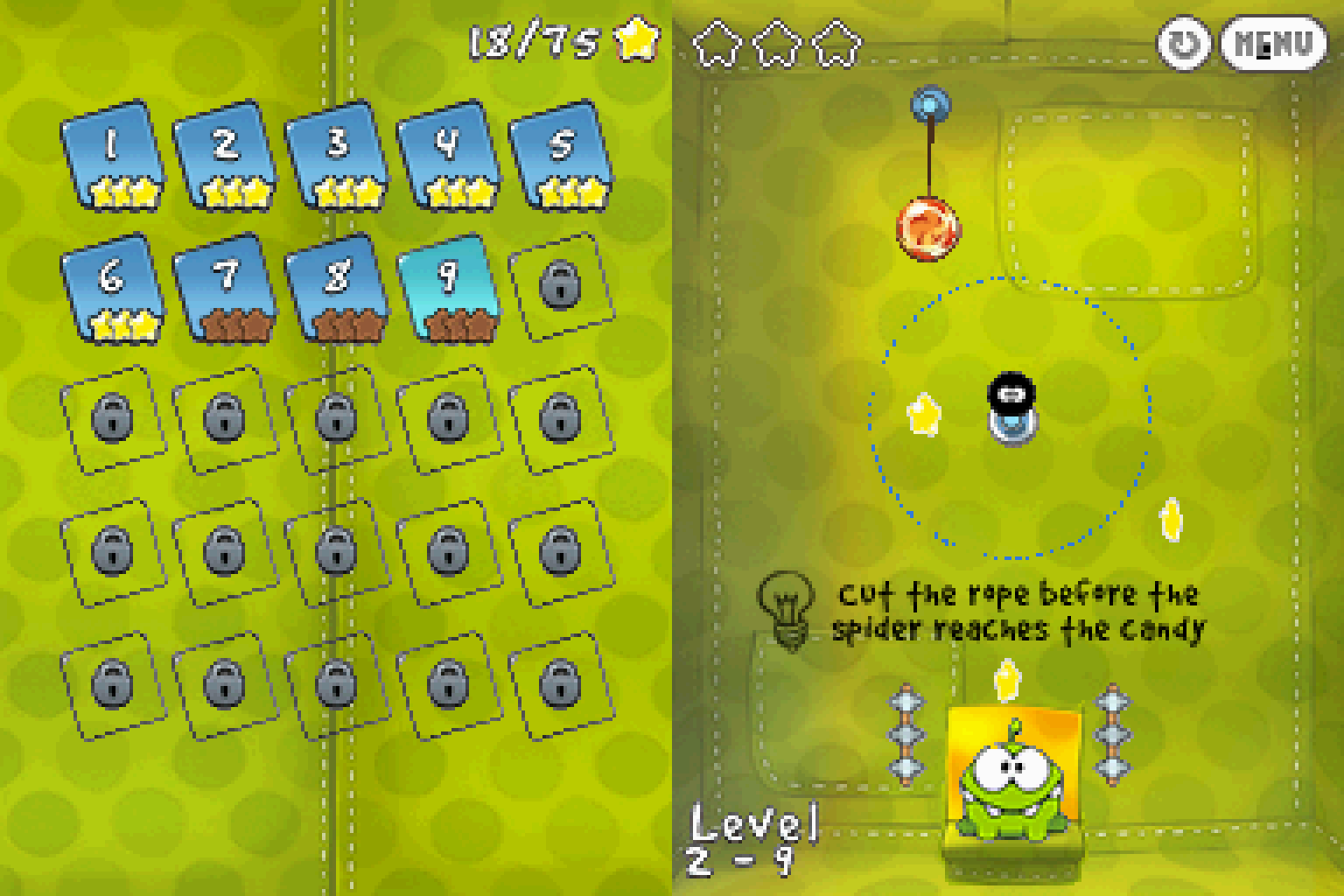
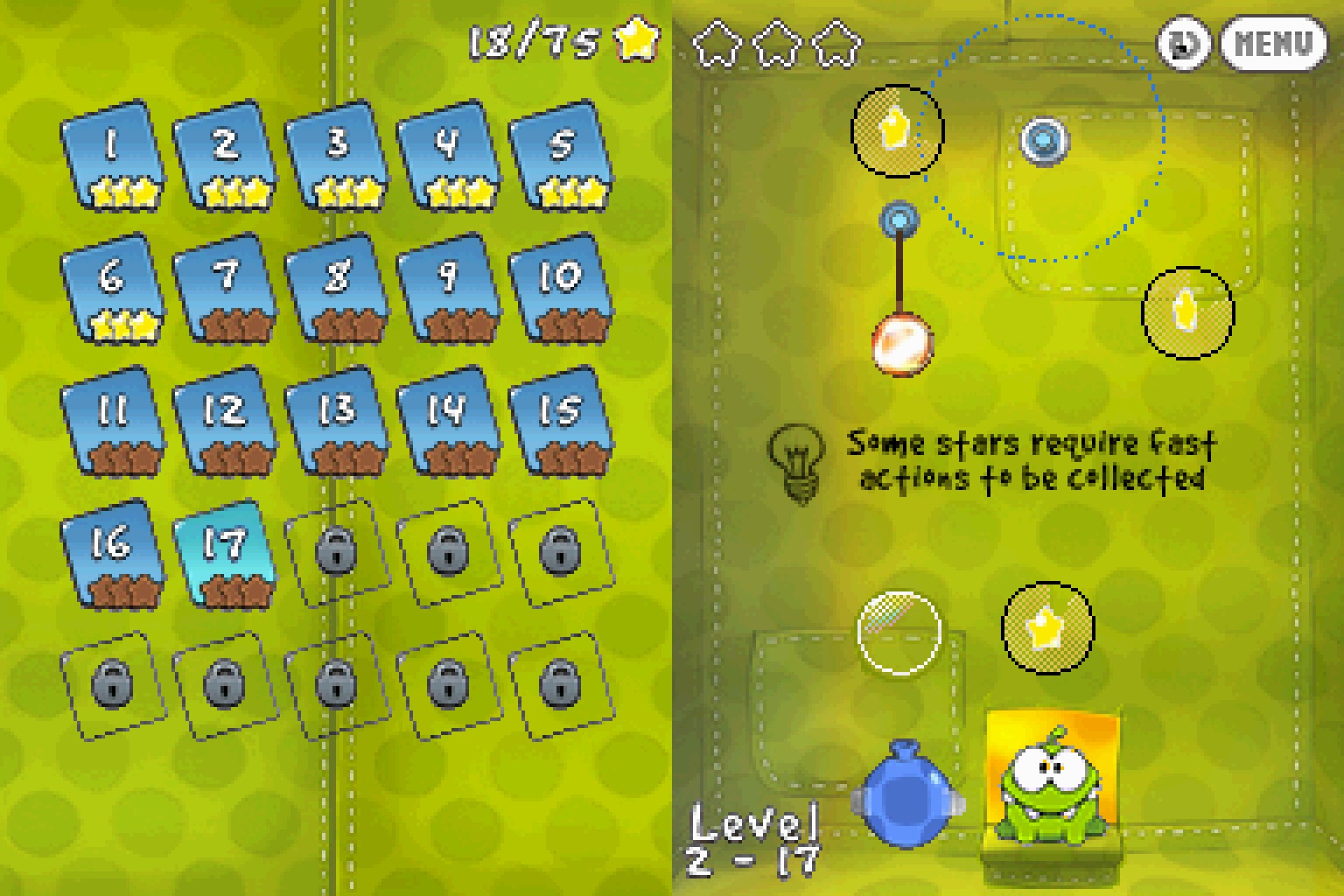
In the game, players must feed a green monster named Om Nom with candy. All the while avoiding obstacles that would ruin the candy and collecting stars to unlock more level packs. You can skip levels and revisit them later, but you'll have to go back and collect the stars if you don't have enough.
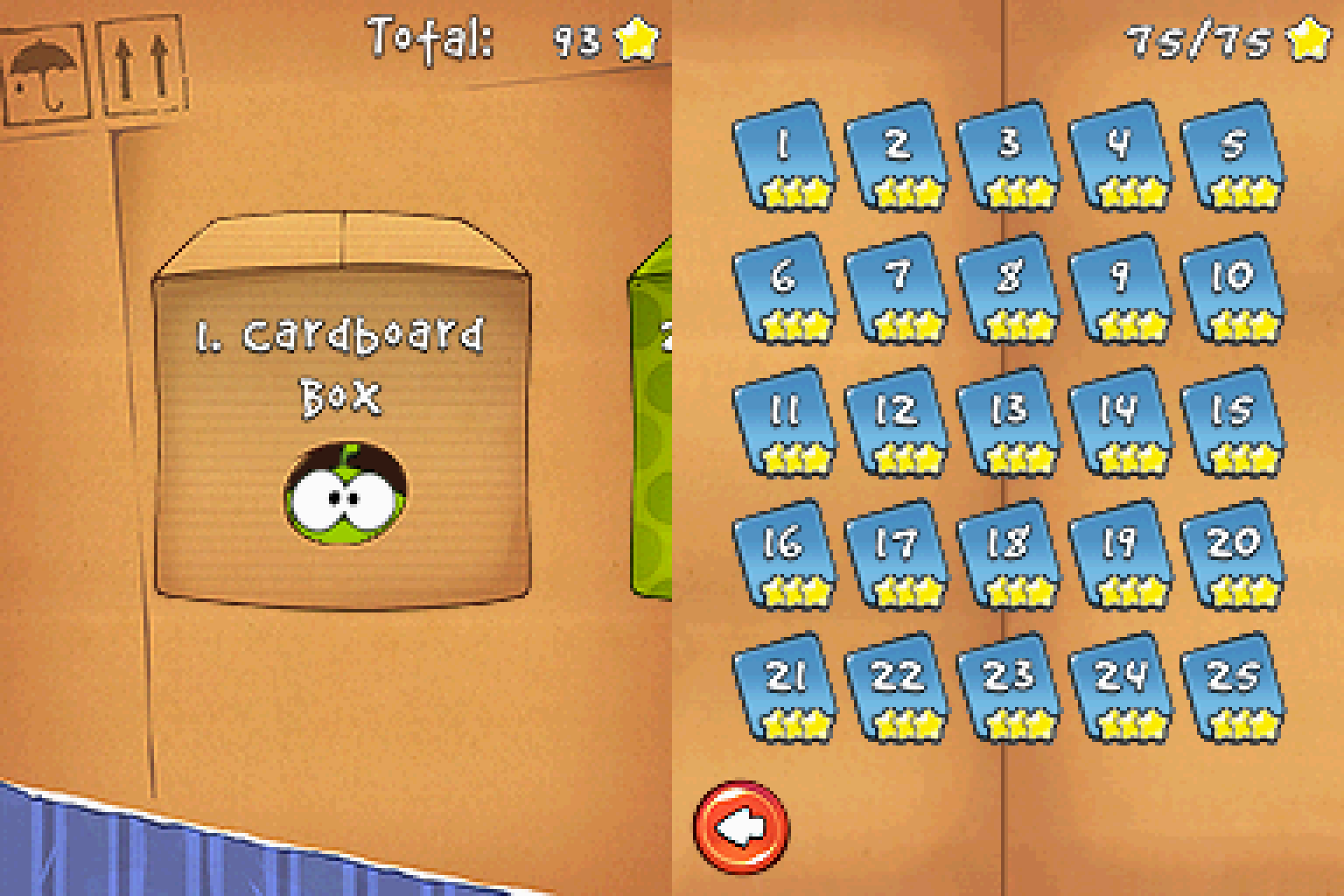
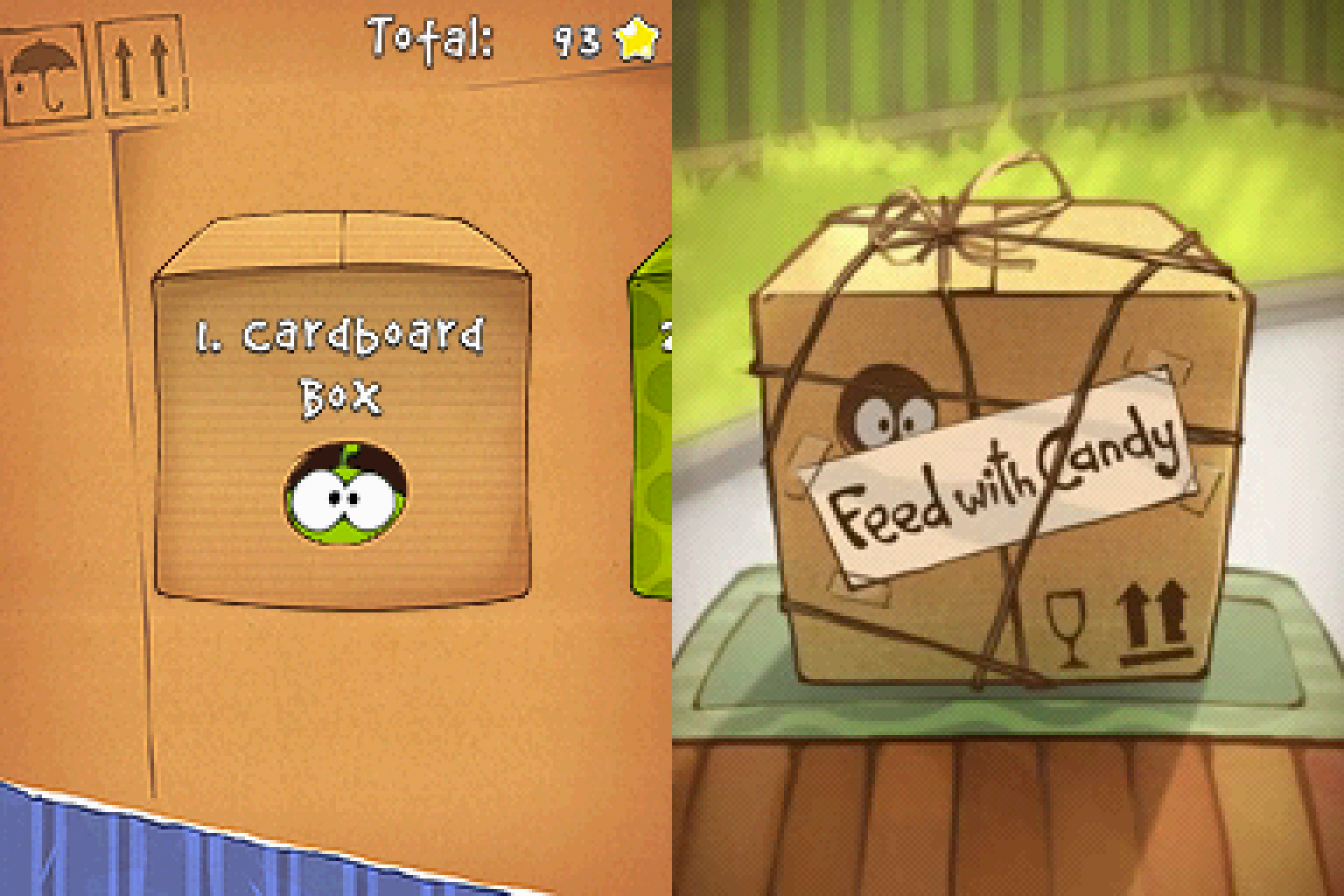
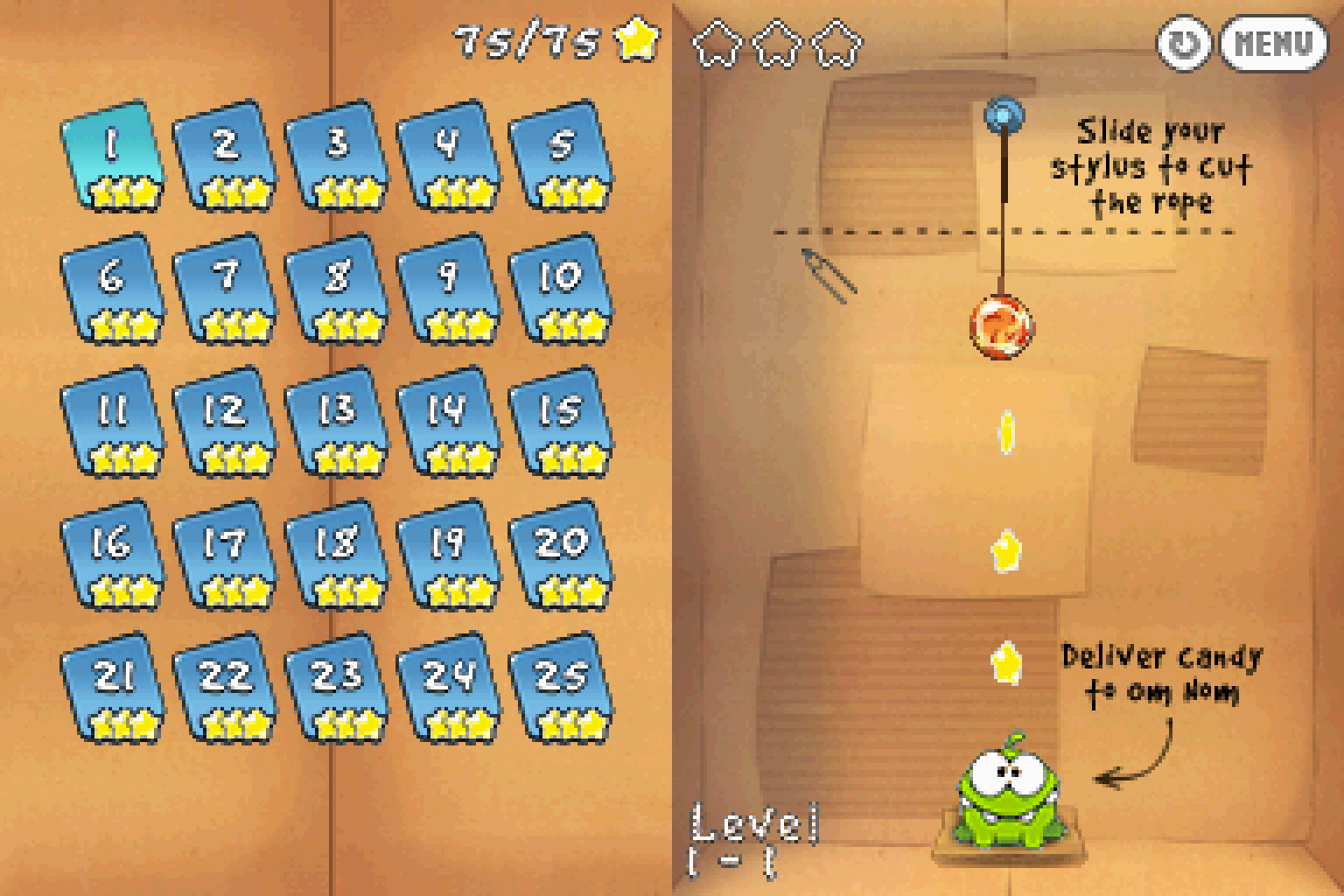
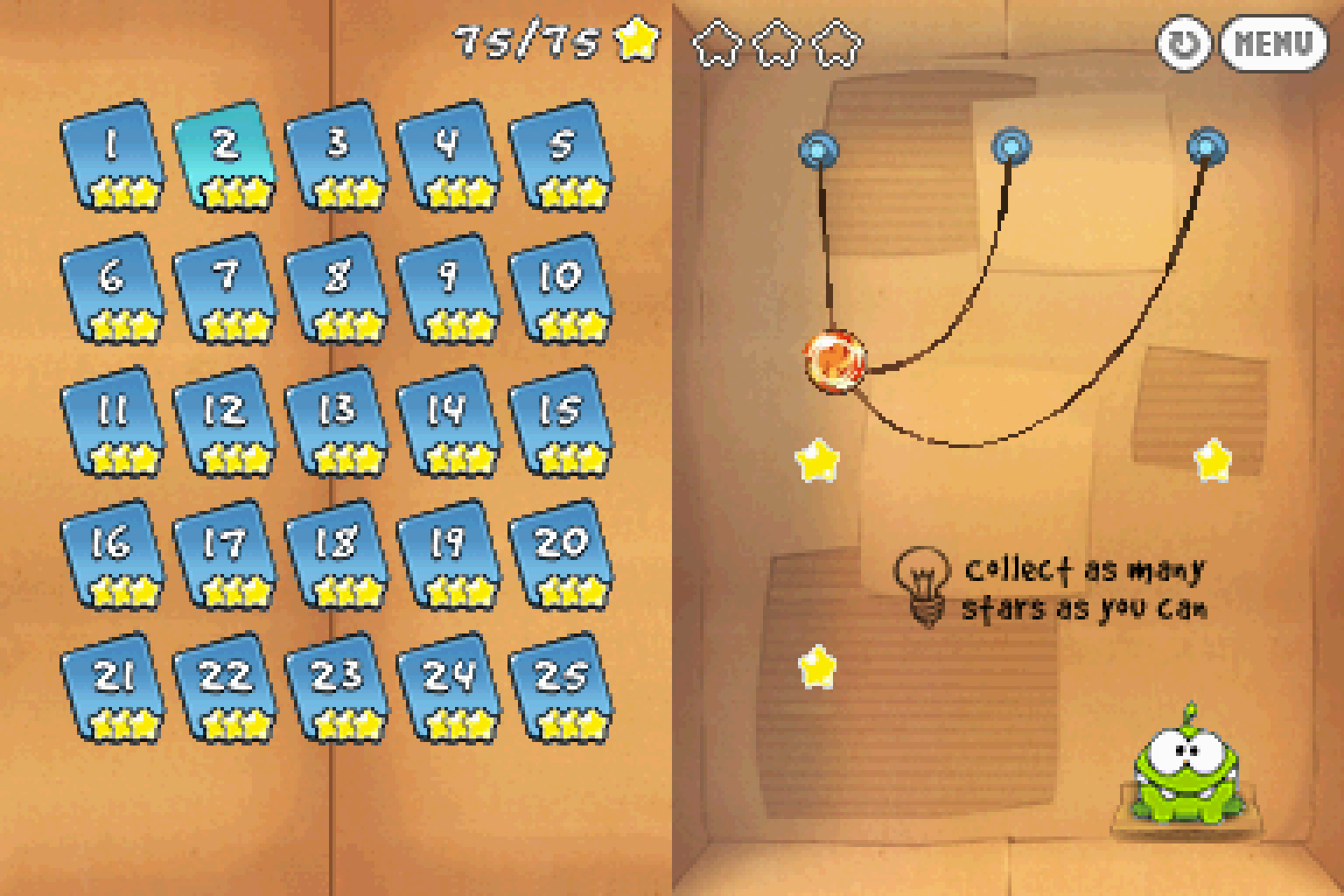
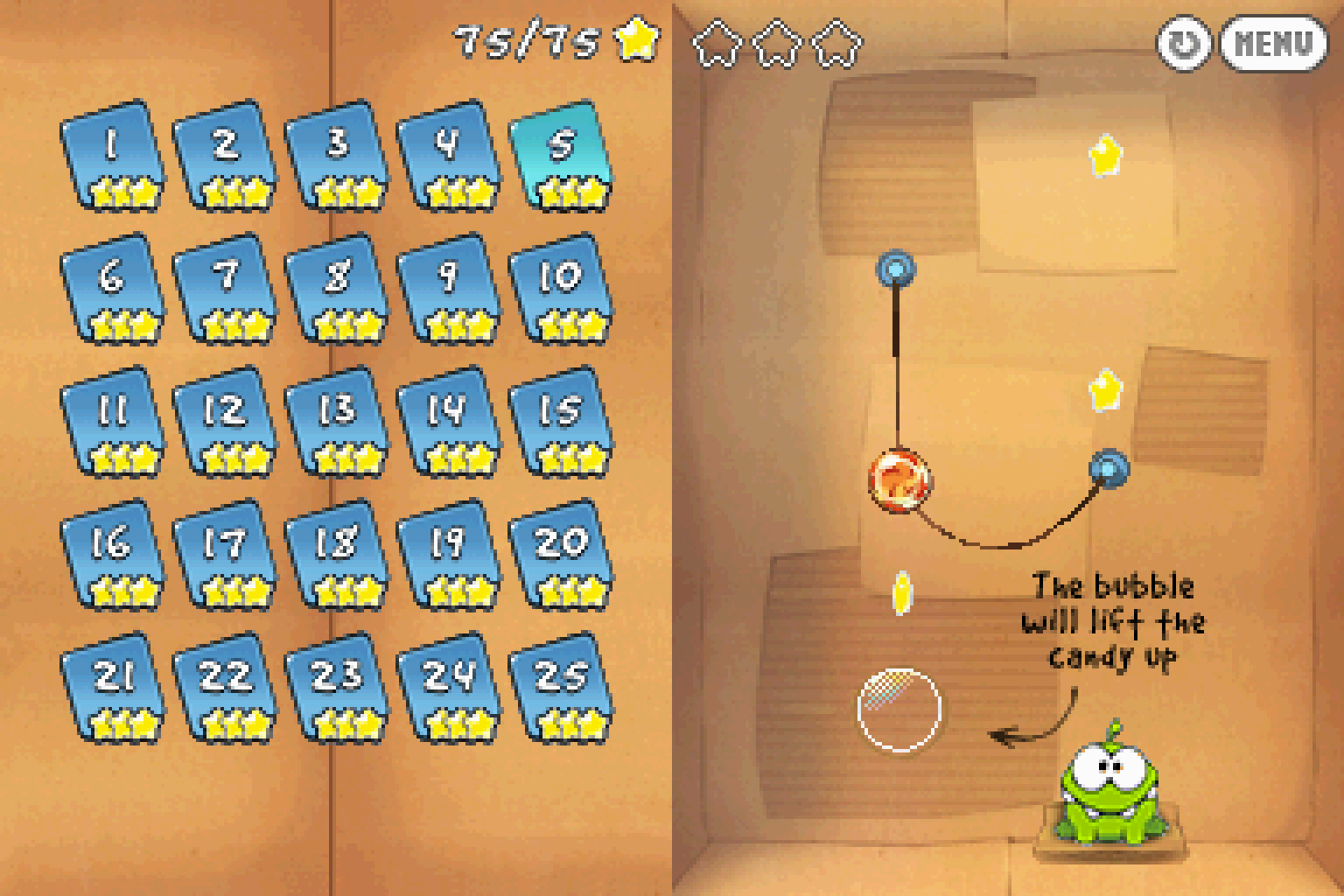
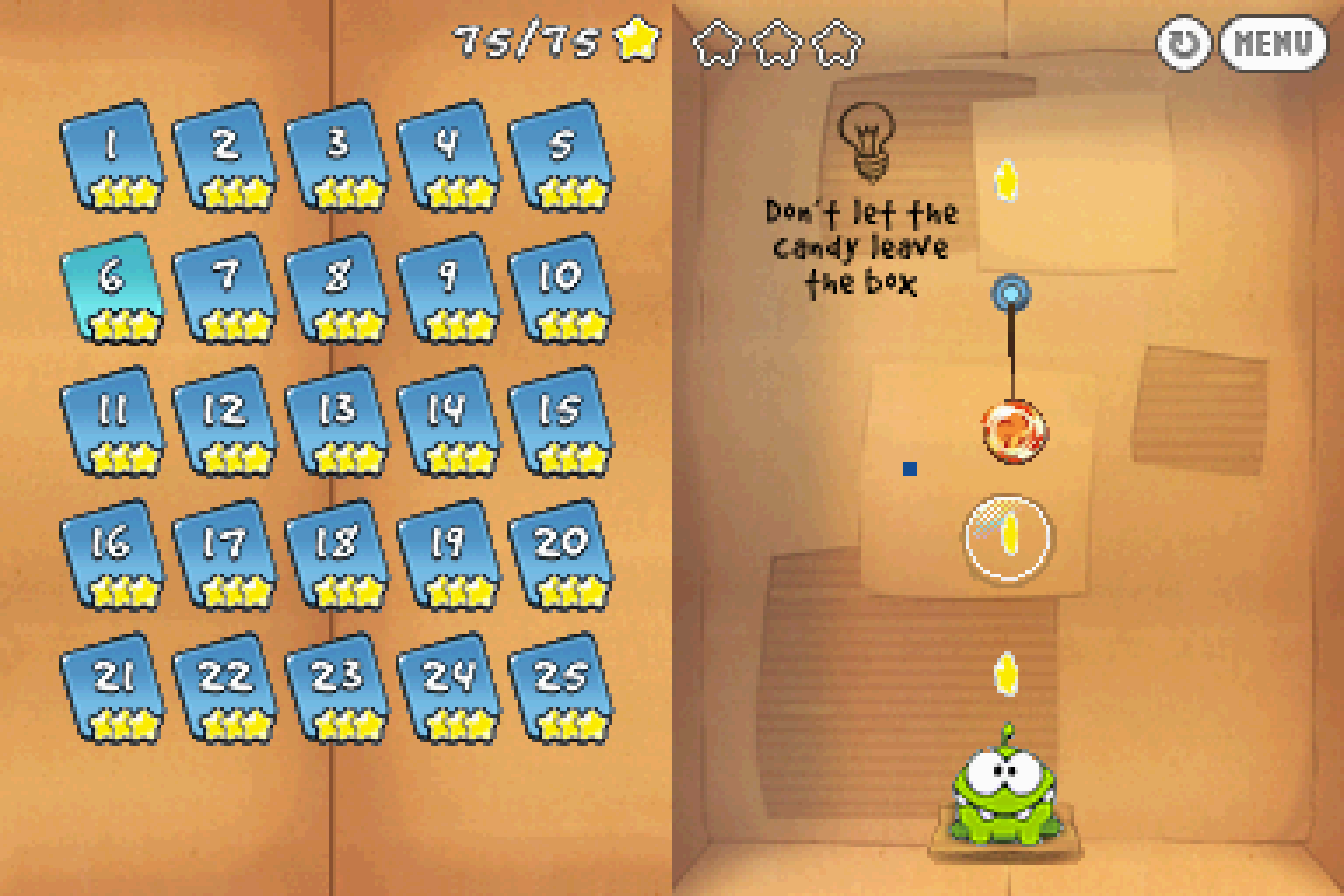
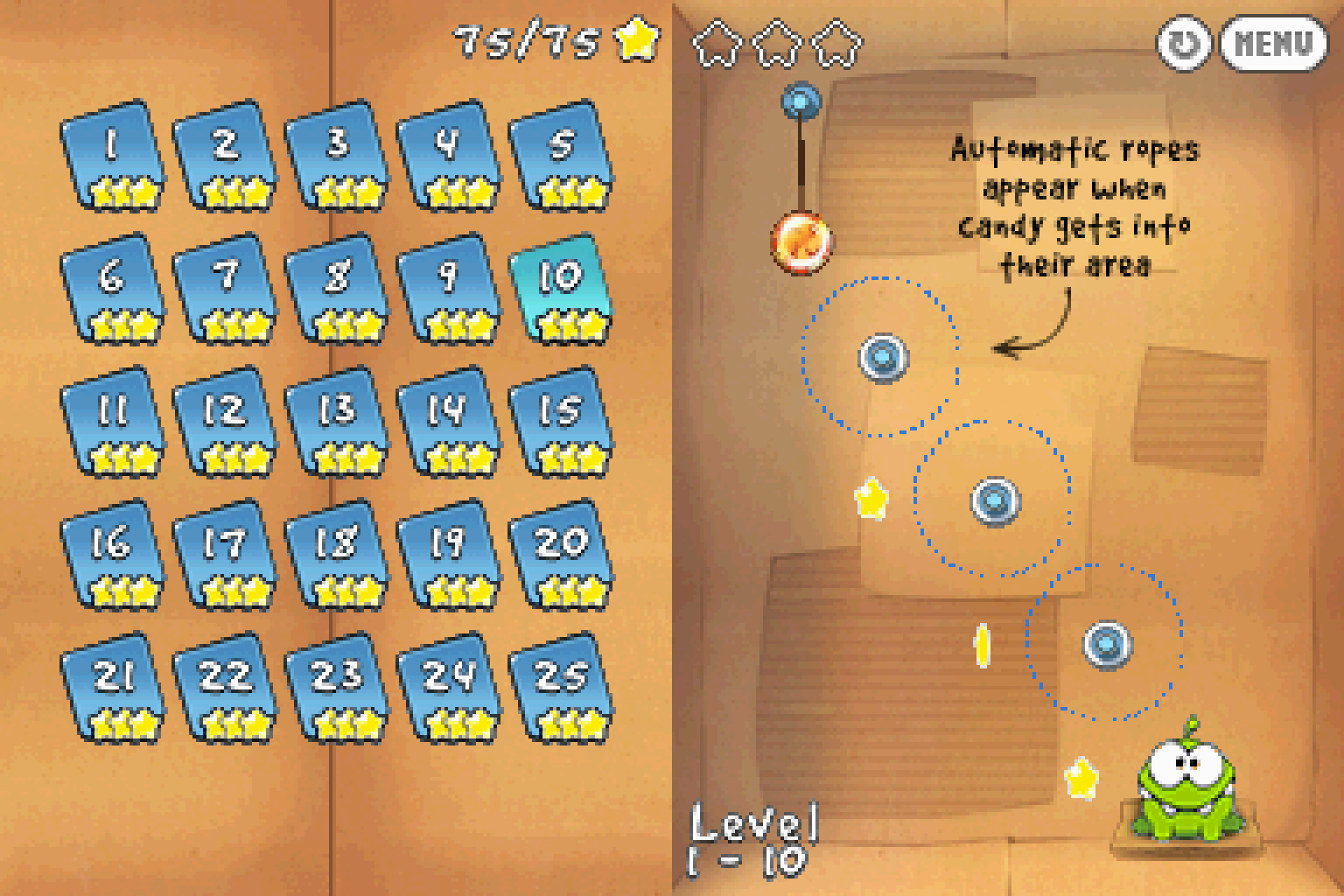
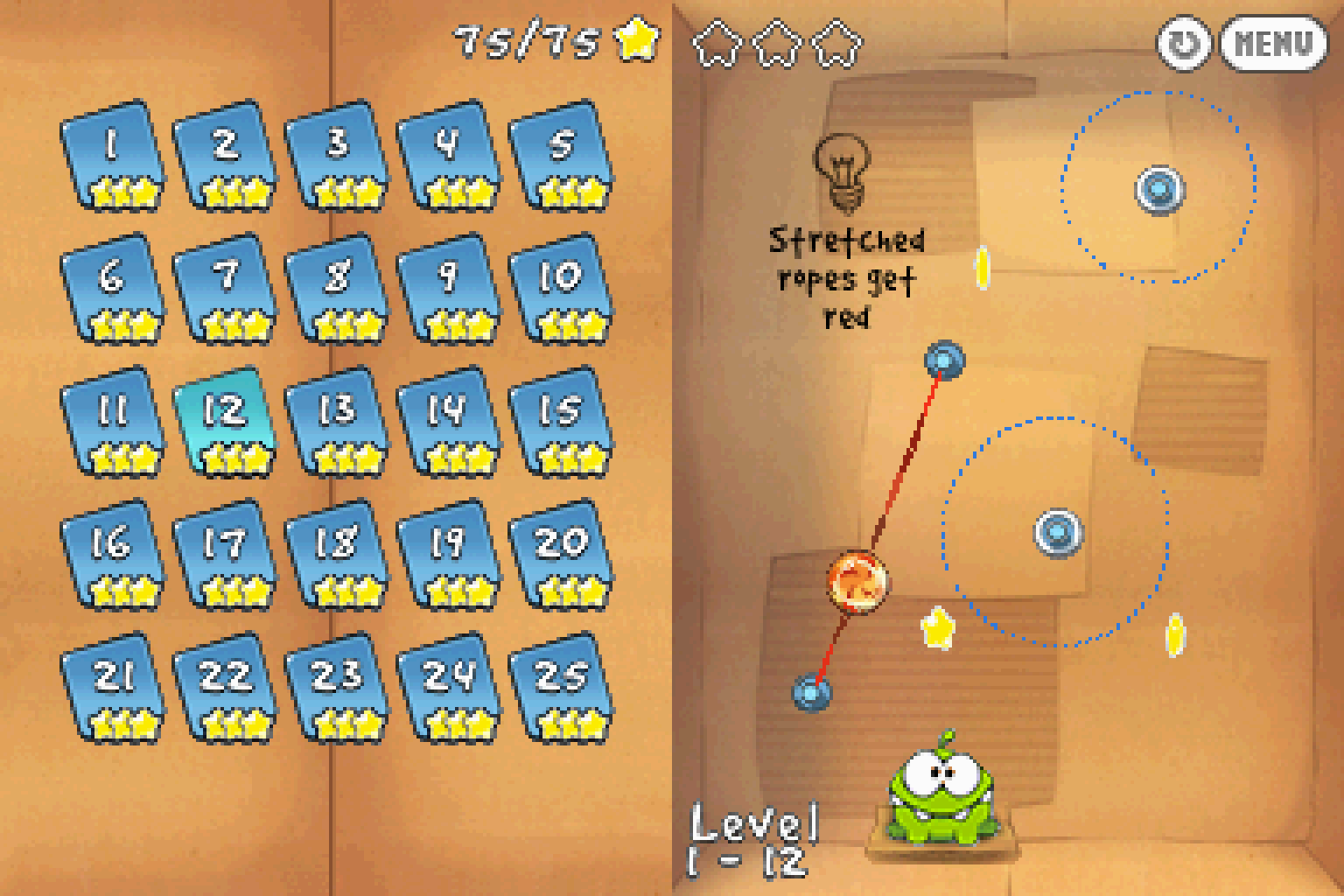
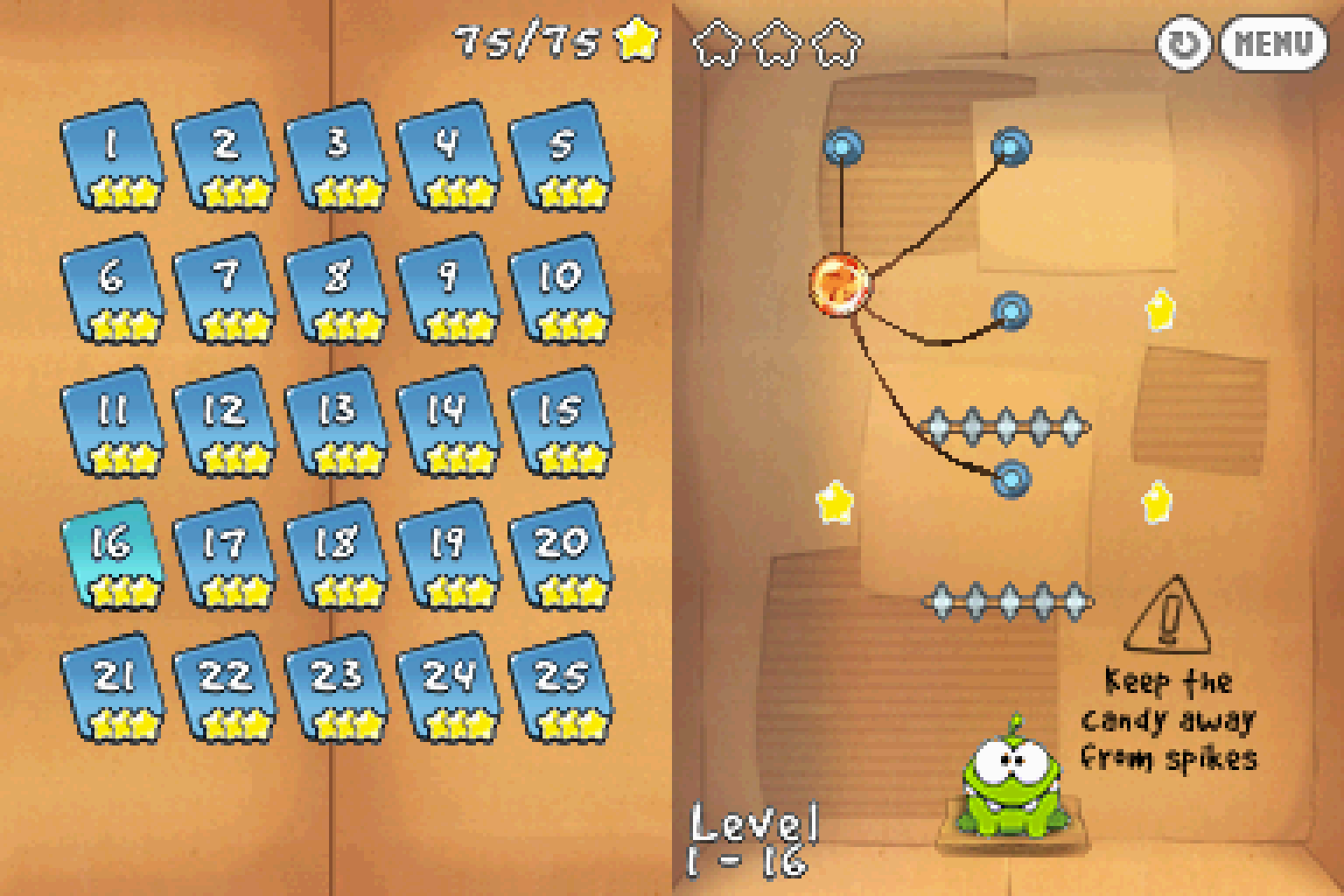
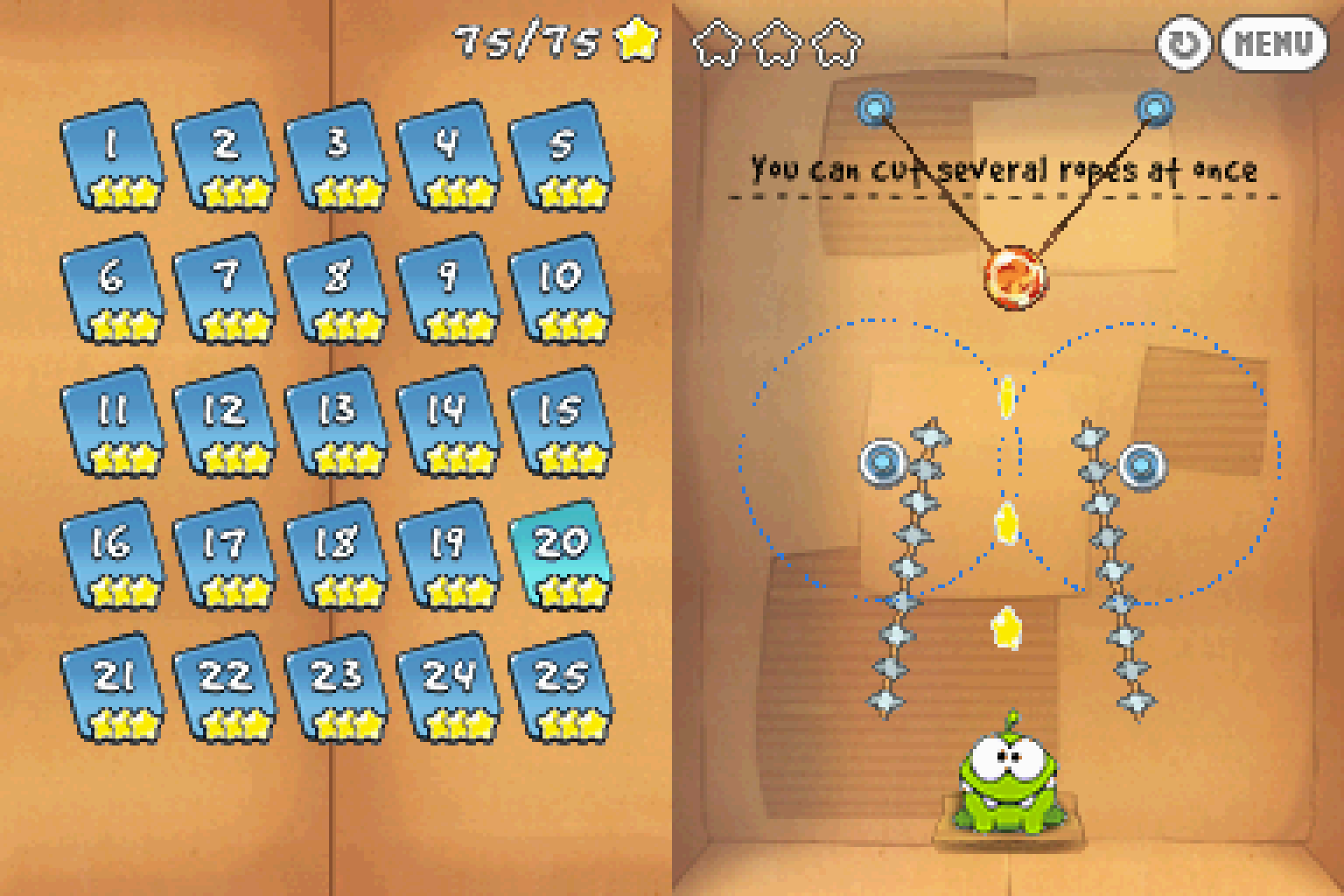
The game is exclusively controlled using the touchscreen. As such you will need a device with a touchscreen or mouse/touchpad in order to properly play it. As you can see from my screenshots of me getting all 3 stars in the first level pack that this game is totally playable with just a basic laptop touchpad (might even be easier than with a mouse depending on what you're used to)
How to Play:
(Using the MelonDS DS core in RetroArch)
- Make sure you have the MelonDS DS core installed in RetroArch (the one that has DS twice in the name, it's the better one imo)
- Download the bios files required for DSi emulation from this page (you will need to find NAND versions for the region matching the version you get)
- You will need to rename the files according to what the Core Information page for the core in RetroArch says. With the core loaded go to Information -> Core Information from the menu to see it.
- The bios files go into your RetroArch System directory (C:\RetroArch-Win64\system if on Windows with default install location)
- In Core Options for MelonDS make sure that Boot Mode is set to Direct instead of Native in the System section.
- Change the option in Screen -> Layout #1 to Rotated Left in Core Options in order to display the screen properly.
- Load the zip containing the .nds file and the game should boot up and play fine.
Included are .cia versions that can be installed on a custom firmware enabled 3DS using FBI.
Game Screenshots: