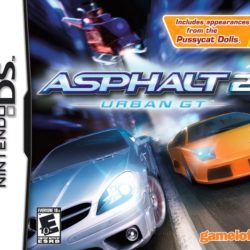
| GAME INFORMATION | |
|---|---|
| Game Name | Asphalt 4: Elite Racing |
| Region | Europe, USA |
| Console | DS |
| Game Release | 2009-06-12 (17 years ago) |
| Genre | Racing |
| Publisher | Gameloft |
| Developer | Gameloft |
| Languages | English, French, German, Italian, Spanish |
| Image Format | .nds |
| Downloads | 1,249 |
| Users Score | |
| Favorites | |
Game Description:
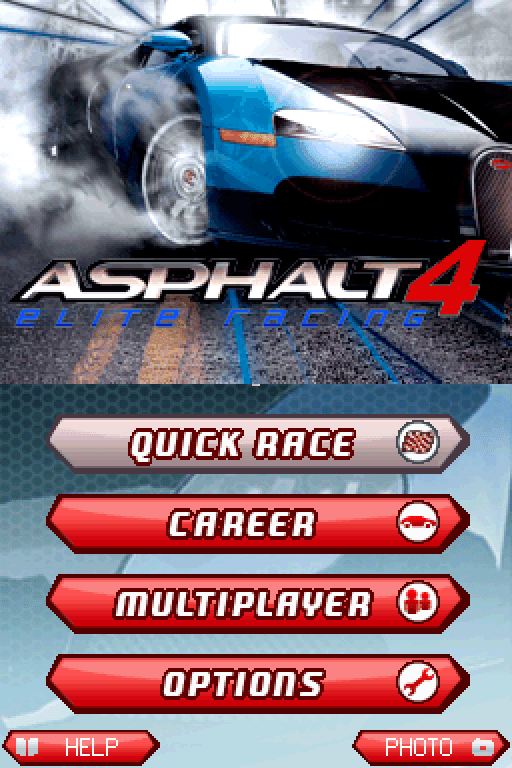
Asphalt 4: Elite Racing is a Racing video game published by Gameloft and developed by Gameloft released on June 12th, 2009 for the DS.
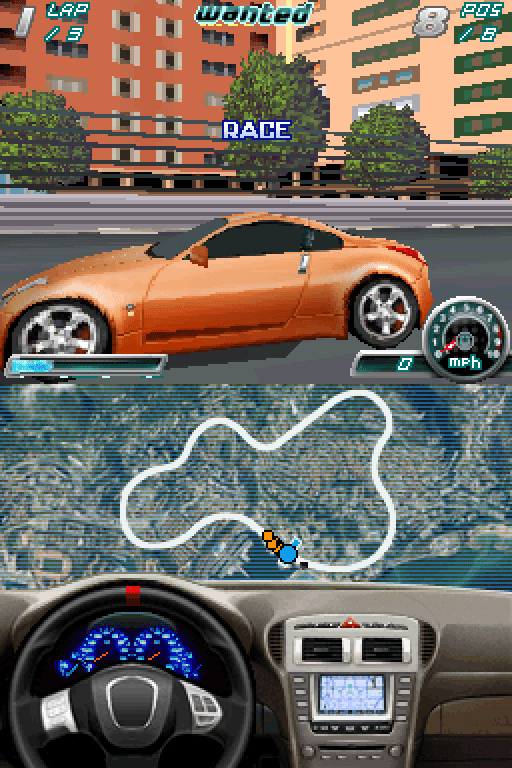
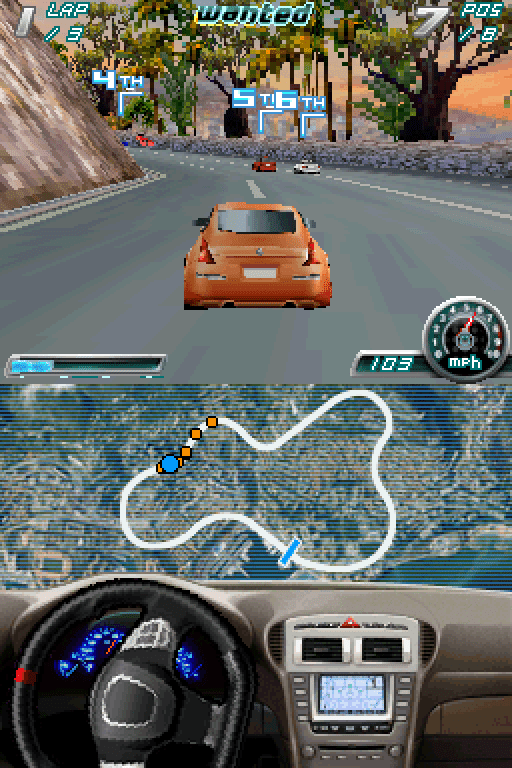
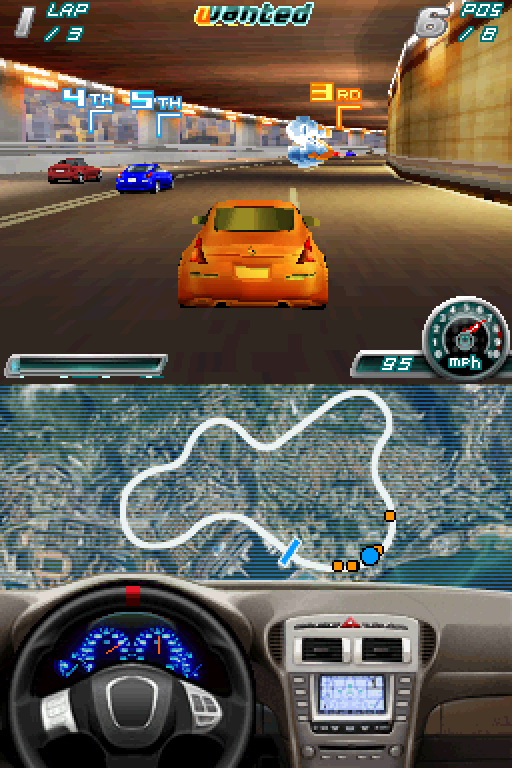
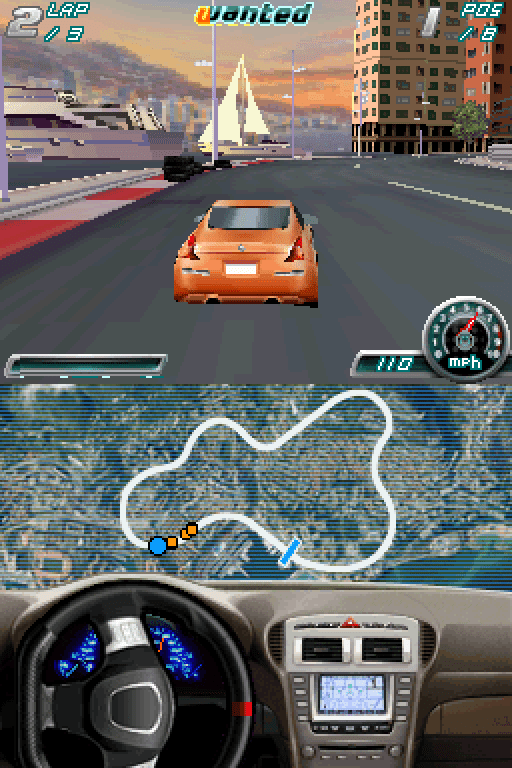
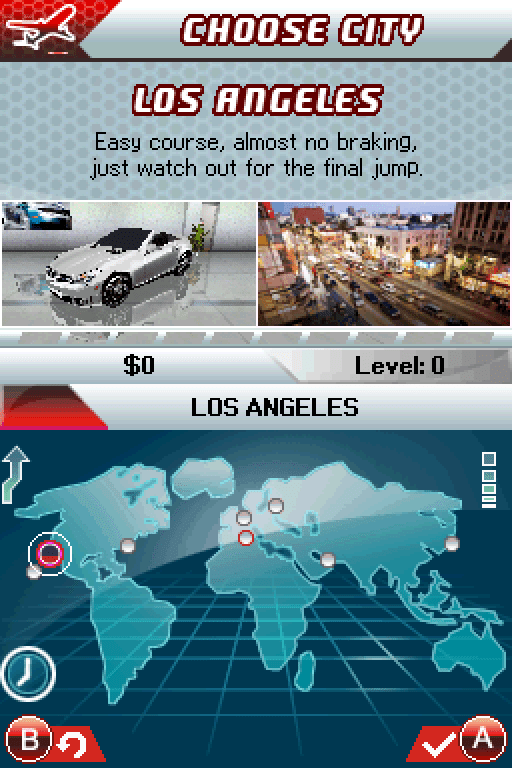
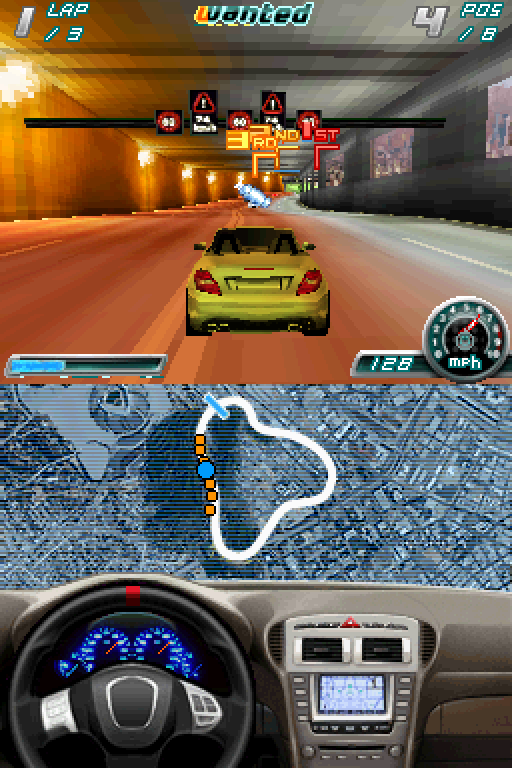
The world is your racetrack! Choose among 28 dream cars and motorcycles from prestigious manufacturers. Race your way through 8 of the most renowned cities in 3D, using either standard or Touch Screen controls. Customize and tune your vehicles in the garage, then take photos to create a custom icon. From Paris to Dubai, race through busy streets in 6 modes plus 4-way Multiplayer. Avoid police, demolish competitors and pass the leader to win and become an urban racing VIP!
How to Play:
(Using the MelonDS DS core in RetroArch)
- Make sure you have the MelonDS DS core installed in RetroArch (the one that has DS twice in the name, it's the better one imo)
- Download the bios files required for DSi emulation from this page (you will need to find NAND versions for the region matching the version you get)
- You will need to rename the files according to what the Core Information page for the core in RetroArch says. With the core loaded go to Information -> Core Information from the menu to see it.
- The bios files go into your RetroArch System directory (C:\RetroArch-Win64\system if on Windows with default install location)
- In Core Options for MelonDS make sure that Boot Mode is set to Direct instead of Native in the System section.
- Load the zip containing the .nds file and the game should boot up and play fine.
Included are .cia versions that can be installed on a custom firmware enabled 3DS using FBI.
Official release trailer:
Game Screenshots: