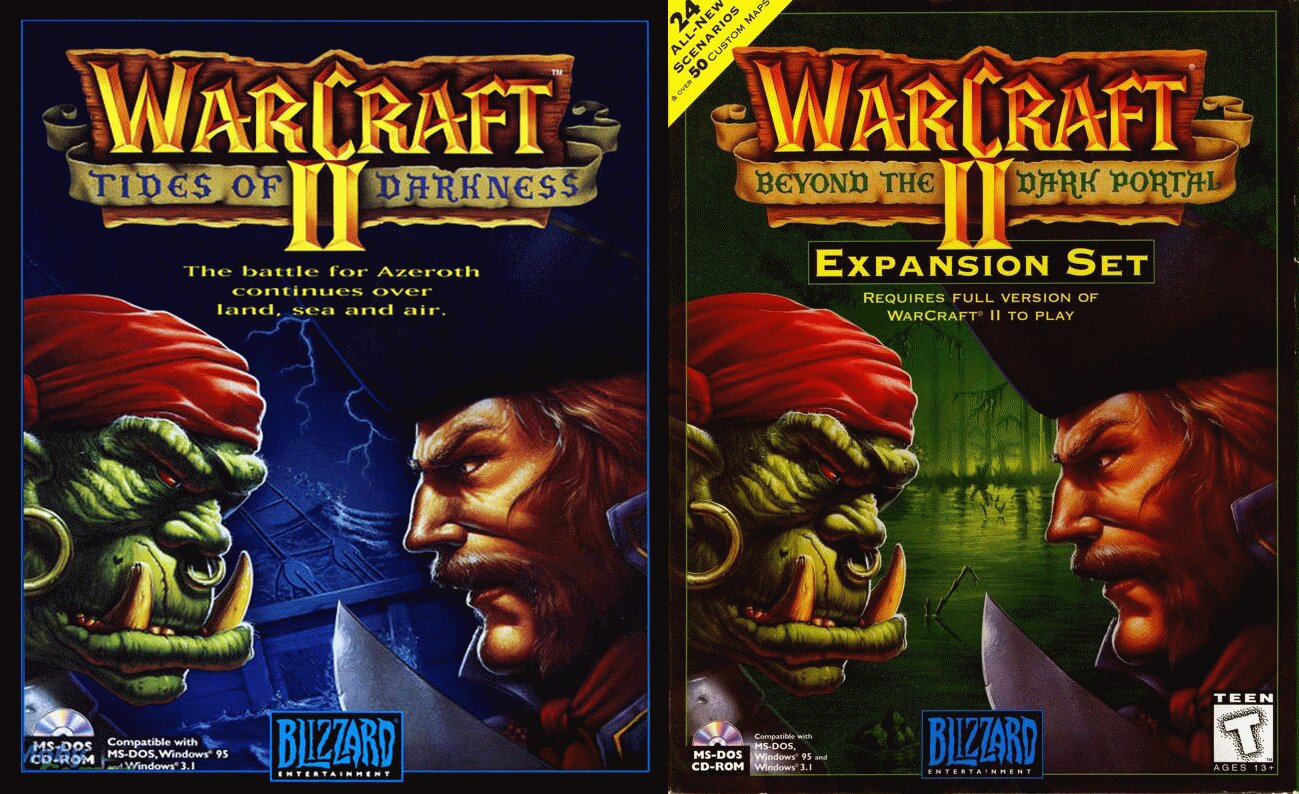
| GAME INFORMATION | |
|---|---|
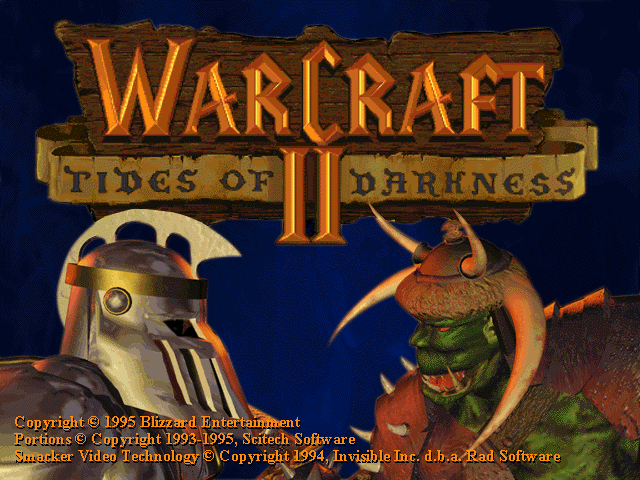
| Game Name | Warcraft II: Tides of Darkness+Beyond the Dark Portal |
| Region | USA |
| Console | MS-DOS |
| Game Release | 1995 (31 years ago) |
| Genre | Strategy |
| Publisher | Blizzard Entertainment |
| Languages | English |
| Image Format | BIN/CUE |
| Downloads | 17,193 |
| Users Score | |
| Favorites | |
Game Description:
Warcraft II: Tides of Darkness+Beyond the Dark Portal is a Strategy video game published by Blizzard Entertainment released on 1995 for MS-DOS.
How to play Warcraft II (DOS):
There are a few videos explaining this but i do not recommend following those since they over complicate things. I put this together focusing on 2 things: Less steps as possible, no external programs besides DOSBox 0.74 and winrar.
Let’s get to it:
Installing Warcraft II:
- Extract the game with latest Winrar, you’ll see a .bin and .cue files.
- Install DOSBOX.
- Drag and drop the .cue file into DOSBOX shortcut (found on the desktop).
- Now type D: and press enter.
- Then type install and press enter.
- Hit Continue, OK and autoset until the installation is done.
- Once you are back on DOS you can type war2 and press enter to play.
Playing Warcraft 2:
- To play you need to first drag and drop the .cue file into dosbox.
- The type cd war2 and press enter.
- Then type war2 and press enter.
RB's Notes 1: Post improved to include the following:
- Beyond the Dark Portal Expansion
- Update Patches for the executables
- Community Maps
- .pdf format manuals
RB's Notes 2: While the drag and drop method has its uses, it's not necessarily elegant nor does work well for every circumstance or device. Here's a more universally permanent solution you can copy/paste for ease, if you so choose. Add the following to your dosbox.conf, replacing the text between < and > with whatever paths you've set.
If a .conf file is not present, you can create one with the config -writeconf command. I suggest having an individual .conf file for every DOS game you have, so you can have tailored settings and the appropriate [autoexec] sections for each.
[autoexec]
mount C <path to the directory that will be the main emulated hard disk>imgmount <full path to the .cue disc images that will be contained in the emulated D drive> -t cdrom
C:
What this does is ensure every time dosbox loads, it will have these commands at the ready. Below is a practical example:
[autoexec]
mount C C:\Dosgames
imgmount D C:\Dosgames\WC2.cue C:\Dosgames\WC2X.cue -t cdrom
C:
Once the appropriate virtual drives are mounted within Dosbox you can proceed with installation as described above. Note that to play the expansion, you'll have to disc swap; you can do that by pressing CTRL+F4 or the appropriate option in Dosbox for your device.
RB's Notes 3: Changed file compression format to make the download faster. Also, I included a fully updated executable in the "Updated Executables" subfolder, as manually patching under Dosbox can be something of a bother. Just replace the WAR2.exe with that one once the game is installed.
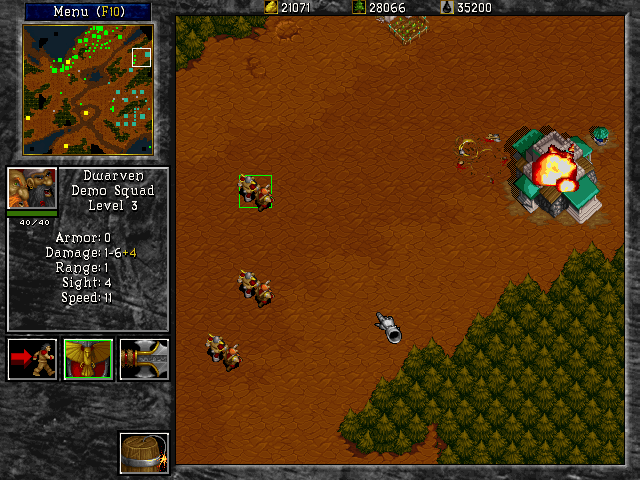
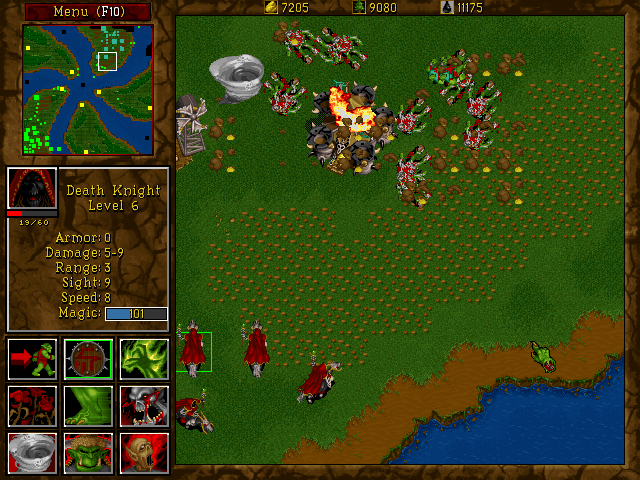
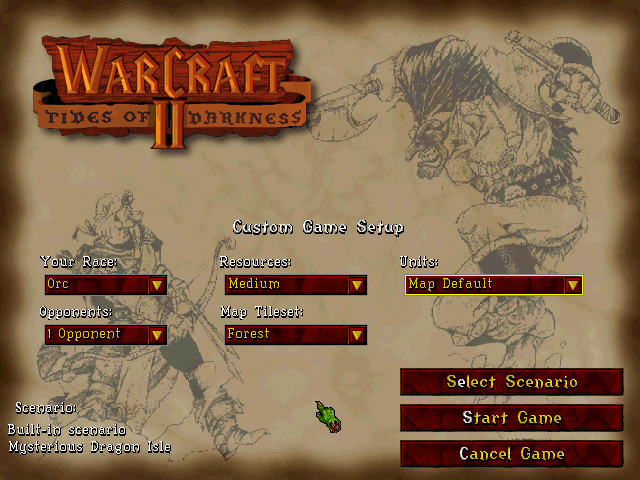
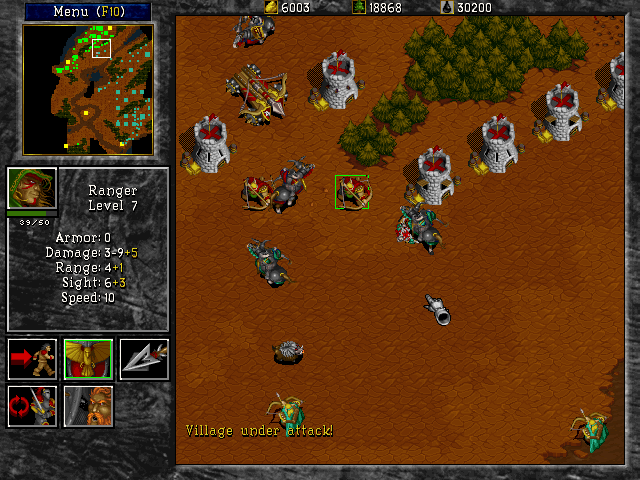
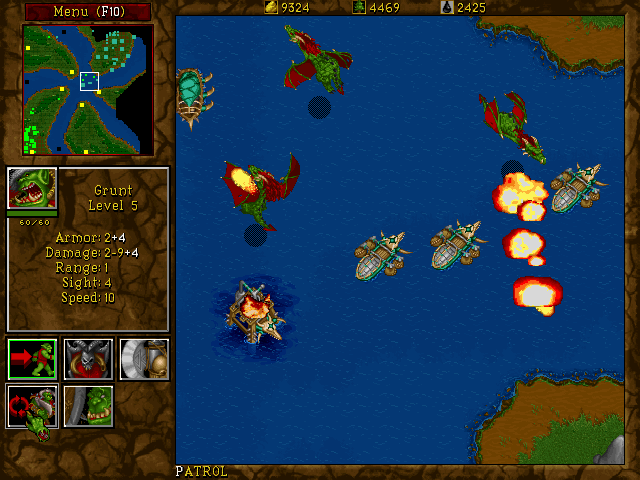
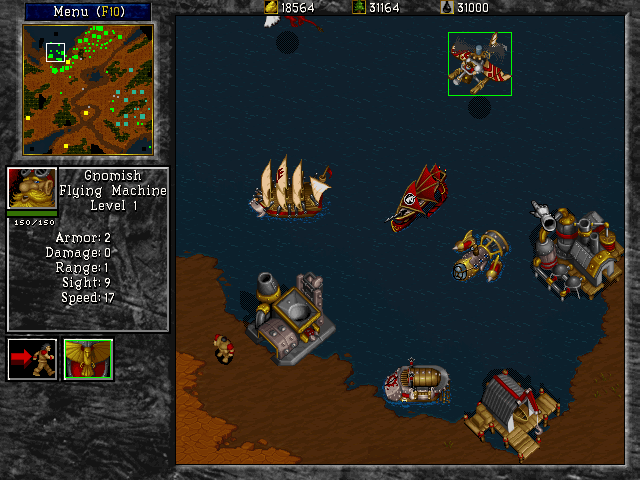
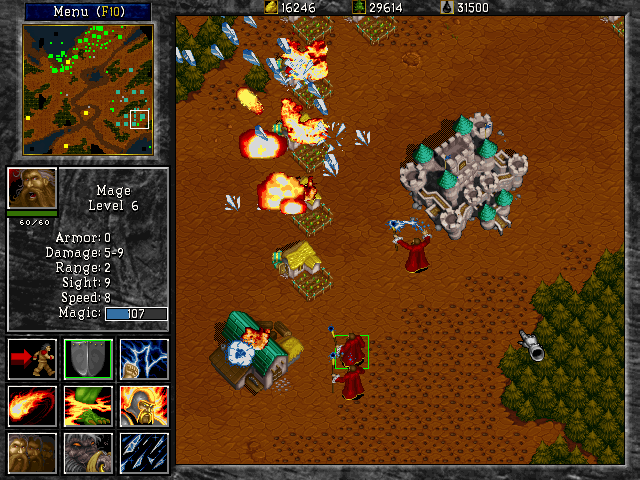
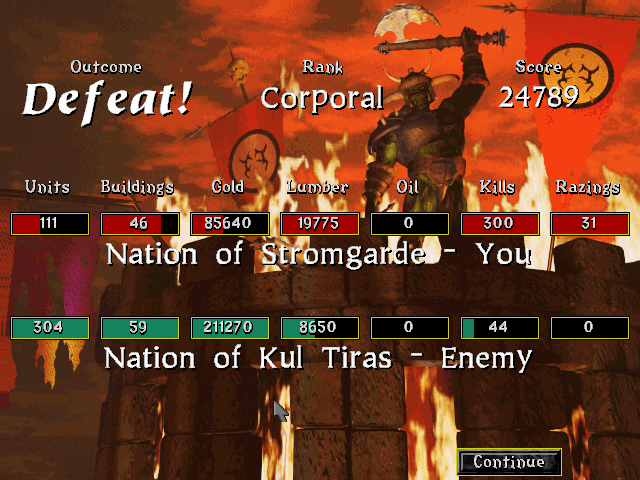
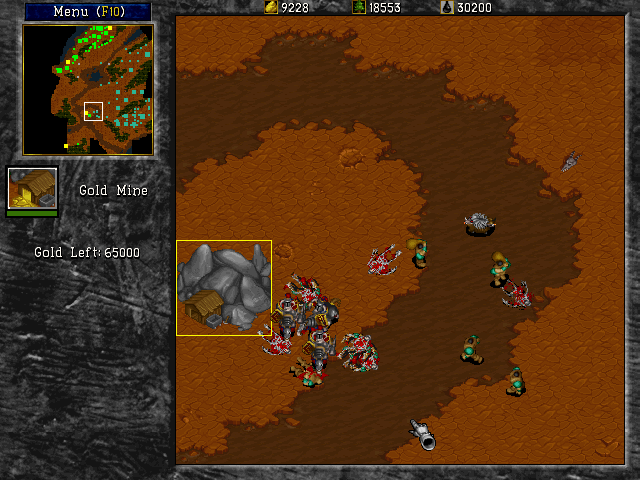
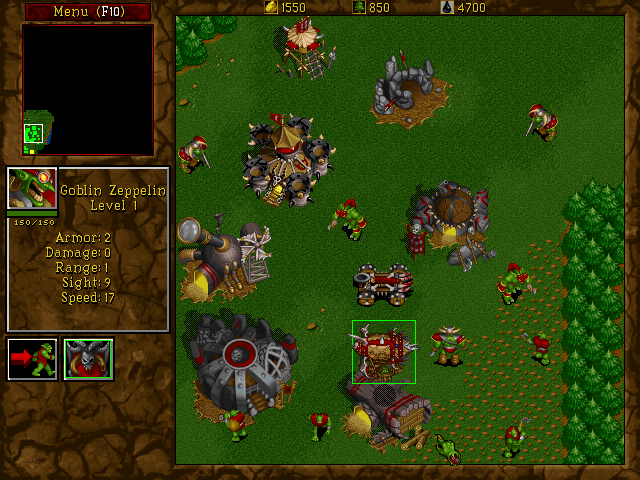
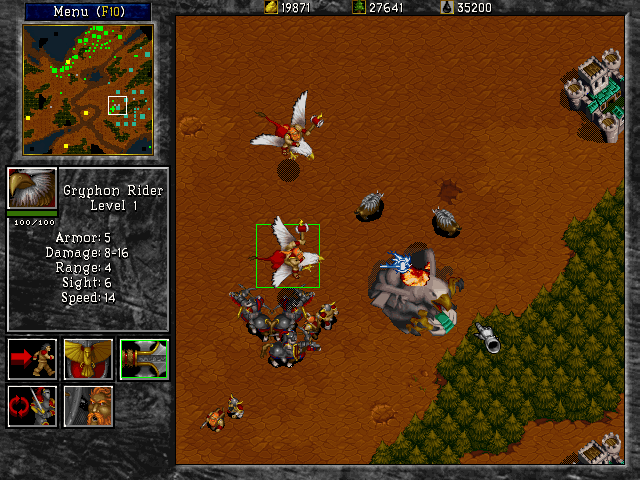
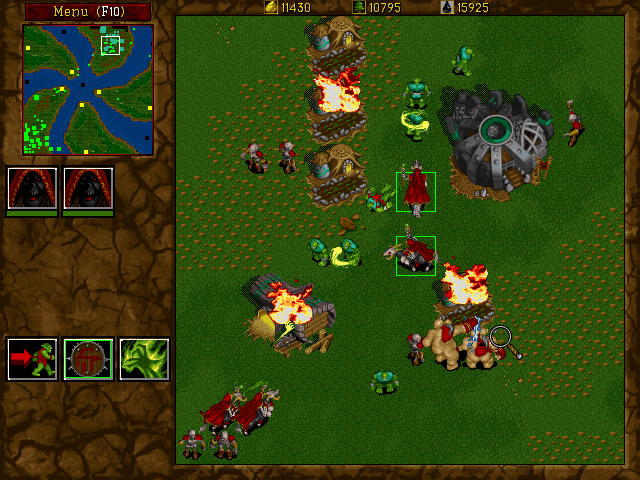
Game Screenshots: