| GAME INFORMATION | |
|---|---|
| Game Name | SEAL Team |
| Region | USA |
| Console | MS-DOS |
| Game Release | 1993 (33 years ago) |
| Genre | Shooter, Simulation |
| Publisher | Electronic Arts |
| Developer | Electronic Arts |
| Languages | English |
| Image Format | binary (.exe) |
| Downloads | 313 |
| Users Score | |
| Favorites | |
Game Description:
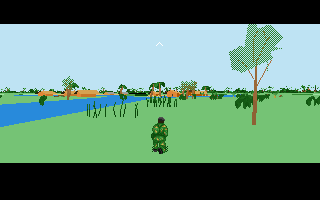
SEAL Team is a Shooter/Simulation video game published by Electronic Arts and developed by Electronic Arts released on 1993 for MS-DOS.
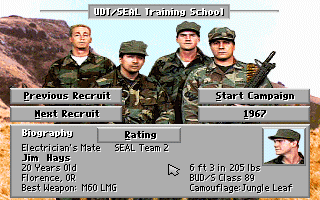
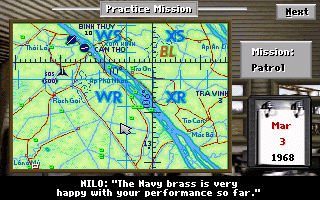
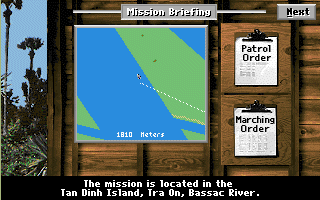
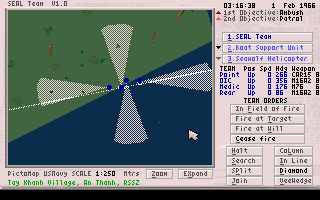
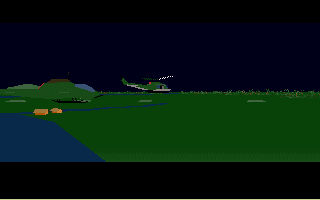
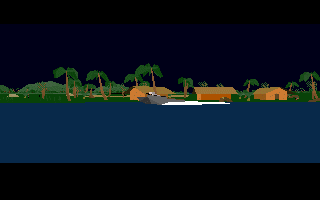
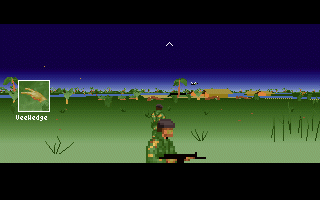
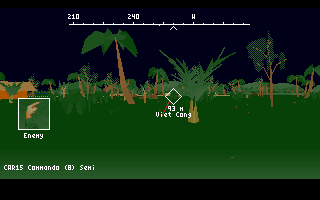
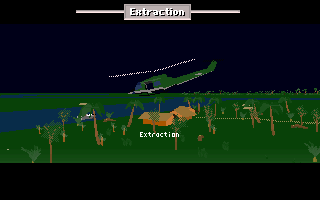
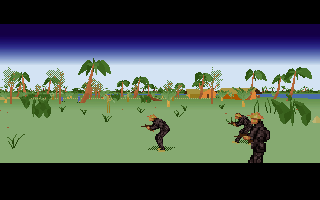
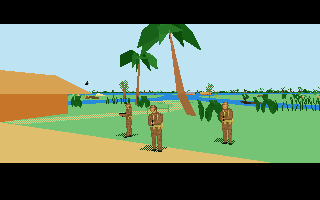
SEAL Team simulates American operations in the Vietnam war. Missions include Patrol (kill enemies), Ambush (kill enemies), Demolition (building or well), Rescue (friendlies), Recover (certain object), Snatch (capture enemy leader), and Observe (call in the fire support teams). The player controls a single character giving orders to the others, with his statistics improving as the game progresses.
True to the danger of Vietnam, you can run into traps like tripwire, panji stake pits, and more. As point man, you'll need to "mark" those, so the follow-ups don't run into the trap.
The game manual is included in the zip as a PDF. Make sure to read it to understand the game better.
How to Run:
(Using DOSBox-X)
- Extract the archive anywhere and place those Roland MT32 roms (the MIDI folder) somewhere like in your DOSBox-X install directory
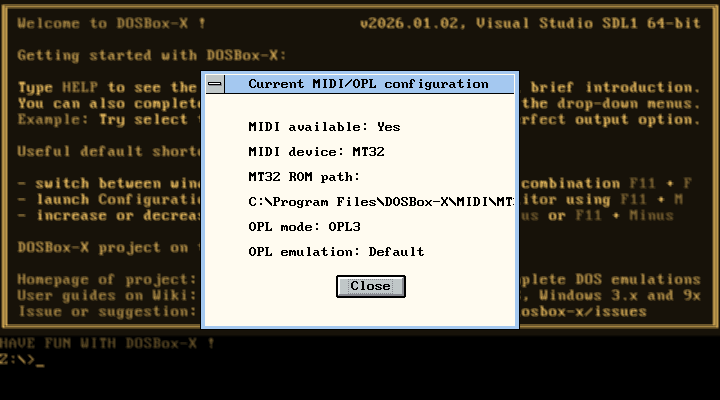
- In the dosbox-x.conf file using Notepad set mididevice= to mt32 or cm32l mt32.romdir= to the directory you put the mt32\cm32l roms at (mine is "C:\Program Files\DOSBox-X\MIDI\MT32" with quotes like that) and for cycles= put 7500 to make the game run a little smoother.
- Go to Drive tab C -> and pick Mount folder as hard drive and choose the folder SEAL Team (MS-DOS)
- Type C: and enter then type cd SEALTEAM and enter. Type ls and enter to list all files so you can see them. Type setup and enter to configure the MT32 and Soundblaster options for the game. For the first option pick Roland LAPC/MT32 and leave the text input there blank and press enter. Then pick SoundBlaster (all ver.) and press enter twice leaving the text boxes blank.
- To start the game type ST and press enter. The game takes a long moment to start but don't freak out, it's just slow to start up.
- To see if the MT32 output is working correctly: in the Sound tab pick Show MIDI\OPL device configuration and see if it matches like in the screenshot.
- To capture the mouse to control the game press CRTL+F10 or pick Capture mouse from the Main tab
Like Hype - The Time Quest this game was also something requested in the comments
Game Screenshots: