| GAME INFORMATION | |
|---|---|
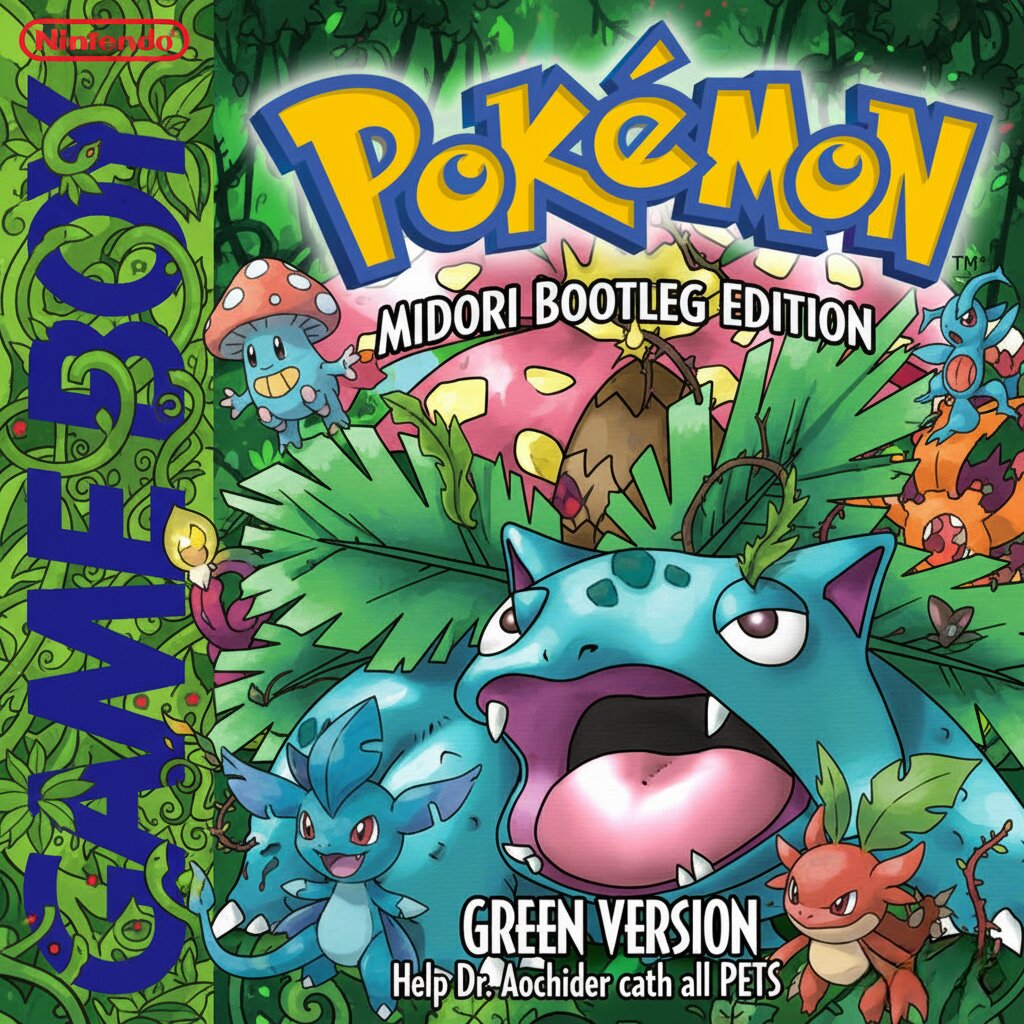
| Game Name | Pocket Monsters Midori (Translation Bootleg of Japanese Version) |
| Region | Japan |
| Console | GameBoy |
| Category | Bootleg/Unlicensed |
| Game Release | 1999-01-01 (27 years ago) |
| Genre | Adventure, Hack, RPG |
| Publisher | N |
| Developer | Game Freak |
| Languages | Japanese |
| Image Format | .gb |
| Downloads | 774 |
| Users Score | |
| Favorites | |
Game Description:
Here comes a masterpiece finally found (dumped?) from an old, rare Bootleg.
What is this Hack?
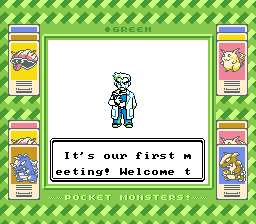
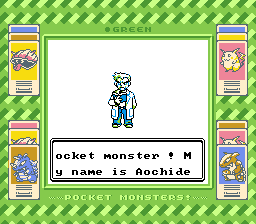
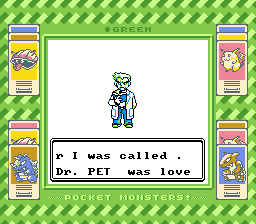
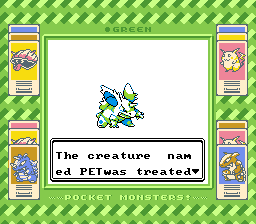
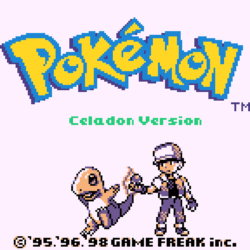
This is an English translation of the Japanese version of Pokemon Green (Midori).
"Unlike Vietnamese Crystal, which used Chinese as a midpoint language between Japanese and English, this one is purely based on Japanese! And what’s more, the game itself has been hacked beyond translating it in order to allow for more text in the menus and the Pokedex!"
Information about the Hack:
Hack Link: https://www.romhacking.net/translations/7433/
Author: JohnnyBoy2122538
Game Description:
This was, along with Pocket Monsters Red, the first Pokémon games ever released. It is a little bit different, though. That is because it had some flaws that people complained about that were fixed in Pocket Monsters Blue, or the Pokémon Red and Blue which were released in North America.
One main flaw with Green and Red are that there were many glitches, often gamebreaking.
There are some other flaws that were fixed in the North American releases, such as:
- During Oak’s lecture at the start of the game, the Nidorino’s cry actually belongs to a Nidorina.
- Missingno has an actual Pokedex entry, unlike in Blue where the entry is glitched up.
- The Pokémon only found through in-game trade were found in the wild in the Blue version.
Translation Description:
In 1998, Pokemon Red and Blue were brought over to the west. These games were based on the Japanese Pocket Monsters Blue, which was an enhanced version of the original Pocket Monsters Red and Green. Though people think that the Pokemon Red and Blue the west got were glitchy messes, Pocket Monsters Red and Green are even worse! And around 1999, a year after Red and Blue were released, some pirates released their own translation of Pocket Monsters Green.
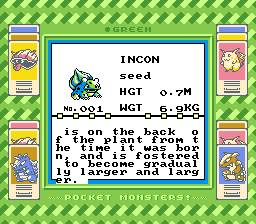
Many bootleg translations exist, such as the famous Vietnamese Crystal, which is well known. However, this one here was very hard to come across, until now. Unlike Vietnamese Crystal, which used Chinese as a midpoint language between Japanese and English, this one is purely based on Japanese! And what’s more, the game itself has been hacked beyond translating it in order to allow for more text in the menus and the Pokedex!
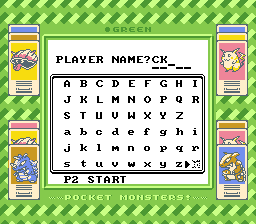
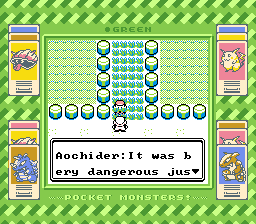
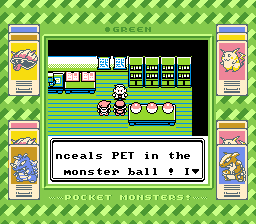
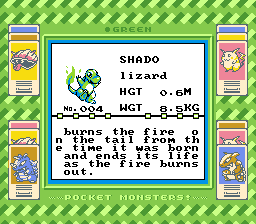
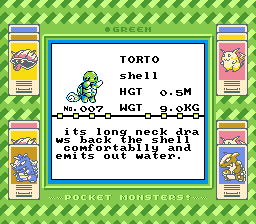
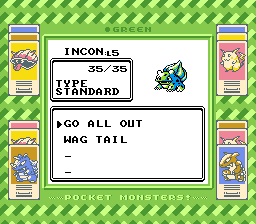
Go on an adventure, catching PET and helping Dr. Aochider by filling out your Illustrated Handbook! Come across alcoholic old men and heretical museum patrons! Witness the glorious Pokemon Green sprites with your own two eyes, and revel in the glory of the game’s train wreck of a translation. This is a great way to replay Generation 1 if you’ve gotten bored of the same old.
WARNING: The original Red and Green have a lot of flashing which could cause seizures. This was altered after Electric Soldier Polygon and the change is reflected in the western releases. If you have epilepsy, consider turning off battle animations.
Known glitches:
- The text describing Oak’s Parcel was untranslated, so using it in the menu will lead to blank text and a game crash. Don’t do it.
- Talking to the Gambler in the southwest corner of Route 11 after defeating him will cause the game to crash and reset. Be careful.
- Other crashes do happen, such as one that sometimes occurs after winning the first battle of the Elite Four. Save often.
- The original Red and Green glitches still apply here, such as the “select button” glitch and the one where losing to Sabrina is registered as defeating her. Don’t press the select button willy nilly, and always unselect a move or item before leaving a menu. Or, if you’d like, experiment with the glitches and find out what it was like for Japanese kids who liked tinkering back then!
Please note: all the explanation below is not needed and optional. It's only for aesthetic reasons.
How to activate the color mode in RetroArch for GB games, using the SameBoy Emulator:
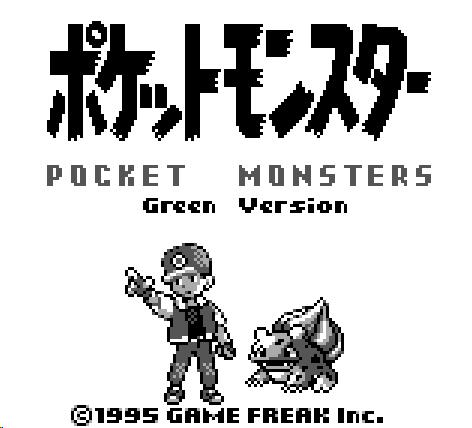
The game originally should look like this if you have an untouched emulator:
Add colors:
- Load the game
- Open the RetroArch Menu (Start + Select)
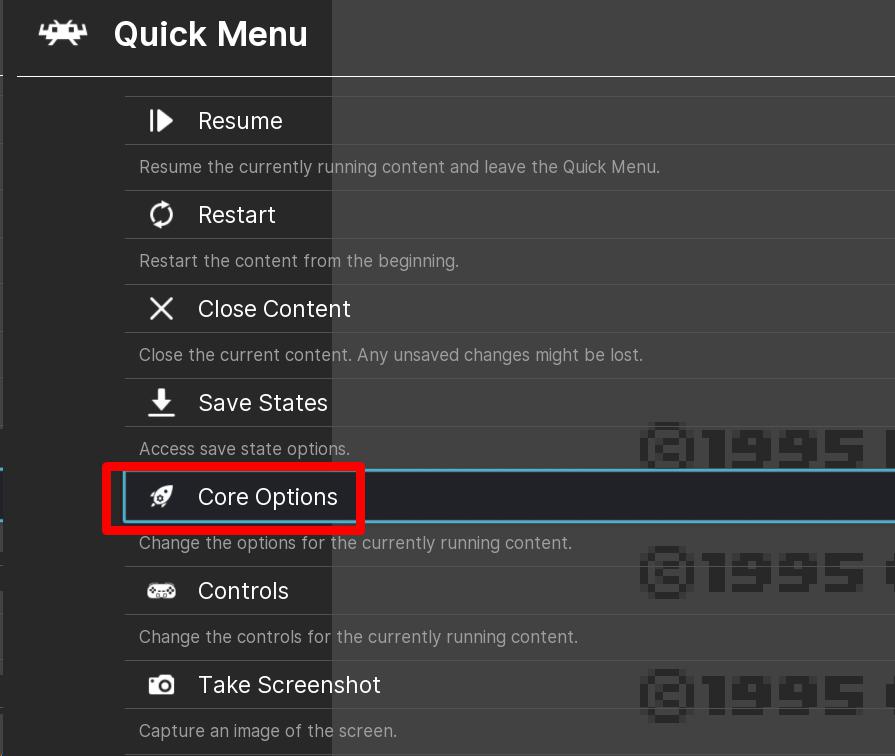
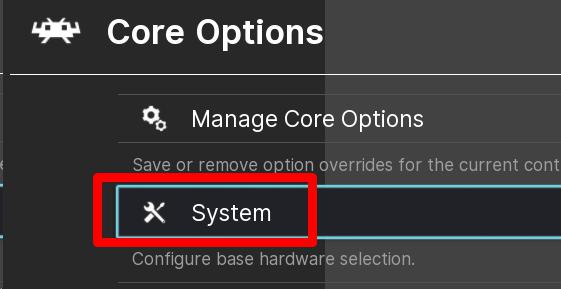

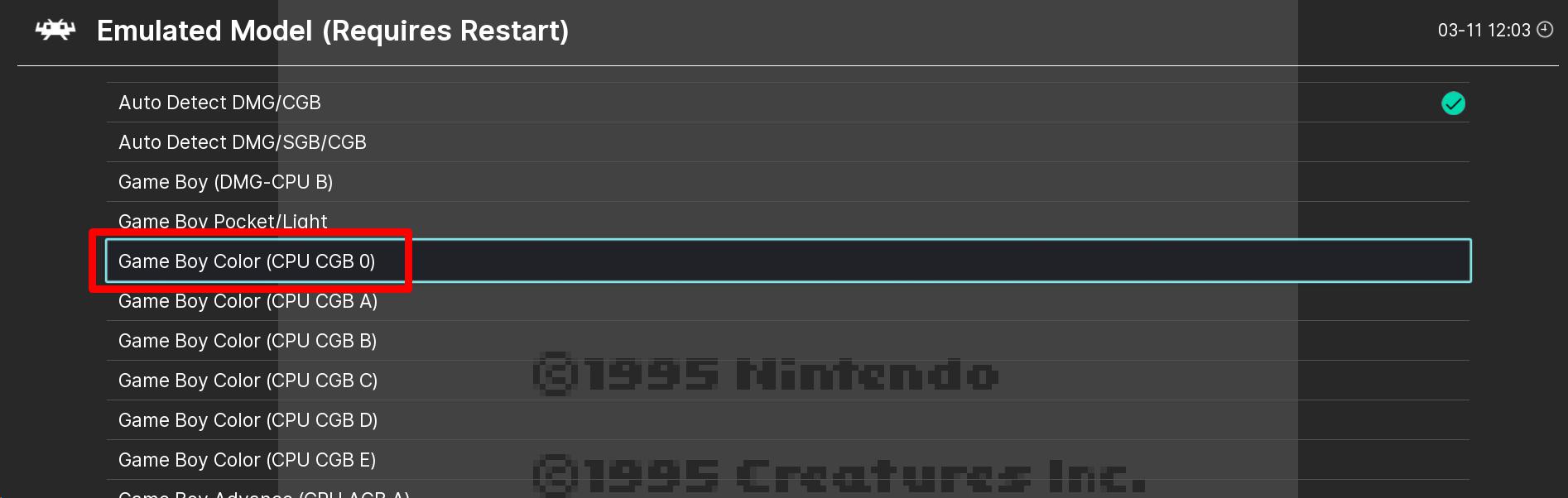
- Restart the game
The game now should look like this:
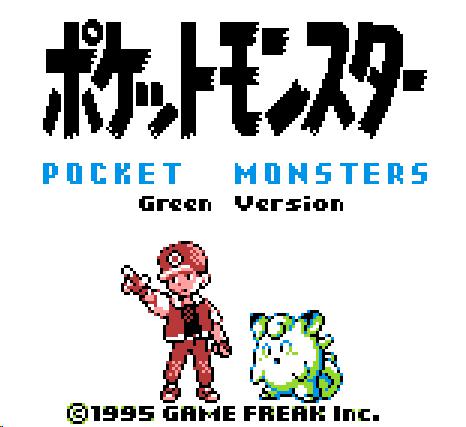
ADD BORDERS:
- Load the game
- Open the RetroArch Menu (Start + Select)
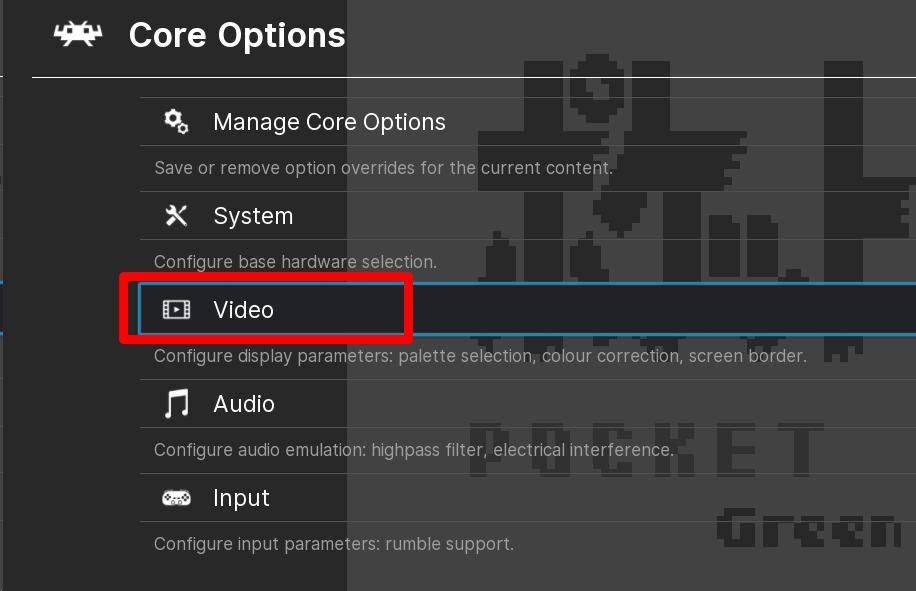
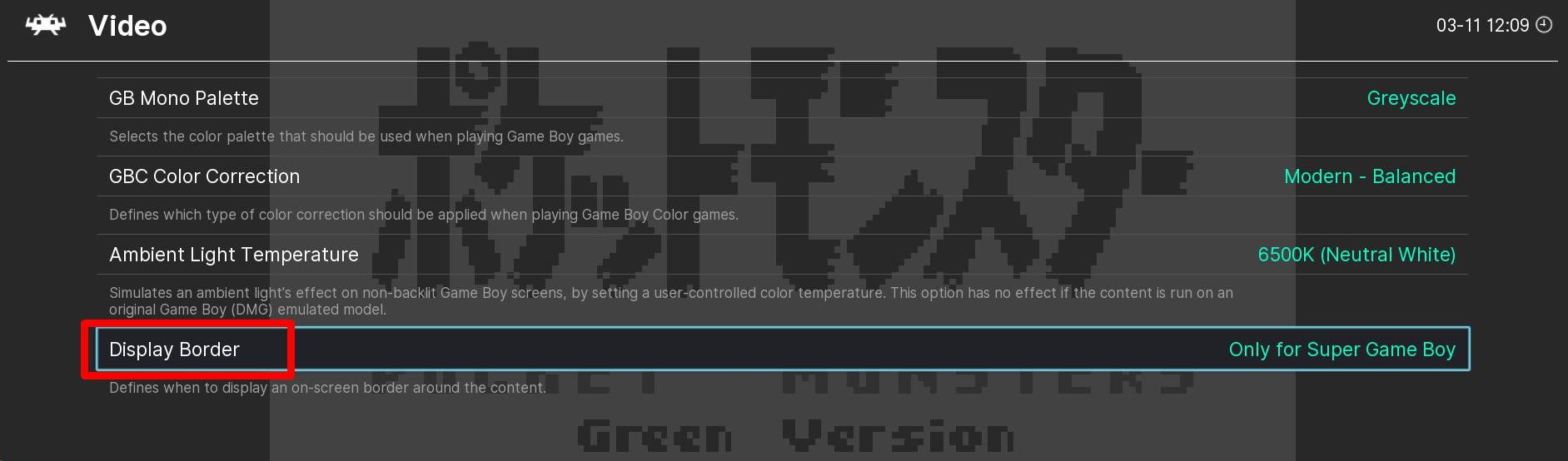

- Restart the game
The game now should look like this:
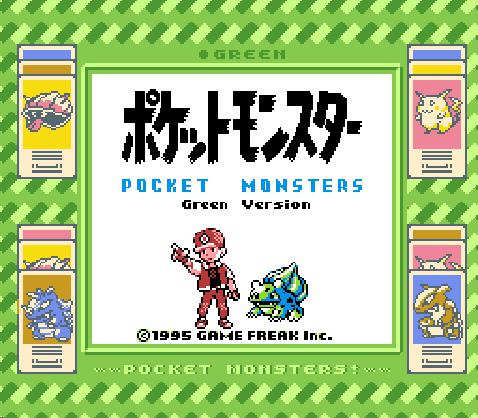
Beautiful eh? ^_^
Note:
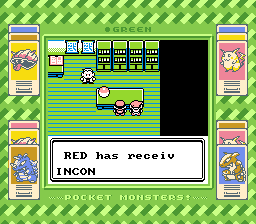
The adventure can be bery dangerous, so chose your PET carefully from the monster balls to succeed!
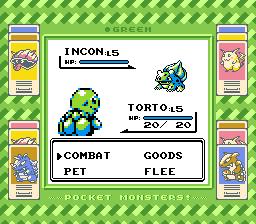
Decide to GO ALL OUT or use your GOODS to heal during tough challenges to finally receive experience value!
Game Screenshots: