| GAME INFORMATION | |
|---|---|
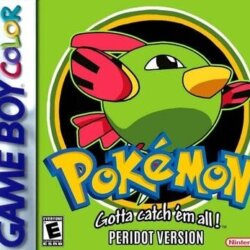
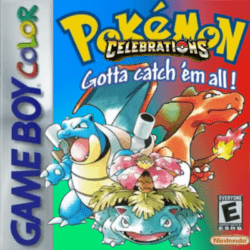
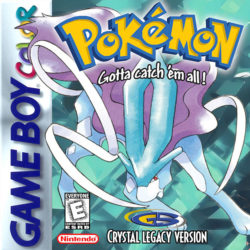
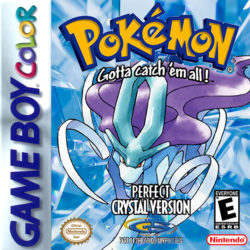
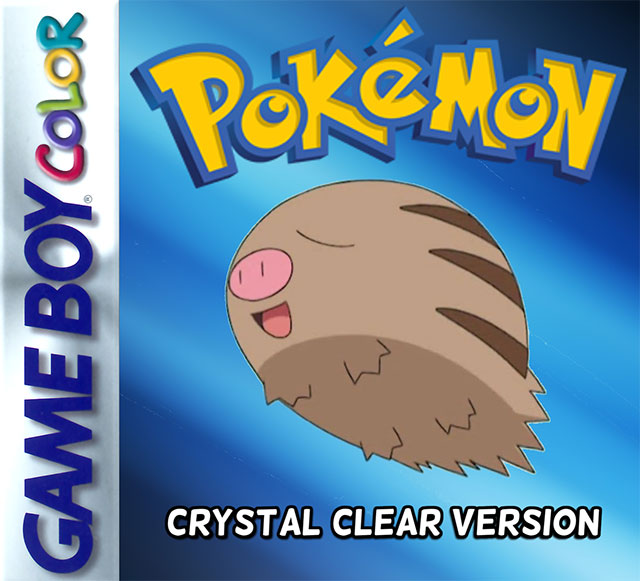
| Game Name | Pokemon: Crystal Clear |
| Region | USA |
| Console | GB Color |
| Game Release | 2001-07-29 (24 years ago) |
| Genre | Hack, RPG |
| Publisher | Game Freak, N |
| Languages | English |
| Image Format | .gbc |
| Downloads | 11,432 |
| Users Score | |
| Favorites | |
Game Description:
Author(s): ShockSlayer
Type: Content, Graphics, Improvement
Version: 2.6.0
Date: 13th of March, 2026
Status: Fully Playable, Actively Supported
Source: https://shockslayer.com/crystal-clear/
RB's Notes 1: To keep a previous version's save file, do the following:
0. As with every operation of this type, MAKE COPIES of the files you intend to rename/replace and keep them elsewhere.
1. While playing the version you are currently on, save INSIDE OF the Olivine PokeCenter, then close the game.
2. Replace your old .gbc file with the new .gbc file (make sure you don't patch over the already patched file!)
3. Rename your .gbc and .sav files so that they match.
4. After the game loads, walk down and exit the Olivine PokeCenter.
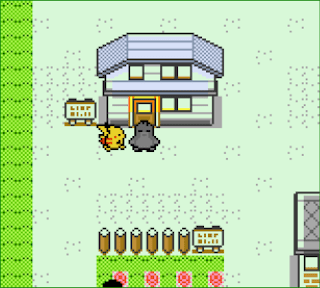
5. Once you're outside, press A on the "POKE" sign on the building.
6. If the game needed to fix anything in your save, you'll be warped inside the building and your save will be corrected/updated.
7. Now the game can be saved safely, so do that. If you weren't warped inside the building, you'll hear a "ding" sound and
are free to continue playing.
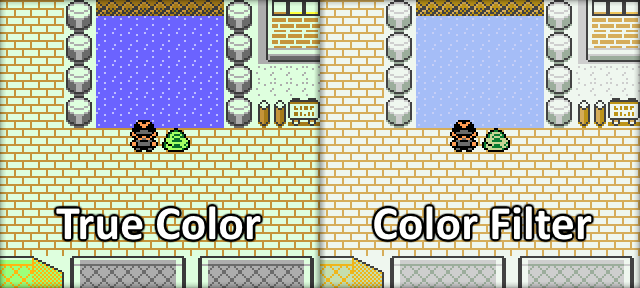
RB's Notes 2: There are two separate files representing the two color modes below, just pick whichever you prefer, as there are no changes in gameplay between the two.
Game Screenshots: