| GAME INFORMATION | |
|---|---|
| Game Name | Bubble Heroes |
| Region | Europe |
| Console | Amiga |
| Category | Indie |
| Game Release | 2000-07-23 (25 years ago) |
| Genre | Puzzle |
| Publisher | Crystal Interactive Software |
| Developer | ArcadiA Developments |
| Languages | English |
| Downloads | 399 |
| Users Score | |
| Favorites | |
Game Description:
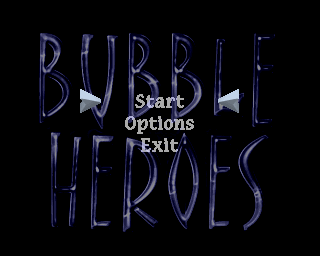
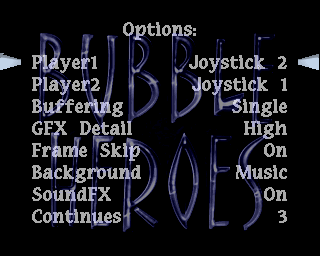
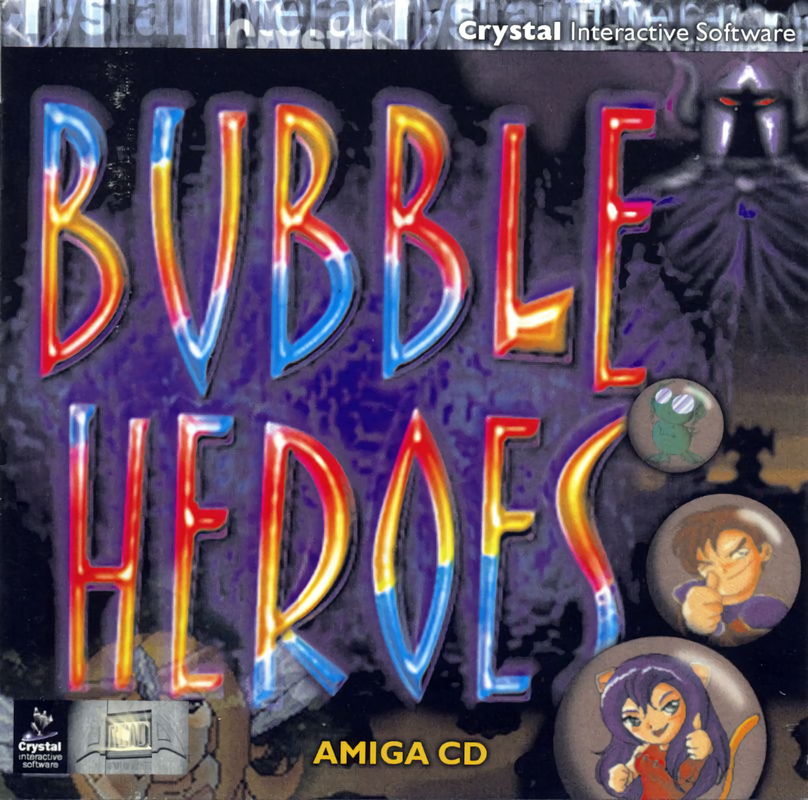
Bubble Heroes is a Puzzle video game published by Crystal Interactive Software and developed by ArcadiA Developments released on July 23rd, 2000 for the Amiga.
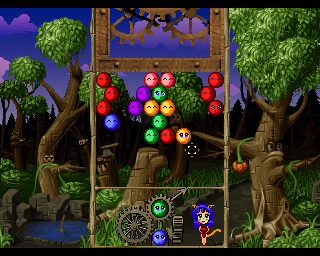
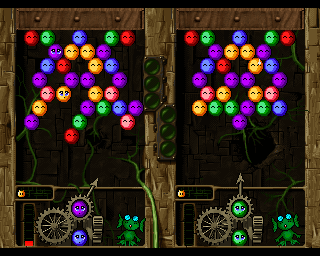
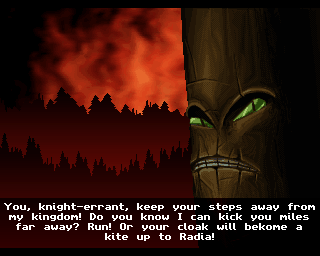
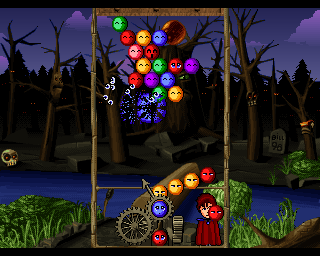
This game is a cute Bust-A-Move/Puzzle Bobble clone with a fantasy anime theme with cutscenes and voice acting. It's a very charming game and some may find it more enjoyable than actual Puzzle Bobble. At least one magazine reviewer back in 2000 seemed to think so.
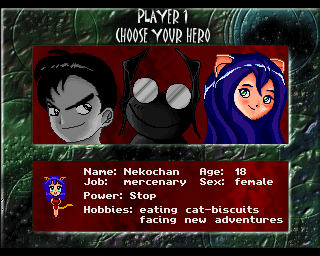
There are 3 game modes: Story, Championship (both single-player) and Death Match (two players). The player must also pick a character before the start of the action proper, each with their own special power: a brave knight, a cat girl or a prince turned into a frog.
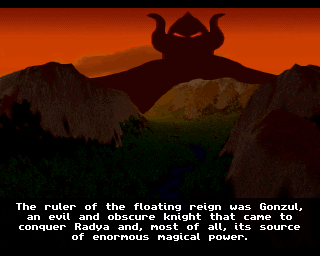
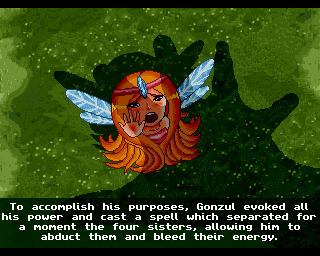
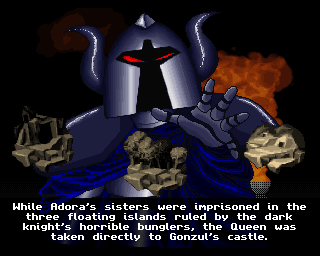
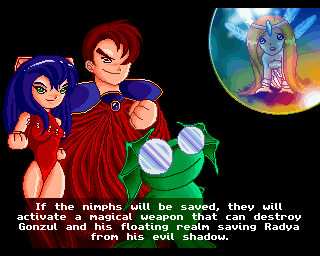
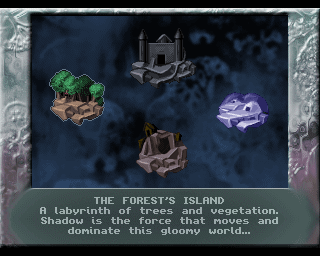
The Story mode tells you about the planet Radya and the four nymphs that need to be freed from the evil Gonzul. There are four worlds, each divided into two areas of five levels each. Most levels require the player to remove all the bubbles on screen without any of them reaching below a certain point, but some other level play a bit differently and require the player to free a nymph from the bubbles surrounding her. The last level of each world is played against a boss.
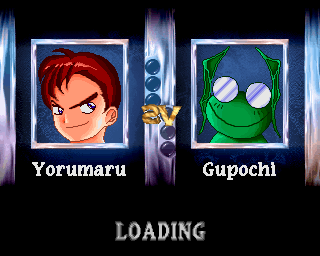
The Championship mode offers duels against all the characters from the game as AI opponents.
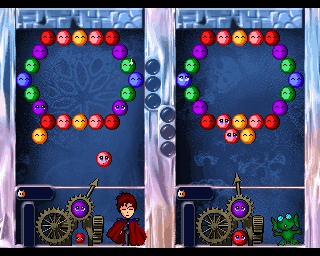
The Death Match mode let two players compete against each other, shown side by side on the screen.
This game is a CD-ROM game that is different from Amiga CD32 or CDTV games and is supposed to be played using an Amiga model PC like A1200 or A4000 (with enough chip ram of course)
The manual is included in the download but it doesn't really say much that's a need to know. Unless maybe if you're using a real Amiga.
How to Run:
(Using WinUAE) - or FS-UAE
- You can play this using the WinUAE version I uploaded to the repo since it's already configured to work with this game and has all the necessary files required. If you want to use FS-UAE you can also repurpose those files and create a configuration for it as well if you're using Linux or something that can't natively run WinUAE but can run FS-UAE.
- Move the BH folder and BH.info files into the shared PC folder (ClassicWB UAE v28\PC)
- Load the A4000 configuration and after it's booted up press F12 and in the CD drives settings load the .cue file for this game and it will appear on the desktop.
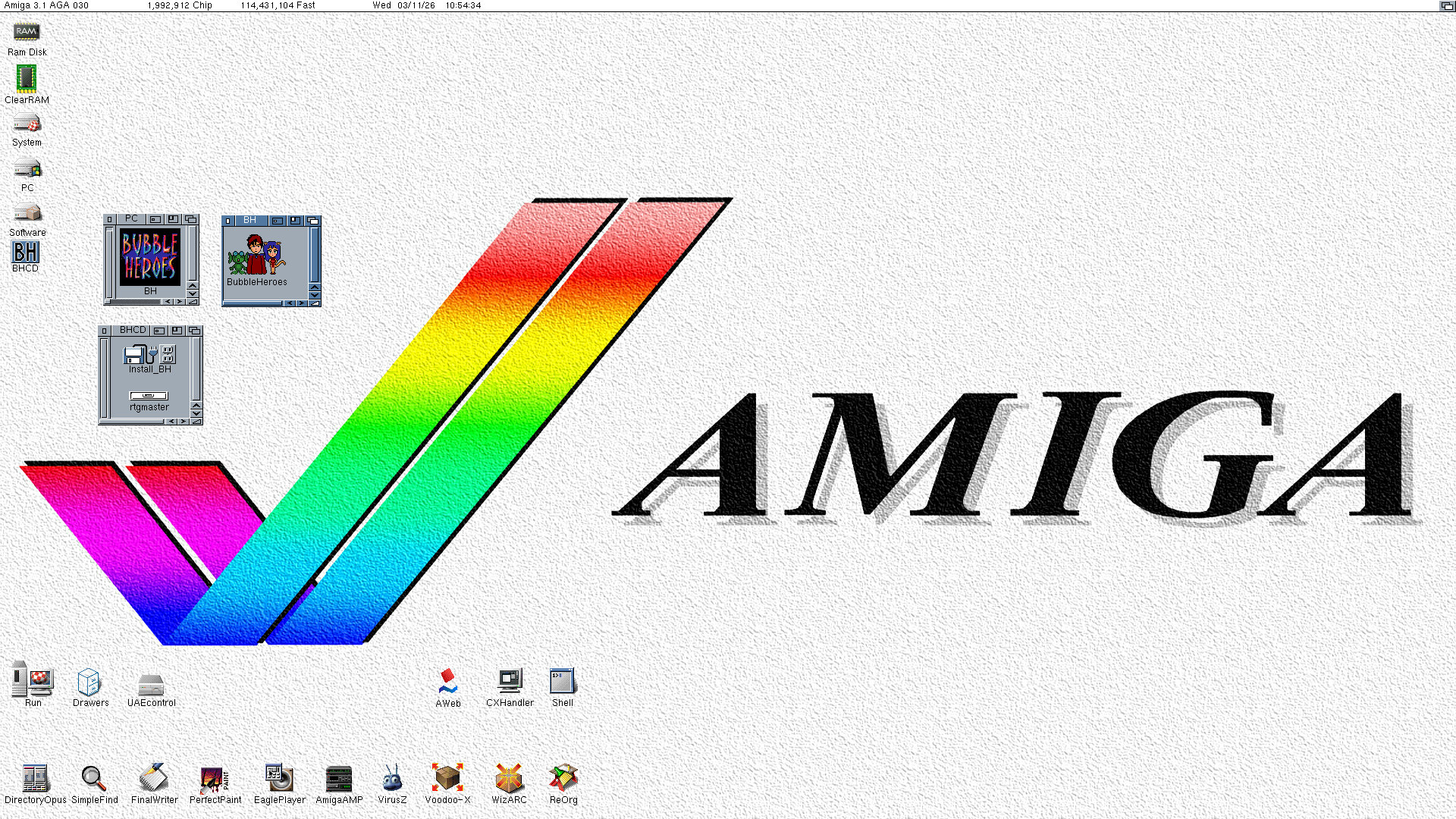
- Open the files for the game that you moved into your PC folder as shown in the first screenshot (you don't have to open the BHCD files I was just showing them) and click the executable there.
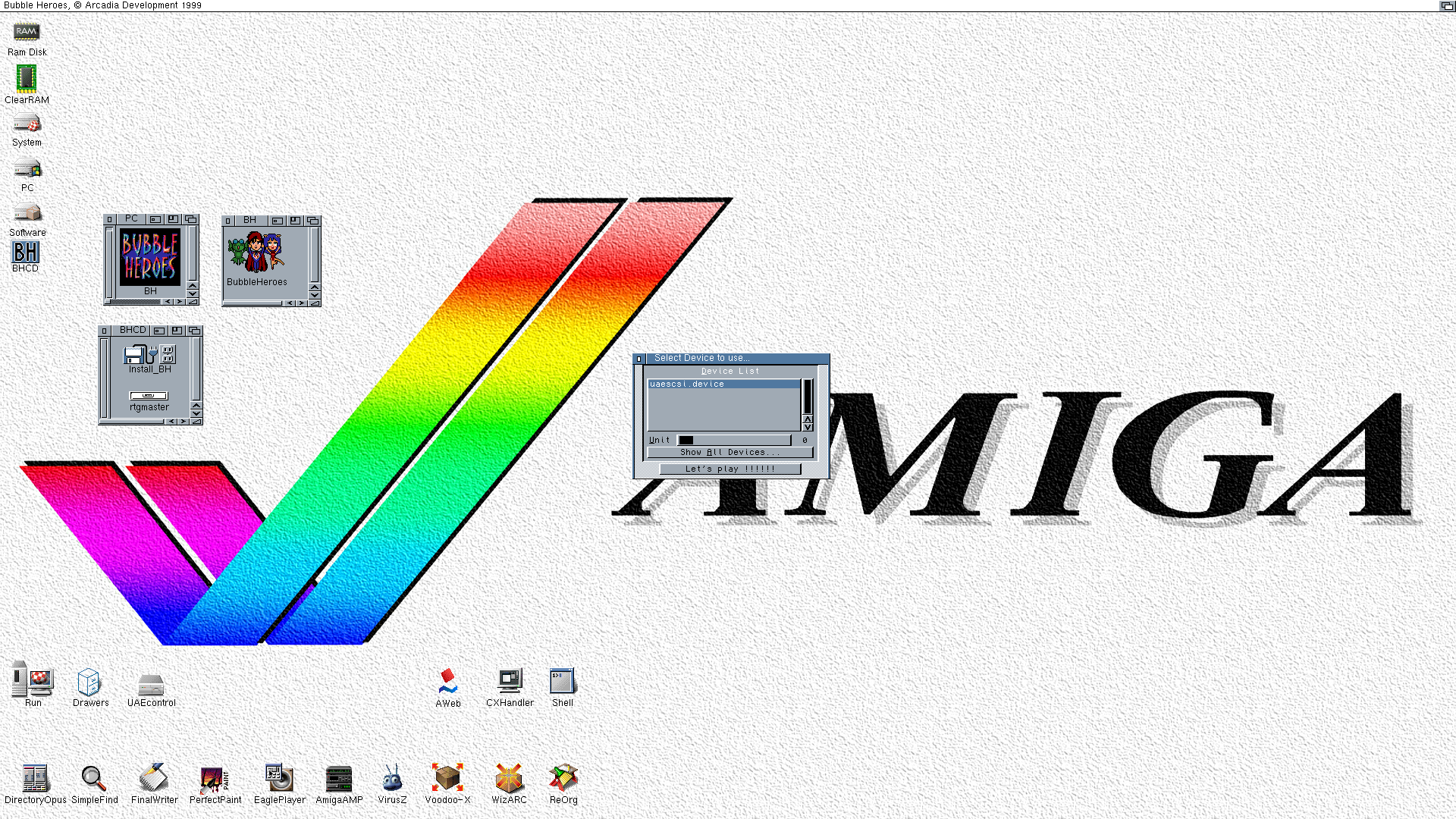
- When asked for a CD device option like in the second screenshot click the only option and then click Let's play.
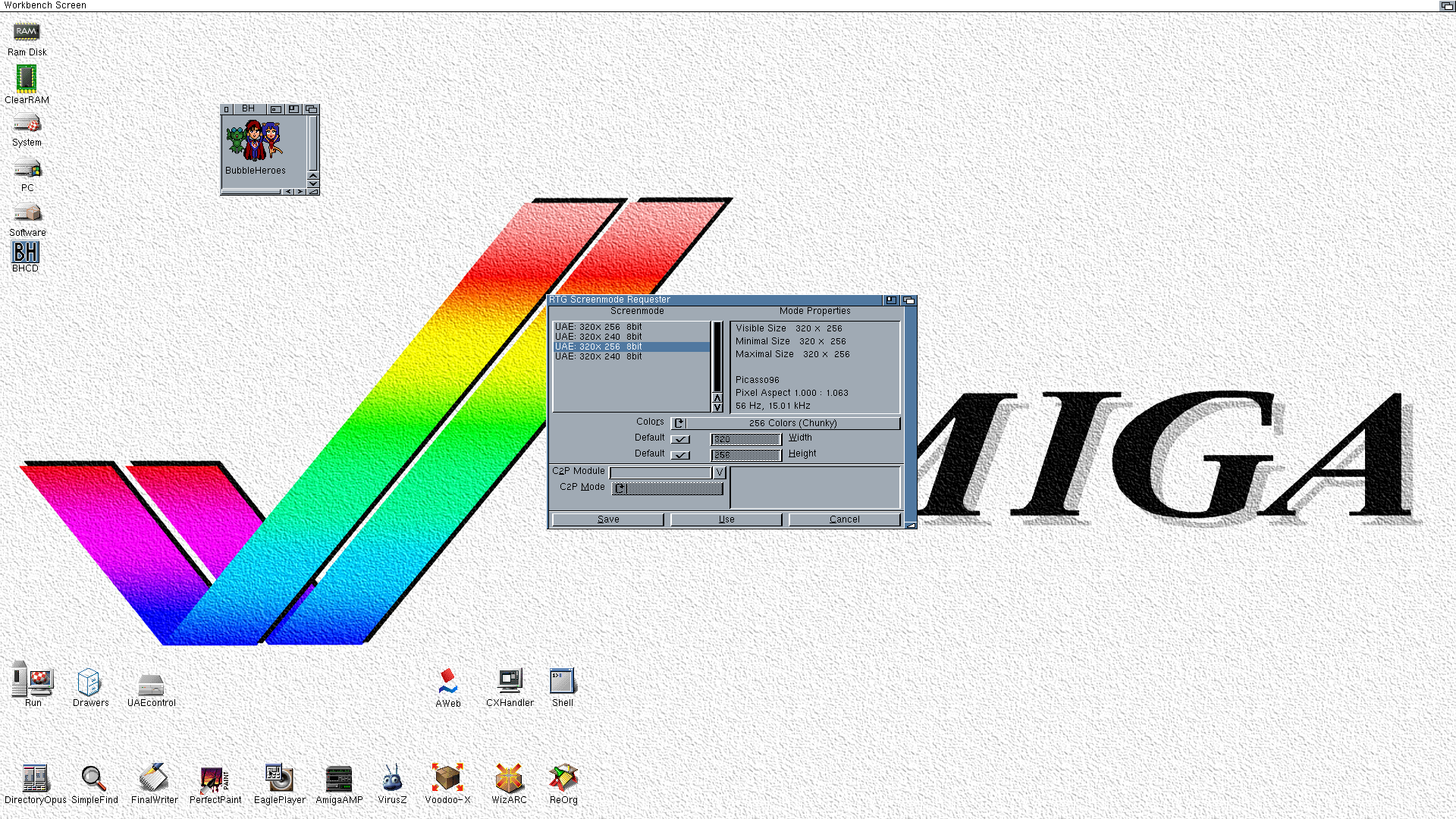
- When asked for what screenmode to use choose the 3rd option in the list like in the third screenshot. If you want to play in a small window you can pick the 1st option to use the RTG PIP mode. It's kinda tricky to be able to get the window to move but it's possible if you mess around with WinUAE and the mouse
- The game will now start just fine, and you can have fun checking it out.
To fix the screenmode select if it has an error you can edit the RtgScreenMode.prefs file in the BH folder to clear off the option in it and try again.
Note: if you want to play using your own Amiga or Workbench install you might need to do a fresh install of the game using the installer on the disc.
Game Screenshots: