| GAME INFORMATION | |
|---|---|
| Game Name | Ikenie no Yoru |
| Original Title | イケニエノヨル |
| Region | Japan |
| Console | Wii |
| Category | Wii Disc |
| Game Release | 2011-03-24 (15 years ago) |
| Genre | Survival Horror |
| Publisher | Marvelous Entertainment |
| Developer | Square Enix |
| Languages | English Patched |
| Image Format | ISO |
| Game ID | SEKE99 |
| Downloads | 2,977 |
| Users Score | |
| Favorites | |
Game Description:
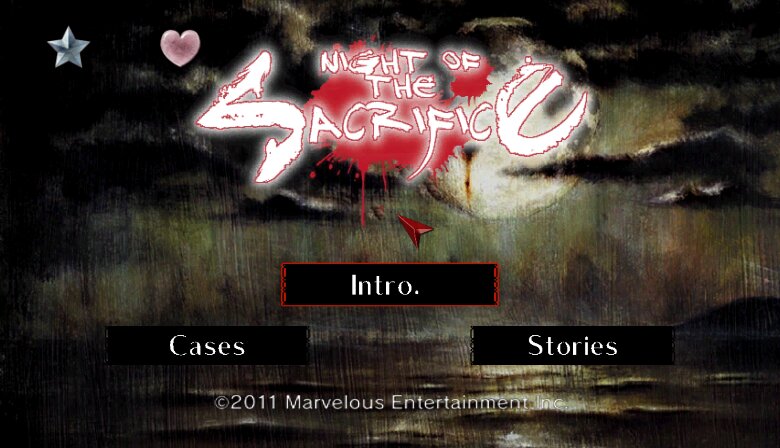
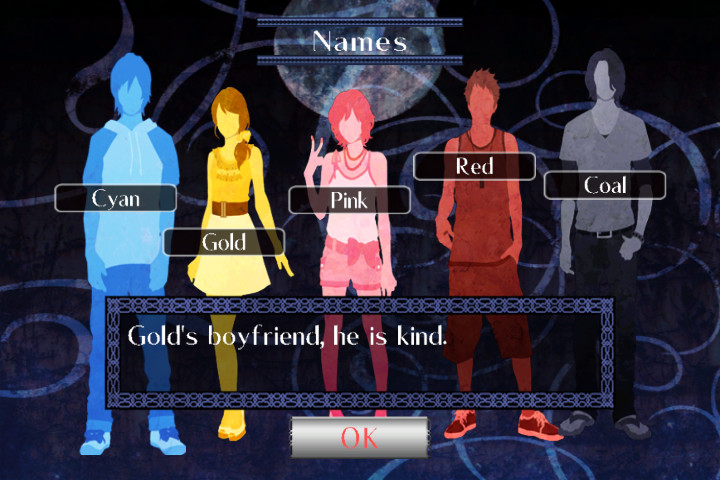
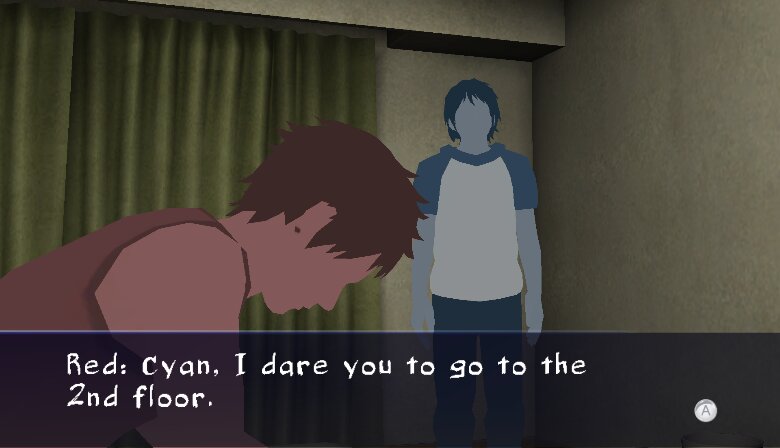
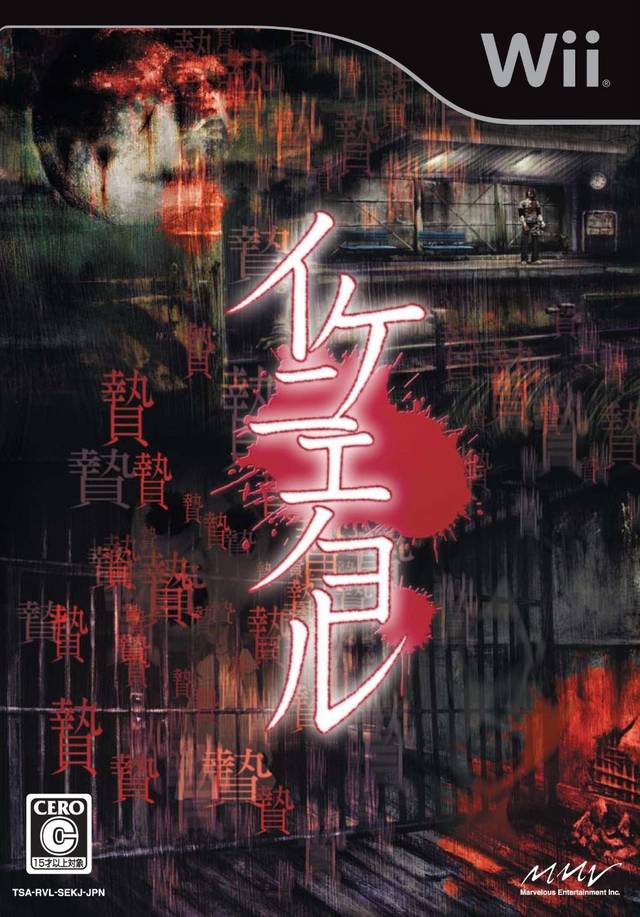
Ikenie no Yoru (イケニエノヨル) is a Survival Horror video game published by Marvelous Entertainment and developed by Square Enix released on March 24th, 2011 for the Wii.
Released By Brand Newman
Language English
Status Fully Playable
Patch Version 1.03
Release Date 24 August 2023
Installation Dolphin Emulator:
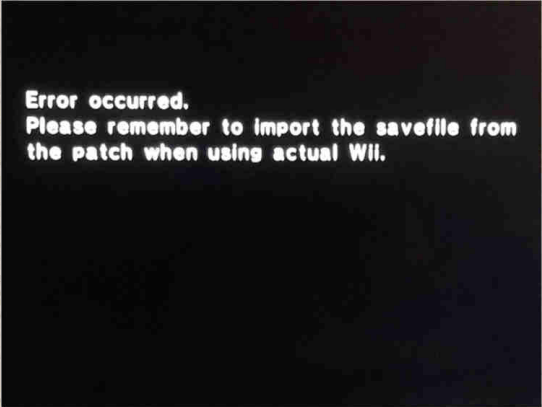
You will encounter this error when you launch the game.
If you’re using the Dolphin emulator1:
Right click on the icon of your game, and choose “Open
Wii save folder”.
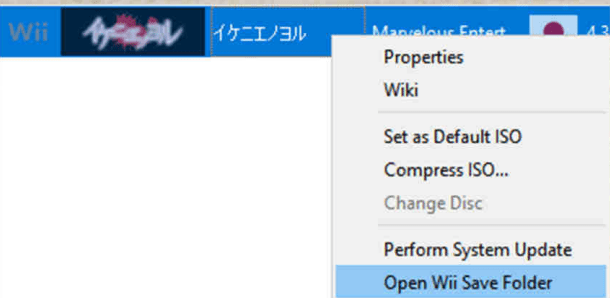
Copy the contents of the “0001000053454b4a” folder within the zip file into the “Wii save folder” Dolphin opened for you (banner.bin and savefile.dat).
Installation - Real Wii or Wii U:
- Start the game once and get the error above, reboot.
- Download "Ikenie no Yoru (Save file for real consoles).zip"
- Extract it and place the "private" folder on the root of your memory stick (Not external HDD, memory stick). Merge with existing.
- On your Wii Menu where your channels are click the "Wii Options" menu on the lower left corner.
- Click on "Saved Data", then click the "SD Card" on the top right of the screen.
- Select Ikenie Save and select Copy, choose Yes to copy into to Wii memory.
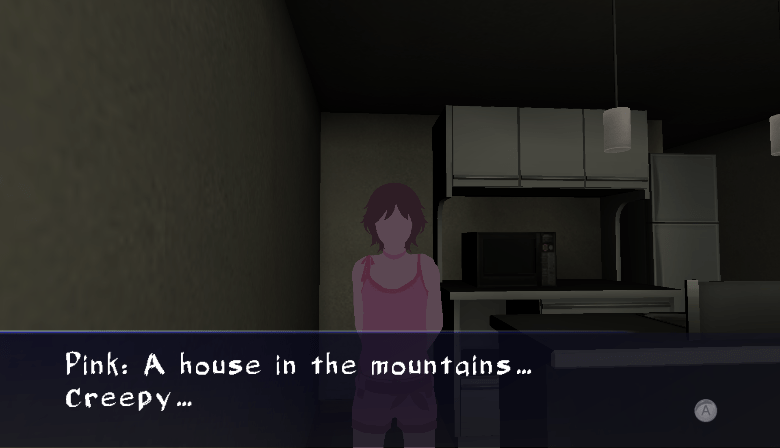
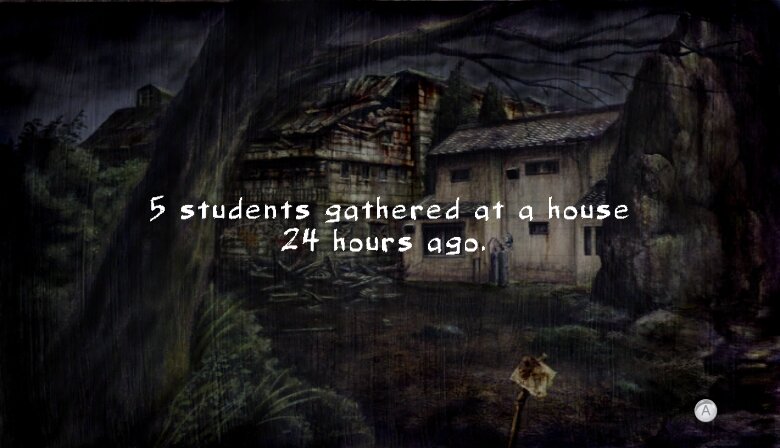
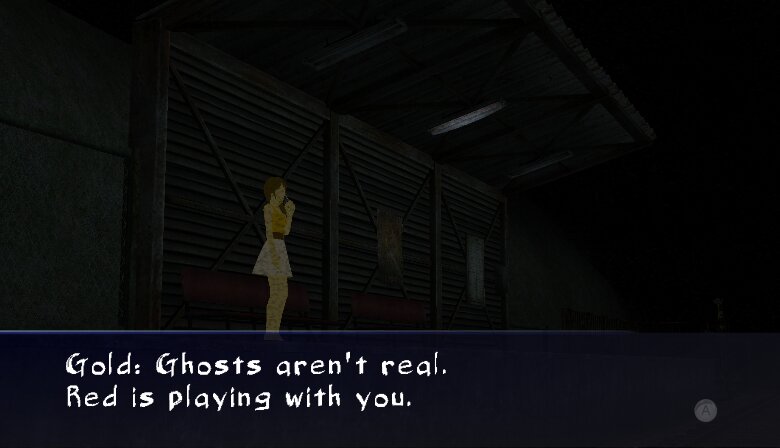
Game Screenshots: