| GAME INFORMATION | |
|---|---|
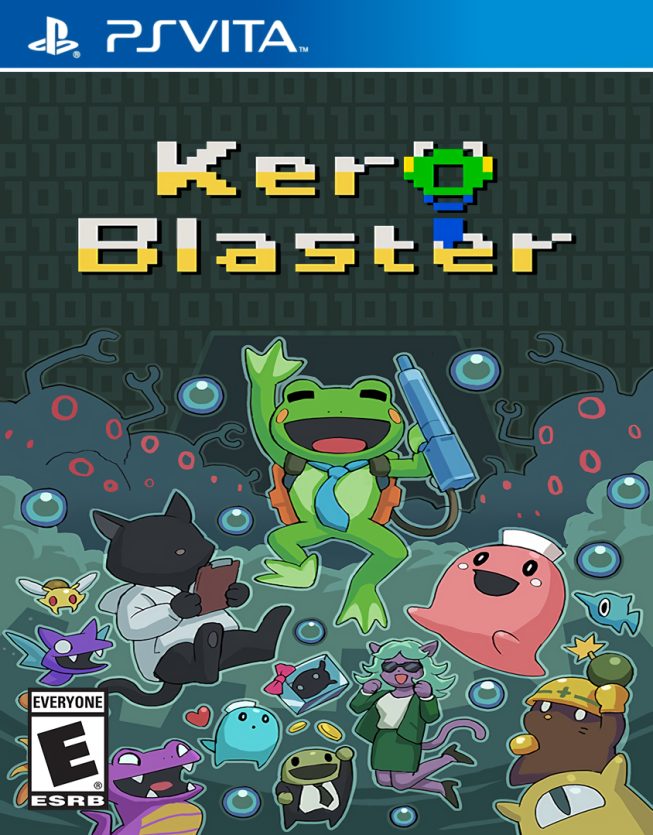
| Game Name | Kero Blaster |
| Region | World |
| Console | VITA |
| Category | Port |
| Game Release | 2014-05-11 (11 years ago) |
| Genre | Platformer 2D, Run and gun |
| Publisher | Playism |
| Developer | Studio Pixel (Daisuke Amaya) |
| Languages | Chinese, English, French, German, Italian, Japanese, Portuguese, Russian, Spanish |
| Image Format | NoNpDrm |
| Game ID | N/A |
| Downloads | 88 |
| Users Score | |
Game Description:
This a port of the Retro Run and Gun/2D Platformer Kero Blaster to the PS Vita. It was originally released in 2014 for Windows and iOS and later in 2021 for Android. This port is based off the Android release. The game was developed by Daisuke Amaya (aka Pixel) the one man team responsible for Cave Story.
Port Credits:
Released by: KAAAsS
Status: Complete
Current Version: v1.2
Date: 18 July 2022
Source and details: https://github.com/kaaass/Kero-Blaster-vita
The kubridge and Fdfix plugins are needed for this game to work. Copy kubridge.skprx and fd_fix.skprx to your taiHEN plugins folder (usually ux0:tai) and adding two entries to your config.txt under *KERNEL:
 *KERNEL
  ux0:tai/kubridge.skprx
  ux0:tai/fd_fix.skprx
Note: if you use the rePatch plugin (like I do on my Vita) then you don't need to install Fdfix.
Move the kero folder to ux0:data/ and KEROBLAST folder to ux0:app/ and refresh LiveArea screen in VitaShell to be able to install the game.
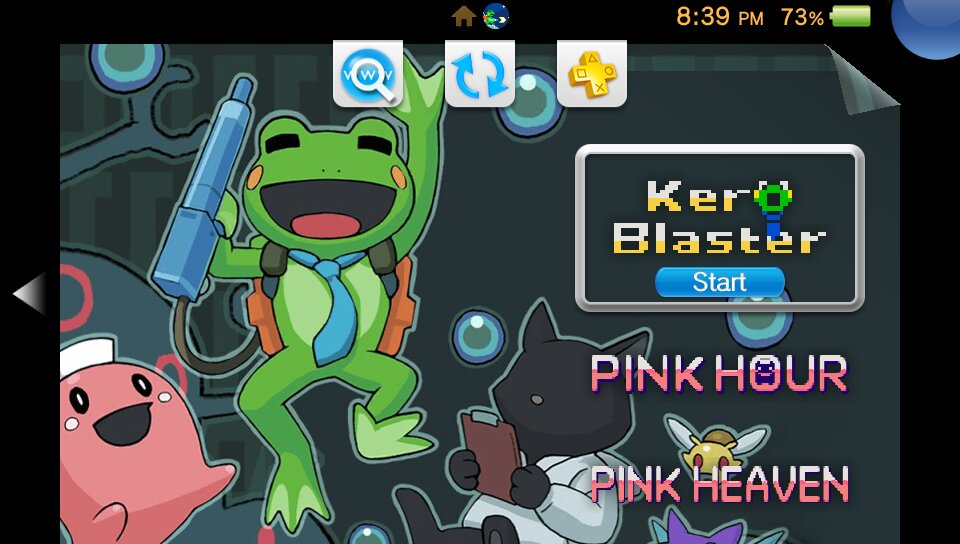
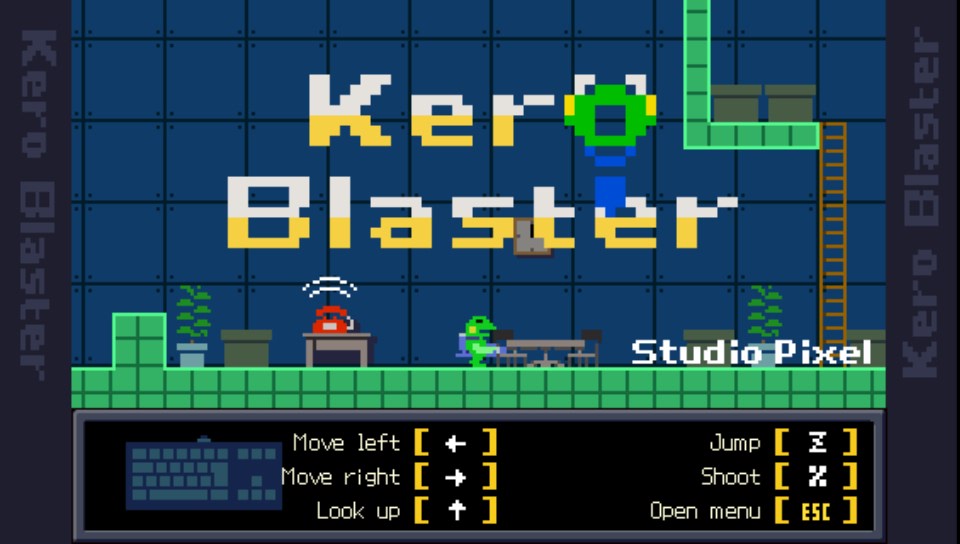
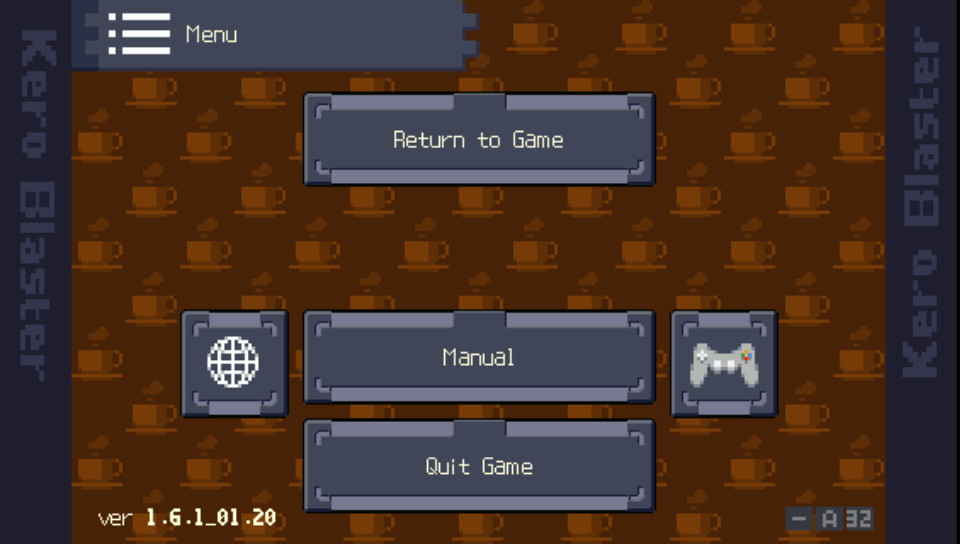
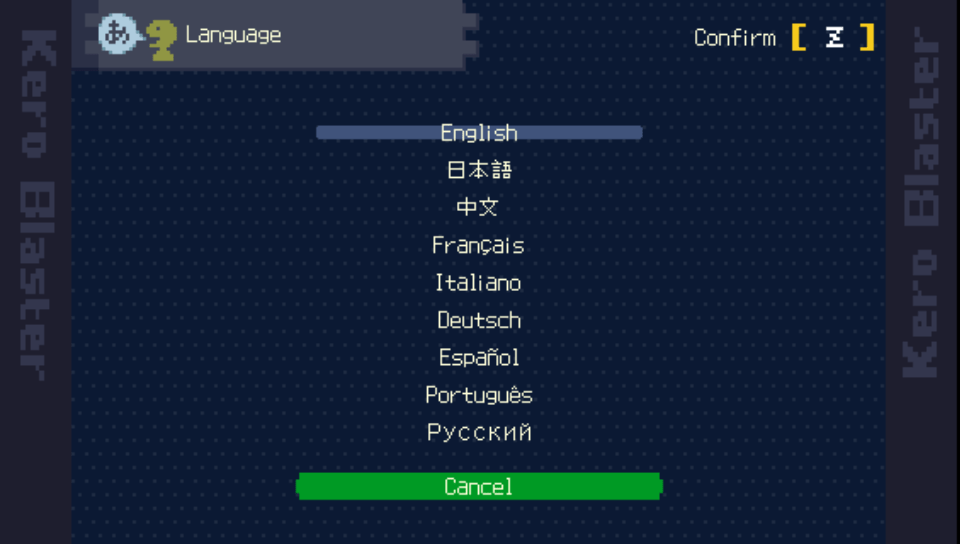
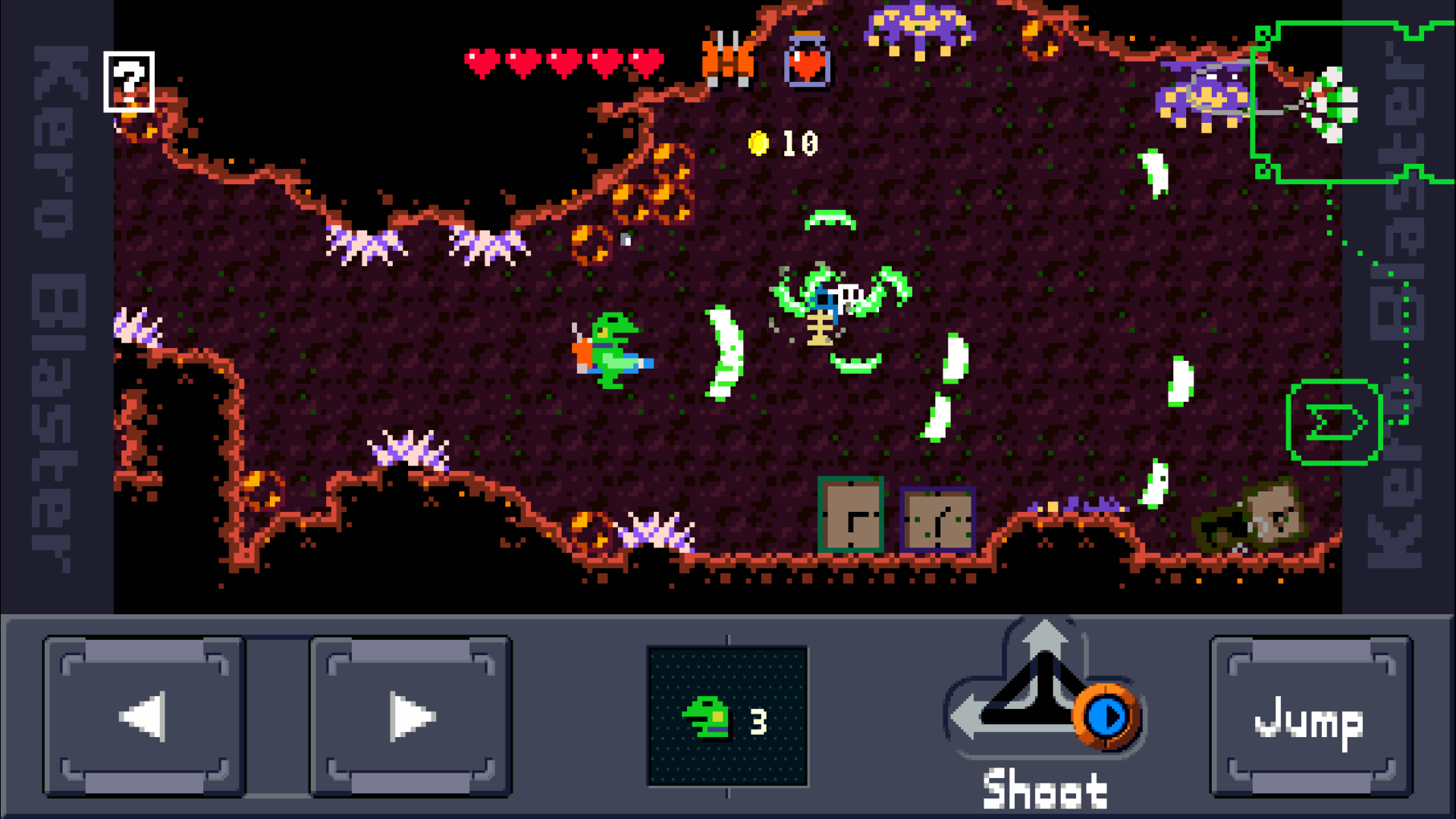
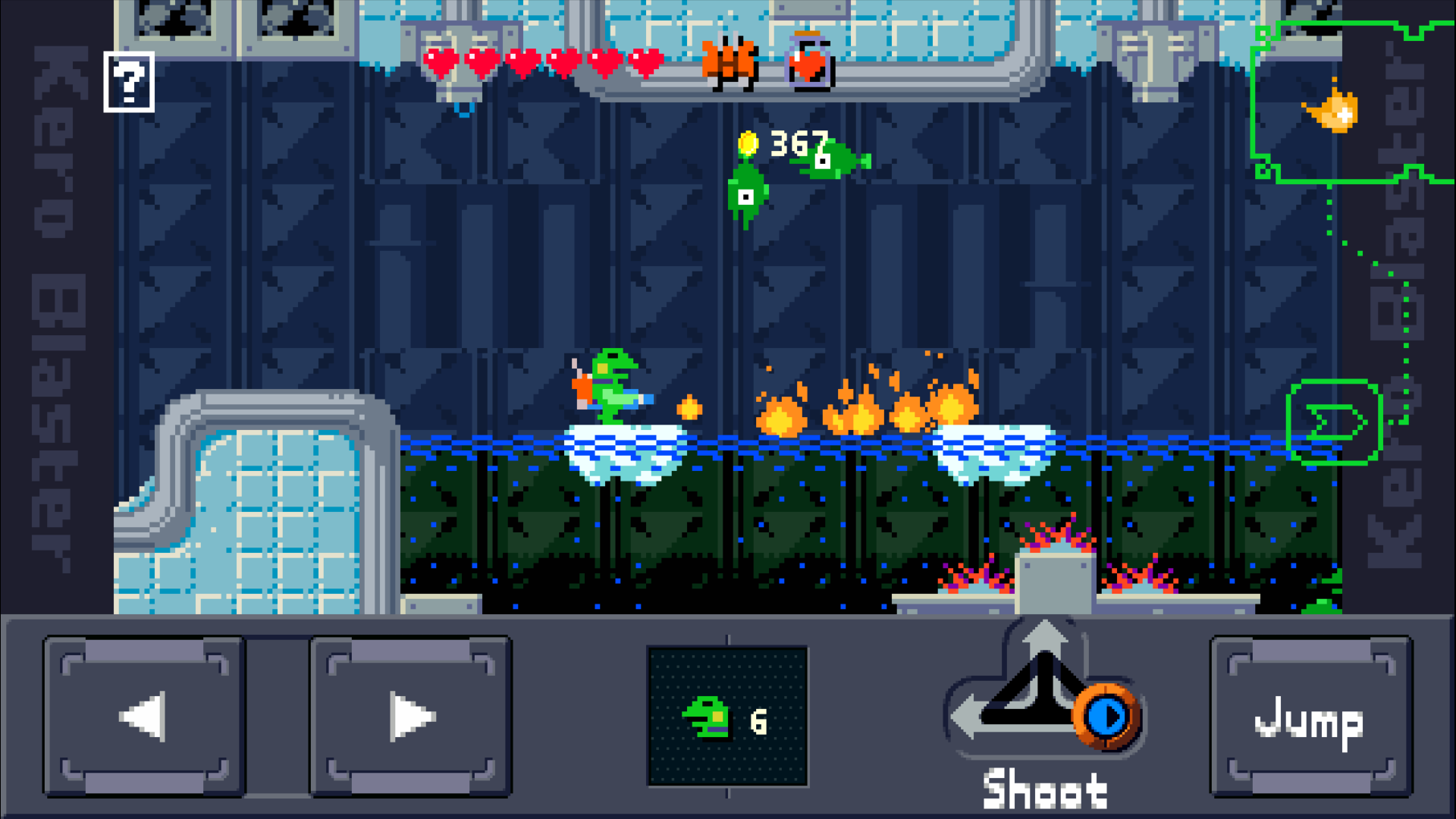
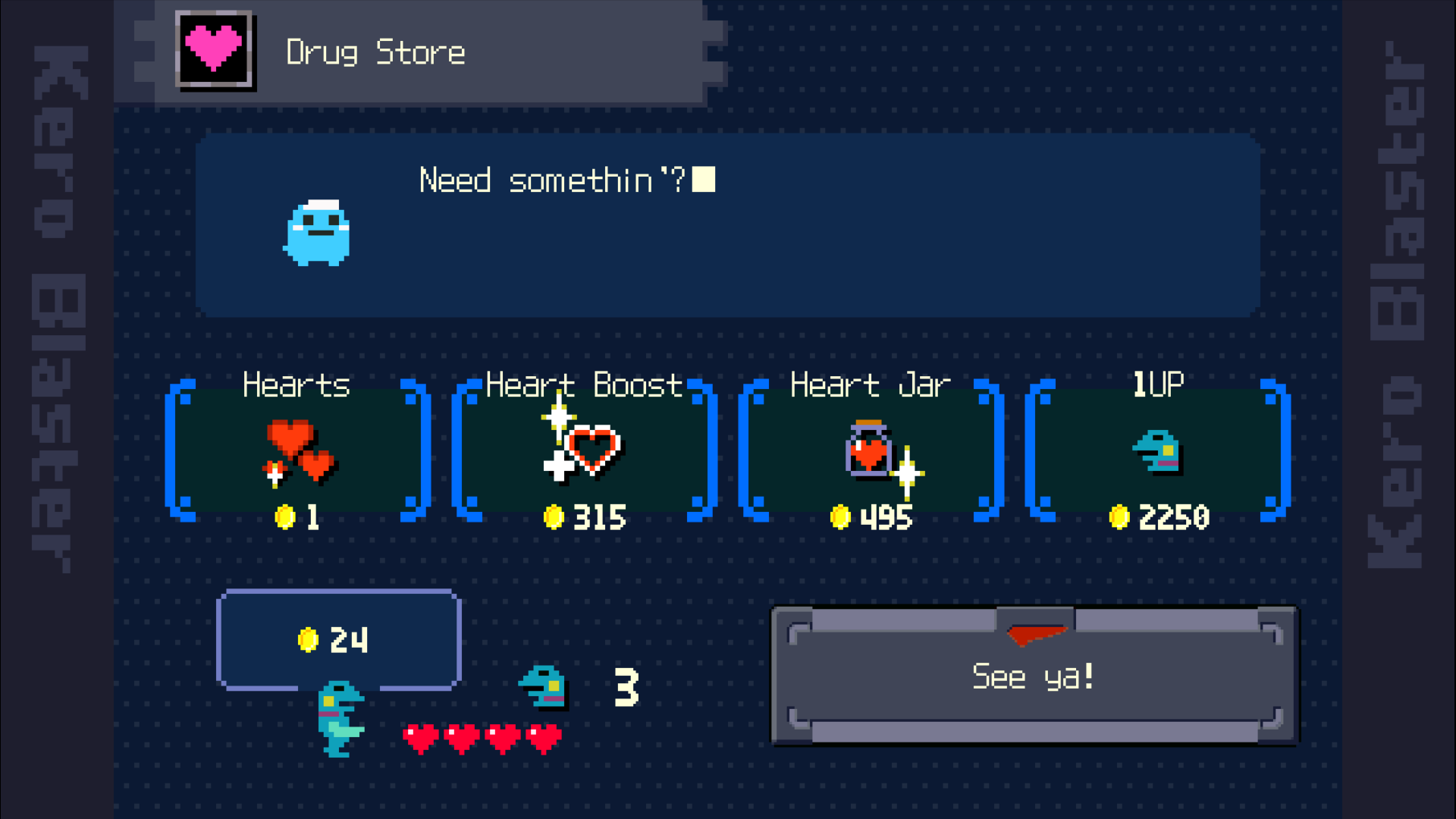
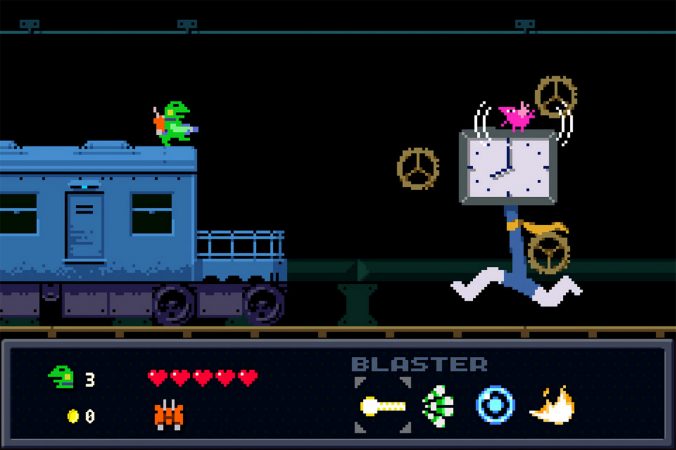
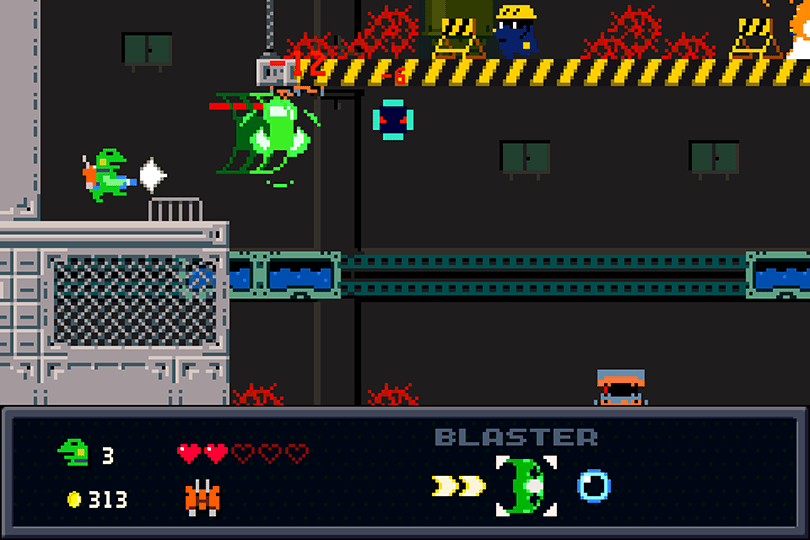
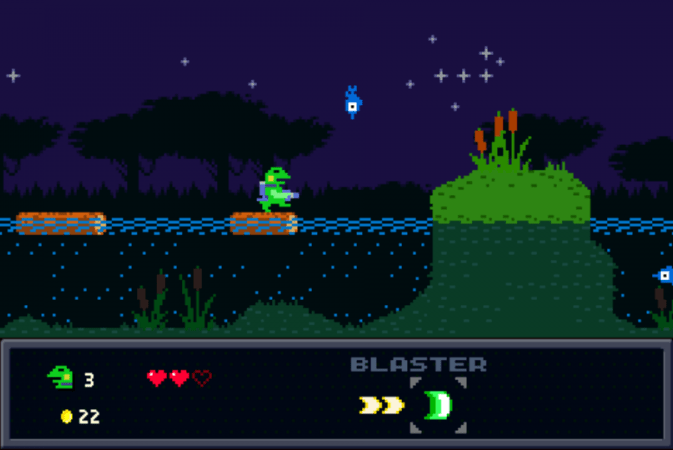
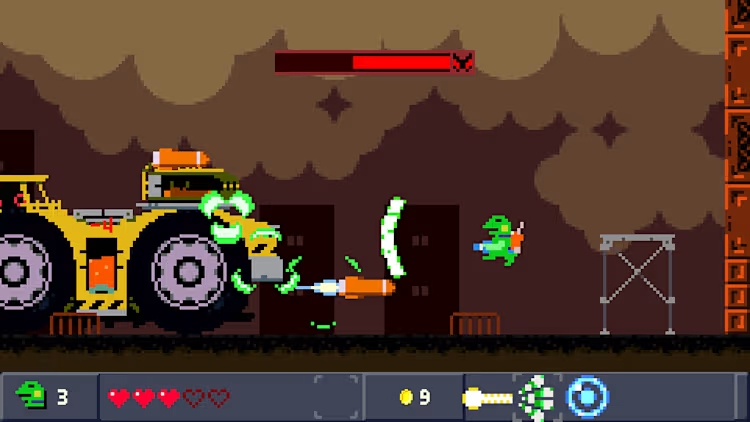
Part of these screenshots are not the Android version so the bottom part of the screen will look different, but these are good shots of what the game looks like.
Vita Console: Get [NoNpDrm]
Vita3k: Get [vita3k] if exists, if not get [NoNpDrm]
Vita3k can install NoNpDrm rips, but it requires more processing power and memory. As a result, some Android devices may fail to install NoNpDrm, or take 3-4 times longer to do it. If you encounter a vita3k rip that shows up as 'demo' let me know and get the [NoNpDrm] instead.
Unless stated otherwise above, this is how to install it:
DON'T extract the .zip
Open Vita3k and choose "File" > "Install .zip" find the file, done!
1. Extract zip to ux0:/
2. Open vitashell and press triangle on the home menu and choose to refresh the livearea to make it show up.
*Requires a hacked vita with NoNpDrm & rePatch plugin (if English patched) installed.
Game Screenshots: