| GAME INFORMATION | |
|---|---|
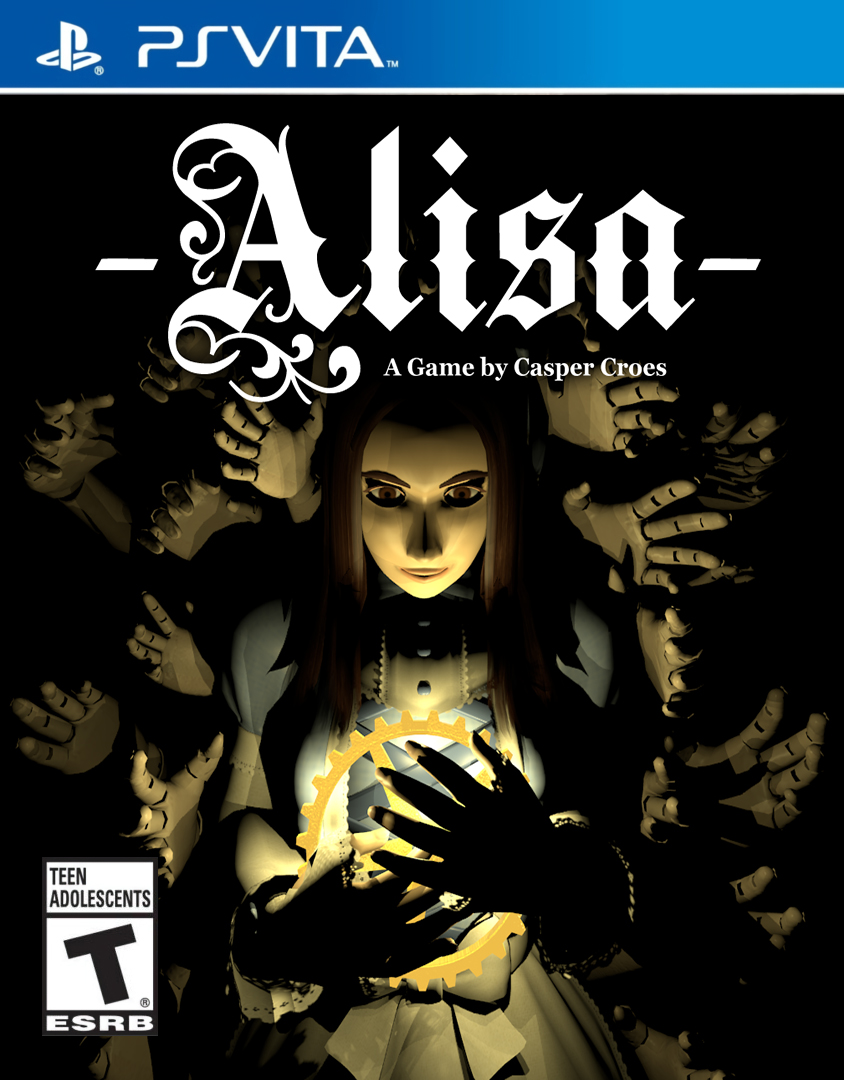
| Game Name | Alisa - Developer's Cut |
| Region | World |
| Console | VITA |
| Category | Port |
| Game Release | 2020-11-04 (5 years ago) |
| Genre | Action-Adventure, Survival Horror |
| Publisher | Top Hat Studios Inc |
| Developer | Casper Croes |
| Languages | English, French, Italian, Japanese |
| Image Format | NoNpDrm |
| Game ID | N/A |
| Downloads | 879 |
| Users Score | |
Game Description:
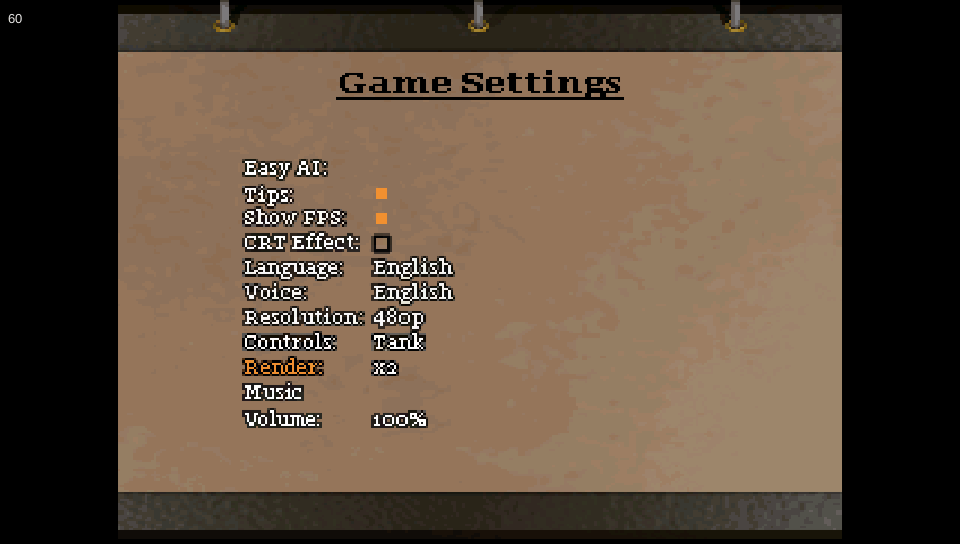
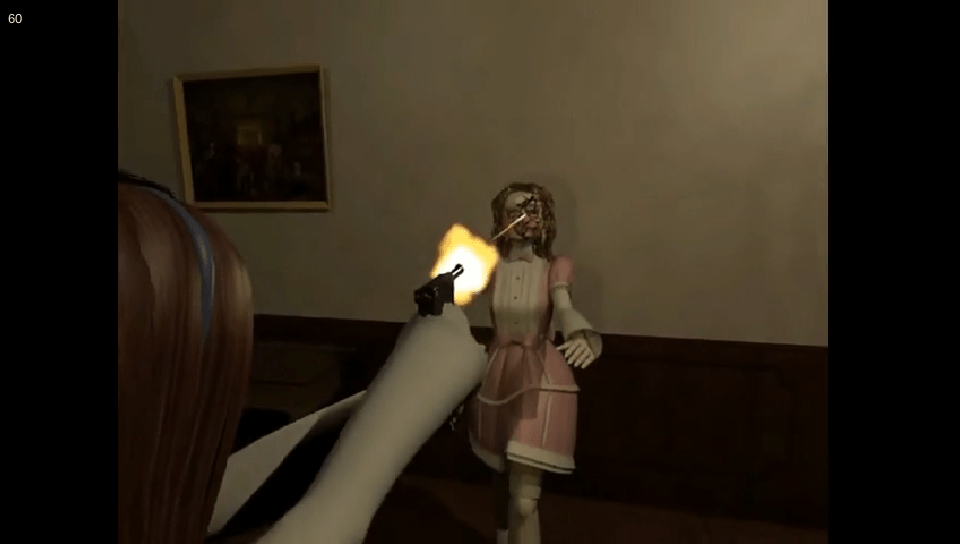
This is a port of the survival horror/action-adventure indie game Alisa - Developer's Cut to the PS Vita. This game is heavily inspired by classics of the genre such as Resident Evil and Silent Hill 1. Think Resident Evil but with a gothic lolita feel with evil creepy automaton puppets. I actually enjoyed it a ton and honestly liked it better than the games it was trying to emulate. This port is amazing and runs at full 60 fps even during cutscenes and having 2x rendering turned on.
Port Credits:
Released by: Rinnegatamante
Status: Complete
Current Version: v1.2
Date: 09 Jan 2026
Source and details: https://github.com/Rinnegatamante/Alisa-Vita/
This release is only for use on a real custom firmware enabled PS Vita. While you might be able to use it with Vita3k it's not been tested with it and was not developed with it in mind. That would also frankly be borderline stupid since it's a PC game you can just get for free via piracy (which is what I did for the files for this port) For this to work properly you need the NoNpDrm and NoTrpDrm (for the trophies to work) plugins. Guides for how to install those plugins are on their github pages. I recommend using the overclock tool PSVshellPlus and overclock to max values for CPU and GPU (although it seems to play fine enough without it).
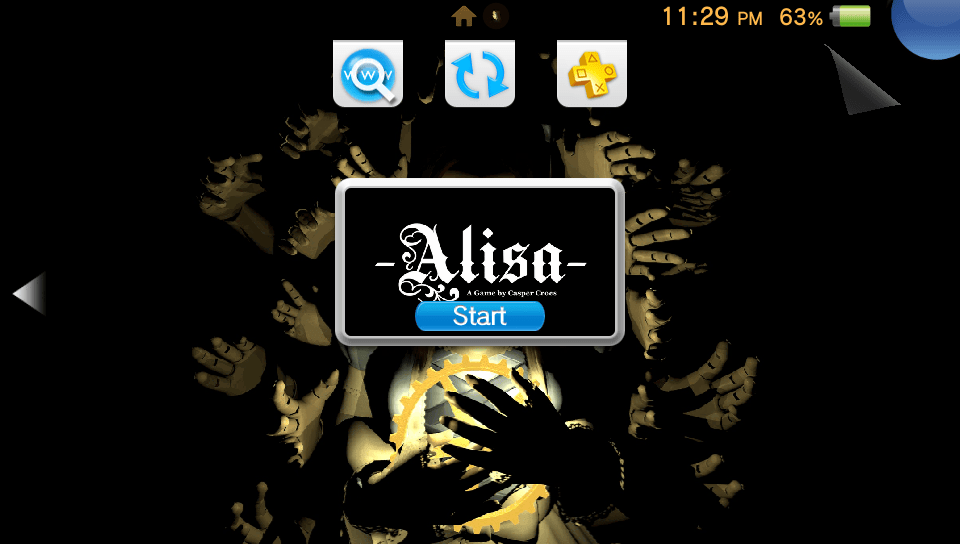
Now, on to actually installing the game onto your Vita. All you simply need to do is extract the ALSA50001 folder to ux0:app/ so that it's ux0:app/ALSA50001 Then just refresh the livearea screen and it will appear. The quickest way to do that is using VitaShell (from the Options menu) It should say 1 item was refreshed and the game will appear. You may need to restart your Vita as well. If your Vita is not custom firmware enabled, I recommend using this guide (it's rather easy to follow and doesn't require much)
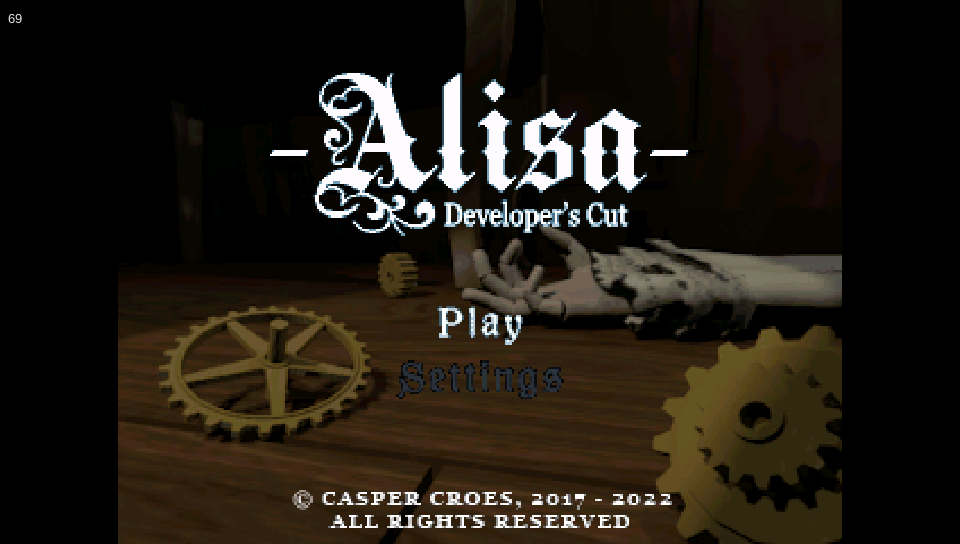
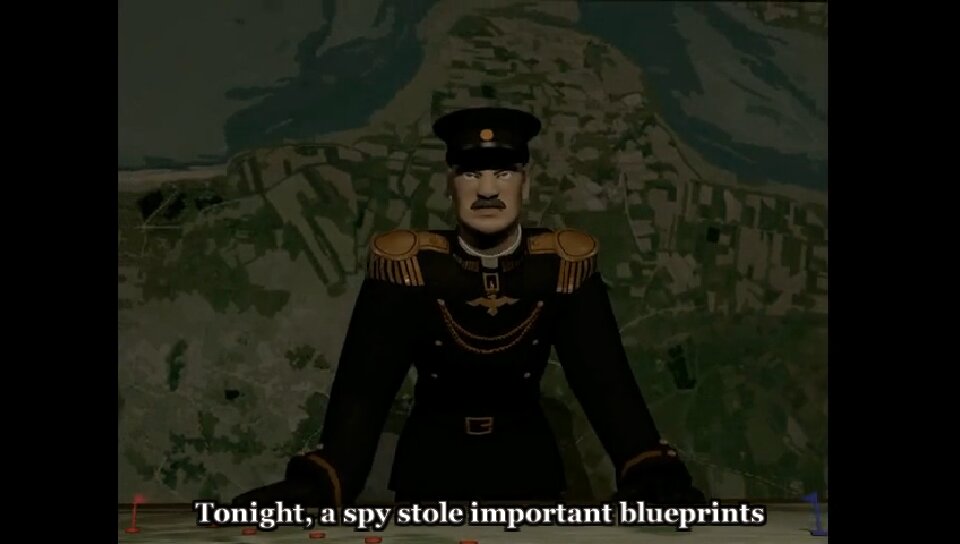
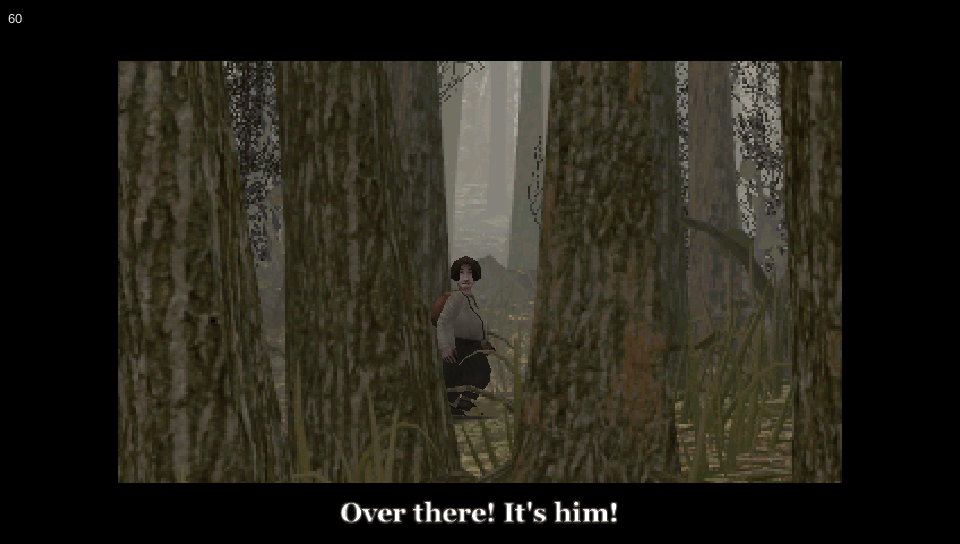
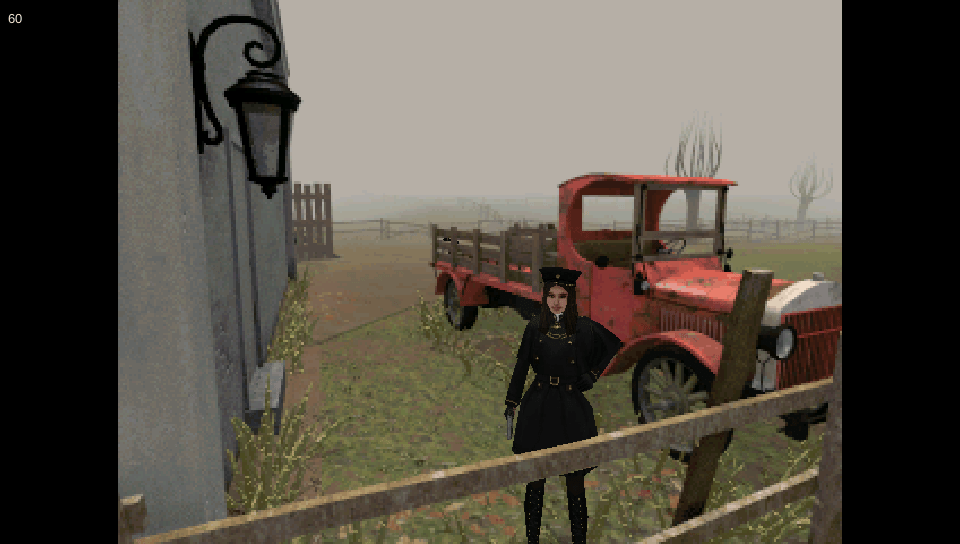
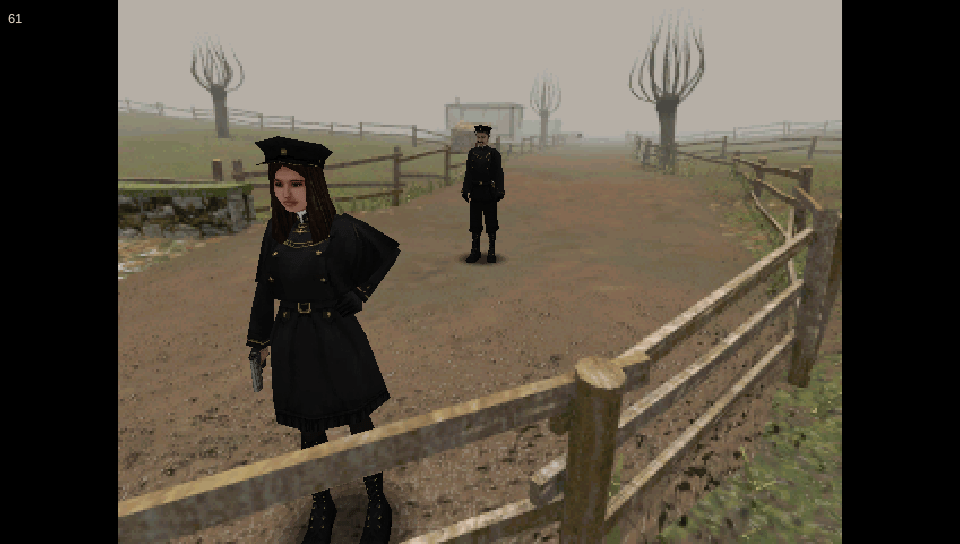
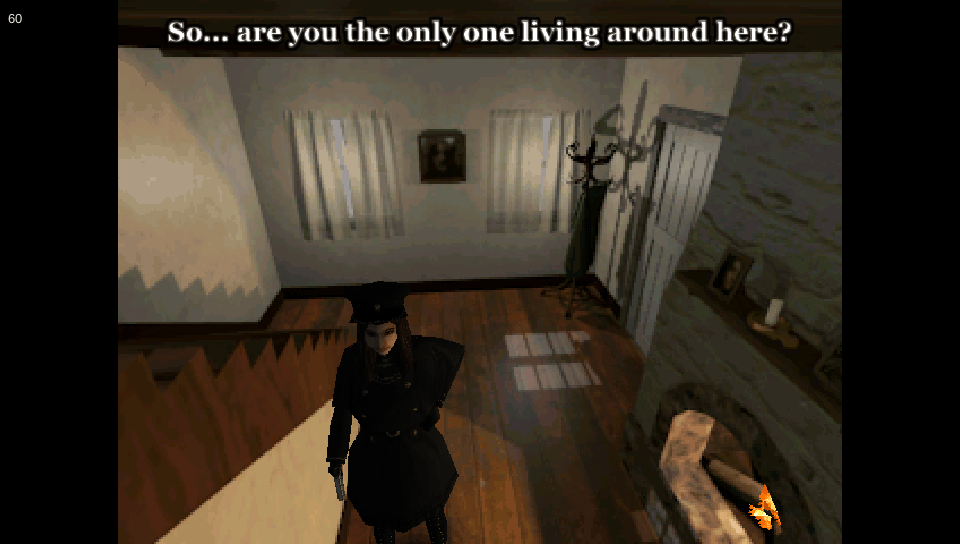
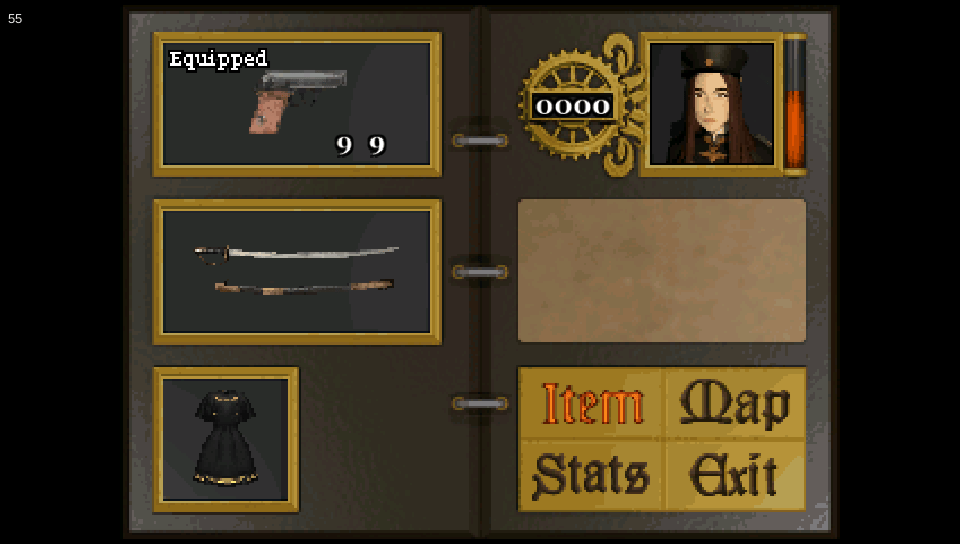
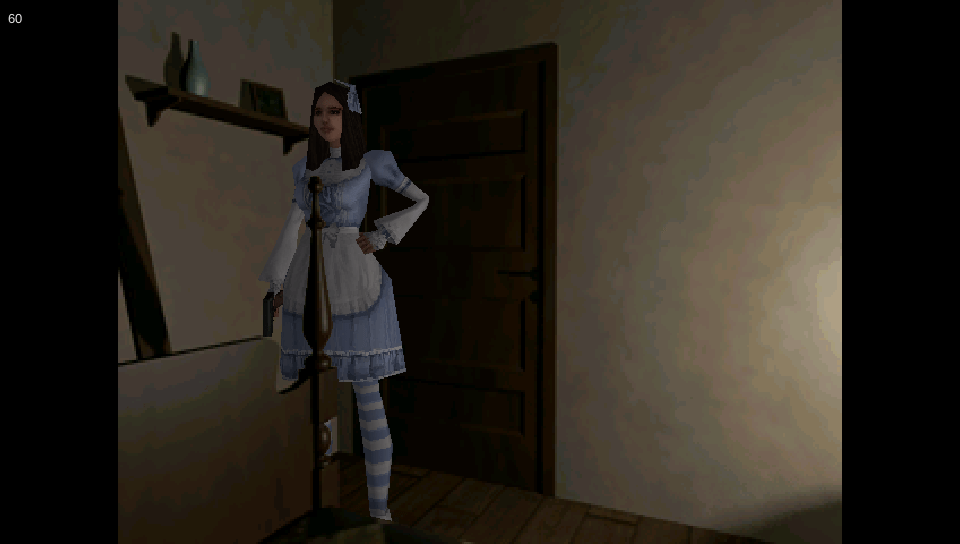
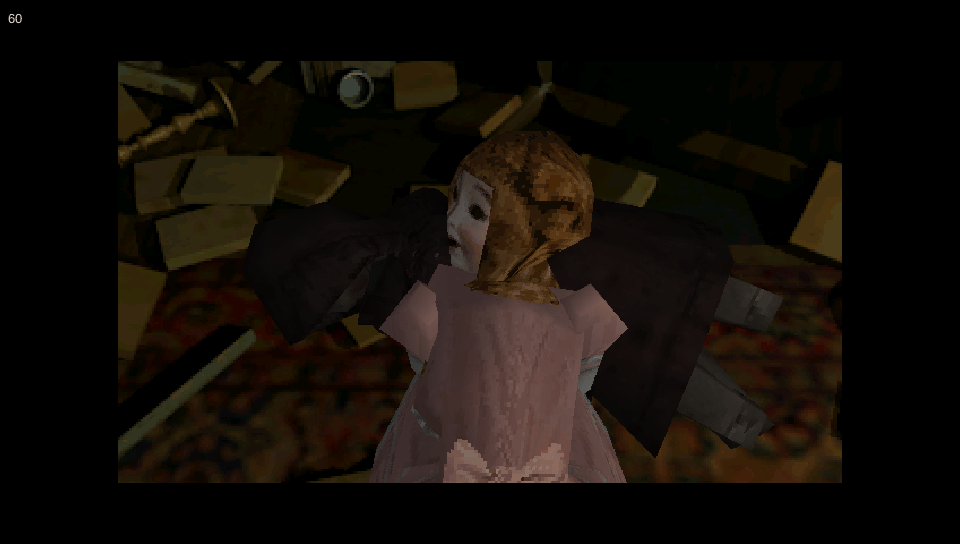
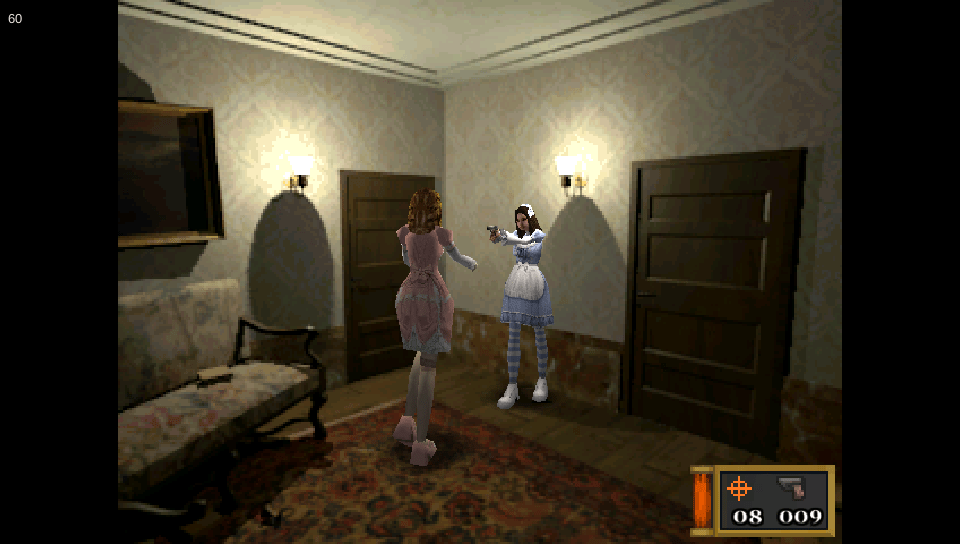
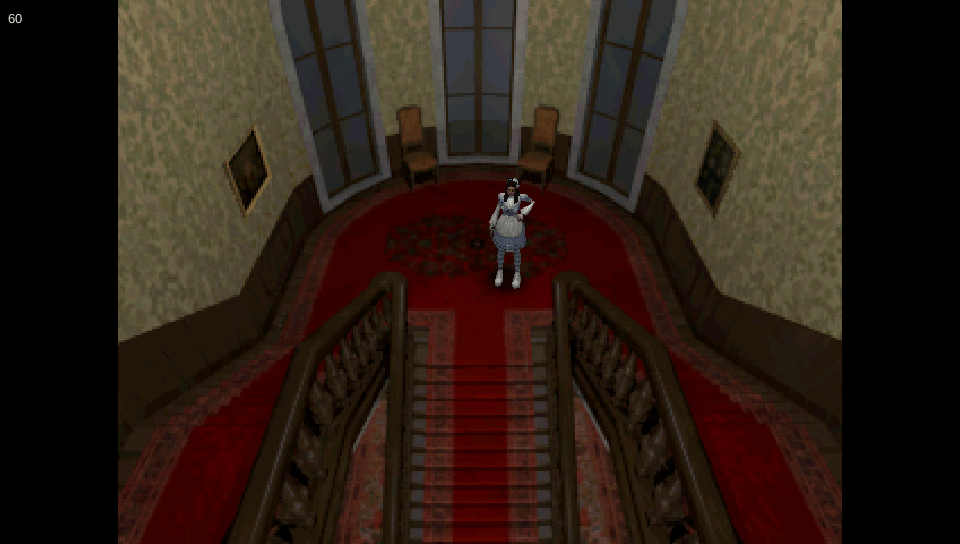
These screenshots were taken by me using my PS Vita. As you can see by the tiny fps meter in the top left corner it runs smoothly at constant 60 fps.
Vita Console: Get [NoNpDrm]
Vita3k: Get [vita3k] if exists, if not get [NoNpDrm]
Vita3k can install NoNpDrm rips, but it requires more processing power and memory. As a result, some Android devices may fail to install NoNpDrm, or take 3-4 times longer to do it. If you encounter a vita3k rip that shows up as 'demo' let me know and get the [NoNpDrm] instead.
Unless stated otherwise above, this is how to install it:
DON'T extract the .zip
Open Vita3k and choose "File" > "Install .zip" find the file, done!
1. Extract zip to ux0:/
2. Open vitashell and press triangle on the home menu and choose to refresh the livearea to make it show up.
*Requires a hacked vita with NoNpDrm & rePatch plugin (if English patched) installed.
Game Screenshots: