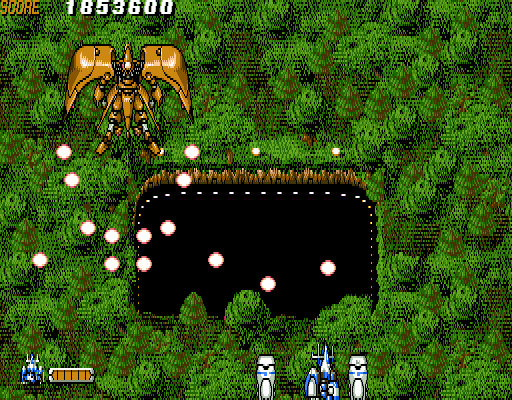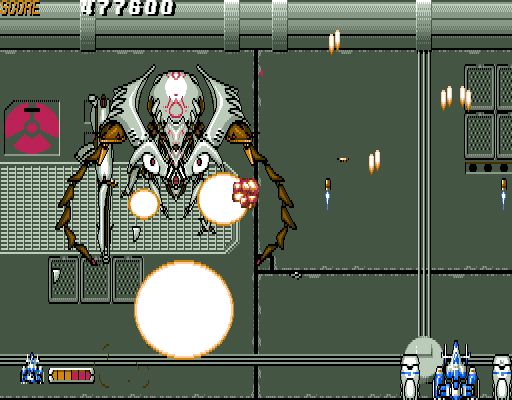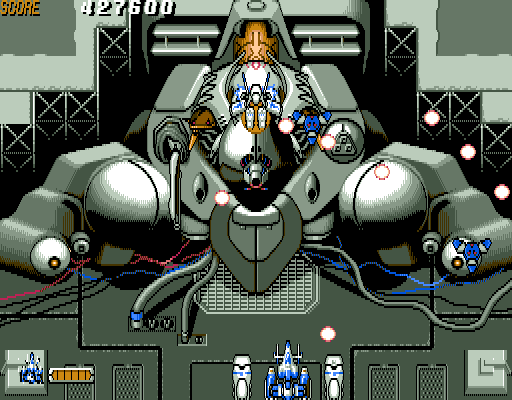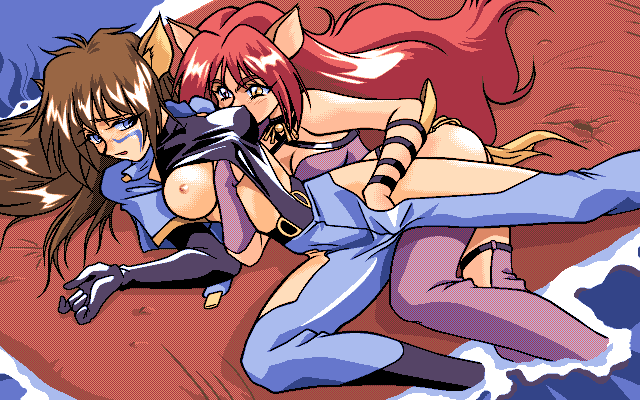
| GAME INFORMATION | |
|---|---|
| Game Name | Steam-Heart's |
| Original Title | スチーム・ハーツ |
| Region | Japan |
| Console | PC-98 |
| Category | Adult Content |
| Game Release | 1994-03-11 (31 years ago) |
| Genre | Shoot 'Em Up |
| Publisher | TGL |
| Developer | GIGA |
| Languages | English Patched |
| Image Format | .hdi |
| Downloads | 192 |
| Users Score | |
Game Description:
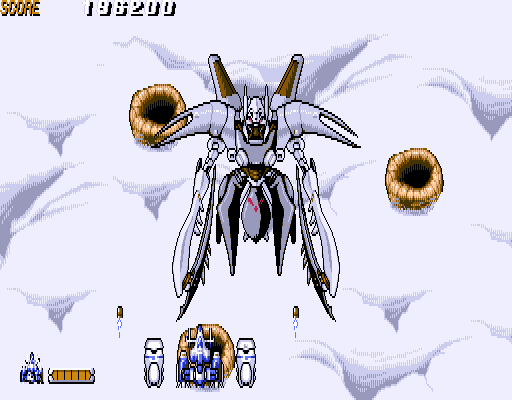
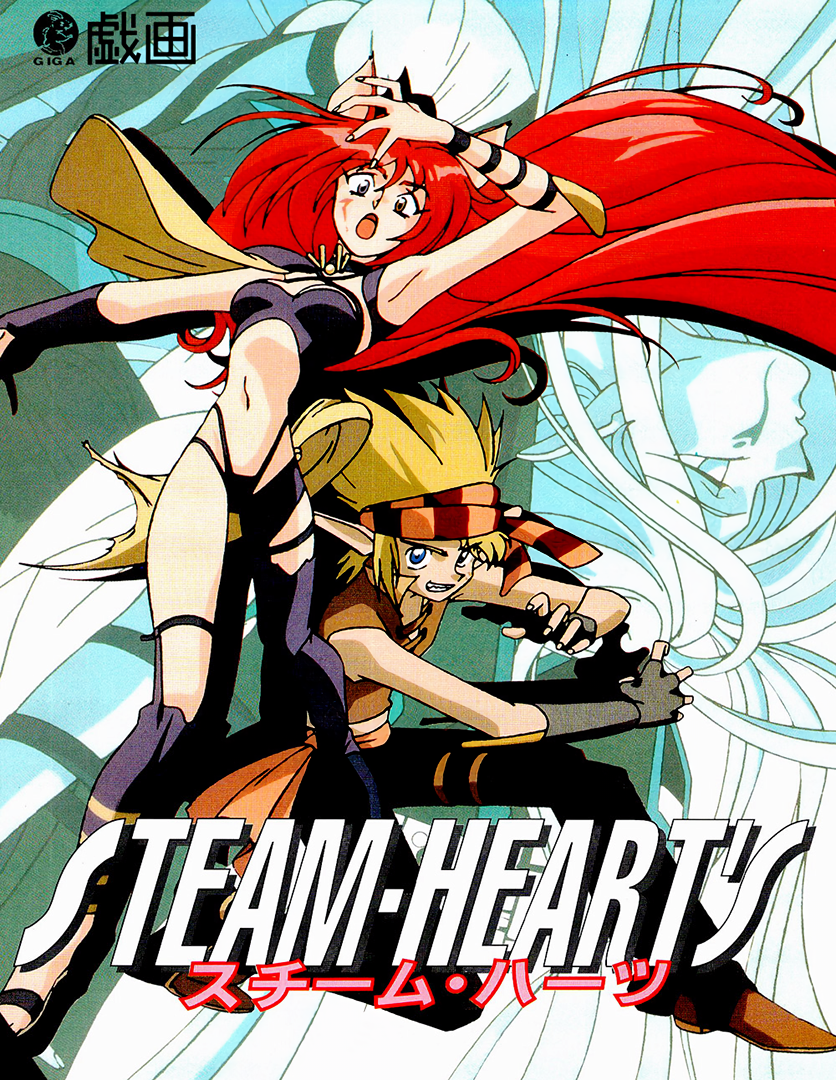
Steam-Heart's (スチーム・ハーツ) is a Shoot 'Em Up video game published by TGL and developed by GIGA released on March 11th, 1994 for the PC-98.
Warning: Explicit content and adult themes.
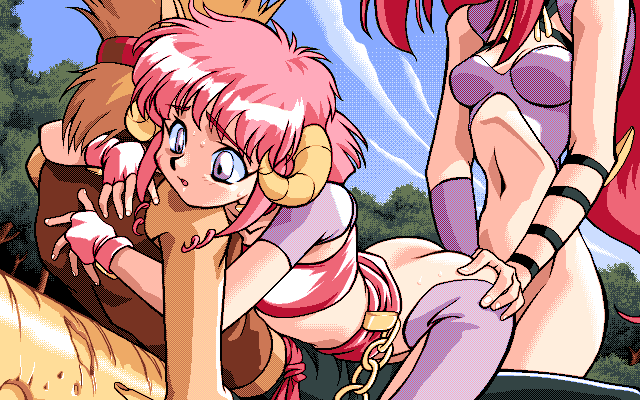
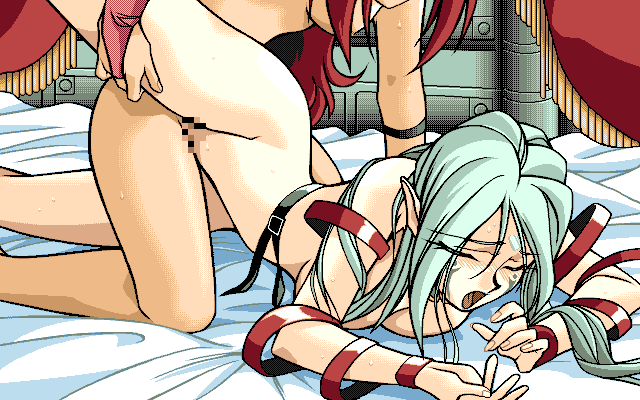
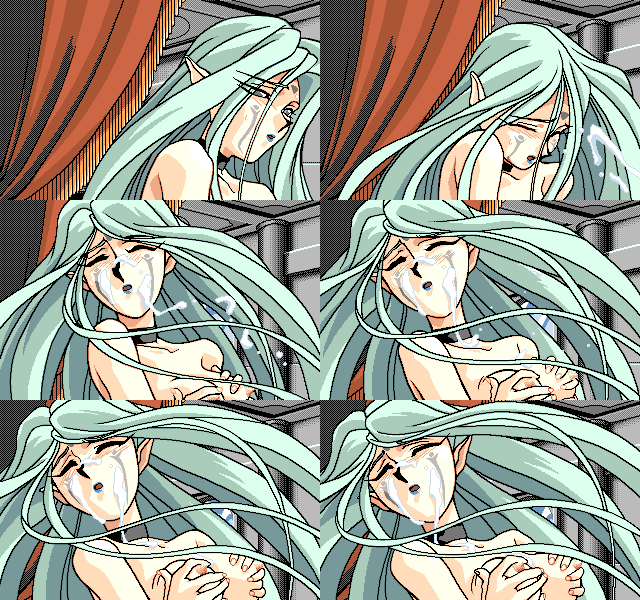
I know what you're thinking: a shmup game with a futanari heroine? That sexually assaults the boss characters when beaten? ...Yes
This game had several ports (with the Saturn version looking the best visually) but all those mostly removed the h-scenes
Translation Credits:
Released by: Psyklax
Language: English
Status: Complete (options menu and end credits aren't translated but it's fine since the options are easy to figure out)
Patch Version: v0.99
Date: 28 March 2018
Source and details: https://www.romhacking.net/translations/3509/
Game Controls
| R, T, Y, F, H, V, B, N | Player 1 movement in the 8 cardinal directions, controls menus |
| Numpad 7, 8, 9, 4, 6, 1, 2, 3 | Player 2 movement in the 8 cardinal directions, controls menus |
| Z | Player 1 alter ship speed |
| X | Player 1 fire, confirm in menus |
| Left Arrow Key | Player 2 alter ship speed |
| Right Arrow Key | Player 2 fire, confirm in menus |
| Mouse | Player 1 ship 360 degree movement |
| Left Click | Player 1 fire |
| Right Click | Player 1 alter ship speed |
| JoyPad Analog Stick | Player 1 ship 360 degree movement, controls menus |
| JoyPad D-Pad | Player 1 movement in the 8 cardinal directions, controls menus |
| JoyPad A or Y | Player 1 alter ship speed |
| JoyPad B or X | Player 1 fire, confirm in menus |
| Esc | Pause, cancel in menus |
| Right Alt | Speeds up game/slows down game (be careful with this button) |
Controls for P1 and P2 can be changed in the game settings.
I highly recommend the emulator Neko Project 21/W for playing on Windows. It's the most feature complete emulator for the NEC PC-9801 and is in active development receiving frequent updates. Use this guide for help on how to obtain and configure the emulator.
To enable JoyPad (like if using an Xbox controller) in NP21W go to Device -> Sound option... -> JoyPad and check the box Use JoyPad-1. You can alter the face button controls through the check boxes and switch analog for D-Pad using the POV -> X-Y Axis check box (can't use both at the same time)
This game features music playback through MIDI. In Config in the game change to one of the 2 FM options for FM synth output. If using MIDI the soundfont I've found that sounds best with the music is using the Arachno soundfont. Use that in conjunction with an MIDI mapper like Fluidsynth or CoolSoft VirtualMIDISynth (I use that one). MIDI output device options in NP21W is Device -> MIDI option... -> MIDI-OUT.
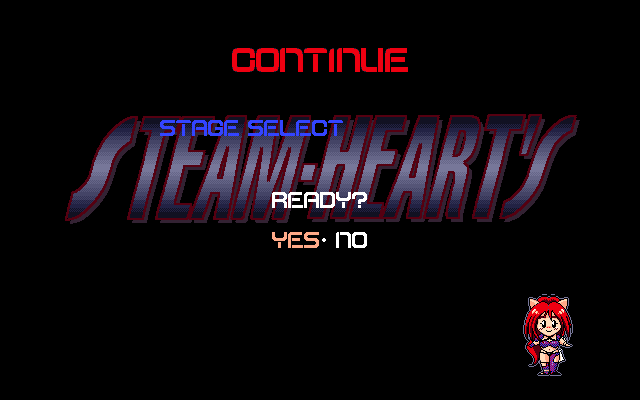
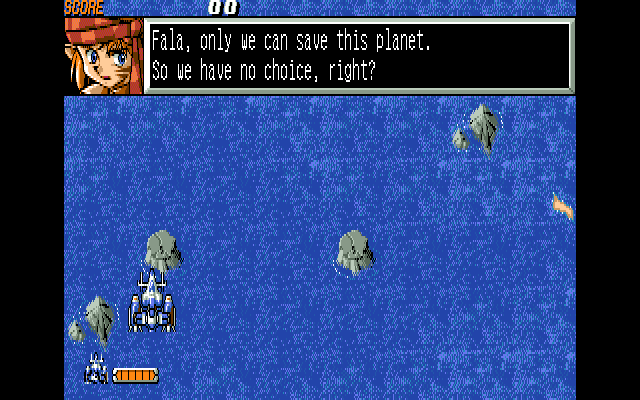
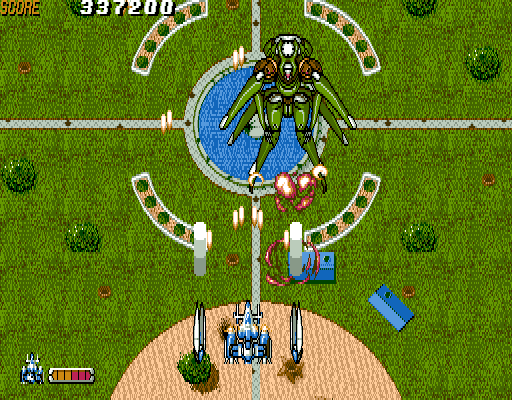
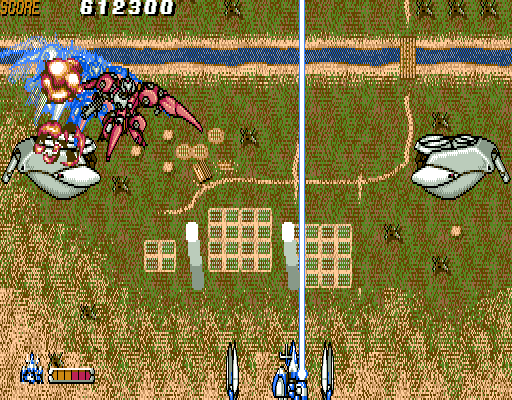
Game Screenshots:
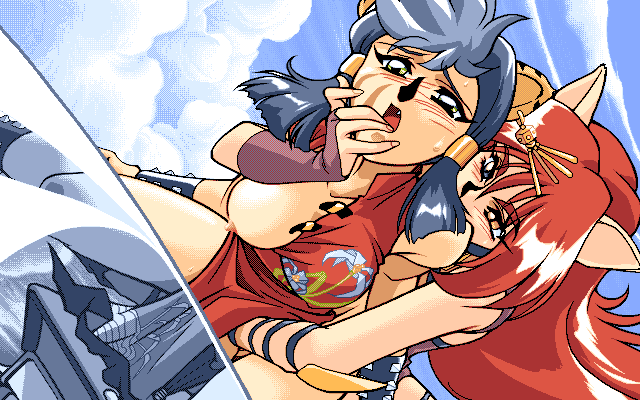
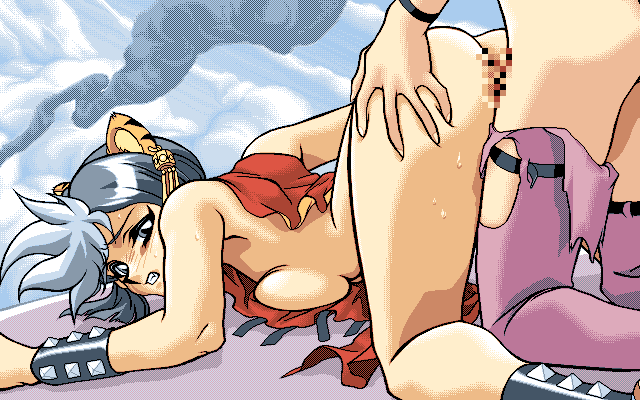
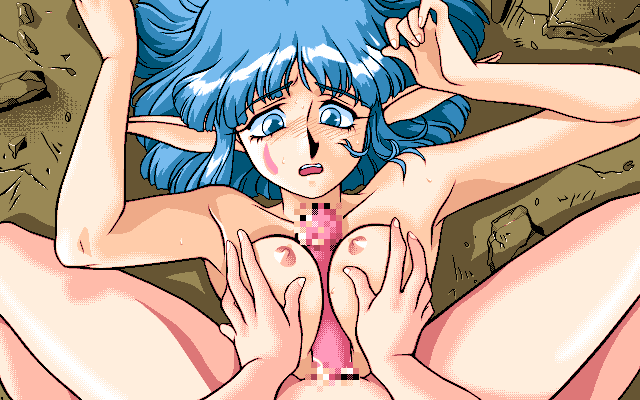
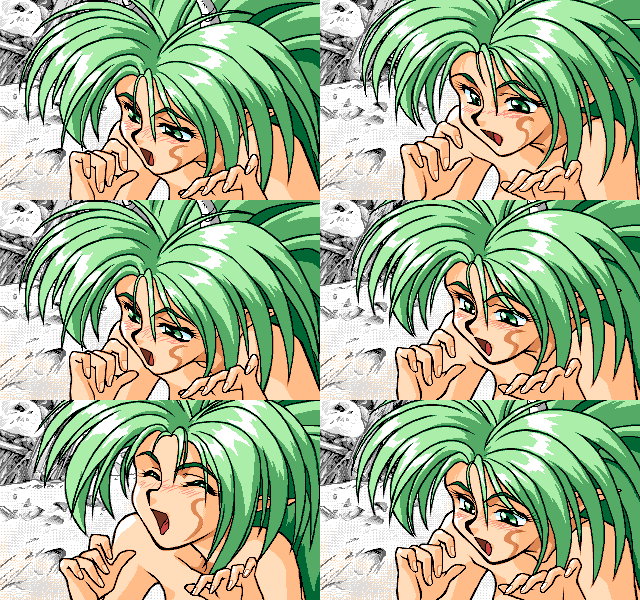
This game contains adult content, click to reveal screenshots. By performing this action you confirm you are an adult.▶